GRP2614
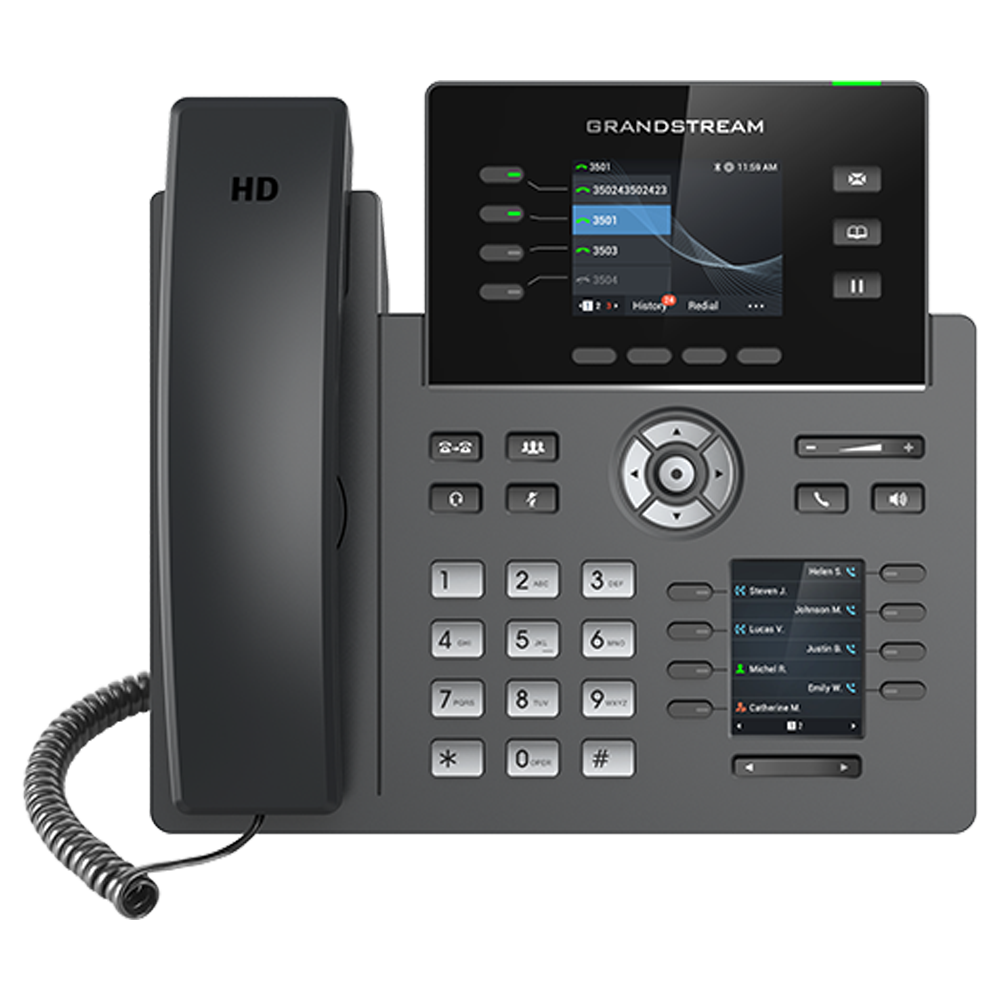
Téléphone IP professionnel à 4 lignes conçu pour un déploiement massif et une gestion facile
Le GRP2614 dispose de 40 touches multi-usages (MPK), Wi-Fi intégré, support Bluetooth, ports Gigabit doubles, un écran LCD couleur avec des plaques frontales interchangeables pour une personnalisation facile du logo et plus encore, et est pris en charge par le système de gestion des appareils de Grandstream (GDMS).
- Audio HD, combiné et haut-parleur avec prise en charge de l'audio large bande
- 4 touches de ligne avec jusqu'à 6 comptes SIP, 8 touches d'extension MPK avec LED bicolore et 2 touches Gauche/Droite
- Écrans LCD doubles avec touches BLF numériques
- Protection de niveau entreprise incluant un démarrage sécurisé, des images de firmware doubles, et un stockage de données crypté
- WiFi double bande 802.11 a/b/g/n/ac intégré
- Ports Ethernet Gigabit auto-détecteurs à double commutation 10/100/1000 Mbps avec PoE intégré
- Bluetooth intégré
Grandstream Device Management System
GDMS provides a FREE centralized interface to provision, manage, monitor and troubleshoot Grandstream products, including device management, account management, device configuration, firmware upgrades, device monitoring, intelligent alarm, and statistical analysis, individually or in batches of devices by site, group and model. This powerful cloud management platform adds robust security features to protect enterprise networks, including bank-grade TLS encryption from end-to-end, two-factor login authentication to protect your data security, two-way certificate verification and encryption of all device information. By offering a centralized, secure and zero-touch management for Grandstream endpoints, GDMS is ideal for enterprises, service providers and multi-site businesses as it allows them to easily deploy and manage large networks of Grandstream solutions. Visit gdms.cloud to sign up for free today!
Android and iOS mobile users can access the GDMS mobile app from any device by downloading for free through the app store, or get it on google play.
Product Highlights
GRP Series Buyers Guide
Here at Grandstream, our 20+ years of experience has helped us continue to offer some of the best IP phones in the world, with the latest example being our GRP series of Carrier-Grade IP Phones. The GRP2600 series are next-generation IP phones that are designed for mass deployment by enterprises and services providers, making them a powerful and reliable option for small-to-medium businesses as well. They feature sleek designs, a seamless user experience, available Wi-Fi and Bluetooth, zero-touch cloud provisioning and much more.
This GRP series Buyer's Guide provides a streamlined tool to help you get the most out of any GRP series deployment. It walks you through building a modern, powerful voice network, highlights the many GRP features that make them the ideal choice for your deployment, and helps you chose the right GRP model for every need.
GRP Series Energy Saving Features
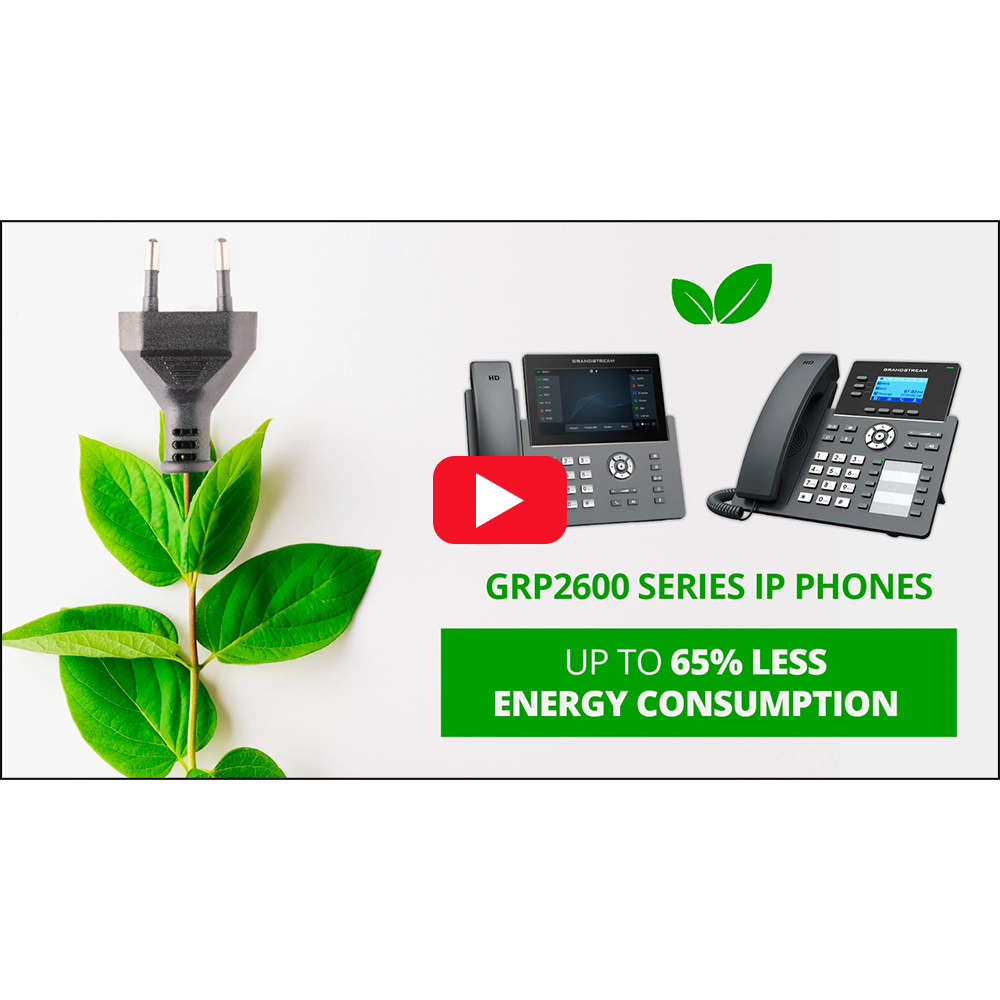
We have released a firmware for our award-winning GRP Series of Carrier-Grade IP Phones that enables them to use 65% less energy.
GRP2600 Series firmware version 1.0.9.62 will reduce the energy consumption of your IP phone deployments, allowing you to build greener workstations that save money. Watch the video to learn more.
Video Guides - GDMS - Grandstream Device Management System
GDMS is the Grandstream cloud-based solution that offers the ability to manage, provision, and monitor Grandstream devices from one centralized management interface. In this tutorial, Grandstream's support team walks you through an in-depth overview of the GDMS platform.

| NameGRP2614 |
|---|
![]() |
| Specs |
| Display 2.8 in. Color LCD (320x240) + 2.4 inch |
| Lines 4 Lines |
| SIP Accounts 6 SIP Accounts |
| Audio Conferencing 3-way audio conference |
| Network Interfaces Dual switched auto-sensing 10/100/1000 Mbps Gigabit Ethernet ports with integrated PoE |
| Wi-Fi Yes, integrated dual-band Wi-Fi 802.11 a/b/g/n/ac (2.4GHz & 5GHz) |
| Device Management Yes, GDMS |
| Custom Faceplates Yes |
| Extension Module No |
| Link N/A |
