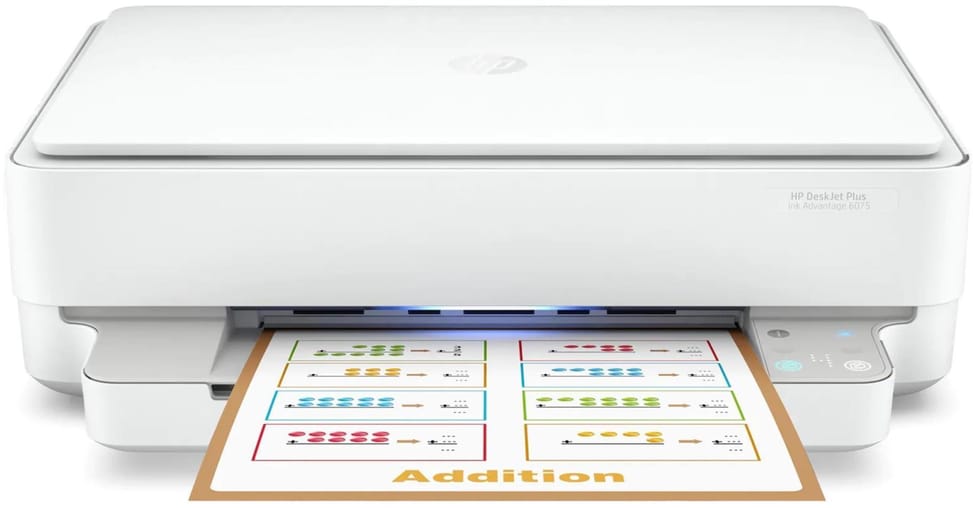
Is duplex printing automatic, or do you have to turn the sheets over by hand?
Automatic, and as standard: the printer turns the sheet over by itself, which saves paper. Duplex printing accepts sizes from 76.2 × 127 mm to 216 × 297 mm.
Is a USB cable supplied with the printer?
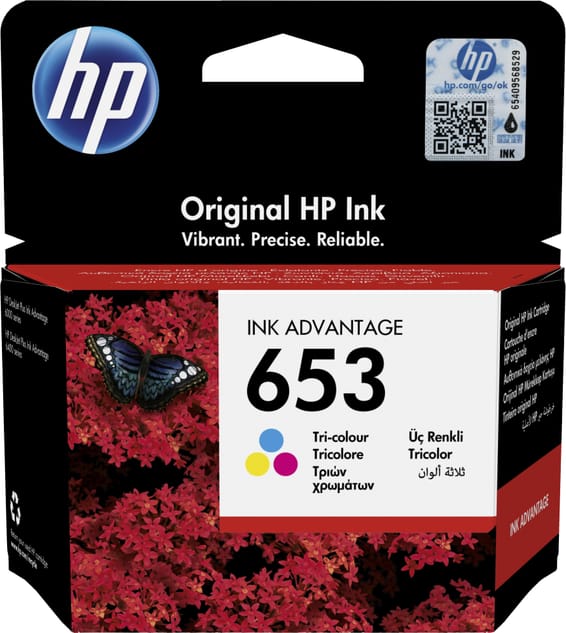
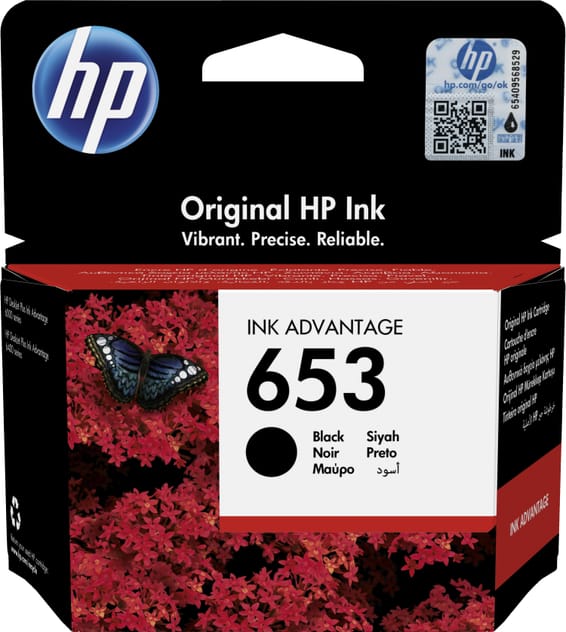
No, it has to be bought separately. The box contains the printer, the HP 653 black and tri-colour starter cartridges, the power cord, the setup guide, the reference guide and the regulatory flyer. Setting it up over Wi-Fi means you do not need a cable.
Can you use compatible cartridges from another brand?
Be careful: this printer ships with dynamic security enabled. It is intended to work with cartridges that have genuine HP electronic circuitry; those without it may not work, or may stop working after an update.
Which cartridges should you buy next, and which ones last the longest?
Four series work with this model: HP 653 (360 pages in black, 200 in colour), HP 682 (480 / 150), HP 667 (120 / 100) and the high-yield 667XL, which go up to 480 pages in black and 330 in colour.
If only one colour is empty, do you have to replace the whole cartridge?
Yes. The printer uses only two cartridges: one black and one tri-colour. As soon as one of the three colours runs out, the entire colour cartridge has to be changed, even if there is ink left in the other two.
Does it really print 20 pages per minute?
20 pages/min in black and 17 in colour are the speeds in economy mode. In normal quality measured to the ISO standard, expect 10 pages/min in black and 7 in colour, with 18 seconds to print the first page, 21 seconds in colour.
The input tray holds 100 sheets: does the output tray keep up?
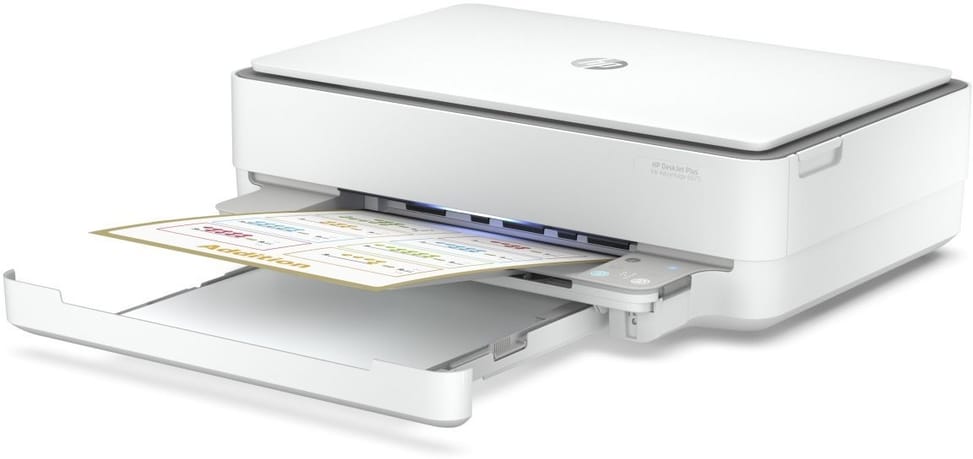
No: the input tray takes 100 sheets but the output tray holds only 25, or 5 envelopes. On a long print run, you need to remove the printed pages along the way. The input tray is also the only one: no second tray is available as an option.
What monthly print volume can this printer handle?
It is designed for 100 to 400 pages per month, with a technical maximum of 1,000 A4 pages. It is a machine intended for the home or a very small office.
Can the scanner scan a stack of documents on its own?
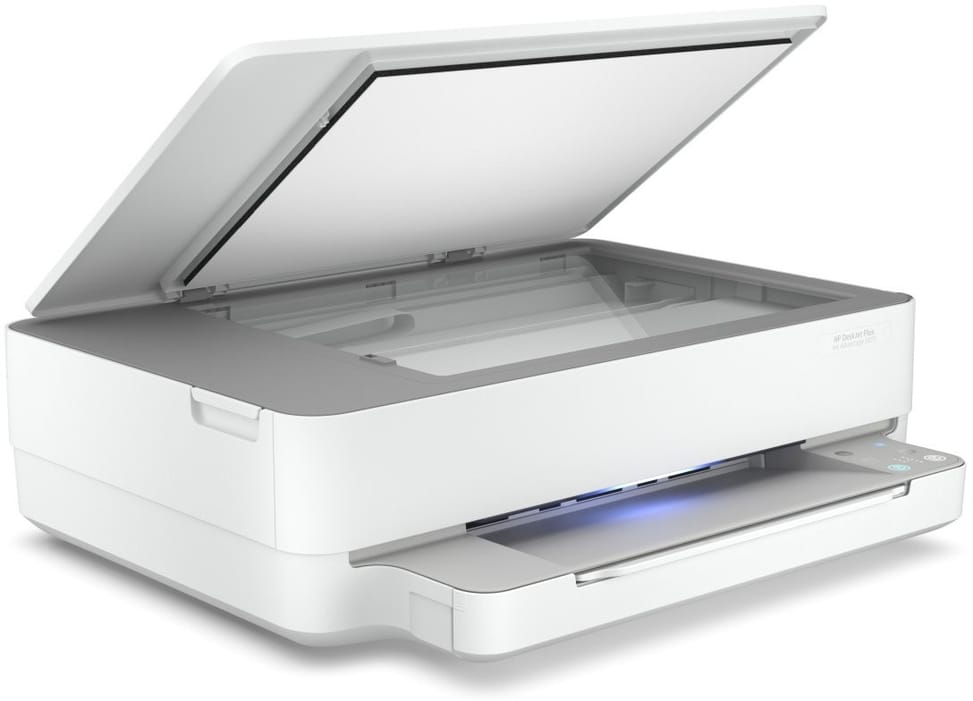
No: the scanner is a flatbed, with no automatic document feeder, so pages are placed one at a time under the lid. It scans to PDF, JPG or RAW at up to 1,200 dpi optical, in A4 size, and copying goes up to 9 copies with a zoom of 25 to 200%.
How does it connect, and is there an Ethernet port?
Via dual-band Wi-Fi (2.4 and 5 GHz) or USB 2.0; there is no Ethernet port. Bluetooth 5.0 lets you print from a mobile device less than 1.5 m away, via the HP Smart app. AirPrint and Mopria are supported.
With no screen, how do you know what the printer is doing?
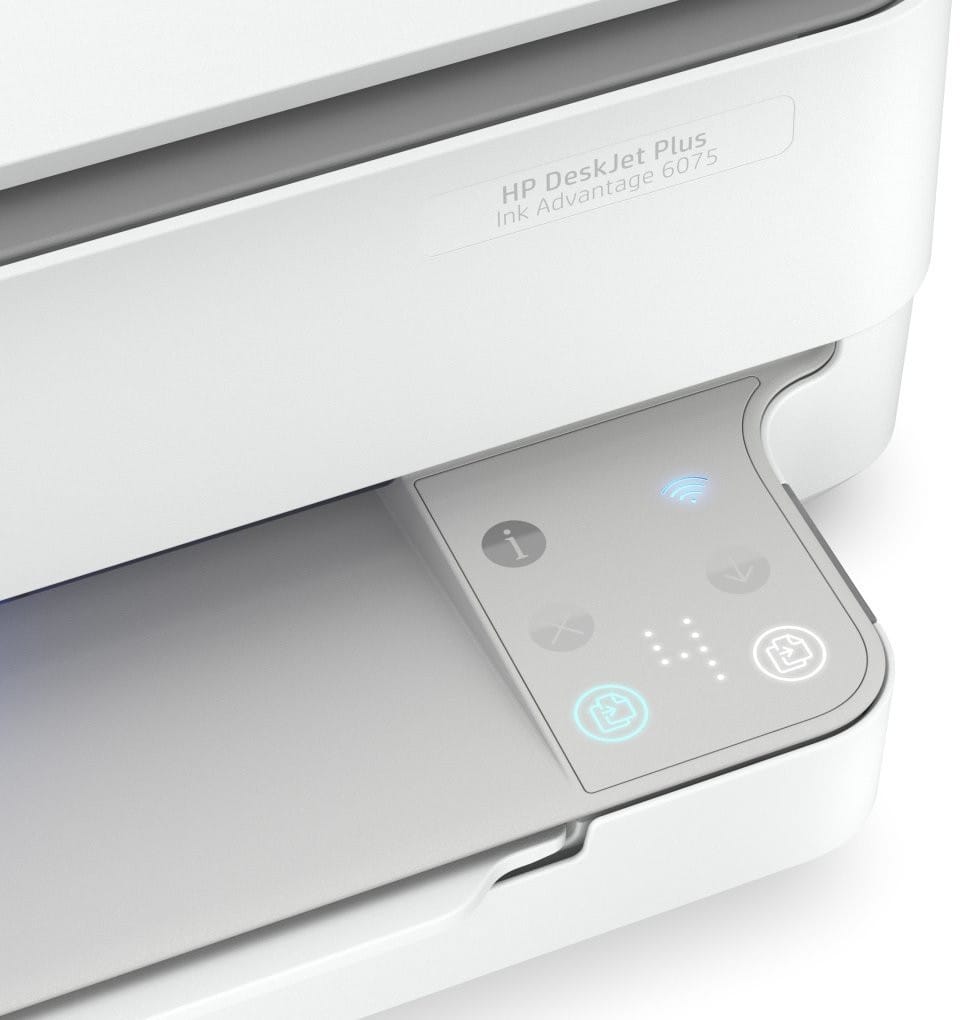
The control panel is limited to Cap Sense touch buttons — colour, mono, information, cancel, confirm — with Wi-Fi and paper jam indicator lights. Detailed monitoring, such as job status and ink levels, is done from your smartphone with the HP Smart app, which sends notifications.
Can it print photos, envelopes or thick paper?
Yes. It accepts A4, A5, B5 and A6 sizes and DL and C6 envelopes, with borderless printing up to 216 × 297 mm. Paper weights: 60 to 90 g/m² for A4, 75 to 90 for HP envelopes, up to 200 g/m² for cards and 300 g/m² for 10 × 15 photo paper.
Does it use a lot of power if you leave it plugged in all the time?
No: 0.31 kWh per week in typical use, 4 W when ready to print, 1.7 W in sleep mode and 0.10 W when off. Its power supply is a built-in unit running on 220-240 V: no external power brick to hide behind the furniture.
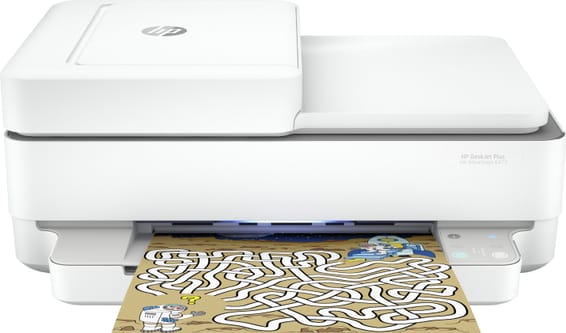
Is the HP DeskJet Plus Ink Advantage 6075 printer new and under warranty?
Yes: a
new printer, supplied with its invoice, which serves as the warranty document for
1 year, the length of the HP limited hardware warranty. Full details are in the
HP datasheet (PDF).