Welcome to the new iris.ma

We rebuilt everything for you

Same team, same standards

Pay nowView my order
Visit the HP store

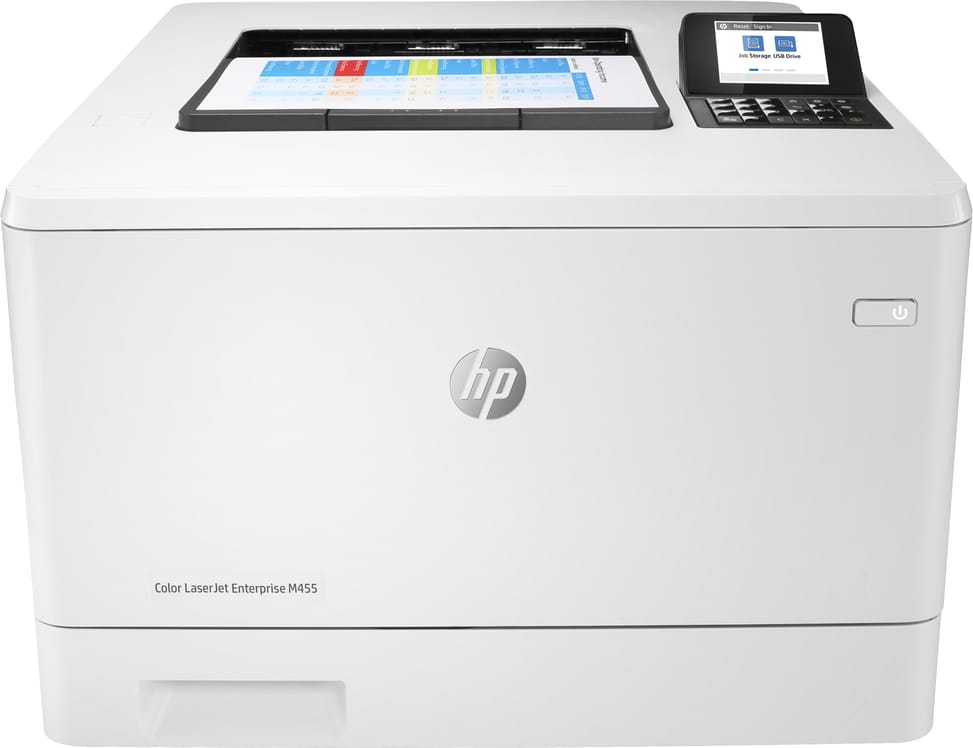
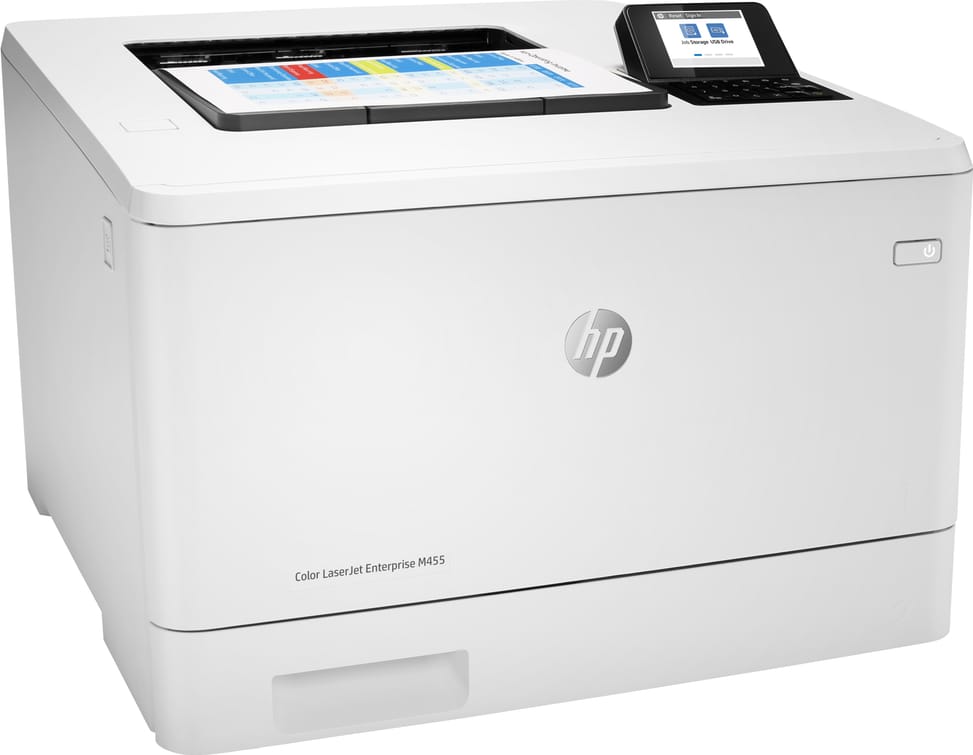
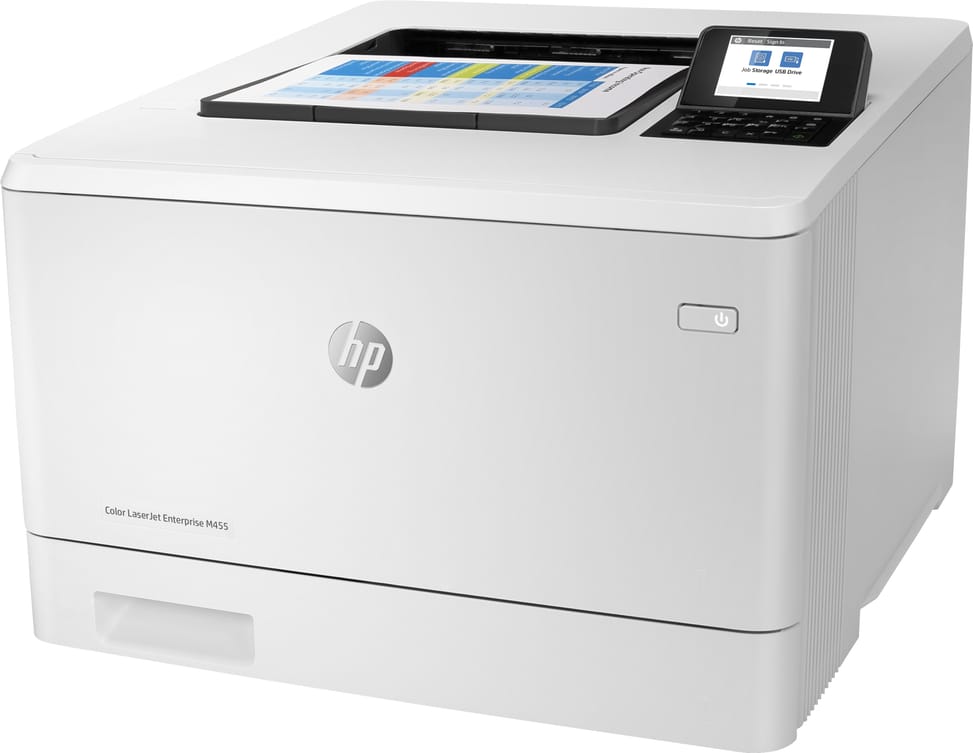
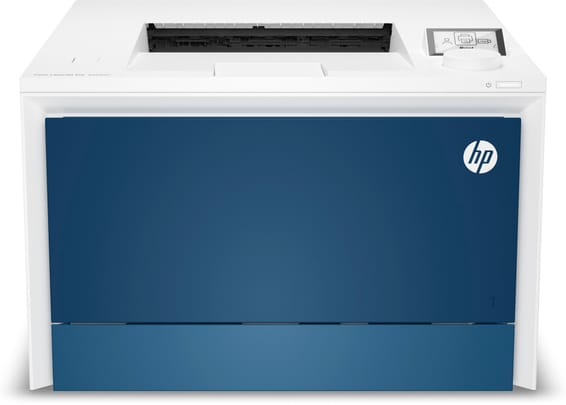
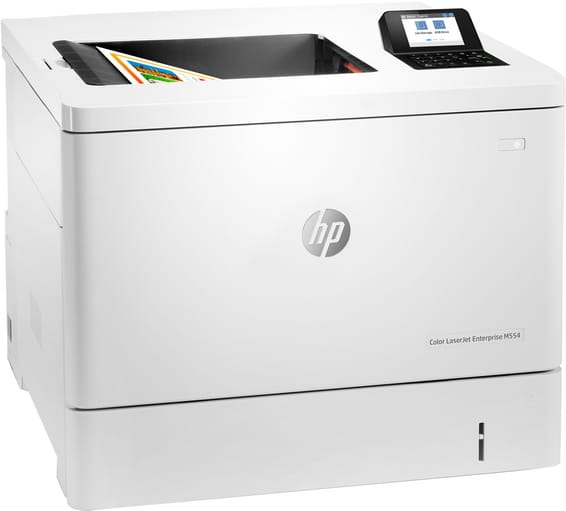
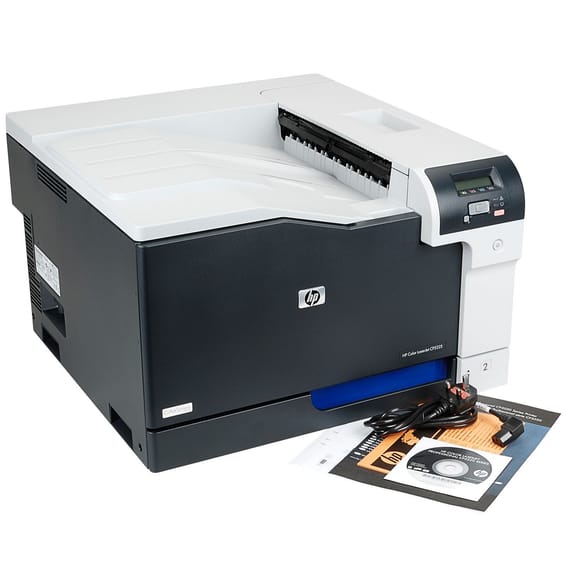
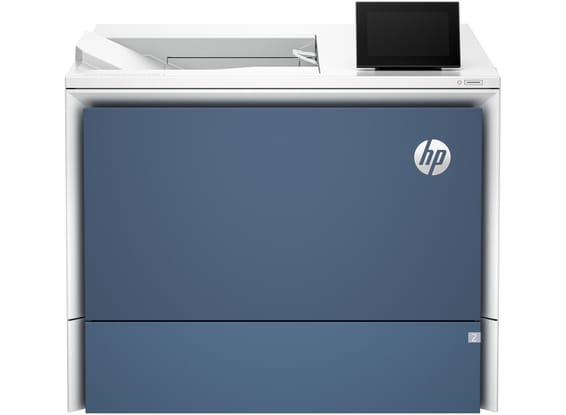
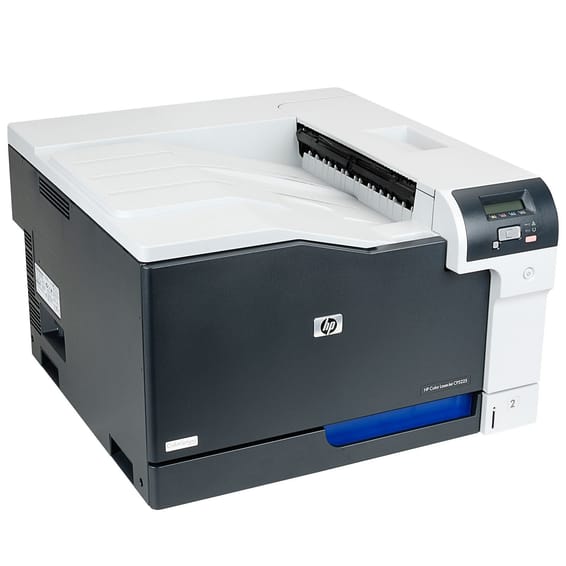
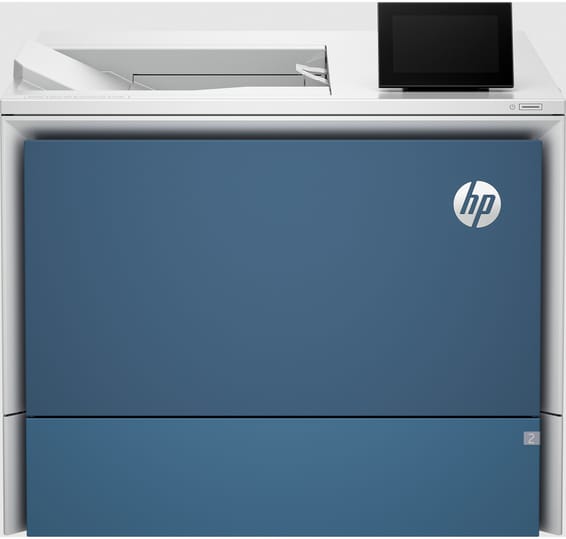
HP LaserJet Enterprise M455dn Colour Laser Printer (3PZ95A)

Frugal straight out of the box: automatic duplex is on by default. 27 pages per minute in black as in colour, a colour display to start jobs on the spot and toners rated up to 7,500 pages.

  • 27 pages/min in black as in colour
  • Automatic duplex, on by default
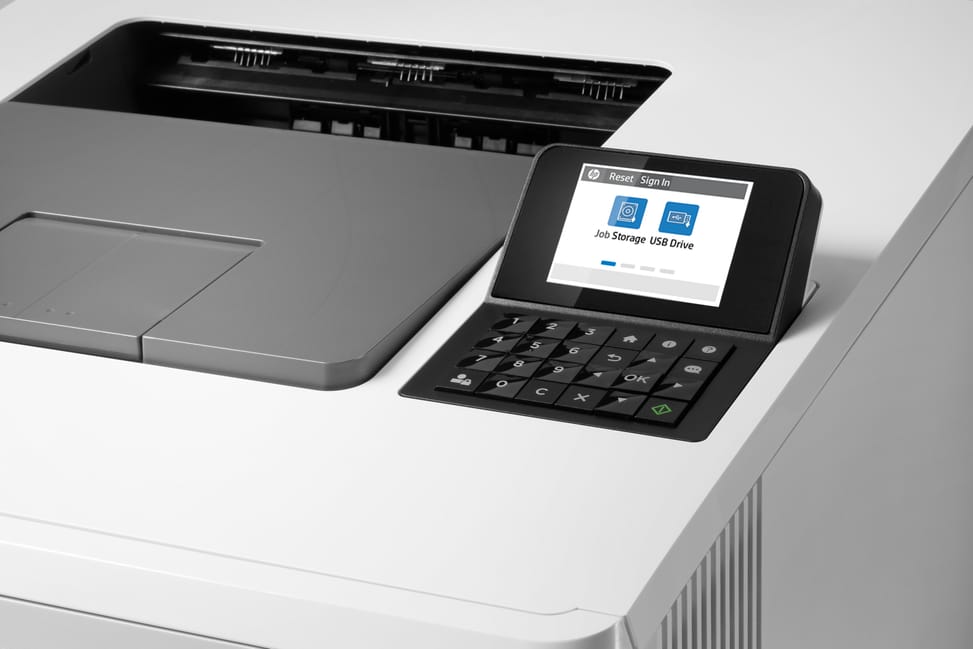
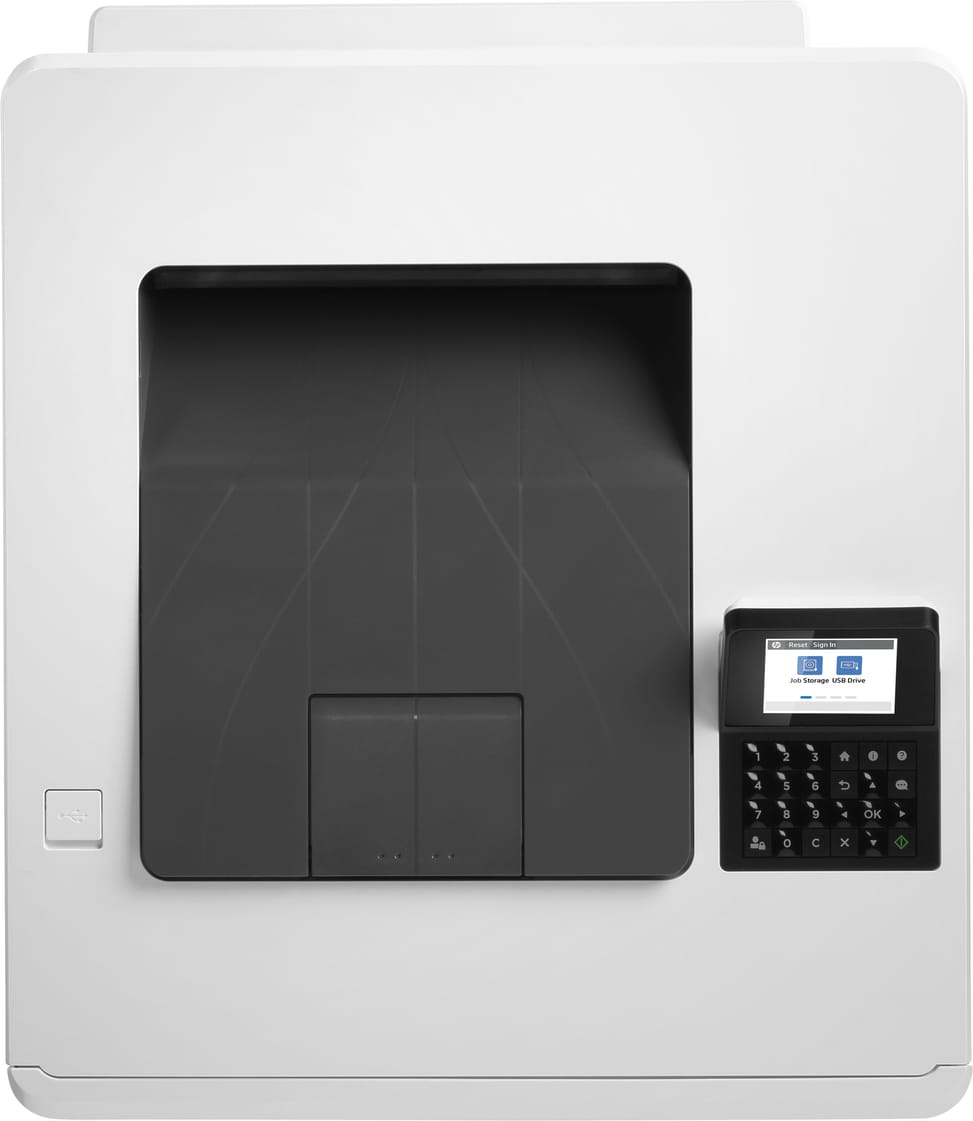
  • 6.85 cm colour display with 24 keys, not a touchscreen
  • 300-sheet paper tray, expandable to 850
  • Recommended volume 900 to 4,800 pages/month
  • High-yield toners: 7,500 pages in black, 6,000 per colour
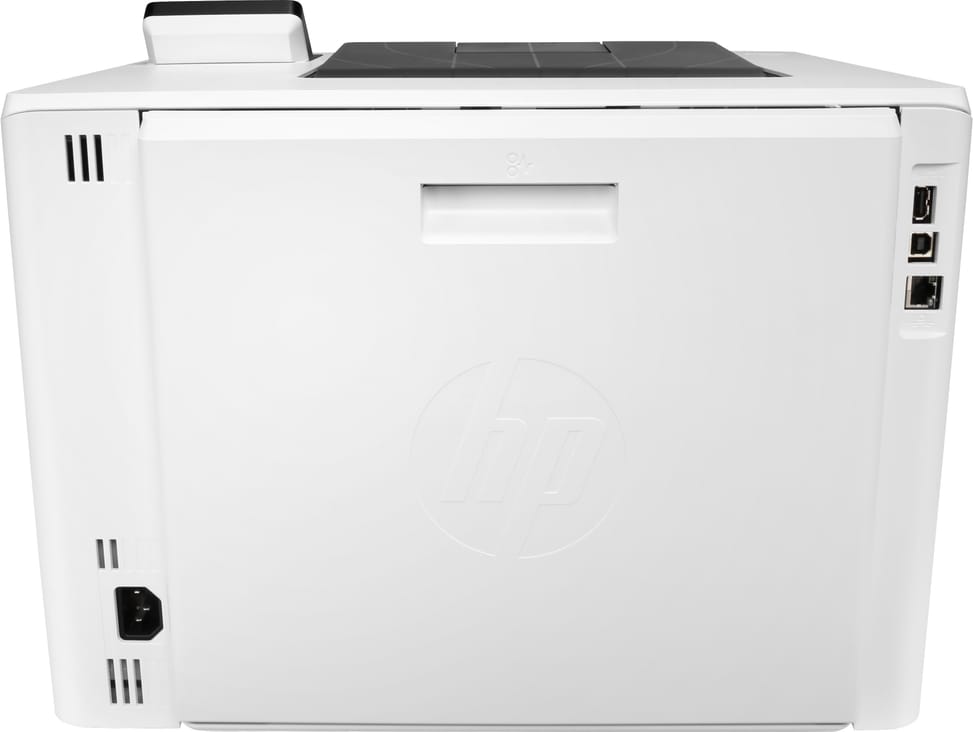
  • Gigabit Ethernet and USB 2.0
  • AirPrint and Mopria mobile printing
  • Weight 18.9 kg
  • A4 format
Ref.: 3PZ95A
7 799,00 DHincl. VAT

Limited quantity

Earn 78 DH in loyalty credit with this purchaseHow does it work?Loyalty credit capped at 300 DH per order.

Receive it between Wed 23 Sept and Fri 25 Septfree delivery all over Morocco

Delivery to your address

Receive it between Wed 23 Sept and Fri 25 Septfree delivery all over Morocco

The estimate is refined using actual delivery rounds to your city.

  • Free delivery from 3 000 DH of purchases, all over Morocco.
  • Below that, the same rate in every city for parcels up to 30 kg (delivery to your home or workplace) — the exact amount is shown above, then in the basket.
  • Above 30 kg, the rate follows the parcel's weight. In Casablanca, the flat rate holds up to 120 kg.
  • You are notified by SMS, then called by the courier before your parcel is handed over (delivered by Sapress).
  • Observed delivery time: 1 to 5 working days depending on the city.
Free in-store collection: Casablanca (within 24 h) · Témara (within 48 h)

In-store collection — free

Casablanca store
We bring it to the store within 24 h
We call you as soon as it arrives in store.

Résidence Manoir des Roses, Lot. 18, Boulevard El Hachmi El Filali, Rond-point Bachkou, Casablanca

Opening hours

  • Mon–Fri: 10am – 7pm
  • Sat: 10am – 2pm
  • Closed on Sundays and public holidays

Payment on site: cash, bank card via terminal, certified cheque.

View the map on Google Maps

Temara pickup point
We bring it to the store within 48 h
We call you as soon as it arrives in store.

Boulevard Hassan II, Résidence Les Perles de Témara, Immeuble 5, appartement 2, Témara

Opening hours

  • Mon–Fri: 8.30am – 1pm / 2pm – 6pm
  • Sat: 8.30am – 12.30pm
  • Closed on Sundays and public holidays

Payment on site: cash, bank card via terminal, certified cheque.

View the map on Google Maps

1 year warranty — free repair in Morocco if it breaks down during the warranty period

1 year manufacturer's warranty

This product is covered for 1 year by a manufacturer's warranty (the brand's official warranty). Your iris.ma invoice serves as the warranty document: keep it safe.

A problem with your product? Don't worry: contact us by phone, WhatsApp or e-mail. Depending on the brand, we direct you either straight to the repairer appointed by the brand to fix your product, or to us — and we take care of the rest.

  • If a repair is possible, it is carried out free of charge.
  • If the product cannot be repaired, the brand offers an exchange for another product.
  • If no product is available, a refund is issued as soon as the brand confirms it.

Faulty straight out of the box? Some brands offer an immediate exchange, others a repair. Contact us to find out what applies to your product.

The warranty covers breakdowns occurring under normal use, as defined by the brand's terms. Product breakage (drop, impact, liquid…) is not covered, nor are certain consumable parts.

New, never opened — our commitment

All our products are new, delivered in their sealed original packaging.

We commit to never sending you a product that has been opened, unboxed or returned by another customer — even one “just opened for checking”.

Any doubt on delivery (damaged box, seal already opened)? Point it out to the courier or contact us immediately: we take the product back and send you another one.

Sales invoice

Every order comes with its sales invoice, included with the parcel (handed over in person for a store collection).

Ordering for a company? Using the details you give at checkout (company name and ICE), the invoice is issued in your company's name, with its ICE.

Need a quote? Request a free quote — reply within 24 working hours.

100% secure payment: Bank transfer · Bank card · Cash on delivery (deposit of 1 170 DH by card or bank transfer) · Certified cheque

Accepted payment methods

Bank transfer

Simply transfer the amount shown to account 007 826 0002684000000426 89 — SGM2I, Attijariwafa bank. The rest (the reference to quote, sending us the proof, tracking) is explained right after confirmation and by email. An instant transfer is recommended: it saves you 24 hours on the delivery time.

Bank card

Your everyday Moroccan bank card is enough — Visa, Mastercard or CMI, no special card required. Foreign cards are accepted too. Secure payment by Attijari Payment.

Cash on delivery (deposit of 1 170 DH by card or bank transfer)

Pay 1 170 MAD up front by card, then 6 629 MAD in cash on delivery. The deposit is not refunded if you cancel your order.

Certified cheque

Certified cheque payable to “sgm2i”. Have your bank certify the cheque, then send us a copy on WhatsApp (+212 6 64 10 46 24) or to service.client@iris.ma — we dispatch as soon as we receive it.

Cash at a bank branch

Pay the cash in at any of the 3,400 Attijariwafa Bank branches in Morocco, to the SGM2I account no. 0268 D 000 000 426. You do not need an account there: your ID and the cash are enough.

The methods offered depend on the order total and the carrier — checkout shows the final list.

Google reviews4.7(553 reviews)
Manufacturer's datasheetView the PDF · 1,4 Mo — downloadable

Product overview

A4 colour laser printer for the office: professional colour, automatic duplex printing and robust.
Type: single-function colour laser (print only)
Speed: 27 pages/min in black and colour alike — a good pace · Resolution 600 × 600 dpi
Duplex printing: automatic — saves paper
Paper tray: 350 sheets · Recommended volume: 900 to 4,800 pages/month
Display: non-touch · Connectivity: Gigabit Ethernet and USB · A4 format
A reliable colour laser for presentations and professional documents.

See all the specifications ↓
Request a quote

Be notified of a price drop

Share:

Technical specifications

Technical specifications
Processor frequency800 MHz
Print cartridges4 (black, cyan, magenta, yellow)
Black print speedUp to 27 ppm (A4, single-sided), 24 ipm in duplex
First page out time9.5 s (black), 11 s (colour), A4 from ready; 11 s (black), 12.1 s (colour) from sleep
Colour print speedUp to 27 ppm (A4, single-sided), 24 ipm in duplex
Black print qualityUp to 600 x 600 dpi (HP ImageREt 3600) · Fine lines 1,200 x 1,200 dpi · Quick view 300 x 300 dpi
Colour print qualityUp to 600 x 600 dpi (HP ImageREt 3600) · Fine lines 1,200 x 1,200 dpi · Quick view 300 x 300 dpi
Duty cycleUp to 55,000 pages per month (A4)
Connectivity2 Hi-Speed USB 2.0 host ports, 1 Hi-Speed USB 2.0 port, 1 Gigabit Ethernet 10/100/1000T port · Optional wireless, Wi-Fi Direct and NFC (HP Jetdirect 3100w accessory)
Mobile printingHP ePrint, Apple AirPrint, Mopria, Wi-Fi Direct, PrinterOn, optional NFC Touch-to-print
DisplayBacklit non-touch 6.85 cm colour TFT-LCD control panel, 960 x 240 dots, 24 keys
Duplex printingAutomatic
Paper tray capacityInput: 50 sheets (multipurpose tray 1) + 250 sheets (tray 2), up to 850 sheets with the optional 550-sheet tray 3 · Output: 150 sheets, 20 envelopes
Supported media sizesTray 1: A4, RA4, A5, B5 (JIS), B6 (JIS), 10 x 15 cm, A6, 16K, envelopes (B5, C5 ISO, C6, DL ISO); Custom sizes: 76 x 127 to 216 x 356 mm; Tray 2: A4; RA4; A5; B5 (JIS); B6 (JIS); 10 x 15 cm; A6; 16K; 98 x 148 to 216 x 356 mm; Optional input tray 3: A4; RA4; A5; B5 (JIS); B6 (JIS); 10 x 15 cm; A6; 16K; 98 x 148 to 216 x 356 mm
Supported media typesPaper (bond, brochure, coloured, glossy, photo, plain, preprinted, prepunched, recycled, rough); Postcards; Labels; Envelopes
Dimensions (W x D x H)413.6 x 472 x 304.4 mm, 413.6 x 1,038 x 330 mm fully open (497 x 379 x 583 mm packaged)
Net weightApprox. 18.9 kg (21.6 kg packaged)
Installed memory1.25 GB
Compatible operating systemsWindows 10, 8.1, 7 Ultimate · Windows Server 2008 R2 to 2016 · macOS 10.13 High Sierra, 10.14 Mojave, 10.15 Catalina · iOS, Android
Box contentsHP Color LaserJet Enterprise M455dn printer; Genuine HP LaserJet black toner cartridge (approx. 2,400 pages); HP LaserJet toner cartridges: cyan, magenta and yellow (approx. 2,100 pages each); Getting started guide; 1 power cord
Cable includedNone (USB cable to be purchased separately)
FeaturesPrint
Technical specifications (continued)
FaxNo
CopierNo
ScannerNo
Printing technologyToner (laser)
Included softwareNo software in the box, everything is downloaded from hp.com or 123.hp.com
Recommended media weightTray 1: 60 to 176 g/m² (up to 200 g/m² with postcards and HP Color Laser glossy photo paper); Tray 2: 60 to 163 g/m² (up to 176 g/m² with postcards, up to 200 g/m² with HP Color Laser glossy photo paper); Optional input tray 3: 60 to 163 g/m² (up to 176 g/m² with postcards, up to 150 g/m² with glossy media); Automatic duplex printing unit: 60 to 163 g/m²
Printer languagesHP PCL 6, HP PCL 5, HP PostScript level 3 emulation, native PDF 1.7, Apple AirPrint
Wi-FiNo
EthernetYes
FormatUp to A4
Power consumptionPrinting: 574 W · Ready: 16.7 W · Sleep: 1.1 W · Off: 0.08 W · Typical consumption: 0.437 kWh per week (Energy Star 3.0)
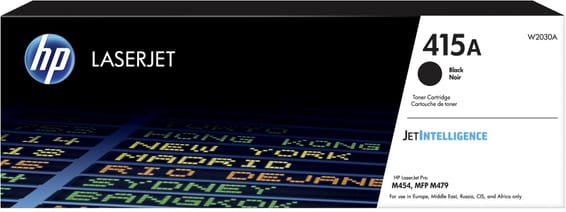
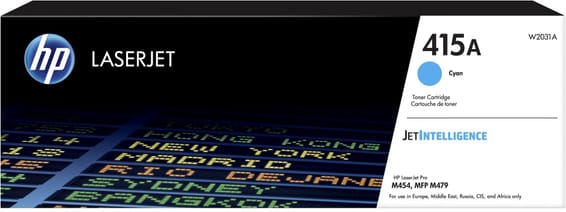
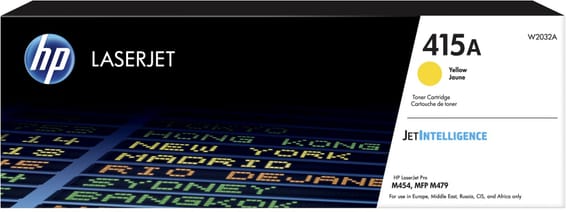
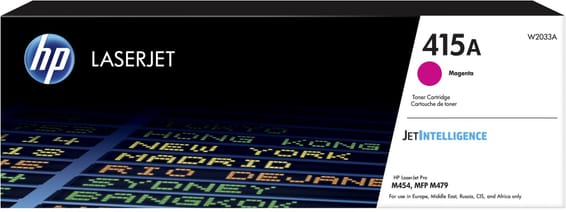
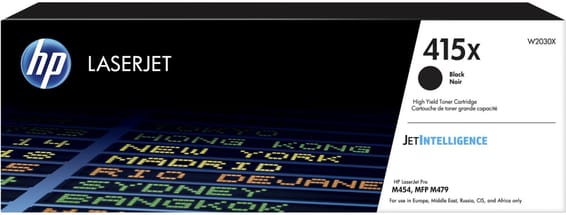
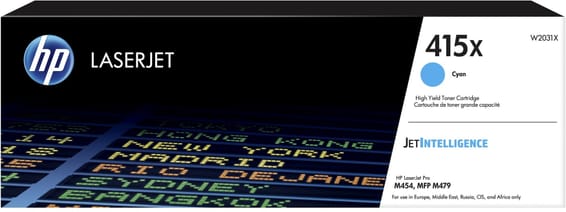
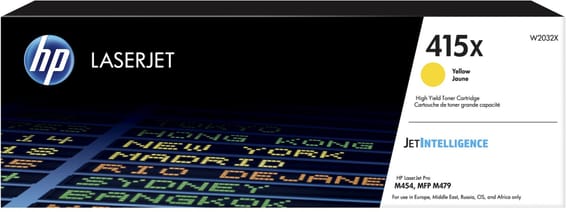
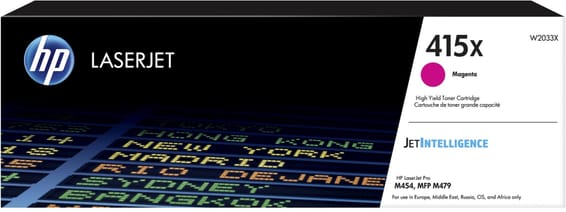
Compatible cartridgesW2030A/W2030X — black HP 415A (2,400 pages) and 415X (7,500 pages) · W2031A/W2031X — cyan (2,100 and 6,000 pages) · W2032A/W2032X — yellow (2,100 and 6,000 pages) · W2033A/W2033X — magenta (2,100 and 6,000 pages), ISO/IEC 19798 yields
Printing from a memory deviceUSB flash drive via the front USB host port
Power supply220 to 240 V AC (± 10%), 50/60 Hz (± 3 Hz) — internal power supply module
Noise levelSound pressure: 48 dB(A) at 27 ipm · Sound power: 5.9 B(A) at 27 ipm
Recommended monthly page volume900 to 4,800 pages per month
Number of cartridges4 cartridges
Print colourColour
Consumables included with the printer4 HP LaserJet 415A toners: black 2,400 pages, cyan, magenta and yellow 2,100 pages each
Automatic document feederNo
Recommended monthly volume500 to 2,000 pages per month, More than 2,000 pages per month
Warranty1 year

Specific references

EAN193905215898

Customer reviews

No reviews yet

Be the first to review this product and help other customers.

Write a review
Your rating
5/5

Shown publicly with your review.

Never published — a confirmation email will be sent to you.

Tell us about the product — in a few lines:

  • what you liked in everyday use;
  • the quality and performance you found;
  • who you would recommend it to, and why.

A question about an order, a delivery or a payment? Write to us and we will reply to you directly.

Under Law 09-08, you have the right to access, rectify and object to the processing of your personal data. This processing has been authorised by the CNDP under no. D-CE-389/2015. Learn more

Frequently asked questions about this product

How many pages per month is the HP LaserJet Enterprise M455dn designed to print?
The recommended volume is 900 to 4,800 pages per month. This is the figure that really determines the right purchase: above it, the machine wears out prematurely; below it, you are paying for capacity you do not use.
What is the real speed of the HP LaserJet Enterprise M455dn?
27 pages/min in both black and colour. Automatic duplex printing is built in: the machine turns the sheet over itself, with no intervention.
Which toners does the HP LaserJet Enterprise M455dn need?
HP 415A (2,400 pages in black, 2,100 per colour) and high-capacity 415X (7,500 pages in black, 6,000 per colour). Note the reference number, not the model name: that is what you will need to order, and yields vary by up to four times depending on the capacity chosen.
How many sheets can the HP LaserJet Enterprise M455dn hold?
300 sheets, expandable to 850. The standard capacity tells you how long you can print without reloading; the maximum capacity tells you how far the machine can keep up if your volume grows.
How do you start a job on the HP LaserJet Enterprise M455dn?
It has a 6.85 cm colour display with 24 keys, non-touch. A touchscreen lets you configure and monitor jobs directly on the machine, without going through a computer.
How does the HP LaserJet Enterprise M455dn connect?
Via Gigabit Ethernet and USB 2.0. The network connection lets you share it between several workstations.
Is duplex printing enabled out of the box?
Yes, by default. This is a setting that mechanically cuts paper consumption right from unpacking — provided you know about it, otherwise you wonder why documents come out printed on both sides.
Is the HP LaserJet Enterprise M455dn printer new and under warranty?
New, reference 3PZ95A, in original HP packaging, A4 format. The invoice serves as the warranty document for 1 year. Keep it: it is the document that will be requested in the event of a claim.

Trending

View the HP archive

Chat on WhatsApp

Scan with my phone

The simplest way: open your phone camera and point it at this code. The chat opens with your message ready.

Open WhatsApp Web

Works if your phone is already linked to this computer.

Prefer to call? (+212) 05 30 31 64 21