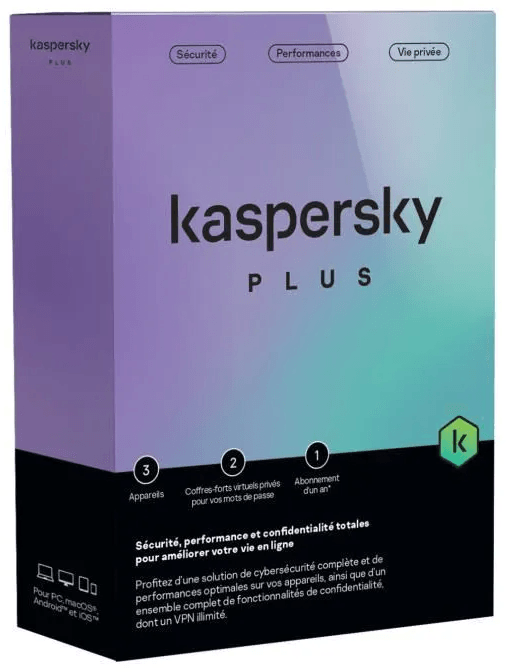
Do you need to enter an activation key to install Kaspersky Plus?
No, there is no activation code to enter: you sign in to your My Kaspersky account and the protection activates. This account and an Internet connection are the two technical prerequisites to have in place before installation.
Which systems can I install the licence's 5 devices on?
On Windows, macOS, Android and iOS: the licence covers 5 devices, computers and mobiles alike. You can also share your protection, including individual apps, with members of your family in a few clicks from your My Kaspersky account.
Which versions of Windows, macOS, Android and iOS are supported?
Windows 11, 10, 8.1, 8 and 7 SP1+, macOS 14 to 26, Android 11 to 16 and iOS 26. There are also two easily forgotten prerequisites: an Internet connection and a My Kaspersky account. The interface is in French.
Is the included VPN limited in data volume?
No, the VPN is unlimited and fast: no data quota to keep an eye on. It encrypts your traffic on public Wi-Fi networks, hides your IP address — including from your internet service provider — and gives access to content from all over the world. It is included in the Plus subscription.
Will Kaspersky Plus slow down my computer?
The aim is actually the opposite: the suite includes performance optimisation, management of the apps launched at startup and disabling of data-hungry apps. Kaspersky was named “Product of the Year” by AV-Comparatives ahead of 14 competitors, notably on the criterion of impact on system performance.
Will the antivirus alerts interrupt me during a film or a game?
No. Do Not Disturb mode limits antivirus notifications and database updates; films, games and apps run in full screen at maximum speed, without interference. You do not have to disable the protection to be left in peace.
What exactly does hard drive monitoring do?
It runs a health check of your drives and monitors their performance over time, while decluttering the PC: removal of duplicate files and large files, management of storage space. The aim is to spot a failing drive before any data is lost.
Are my online payments and passwords protected?
Yes, on both fronts: payments go through an encrypted secure browser and a private vault automatically fills in logins, bank cards and addresses. The suite also protects your banking apps, blocks malicious ads and alerts you in the event of a leak of your data or passwords.
Does it protect against ransomware and hacking of the home network?
Yes. Network monitoring and ransomware protection prevent a hacker from accessing your home network and intercepting your data. On top of that come a firewall, anti-phishing, protection against cryptojacking and tools that block unauthorised online surveillance.
What if a virus is already on the machine before installation?
The suite includes removal of existing threats: detection of vulnerabilities, removal of viruses already installed and repair of the PC after an infection. The real-time antivirus then takes over, against worms and Trojans as well as botnets, rootkits, keyloggers and “fileless” attacks.
How long does the licence last, and how do you renew it?
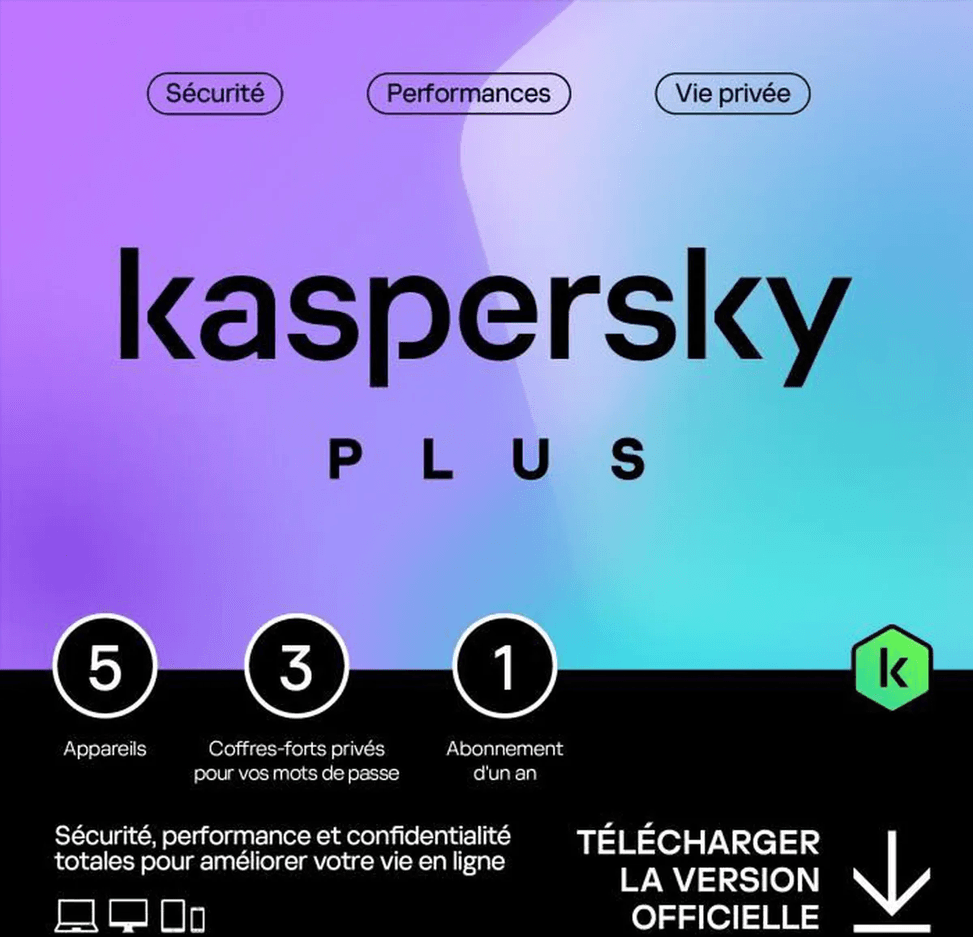
It covers 5 devices for 1 year. Renewal is done from the My Kaspersky account, where you also change your settings and preferences, from anywhere with an Internet connection.