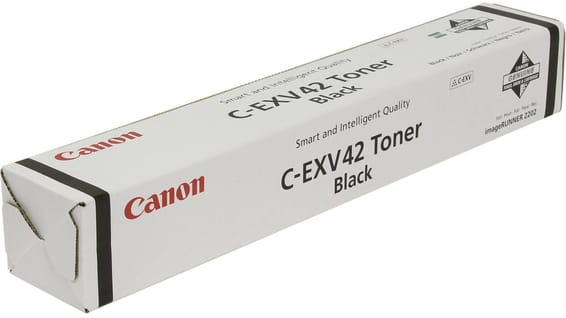
Read the counter rather than waiting for the warning
A professional copier keeps an exact log of its output. On the imageRUNNER 2224's touchscreen, the counter check menu gives the total of pages printed and copied, distinguishing the formats. It is an objective figure, available at any time, and infinitely more reliable than one's impression of the toner level.
The method comes down to three steps:
- note the counter on the day you fit a new toner;
- read it once a month;
- the difference gives you your real consumption, and therefore the date to order.
On a machine shared by a whole department, it is the only way not to discover the problem on a busy day.
Counting in A3, counting in A4
The imageRUNNER 2224 prints up to A3, at 24 pages per minute in A4 and 12 in A3. An A3 sheet uses twice as much toner as an A4 one at equal density: a counter reading that does not distinguish formats underestimates the consumption of a department producing many drawings or tables. Think in A4 equivalents, with A3 counting double.
The paper the machine accepts
The multi-purpose tray goes up to 157 gsm, the cassettes stop at 90 gsm. Envelopes and heavy papers therefore go through the side tray, never the cassettes — and that has to be declared on the screen, failing which fusing is poor and the print flakes.
The imageRUNNER 2206 uses exactly the same C-EXV 42; its page explains where that naming comes from, particular to Canon copiers and unrelated to PIXMA cartridges.
A fleet of printers to keep supplied?
We draw up the list of consumables for your whole fleet and a single grouped quote. Invoice in your company's name with its ICE number, delivery anywhere in Morocco.