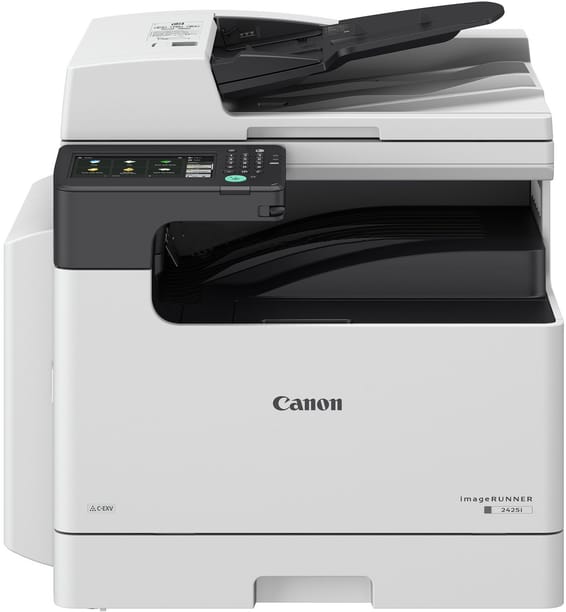
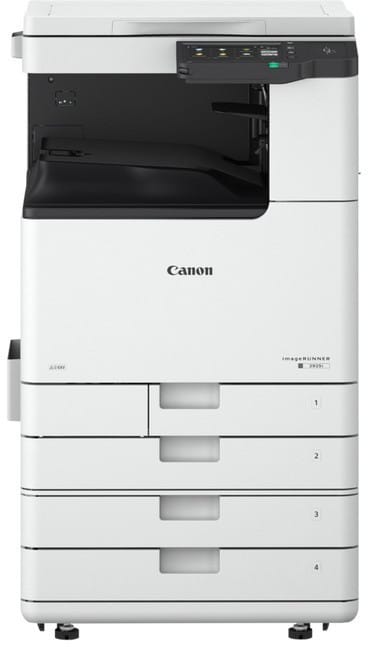
Does the imageRUNNER 2224 connect to the office network?
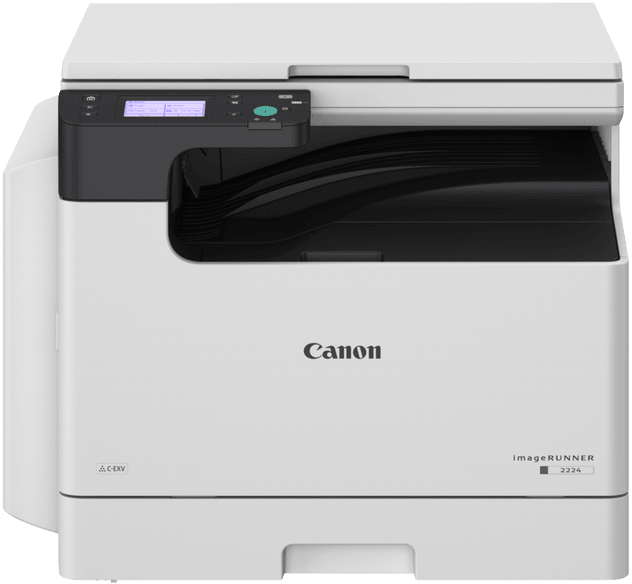
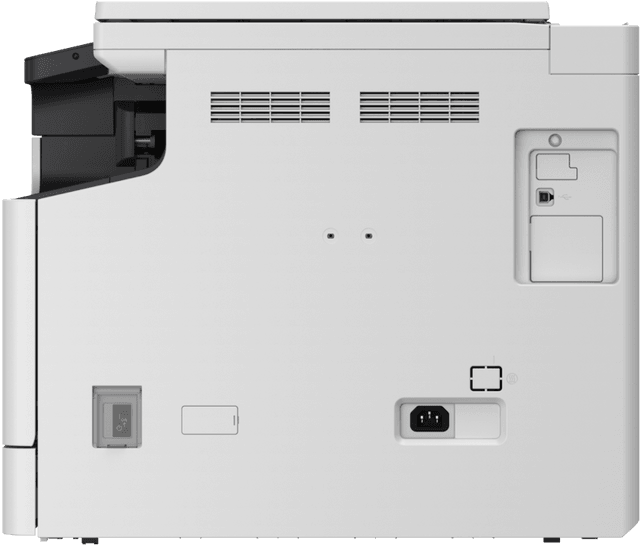
No. This version only has a USB 2.0 port: it connects to a single computer, with no Ethernet port or Wi-Fi. This is the point to settle before anything else — if several computers need to print to it, it is the network version of the series you should go for. Printing from a mobile device is not supported on this model either.
Is there an automatic document feeder on the 2224?
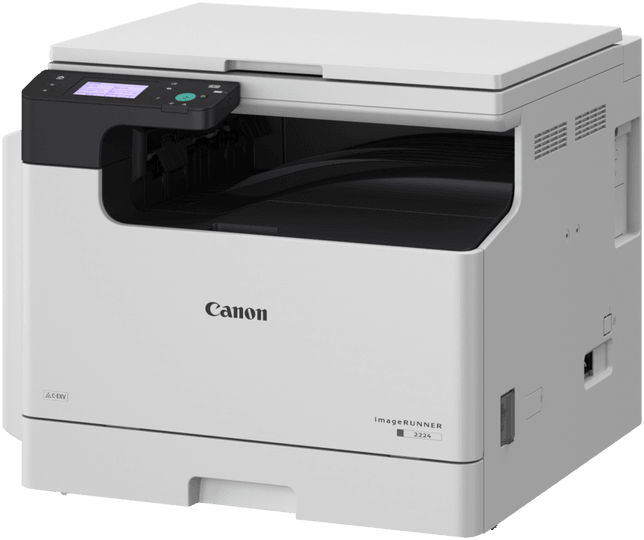
No, the machine comes with a platen cover: each original is placed on the glass, one sheet at a time, and automatic duplex scanning is not supported. On the other hand, the glass accepts originals up to A3 size, i.e. 297 × 432 mm, including books and bound documents.
How many pages does the C-EXV 42 toner of the imageRUNNER 2224 last?
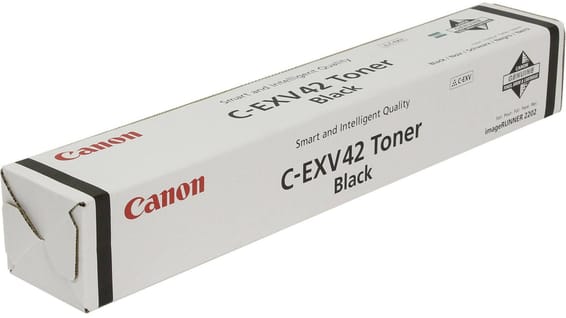
Approximately 10,200 A4 pages at 5% coverage — the benchmark for an ordinary letter; a dense document will lower this figure. The drum, which also carries the C-EXV 42 reference, is a separate part that is replaced independently: an empty cartridge therefore does not mean throwing away the whole imaging unit, and the two parts follow two different replacement intervals.
Does the 2224 print as fast in A3 as in A4?
No. Expect 24 pages per minute in A4 versus 12 in A3: the large format halves the speed, as the printed area is doubled. The detail, however, does not change — up to 1,200 × 1,200 dpi for printing, 600 × 600 dpi for copying, with density adjustment over nine levels.
Which papers can go through the multipurpose tray of the 2224?
From 60 to 157 g/m²: thin, plain, recycled, heavy, colour, bond, transparency, label and pre-punched paper, as well as COM10, Monarch, DL and ISO-C5 envelopes and custom sizes from 95 × 148 to 297 × 431.8 mm. The cassettes are limited to 64-90 g/m², in plain, recycled, colour or pre-punched paper.
How many sheets does the imageRUNNER 2224 hold, and can the capacity be increased?
350 sheets as standard, increased to 600 with the AK1 cassette feeding module, which adds 250 sheets up to A3 size, weighs 5.8 kg and is powered from the main unit. The output capacity remains 250 sheets whatever the configuration chosen.
Can you copy an ID card or a passport on the 2224?
Yes, two dedicated modes put both sides on the same page. Copying also offers N-up, sorting, frame erase that removes the binding shadows of a book placed on the glass, up to 999 copies and zoom from 25 to 400% in 1% steps, with preset ratios of 50, 70, 141 and 200%.
How long does the 2224 take to be ready to copy?
13 seconds or less from power-on and 4.3 seconds to recover from sleep mode; there is no quick start mode on this series. The first A4 copy from the glass then comes out in approximately 7.4 seconds. The machine runs on 1 GB of RAM and 2 GB of internal eMMC storage.
How much space do you need to install this imageRUNNER 2224?
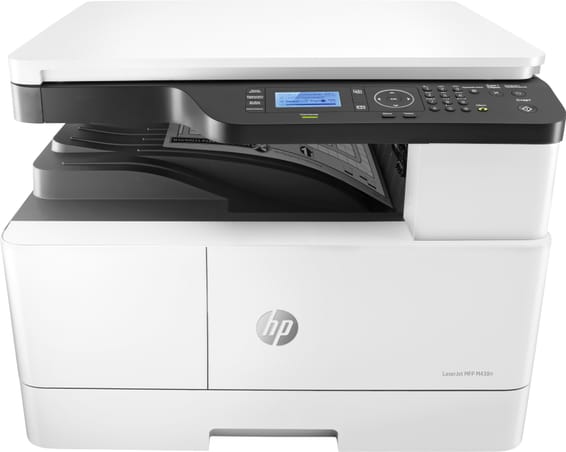
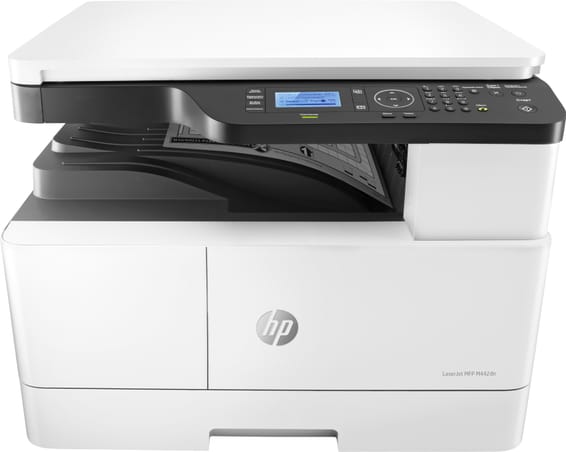
The machine measures 627 × 589 × 502 mm and weighs approximately 32.3 kg including toner; the recommended installation space reaches 1,065 × 1,285 mm with the covers open. A J-2 type stand is available as an option to raise it without additional furniture. Allow for two people to handle it and a room between 10 and 30 °C.
How much power does the Canon imageRUNNER 2224 use?
1,500 W maximum at peak, approximately 15.5 W in standby and 0.9 W in sleep mode, on a 220 to 240 V, 50/60 Hz power supply rated at 2.8 A. During operation, sound pressure reaches 55 dB(A) at the user's position, measured according to the ISO 7779 standard.
Is fax available on the imageRUNNER 2224?
No, neither as standard nor as an option: fax is reserved for the 2224iF version of the series. The 2224 is limited to printing, copying and scanning to the computer connected to it via USB. No fax board can add it afterwards on this model: it is a choice to make at the time of purchase.
What screen does the 2224 have, and is it in colour?
A monochrome 8.9 cm (3.5-inch) touchscreen. It is enough for copy and scan settings, but more basic than a colour panel. The machine has 1 GB of RAM and a 1.6 GHz dual-core processor to process jobs, which avoids waiting on an image-heavy document.
What warranty covers the imageRUNNER 2224?
1 year, with the invoice serving as the warranty document, on a new machine whose toner is already in place when it is first set up. Drivers are configured with the dedicated Canon tool, which is included. The
manufacturer's documentation details the entire imageRUNNER 2224 series.