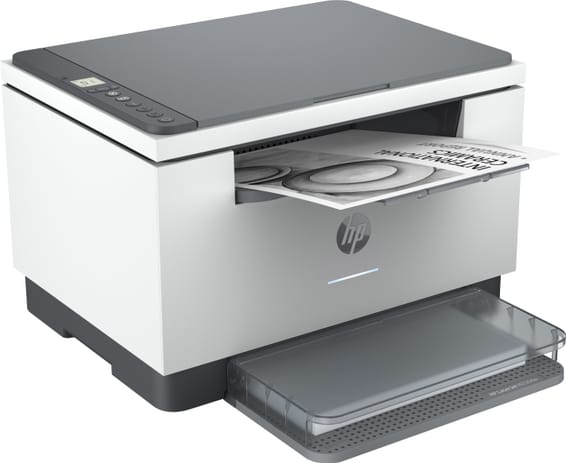
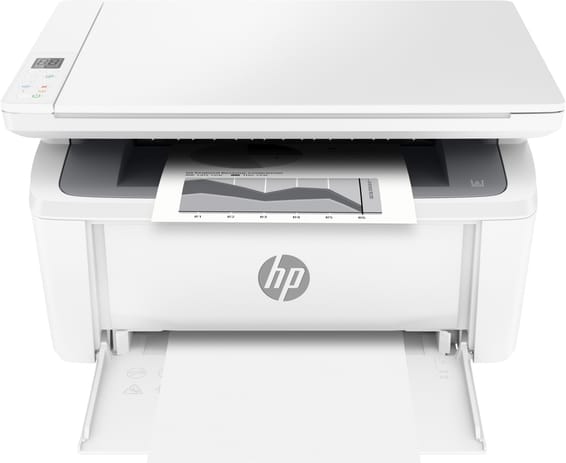
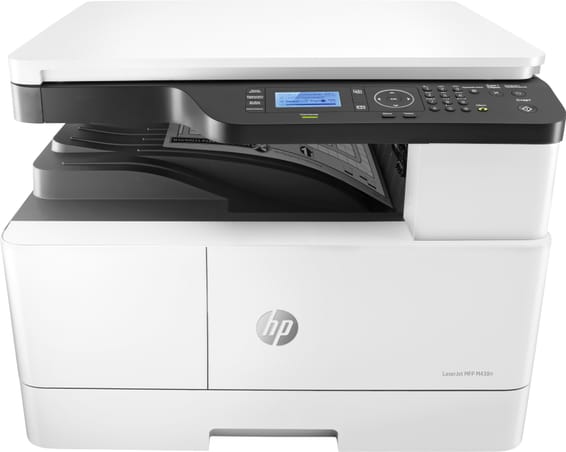
Can I use non-HP compatible toners in this LaserJet M236d?
It uses HP Dynamic Security and is designed to work only with cartridges that have a genuine HP chip. A cartridge with a non-HP chip may not work, or may stop working after a firmware update.
What is the yield of the toner supplied with the printer, and of the replacement cartridges?
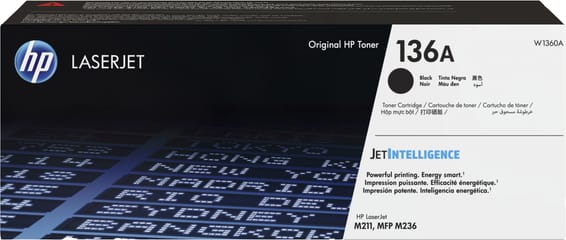
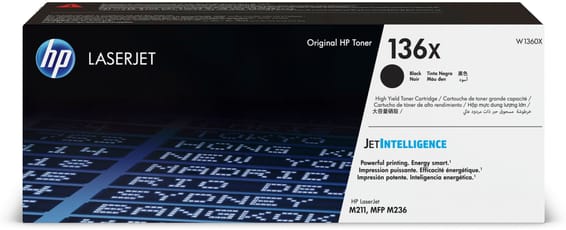
The toner supplied in the box lasts approximately 700 pages. After that, there are two cartridges to choose from: the 136A (W1360A), 1,150 pages, and the 136X (W1360X), 2,600 pages.
Can it scan a stack of documents automatically?
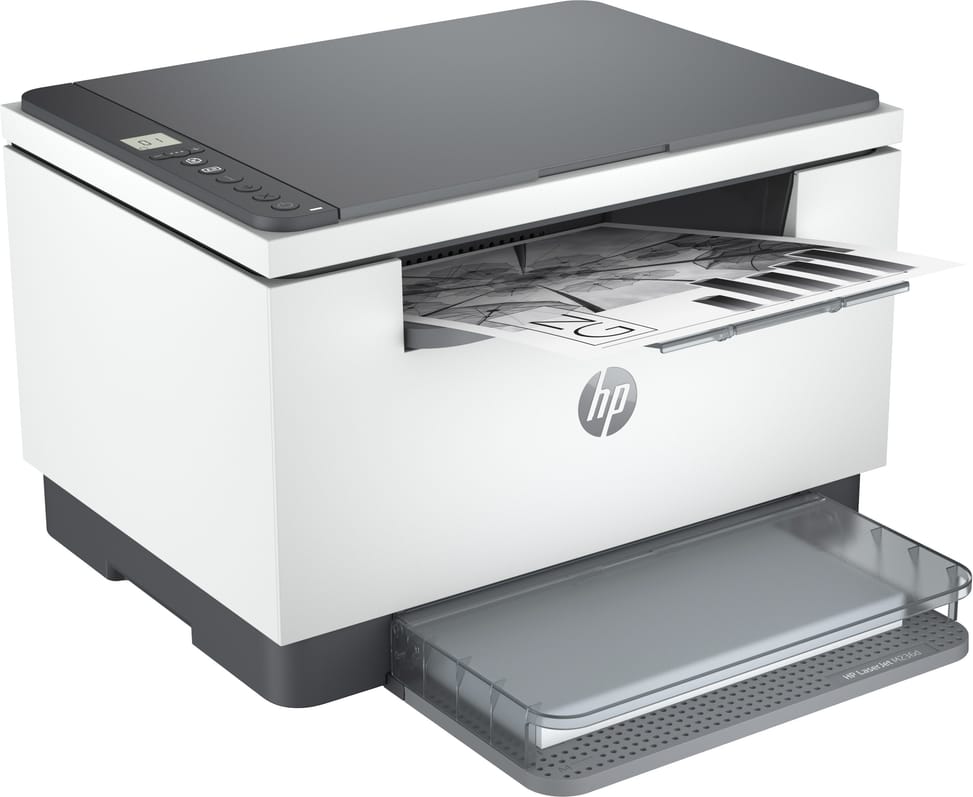
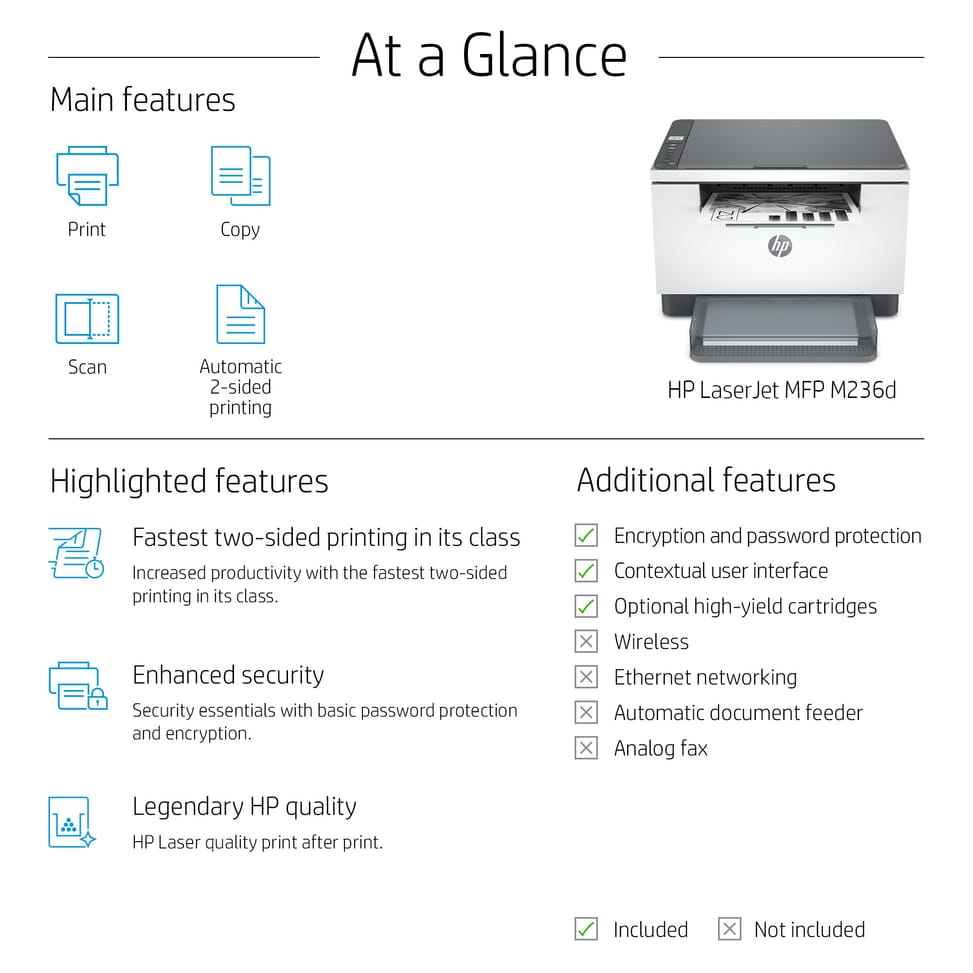
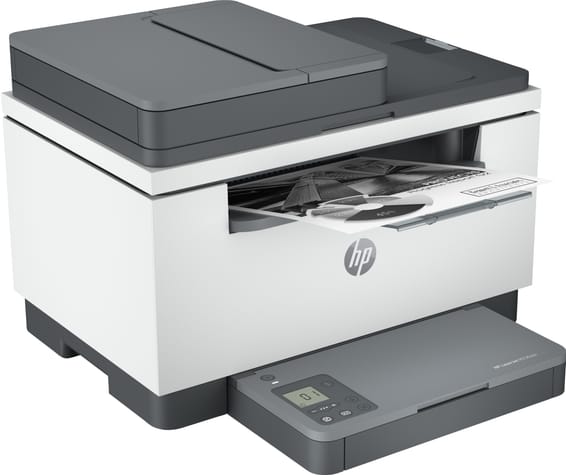
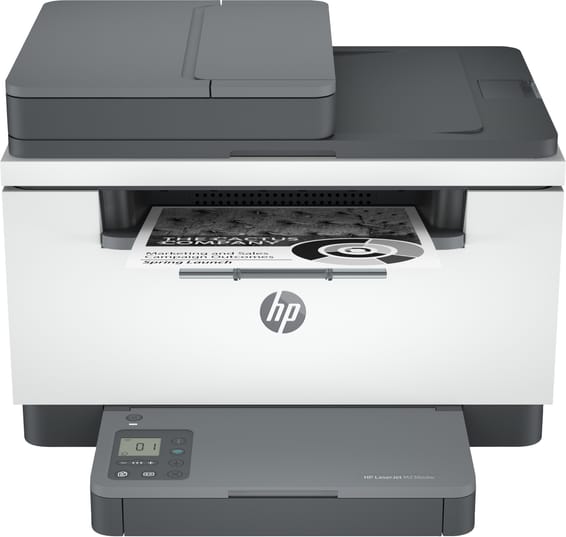
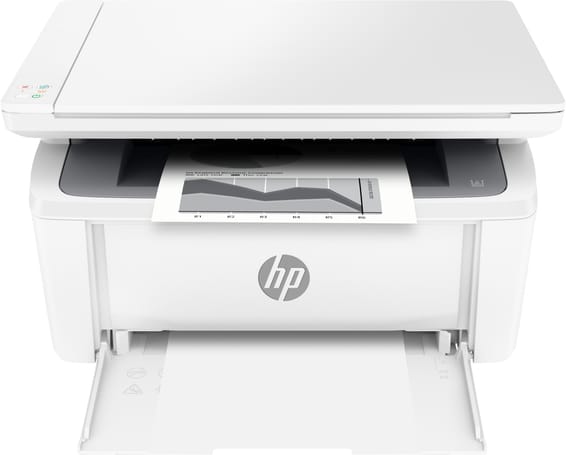
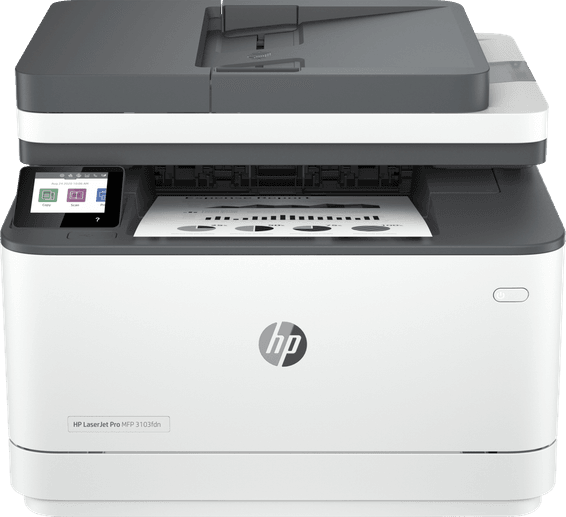
No: the M236d has a flatbed scanner only, so pages are placed on the glass one at a time, up to A4 size. The 40-sheet automatic document feeder shown in the M236 series documentation comes on other versions, not on this 9YF94A model.
Does the HP LaserJet M236d connect over Wi-Fi or Ethernet?
No: this 9YF94A model is Hi-Speed USB 2.0 only, with no Wi-Fi or Ethernet — it connects directly to a single computer. It is the dw, sdn and sdw versions of the M236 series that add dual-band Wi-Fi and 10/100 Fast Ethernet.
What else do you need to set it up?
Two things: a USB cable, which is not included, and an Internet connection — there is no CD in the box, as the software is downloaded from the HP website. The power cord, dust cover and reference guide are included.
Is duplex printing really automatic, and how fast is it?
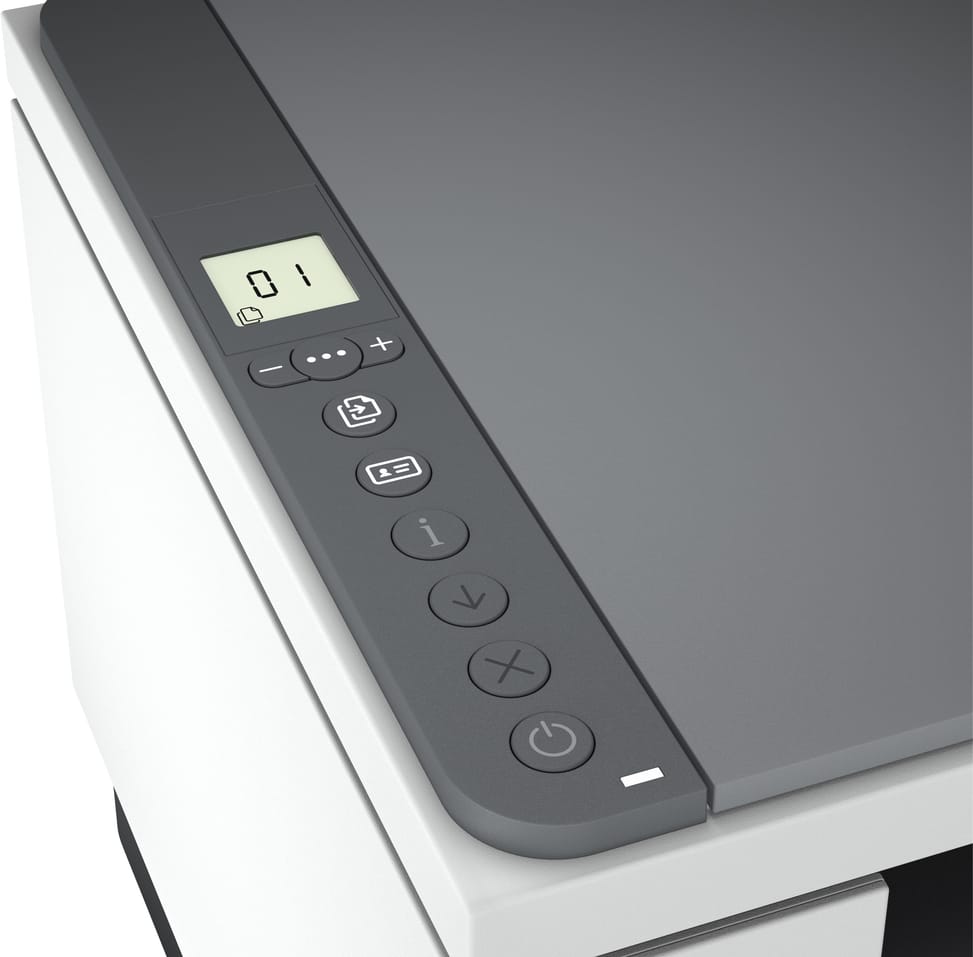
Yes, automatic duplex printing, at 18 pages/min in A4 versus 29 pages/min single-sided. Copying, on the other hand, is done from the flatbed scanner glass.
Can memory or a second paper tray be added later?
No, in both cases: the memory is 64 MB, with a maximum of 64 MB, and the machine takes a single paper tray of 150 sheets, with no expansion option. There is no internal hard drive either.
How many sheets does it hold, for input and output?
150 sheets in the input tray, or 10 envelopes, and 100 sheets in the output tray. On a run of several hundred pages, you will therefore need to reload paper and empty the output tray along the way.
Can it print on envelopes, labels or cardstock?
Yes: laser and plain paper, tough paper, vellum, envelopes, labels, cardstock and postcards, from 60 to 163 g/m². Sizes range from A6 to Legal, including A5, B5 and Executive, with custom sizes from 101.6 × 152.4 to 216 × 356 mm — the tray takes 10 envelopes at a time.
What monthly print volume can this machine handle?
The recommended volume is 200 to 2,000 pages per month, with a maximum duty cycle of 20,000 pages. If you regularly print more than 2,000 pages a month, it is better to go for a machine in a higher class.
Is this printer energy-efficient?
It meets the requirements of the ENERGY STAR and BLUE ANGEL ecolabels and uses up to 20% less energy than the previous model. HP Auto-On/Auto-Off technology switches it on and off as needed.
How much space does it need on a desk?
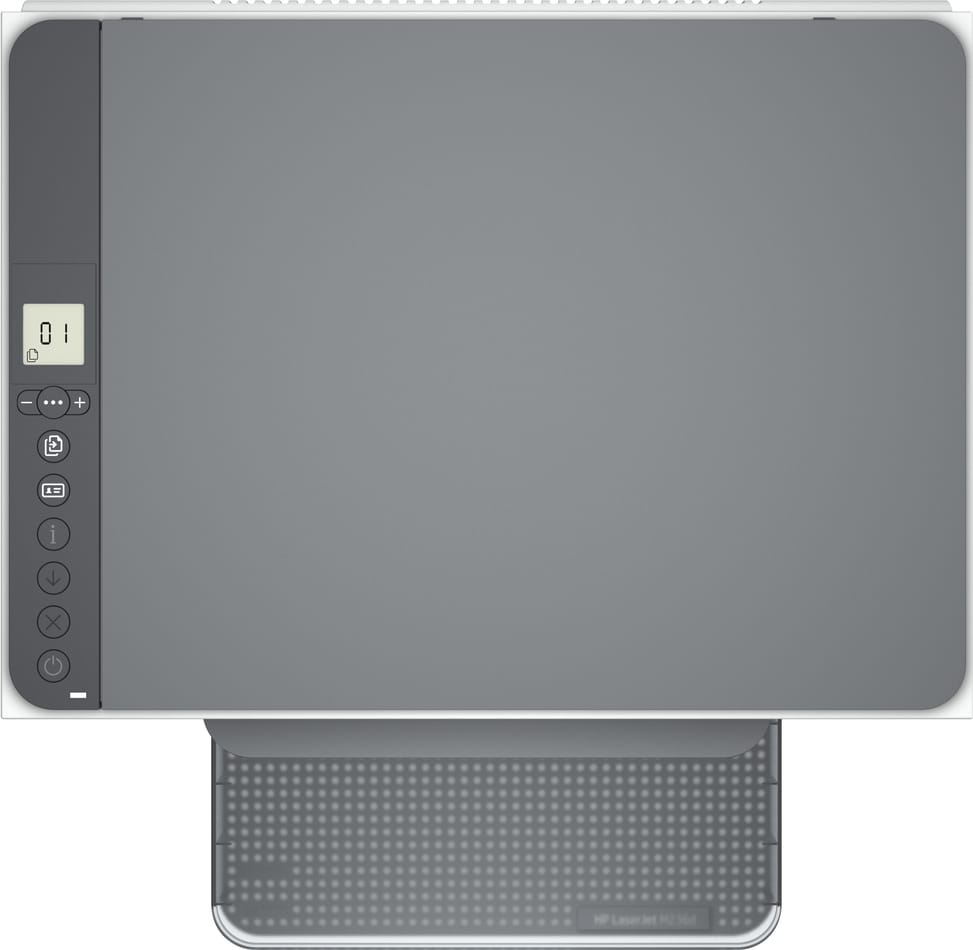
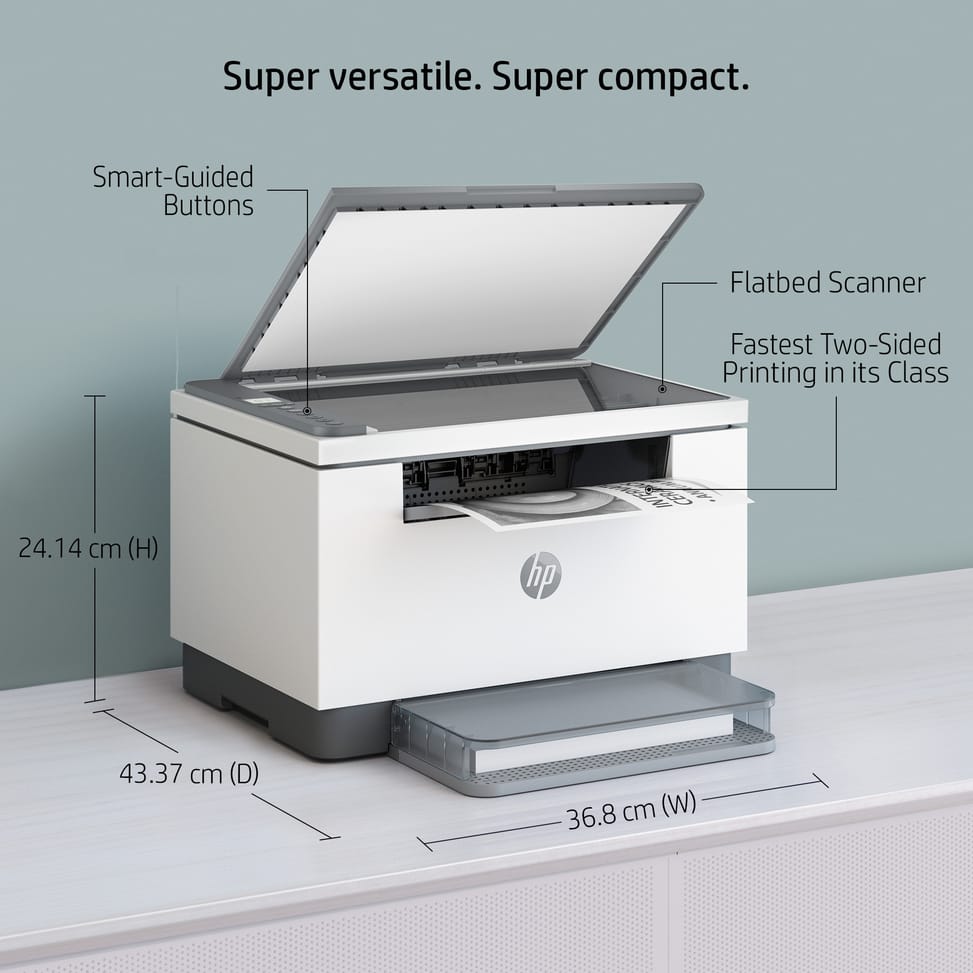
368 × 298.6 × 241.9 mm with the trays closed, and up to 368 × 419.6 × 436.3 mm with the extensions opened: it is this second measurement you need to allow for, in depth as well as in height. It weighs 7.6 kg.
In which file formats can a scanned document be saved?
In PDF, JPEG, TIF, PNG and BMP, with an optical resolution of 600 dpi, 24-bit depth and scanning at up to 19 pages/min in black. The scan area is limited to A4 (216 × 297 mm), with a recommended volume of 150 to 1,500 pages per month.
Is the printer new and under warranty?
Yes: it is
new and genuine HP, model 9YF94A (EAN 194850667466), supplied with its invoice, which serves as the
1-year warranty document. The full specifications, model by model across the M236 series, are in the
manufacturer's datasheet (PDF).