


Back to uni-48%
Ugreen
Ugreen USB 2.0 A Male to USB B Male Printer Cable - 2 metres (20847)
In stock
39 DHincl. VAT39,00 DHincl. VAT75 DH75,00 DH
Delivery everywhereDelivered all over Morocco
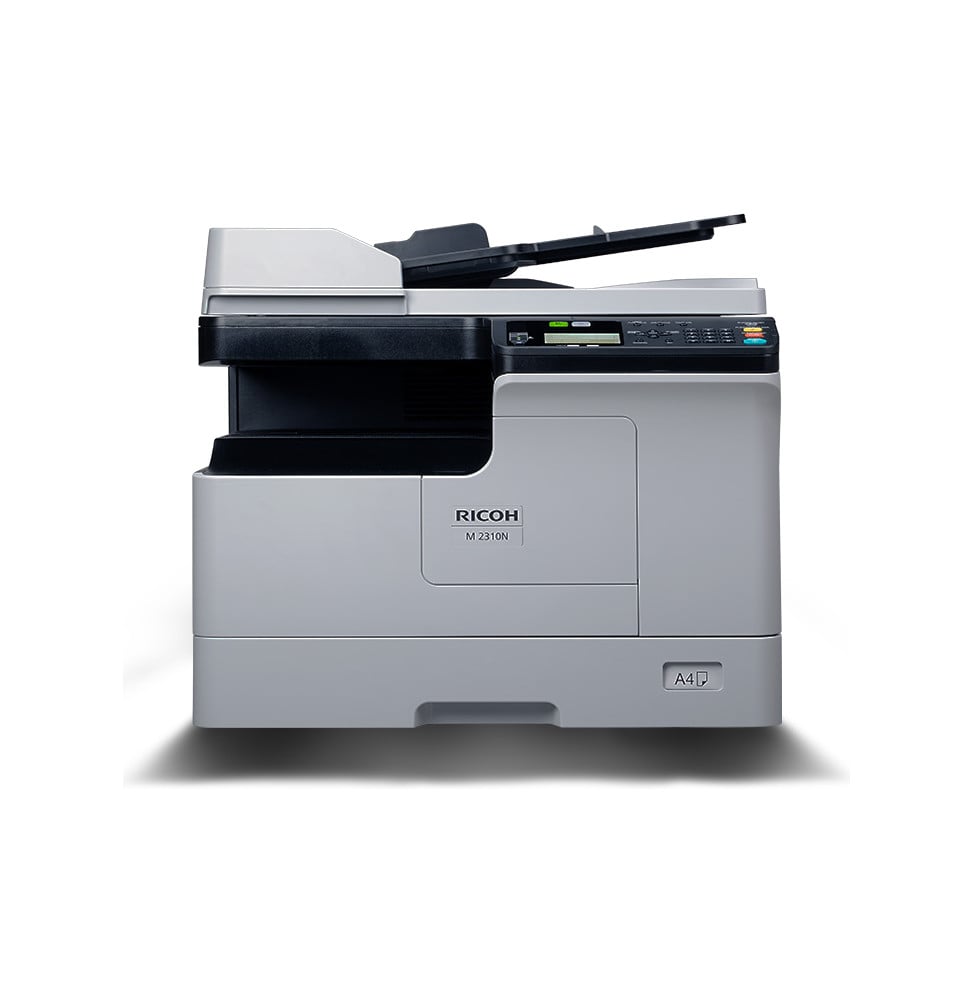
Compact A3 black and white laser multifunction printer: 23 pages per minute, automatic duplex printing and colour scanning to a network folder, a USB drive or a mobile device. Built-in Ethernet port to share it across the office.
In stock
Earn 85 DH in loyalty credit with this purchaseHow does it work?Loyalty credit capped at 300 DH per order.
Delivery anywhere in Morocco
free
Casablanca store
Free pickup
Témara pickup point
Free pickup
1 year warranty — free repair in Morocco if it breaks down during the warranty period
100% secure payment: Bank transfer · Bank card · Cash on delivery (deposit of 340 DH by card or bank transfer) · Certified cheque
A3 black and white laser multifunction printer for the small office: printing and copying up to A3, automatic duplex printing and colour scanning.
Type: monochrome laser multifunction (print, copy, scan)
Format: prints and copies every size up to A3, A3 platen
Speed: 23 pages/min in A4, 14 in A3 — a good pace · first copy in 6.4 s
Duplex printing: automatic
Paper tray: 250 sheets + 100-sheet bypass, expandable to 600
Display: 4-line LCD, non-touch · Connectivity: Ethernet and USB 2.0, printing from a mobile device
Document feeder: 50-sheet ARDF optional
A3 in the office without the footprint of a copier, with a 17,500-page high-yield toner.
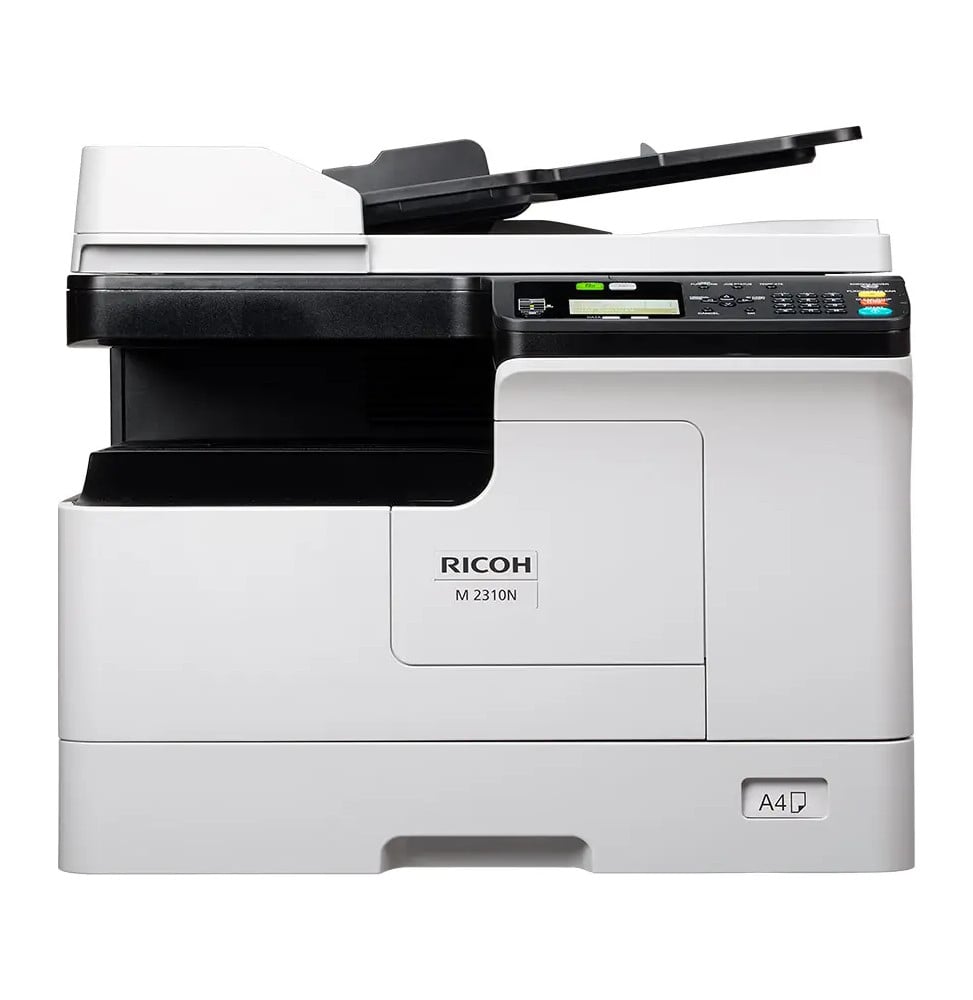
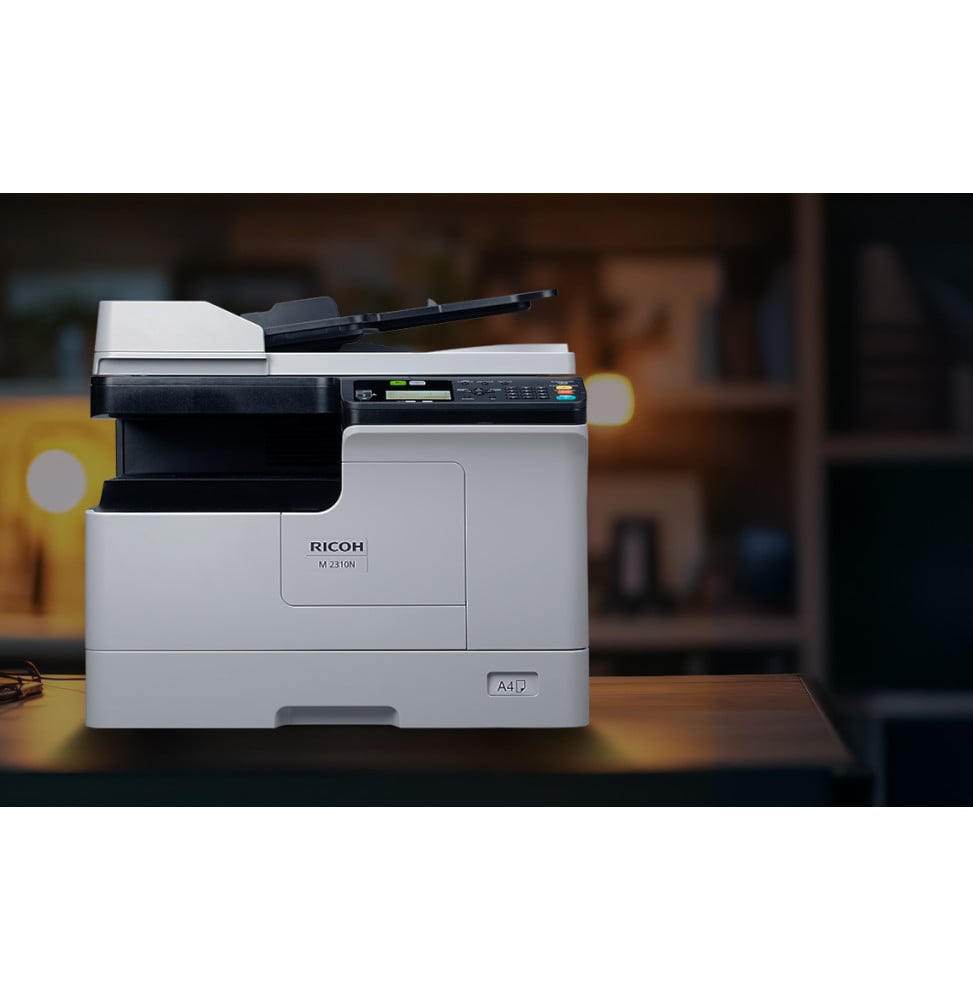
Ricoh M 2310N · A3 black and white laser multifunction printer
It prints and copies in black and white, scans in colour, and takes A3 in its paper tray, on its glass and in its bypass tray. Connected to the network through its Ethernet port, it is shared by every workstation in a department: the first page comes out in 6.4 seconds, the next ones at 23 per minute in A4.
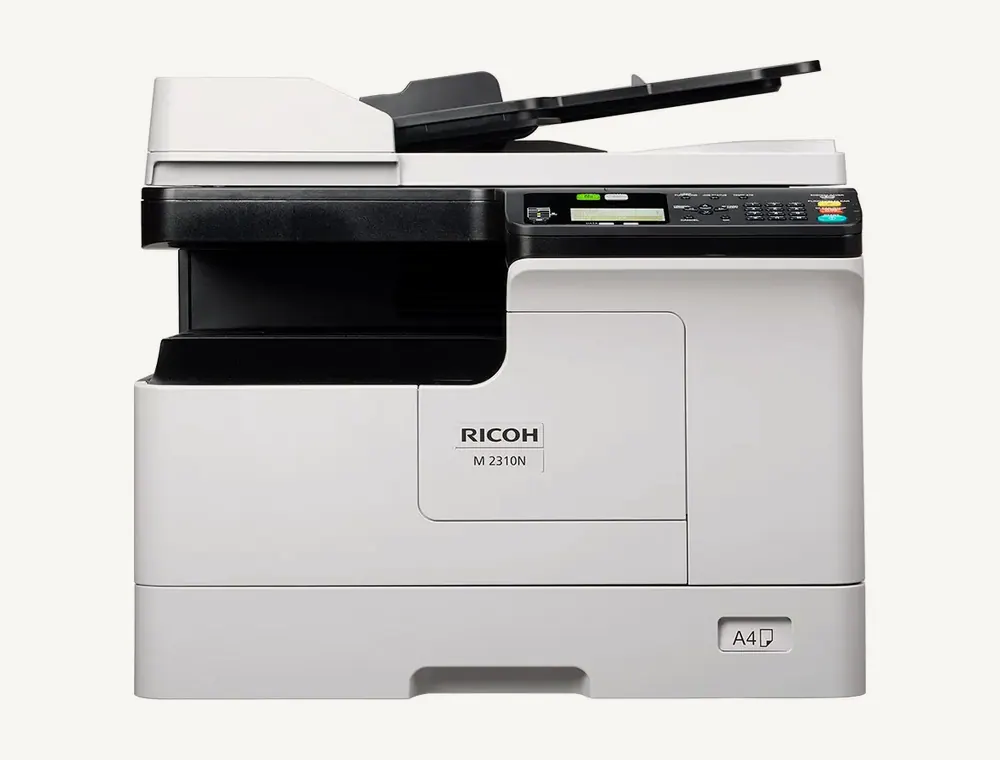 Shown with the optional 50-sheet ARDF document feeder.
At power-on, warm-up takes 15 seconds. The first copy, like the first print, then comes out in 6.4 seconds, and the pace holds at 23 pages per minute in A4 and 14 in A3. Automatic duplex printing is standard, on 64 to 80 g/m² paper: a forty-page report fits on twenty sheets. Print resolution reaches 2,400 × 600 dpi with smoothing, and the 512 MB of memory keeps jobs from several users flowing one after another.
The standard tray takes A3 as well as A4, A5, B4 or B5. The 100-sheet bypass tray accepts the same sizes, plus DL, Monarch and No. 10 envelopes, labels, transparencies and paper from 52 to 216 g/m². The whole unit takes up 575 mm in width and 565 mm in depth, stands 434 mm high with the platen cover or 494 mm with the ARDF, and weighs 25.8 to 28.9 kg depending on the configuration.
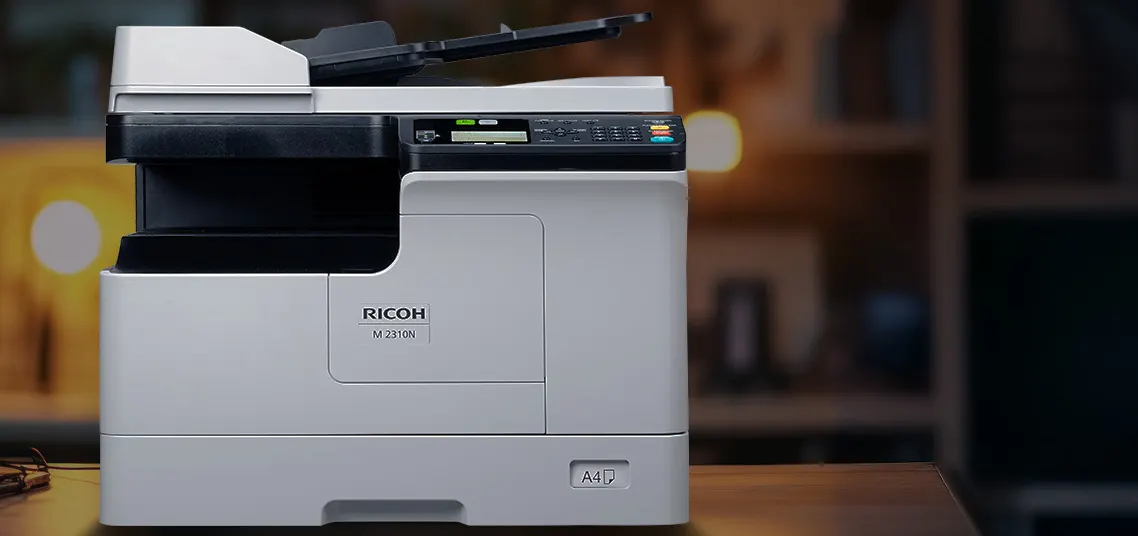 An A3 multifunction printer sized for a worktop.
Printing stays black and white, but the scanner works in colour: 24 images per minute in colour and 25 in black, in A4. Documents go to a shared network folder (SMB), to a USB stick plugged into the machine or to a smartphone, as multi-page PDF or TIFF, or as single-page JPEG. Started from a computer over network TWAIN, scanning runs at 18 images per minute. Resolution is adjustable from 150 to 600 dpi; in colour, 400 dpi is available up to A4 and 600 dpi in A5.
The 10/100 Ethernet port is built in: the M 2310N joins the network over IPv4 or IPv6, and every workstation can send it print jobs. A Hi-Speed USB 2.0 port connects it to a single computer. It has neither Wi-Fi nor fax. The RICOH M 2310 Mobile Print & Scan app prints from a smartphone, including files kept in online storage, and receives scans on the phone. Data exchanged with the machine is encrypted with TLS 1.3, and the Web Image Monitor tool lets you check and configure it from a web browser.
The four-line LCD screen uses the familiar interface of Ricoh devices, with a physical keypad. From it you run up to 999 copies of an original, enlarge or reduce from 25 to 400% on the glass and from 25 to 200% from the feeder, in 1% steps. Two dedicated modes round out everyday copying: book copy and ID card copy.
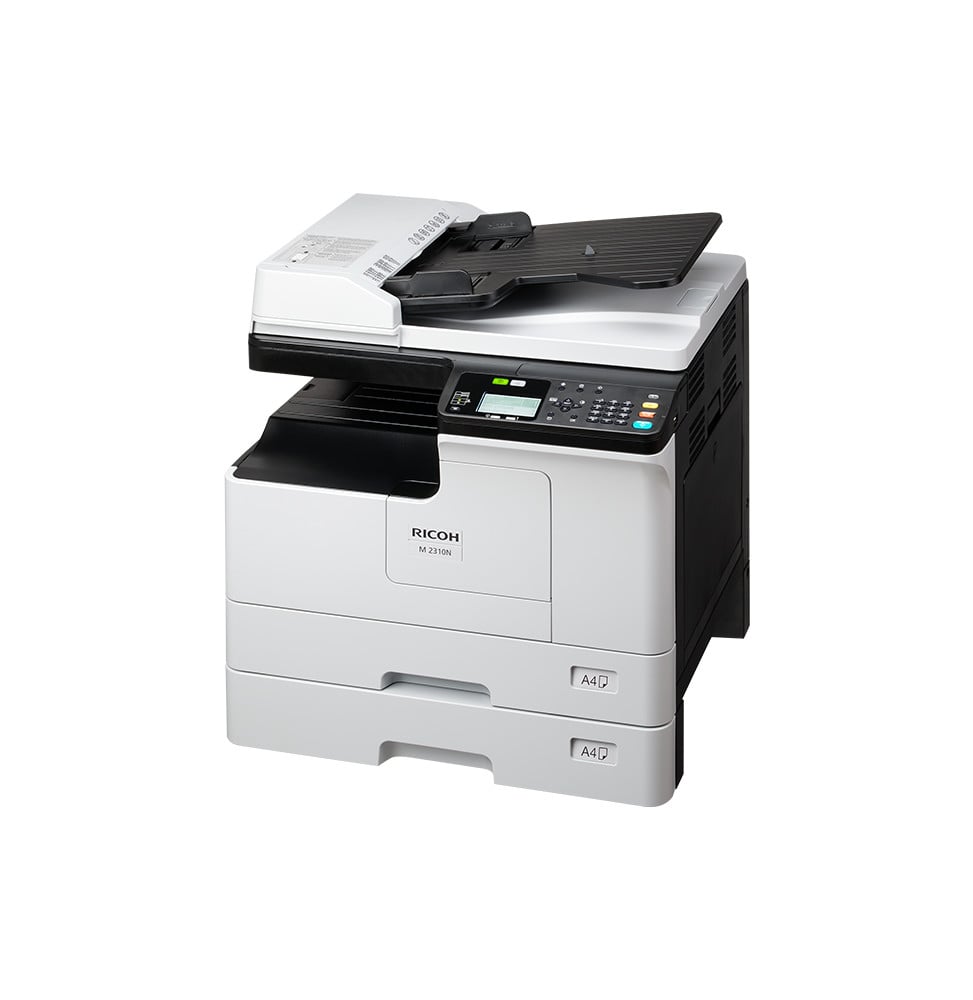
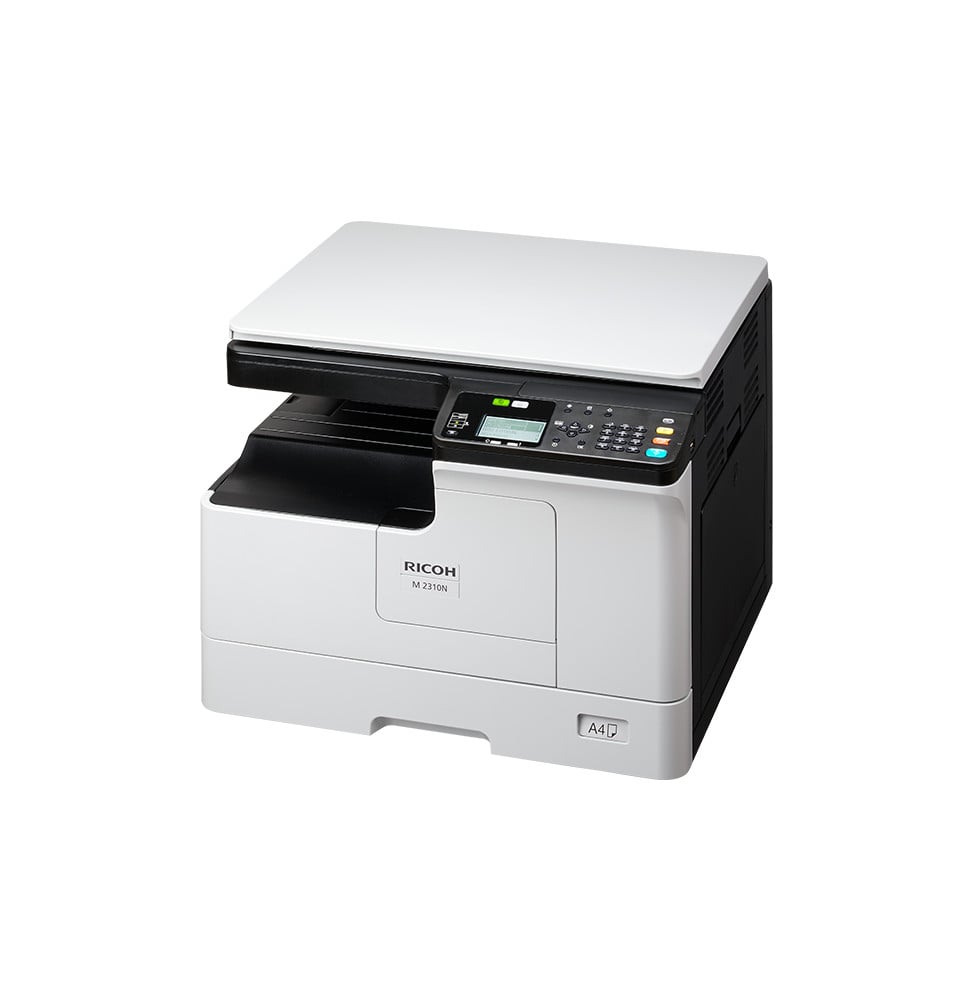
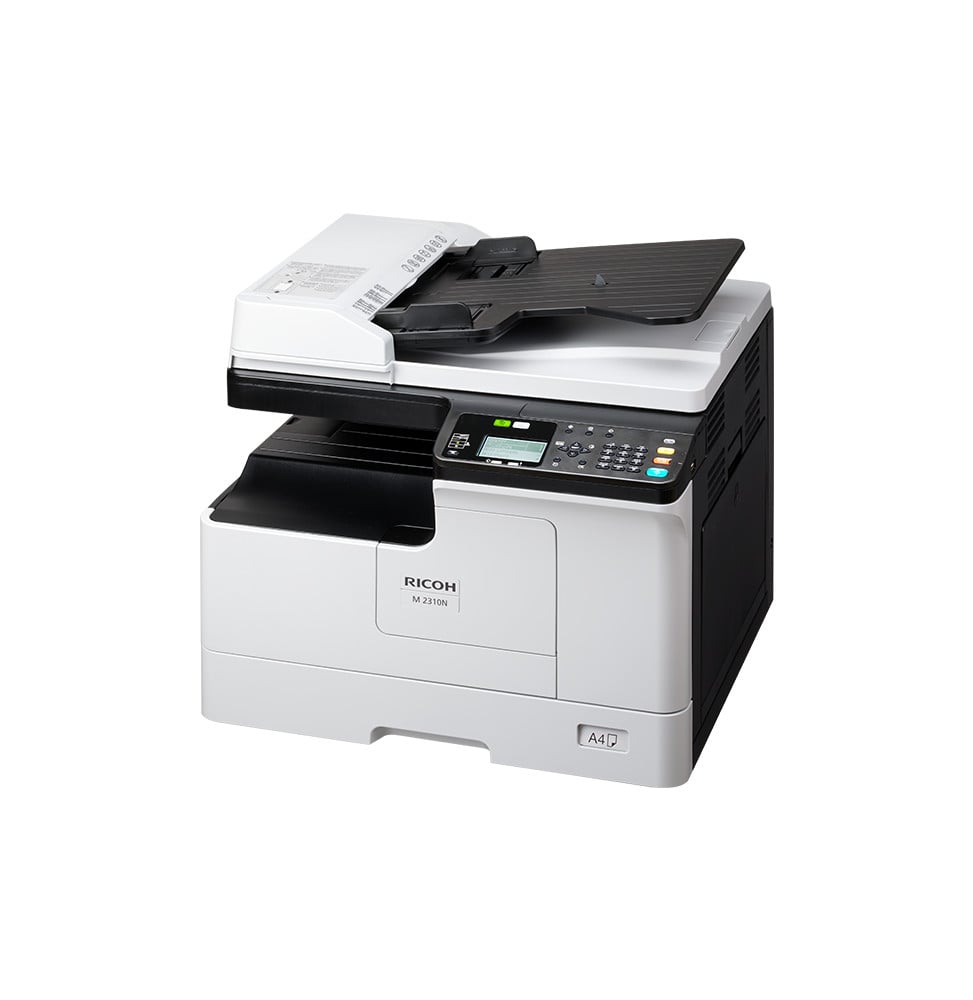
Without a feeder, the M 2310N is fitted with a platen cover: each original is placed on the glass, which suits occasional copies and bound documents. The 50-sheet ARDF document feeder is an option: a whole stack goes through in one go, and originals printed on both sides are turned over automatically to copy or scan front and back. Two further options fit under the machine: a second 250-sheet paper tray, which brings capacity to 600 sheets with the bypass tray, and a high cabinet that serves as its stand.
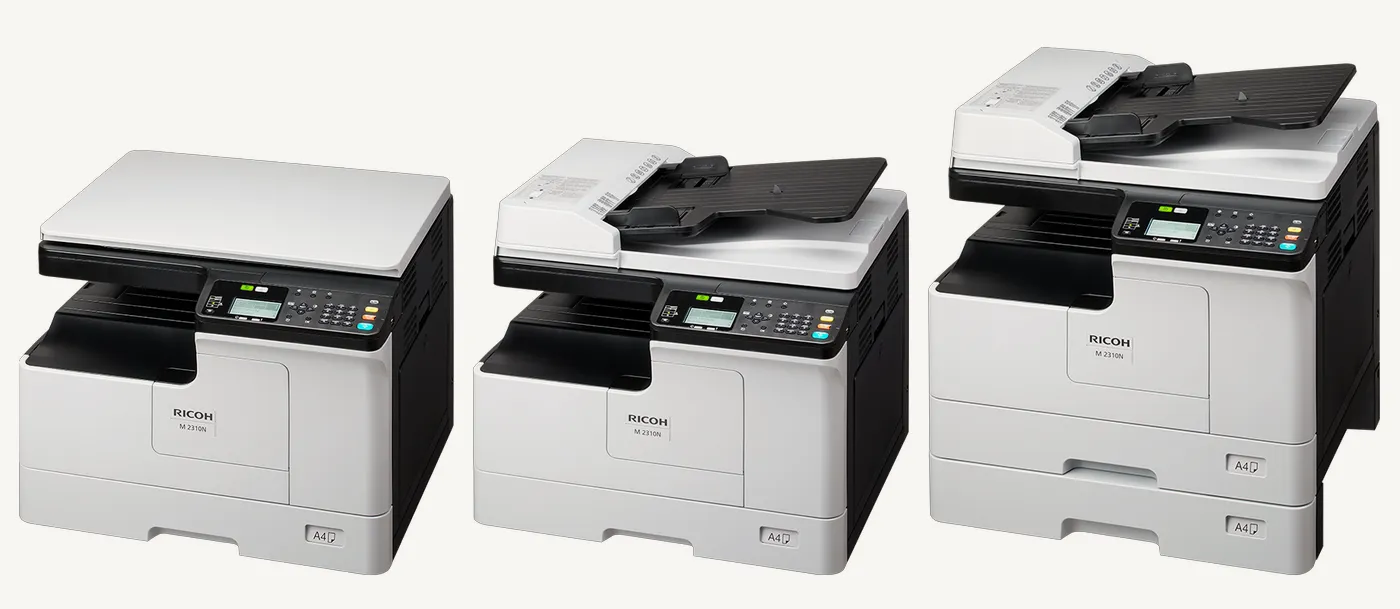 From left to right: with the platen cover, with the optional ARDF, with the ARDF and the optional second 250-sheet tray.
The machine takes just one cartridge, black toner, offered in two yields: 6,000 pages for the standard toner and 17,500 pages for the high-yield one, measured on A4 pages at 5% coverage. The high-yield toner therefore lasts almost three times longer. At rest, it drops to 6.86 W in low power mode, then to 0.94 W in sleep mode, and its Typical Electricity Consumption (TEC) is 0.35 kWh per week.
No Wi-Fi and no fax: the M 2310N connects by cable, over Ethernet or USB. Without the optional ARDF document feeder, originals are placed one by one on the glass: specify the configuration you need when ordering.
Browse also: the A3 printers department, monochrome laser multifunction printers and all Ricoh products. To print in colour as well, up to A3, the Ricoh IM C2010 takes over.
Speeds, dimensions, power consumption and yields are taken from the Ricoh specification sheet and product pages for the M 2310N; toner yields are measured in A4 at 5% coverage.
| Processor frequency | ARM926 360 MHz |
|---|---|
| Print cartridges | 1 toner black |
| Black print speed | 23 ppm (A4), 14 ppm (A3) |
| First page out time | 6.4 s for both copying and printing · warm-up 15 s |
| Colour print speed | No (black-and-white printing only) |
| Black print quality | 2,400 x 600 dpi with smoothing |
| Connectivity | Ethernet 10/100Base-TX, Hi-Speed USB 2.0 |
| Mobile printing | RICOH M 2310 Mobile Print & Scan app |
| Display | 4-line LCD, non-touch |
| Duplex printing | Automatic, standard |
| Paper tray capacity | Input: 250 sheets (tray) + 100 sheets (bypass tray), expandable to 600 sheets · Output: 100 sheets |
| Supported media sizes | Tray: A3, A4, A4-R, A5-R, B4, B5, B5-R · Bypass tray: same sizes + COM10, Monarch and DL envelopes |
| Supported media types | Plain, thin and thick paper, labels, transparencies, envelopes (bypass tray) |
| Dimensions (W x D x H) | 575 x 565 x 434 mm with exposure glass cover, 575 x 565 x 494 mm with ARDF (W x D x H) |
| Net weight | 25.8 kg with exposure glass cover, 28.9 kg with ARDF |
| Installed memory | 512 MB |
| Compatible operating systems | Windows 10 and 11, Windows Server 2012, 2012 R2, 2016, 2019 and 2022 |
| Optional accessories | 50-sheet ARDF or exposure glass cover, 250-sheet paper tray, high cabinet |
| Features | Black-and-white printing and copying, colour scanning |
| Fax | No |
| Copier | 23 cpm, up to 999 copies, zoom 25 to 400% on the platen (25 to 200% from the document feeder), book copy and ID card copy |
| Scanner | Colour, A3 platen; to network folder (SMB), USB flash drive and mobile; network TWAIN |
| Printing technology | Toner (laser) |
|---|---|
| Automatic document feeder capacity | Optional: 50-sheet ARDF (reversing automatic document feeder); otherwise exposure glass cover |
| ADF scan speed | 25 ipm in black, 24 ipm in colour (A4) · 18 ipm with network TWAIN |
| Maximum flatbed scan size | A3 |
| Scan file formats | Single-page PDF, JPEG and TIFF · multi-page TIFF and PDF |
| Included software | Web Image Monitor, RICOH M 2310 Mobile Print & Scan mobile app |
| Energy/environmental certification | Blue Angel |
| Recommended media weight | Tray and duplex: 64 to 80 g/m² · Bypass tray: 52 to 216 g/m² |
| Printer languages | GDI |
| Wi-Fi | No |
| Ethernet | Yes |
| Format | Up to A3 size |
| Power consumption | Maximum 1,500 W · operating 722 W · ready 83.51 W · low power 6.86 W · sleep 0.94 W · TEC 0.35 kWh |
| Compatible cartridges | Standard black toner: 6,000 pages · high-yield black toner: 17,500 pages (A4, 5% coverage) |
| Security features | TLS 1.3 encryption of transmitted data |
| Power supply | 220 to 240 V, 50/60 Hz |
| Number of cartridges | 1 cartridge |
| Print colour | Black and white only |
| Duplex scanning | With the optional ARDF (reverses the originals) |
| Optical scan resolution | 150 to 600 dpi (in colour: 400 dpi up to A4, 600 dpi up to A5) |
| Automatic document feeder | No |
| Warranty | 1 year |
No reviews yet
Be the first to review this product and help other customers.
Ugreen
In stock
Delivery everywhereDelivered all over Morocco
HP
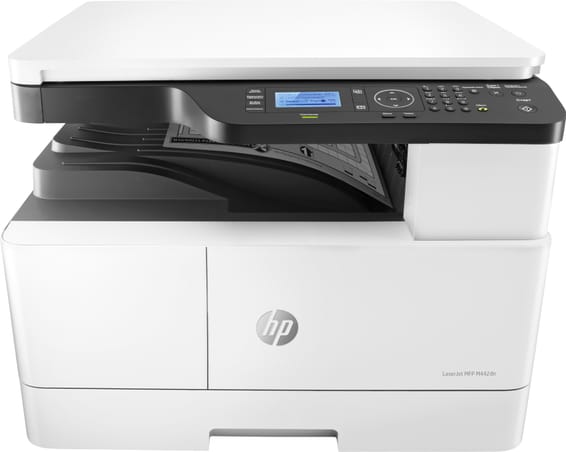
Automatic duplex as standard and a flatbed scanner that also scans in A3. A speed of 24 ppm, a good pace, to print and copy in the larger format.
In stock
Delivery everywhereDelivered all over Morocco
HP
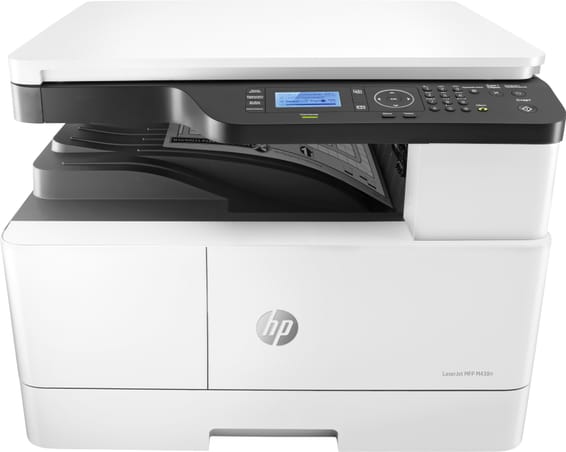
A3 flatbed scanner, but manual duplex when printing. A speed of 22 ppm, a good pace, to copy and scan in the larger format at a contained price.
HP
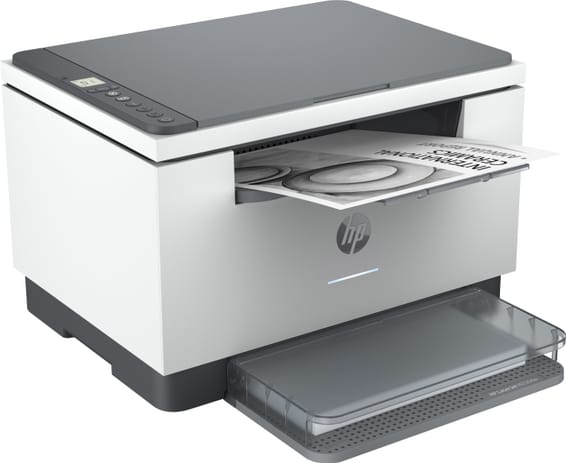
Wi-Fi, Ethernet and Bluetooth, with automatic duplex that is rare at this price level. A speed of 29 ppm, a good pace for a small wireless office.
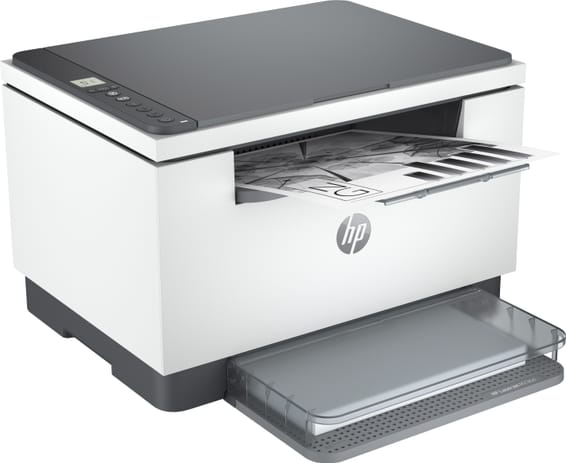
HP
Automatic duplex printing, rare at this price level. USB connection only, a speed of 29 ppm — a good pace for simple individual use.
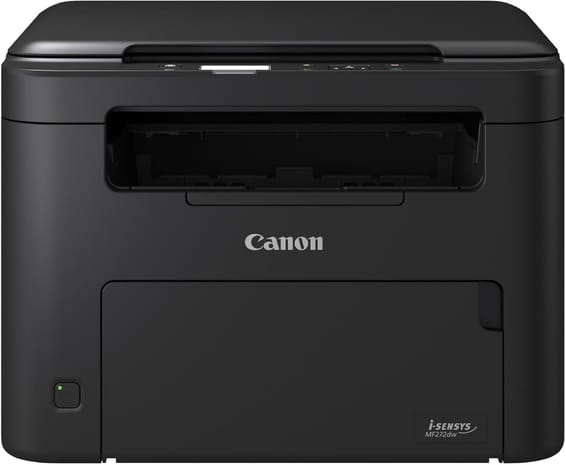
Canon
3 functions brought together in a compact, light format (9 kg), for regular use. Speed of 29 ppm, a good pace, automatic duplex, Wi-Fi.
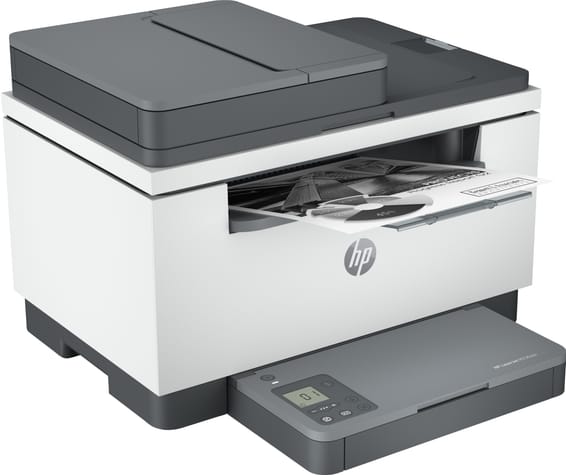
HP
Automatic duplex and a built-in document feeder, rare at this price level. A speed of 29 ppm, a good pace, for a small office connected over Ethernet.
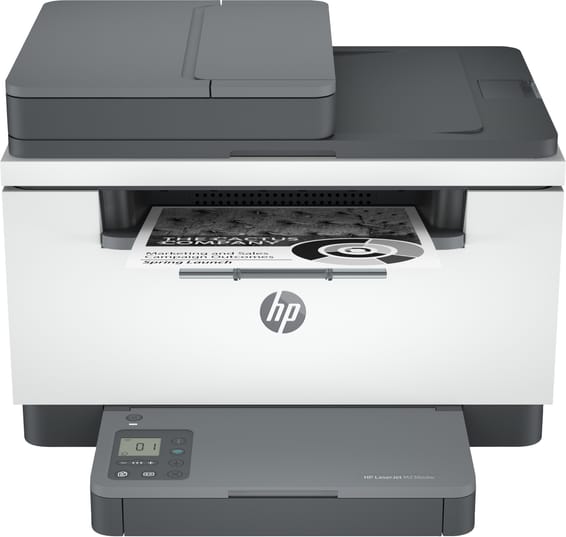
HP
Wi-Fi, Ethernet and a built-in document feeder, with automatic duplex that is rare at this price level. A speed of 29 ppm, a good pace for a small office.
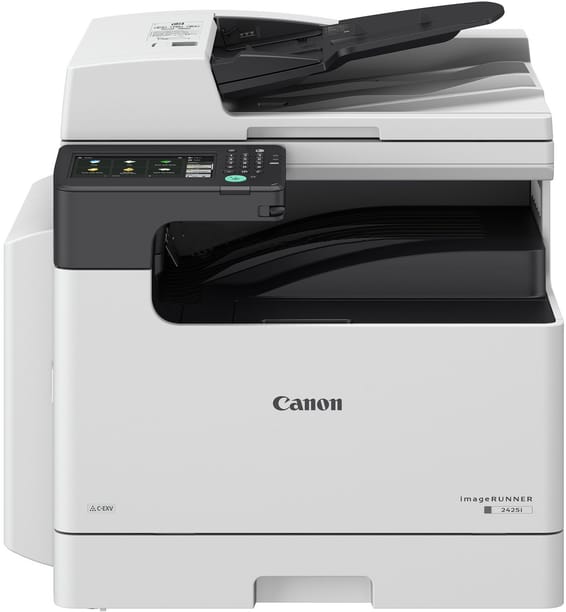
Canon
A good pace at 25 ppm in A4, automatic duplex as standard and a document feeder that scans the 2 sides of a sheet. Colour touchscreen, Wi-Fi and Ethernet.
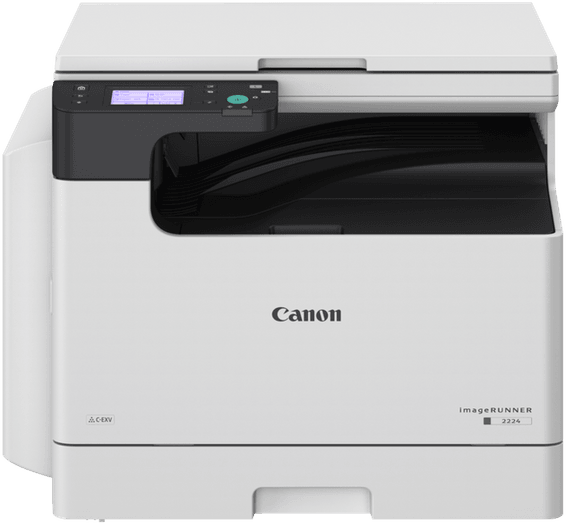
Canon
A good pace of 24 ppm in A4 with A3 scanning on the glass. Compact version for small offices: touchscreen, USB connection, duplex optional.
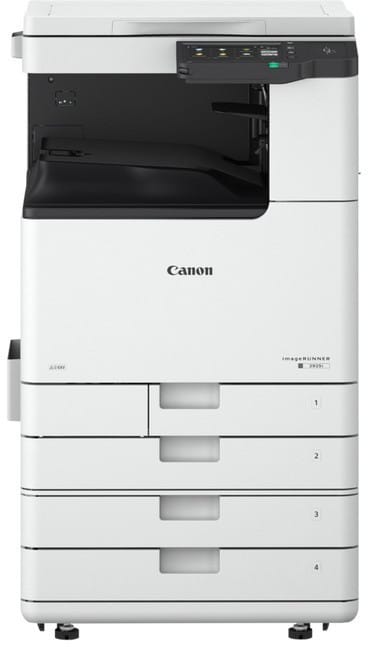
Canon
A solid 30 ppm in A4, automatic duplex printing and duplex scanning through the document feeder. 1,200-sheet tray, expandable to 2,300.
In stock
Delivery everywhereDelivered all over Morocco
In stock
Delivery everywhereDelivered all over Morocco
In stock
Delivery everywhereDelivered all over Morocco
In stock
Delivery everywhereDelivered all over Morocco
In stock
Delivery everywhereDelivered all over Morocco
In stock
Delivery everywhereDelivered all over Morocco
In stock
Delivery everywhereDelivered all over Morocco
In stock
Delivery everywhereDelivered all over Morocco
In stock
Delivery everywhereDelivered all over Morocco