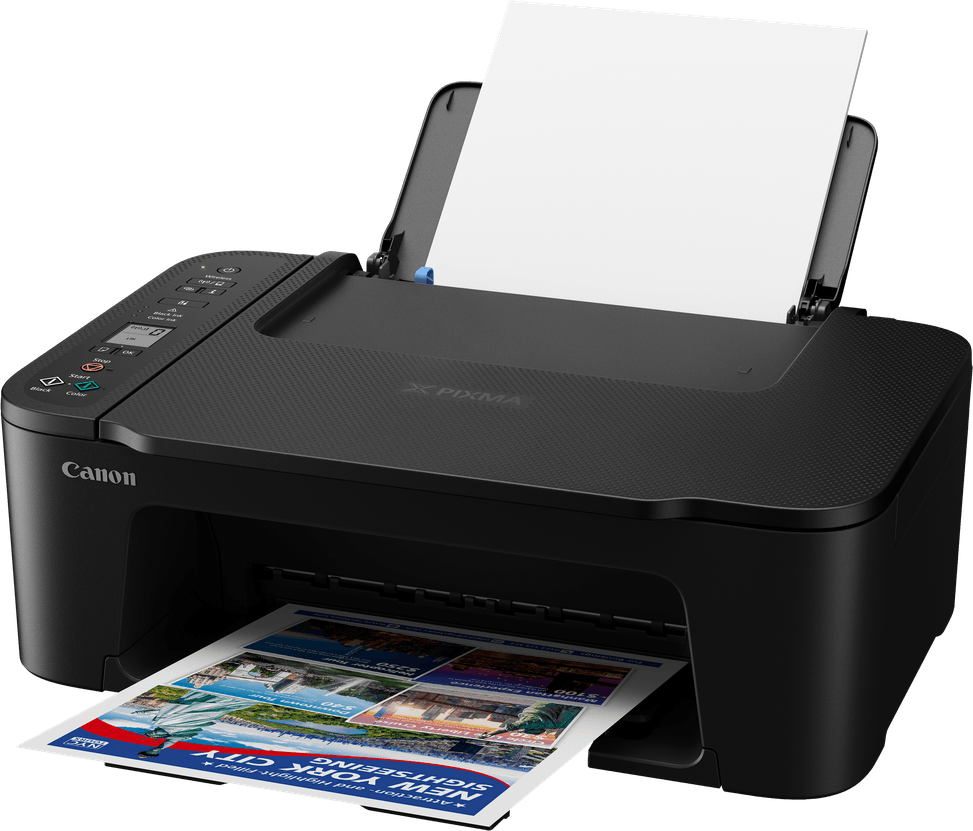
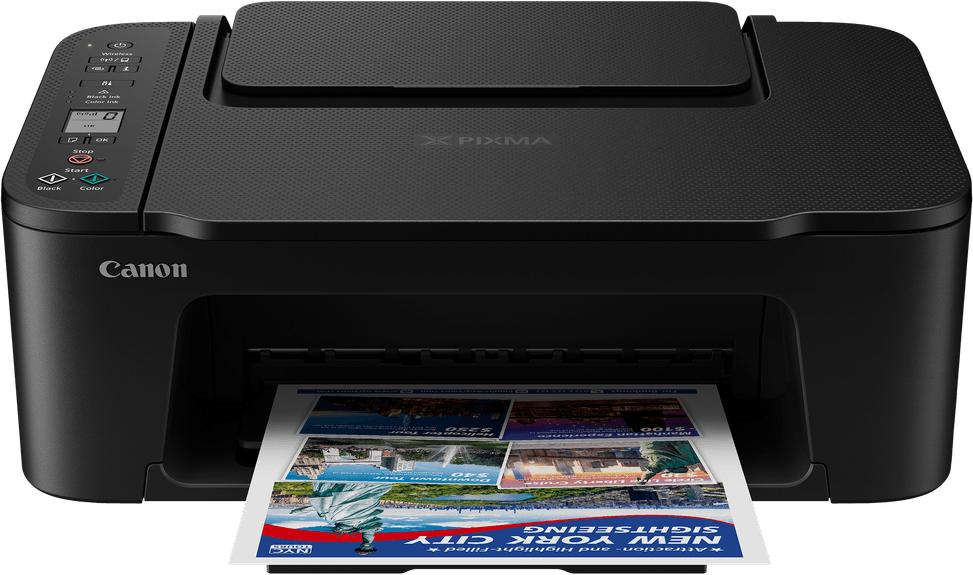
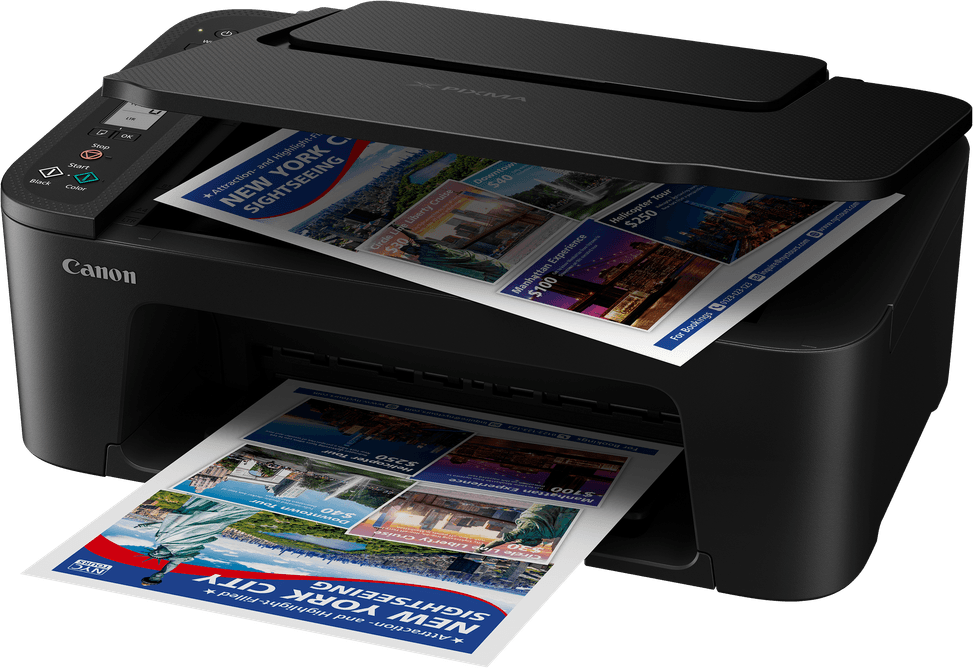
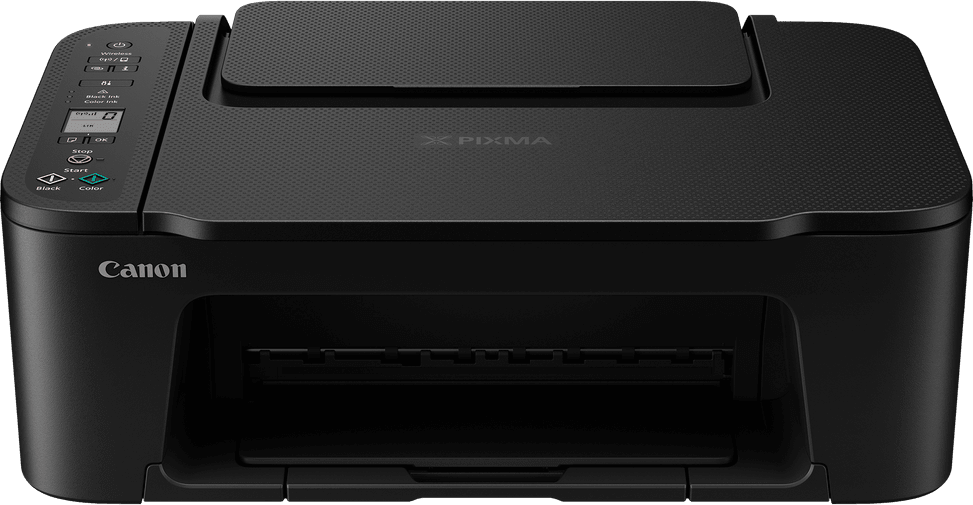
Is the print head built into the cartridge on the PIXMA TS3640?
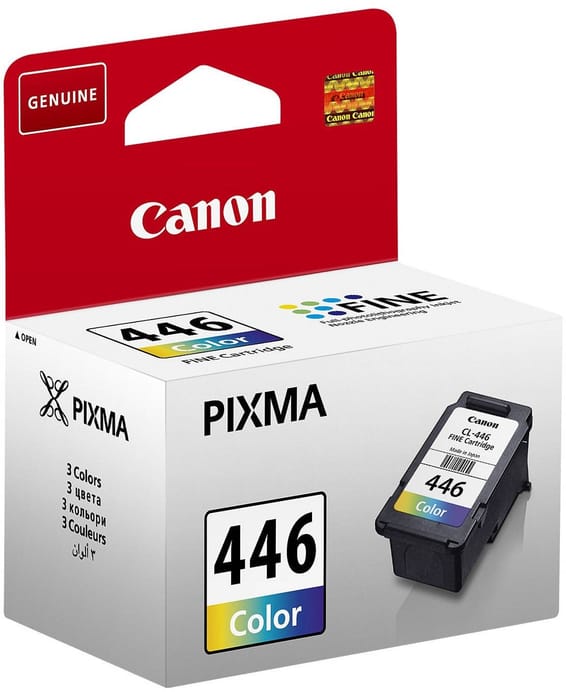
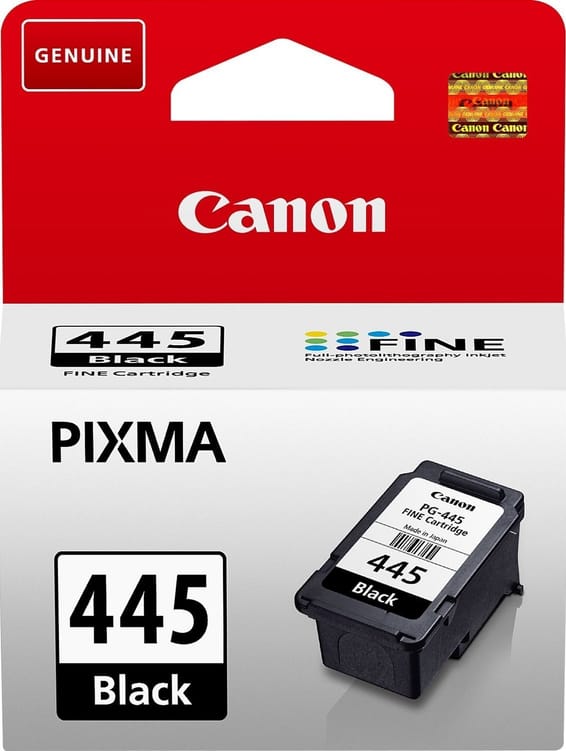
Yes. The TS3640 uses two FINE cartridges, one black and one colour, with the print head built into the cartridge: it is therefore renewed every time you change the ink, with no fixed head to have replaced on the machine.
Which cartridges do you need to buy, and how many pages do they last?
Four references: PG-445 and PG-445XL in black, CL-446 and CL-446XL in colour. The yield on plain paper is 180 pages for the standard versions, against 400 pages for the black XL and 300 pages for the colour XL. The XL cartridges last more than twice as long in black.
Does the PIXMA TS3640 print double-sided automatically?
No: double-sided printing is manual, you turn the stack over yourself between the two passes. For daily office use with lots of documents to print on both sides, this is the main limitation of this compact model.
Is the USB cable included in the box?
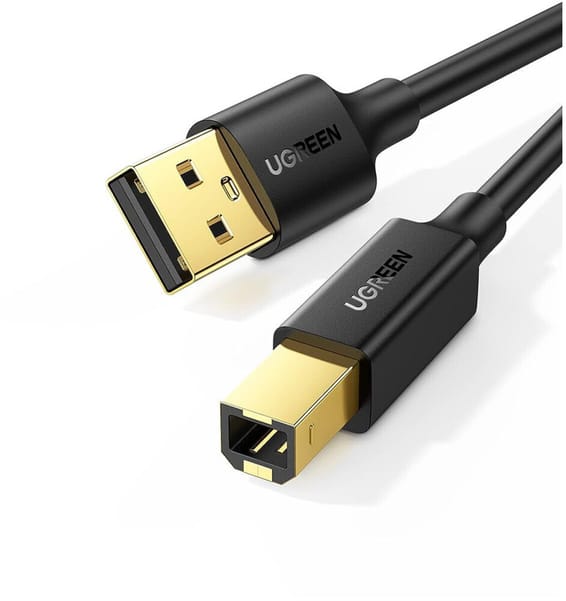
No, it has to be bought separately. The box contains the printer, the two FINE cartridges, the power cord, an installation CD-ROM and the documentation. Over Wi-Fi, no cable is needed.
Can it be connected to the office network via Ethernet?
No, it connects via Wi-Fi or USB only. The Wi-Fi is 802.11 b/g/n, limited to the 2.4 GHz band: it will not see a network broadcast only on 5 GHz. WPA-PSK, WPA2-PSK and WPA3-SAE security are supported.
Is there an automatic feeder for copying a stack of documents?
No: the scanner is a flatbed and is loaded one sheet at a time, with a scanning area of 216 × 297 mm and an optical resolution of 600 × 1,200 dpi. Copying can still run up to 20 copies in a row, with zoom from 25 to 400%, fit-to-page and borderless copying.
Which sizes and papers does the TS3640 accept?
A4, A5, B5, Letter and Legal in plain paper, plus 10 × 15, 13 × 13 and 13 × 18 cm photos that can be printed borderless. As for paper weight, allow 64 to 105 g/m² for plain paper and up to 275 g/m² for Canon photo paper; custom sizes go up to 676 mm in length.
Is the paper tray big enough for regular office use?
Paper is loaded through a rear tray holding 60 sheets of plain paper at most. That is sized for home or a very small office: beyond a few dozen pages per print job, you will be refilling it often, and the pace remains modest at 7.7 ipm in black and 4 in colour to the ISO standard.
How much power does it use if I leave it plugged in all the time?
Very little: about 1.3 W in standby with all ports connected, 0.8 W in standby via USB, 0.3 W when off, and close to 9 W while copying. It goes into standby on its own after 10 minutes of inactivity and has an auto power on/off function.
Is this printer noisy?
It is measured at about 48 dB(A) when printing in colour, according to the ISO 7779 standard and with the default settings. That is audible without being disturbing in a living room, but avoid placing it right next to a shared workstation.
Does it work with a Mac, a Chromebook or an iPhone?
Yes, all three. It is supported from Windows 7 SP1 to Windows 11, from macOS 10.15 to macOS 14, as well as on iOS, iPadOS, Android and ChromeOS. Mobile printing works through Canon PRINT, AirPrint, Mopria or PIXMA Cloud Link, and the Windows and Mac drivers can be downloaded online.
Is the printer new and under warranty?
Yes: the PIXMA TS3640 is new in its original packaging, Canon reference 6670C007AA, supplied with its invoice, which serves as the 1-year warranty document. Make room for it: about 4 kg for 435 × 327 × 145 mm, with a 100-240 V, 50/60 Hz power supply.