Why a photo uses ten times more than a page
Standardised yield is measured on an office page: text, a few coloured elements, barely 5% of the surface inked. A photo covers the whole sheet, in several layers, at the maximum resolution of 4,800 × 1,200 dpi. The ratio is not two to one, it is an order of magnitude.
In practice, count on a few dozen 10 × 15 prints per colour cartridge, not hundreds. This is neither a fault nor a nasty surprise to complain about: it is the normal counterpart of a machine that can turn out a borderless photo in about a minute.
Colour goes before black — the opposite of an office
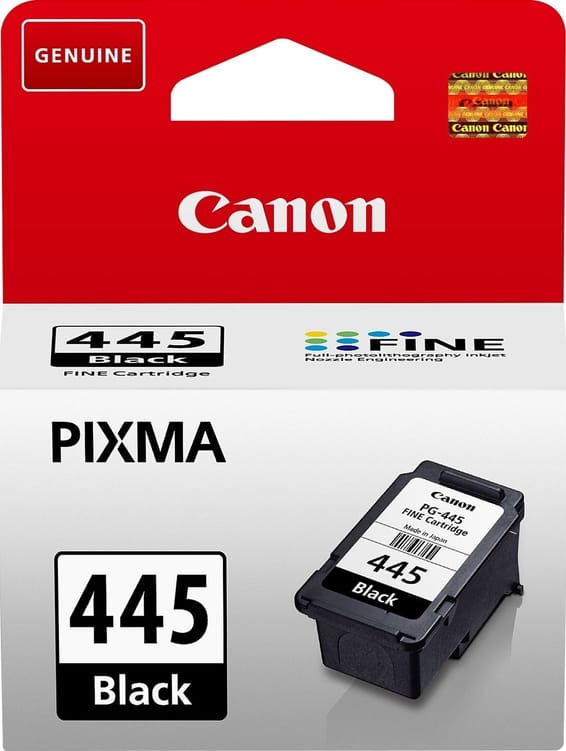
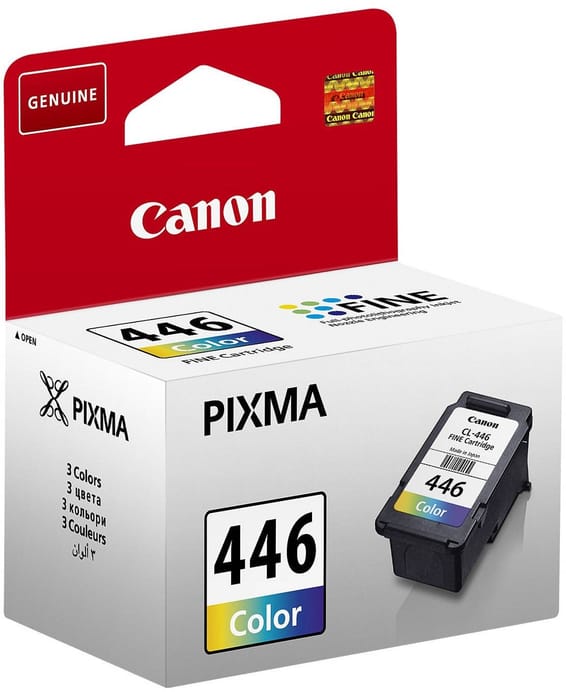
On a work machine, black always runs out first. Here, if you mostly print photos, it will be the CL-446: the black in photographs is built up from the three colours, the pigment black cartridge being reserved for text on plain paper.
The direct consequence: keep the colour in reserve, not the black. It is the exact opposite of the advice we give for an office laser — and it follows solely from what you print.
Paper matters as much as ink
The TS3640 takes up to 275 gsm in Canon photo paper, and handles 13 × 13 cm square, magnetic (MG-101) and restickable (RP-101) media. A print on plain paper uses more ink for a duller result, because the fibre drinks it: photo paper is not a luxury, it is part of the real cost of a photo.
The same cartridges serve the PIXMA TS3340, whose page sets out the arithmetic between standard and XL versions. Do beware of the TS3440, though, which takes PG-545 / CL-546: one digit apart, another family.
A fleet of printers to keep supplied?
We draw up the list of consumables for your whole fleet and a single grouped quote. Invoice in your company's name with its ICE number, delivery anywhere in Morocco.