Is 144 Hz available on all video inputs?
No. HDMI 2.0 and DisplayPort 1.2a both reach 1920 × 1080 at up to 144 Hz, but the VGA port is limited to 60 Hz. To enjoy the advertised smoothness, connect the monitor via HDMI or DisplayPort and leave VGA for old machines.
Which cables are supplied in the box?
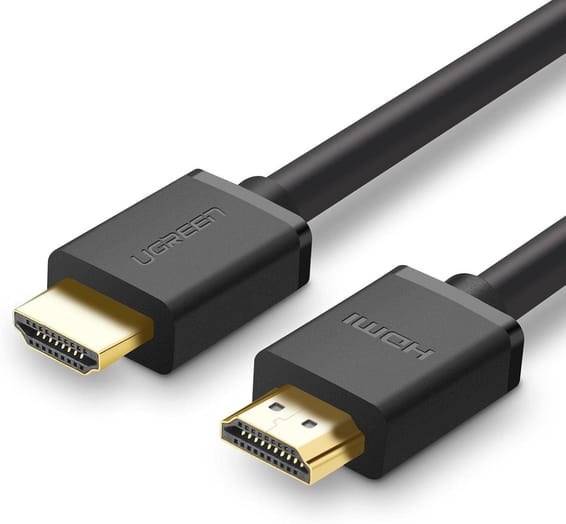
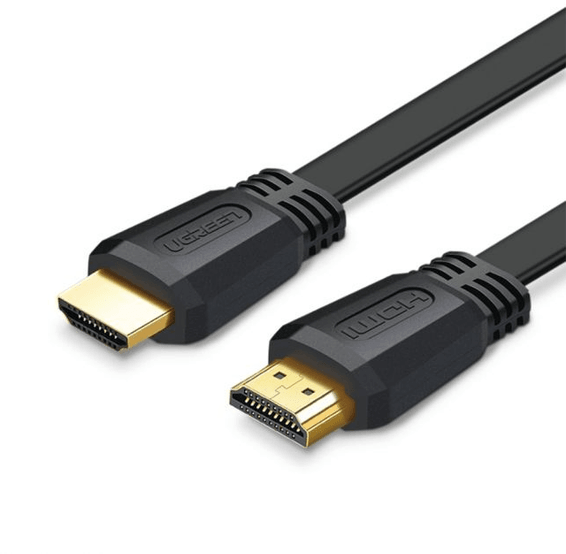
An HDMI 2.0b cable, the external power adapter and the quick guide. The DisplayPort cable is not included: you will need one to use that input, bearing in mind that the supplied HDMI cable is already enough for 1080p at 144 Hz.
Is the stand height-adjustable?
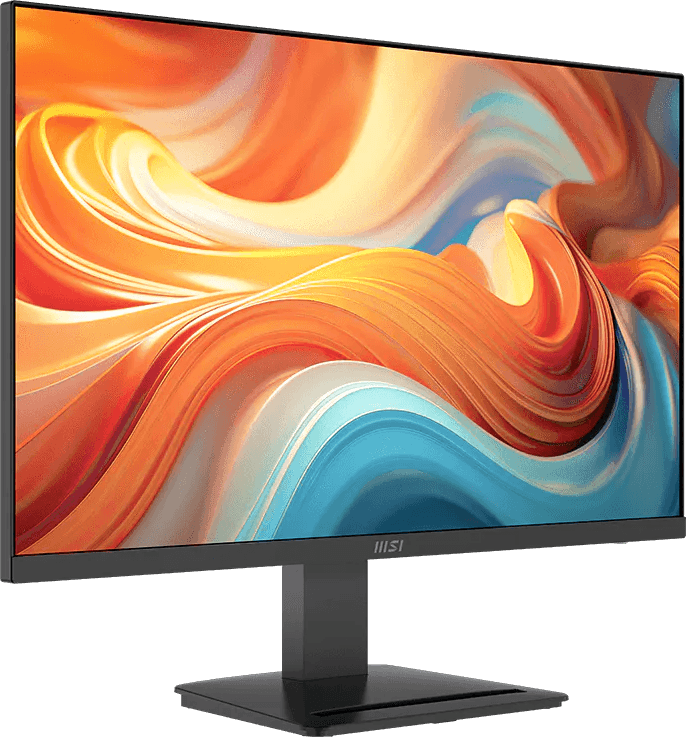
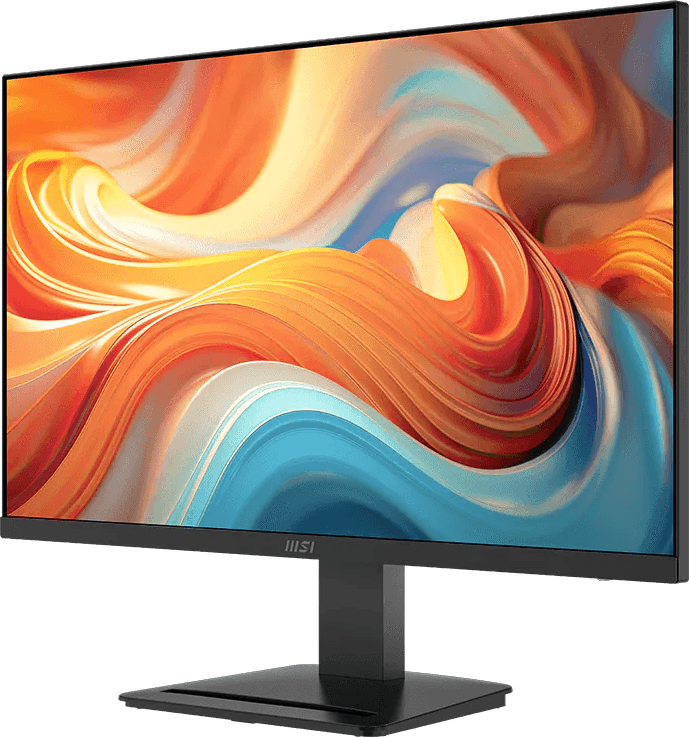
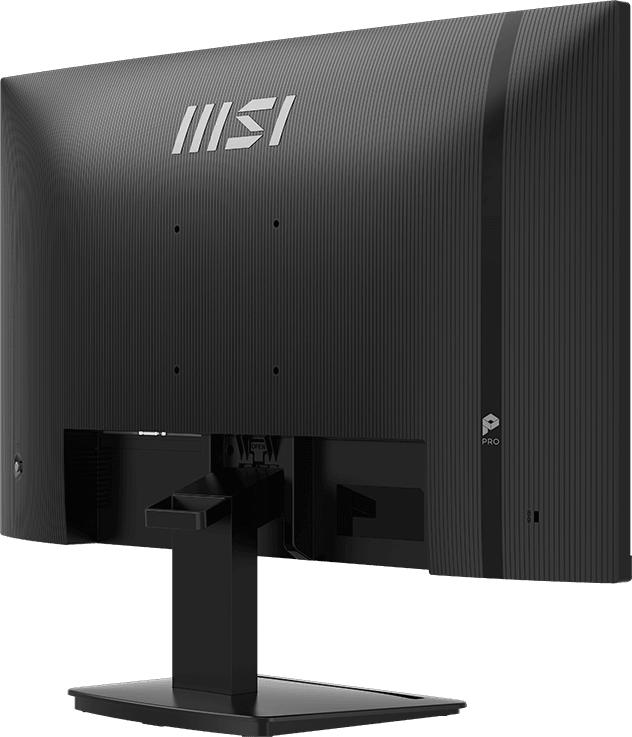
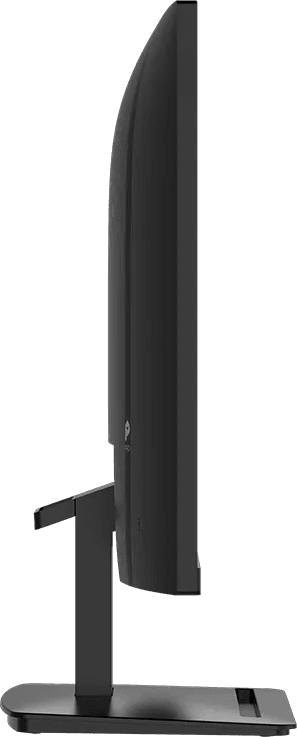
No, the stand only offers tilt, from −5° to +20°: no height adjustment, no swivel and no portrait rotation. If height matters for your posture, the VESA 100 × 100 mount lets you move to a desk arm or a wall mount.
Can a mini PC be mounted behind the monitor?
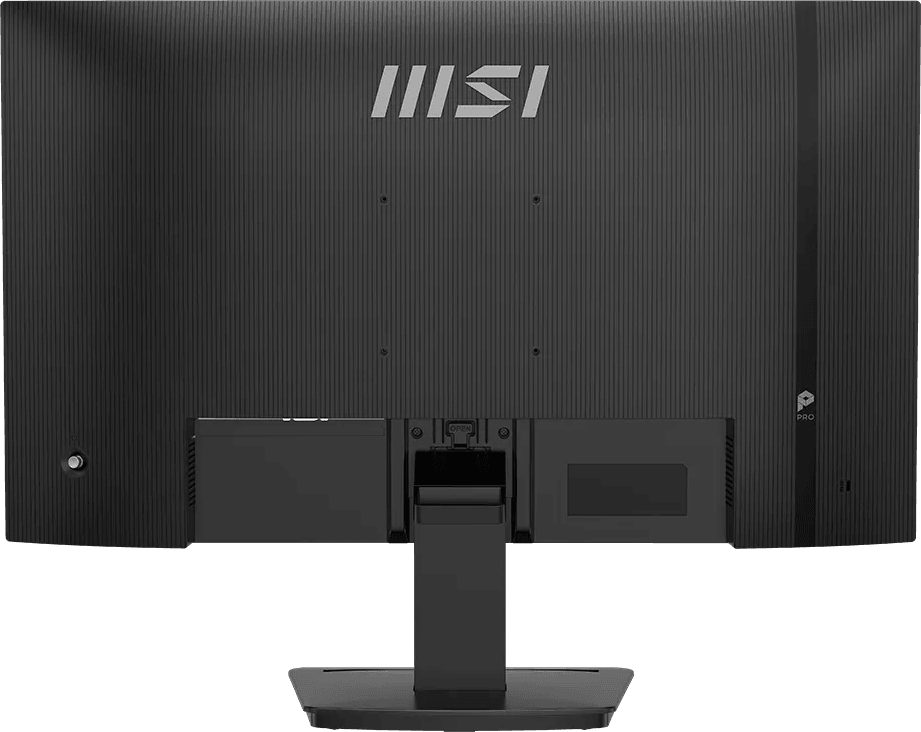
Yes. The VESA 100 × 100 mount accepts a mini PC fitted at the back, and MSI Power Link technology, via HDMI CEC, then lets you turn on that mini PC with the monitor's button. An accessory slot is provided to store cables and adapters.
Is the panel suitable for serious photo retouching?
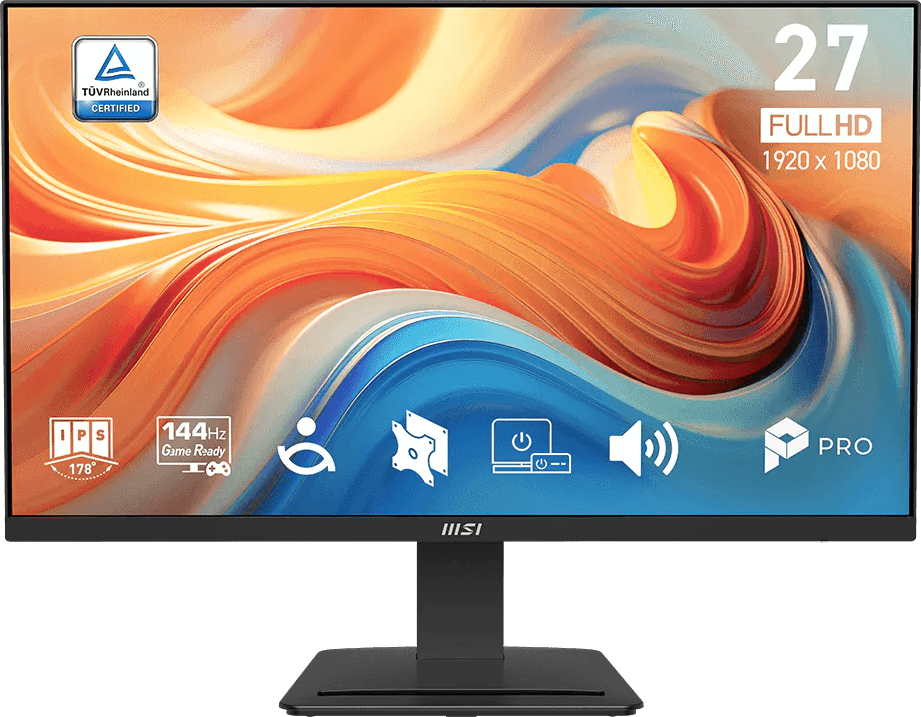
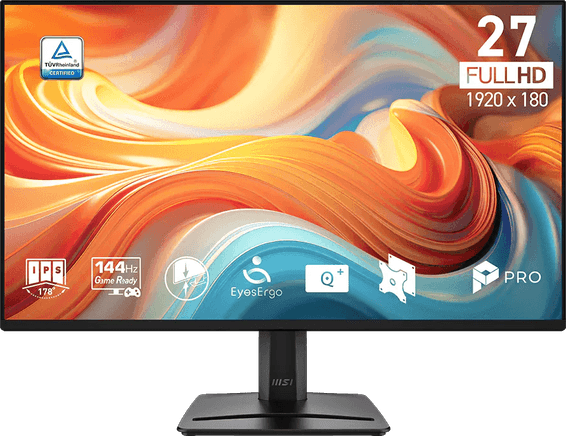
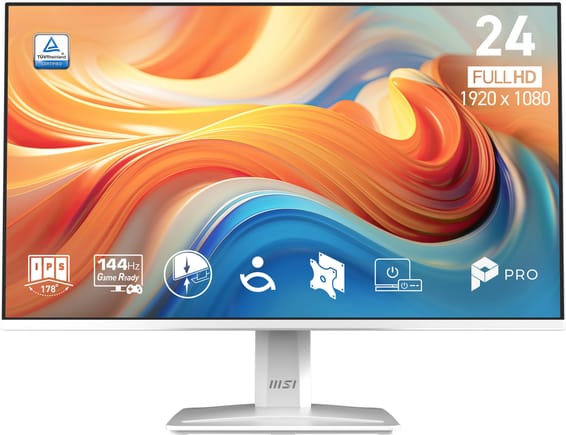
For office work, light editing and multimedia, yes: IPS panel, 178° viewing angles, 102% sRGB and an anti-glare surface. For professional colour work, be cautious: the 16.7 million colours are achieved with 6-bit + FRC, and brightness peaks at 250 cd/m².
Can you connect a PlayStation 5 or an Xbox to it?
Yes, the inputs are listed as compatible with PC, Mac, PS5, PS4, Xbox, mobile devices and laptops. HDMI 2.0 delivers 1080p at up to 144 Hz, and AMD FreeSync smooths the image between 48 and 144 Hz, eliminating tearing when the frame rate varies.
Does it support PIP/PBP dual-source display or a KVM switch?
No, neither PIP/PBP nor KVM on this model: one source is displayed at a time, and the keyboard and mouse cannot be shared between two machines. The supported functions are HDMI CEC (MSI Power Link) and firmware updates; input switching is done with the 5-way joystick.
Are there speakers, a webcam and a headphone jack?
Two 3 W speakers are built in, with a headphone output for switching to private listening. There is no built-in webcam: for video conferencing, you need to add an external camera.
Is it comfortable for long days in front of the screen?
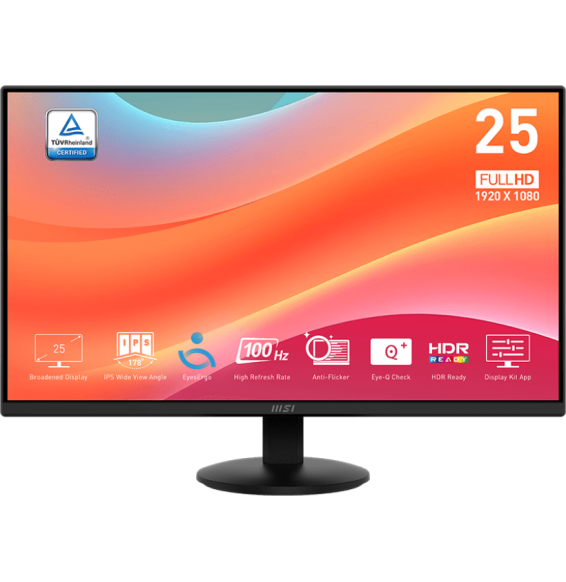
Three features contribute to this: anti-flicker technology, blue light reduction and the Eye-Q Check function, which offers an eyesight self-test and reminds you to take breaks. The anti-glare surface also limits reflections from a window or a ceiling light.
Can the monitor's firmware be updated?
Yes: you can update the firmware yourself via the DisplayPort connector whenever MSI releases a new version. The monitor thus stays in its best-optimised state without going to a repair workshop.
Is the power supply built into the monitor, or is a power brick needed?
It uses an external 12 V / 3 A power adapter: allow room for the brick on the desk or on the floor. It accepts 100–240 V at 50/60 Hz, and the monitor is Energy Star, CB and CE certified.
How much space does it take up on a desk, and can it be wall-mounted?
With its stand, it measures 613 × 201 × 471 mm and weighs 4.1 kg. Without the stand, its depth drops to 59.6 mm: mounted on a wall or an arm using VESA 100 × 100, it frees up the entire work surface.
Is the MSI PRO MP273 E14A monitor new and under warranty?
Yes: a
new product, supplied with its invoice, which serves as the warranty document for
1 year. Detailed measurements and functions are given in the
MSI datasheet (PDF).