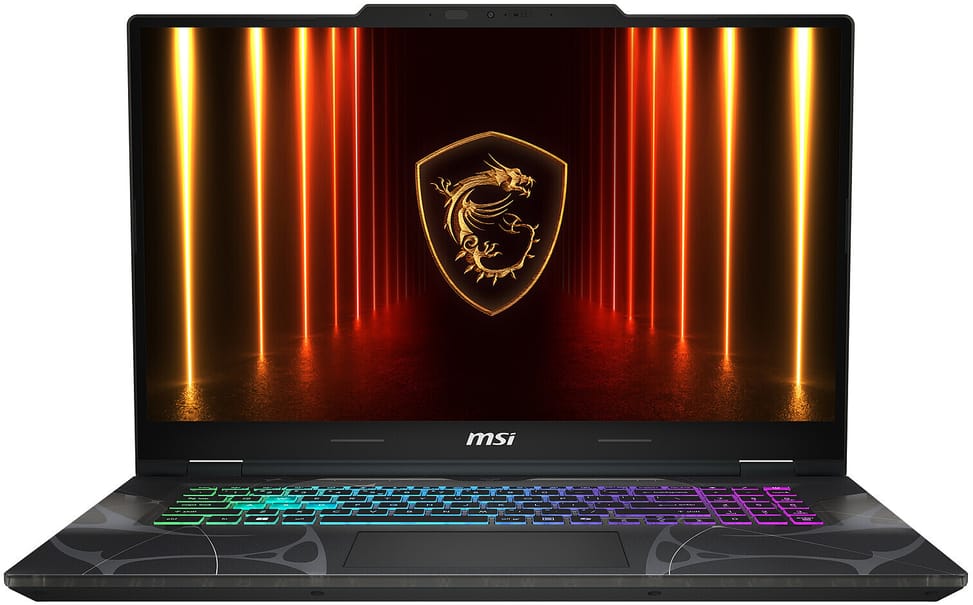
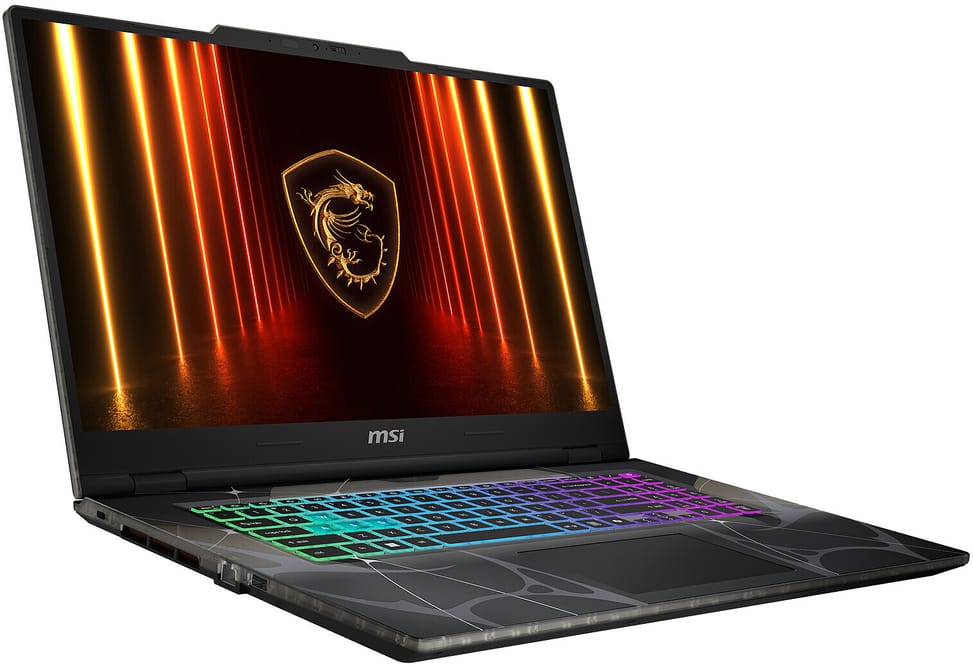
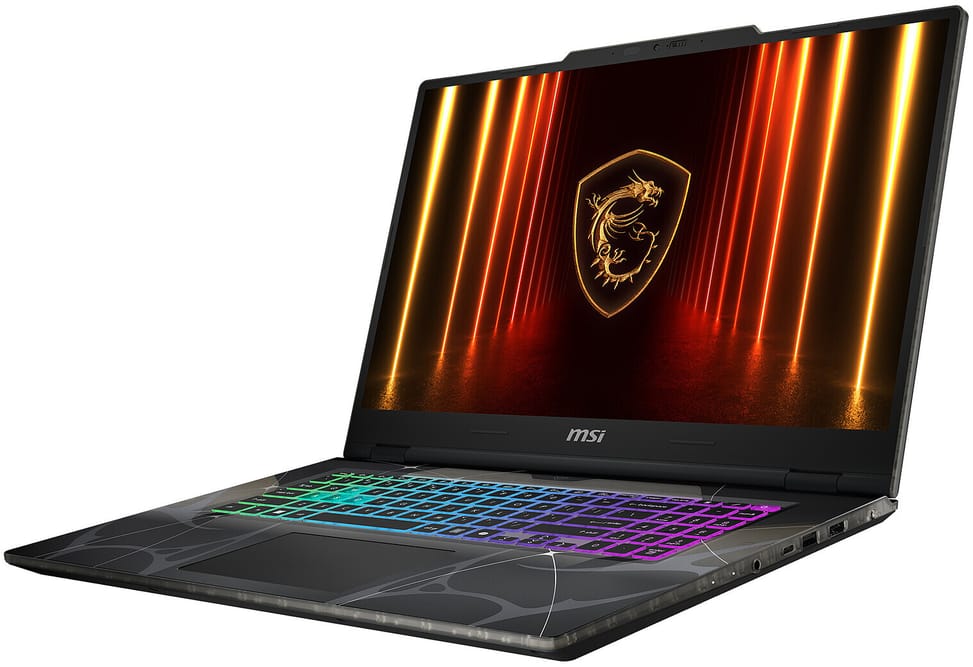
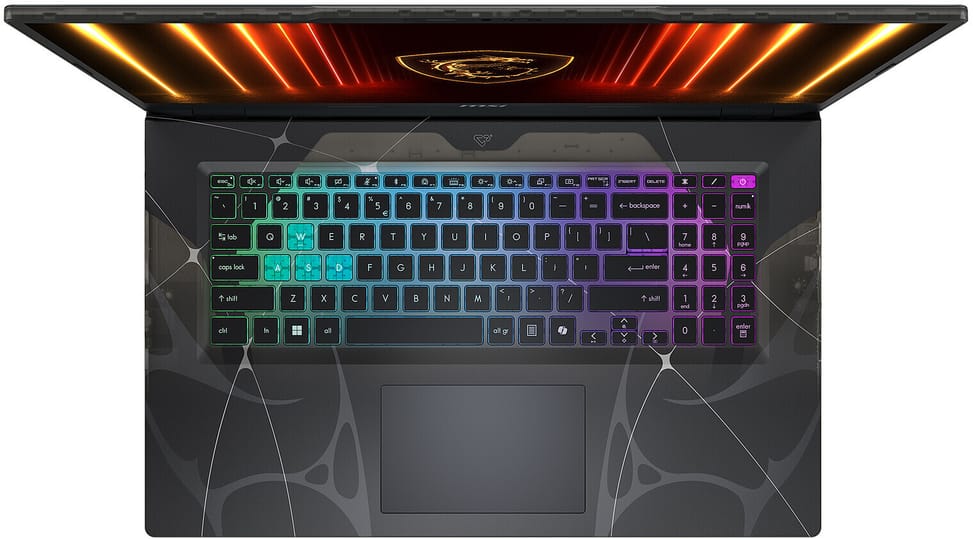
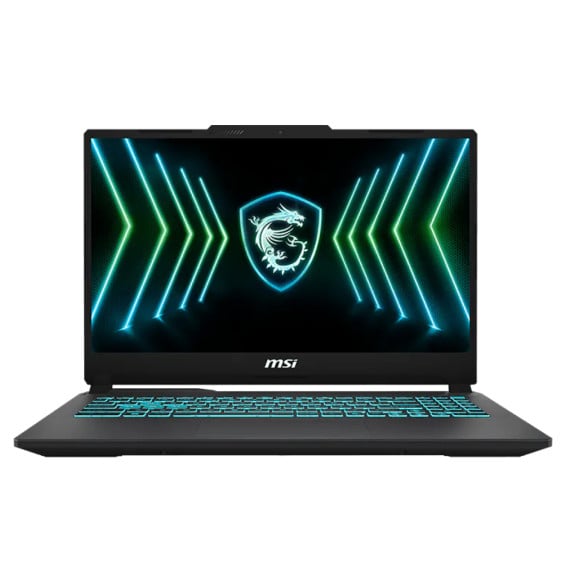
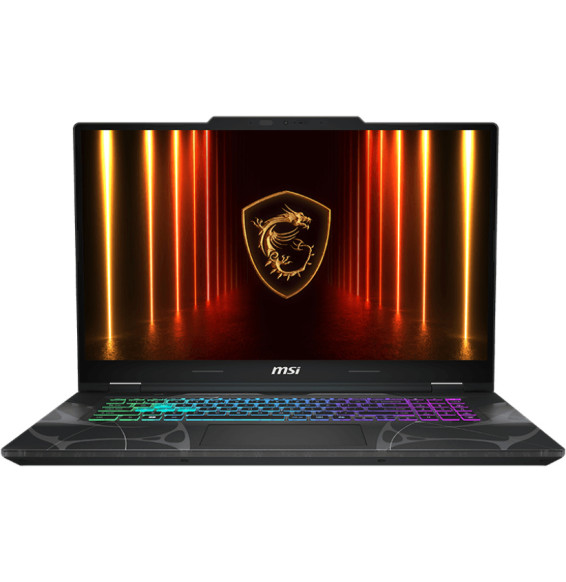
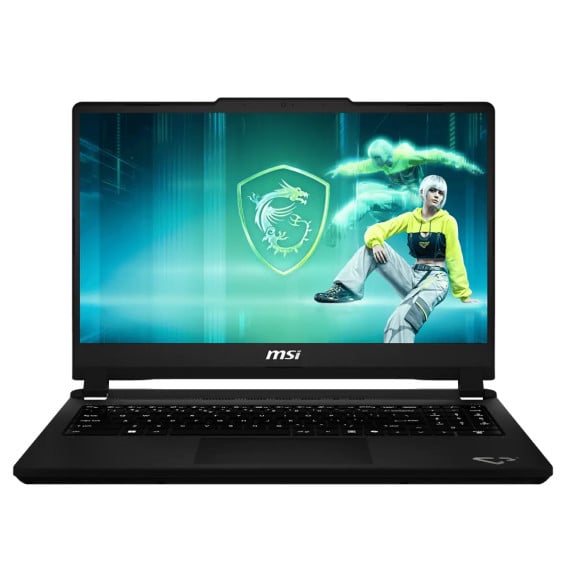
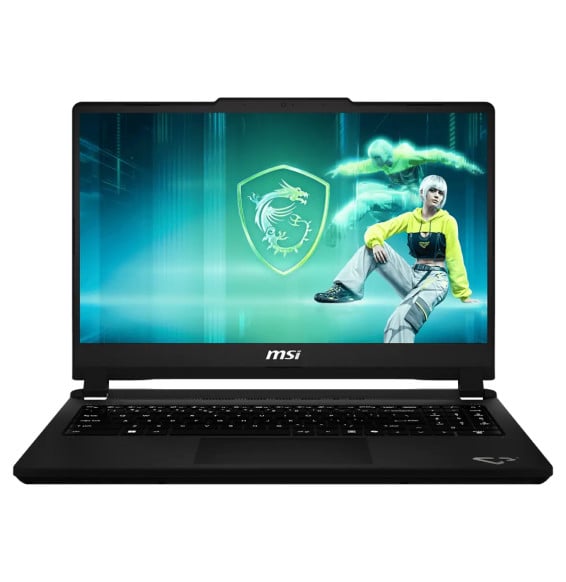
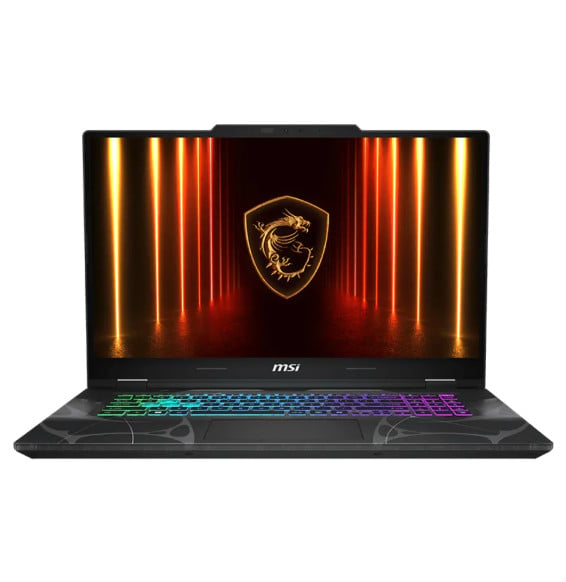
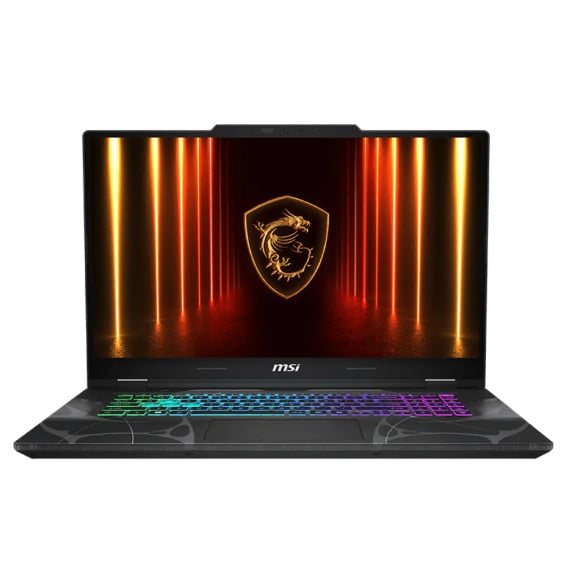
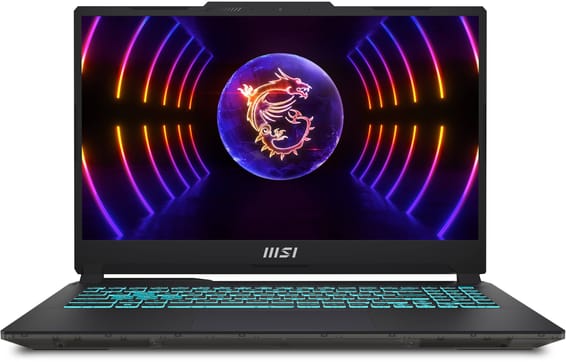
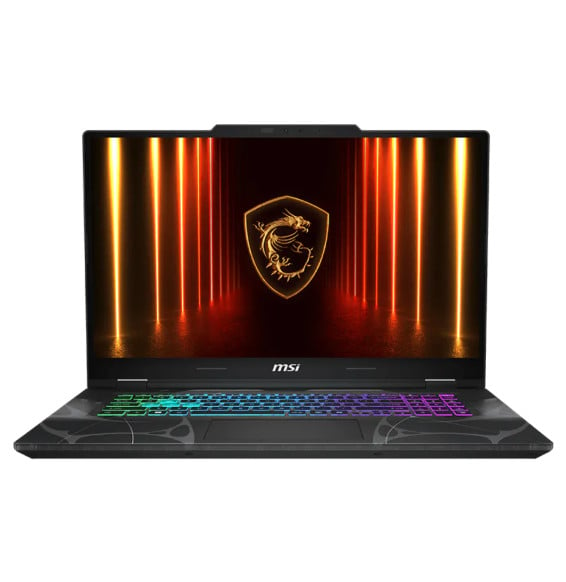
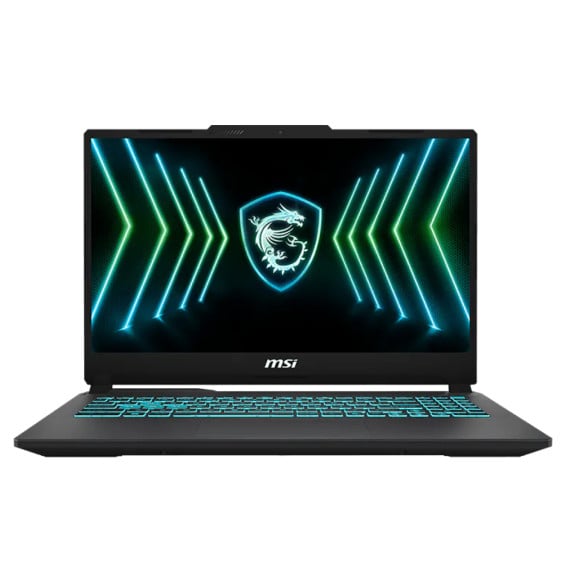
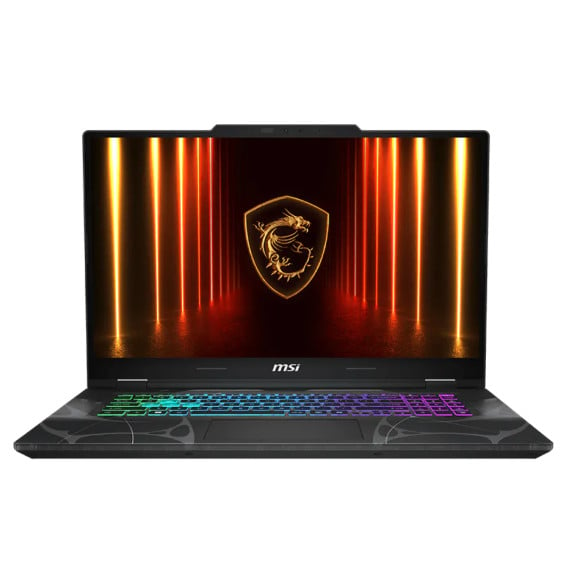
Is Windows installed on this MSI Cyborg 17 B13WFKG-247XMA?
No, it comes with FreeDOS, without Windows. Plan for your own licence, to be installed before first use, or a Linux distribution. The machine is otherwise complete: it is the cost of the licence that is not included.
Can the memory of this MSI Cyborg 17 B13WFKG be upgraded?
Yes, but by replacing the modules. Both slots are already occupied by 2 × 16 GB of DDR5-5200, i.e. 32 GB in dual-channel mode, for a supported maximum of 96 GB. You therefore need to remove the installed modules rather than add one.
Can you replace the SSD in this MSI Cyborg 17 yourself?
MSI asks you to go through a service centre for any change to the drive, and the chassis has only one M.2 slot, occupied by the 1 TB NVMe PCIe Gen4 SSD. This capacity is comfortable for a game library, but it cannot be expanded internally.
Can this MSI Cyborg 17 withstand the rigours of travel?
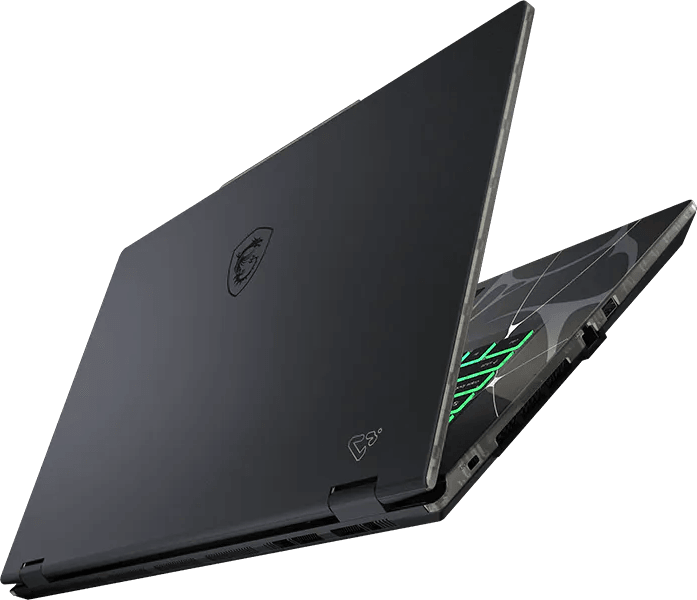
It is stated to comply with the MIL-STD-810H and 810G military standards, the series of tests covering shocks, vibration, humidity and temperature variations. This is uncommon for a gaming laptop, and it matters for a 17-inch machine that gets moved around.
How good is the RTX 5060 in this MSI Cyborg 17 B13WFKG?
It is a dedicated card with 8 GB of GDDR7, set to 55 W maximum, and rated at 572 AI TOPS for artificial intelligence workloads. The power budget matters as much as the model name: two machines with an “RTX 5060” are not equal if one receives more watts.
What difference does a 17.3-inch screen make in everyday use?
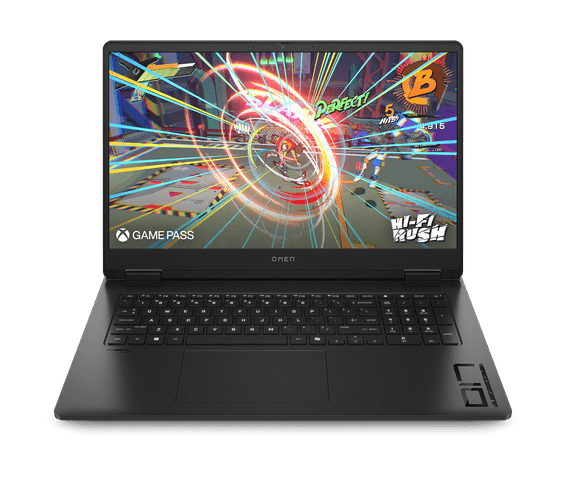
It offers a much larger display area than a 15-inch model, at 144 Hz and Full HD on an IPS-level panel. The trade-off is size: 2.5 kg for 399.3 × 258 mm, a machine that stays on a desk rather than one you carry every day.
Can this MSI Cyborg 17 be charged through its USB-C port?
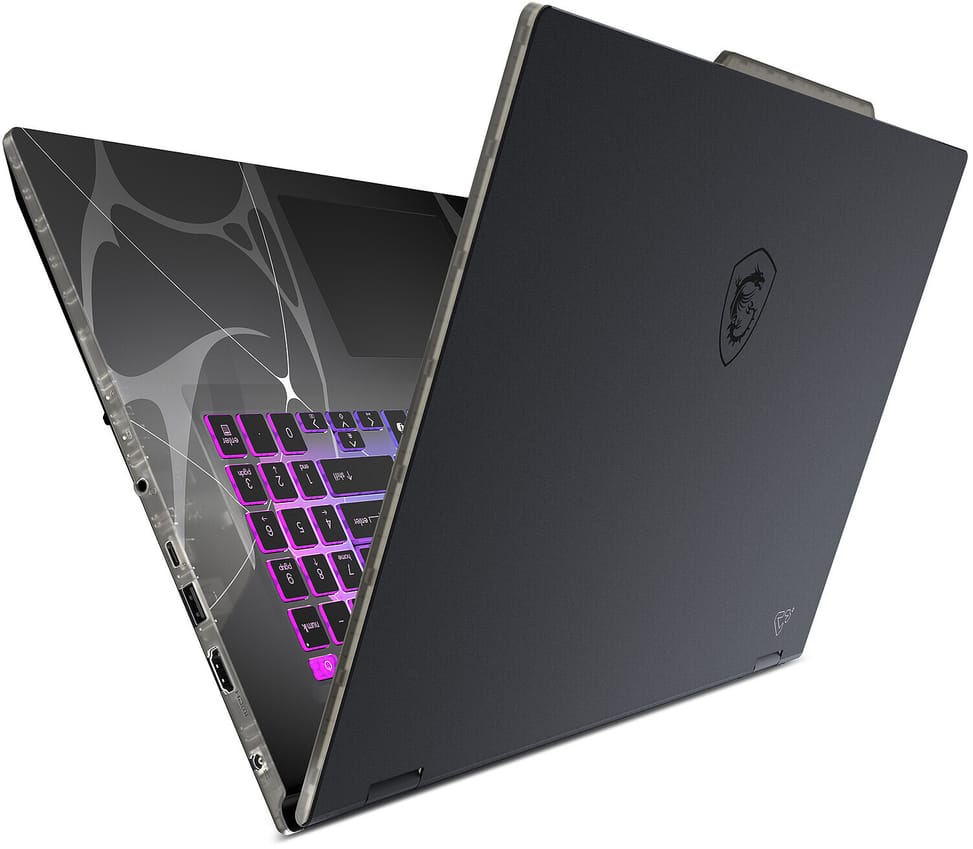
Yes, the USB-C port supports Power Delivery 3.0, as well as DisplayPort and 10 Gbps data. Handy when travelling with a universal charger — bearing in mind that the supplied adapter is a 120 W unit, the power intended to run the processor and graphics card at full load.
Does the webcam on this MSI Cyborg 17 have a privacy shutter?
Yes, a physical shutter covers the lens, and no software can bypass it. The camera itself remains 720p at 30 frames per second, with 3DNR noise reduction. The machine also has an fTPM 2.0 security chip and a Kensington lock slot.
What ports does this MSI Cyborg 17 B13WFKG-247XMA have?
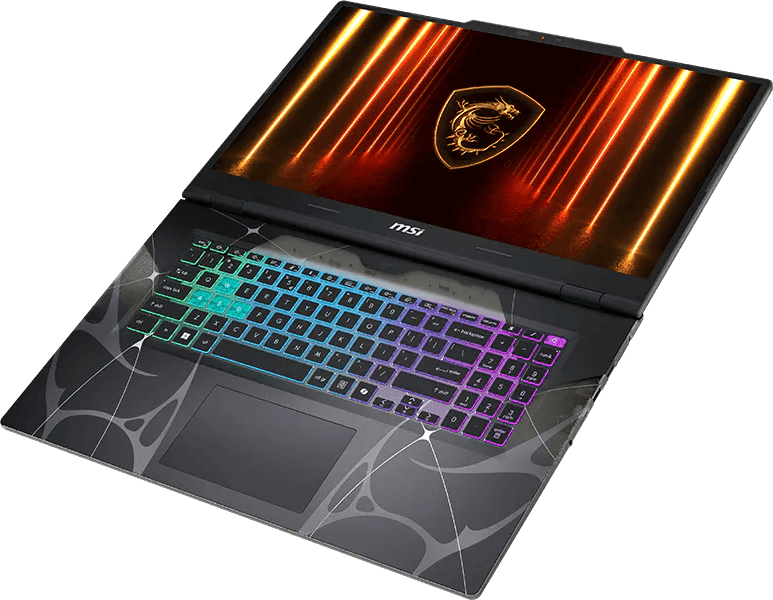
Two USB-A 3.2 Gen 2 ports at 10 Gbps, one USB-C port combining data, video and charging, an HDMI 2.1 port capable of 4K at 60 Hz, a Gigabit network port and a combined headphone/microphone jack.
Does the keyboard on this MSI Cyborg 17 have colour backlighting?
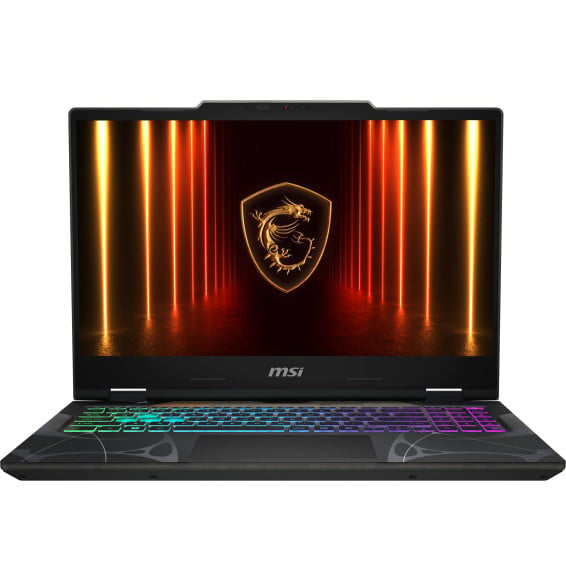
Yes, it is a gaming keyboard with customisable 4-zone RGB backlighting and a Copilot key dedicated to the Windows assistant. The 17-inch format leaves room for comfortable typing during long sessions.
Is this MSI Cyborg 17 B13WFKG-247XMA new and under warranty?
Yes, it is new and sealed, covered by a 1-year warranty for which the purchase invoice serves as the warranty document. It features a 4-cell 55.2 Wh battery, a Gigabit port, Wi-Fi 6E and sound from two 2 W speakers with DTS processing.