Printing in black by default, on a colour machine
A colour laser prints in colour as soon as a document contains any: a logo in the letterhead, a link underlined in blue, a table with tinted headers. The document looks black, and yet all four cartridges are called on.
The HP driver offers a greyscale mode that uses only the black cartridge. Ticked in the machine's printing preferences — and not in a single document's print dialogue, where it will be forgotten by the next day — it becomes the workstation's default behaviour. Documents that deserve colour can still be printed: you simply untick it case by case.
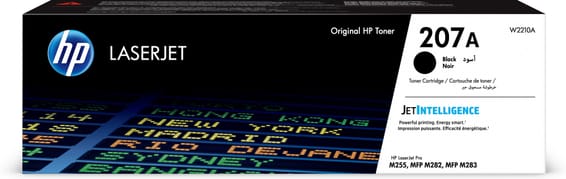
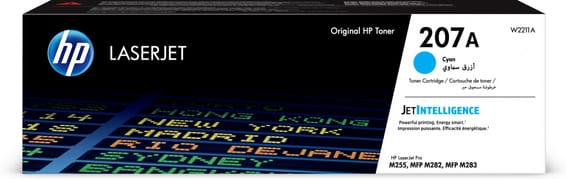
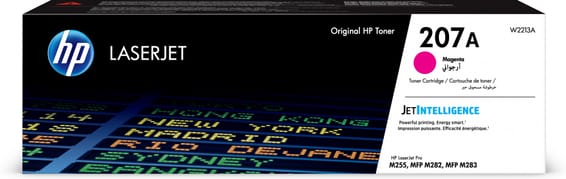
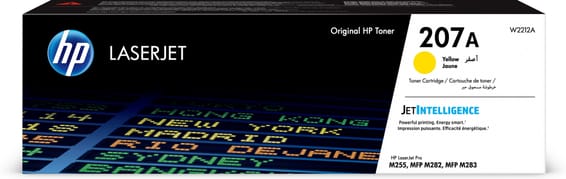
The trade-off is easy to state: the black holds 1,350 pages, the colours 1,250 each. Three cartridges opened for a logo means three orders instead of one.
A wired machine: the setting is made once
The M283fdn is connected to the network over Ethernet and has no Wi-Fi. So every print goes through a workstation with a driver installed — which is exactly where the default setting lives and where it holds over time.
On a wireless machine, some jobs arrive from a phone or a tablet, going through neither that driver nor its preferences. Here there is only one route to set, and the number of workstations concerned is known.
What the feeder and the fax add to the counter
The M283fdn has an automatic document feeder, a scanner and a fax. Copying and incoming faxes print without any computer knowing: they escape the driver setting, and they explain a good part of the gap between estimated volume and real consumption.
On the machine's panel, copying offers a black and white mode of its own. It is the same habit to adopt as at the workstation, and it applies to everyone who walks past the machine without ever opening a driver.
A fleet of printers to keep supplied?
We draw up the list of consumables for your whole fleet and a single grouped quote. Invoice in your company's name with its ICE number, delivery anywhere in Morocco.