Welcome to the new iris.ma

We rebuilt everything for you

Same team, same standards

Pay nowView my order
Visit the Canon store

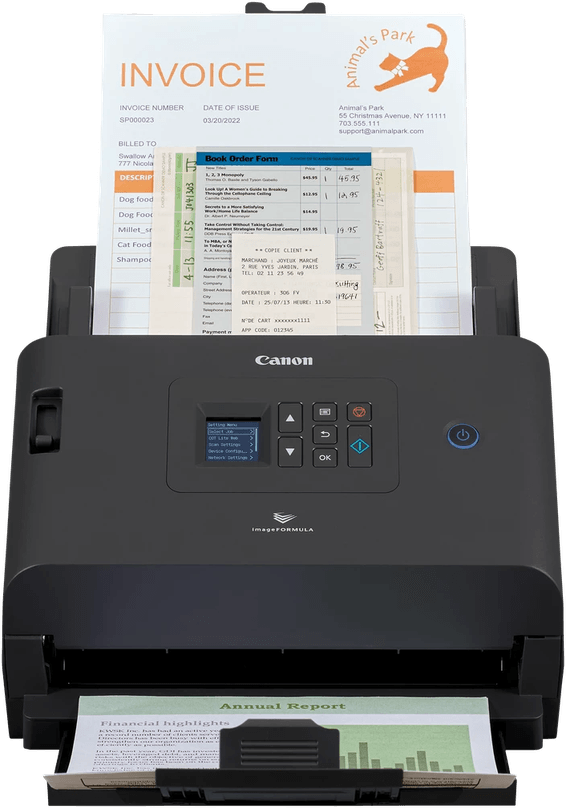
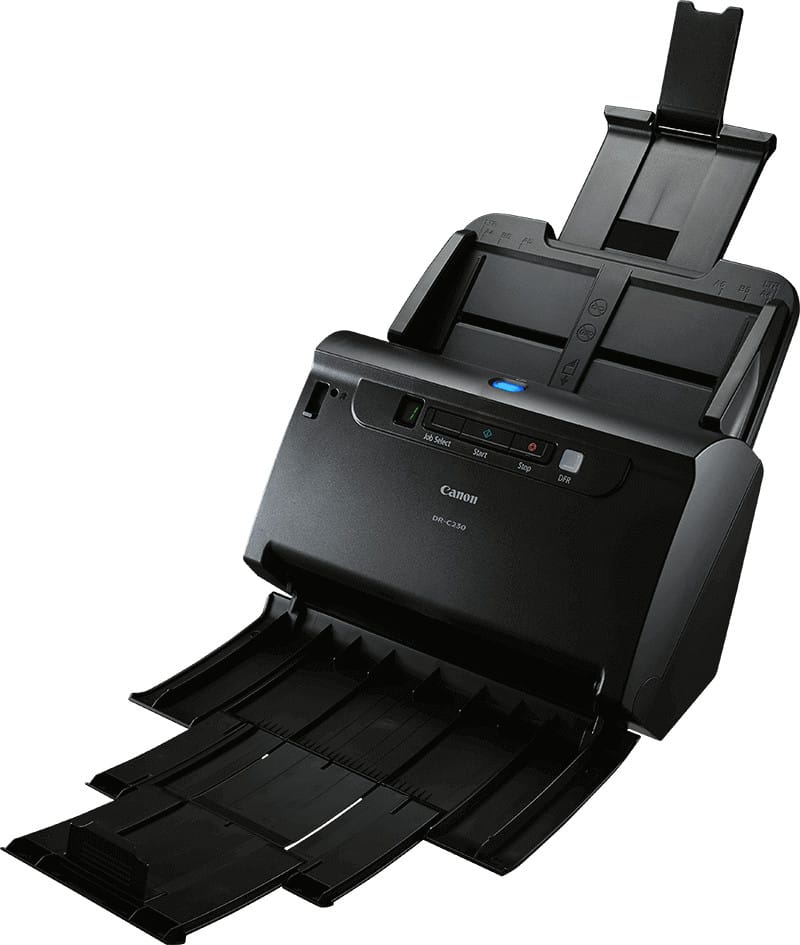
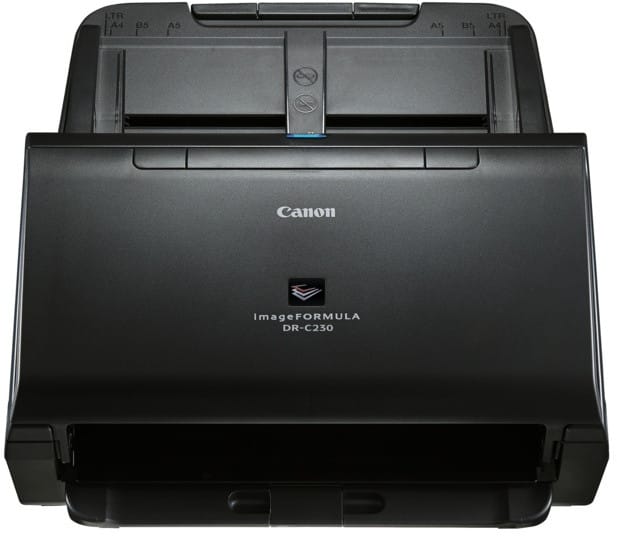
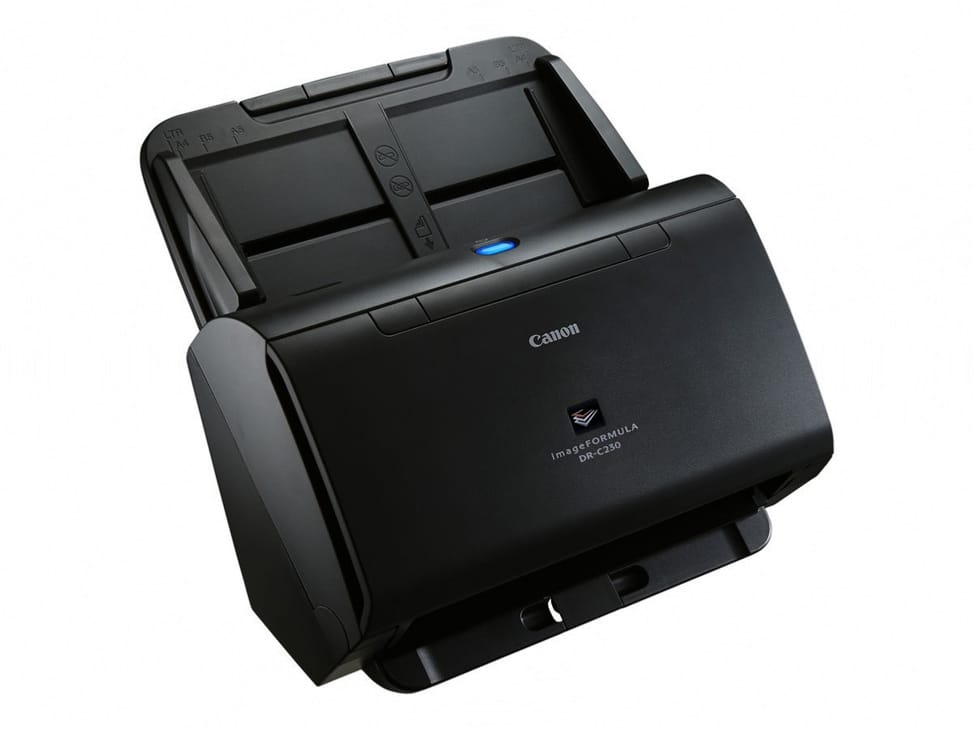
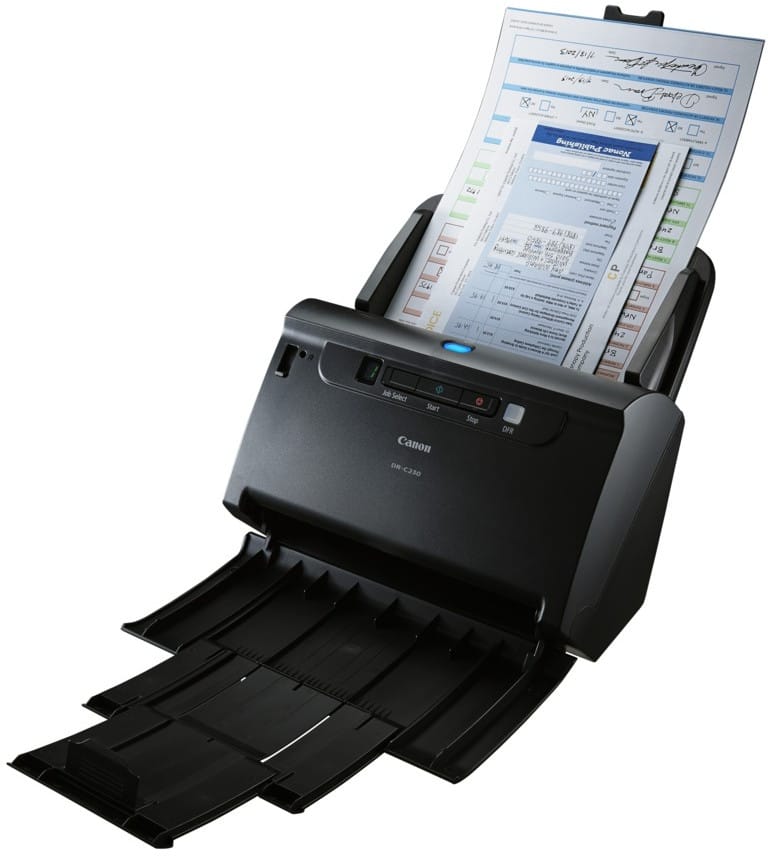
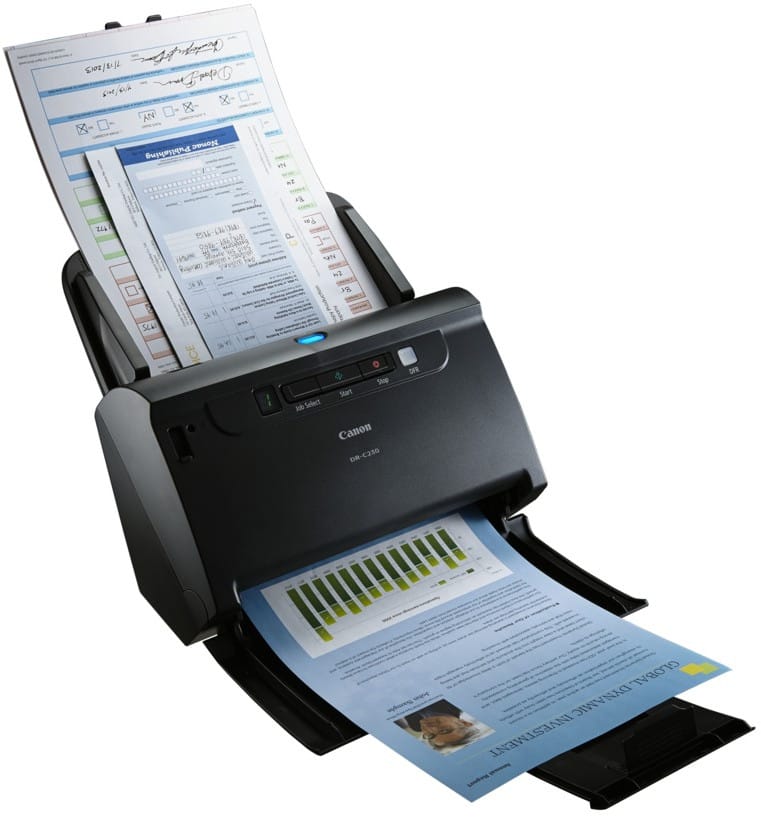
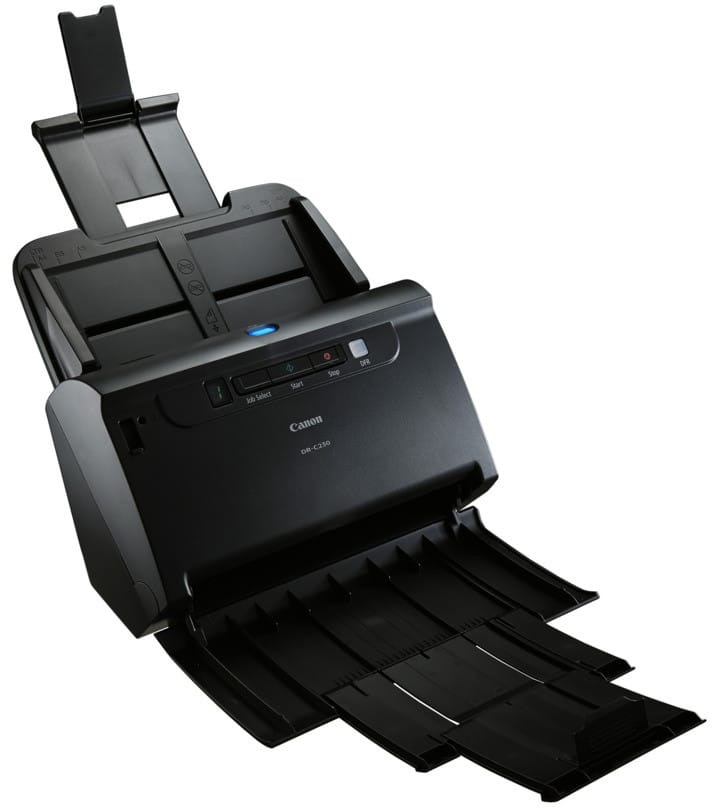
Canon imageFORMULA DR-C230 Scanner (2646C003)

Compact sheet-fed scanner with automatic duplex, a 60-sheet feeder, 30 pages/min and a USB 2.0 connection, for heavy use of up to 4,500 pages/day.

  • Speed 30 pages/min (60 in duplex)
  • 60-sheet automatic feeder
  • Automatic duplex in a single pass
  • USB 2.0, up to 4,500 pages/day
Ref.: 2646C003
4 799,00 DHincl. VAT

Out of stock

Under Law 09-08, you have the right to access, rectify and object to the processing of your personal data. This processing has been authorised by the CNDP under no. D-CE-389/2015. Learn more

Can’t wait?

Ask for an alternative on WhatsApp

Quick reply

Manufacturer's datasheetView the PDF · 860 Ko — downloadable

Product overview

Compact sheet-fed scanner for the office: 30 pages/min, automatic duplex, robust.
Type: sheet-fed scanner — the sheets run through an automatic document feeder.
Speed: 30 pages/min (60 images/min in duplex, 300 dpi) — a good pace.
Duplex: automatic in a single pass, both sides at once.
Feeder: 60 sheets — good capacity.
Optical resolution: 600 dpi · format up to A4, folio mode up to A3, long documents up to 3 m.
Recommended volume: 2,000 to 4,500 scans/day — heavy-duty volumes.
Security: double-feed detection — no stuck-together sheet is ever skipped.
Connectivity: USB 2.0.
A compact, robust office scanner for digitising documents every day.

See all the specifications ↓
Request a quoteShare:

Technical specifications

Technical specifications
Scanner typeSheet-fed (ADF only)
Maximum optical resolution600 dpi (optical)
Output resolutions150 / 200 / 240 / 300 / 400 / 600 dpi
Bit depth24-bit (colour)
Greyscale levels256 levels (8-bit)
Automatic document feeder capacity60 sheets (80 g/m²)
ADF scan speed30 ppm / 60 ipm at 300 dpi in black and white and in colour
Maximum flatbed scan sizeNo flatbed scanner
Maximum ADF scan size50.8 x 54 mm to 216 x 356 mm
Maximum page length3,000 mm (long document mode)
Supported media typesPaper, laminated cards including embossed up to 1.4 mm (53.9 x 85.5 mm), passports up to 4 mm with carrier sheet; A3 by folding in folio mode
Media weight (ADF)27 to 209 g/m² (0.06 to 0.25 mm)
Double-feed detectionUltrasonic or by length measurement, with double-feed release
ConnectivityHigh-speed USB 2.0
Additional featuresAutomatic page size detection, deskew correction, three-dimensional colour correction, RGB colour dropout, RGB colour enhancement, automatic colour detection, shadow cropping, MultiStream, adjustable gamma settings, blank page removal, folio mode, scan area setting, batch separation by blank sheet or patch code, moiré reduction, removal of bleed-through noise and background, contrast adjustment, background smoothing, automatic resolution setting
Dimensions (W x D x H)291 x 253 x 231 mm with trays closed, 291 x 603 x 363 mm with trays open
Net weightApprox. 2.8 kg
Sensor type1-line CIS CMOS, RGB LED light source
Technical specifications (continued)
Compatible operating systemsWindows 10, 8.1 and 7 SP1, Windows Server 2008 R2 SP1, 2012 R2 and 2016 · macOS 10.10 to 10.12
Scanner driversISIS and TWAIN (Windows), TWAIN (macOS)
Automatic document feederYes
DuplexYes
Max. paper sizeUp to A4
Optical resolution600 dpi
Colour depth24-bit
Power supply100 to 240 V AC, 50/60 Hz
Included softwareCapturePerfect, CaptureOnTouch V4
Duty cycle2,000 to 4,500 scans per day
Power consumptionScanning: 19 W maximum · Sleep: 1.4 W maximum · Off: 0.1 W maximum
Document separationSeparation roller
Scan speed25 to 39 ppm
Duplex scanningAutomatic single-pass duplex
Paper sizesUp to A4
EthernetNo
Wi-FiNo
Warranty1 year

Specific references

EAN4528472107882

Customer reviews

No reviews yet

Be the first to review this product and help other customers.

Write a review
Your rating
5/5

Shown publicly with your review.

Never published — a confirmation email will be sent to you.

Tell us about the product — in a few lines:

  • what you liked in everyday use;
  • the quality and performance you found;
  • who you would recommend it to, and why.

A question about an order, a delivery or a payment? Write to us and we will reply to you directly.

Under Law 09-08, you have the right to access, rectify and object to the processing of your personal data. This processing has been authorised by the CNDP under no. D-CE-389/2015. Learn more

Frequently asked questions about this product

How fast is the Canon DR-C230 scanner?
30 pages/min and 60 images/min at 300 dpi, with duplex scanning in a single pass: both sides are read simultaneously, without turning the stack over or restarting the job.
How many sheets does the Canon DR-C230's feeder hold?
60 sheets of 80 g/m² paper, for a recommended workload of 2,000 to 4,500 scans per day. That is twice the capacity of the DR-C225 II, for a similar footprint.
Can the Canon DR-C230 scan an A3 document?
Yes, using folio mode: the A3 sheet is folded in half, goes through the feeder, and the two halves are stitched back into a single image. It also accepts long documents up to 3 metres.
Which papers does the Canon DR-C230 accept?
Sheets from 50.8 to 216 mm wide and 54 to 356 mm long, weighing 27 to 209 g/m², i.e. 0.06 to 0.25 mm thick. Onion-skin paper and light card alike therefore go through without any special setting.
Does the Canon DR-C230 scanner connect to the network?
No: it connects to a computer via Hi-Speed USB 2.0, with no Ethernet or Wi-Fi. It is a desktop scanner, to be installed next to the computer that will process and file the documents.
What is the scan quality of the Canon DR-C230?
600 x 600 dpi optical resolution, in 24-bit colour or 256 shades of grey. That is the resolution expected for document archiving: beyond it, files get bigger without text becoming any more legible.
Is the Canon imageFORMULA DR-C230 scanner new and under warranty?
New, reference 2646C003, in original Canon packaging. The invoice serves as the warranty document for 1 year. The Canon datasheet sets out the full specifications.

Trending

View the Canon archive

Chat on WhatsApp

Scan with my phone

The simplest way: open your phone camera and point it at this code. The chat opens with your message ready.

Open WhatsApp Web

Works if your phone is already linked to this computer.

Prefer to call? (+212) 05 30 31 64 21