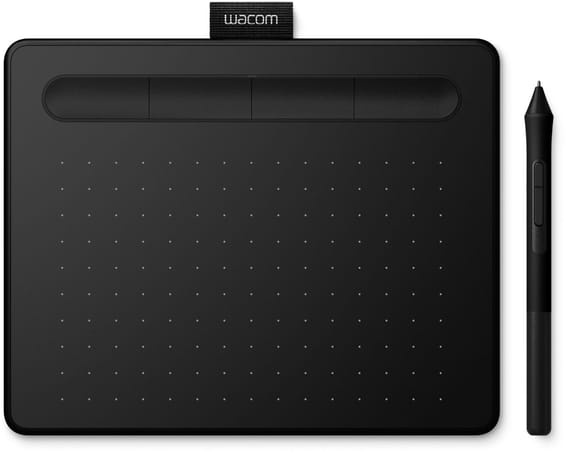
Welcome to the new iris.ma

We rebuilt everything for you

Same team, same standards

Pay nowView my order
Visit the Wacom store

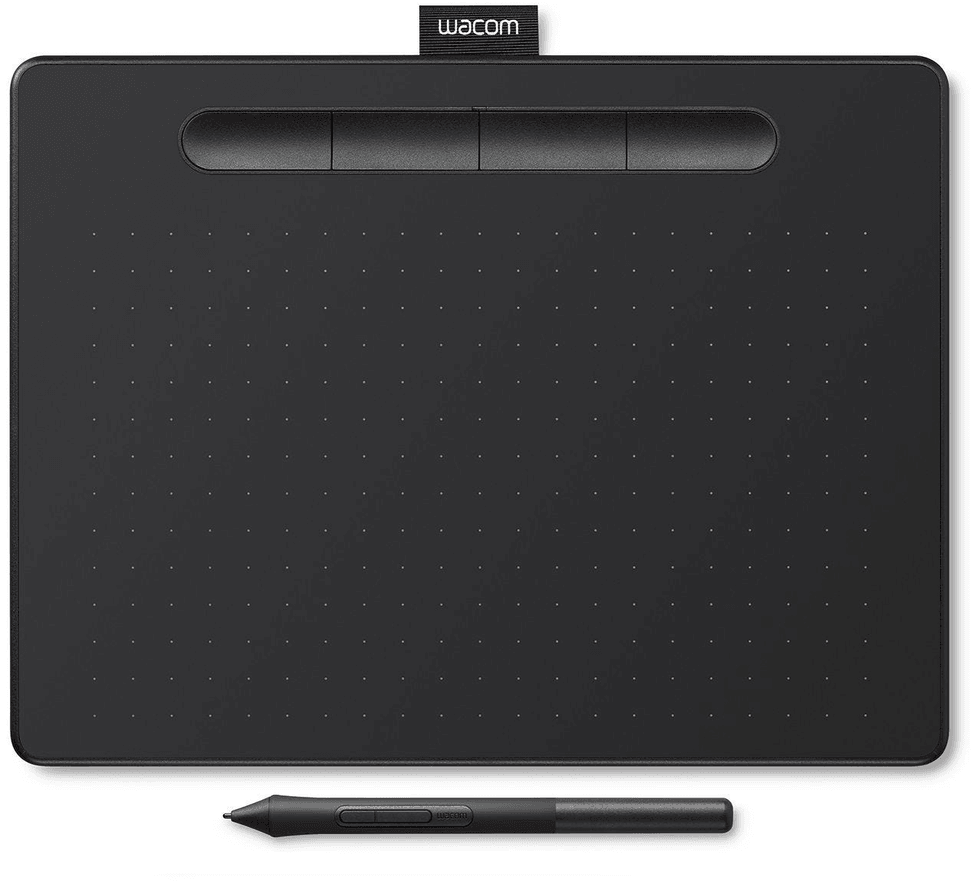
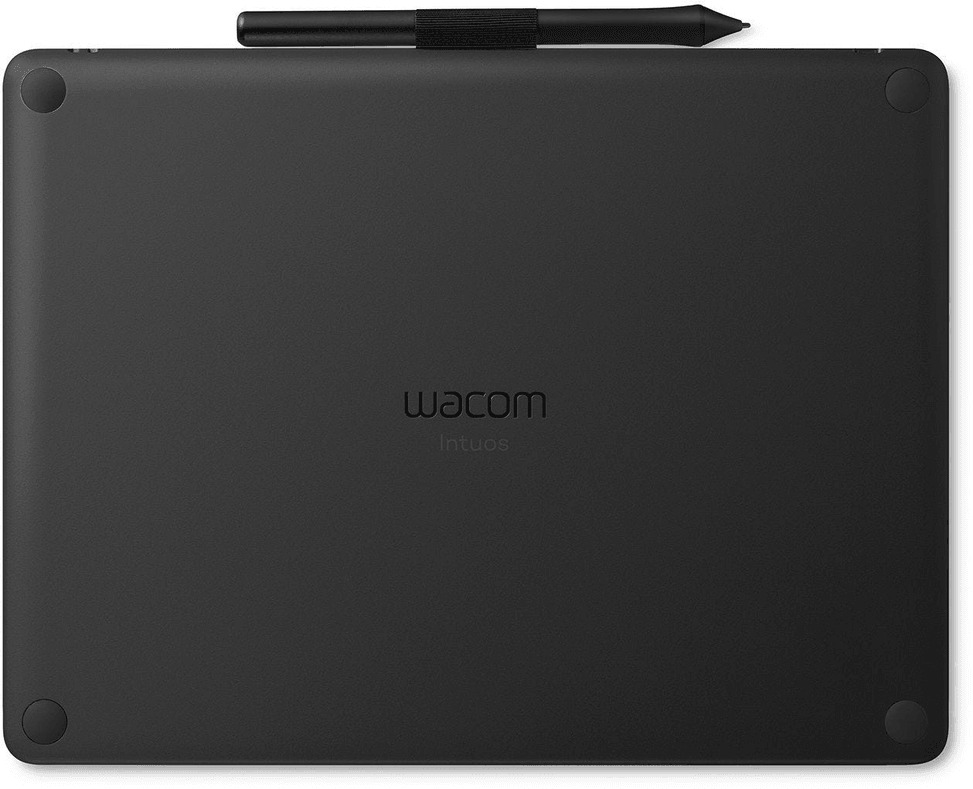
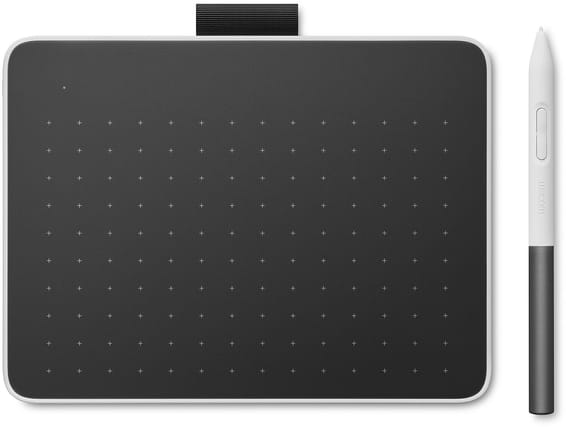
Wacom Intuos Medium Graphics Tablet Black (non-Bluetooth) (CTL-6100K-B)

A 216 × 135 mm format to draw comfortably on a desk while watching the computer screen. The battery-free Wacom 4K pen renders 4096 pressure levels, and customisable shortcut keys keep your tools within finger reach.
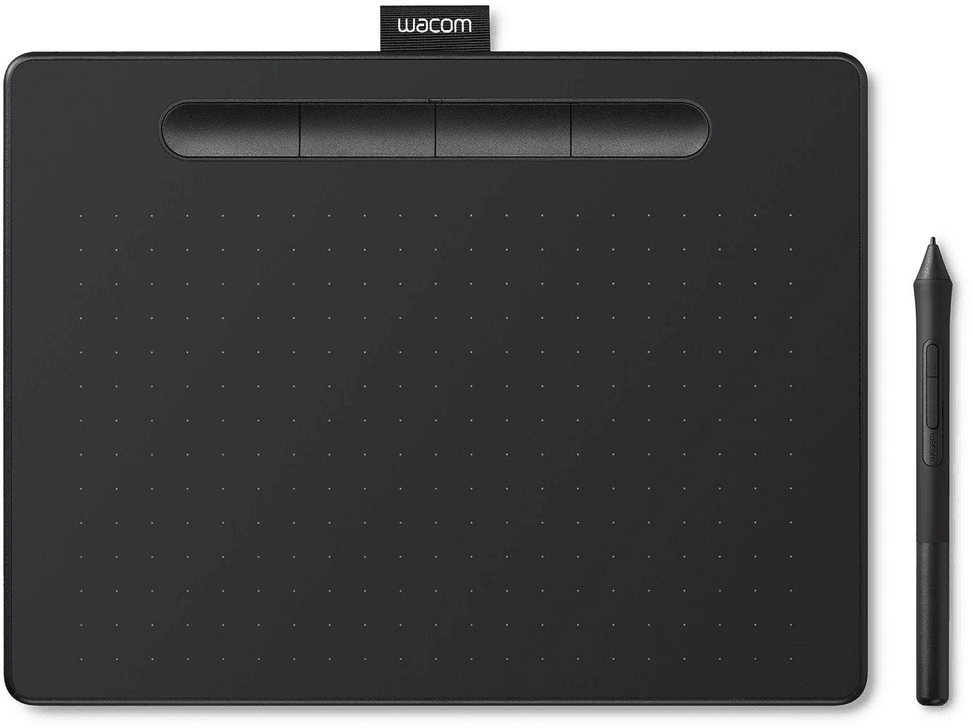
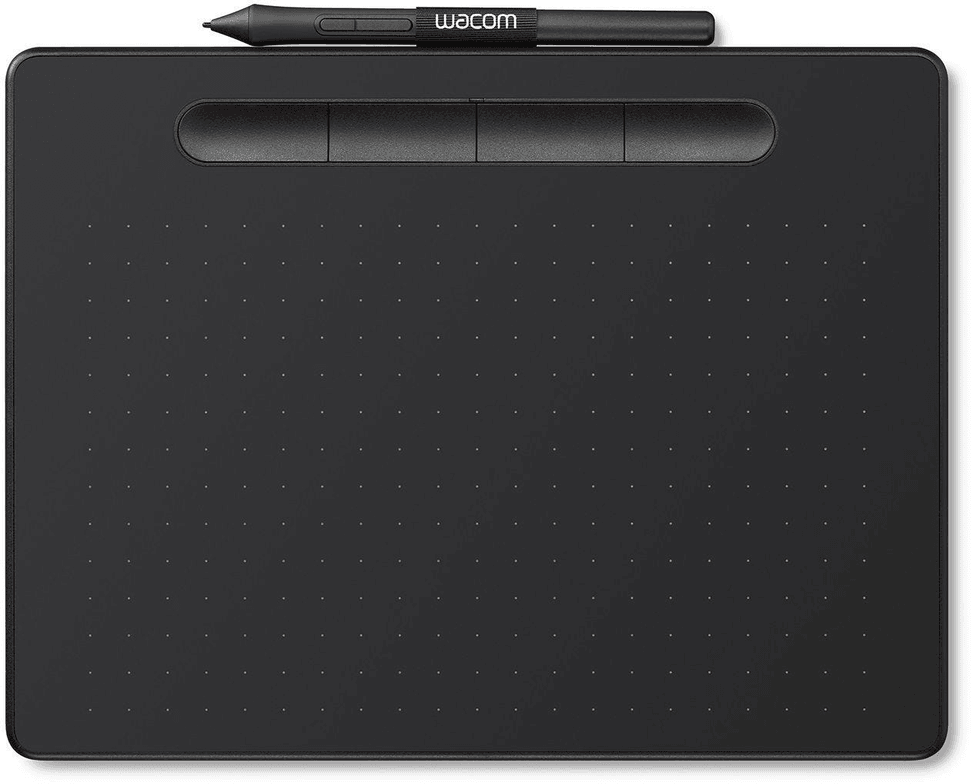
  • No display: you draw on the surface and watch the computer screen
  • Active area 216 × 135 mm
  • 4096 pressure levels
  • Battery-free, cordless Wacom 4K pen (LP-1100K)
  • Customisable ExpressKeys
  • Resolution 2540 lpi
  • Read speed 133 points/s
  • USB connection, compatible with Windows and Mac
  • Thickness 8.8 mm, weight 410 g
Ref.: CTL-6100K-B
1 069,00 DHincl. VAT

Out of stock

Under Law 09-08, you have the right to access, rectify and object to the processing of your personal data. This processing has been authorised by the CNDP under no. D-CE-389/2015. Learn more

Can’t wait?

Ask for an alternative on WhatsApp

Quick reply

Product overview

Medium-size graphics tablet for everyday digital drawing: no screen, battery-free pen and large surface.
Type: pen tablet without a screen — you draw on the surface while looking at your computer screen
Active area: 216 × 135 mm (medium size), comfortable for broad strokes
Pen: Wacom Pen 4K, battery-free and wireless · 4096 pressure levels for finely nuanced strokes · 133 points/s report rate
Connectivity: USB cable · compatible with Windows and Mac
Bonus: customisable ExpressKeys for your shortcuts
A spacious, precise tablet, ideal for learning or improving your skills in digital drawing, illustration and photo retouching.

See all the specifications ↓
Request a quoteShare:

Technical specifications

Technical specifications
Compatible operating systemsWindows 7 or later (excluding Windows 10 S), macOS X 10.11 or later; standard USB Type-A port
Battery lifeNo battery
Product typeScreenless graphics tablet with pressure-sensitive pen
Tablet size264 × 200 × 8.8 mm
Active area216 × 135 mm
Keys/buttons4 customisable, application-specific ExpressKeys; 2 side buttons on the pen
Pressure levels4,096 levels
Tilt recognitionNo
Multi-touch inputNo
ConnectivityUSB-A; security cable slot
Weight410 g
Technical specifications (continued)
Resolution2540 lpi
StylusWacom 4K pen (LP-1100K), pressure-sensitive, cordless and battery-free (electromagnetic resonance), 2 customisable side buttons
Read speed (stylus)133 pps
ErgonomicsRight- or left-handed use; ergonomic-grip pen
Cable includedPVC-free USB cable with cable holder and L-shaped connector
Tablet typeScreenless tablet (you look at the computer screen)
Drawing area sizeMedium format (10 to 12 inches)
Wireless connectionNo — wired connection
Pen pressure levels4,096
Compatible withWindows, macOS
Warranty1 year

Specific references

EAN4949268622806

Customer reviews

No reviews yet

Be the first to review this product and help other customers.

Write a review
Your rating
5/5

Shown publicly with your review.

Never published — a confirmation email will be sent to you.

Tell us about the product — in a few lines:

  • what you liked in everyday use;
  • the quality and performance you found;
  • who you would recommend it to, and why.

A question about an order, a delivery or a payment? Write to us and we will reply to you directly.

Under Law 09-08, you have the right to access, rectify and object to the processing of your personal data. This processing has been authorised by the CNDP under no. D-CE-389/2015. Learn more

Frequently asked questions about this product

Does the medium Wacom Intuos tablet have a built-in screen?
No: it is a graphics tablet without a screen. You draw on the surface while looking at the computer screen. Worth knowing if you were looking for a tablet with a built-in display.
Does the Wacom Intuos pen need a battery or charging?
No: the Wacom Pen 4K (LP-1100K) works with no battery, disposable or rechargeable, thanks to electromagnetic resonance. It offers 4096 levels of pressure sensitivity and is always ready to use.
Is this version of the Wacom Intuos (CTL-6100K-B) Bluetooth?
No: this CTL-6100K-B model is the non-Bluetooth version. It connects to the computer via USB cable only. An important point if you wanted a wireless connection.
What is the drawing area of this medium size?
The active area measures 216 x 135 mm (medium size, comfortable for broad strokes), on a tablet measuring 264 x 200 x 8.8 mm and weighing 410 g, as thin as a smartphone.
Is the Wacom Intuos compatible with Mac and PC?
Yes: simply connect it to your Mac or PC with the supplied USB cable to start drawing. It is compatible with Windows and macOS.
How precise is the Wacom Intuos pen?
It offers 4096 pressure levels, a resolution of 2540 lpi, a reading speed of 133 points/s, an accuracy tolerance of ±0.25 mm and a reading height of 7 mm.
Are there shortcut keys on the Intuos tablet?
Yes: the tablet has 4 customisable ExpressKeys for your shortcuts, and the pen features 2 buttons for quick access.
What is in the box of the medium Wacom Intuos?
The box includes:
  • the pen tablet, size M
  • the Wacom Pen 4K (battery-free)
  • a USB cable with cable holder and L-shaped plug
  • 3 replacement nibs (stored in the pen) and a nib removal tool
  • the quick start guides
Does the Wacom Intuos come with free creative software?
Yes, Wacom provides creative software offers (for example Clip Studio Paint Pro, Corel Painter Essentials, Boris FX Optics or Skylum Luminar Neo). These offers require creating a Wacom ID and registering the product, and are valid for a limited period under the manufacturer's terms.
What is the medium Wacom Intuos ideal for?
It is suited to digital drawing, illustration, manga, painting and photo editing. Its large surface and precision make it a good fit both for getting started and for improving your skills.
Is the Wacom Intuos tablet new and under warranty?
Yes, a new, genuine Wacom product: your invoice serves as the 1-year warranty document.

Trending

View the Wacom archive

Chat on WhatsApp

Scan with my phone

The simplest way: open your phone camera and point it at this code. The chat opens with your message ready.

Open WhatsApp Web

Works if your phone is already linked to this computer.

Prefer to call? (+212) 05 30 31 64 21