

-4%
JABRA
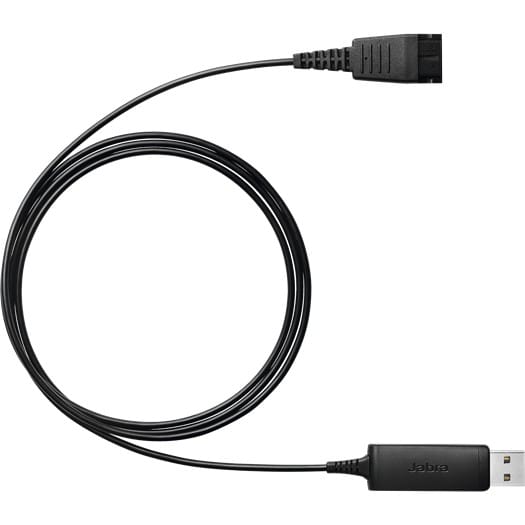
Jabra Link 230 Adapter - USB plug-and-play (230-09)
In stock
569 DHincl. VAT569,00 DHincl. VAT595 DH595,00 DH
Delivery everywhereDelivered all over Morocco
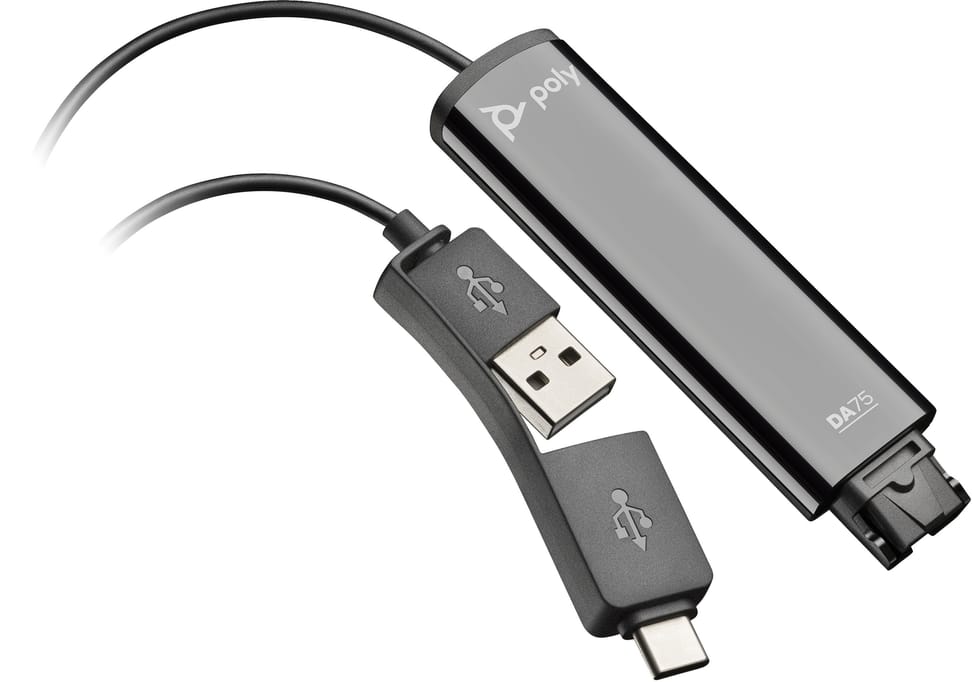
It automatically recognises the Poly headset plugged in and sets the audio accordingly. Quick Disconnect lets you leave your desk without taking the headset off, a contact centre habit.
In stock
Earn 6 DH in loyalty credit with this purchaseHow does it work?Loyalty credit capped at 300 DH per order.
Delivery anywhere in Morocco
40 DH incl. VAT
Casablanca store
Free pickup
Témara pickup point
Free pickup
1 year warranty — free repair in Morocco if it breaks down during the warranty period
100% secure payment: Bank transfer · Bank card · Cash on delivery (deposit of 300 DH by card or bank transfer) · Certified cheque
Crystal-clear conversations. Poly DA75 digital adapters deliver clear sound at the office or at home through their USB-A and USB Type-C®️ connections. Protect your investment with full compatibility with Poly headsets. Smart headset recognition optimises audio for greater productivity, while Quick Disconnect technology lets you disconnect in an instant. Ideal for contact centre environments, and certified for the leading virtual meeting platforms.
| Box contents | Adapter |
|---|---|
| Net weight | 0.038 kg |
| Connectivity | QD (Quick Disconnect) - USB Type-C |
| Additional features | Smart headset recognition: audio performance adjusts to the connected Poly headset |
| Product type | USB to QD digital adapter |
|---|---|
| Compatible models | Any Poly headset equipped with Quick Disconnect (QD) |
| Hearing protection | SoundGuard DIGITAL, enhanced acoustic limiting, protection against daily noise exposure, G616 and anti-startle protection |
| Warranty | 1 year |
| EAN | 197029650054 |
|---|
No reviews yet
Be the first to review this product and help other customers.
JABRA
In stock
Delivery everywhereDelivered all over Morocco
Epos
In stock
JABRA
In stock
Delivery everywhere
JABRA
In stock
Delivery everywhere
JABRA
In stock
Delivery everywhere
POLY
In stock
JABRA
In stock
Delivery everywhereDelivered all over Morocco
Delivery everywhereDelivered all over Morocco
Delivery everywhereDelivered all over Morocco