Pay nowView my order
Visit the Lenovo store

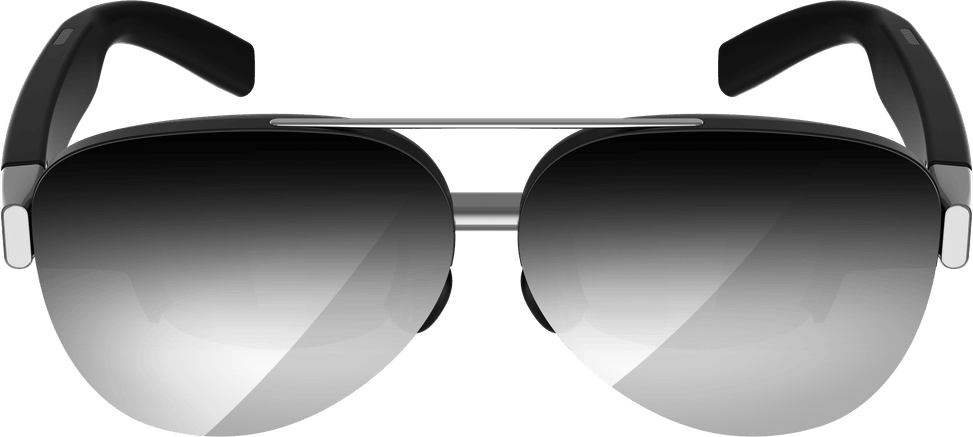
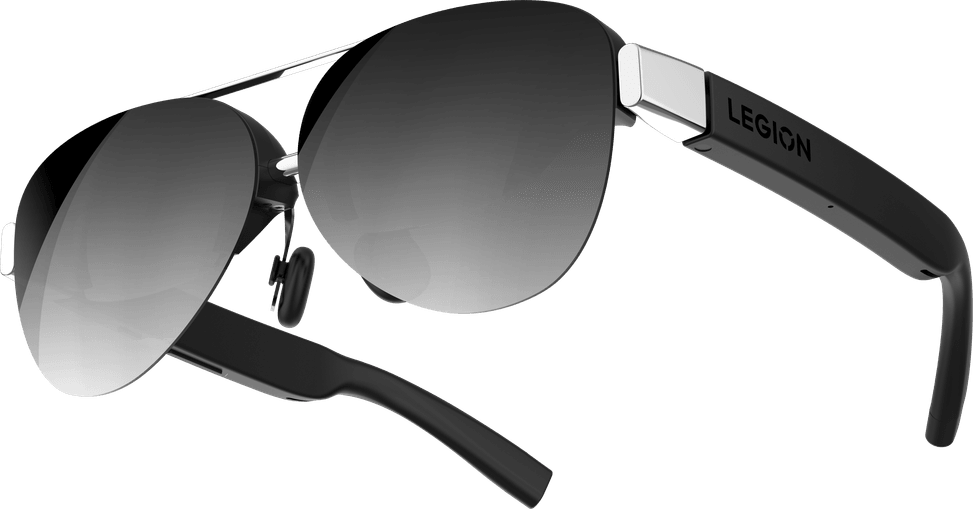
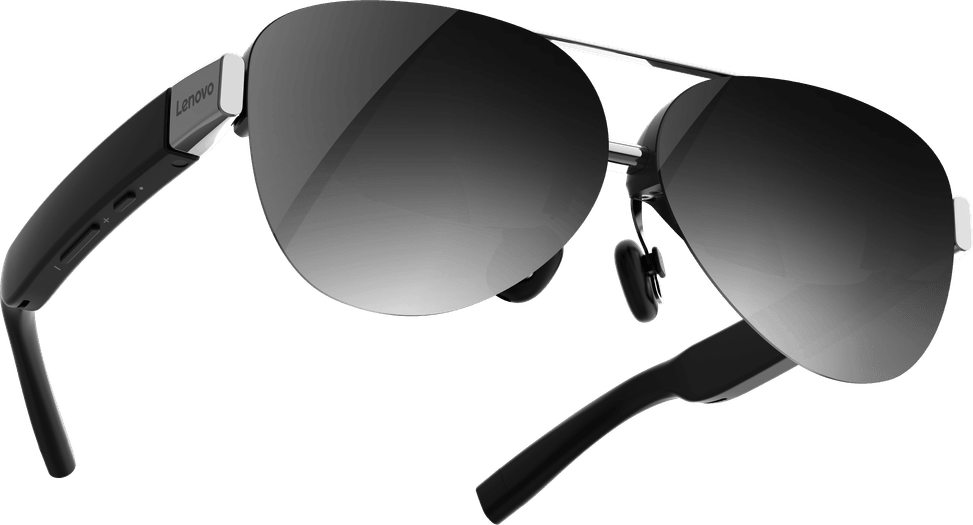
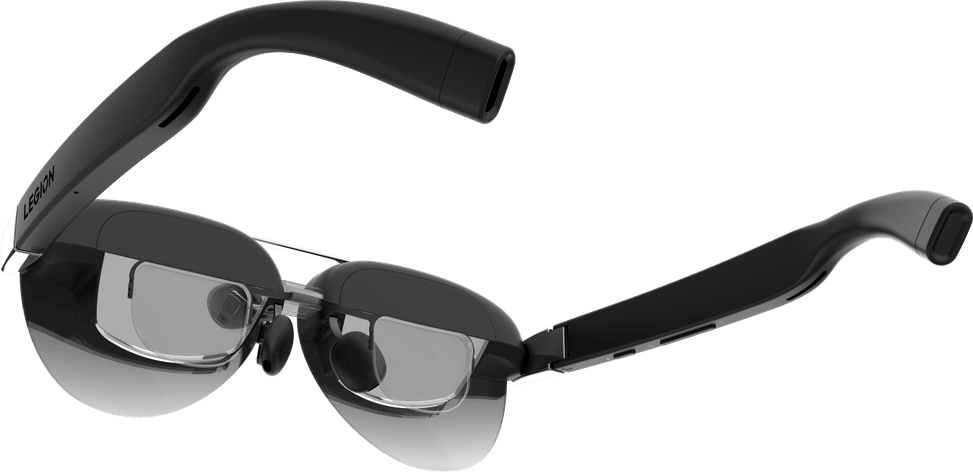
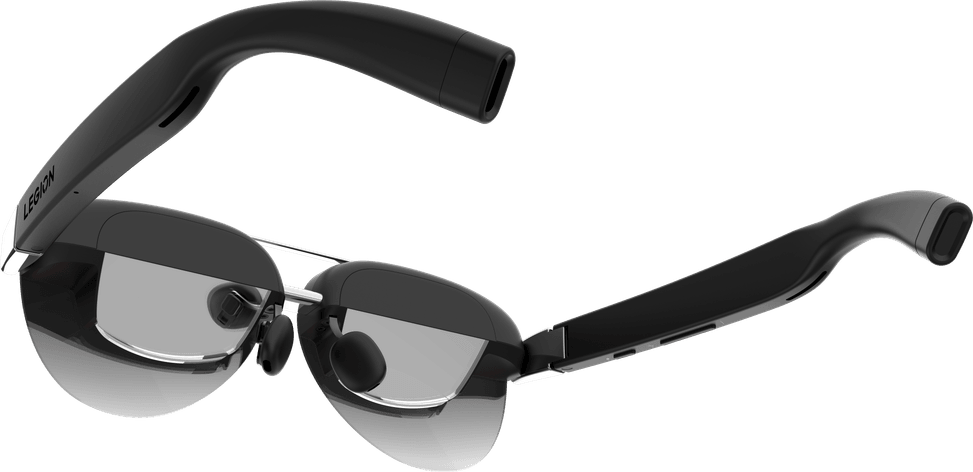
Lenovo Legion Glasses Gen2 (GY21R10234)

Personal display that turns a USB-C device into a private monitor, with a micro-OLED Full HD panel and a 38° field of view.

  • Micro-OLED Full HD 1920x1080 panel
  • 38° field of view
  • USB-C connection, no software
Ref.: GY21R10234
3 059,00 DHincl. VAT

Out of stock

Under Law 09-08, you have the right to access, rectify and object to the processing of your personal data. This processing has been authorised by the CNDP under no. D-CE-389/2015. Learn more

Can’t wait?

Ask for an alternative on WhatsApp

Quick reply

Product overview

Enjoy a large personal screen wherever you are with the Lenovo Legion Gen2 glasses. Compact and lightweight, they turn any USB-C device into a private, immersive monitor. Their 1920x1080 micro-OLED display delivers a sharp picture, vivid colours and exceptional contrast, ideal for gaming or streaming. The 38° field of view and ergonomic design keep you comfortable for longer, without neck strain. Easy to use, they connect instantly with no software required. Perfect for travel, they offer discretion, mobility and visual performance in a format as practical as it is innovative.

See all the specifications ↓
Request a quoteShare:

Technical specifications

Technical specifications
ResolutionFull HD
Video portsUSB-C (video)
Type of useGaming
Warranty1 year

Customer reviews

No reviews yet

Be the first to review this product and help other customers.

Write a review
Your rating
5/5

Shown publicly with your review.

Never published — a confirmation email will be sent to you.

Tell us about the product — in a few lines:

  • what you liked in everyday use;
  • the quality and performance you found;
  • who you would recommend it to, and why.

A question about an order, a delivery or a payment? Write to us and we will reply to you directly.

Under Law 09-08, you have the right to access, rectify and object to the processing of your personal data. This processing has been authorised by the CNDP under no. D-CE-389/2015. Learn more

Frequently asked questions about this product

Which devices do the Legion Glasses 2 work with?
With any device fitted with a multifunction USB-C port capable of carrying video: the Lenovo Legion Go console is given as an example, but a laptop or phone with a compatible USB-C port also works. The connection is USB-C 3.2 with DisplayPort 1.2, with no software to install.
What resolution do the Legion Glasses 2 display?
1920 x 1080 pixels, on a micro-OLED panel known for its contrast, with a 38° field of view. The image appears as a large virtual screen in front of you, without its perceived size depending on a physical monitor.
Can they be used if you wear prescription glasses?
A prescription lens frame is supplied, with its guide: it fits inside the glasses so you can have your own lenses fitted to your prescription. Three nose pads and a non-slip adapter also let you adjust the fit.
Are the Legion Glasses 2 heavy to wear?
They weigh 65 g, about the weight of a slightly chunky pair of sunglasses. As the image adjusts to the position of your head, you can use them lying down or leaning back, which avoids the neck strain caused by a screen sitting on a table.
Can people around me see what is displayed?
No: the virtual display appears behind the lenses and is only visible to the person wearing the glasses. Privacy is complete without cutting you off from your surroundings, unlike closed-back headphones.
Do I need to install a driver or configure anything?
No, they are stated to be Plug-and-Play and independent of the operating system: you plug in the USB-C cable and the image appears. A quick start guide and a cleaning cloth come with the glasses in the box.
Are the Legion Glasses 2 new and under warranty?
Yes: a new product, in its original packaging, with a one-year warranty; your invoice serves as the warranty document. The glasses carry CE, FCC, CB and TÜV certifications.

Trending

View the Lenovo archive

Chat on WhatsApp

Scan with my phone

The simplest way: open your phone camera and point it at this code. The chat opens with your message ready.

Open WhatsApp Web

Works if your phone is already linked to this computer.