Why so few pages?
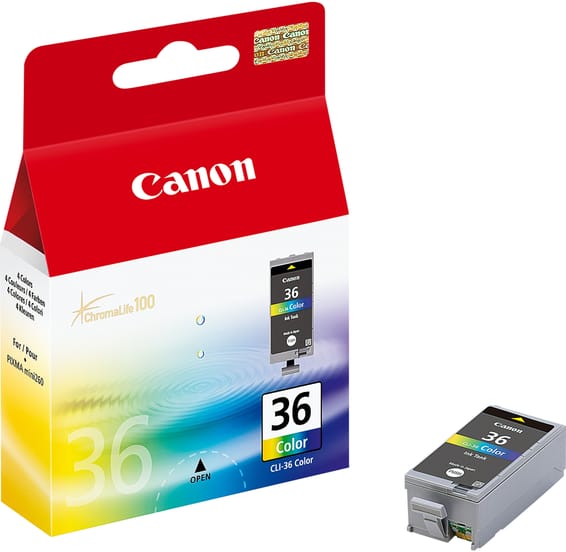
Because the machine fits in a bag. An inkjet cartridge is a reservoir: its capacity is limited by the volume available in the carriage, and on a mobile printer that volume is counted in millilitres — 9.3 ml for the black, 12 ml for the tri-colour. By comparison, an office cartridge holds two to three times more, and an EcoTank bottle seventy.
So it is neither a bad deal nor a design fault: it is the price of compactness. What to take from it is that a TR150 is thought of in cartridges carried with you, not in autonomy. Two hundred pages is a book of delivery notes for the week — put the spare set in the bag, not in the office drawer.
The black is pigment based, the colour is not
The black lays solid particles on the sheet: the text stays crisp and copes with damp, which matters when the document is signed outdoors and then slipped into a pocket. The tri-colour, being dye based, gives brighter colours but far more fragile ones.
It also carries the flaw of every three-in-one cartridge: when a single one of the three shades runs out, the whole cartridge becomes unusable, even with yellow and magenta left. On a machine where colour is used only occasionally, that is almost always how it ends.
What mobile use imposes
A printer you carry around often stands idle for weeks, and that is the worst regime for a cartridge with a built-in head: the nozzles dry, the machine runs a cleaning on waking, and the ink goes with no page coming out. On 191-page cartridges, those cleanings cost proportionally a great deal.
Print a page every ten to fifteen days, even without needing to, and avoid leaving the machine in a vehicle in full sun. It turns out 9 pages per minute, holds 50 sheets in a rear tray, reports on a small OLED screen and connects over Wi-Fi. The same advice holds for the OfficeJet 202, the catalogue's other battery printer.
A fleet of printers to keep supplied?
We draw up the list of consumables for your whole fleet and a single grouped quote. Invoice in your company's name with its ICE number, delivery anywhere in Morocco.