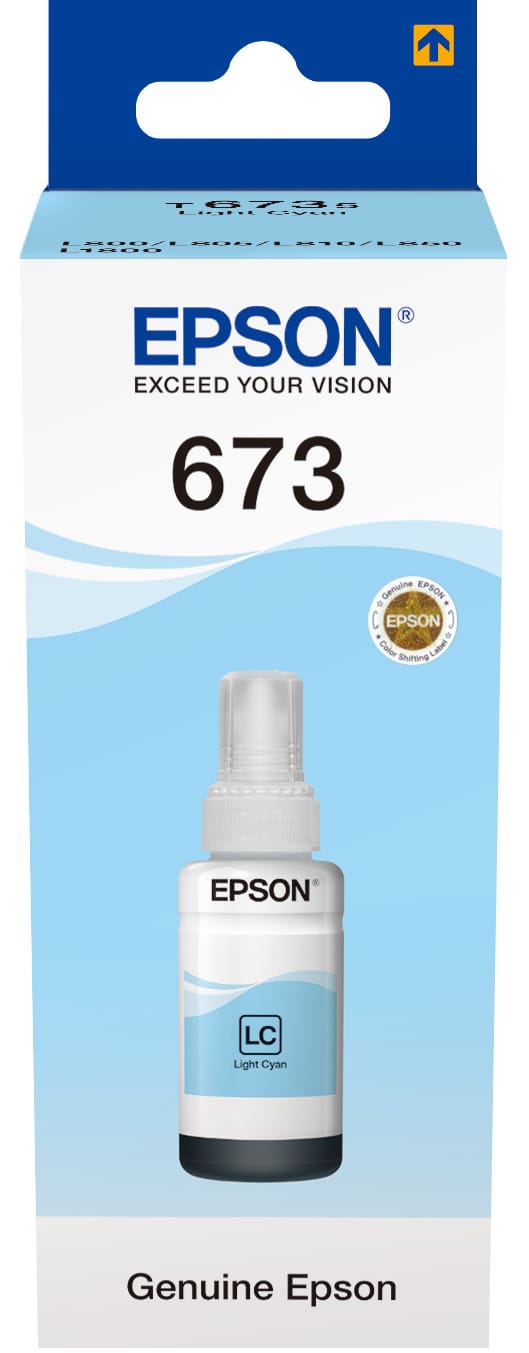
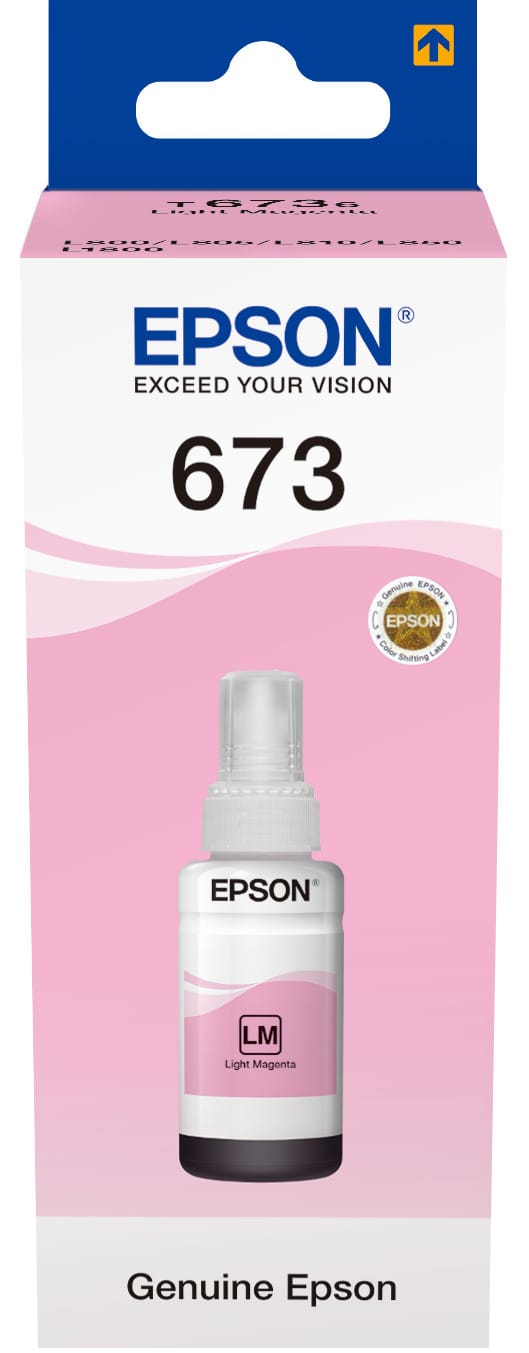
What the light cyan and light magenta are for
A four-colour printer makes pale shades by spacing out drops of vivid colour on white. That shows to the naked eye: skies and skin tones take on a grainy look in which the dots can be made out.
The light inks solve the problem at source. Where an office machine lays down a little dark cyan, the L805 lays down a lot of light cyan — the same final shade, but a continuous layer instead of a scattering of dots. That is what gives smooth gradients, and it is invisible on a spreadsheet chart, glaring on a portrait.
In practice: on photos, the two light inks run out faster than their dark counterparts. The six tanks do not go down at the same rate, and that is no fault of the machine.
1,800 photos: what the figure covers
It refers to 10 × 15 prints with the set of six bottles supplied. A 13 × 18 print — the largest borderless format on this machine — uses about twice as much, and a full-page A4 photo more still. Count in area rather than in numbers of photos.
Paper matters as much as ink: glossy photo paper holds the ink at the surface and renders the colours; ordinary paper soaks it up, dulls the result and uses more of it for a poorer outcome.
A printer that only prints
No scanner, no screen, 6 kg, Wi-Fi and printing up to A4: the L805 is a printing machine, not an office one. It also prints directly onto printable CDs and DVDs, an ability that has become rare.
If your photographic work heads towards exhibition and large formats, the Canon imagePROGRAF PRO-1000 takes the same logic as far as twelve inks — three blacks, two greys and a chroma optimiser.
A fleet of printers to keep supplied?
We draw up the list of consumables for your whole fleet and a single grouped quote. Invoice in your company's name with its ICE number, delivery anywhere in Morocco.