Wi-Fi but no screen: where to read the level
This machine connects to the network wirelessly and yet displays nothing: it makes do with an indicator light. The combination is disconcerting, because it gives the impression that there is no way of knowing where the cartridge stands.
The information exists and is in fact more accessible than on a machine with a screen: Wi-Fi makes it readable from a phone, through the HP app, without depending on any one computer. That is a fundamental difference from USB-connected models — an M211d, for instance — where only the connected workstation sees the warning, and nobody else learns of it.
A second source, independent of any software: the configuration page, printed from the panel button. It gives the page counter and the level remaining.
A family with no high-capacity version
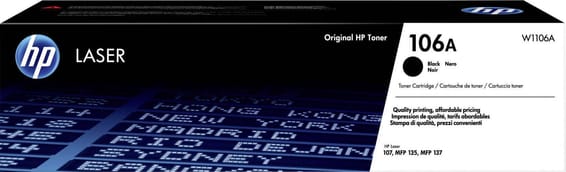
The 106A has no "X" equivalent. So there is no trade-off to make, only a pace to know: HP recommends 100 to 1,500 pages a month. At the bottom of the range, one cartridge covers ten months; at the ceiling, it empties in three weeks.
If your use sits durably at the top of that range, it is the machine's sizing that needs questioning, not the cartridge: no option will space out the orders.
How to make a 106A go further
Duplex is manual — it changes nothing about the toner but halves the paper. The driver's economy mode lightens the powder laid down and suits drafts, not documents to be kept. Finally, a cartridge announcing "low level" still yields several dozen pages once taken out and rocked gently from side to side, lengthwise.
A fleet of printers to keep supplied?
We draw up the list of consumables for your whole fleet and a single grouped quote. Invoice in your company's name with its ICE number, delivery anywhere in Morocco.