What the counter sees and your workstations do not
This machine has a USB port at the front and a second at the back. You plug in a stick to print a document or to scan straight to it, with no driver and no computer.
That is convenient, and it is invisible. No queue on a workstation, no log on a server: those pages come out without any tracking recording them. Add copying, which also escapes every computer trace, and you have the most frequent explanation for a toner that "empties too fast": it does not empty too fast, it prints more than anyone thought they were asking of it.
The remedy is simple: print the configuration page from the panel. It gives the machine's total counter, all uses combined. Compare it with what your users think they print — the gap is often instructive, and it is what should serve as the basis for the calculation, not the estimate.
59A or 59X: where the threshold lies
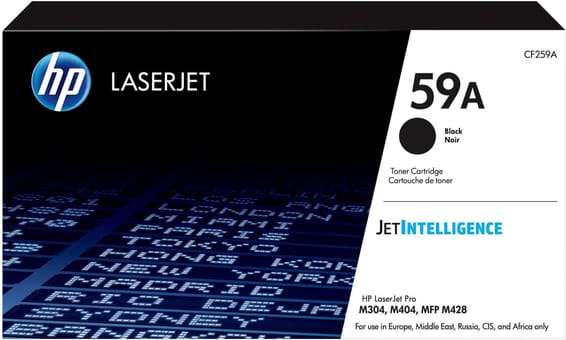
HP recommends 750 to 4,000 pages a month. At the ceiling, the 59A lasts twenty-three days and the 59X a little over two months. The capacity gap is close to 3.3 — one of the widest in the catalogue — for an identical slot and identical fitting.
On a multifunction shared by several workstations, with a document feeder and printing from a stick, the real volume nearly always sits at the top of the range: the 59X is the format to go for.
What the M428dw adds to the M404
The scanner, the automatic document feeder and a 6.8 cm colour touchscreen. It prints at 38 pages per minute with automatic duplex, holds 350 sheets across two trays, and connects over Wi-Fi or Gigabit Ethernet. The consumable is identical to that of the M404dn: it is the functions that change, never the cartridge.
A fleet of printers to keep supplied?
We draw up the list of consumables for your whole fleet and a single grouped quote. Invoice in your company's name with its ICE number, delivery anywhere in Morocco.