
Rien à dire
Je suis très satisfait du produit et du service. Merci bcp.
Votre client
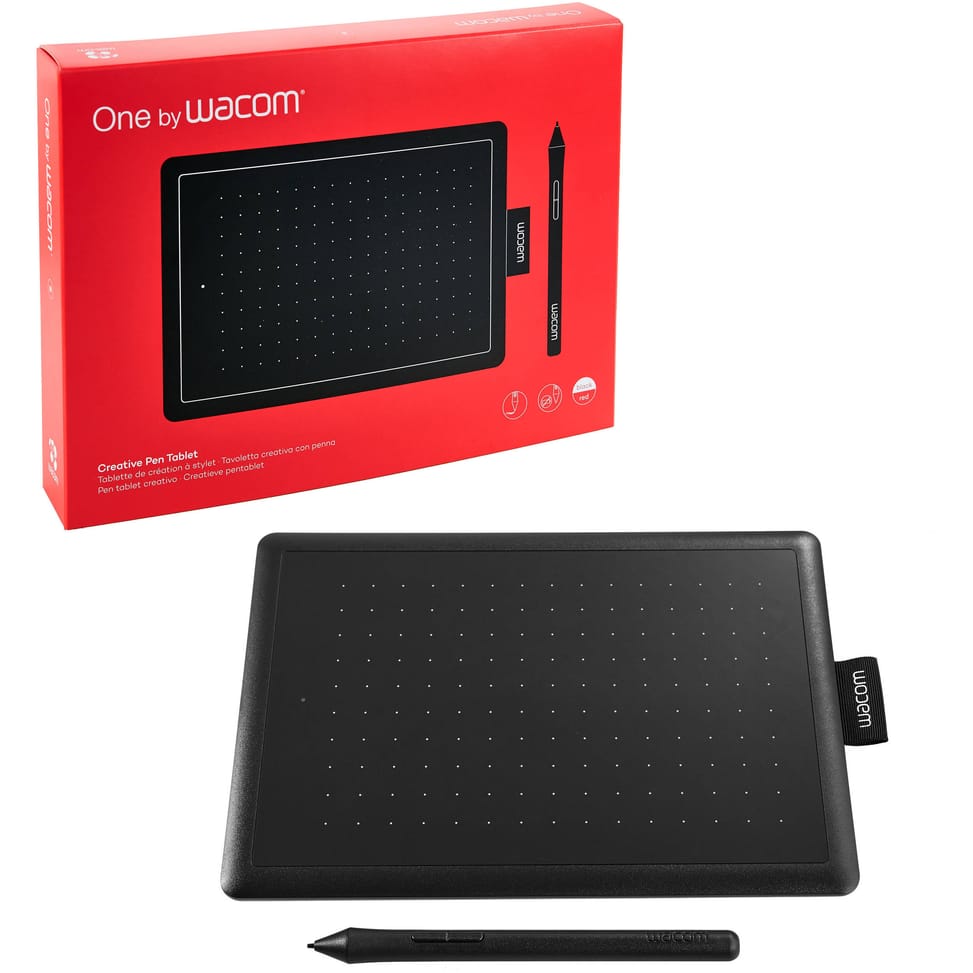
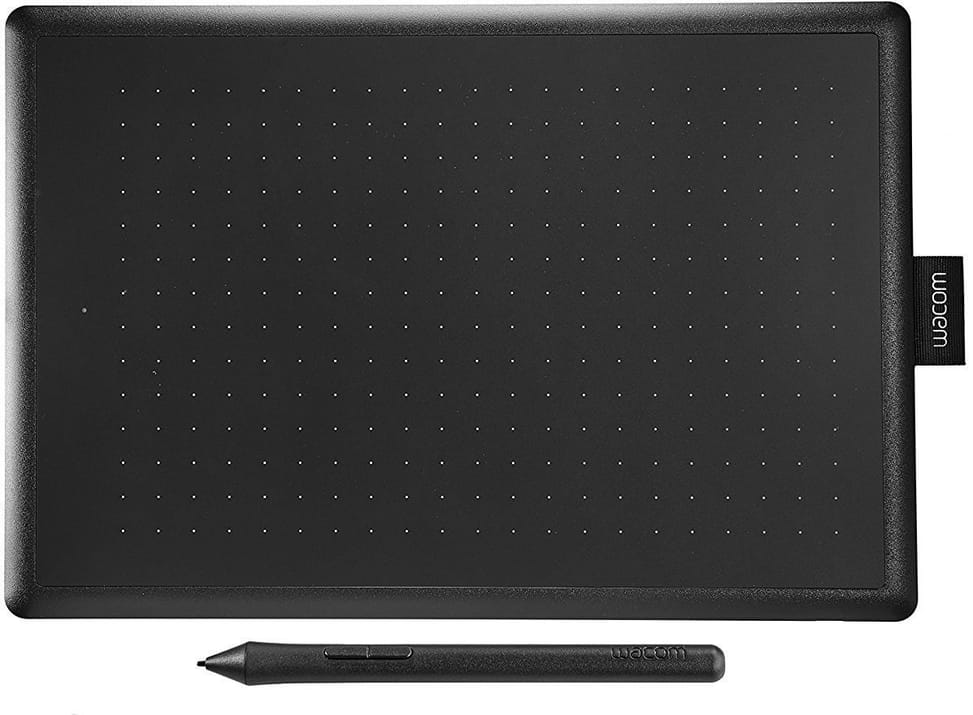
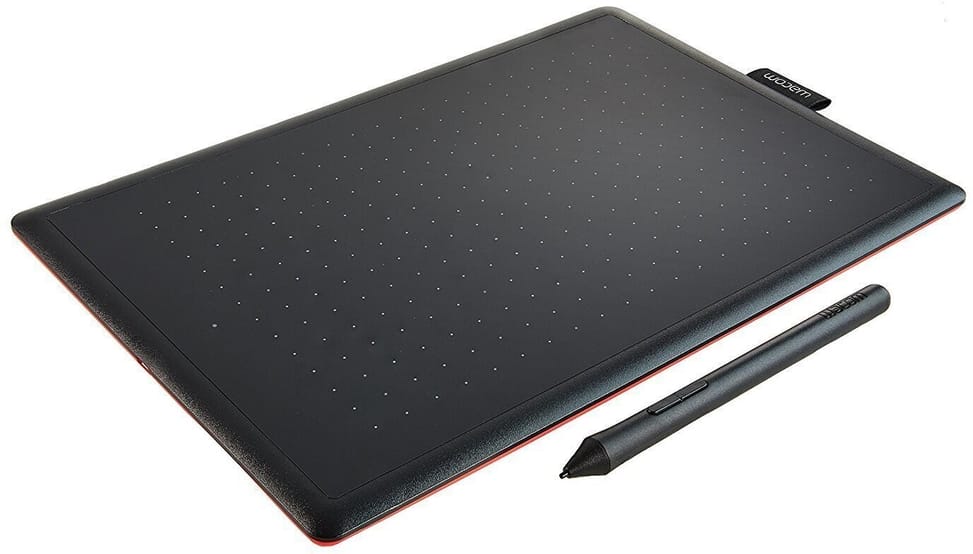
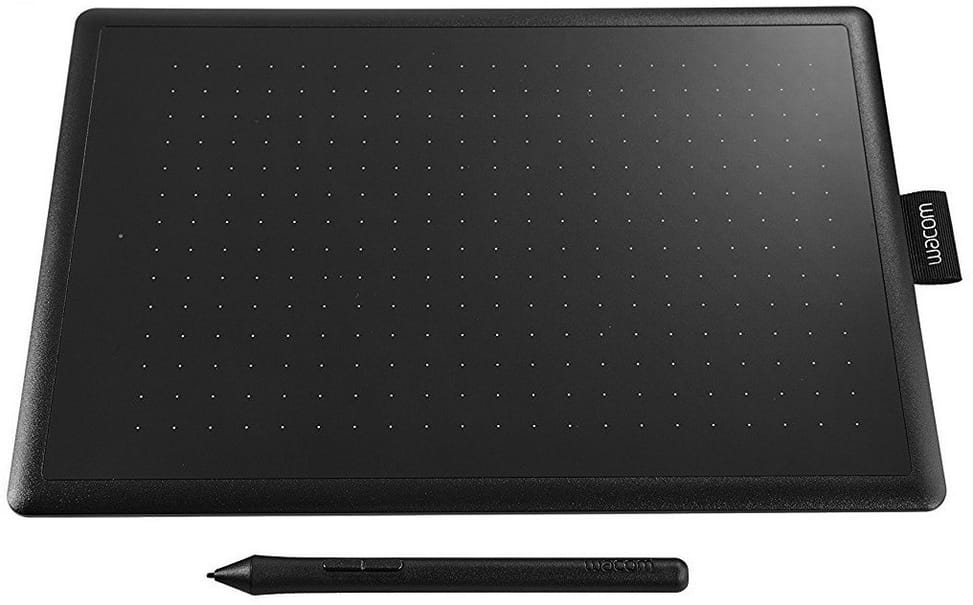
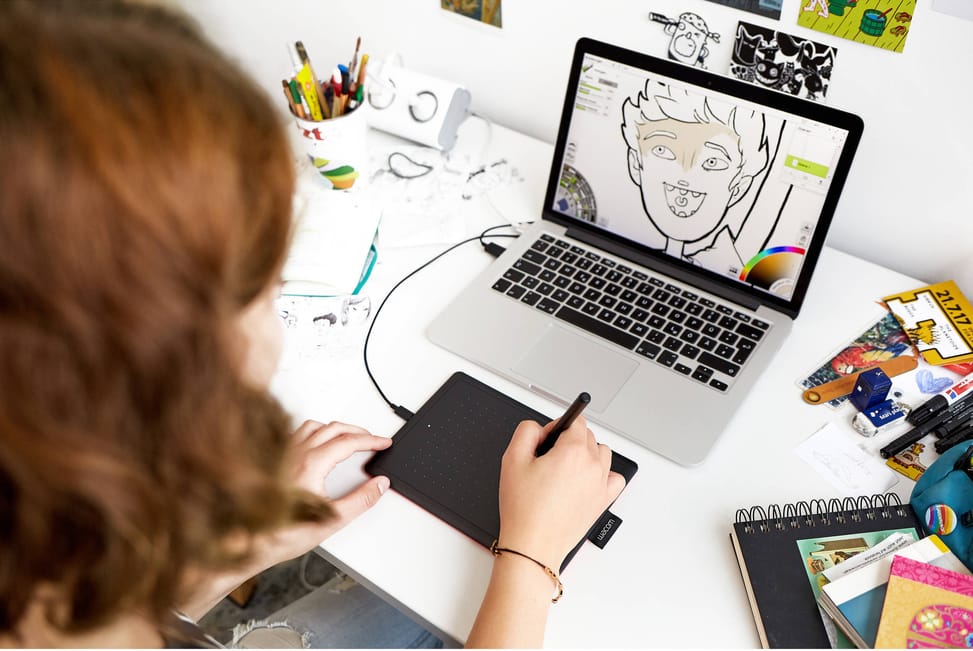
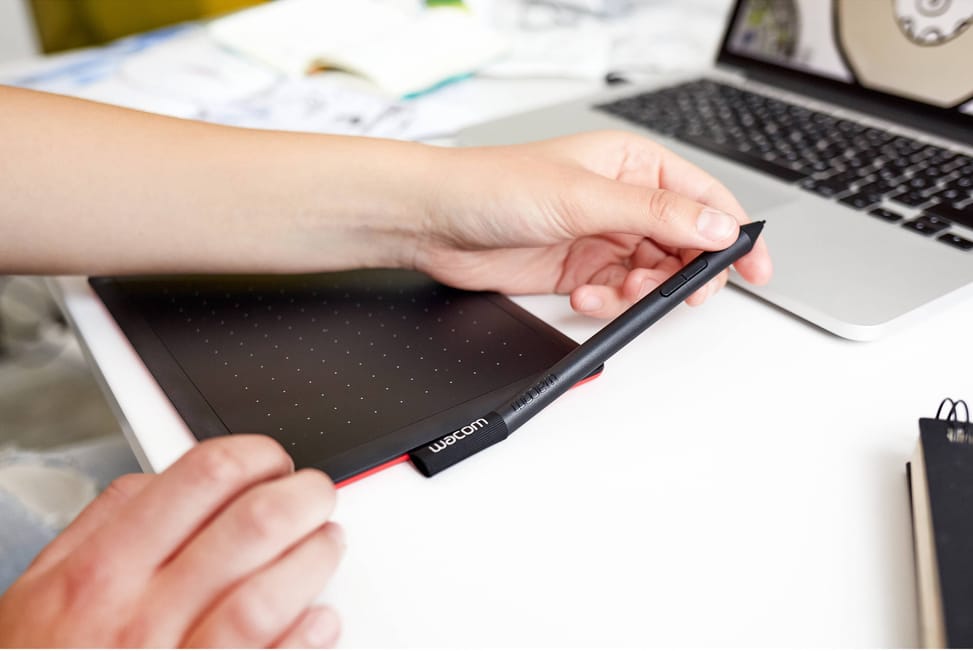
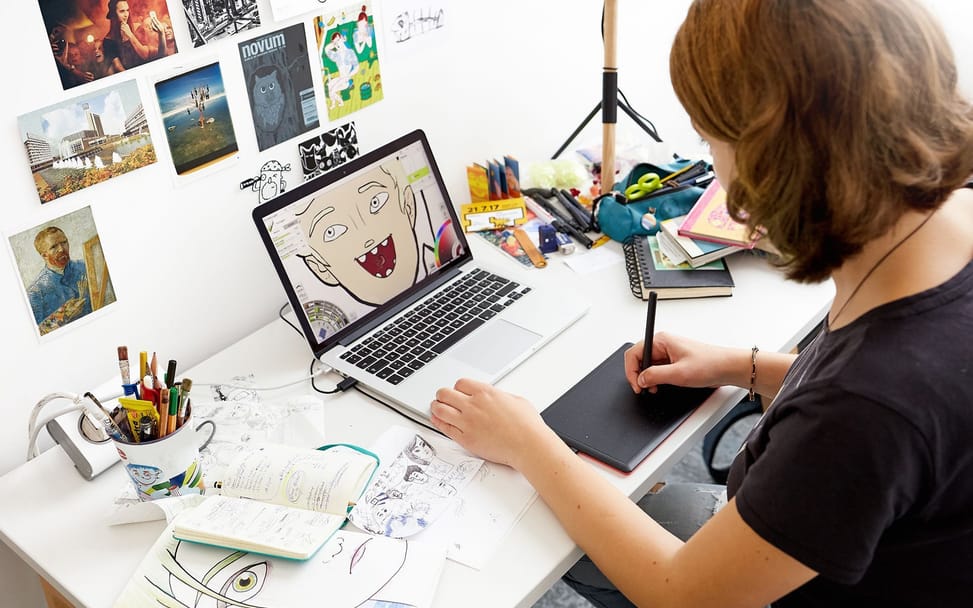
Plugged into a Chromebook, it works without installing a single driver; on PC and Mac, a simple download is enough. You draw on its 152 × 95 mm while looking at the computer screen, with a battery-free pen at 2048 pressure levels.
Out of stock
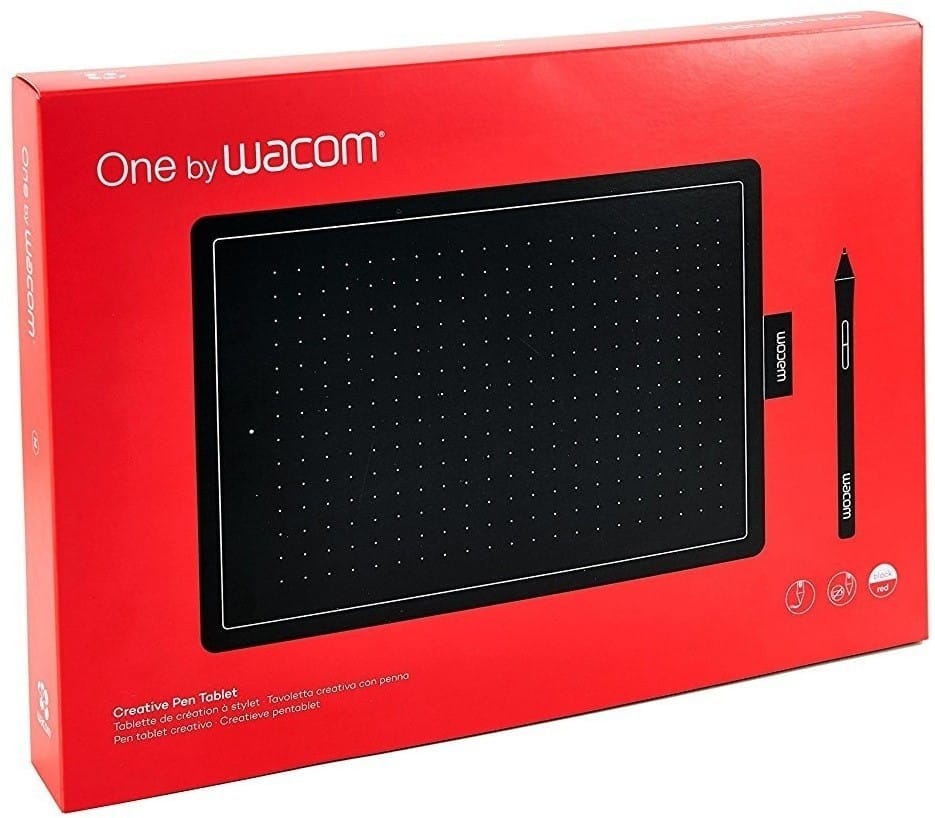
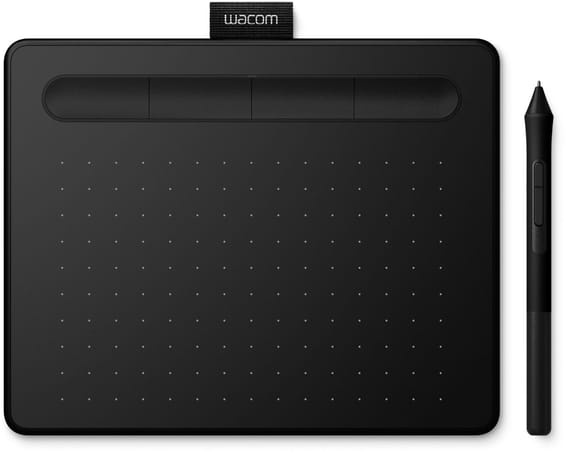
Entry-level compact graphics tablet for getting started in digital drawing: no screen, battery-free pen and easy to connect.
Type: pen tablet without a screen — you draw on the surface while looking at your computer screen
Active area: 152 × 95 mm (compact size), ideal on a small desk
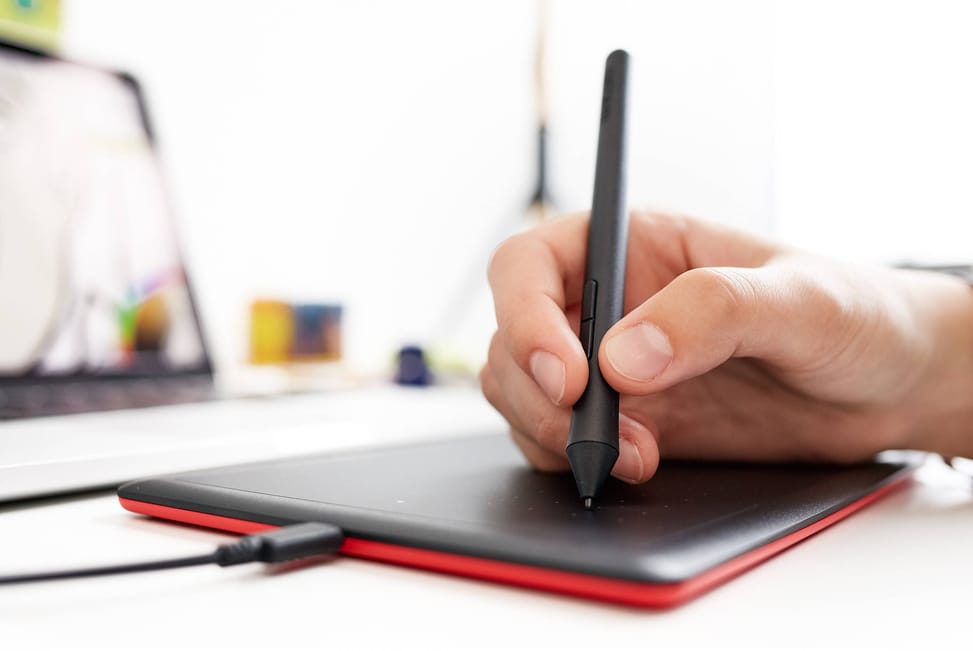
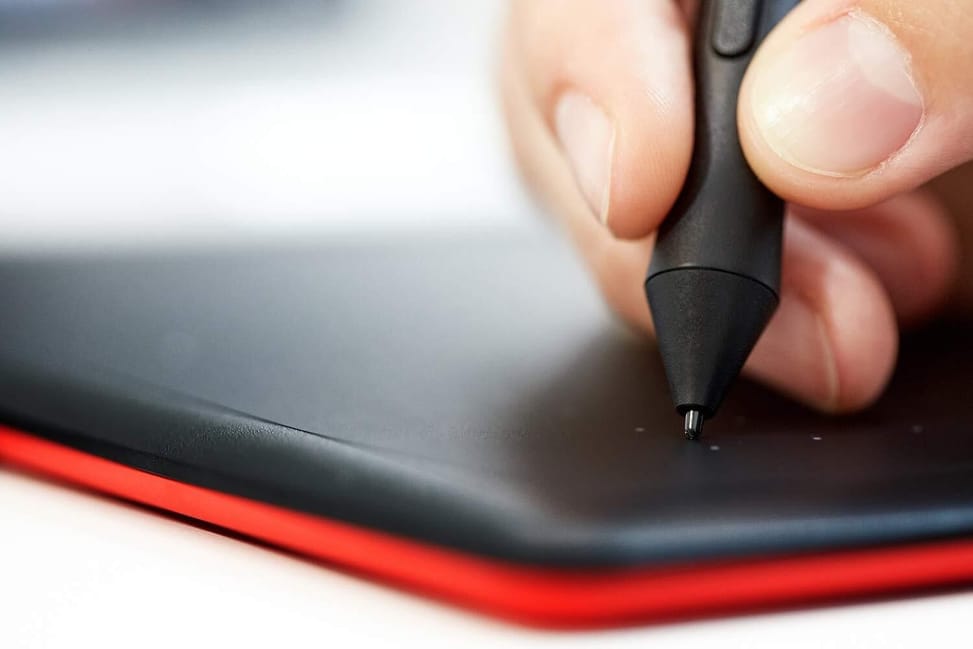
Pen: Wacom, battery-free and wireless — nothing to charge · 2048 pressure levels for nuanced strokes
Connectivity: USB cable · compatible with Windows, Mac and Chromebook
Suitable for right- and left-handed users
The ideal gateway to digital drawing: perfect for students, beginners and note-taking, at a small price.
| Compatible operating systems | Windows 7 or later, macOS X 10.10 or later; standard USB Type-A port, Internet access to download the driver |
|---|---|
| Battery life | No battery |
| Product type | Screenless graphics tablet with pressure-sensitive pen |
| Tablet size | 210 × 146 × 8.7 mm (W × D × H), excluding label and rubber feet |
| Active area | 152 × 95 mm |
| Keys/buttons | None |
| Pressure levels | 2,048 levels |
| Tilt recognition | No |
| Multi-touch input | No |
| Connectivity | USB (Type-A), 5 V power via the USB port |
| Weight | Tablet: 251 g, Pen: 9 g |
| Resolution | 2,540 lpi (100 lines per mm) |
| Stylus | Intuos Pen LP190K, cordless and battery-free (electromagnetic resonance), 138.8 × 11.5 mm, 10 g |
|---|---|
| Read speed (stylus) | 133 pps |
| Ergonomics | Right- or left-handed use |
| Cable included | 1 m USB cable |
| Box contents | One by Wacom tablet and pen, USB cable, 3 standard replacement nibs, nib removal tool, quick start guide, regulatory sheet |
| Aspect ratio | 16:10 |
| Tablet type | Screenless tablet (you look at the computer screen) |
| Drawing area size | Small format (up to 8 inches) |
| Wireless connection | No — wired connection |
| Pen pressure levels | 2,048 |
| Compatible with | Windows, macOS, Chromebook |
| Warranty | 2 years |
| EAN | 4949268621069 |
|---|
4 customer reviews
Je suis très satisfait du produit et du service. Merci bcp.
Votre client
انصحكم بشرائه
Mbarek LabsirVerified purchase
Bon produit et bonne service
abdelali
Une tablette d'une très bonne qualité après le test..on l'utilise dans des travaux graphiques sur pc. On en est satisfait. Merci.
Mohammed Lahlou
Our in-stock alternatives, in a similar range.

Wacom Intuos Small Graphics Tablet - USB (CTL-4100K-S)
At 8.8 mm thin and 230 g light, it slips into any bag. You draw on its 152 × 95 mm surface while watching the computer screen, battery-free pen with 4096 pressure levels in hand.
699,00 DH incl. VATIn stock

Wacom Intuos Medium Graphics Tablet Black (non-Bluetooth) (CTL-6100K-B)
A 216 × 135 mm format to draw comfortably on a desk while watching the computer screen. The battery-free Wacom 4K pen renders 4096 pressure levels, and customisable shortcut keys keep your tools within finger reach.
1 099,00 DH incl. VATIn stock

Wacom One Small Pen Tablet - Bluetooth (CTC4110WLW2B)
Light at 200 g and 8 mm thick, it follows you anywhere and works wirelessly. You draw on its 152 × 95 mm while watching the computer screen, with a battery-free pen at 4096 pressure levels, read 240 times per second.
1 349,00 DH incl. VATIn stock
Models available from 699 DH incl. VAT, in a similar range.
Wacom
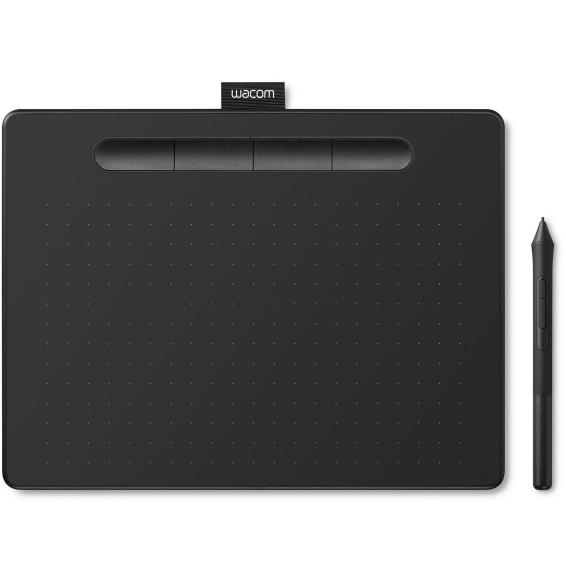
At 8.8 mm thin and 230 g light, it slips into any bag. You draw on its 152 × 95 mm surface while watching the computer screen, battery-free pen with 4096 pressure levels in hand.
In stock
Delivery everywhereDelivered all over Morocco
Wacom
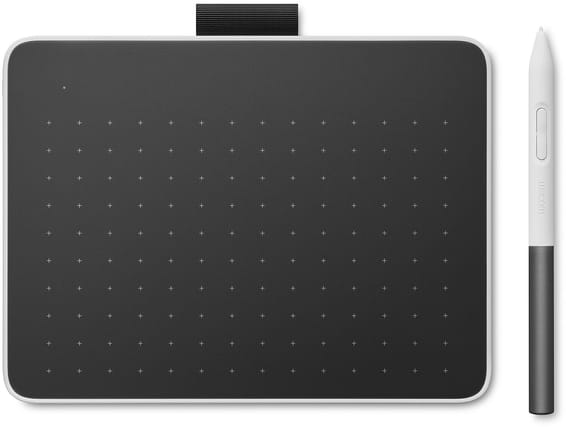
A 216 × 135 mm format to draw comfortably on a desk while watching the computer screen. The battery-free Wacom 4K pen renders 4096 pressure levels, and customisable shortcut keys keep your tools within finger reach.
Wacom
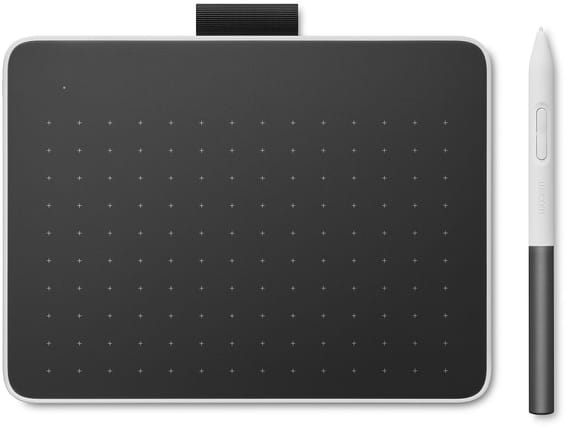
Light at 200 g and 8 mm thick, it follows you anywhere and works wirelessly. You draw on its 152 × 95 mm while watching the computer screen, with a battery-free pen at 4096 pressure levels, read 240 times per second.
Wacom
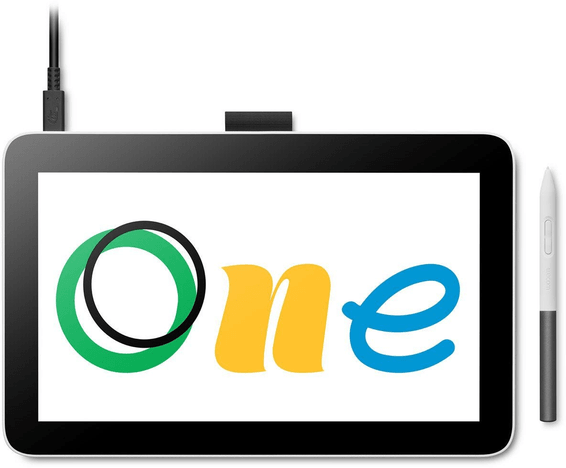
Comfortable with its 216 × 135 mm in A5 format, it allows broad gestures and works wirelessly. Battery-free pen at 4096 pressure levels, read 240 times per second; you look at the PC, Mac or Chromebook screen while drawing.
Wacom
Your pen from another brand works on it: Lamy, Staedtler or Kaweco, alongside the battery-free Wacom pen with pressure and tilt sensitivity. You draw on a panel covering 99% of sRGB, linked to the computer by a single cable.
Wacom
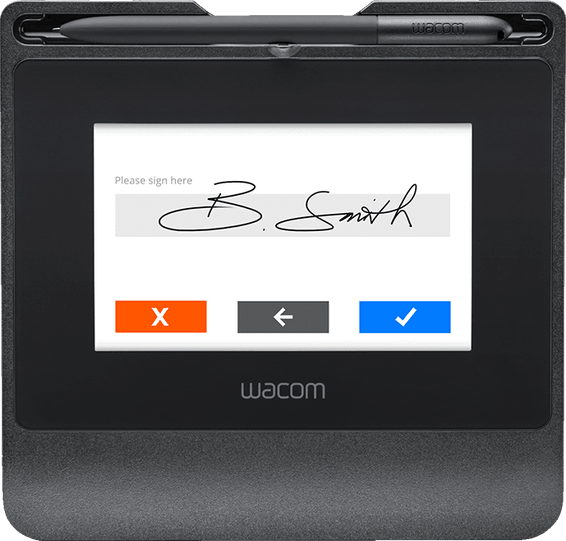
Between signatures, the 800 × 480 colour screen displays your adverts and your logo. Matte tempered glass for a paper-like feel, battery-free pen with 1024 pressure levels, AES256 / RSA2048 encryption and Citrix support.
Wacom
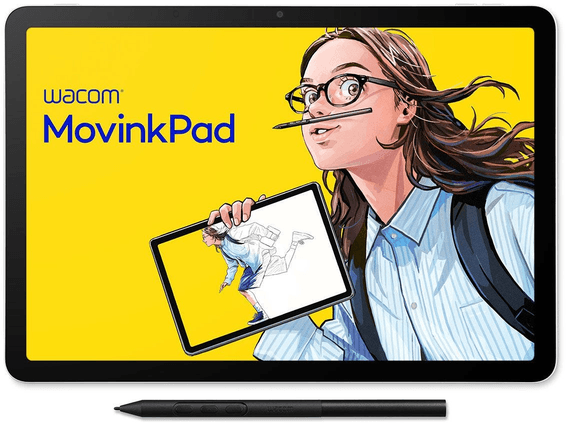
Switch it on and draw: apps, battery, speakers and cameras on board, no computer needed. A 2200 × 1440 panel in 3:2 covering 99% sRGB, 10-finger touch, and a battery-free Pro Pen 3 with 8192 pressure levels.
Wacom
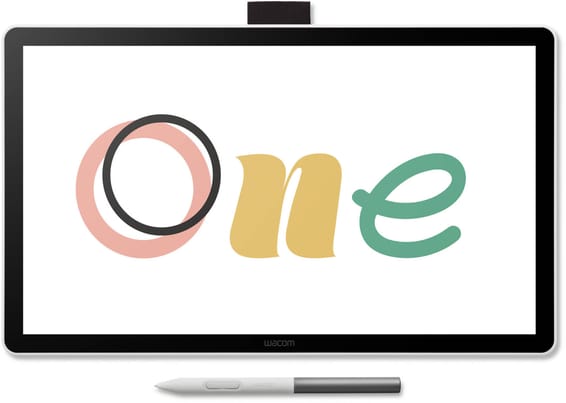
Draw straight on the image with a single USB-C cable to the PC, Mac or Chromebook that runs the software. The battery-free pen tracks 4096 pressure levels and ±60° of tilt, across a 309 × 174 mm active area.
Wacom
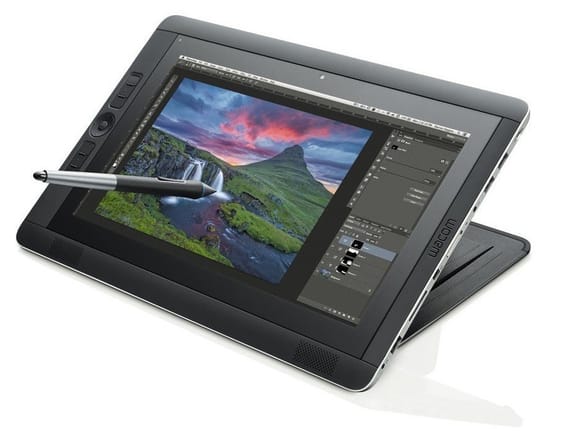
Standalone on Windows: you install your creative software on it and work with no other computer behind it. The WQHD 2560 × 1440 display responds to finger and to the battery-free pen, with six shortcut keys along the side.
In stock
Delivery everywhereDelivered all over Morocco
In stock
Delivery everywhereDelivered all over Morocco
In stock
Delivery everywhereDelivered all over Morocco
In stock
Delivery everywhereDelivered all over Morocco
In stock
Delivery everywhereDelivered all over Morocco
In stock
Delivery everywhereDelivered all over Morocco
In stock
Delivery everywhereDelivered all over Morocco
In stock
Delivery everywhereDelivered all over Morocco
Wacom
In stock
Delivery everywhereDelivered all over Morocco
Wacom
In stock
Delivery everywhereDelivered all over Morocco
Wacom
In stock
Delivery everywhereDelivered all over Morocco
Wacom
In stock
Delivery everywhereDelivered all over Morocco
Wacom
In stock
Delivery everywhereDelivered all over Morocco
Wacom
In stock
Delivery everywhereDelivered all over Morocco
Wacom
In stock
Delivery everywhereDelivered all over Morocco
Wacom
In stock
Delivery everywhereDelivered all over Morocco
Wacom
In stock
Delivery everywhereDelivered all over Morocco
