Welcome to the new iris.ma

We rebuilt everything for you

Same team, same standards

Pay nowView my order
Visit the HP store

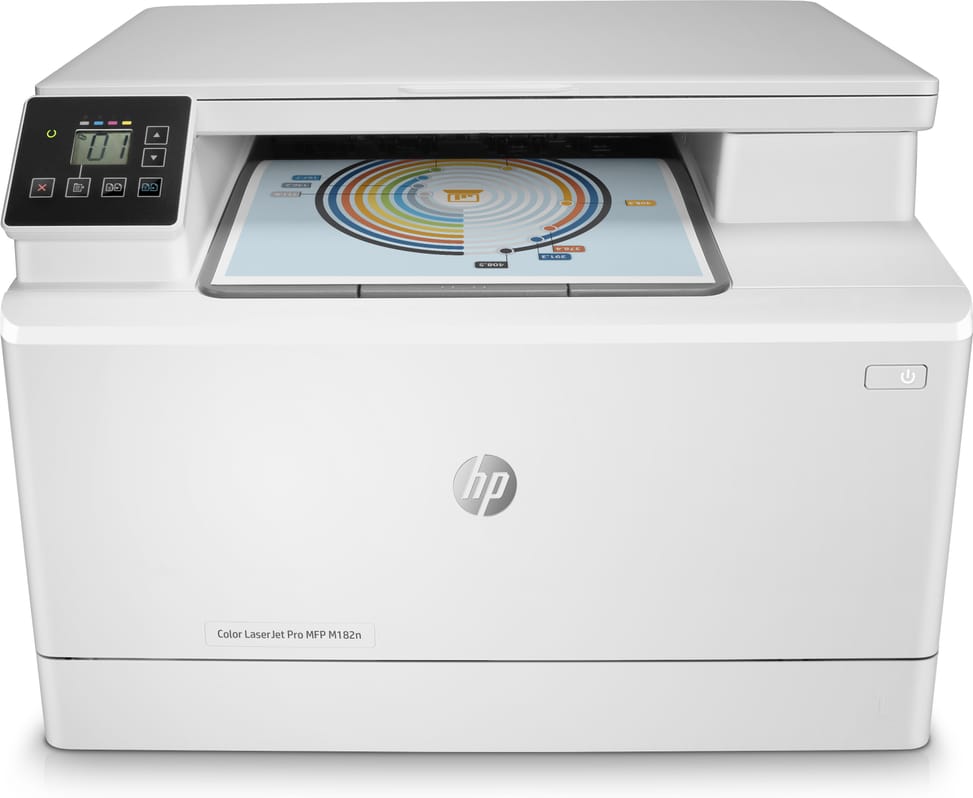
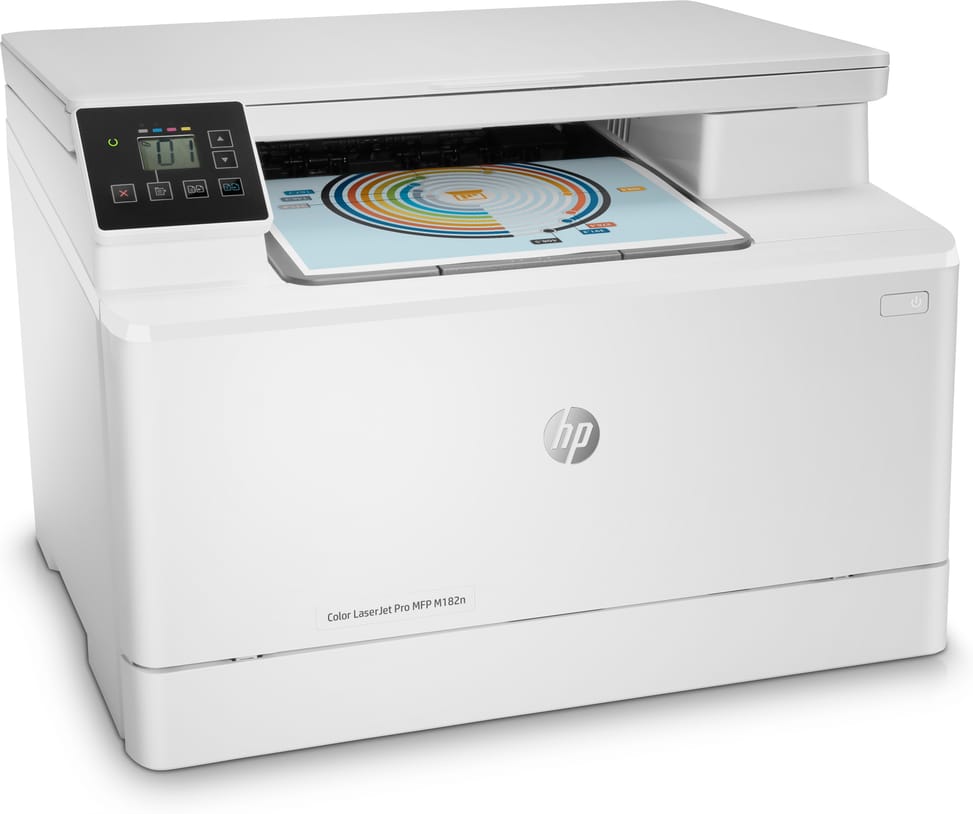
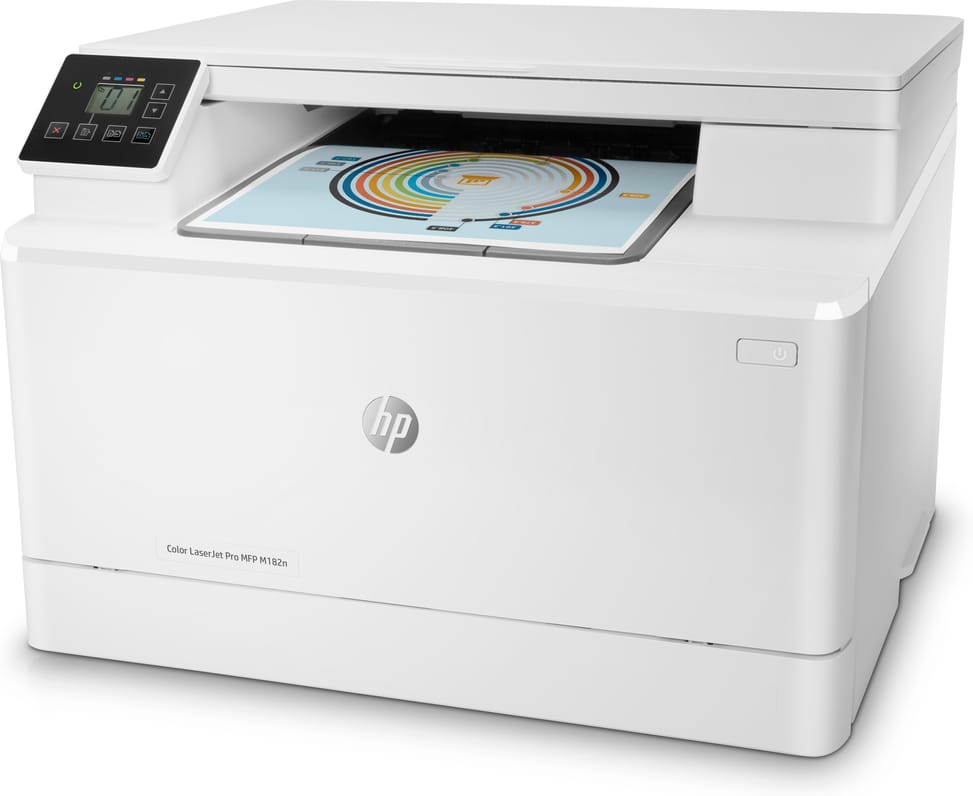
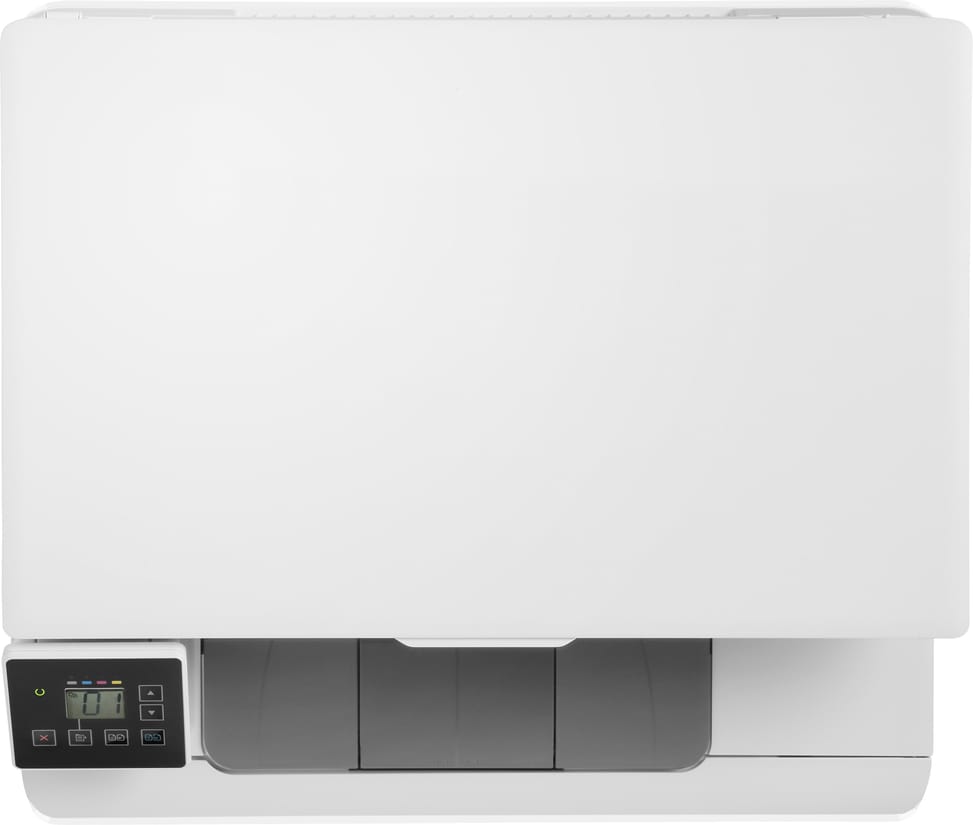
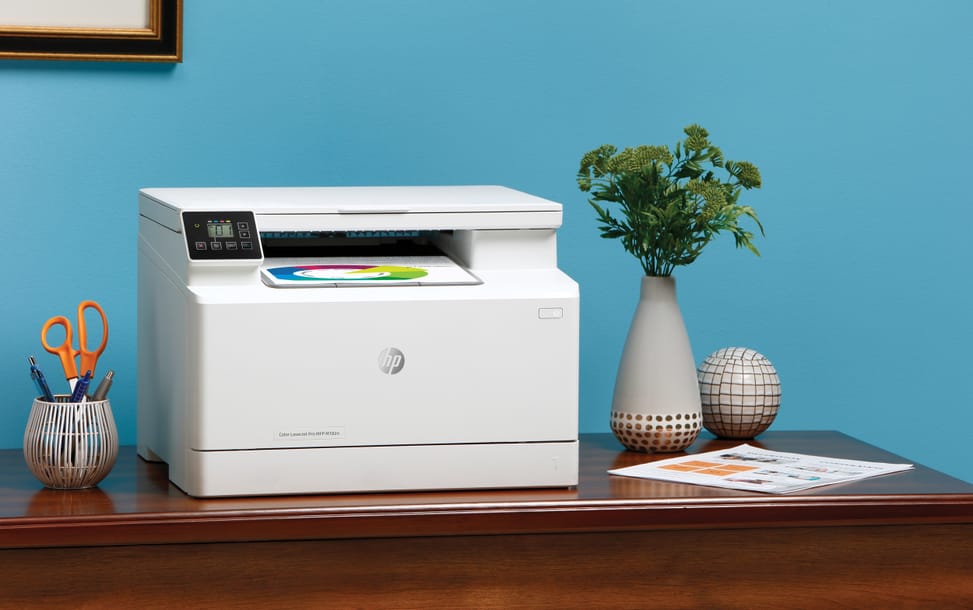
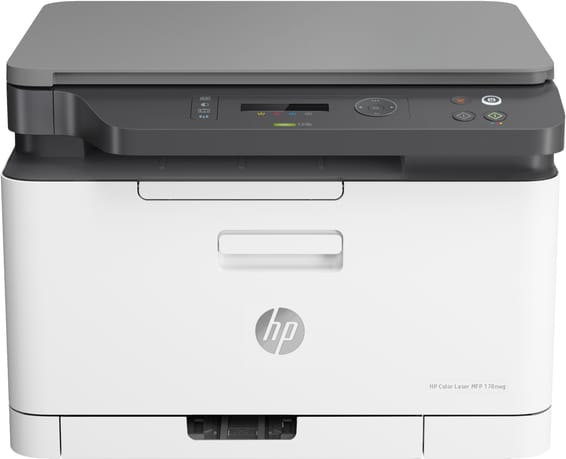
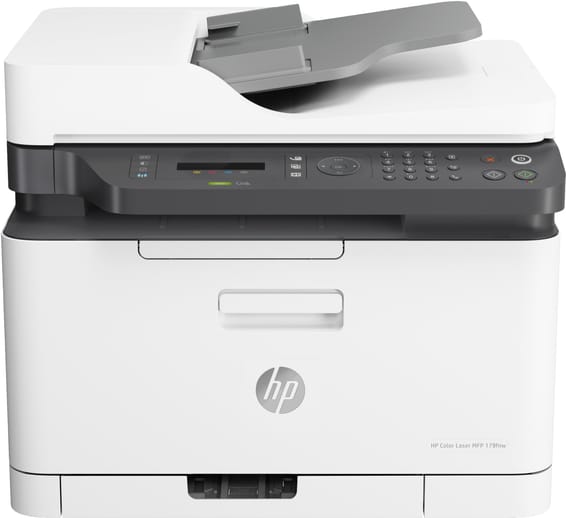
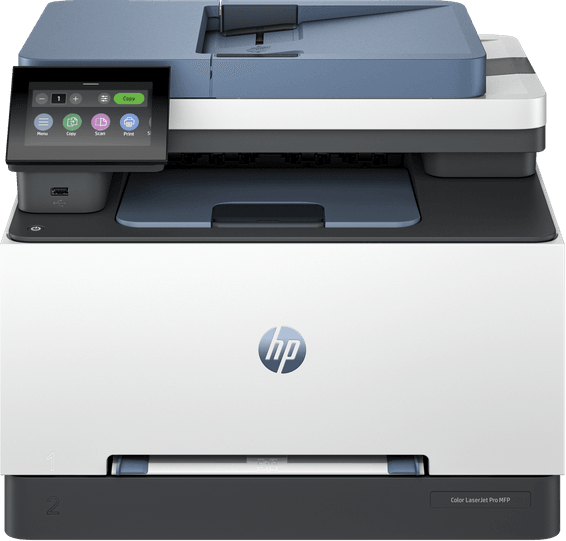
HP LaserJet Pro M182n Colour Laser Multifunction Printer (7KW54A)

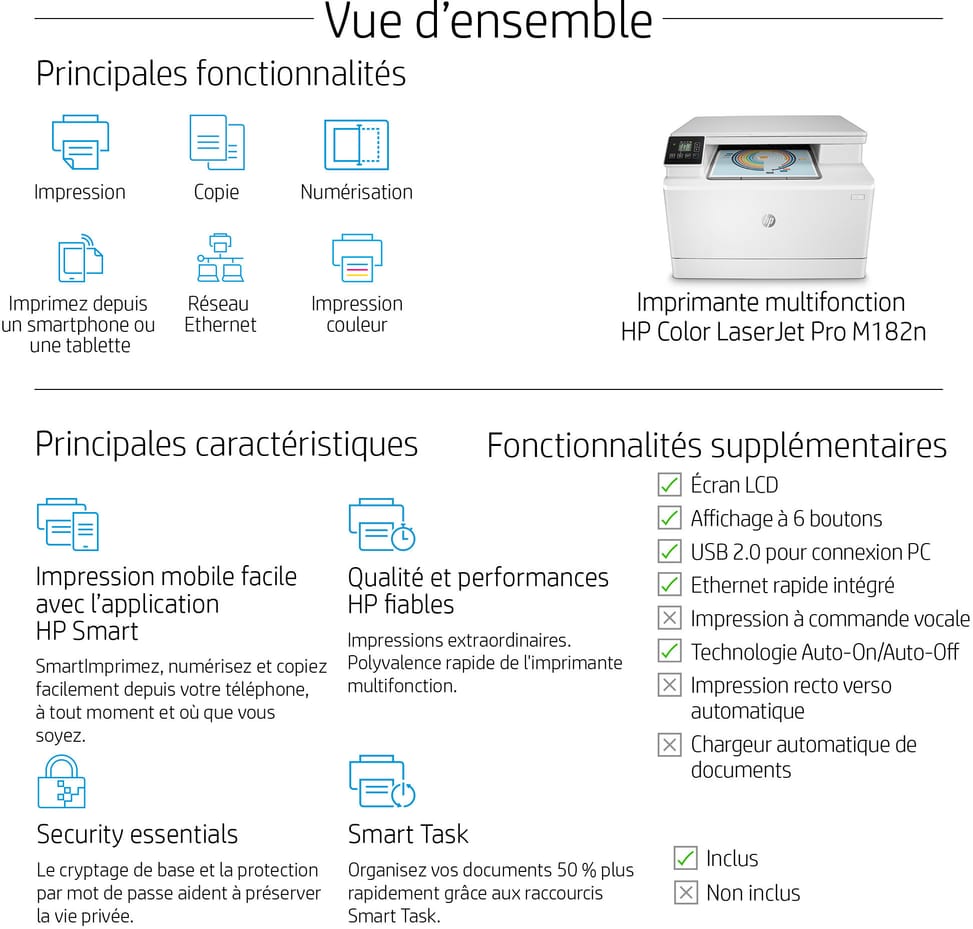
Three functions in a compact body linked to the network by a single Ethernet cable: printing, copying and flatbed scanning, at 16 pages per minute in black as in colour. Made for a standalone desk or a small office.

  • 16 pages per minute in black as in colour
  • Printing, copying and scanning
  • Manual duplex
  • Flatbed scanner up to A4 format
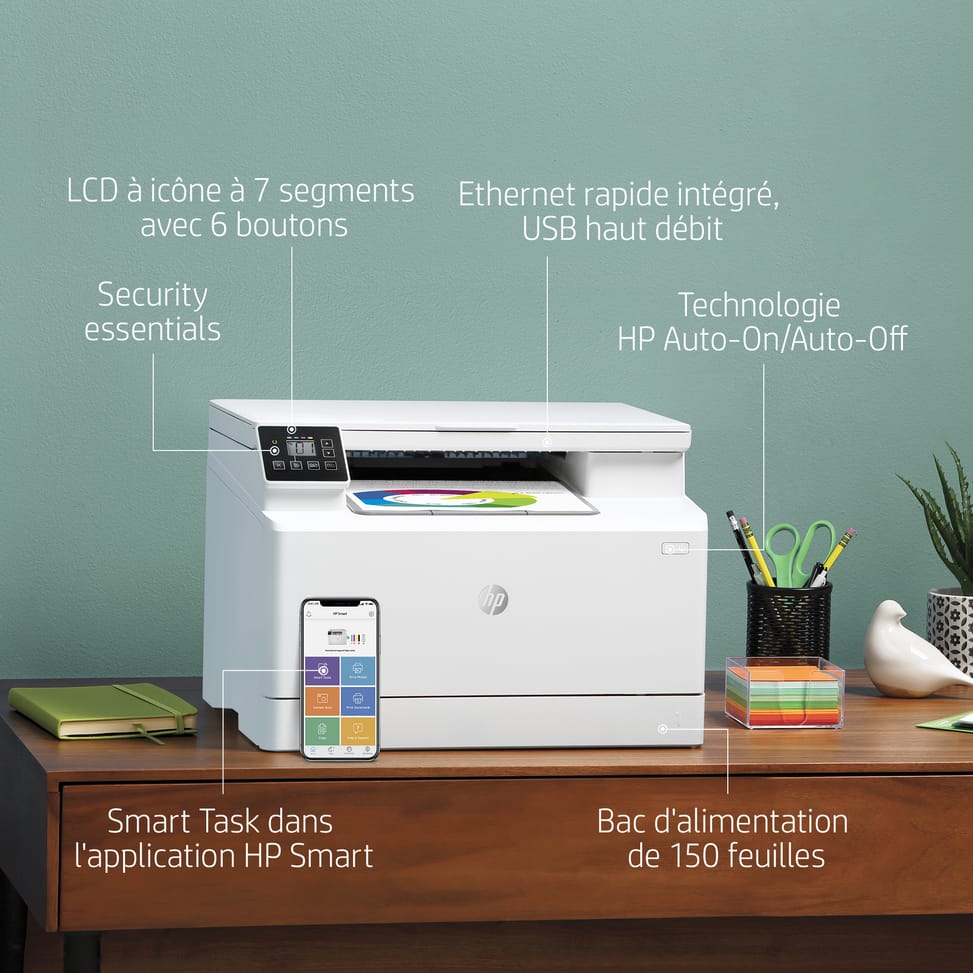
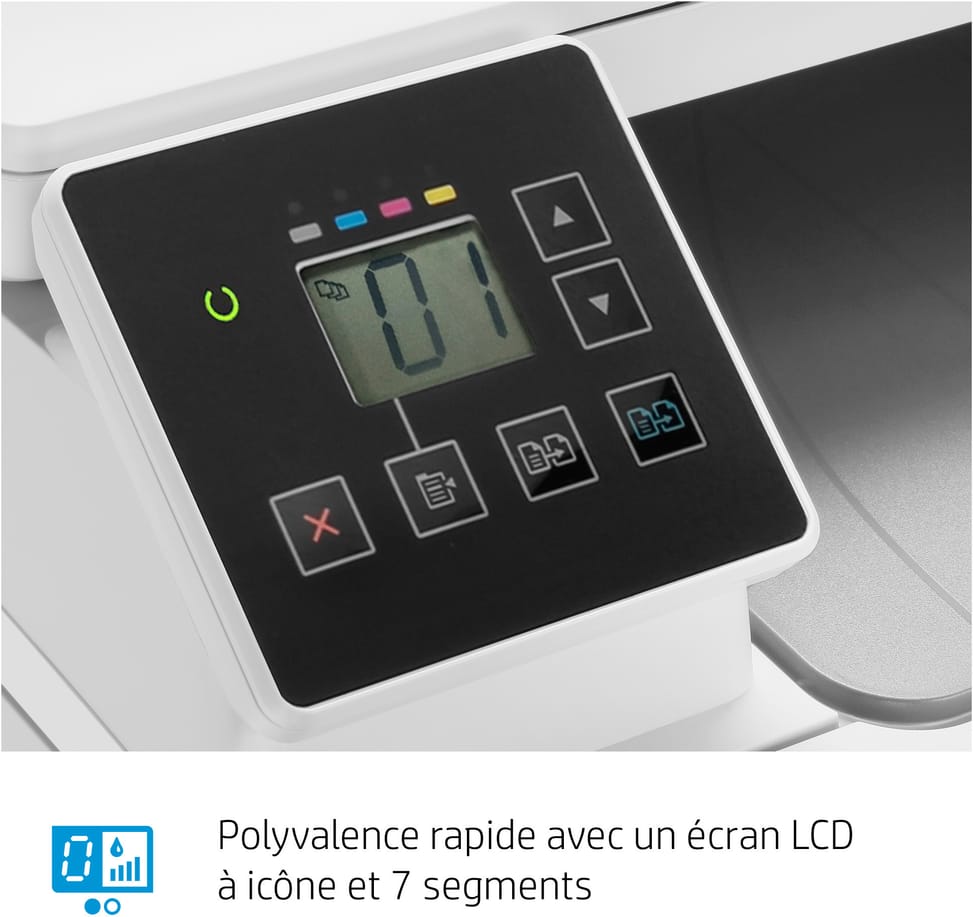
  • LCD icon screen with 6 buttons, not a touchscreen
  • 150-sheet input tray
  • 100-sheet output tray
  • Recommended volume of 150 to 1,500 pages per month
  • Built-in 10/100 Ethernet and Hi-Speed USB port
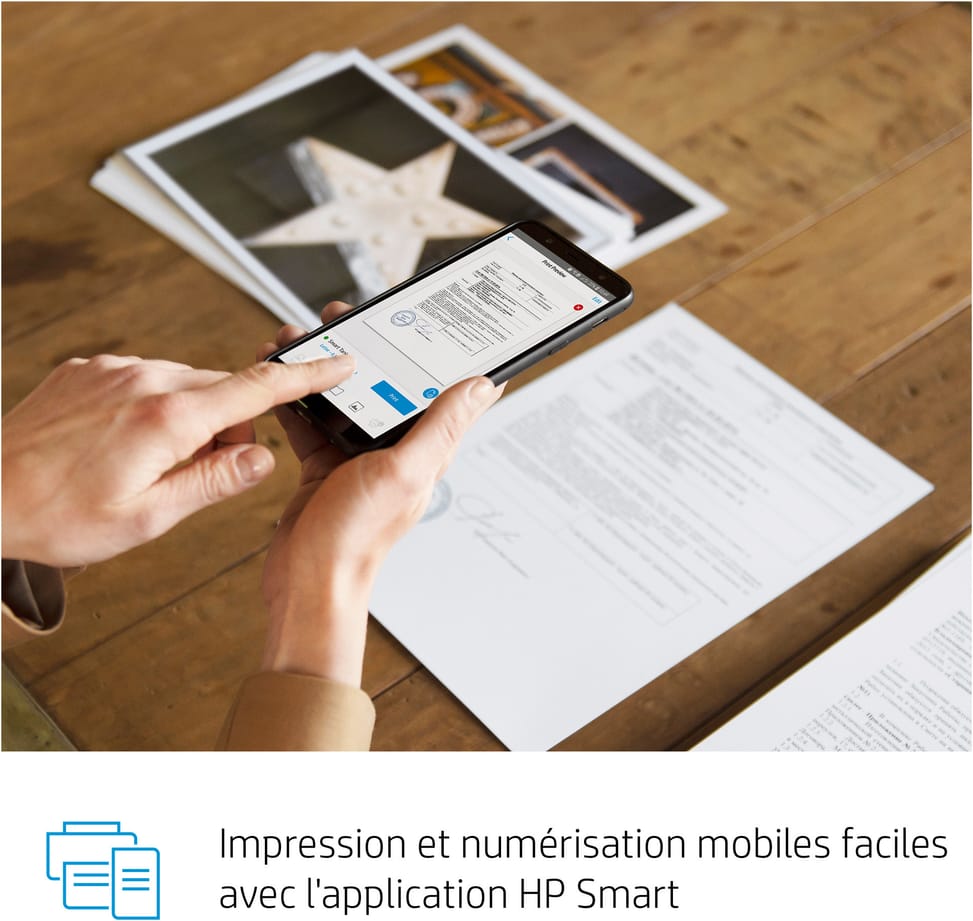
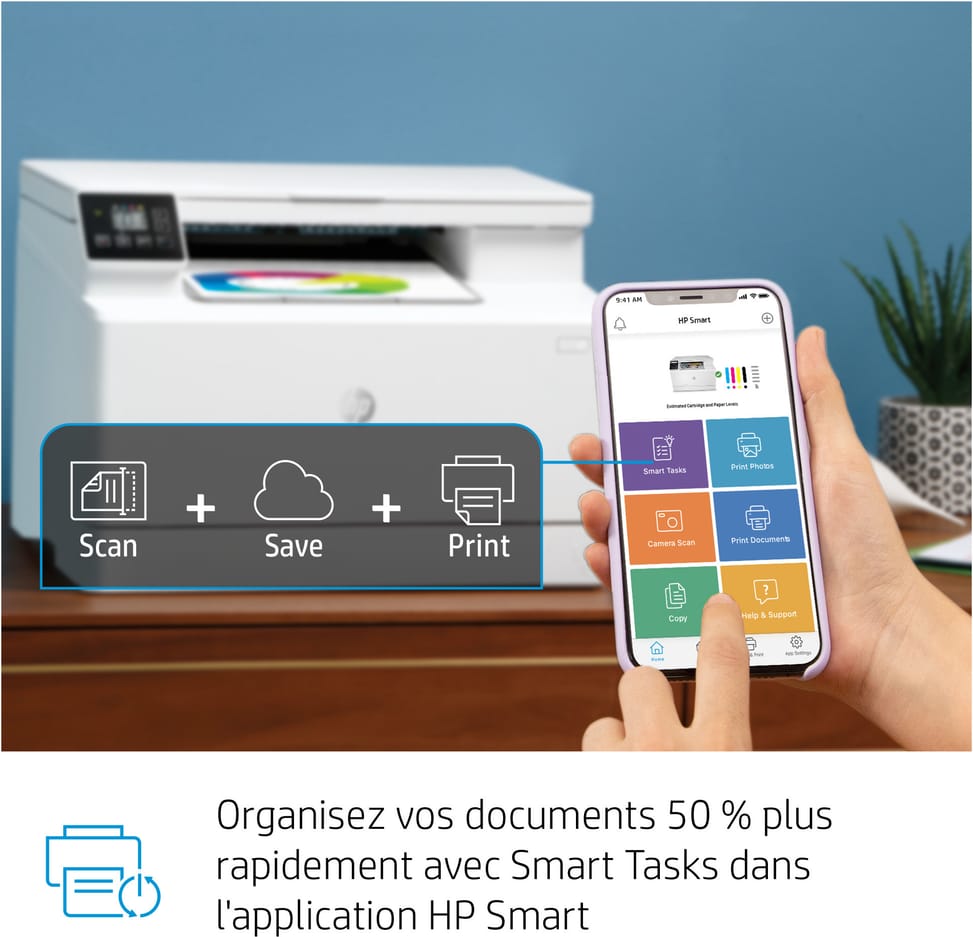
  • Mobile printing with AirPrint, Mopria and the HP Smart app
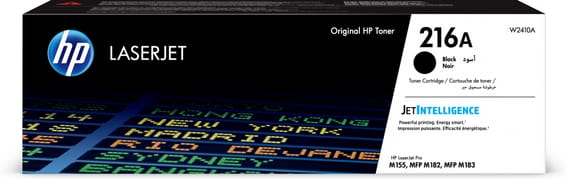
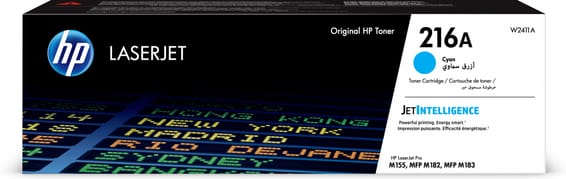
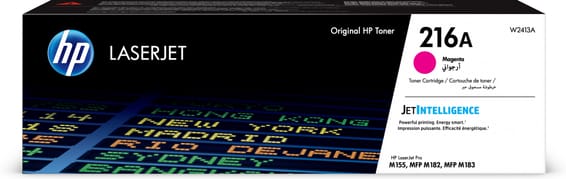
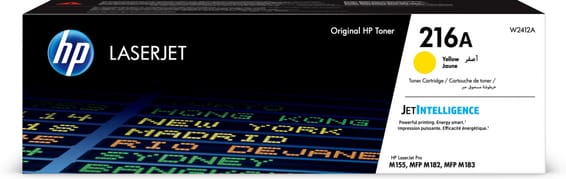
  • 4 separate HP 216A toners: 1,050 pages in black, 850 per colour
  • First page in 11.8 seconds
Ref.: 7KW54A
4 399,00 DHincl. VAT

In stock

Earn 44 DH in loyalty credit with this purchaseHow does it work?Loyalty credit capped at 300 DH per order.

Receive it between Wed 23 Sept and Fri 25 Septfree delivery all over Morocco

Delivery to your address

Receive it between Wed 23 Sept and Fri 25 Septfree delivery all over Morocco

The estimate is refined using actual delivery rounds to your city.

  • Free delivery from 3 000 DH of purchases, all over Morocco.
  • Below that, the same rate in every city for parcels up to 30 kg (delivery to your home or workplace) — the exact amount is shown above, then in the basket.
  • Above 30 kg, the rate follows the parcel's weight. In Casablanca, the flat rate holds up to 120 kg.
  • You are notified by SMS, then called by the courier before your parcel is handed over (delivered by Sapress).
  • Observed delivery time: 1 to 5 working days depending on the city.
Free in-store collection: Casablanca (within 24 h) · Témara (within 48 h)

In-store collection — free

Casablanca store
We bring it to the store within 24 h
We call you as soon as it arrives in store.

Résidence Manoir des Roses, Lot. 18, Boulevard El Hachmi El Filali, Rond-point Bachkou, Casablanca

Opening hours

  • Mon–Fri: 10am – 7pm
  • Sat: 10am – 2pm
  • Closed on Sundays and public holidays

Payment on site: cash, bank card via terminal, certified cheque.

View the map on Google Maps

Temara pickup point
We bring it to the store within 48 h
We call you as soon as it arrives in store.

Boulevard Hassan II, Résidence Les Perles de Témara, Immeuble 5, appartement 2, Témara

Opening hours

  • Mon–Fri: 8.30am – 1pm / 2pm – 6pm
  • Sat: 8.30am – 12.30pm
  • Closed on Sundays and public holidays

Payment on site: cash, bank card via terminal, certified cheque.

View the map on Google Maps

1 year warranty — free repair in Morocco if it breaks down during the warranty period

1 year manufacturer's warranty

This product is covered for 1 year by a manufacturer's warranty (the brand's official warranty). Your iris.ma invoice serves as the warranty document: keep it safe.

A problem with your product? Don't worry: contact us by phone, WhatsApp or e-mail. Depending on the brand, we direct you either straight to the repairer appointed by the brand to fix your product, or to us — and we take care of the rest.

  • If a repair is possible, it is carried out free of charge.
  • If the product cannot be repaired, the brand offers an exchange for another product.
  • If no product is available, a refund is issued as soon as the brand confirms it.

Faulty straight out of the box? Some brands offer an immediate exchange, others a repair. Contact us to find out what applies to your product.

The warranty covers breakdowns occurring under normal use, as defined by the brand's terms. Product breakage (drop, impact, liquid…) is not covered, nor are certain consumable parts.

New, never opened — our commitment

All our products are new, delivered in their sealed original packaging.

We commit to never sending you a product that has been opened, unboxed or returned by another customer — even one “just opened for checking”.

Any doubt on delivery (damaged box, seal already opened)? Point it out to the courier or contact us immediately: we take the product back and send you another one.

Sales invoice

Every order comes with its sales invoice, included with the parcel (handed over in person for a store collection).

Ordering for a company? Using the details you give at checkout (company name and ICE), the invoice is issued in your company's name, with its ICE.

Need a quote? Request a free quote — reply within 24 working hours.

100% secure payment: Bank transfer · Bank card · Cash on delivery (deposit of 660 DH by card or bank transfer) · Certified cheque

Accepted payment methods

Bank transfer

Simply transfer the amount shown to account 007 826 0002684000000426 89 — SGM2I, Attijariwafa bank. The rest (the reference to quote, sending us the proof, tracking) is explained right after confirmation and by email. An instant transfer is recommended: it saves you 24 hours on the delivery time.

Bank card

Your everyday Moroccan bank card is enough — Visa, Mastercard or CMI, no special card required. Foreign cards are accepted too. Secure payment by Attijari Payment.

Cash on delivery (deposit of 660 DH by card or bank transfer)

Pay 660 MAD up front by card, then 3 739 MAD in cash on delivery. The deposit is not refunded if you cancel your order.

Certified cheque

Certified cheque payable to “sgm2i”. Have your bank certify the cheque, then send us a copy on WhatsApp (+212 6 64 10 46 24) or to service.client@iris.ma — we dispatch as soon as we receive it.

Cash at a bank branch

Pay the cash in at any of the 3,400 Attijariwafa Bank branches in Morocco, to the SGM2I account no. 0268 D 000 000 426. You do not need an account there: your ID and the cash are enough.

The methods offered depend on the order total and the carrier — checkout shows the final list.

Google reviews4.7(553 reviews)
Manufacturer's datasheetView the PDF · 2,3 Mo — downloadable

Product overview

Compact A4 colour laser multifunction printer for the home and small office: 3-in-1, colour and compact.
Functions: print, copy and scan
Speed: 16 ppm in both black and colour — entry level · Resolution 600 × 600 dpi
Duplex printing: manual
Paper tray: 150 sheets · Recommended volume: up to 1,500 pages/month
Display: non-touch · Connectivity: Ethernet and USB · A4 format
Compact 3-in-1 colour laser printing for moderate everyday volumes.

See all the specifications ↓
Request a quote

Be notified of a price drop

Share:

Technical specifications

Technical specifications
Processor frequency800 MHz
Print cartridges4 toners (black, cyan, magenta, yellow)
Black print speedUp to 16 ppm (A4, ISO)
First page out time11.8 s (black), 13.8 s (colour), A4 from ready
Colour print speedUp to 16 ppm (A4, ISO)
Black print qualityUp to 600 x 600 dpi (HP ImageREt 3600)
Colour print qualityUp to 600 x 600 dpi (HP ImageREt 3600)
Duty cycleUp to 30,000 pages per month
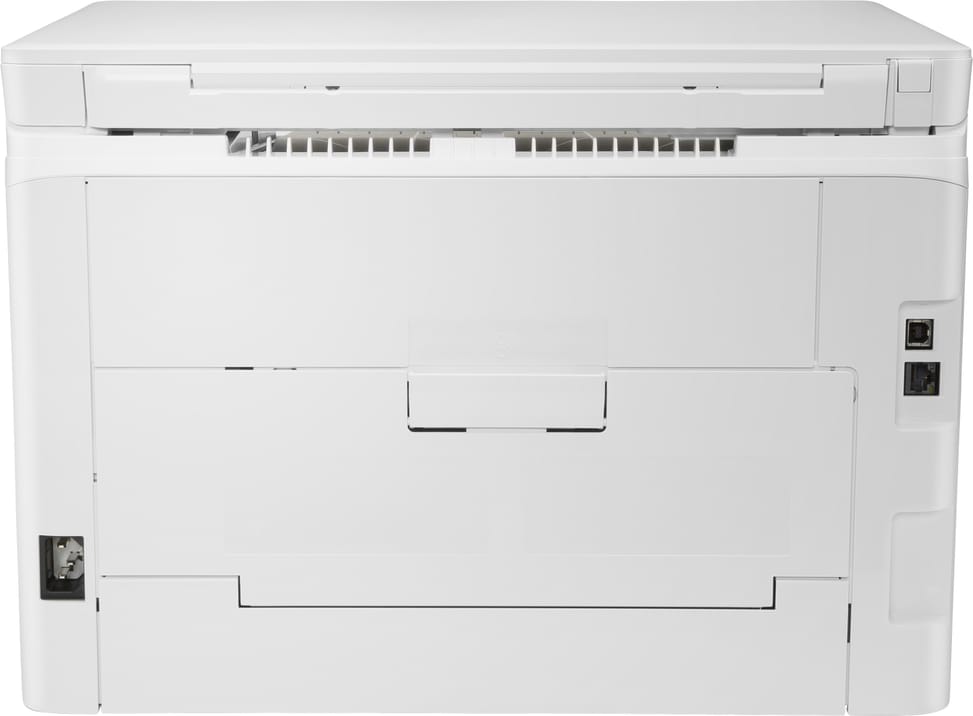
Connectivity1 Hi-Speed USB 2.0 port, 1 built-in Fast Ethernet 10/100 Base-TX network port
Mobile printingHP ePrint, Apple AirPrint, mobile apps, Mopria
Display7-segment icon LCD, non-touch, 6 buttons and 6 LEDs (ready, error, low CMYK toner)
Duplex printingManual (driver-supported)
Paper tray capacityInput: 150 sheets (tray 1, 15 mm stack at 75 g/m²) · Output: 100 sheets (10 mm stack), envelopes and transparencies up to a 10 mm stack
Supported media sizesA4 (210 x 297 mm), A5 (148 x 210 mm), A5 landscape (210 x 148 mm), A6 (105 x 148 mm), B5 JIS (182 x 257 mm), B6 JIS (128 x 182 mm), Executive (184 x 267 mm), Oficio 8.5 x 13 (216 x 330 mm), Oficio (216 x 340 mm), 16k (195 x 270 mm, 184 x 260 mm, 197 x 273 mm), 10 x 15 cm (100 x 150 mm), 4 x 6 (102 x 152 mm), 5 x 8 (127 x 203 mm), JIS postcard (100 x 147 mm), JIS double postcard (147 x 200), #10 envelopes (105 x 241), Monarch (98 x 191 mm), B5 (176 x 250 mm), C5 (162 x 229 mm), DL (110 x 220 mm), custom size from 76 x 127 to 216 x 356 mm
Supported media typesPaper (bond, brochure, coloured, glossy, cardstock, letterhead, light, photo, plain, preprinted, prepunched, recycled, rough), transparencies, labels, envelopes, postcards
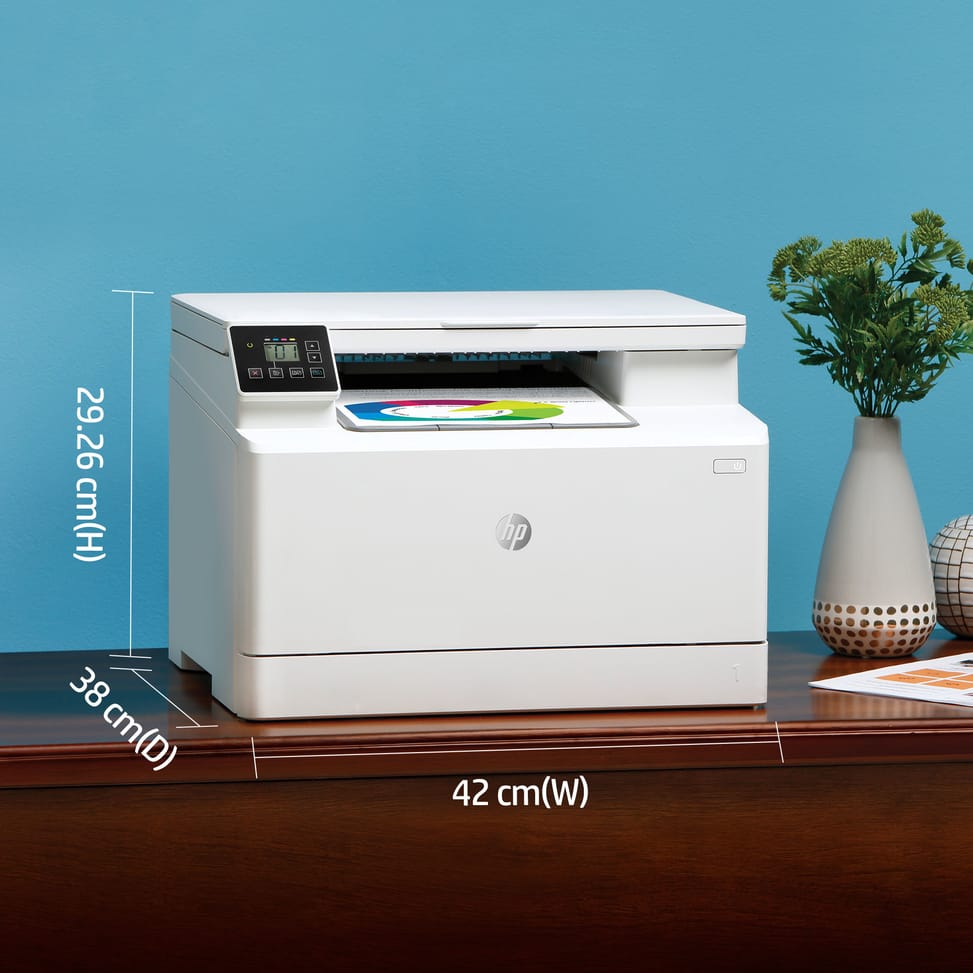
Dimensions (W x D x H)420 x 380 x 292.6 mm closed, 420 x 435 x 295 mm extended
Net weight15.7 kg
Installed memory256 MB DDR memory, 128 MB flash memory
Compatible operating systemsWindows 10, 8.1, 8, 7, Vista, XP SP3 and Windows Server 2008 R2 and later · macOS 10.12 Sierra to 10.15 Catalina · Linux
Box contentsHP Color LaserJet Pro M182n multifunction printer, 4 introductory toners (700 colour pages, 800 black pages), setup guide, power cord
Cable includedNone (USB cable to be purchased separately)
FeaturesPrint, copy, scan
FaxNo
Copier600 x 600 dpi · Up to 16 cpm (black and colour) · Zoom 25 to 400% · Up to 99 copies · Optimisation, draft mode, image adjustments, paper size and type
ScannerColour flatbed, CIS sensor, 8-bit monochrome and 24-bit colour, 256 grey levels · HP Scanning software: auto crop, scan to Google Drive, Dropbox, FTP, OneDrive and SharePoint, save as editable file (text, PDF)
Technical specifications (continued)
Printing technologyToner (laser)
Automatic document feeder capacityNo automatic document feeder
ADF scan speedNo automatic document feeder
Maximum flatbed scan sizeA4: 215.9 x 297 mm
Media weight (ADF)No automatic document feeder
Scan file formatsJPG (JPEG), RAW (BMP), PNG, TIFF, PDF
Included softwareNo software in the box, everything is downloaded from hp.com, 123.hp.com/laserjet or 123.hp.com
Recommended media weight60 to 163 g/m² (uncoated or matte, recommended), up to 175 g/m² for postcards and 200 g/m² for HP matte paper allowed in the driver
Printer languagesHP PCL 6, HP PCL 5c, HP PostScript level 3 emulation, PWG Raster, PDF, PCLm, PCLm-S, URF
Wi-FiNo
EthernetYes
FormatUp to A4
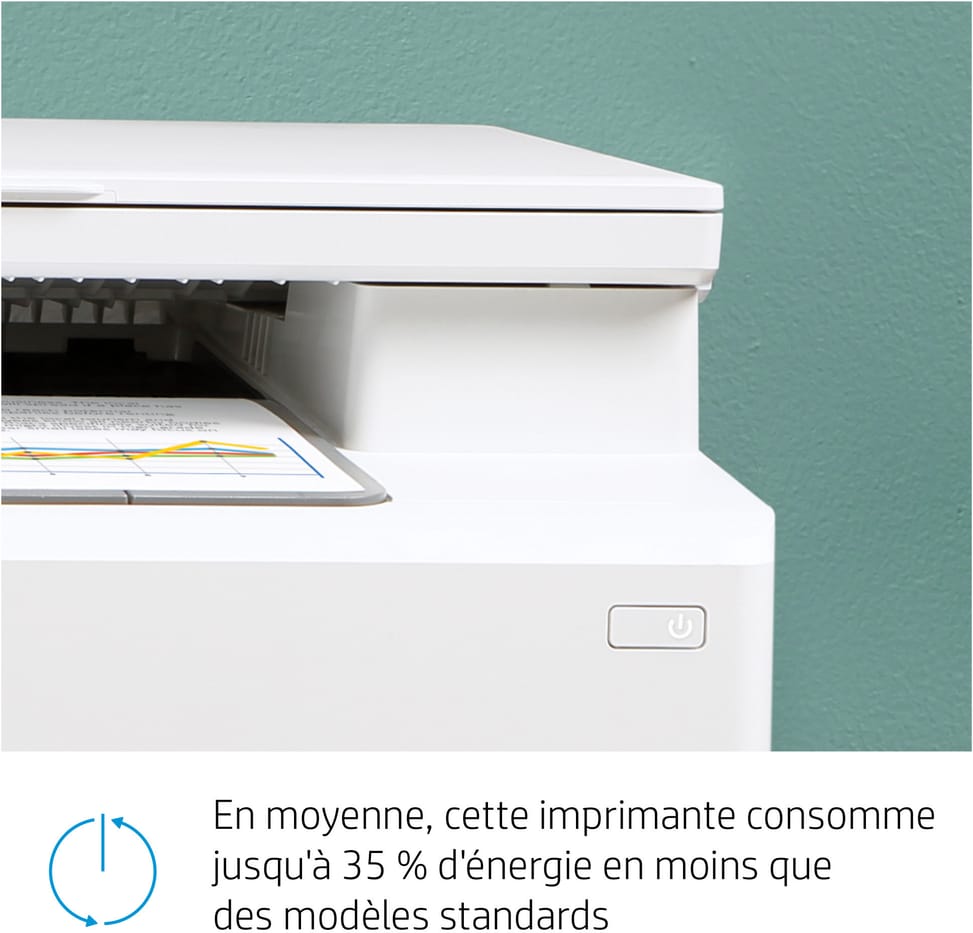
Power consumptionPrinting: 313 W · Ready: 7.4 W · Sleep: 0.7 W · Off: 0.05 W
Compatible cartridgesHP 216A: W2410A black (1,050 pages), W2411A cyan, W2412A yellow, W2413A magenta (850 pages each)
Power supply220 to 240 V AC (± 10%), 50/60 Hz (± 3 Hz)
Noise level48 dB(A) in monochrome, 49 dB(A) in colour (sound power 6.2 and 6.3 B(A))
Recommended monthly page volume150 to 1,500 pages per month
Number of cartridges4 cartridges
Print colourColour
Duplex scanningNo
Consumables included with the printer4 introductory toners (700 composite colour pages, 800 black pages)
Optical scan resolutionUp to 1,200 dpi (optical)
Automatic document feederNo
Recommended monthly volume100 to 500 pages per month, 500 to 2,000 pages per month
Warranty1 year

Customer reviews

No reviews yet

Be the first to review this product and help other customers.

Write a review
Your rating
5/5

Shown publicly with your review.

Never published — a confirmation email will be sent to you.

Tell us about the product — in a few lines:

  • what you liked in everyday use;
  • the quality and performance you found;
  • who you would recommend it to, and why.

A question about an order, a delivery or a payment? Write to us and we will reply to you directly.

Under Law 09-08, you have the right to access, rectify and object to the processing of your personal data. This processing has been authorised by the CNDP under no. D-CE-389/2015. Learn more

Frequently asked questions about this product

Does the HP LaserJet Pro M182n connect via Wi-Fi?
No, it connects to the network with an Ethernet cable, or directly to a computer via USB. Mobile printing is still possible once the machine is on the network, via AirPrint, Mopria and the HP Smart app.
How many pages do the toners supplied with the HP M182n give?
The introductory cartridges supplied in the box yield 800 pages in black and 700 composite colour pages. A full set of HP 216A goes up to 1,050 pages in black and 850 per colour: plan to restock sooner than you might expect.
How fast is the HP LaserJet Pro M182n?
16 pages/min (ISO standard), in black and in colour alike, with the first page out in 11.8 seconds. That is an entry-level speed, in line with the recommended volume: up to 1,500 pages per month.
Does the HP M182n print double-sided automatically?
No, double-sided printing is manual: the driver guides you in turning the stack over. Nor does it have an automatic document feeder — originals are placed one at a time on the glass — or fax.
Where can the HP LaserJet Pro M182n scan to?
To Google Drive, Dropbox, OneDrive, SharePoint or an FTP server, from the computer. It can also save as an editable file, text or PDF, and automatically crops the scanned document.
How many sheets can the HP M182n hold?
150 sheets in the input tray, a 15 mm stack, and 100 sheets in the output tray. It accepts 60 to 163 g/m², and up to 175 g/m² for postcards or 200 g/m² for HP matte paper via the driver.
Is software supplied with the HP LaserJet Pro M182n?
No, there is no CD in the box: the driver is downloaded, so an Internet connection is needed for installation. The USB cable is not included either. The box contains the printer, its introductory cartridges, the guide and the power cord.
What volume can the HP M182n handle?
A duty cycle of 30,000 pages, for a recommended volume of 150 to 1,500 pages per month. The duty cycle is a theoretical maximum; the recommended volume is the range in which the machine lasts: that second figure is the one to look at.
Does the HP LaserJet Pro M182n work with Mac and Linux?
Yes, it is listed as compatible with macOS Sierra to Catalina and Linux, in addition to Windows XP to 10 and Windows Server 2008 R2 and later. An Internet connection is required to download the driver.
How much desk space does the HP M182n take up?
420 x 380 x 292.6 mm at minimum, and 420 x 435 x 295 mm with the trays extended, for 15.7 kg. It is the most compact colour laser multifunction printer in this category: it fits on the corner of a desk.
Is the HP LaserJet Pro M182n printer new and under warranty?
New, part number 7KW54A, in original HP packaging, with its introductory cartridges installed. The invoice serves as the warranty document for 1 year. The HP datasheet details all the specifications.

Trending

View the HP archive

Chat on WhatsApp

Scan with my phone

The simplest way: open your phone camera and point it at this code. The chat opens with your message ready.

Open WhatsApp Web

Works if your phone is already linked to this computer.

Prefer to call? (+212) 05 30 31 64 21