
Pay nowView my order
Visit the Epson store

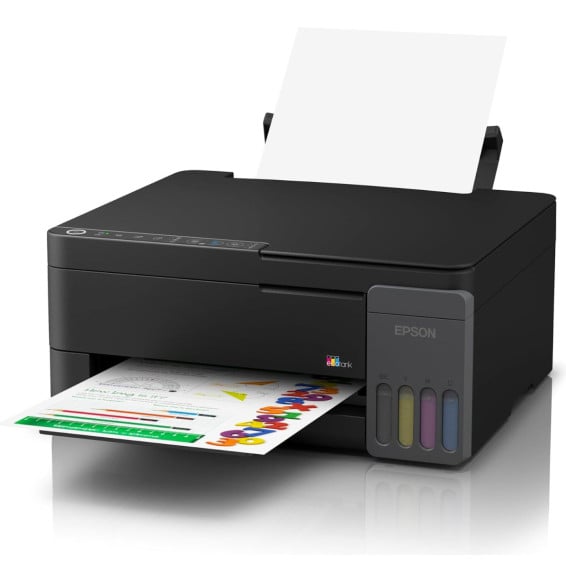
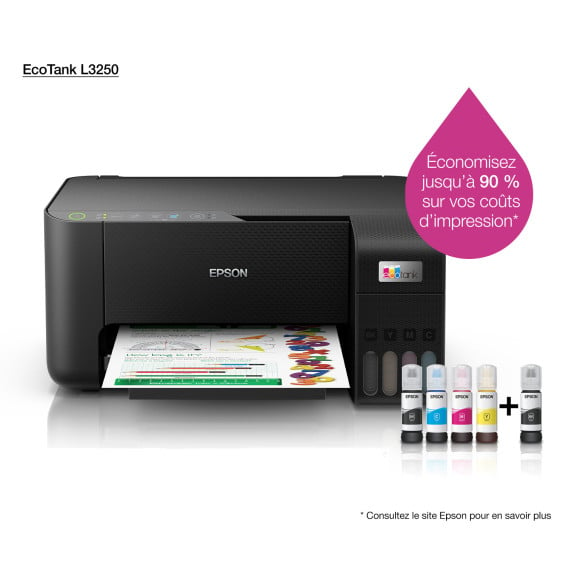
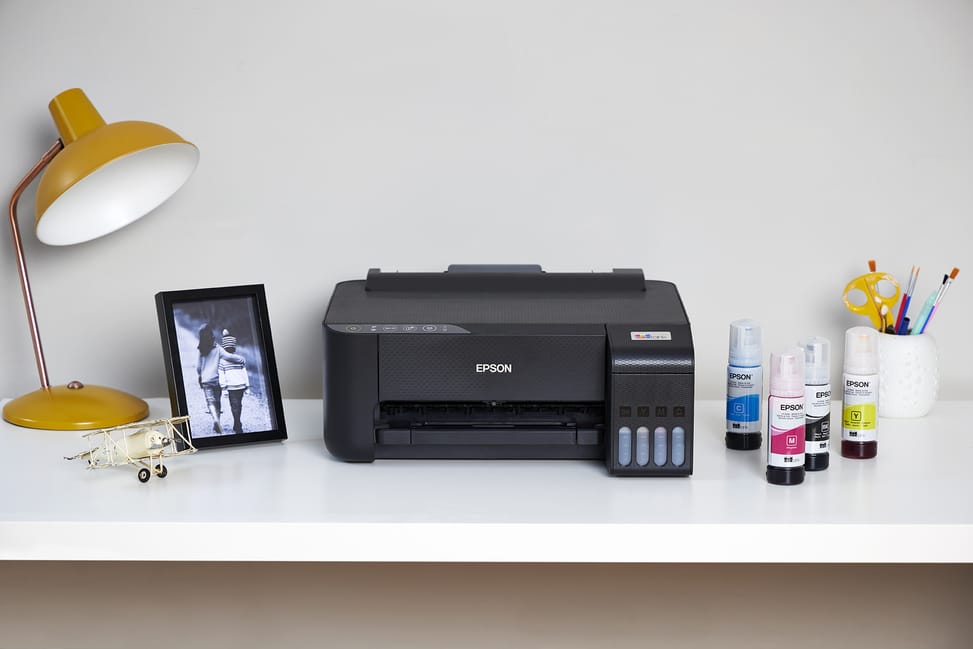
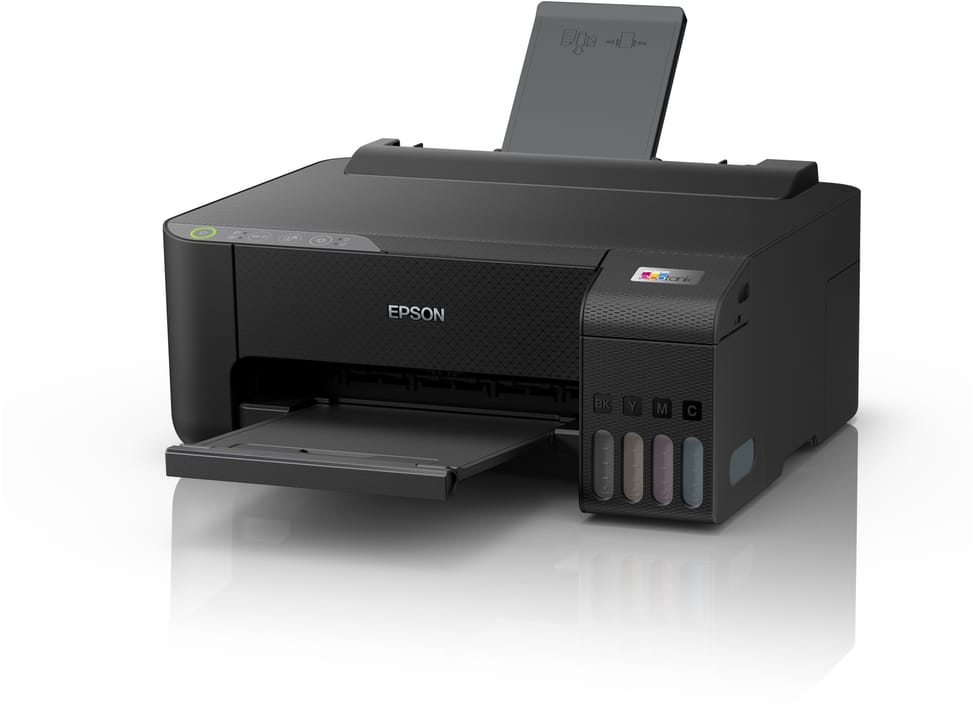
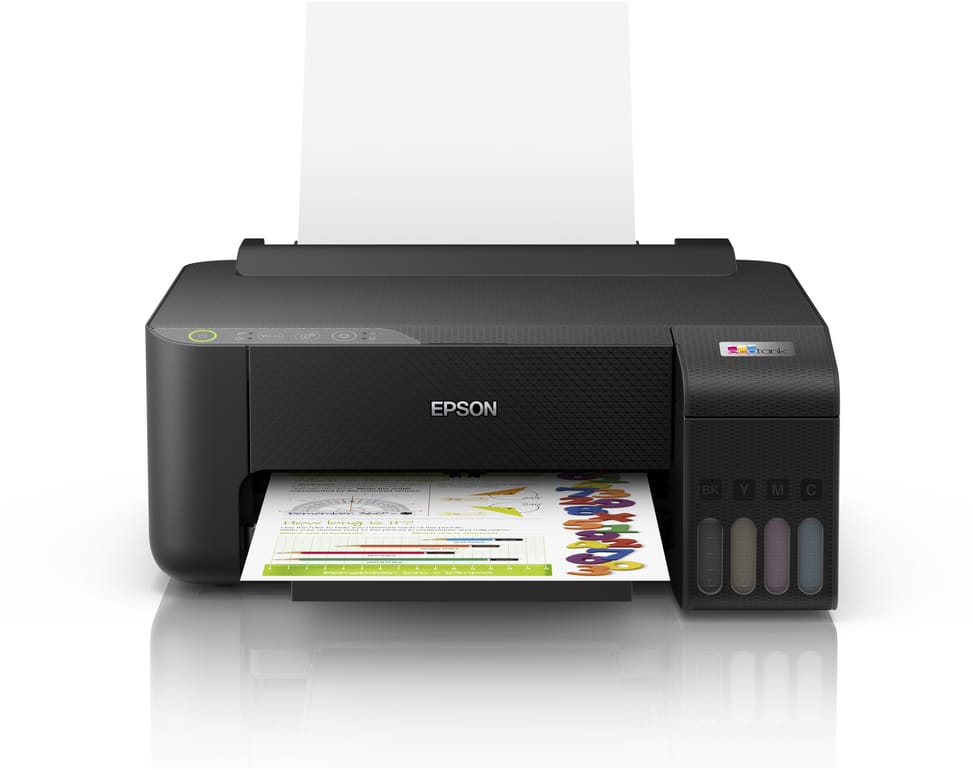
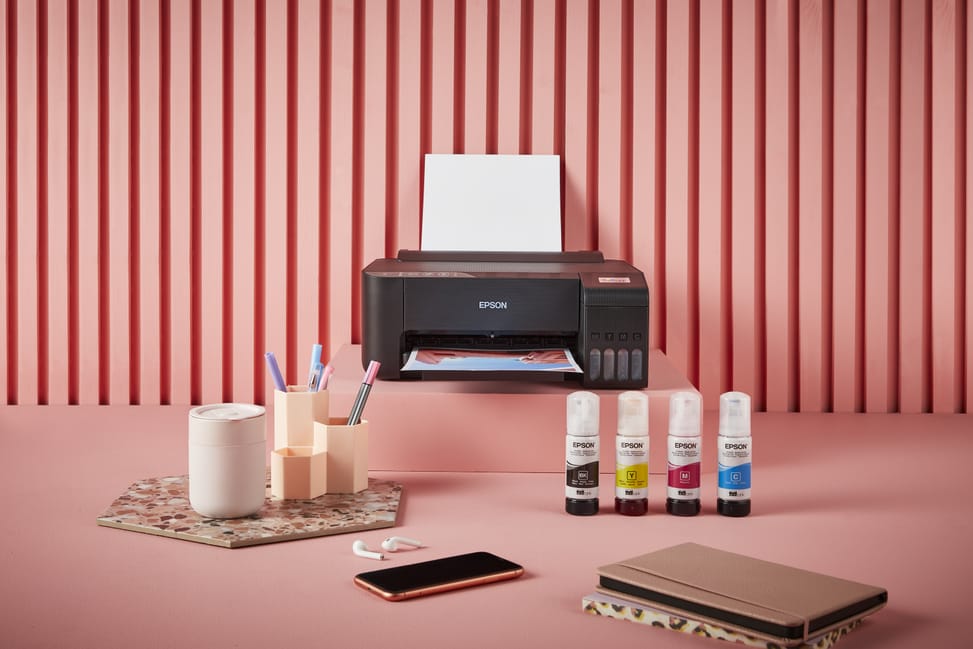
Epson EcoTank L1250 Refillable Ink Tank Printer (C11CJ71403)

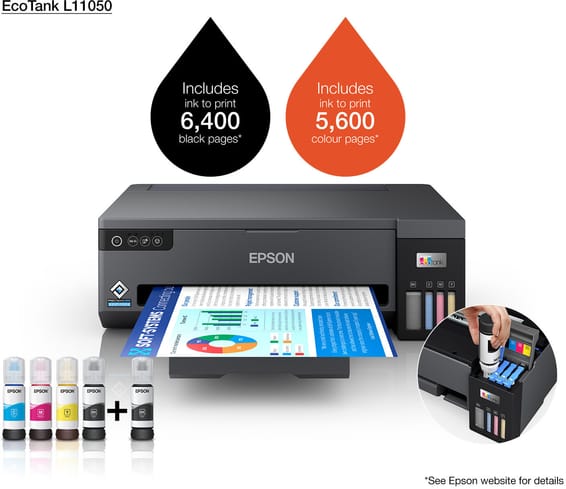
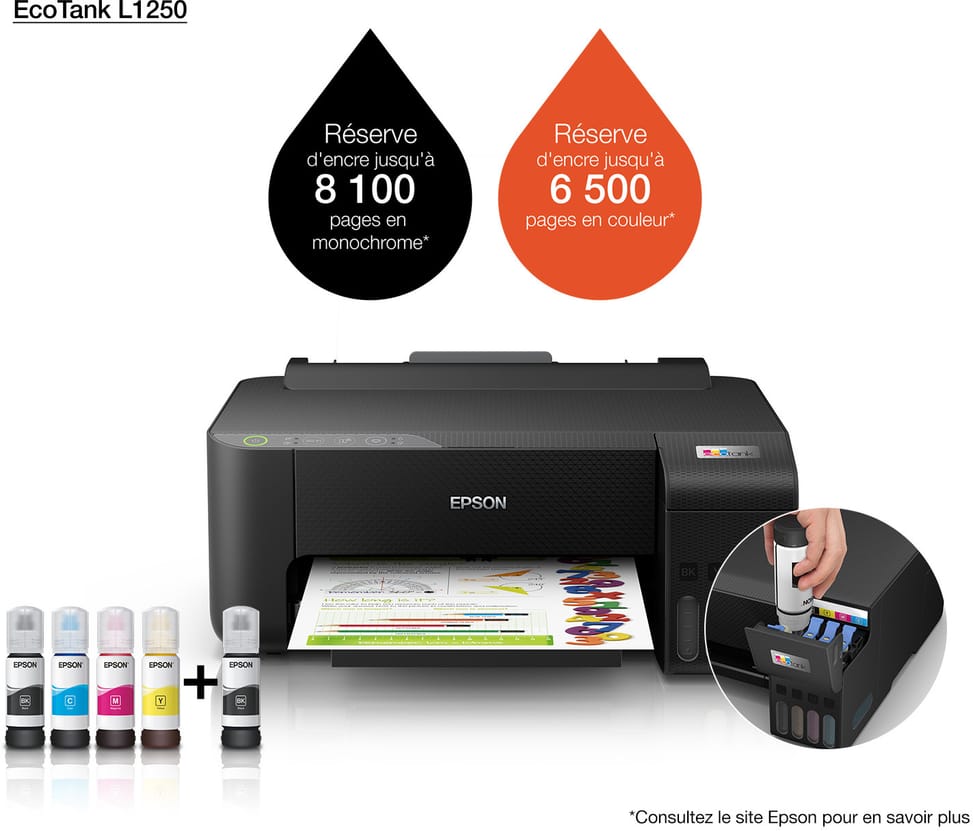
Print only, with no scanning or copying, supplied with ink for 8100 pages in black and 6500 in colour, Wi-Fi connected (manual duplex).

  • Print only (no scanning or copying)
  • Wi-Fi (no Ethernet)
  • Ink included: 8100 black pages / 6500 colour
  • Manual duplex
Ref.: C11CJ71403
2 399,00 DHincl. VAT

Out of stock

Under Law 09-08, you have the right to access, rectify and object to the processing of your personal data. This processing has been authorised by the CNDP under no. D-CE-389/2015. Learn more

Can’t wait?

Ask for an alternative on WhatsApp

Quick reply

Manufacturer's datasheetView the PDF · 876 Ko — downloadable

Product overview

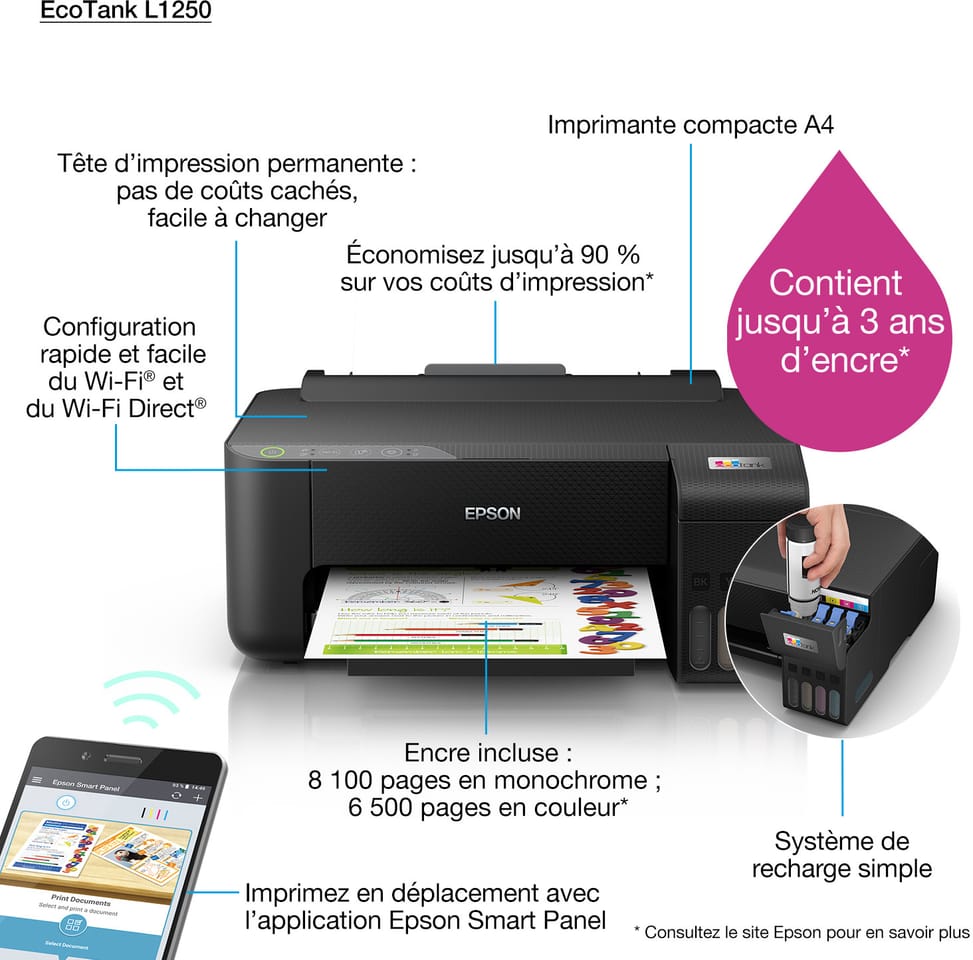
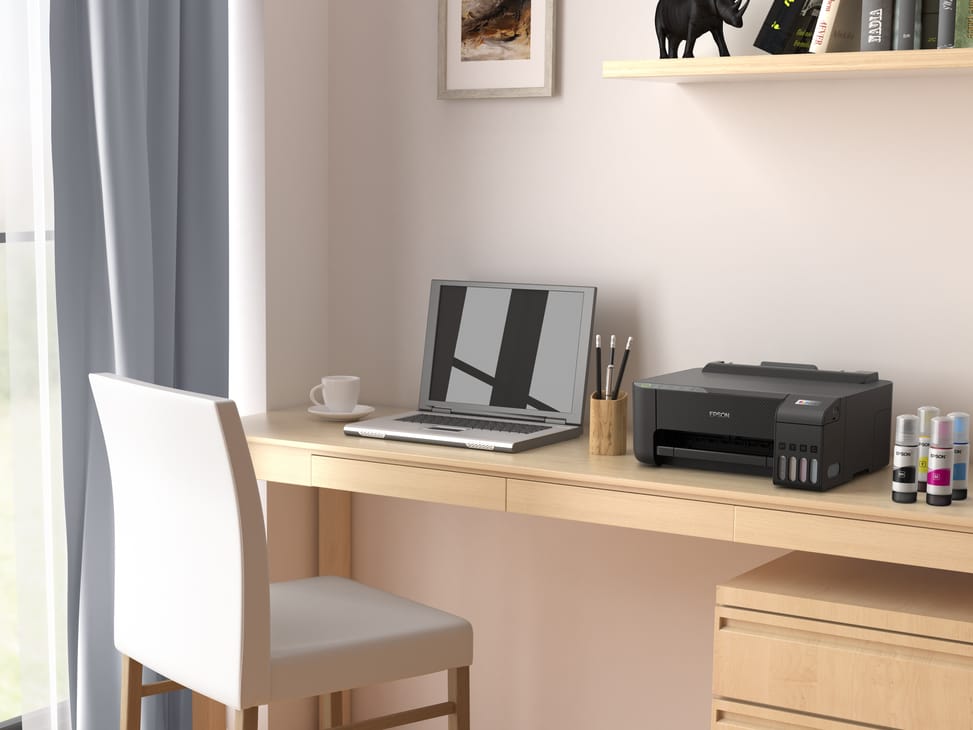
Compact, connected ink tank printer for the home: ultra-low-cost ink, up to 8,100 pages included and Wi-Fi.
Function: print only (single-function)
Ink supplied: enough for 8,100 black pages and 6,500 colour — unbeatable cost per page
Speed: 33 ppm in both black and colour · Resolution 5760 × 1440 dpi
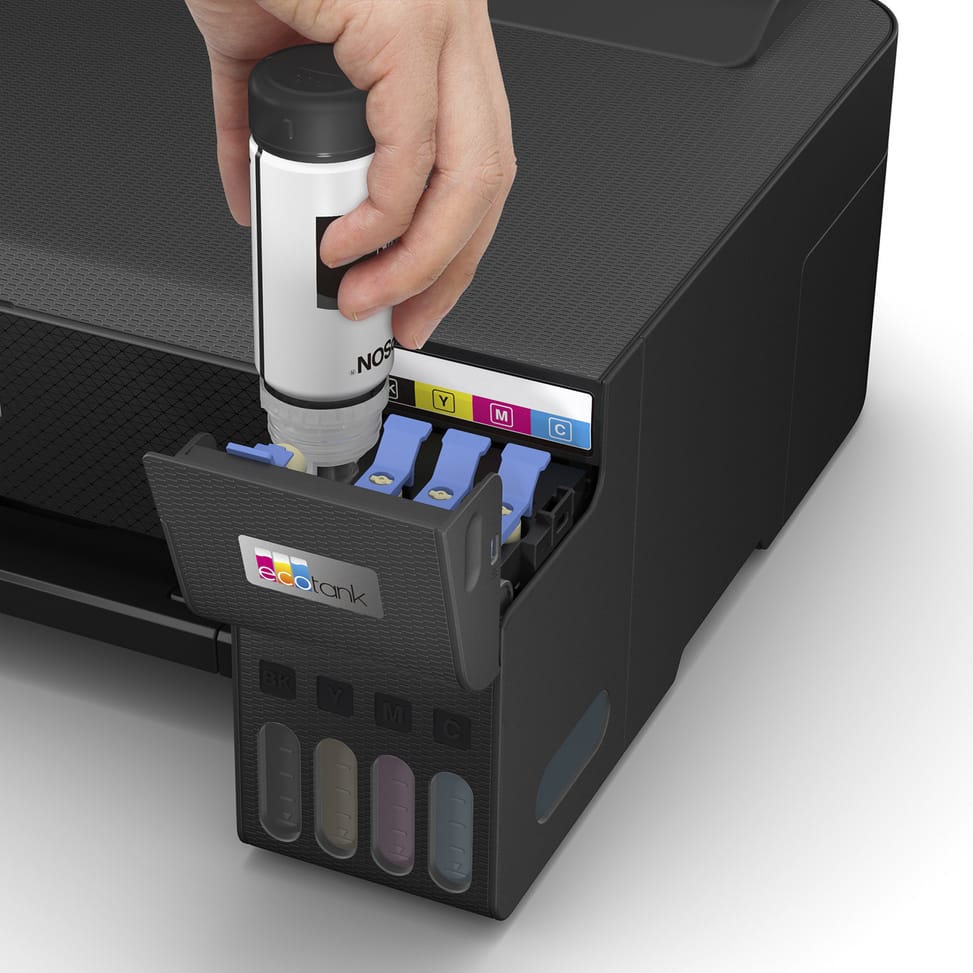
Ink: 4 separate tanks · fixed Micro Piezo printhead, built to last
Duplex printing: manual
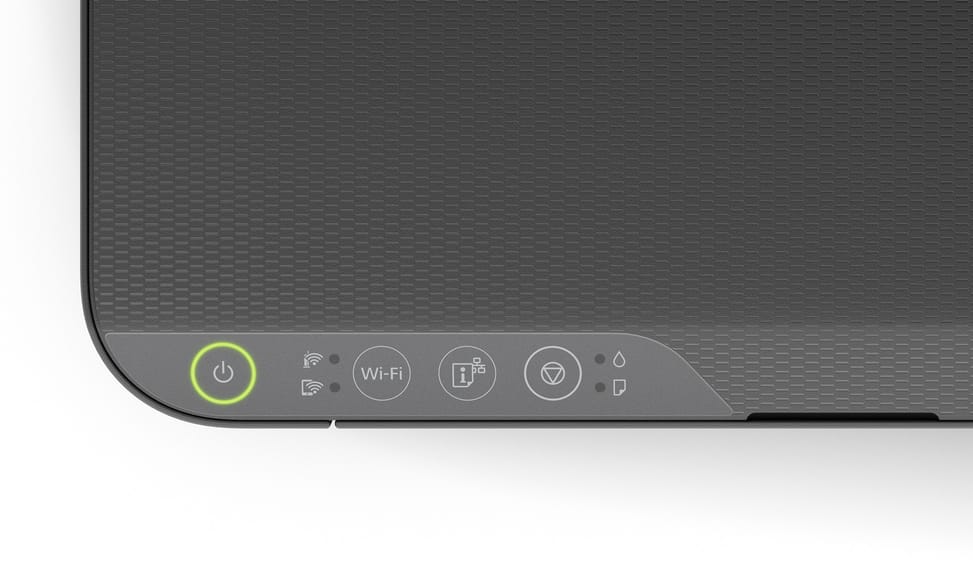
Paper tray: 100 sheets · No display
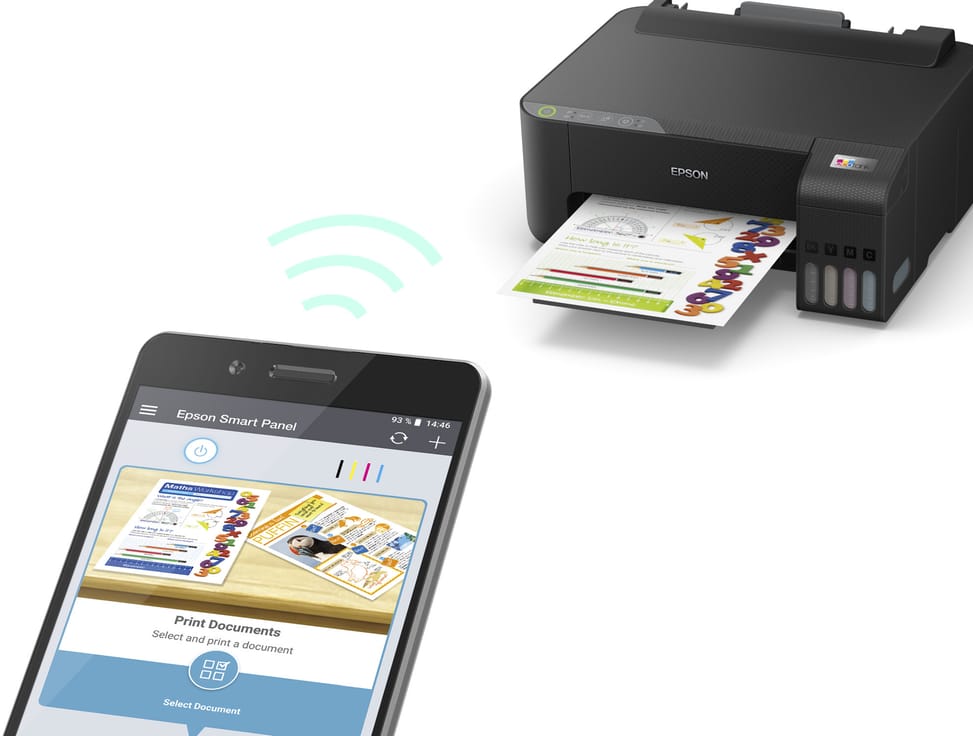
Connectivity: Wi-Fi, Wi-Fi Direct and USB · A4 format
Ideal for printing in volume, from your phone as well as your PC.

See all the specifications ↓
Request a quoteShare:

Technical specifications

Technical specifications
Print cartridges4 tanks: black, cyan, magenta, yellow
Black print speed10 pages/min (ISO/IEC 24734) · up to 33 pages/min on plain paper
Colour print speed5 pages/min (ISO/IEC 24734) · up to 15 pages/min on plain paper
Black print quality5,760 x 1,440 dpi
Colour print quality5,760 x 1,440 dpi
ConnectivityUSB 2.0, Wi-Fi, Wi-Fi Direct
Mobile printingEpson Smart Panel
DisplayNone
Duplex printingManual
Borderless printingYes, up to 10 x 15 cm
Paper tray capacityInput: 100 sheets (rear tray) · Output: 30 sheets
Supported media sizesA4, A5, A6, B5, B6, 9 x 13, 10 x 15, 13 x 18, 13 x 20, 20 x 25 cm, DL, C6 and No. 10 envelopes
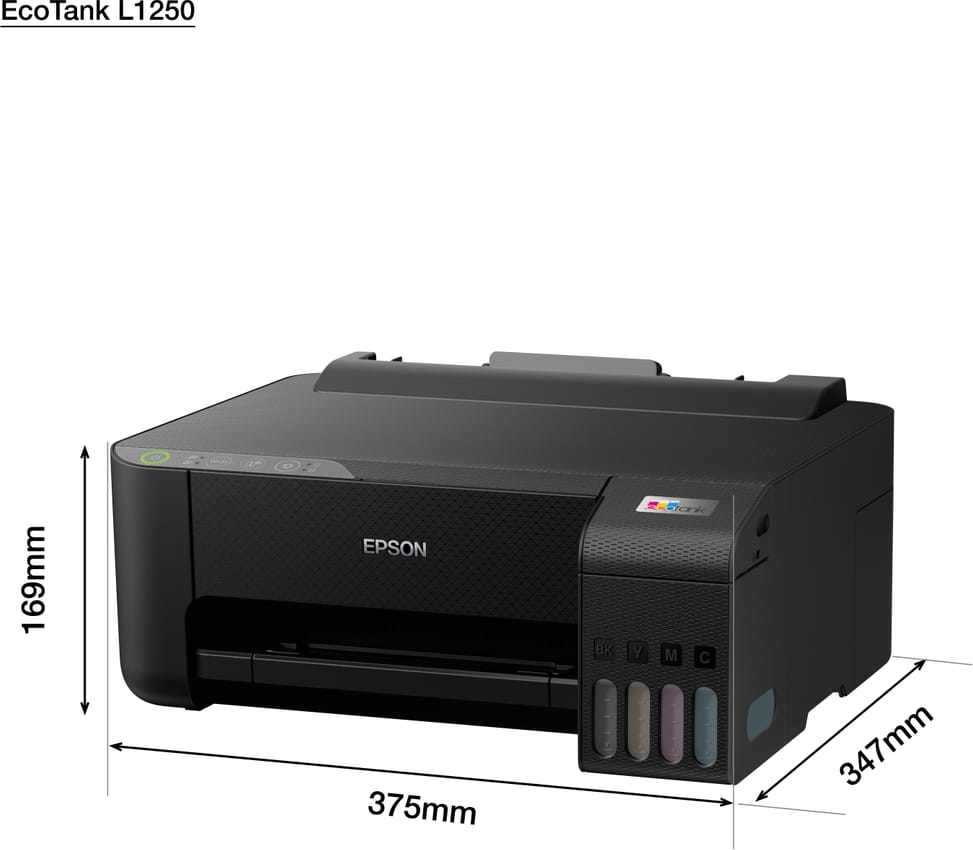
Dimensions (W x D x H)375 x 347 x 169 mm
Net weight2.9 kg
Compatible operating systemsWindows 10, 8.1, 8, 7, Vista, XP · Windows Server 2003 to 2016 · macOS 10.6.8 and later
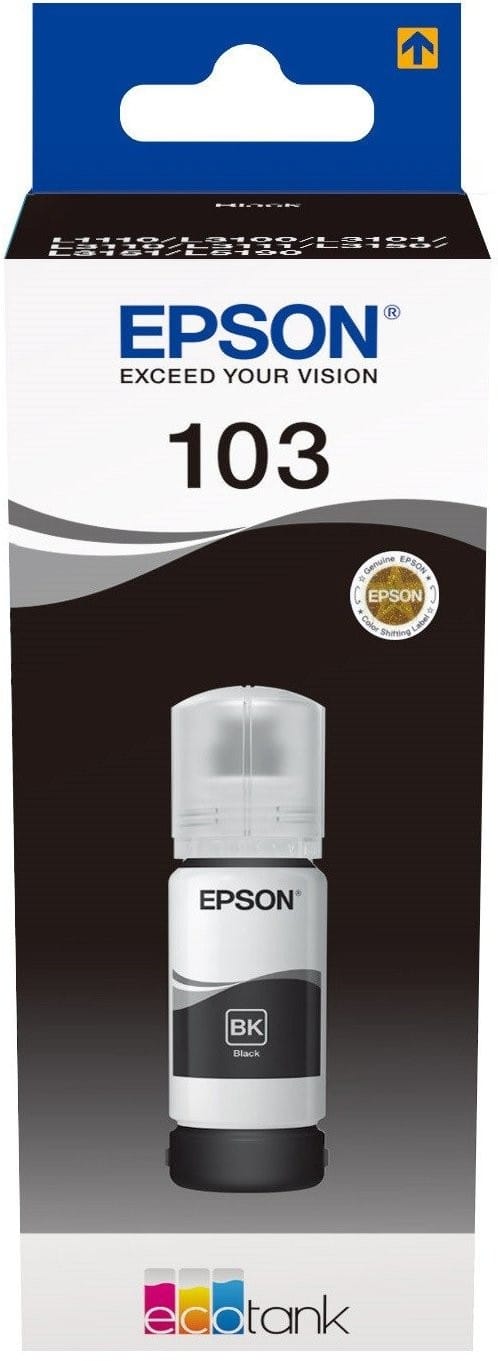
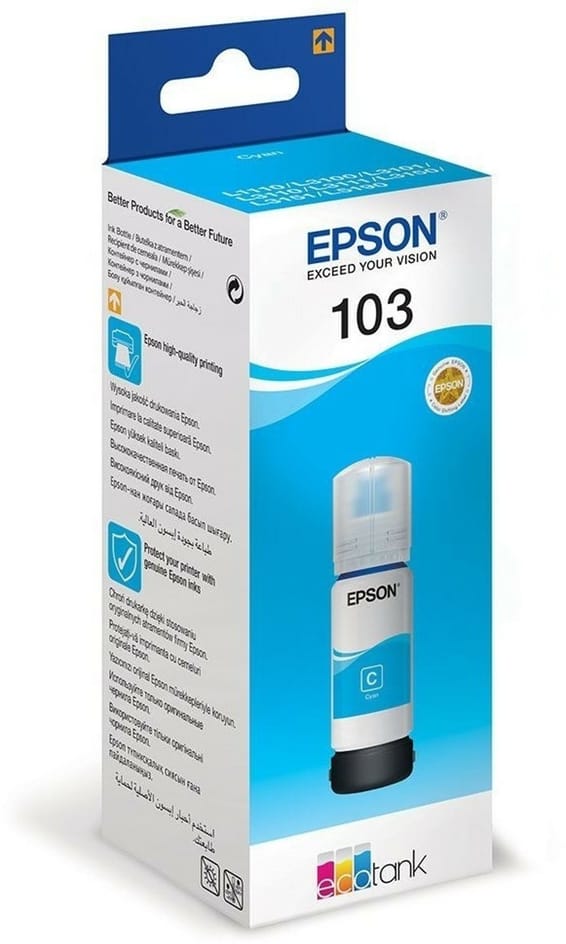
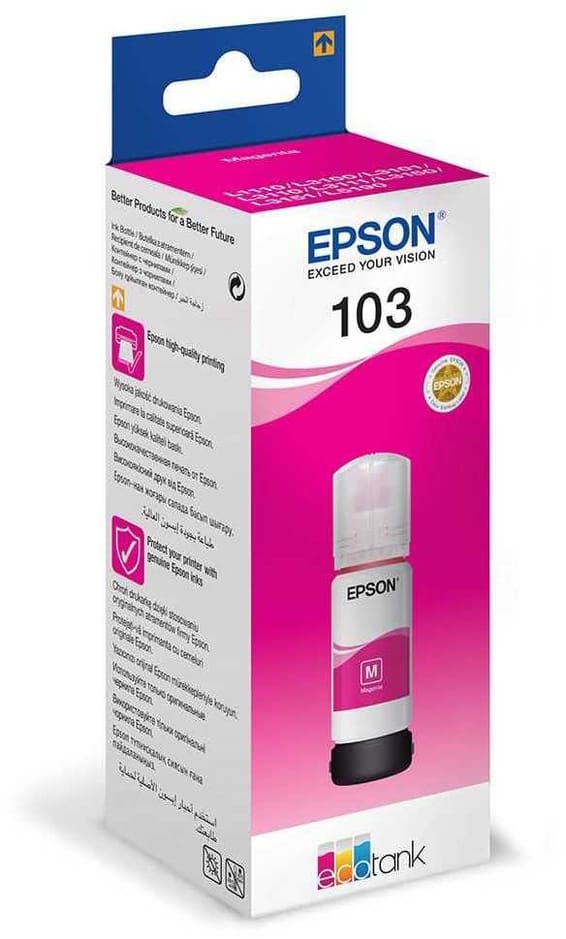
Box contentsPrinter, 4 ink bottles of 65 ml and 1 extra black, power cable, driver on CD, documentation
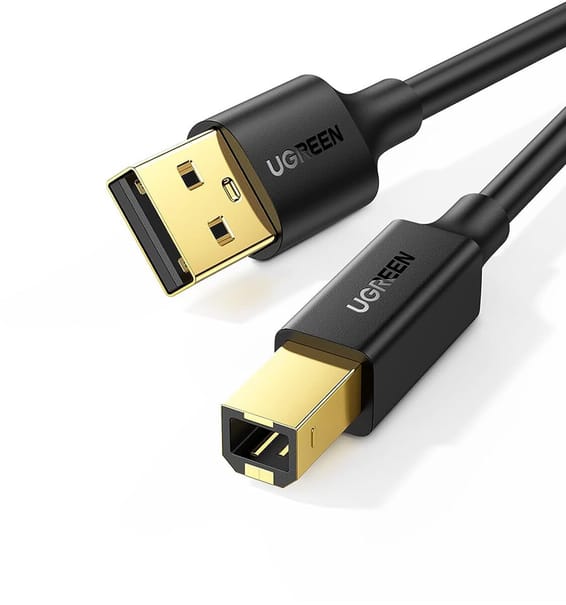
Cable includedNone (USB cable to be purchased separately)
FeaturesPrint
FaxNo
CopierNone
ScannerNone
Printing technologyInk bottle (refillable tank)
Printhead technologyEpson Micro Piezo head, minimum droplet of 3 pl, variable size
Automatic document feeder capacityNo automatic document feeder
ADF scan speedNo automatic document feeder
Technical specifications (continued)
Maximum flatbed scan sizeNo scanner
Included softwareEpson driver and utilities (CD included)
Recommended media weight64 to 300 g/m²
Printer languagesESC/P-R
Wi-FiYes
EthernetNo
FormatUp to A4
Power consumption12 W in operation (ISO/IEC 24712 pattern) · Ready: 3 W · Sleep: 0.7 W · Off: 0.2 W · 0.15 kWh/week
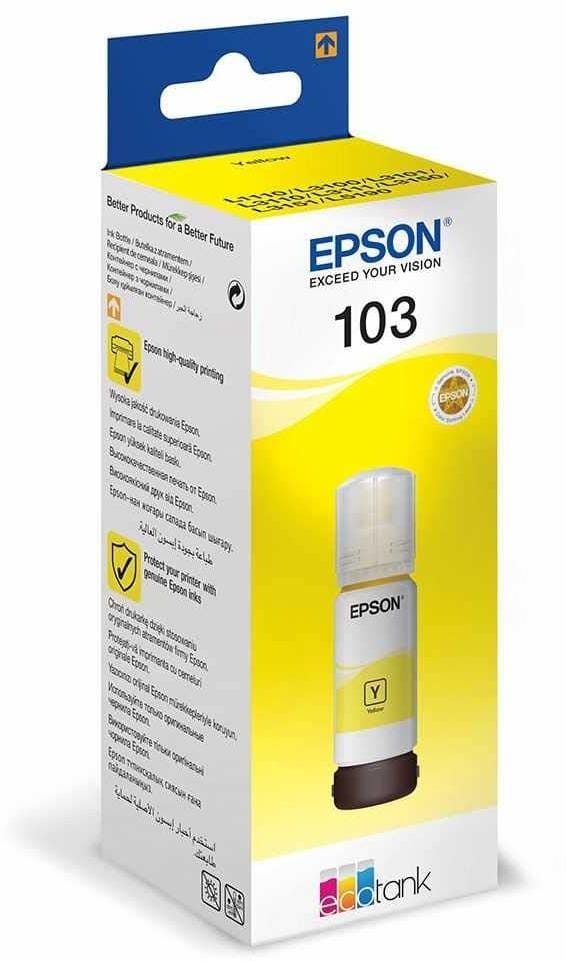
Compatible cartridgesEpson 103
Printing from a memory deviceNo
Product colourBlack
Power supply220 to 240 V AC
Yield measurement standardEpson extrapolation from ISO/IEC 24712 test patterns; yields are NOT measured to ISO/IEC 24711
Volume supplied by print cartridges65 ml per bottle (black, cyan, magenta, yellow)
Number of cartridges4 cartridges
Print colourColour
Consumables included with the printer4 ink bottles of 65 ml (black, cyan, magenta, yellow) and 1 extra black bottle
Included ink yieldUp to 8,100 pages in black and 6,500 pages in colour
Printhead nozzles180 black nozzles, 59 nozzles per colour
Optical scan resolutionNo scanner
Ink typesDye-based ink (black, cyan, magenta, yellow)
Automatic document feederNo
Recommended monthly volumeLess than 100 pages per month, 100 to 500 pages per month
Warranty1 year

Customer reviews

No reviews yet

Be the first to review this product and help other customers.

Write a review
Your rating
5/5

Shown publicly with your review.

Never published — a confirmation email will be sent to you.

Tell us about the product — in a few lines:

  • what you liked in everyday use;
  • the quality and performance you found;
  • who you would recommend it to, and why.

A question about an order, a delivery or a payment? Write to us and we will reply to you directly.

Under Law 09-08, you have the right to access, rectify and object to the processing of your personal data. This processing has been authorised by the CNDP under no. D-CE-389/2015. Learn more

Frequently asked questions about this product

Can the Epson EcoTank L1250 scan or copy?
No: it is a printer only, with no scanner or copy function. If you need all three functions, look at a multifunction EcoTank — the L3256, for example, which has the same print engine.
How many pages can you print with the ink supplied with the L1250?
8,100 pages in black and 6,500 in colour. This is the central selling point of EcoTank printers: the supplied ink covers several years of home use, whereas a cartridge printer needs new cartridges after a few hundred pages.
Can the Epson EcoTank L1250 connect to a wired network?
No: it has Wi-Fi, but no Ethernet port. On a workstation where the network is only available via cable, or in a room the Wi-Fi does not reach, this is a deal-breaker to check before buying.
How fast is the Epson EcoTank L1250?
33 pages/min in both black and colour, with a resolution of 5,760 x 1,440 dpi. This is the maximum stated speed on plain paper: a complete job, measured to the ISO standard, will run more slowly.
Does the Epson EcoTank L1250 offer automatic duplex printing?
No, duplex printing is manual: you have to turn the stack over yourself between the two passes. For a few pages it makes no difference; for a fifty-page document, it changes the way you work.
Is the Epson EcoTank L1250 printer new and under warranty?
New, reference C11CJ71403, in original Epson packaging, with its ink bottles. The invoice serves as the warranty document for 1 year. The Epson datasheet details the specifications.

Trending

View the Epson archive

Chat on WhatsApp

Scan with my phone

The simplest way: open your phone camera and point it at this code. The chat opens with your message ready.

Open WhatsApp Web

Works if your phone is already linked to this computer.