Does the Epson EcoTank L3250 come with ink, and for how many pages?
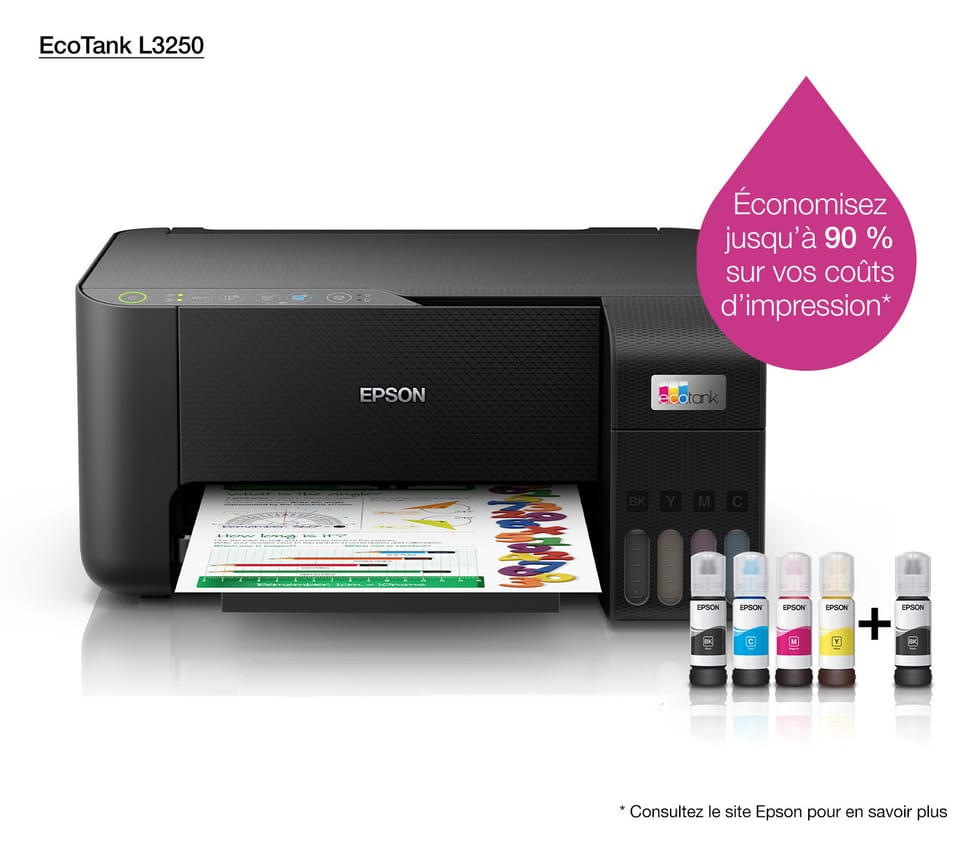
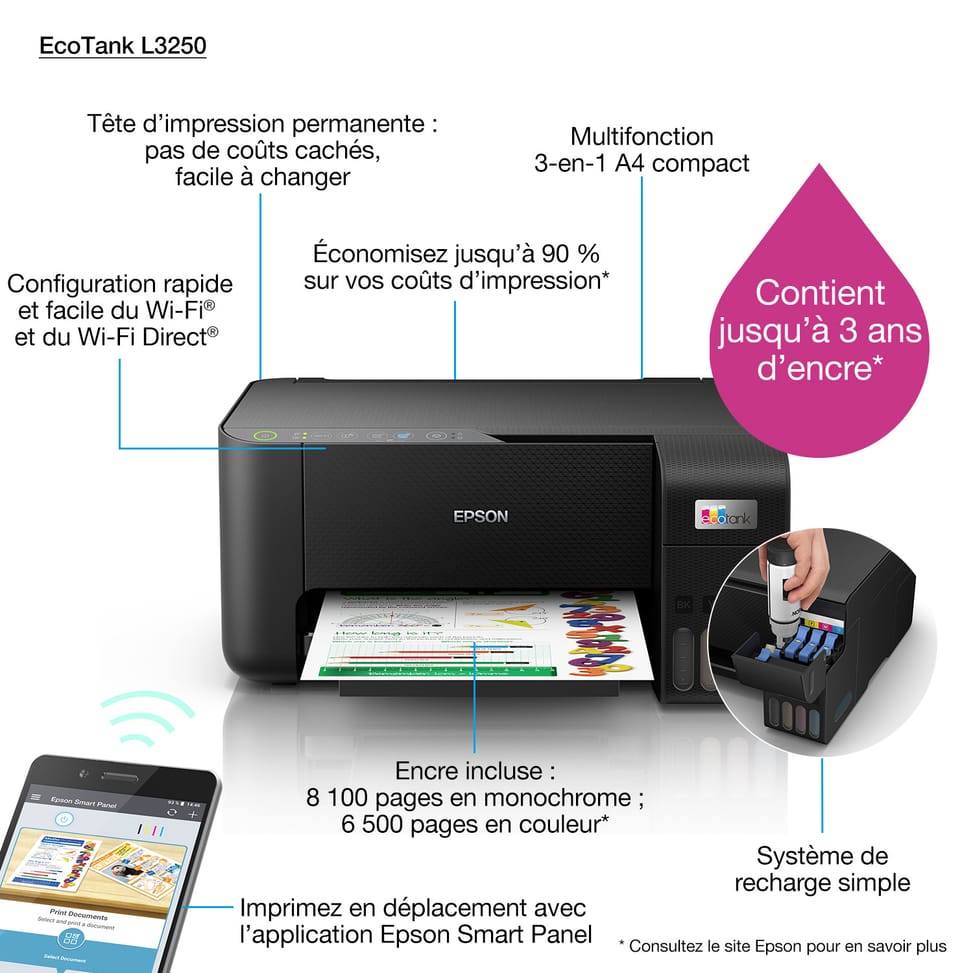
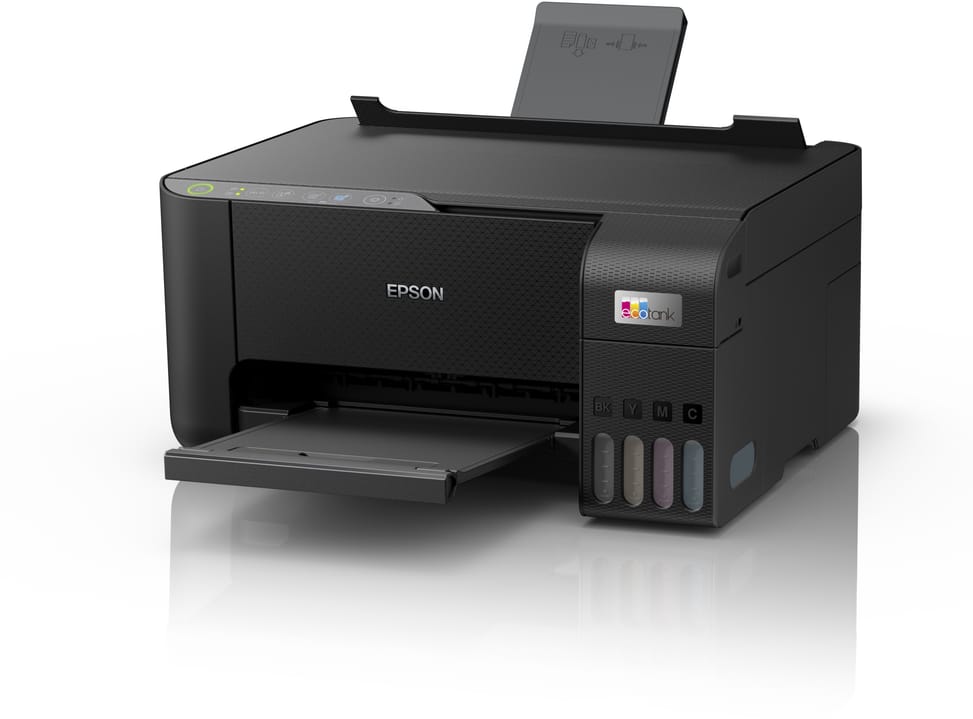
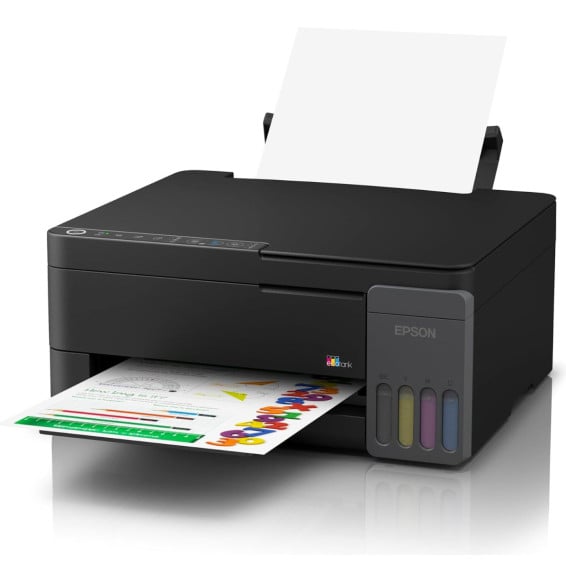
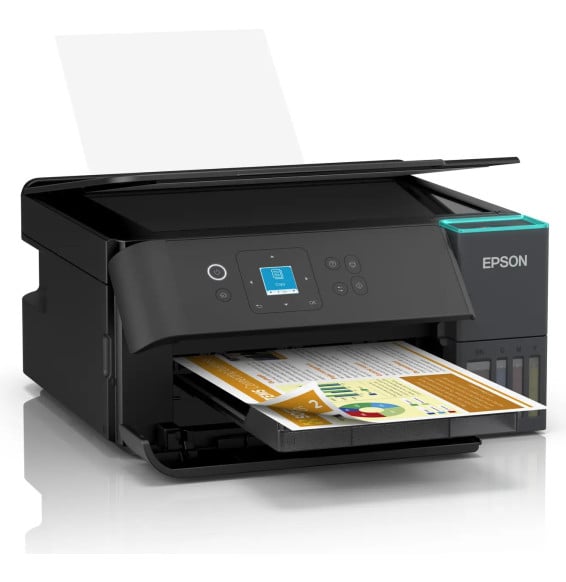
Yes. It comes with 4 × 65 ml ink bottles (black, cyan, magenta, yellow) plus an extra bottle of black. This included kit prints up to 8,100 pages in black and 6,500 pages in colour, the equivalent of about 3 years of printing for typical home use. Unlike a cartridge printer, you have nothing to buy again for a long time.
How much do ink refills cost and which bottles should you use?
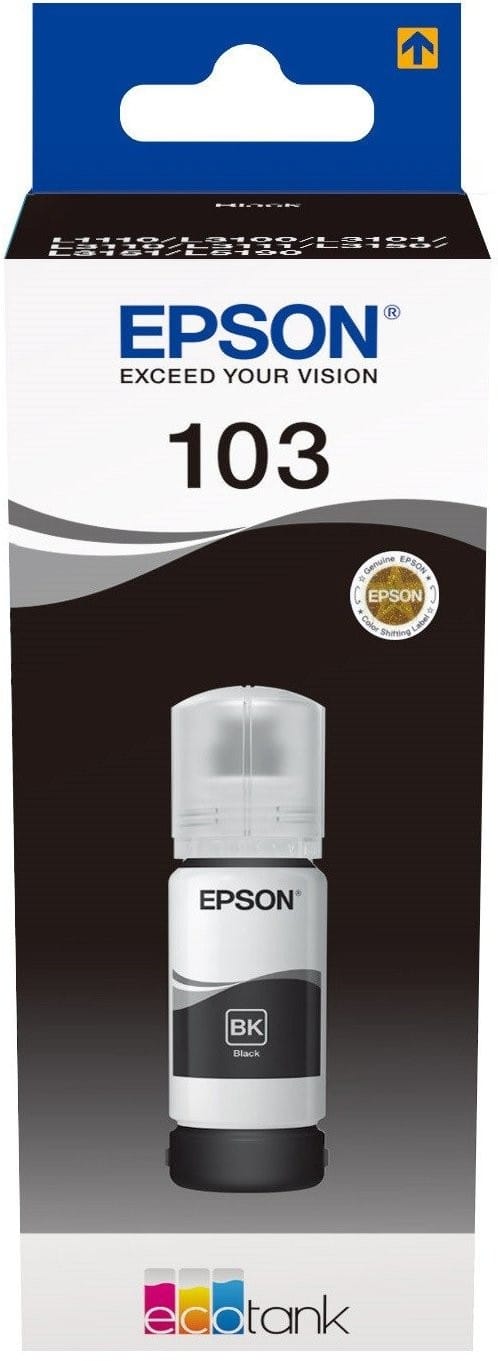
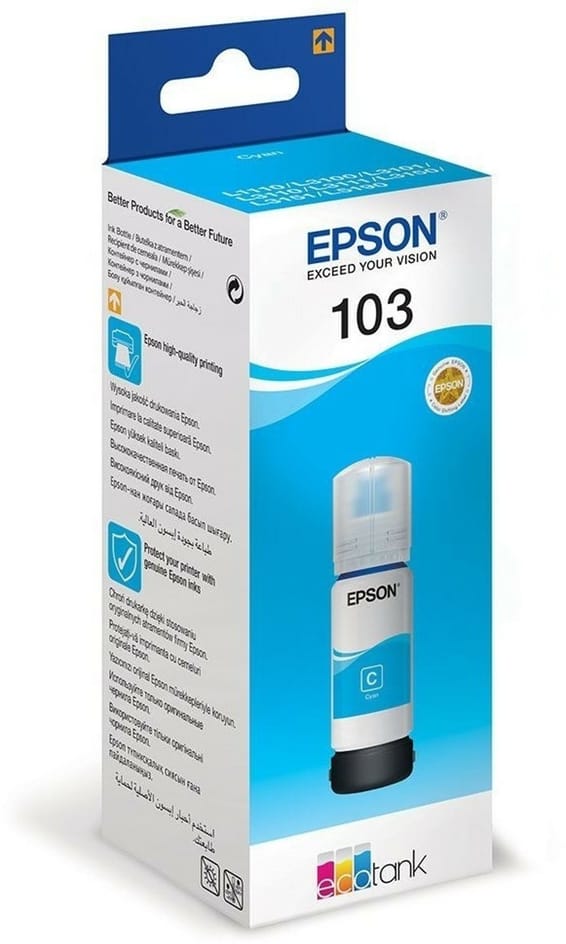
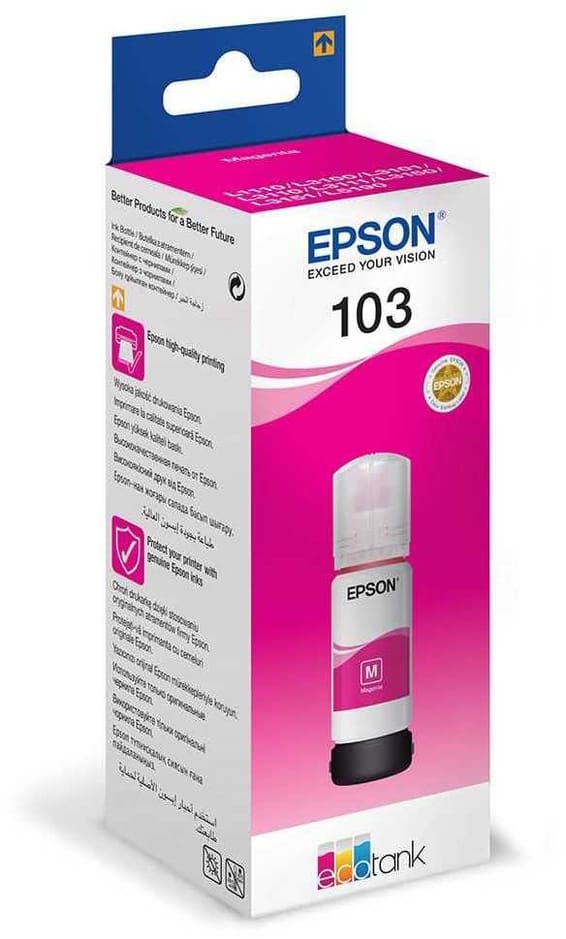
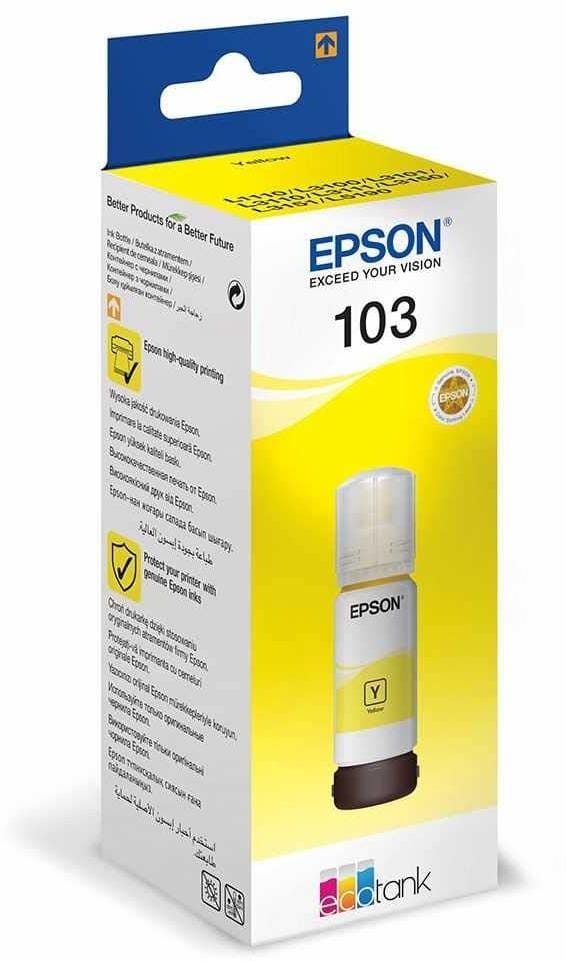
The EcoTank L3250 is refilled with Epson 103 ink bottles (one per colour: black, cyan, magenta, yellow), sold separately. The bottles are keyed to prevent any colour mix-up when filling. One refill lasts a long time (about 4,500 pages in black and 7,500 pages in colour) at a cost per page among the lowest on the market — up to 90% savings compared with a conventional cartridge printer.
Is the printhead permanent, or does it need replacing?
The printhead is built-in and permanent: it is an Epson Micro Piezo printhead, designed to last the printer's whole life. Unlike printers where the head is in the cartridge (and is changed at every replacement), here you only buy bottled ink — nothing else to change. Micro Piezo technology fires the ink cold, without heating, which preserves the head over time.
Does the Epson L3250 do automatic duplex printing?
No. The EcoTank L3250 handles duplex printing in manual mode (you turn the stack of paper over yourself): it does not have automatic duplex printing. If automatic duplex printing is essential for you, it is better to choose a higher EcoTank model — our team can advise you.
Can it print, copy and scan? What is the print quality?
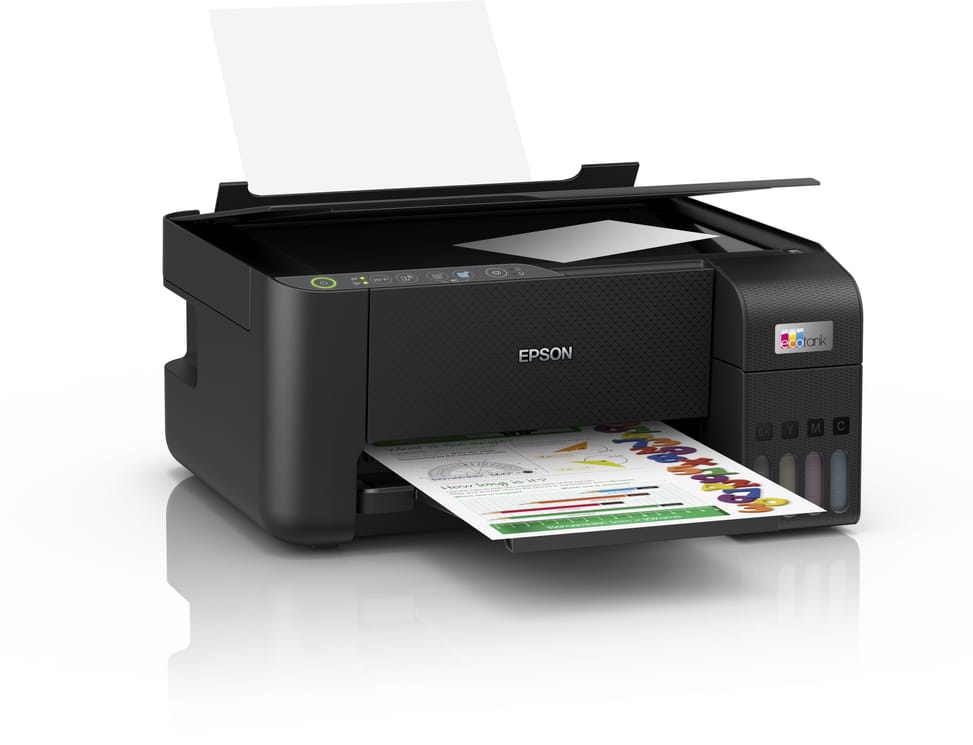
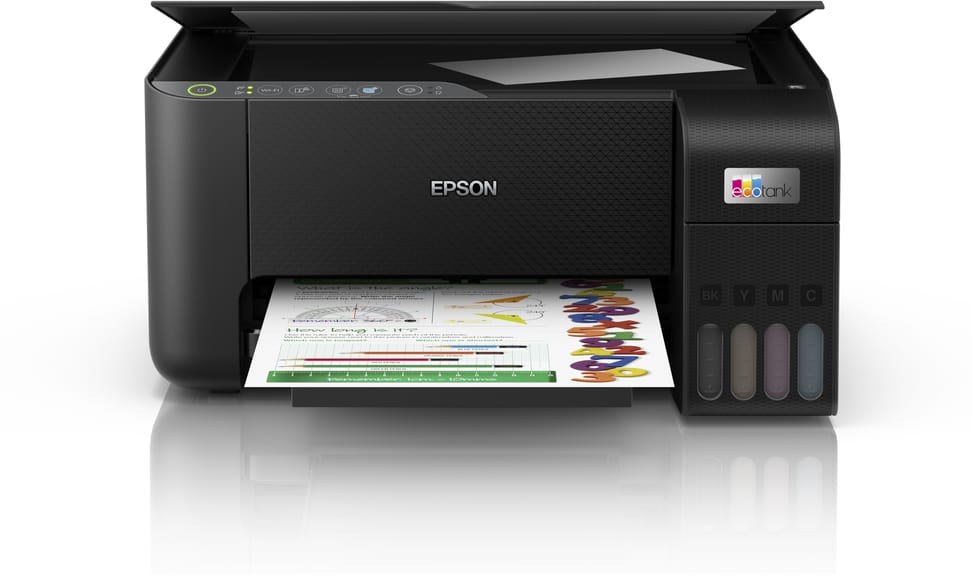
It is a 3-in-1 multifunction printer: it prints, copies and scans. A4 colour printing reaches 5,760 × 1,440 dpi and handles borderless photo printing up to 10 × 15 cm. The scanner is a flatbed, with a resolution of 1,200 × 2,400 dpi. As for speed: up to 33 pages/min in black and 15 pages/min in colour on plain paper (10 / 5 pages per minute to the ISO standard).
Can you scan to PDF and send it by email?
Yes. The flatbed scanner scans directly to PDF (or JPEG, TIFF, PNG…), handy for archiving or sending a document. With the Epson Connect service and the Epson Smart Panel app, you can scan from your smartphone and then share the file by email or to the cloud, without going through a computer.
How does it connect, and can you print from a smartphone?
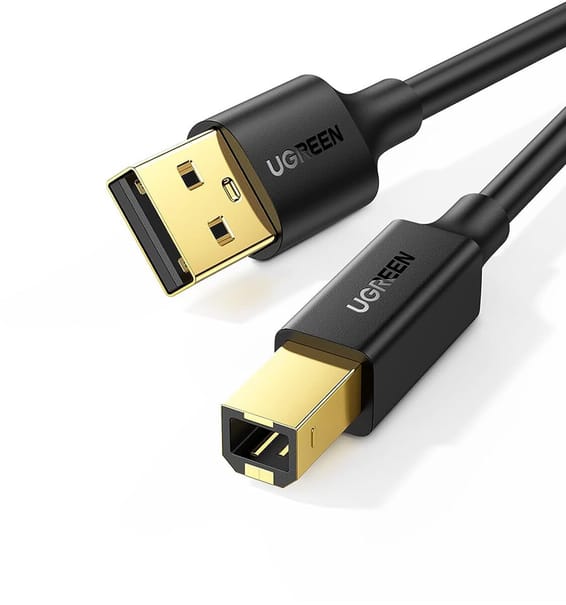
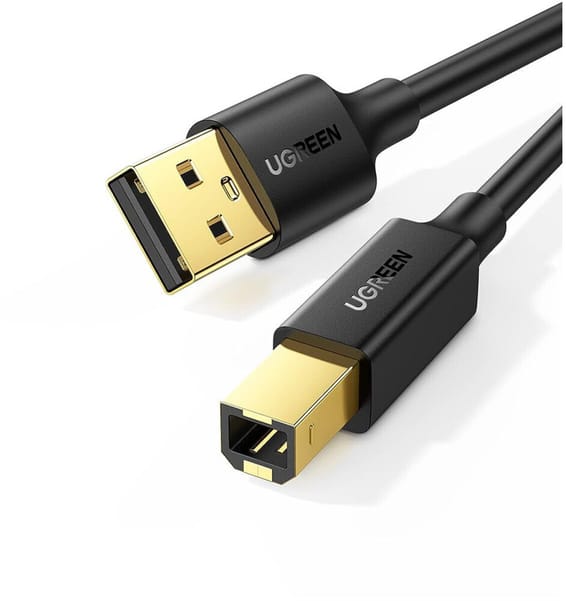
It connects via Wi-Fi, Wi-Fi Direct and USB (it has no Ethernet port). With the free Epson Smart Panel app and the Epson Connect service, you set up Wi-Fi and then print or scan directly from a smartphone or tablet, including remotely. The USB cable is not supplied: we recommend using Wi-Fi, or get a USB cable if you prefer a wired connection.
Which computers and operating systems are compatible?
It is compatible with Windows (from Windows XP to Windows 11, Server editions included) and macOS (from Mac OS X 10.6.8 onwards). The printer has no control screen: setup is done from the computer or the Epson Smart Panel mobile app. The paper tray holds 100 A4 sheets.
Can you print on envelopes, photo paper or sizes other than A4?
Yes. Beyond A4, it accepts A5, A6, B5, Legal, 10 × 15 and 13 × 18 cm sizes, as well as envelopes (DL, C6, No. 10). It handles paper from 64 to 300 g/m²: plain paper, thick photo paper or light card stock. Enough to print letters, photos and envelopes on the same machine.
Does the Epson L3250 use a lot of electricity?
No, it is very economical: about 12 W in operation (copying), 0.7 W in sleep mode and 0.2 W when switched off, for a typical consumption of about 0.15 kWh per week. You can therefore leave it plugged in with no noticeable impact on your electricity bill.
What happens if I don't use it for several weeks?
Like any inkjet printer, it is advisable to use it from time to time (ideally one print a week) to prevent the ink from drying in the nozzles. If lines are missing after a long period of inactivity, the Epson Smart Panel app lets you run a nozzle check followed by a head cleaning in a few clicks. With regular use, no action is needed.
Is the printer new and under warranty?
Yes: the Epson EcoTank L3250 is
new, genuine and sealed in its original packaging, supplied with its invoice. The invoice serves as the warranty document (
1 year) with the Epson after-sales service network in Morocco. You can consult the
manufacturer datasheet (PDF) for full details of the specifications.