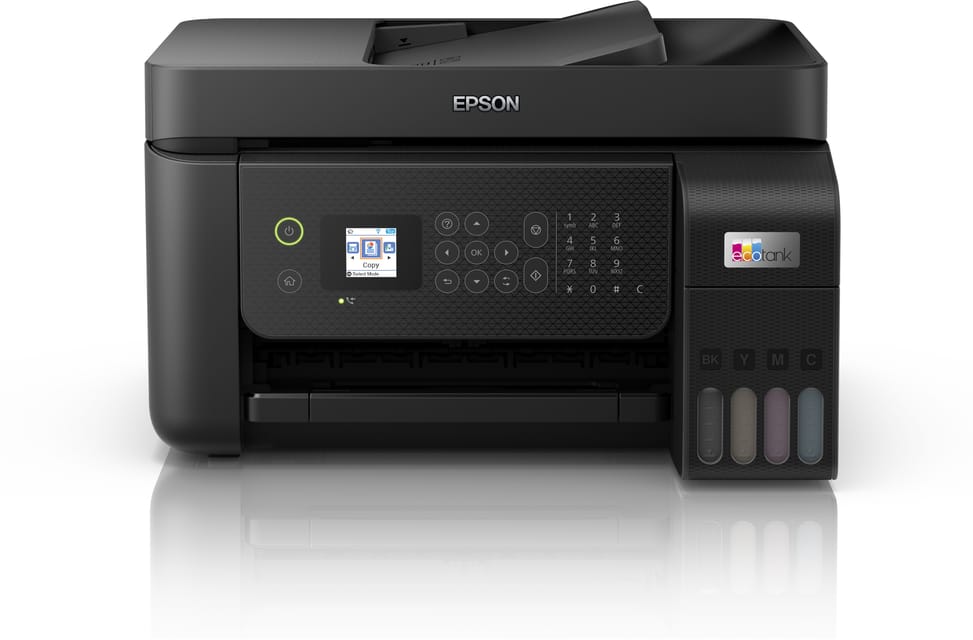
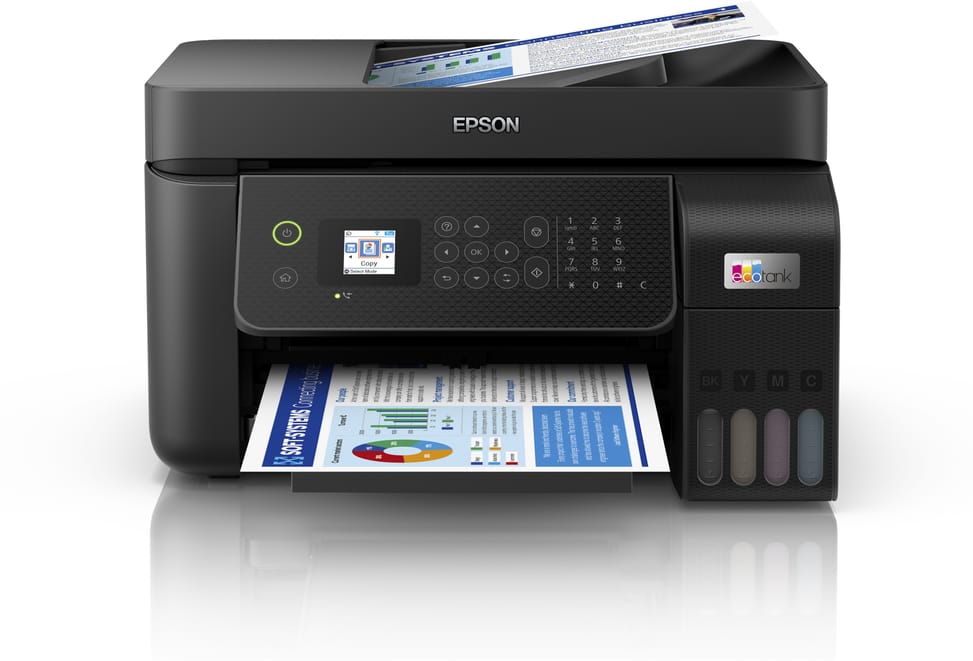
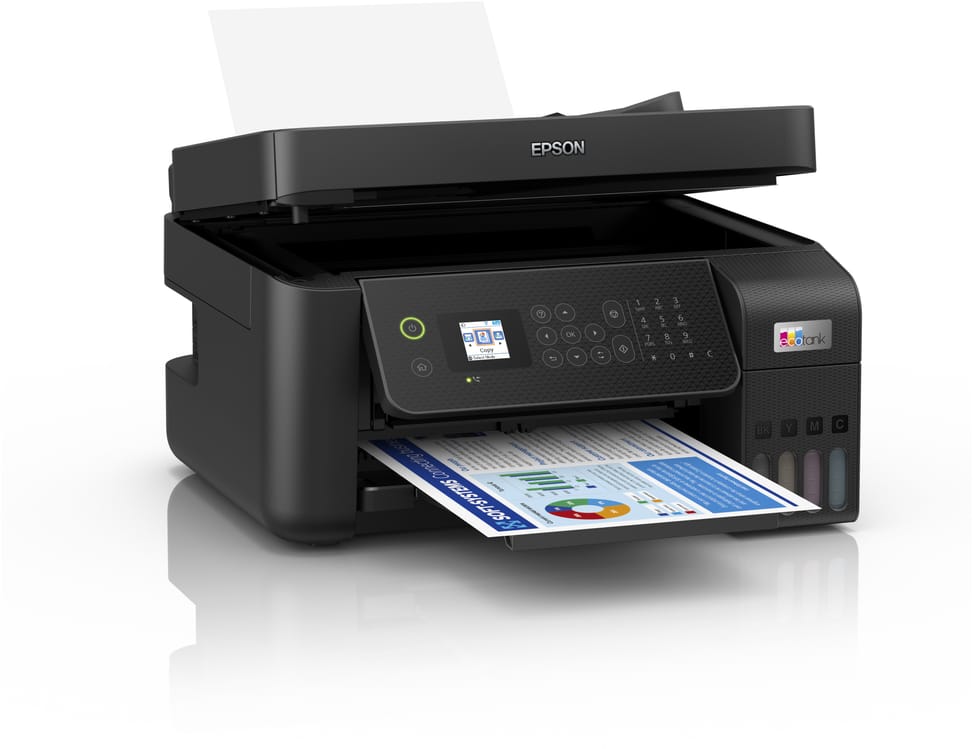
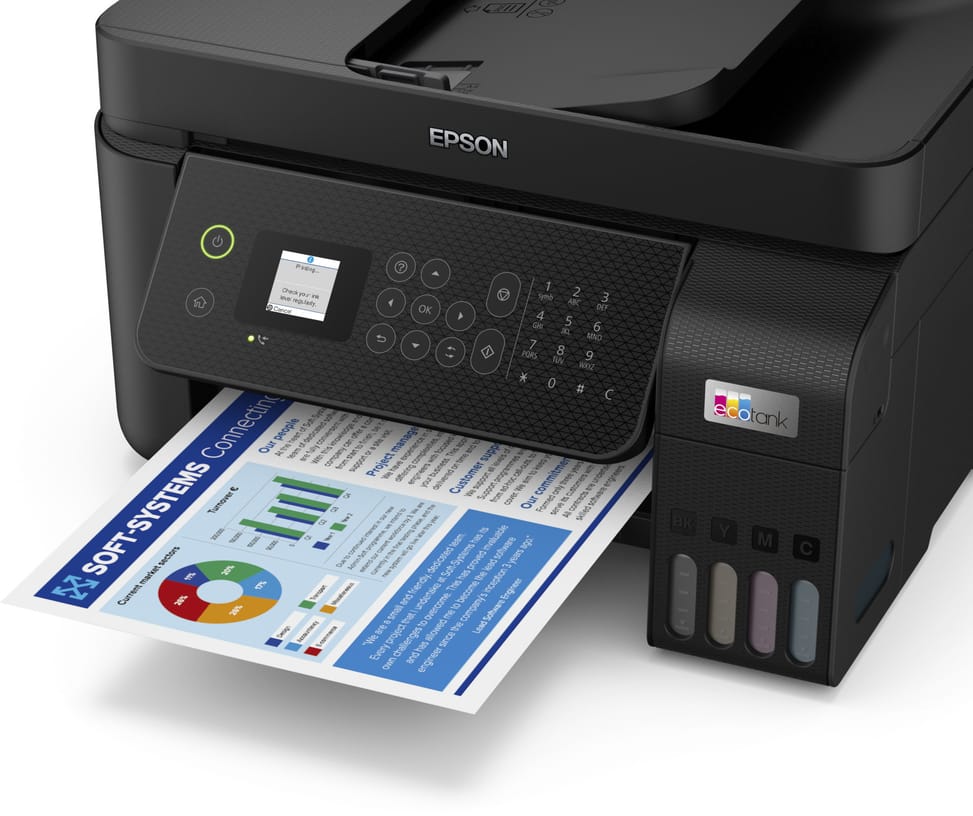
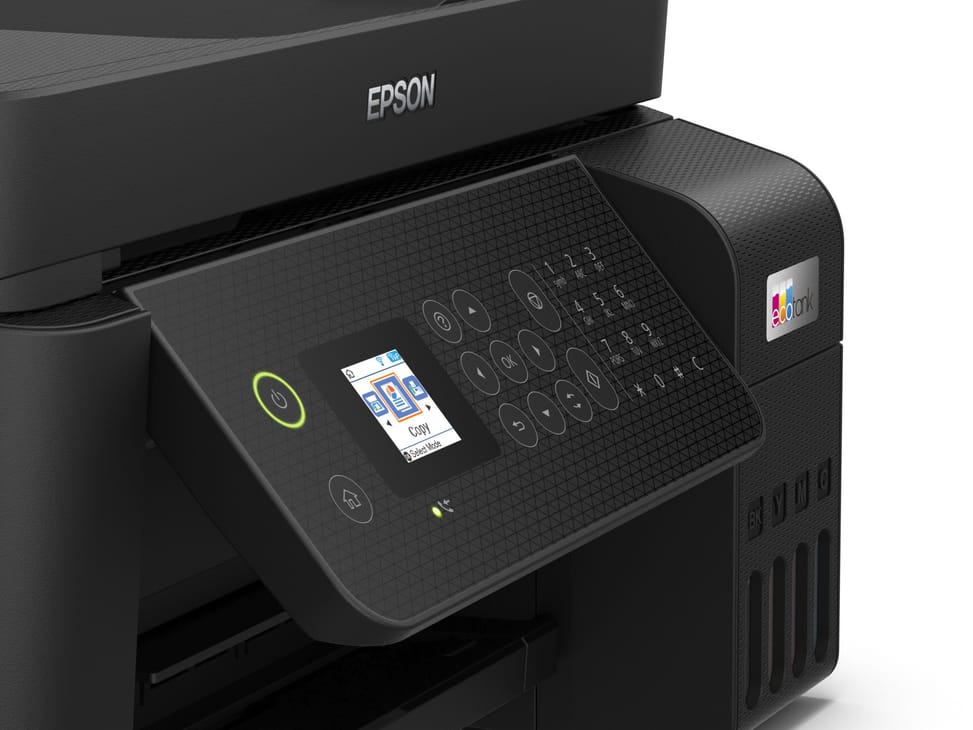
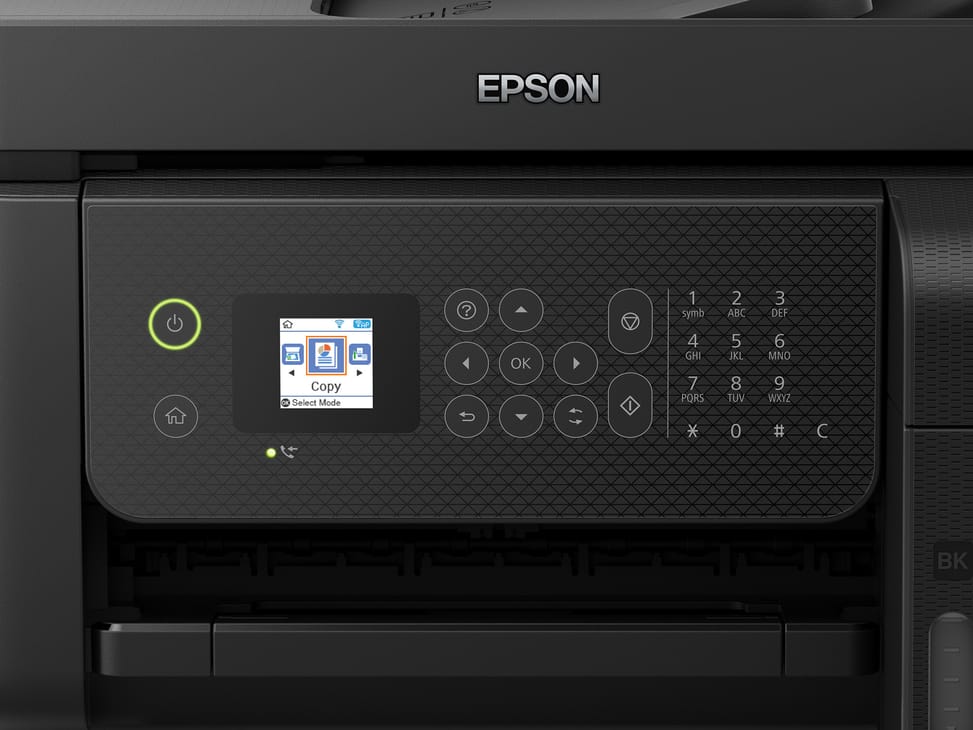
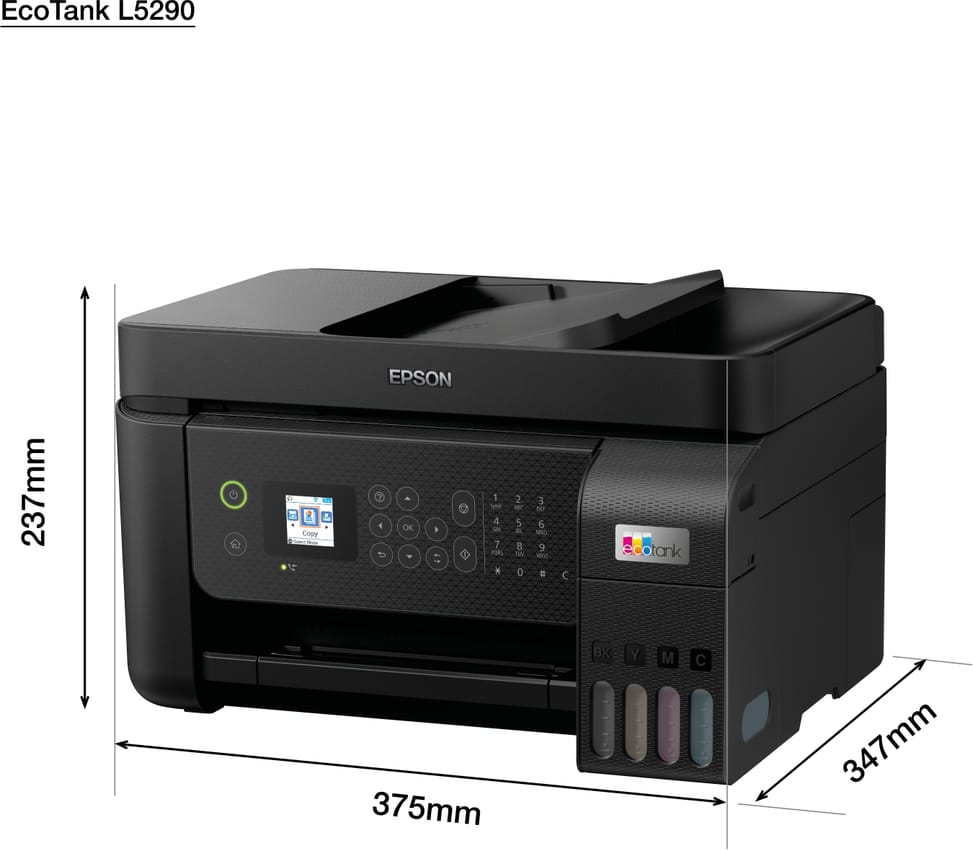
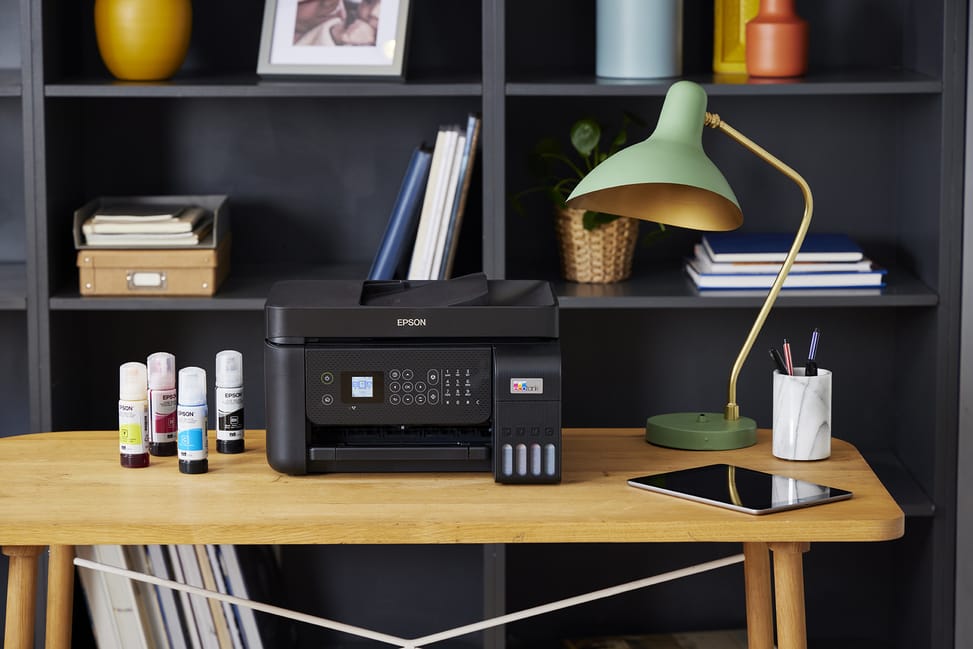
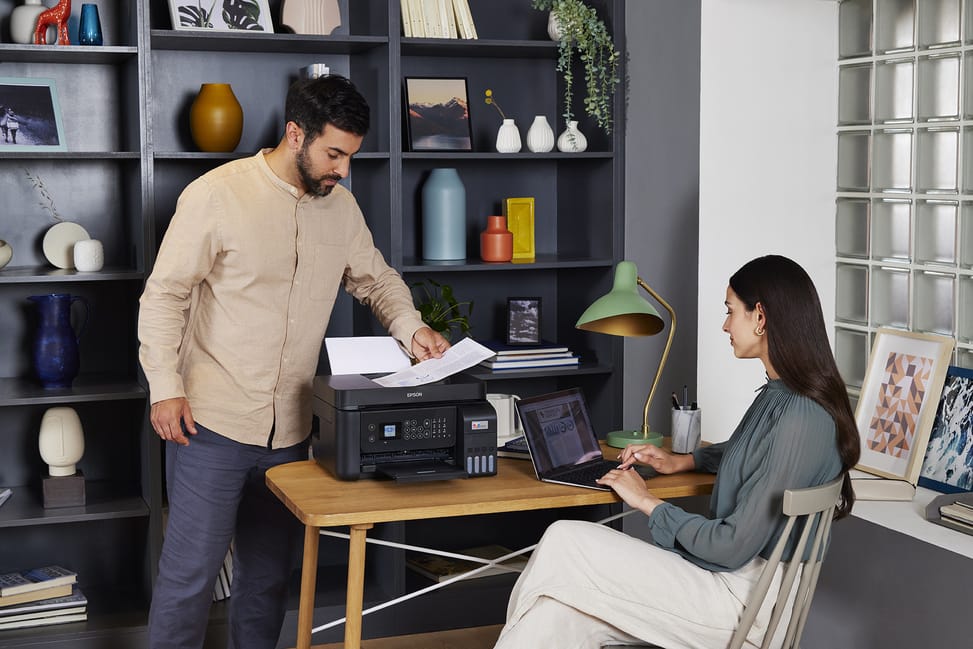
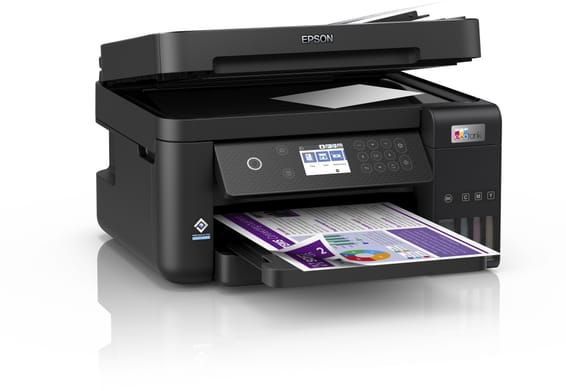
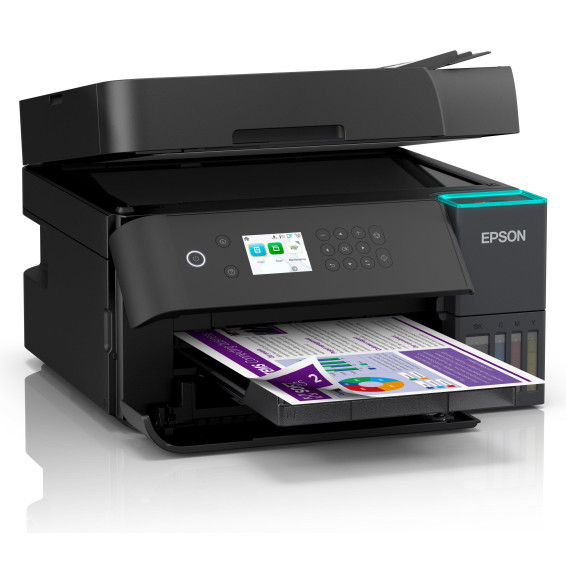
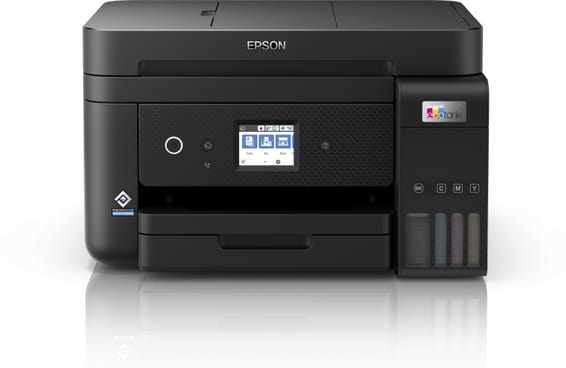
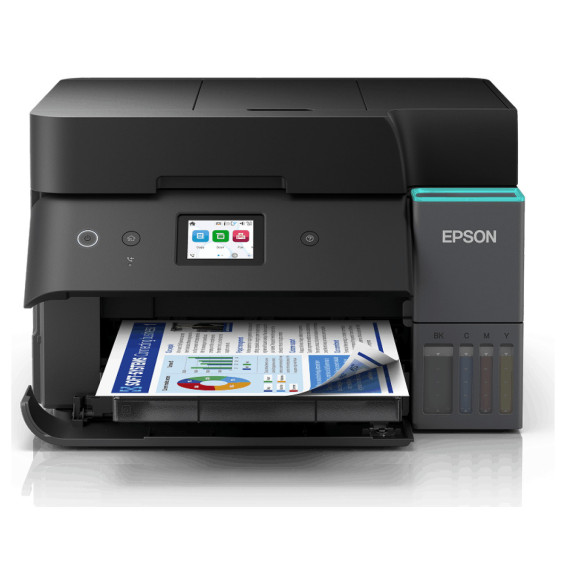
Epson EcoTank L5290 Pro Refillable Ink Tank Multifunction Printer (C11CJ65405)
Ink included for 8,100 black and 6,500 colour pages, at an unbeatable cost per page. 4-in-1 with fax and automatic document feeder, for the small business that prints every day.
Ink included: 8,100 black pages, 6,500 colour
4-in-1: print, copy, scan, fax
33 pages/min black, 15 in colour
Manual duplex
Non-touch display, 3.7 cm
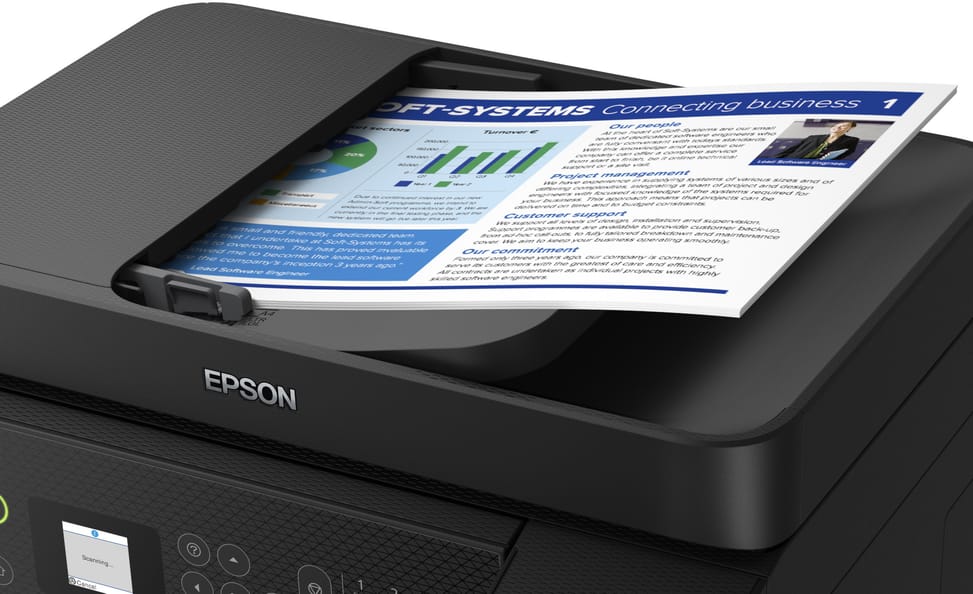
Automatic document feeder (30 sheets)
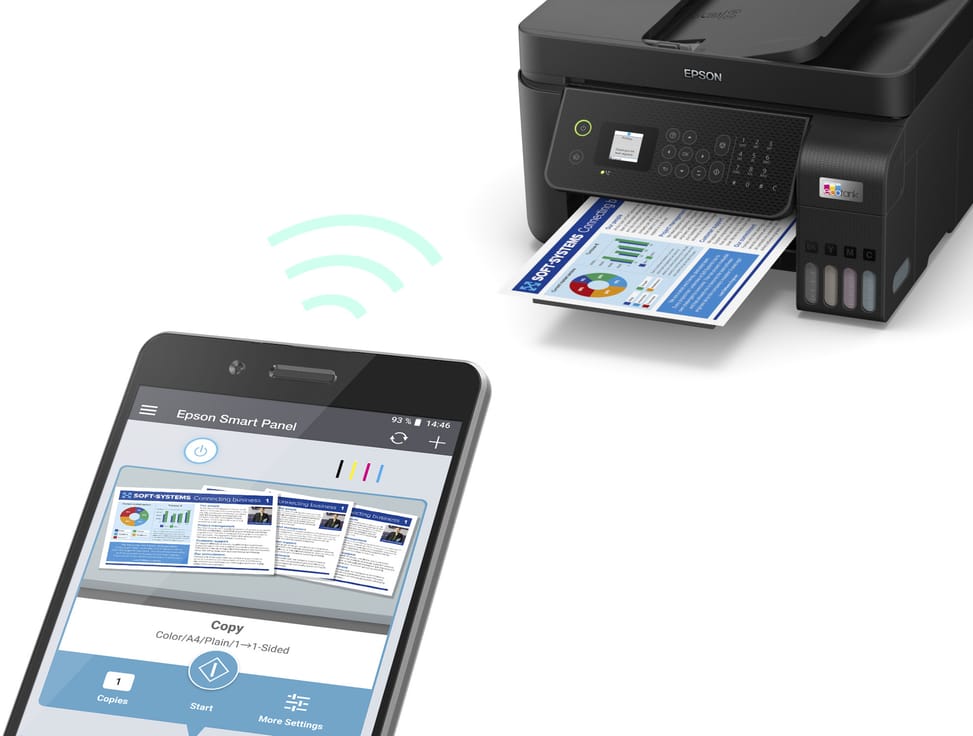
Wi-Fi, Wi-Fi Direct and Ethernet
Fixed Micro Piezo printhead, built to last
100-sheet paper tray
Ref.: C11CJ65405
1/14
Black Friday
-5%
4 449,00 DHincl. VAT4 699,00 DH
You save 250,00 DH incl. VAT
Ends in
02days21hours51min41secEnds in, ends in 2 days and 21 hours
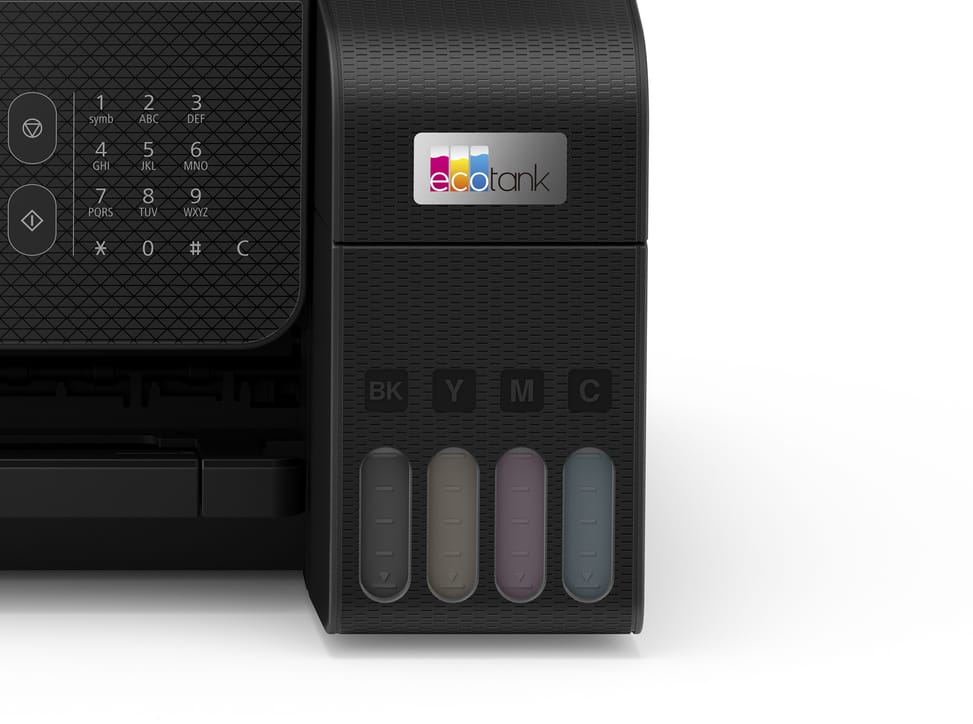
Ink tank multifunction printer for small offices and small businesses: ultra-low-cost ink, thousands of pages included and 4-in-1. Functions: print, copy, scan and fax Ink supplied: enough for 8,100 black pages and 6,500 colour — unbeatable cost per page Speed: 33 ppm in black, 15 in colour · Resolution 5760 × 1440 dpi Ink: 4 separate tanks · durable fixed Micro Piezo printhead Duplex printing: manual · automatic document feeder Paper tray: 100 sheets · Display: non-touch Connectivity: Wi-Fi, Wi-Fi Direct, Ethernet and USB · A4 format A dependable 4-in-1 for small businesses that print every day.
Be the first to review this product and help other customers.
Write a review
Frequently asked questions about this product
Is the print head of the Epson EcoTank L5290 permanent or does it need replacing?
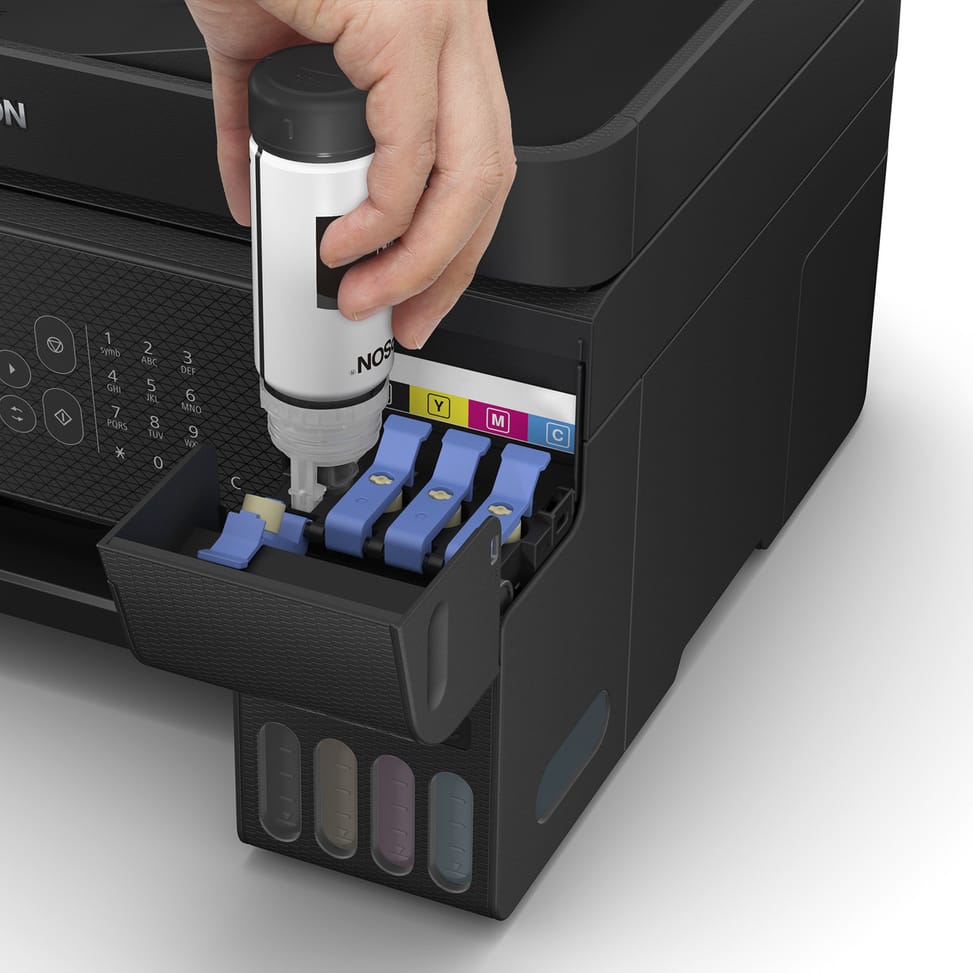
It is permanent: a built-in Epson Micro Piezo head (180 nozzles for black, 59 per colour). You never buy cartridges, just ink bottles to refill the tanks.
How many pages can you print with the ink supplied?
The printer comes with enough ink to print up to 8,100 pages in black and 6,500 in colour (4 bottles of 65 ml + 1 extra black bottle), for a very low cost per page.
Does the EcoTank L5290 scan, copy and fax?
Yes, it is a 4-in-1 multifunction printer: printing, copying, scanning and fax (black and colour), with a 30-page automatic document feeder.
Does the L5290 offer automatic duplex printing?
No, duplex printing is manual: you have to turn the sheet over. The rear tray holds 100 sheets.
How does the EcoTank L5290 connect?
It offers Wi-Fi, Wi-Fi Direct, Ethernet and USB. You can also print from a mobile device via Epson Smart Panel, Epson Connect and Apple AirPrint.
Is a USB cable supplied with the L5290?
No, the USB cable is not included and must be bought separately. The power cord and the software CD, on the other hand, are in the box.
Which sizes and paper weights can the L5290 print on?
From 10 × 15 cm up to A4/Legal, envelopes (DL, C6, No. 10), B5, A5, A6, etc., on paper weights from 64 to 300 g/m², with borderless photo printing up to 10 × 15 cm.
What is the print speed of the L5290?
Up to 33 pages/min in black and 15 in colour at maximum speed (10/5 pages/min under the ISO standard), with a resolution of up to 5,760 × 1,440 dpi.
What type of ink does the L5290 use, and is it suitable for archiving?
It uses a dye-based ink, excellent for everyday documents and photos. This type of ink is slightly less resistant to water and light than a pigment ink for long-term archiving.
What is the yield of an ink refill for the L5290?
Epson 103 ink bottles refill each tank; per refill, expect around 4,500 pages in black and 7,500 pages in colour according to Epson.
Does the EcoTank L5290 use a lot of electricity?
No: around 12 W when printing and just 0.7 W in sleep mode, for economical everyday use.
Is the Epson EcoTank L5290 printer new and under warranty?
Yes, it is new and genuine Epson, supplied with its invoice, which serves as the 1-year warranty. Find everything in the datasheet.
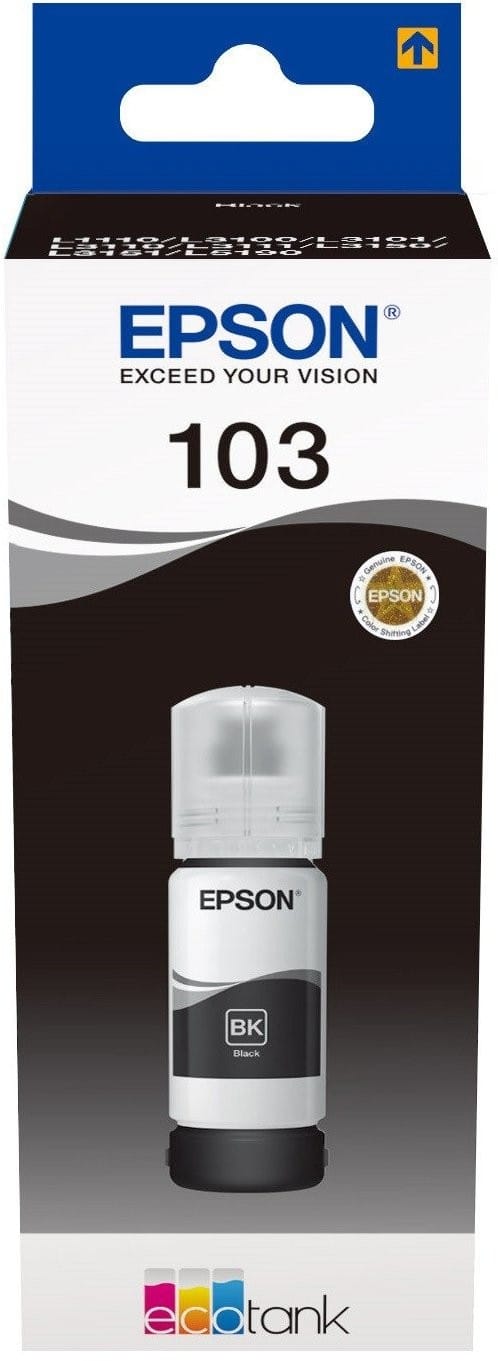
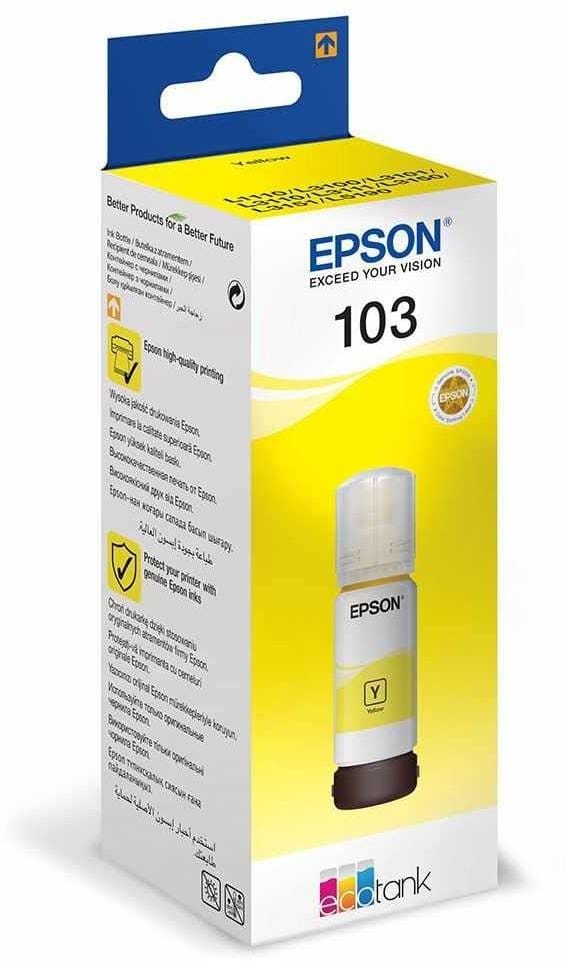
Up to 4,500 pages in black with one ink kit, and a keyed cap so you cannot fill the wrong tank. 65 ml, for the EcoTank L1110, L3110 to L3160 and L5190.
•Compatible with EcoTank L1110, L3110, L3111, L3150, L3151, L3156 and L3160
•Compatible with EcoTank L3210, L3250, L3251, L3256 and L3260
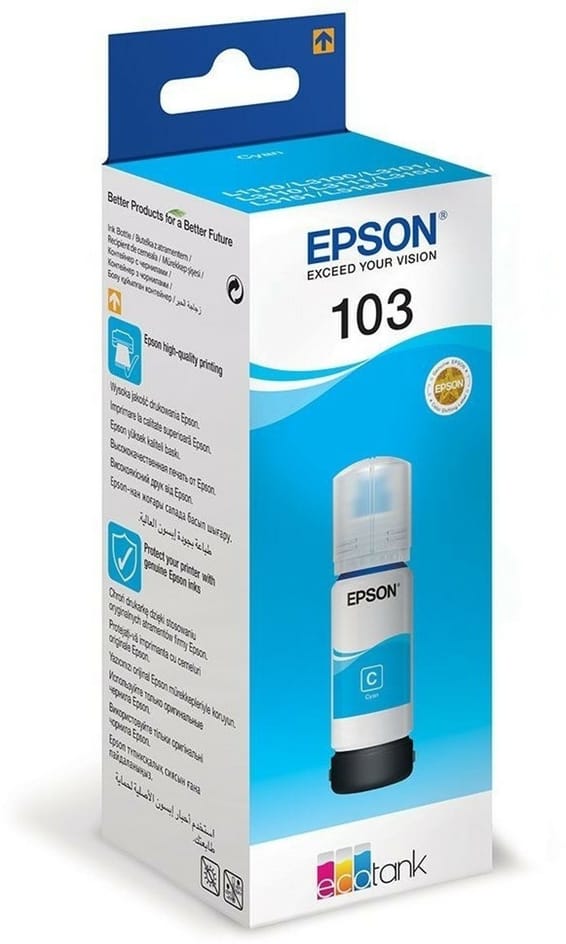
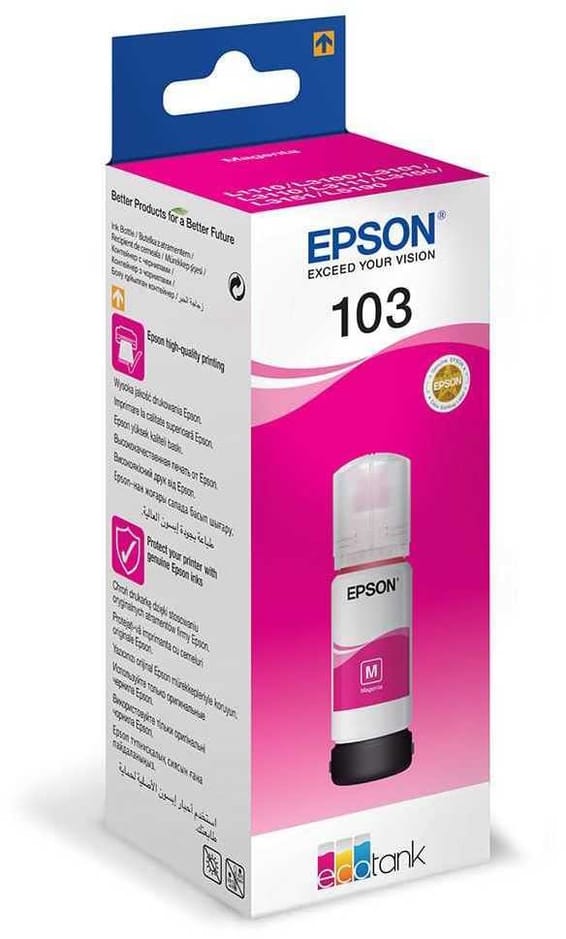
Keyed cap: pouring into the wrong tank is impossible. 65 ml and up to 7,500 pages in colour per ink kit, for the EcoTank L1110, L3110, L3150, L3156 and L5190.
Tested for 10,000 connections and 10,000 bends, with a reinforced joint where it leaves the sleeve. Triple shielding and 24 carat gold-plated connectors for a stable link at 480 Mbps.
•Compatible with EcoTank L5190
•Up to 7,500 pages in colour with one ink kit
In stock
115 DHincl. VAT115,00 DHincl. VAT
Delivery everywhereDelivered all over Morocco
Compatible with EcoTank L1110, L3110, L3111, L3150, L3151 and L3156
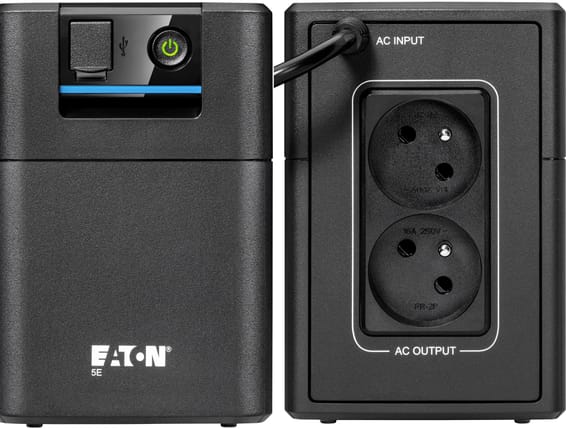
Automatic voltage regulator (AVR) that stabilises the current without drawing on the battery. French outlets to plug your equipment in directly, with no adapter.
•Runtime: around 14 minutes for a PC
•Automatic voltage regulator (AVR) — stabilises the current without drawing on the battery
•French outlets — plug your equipment in directly, with no adapter
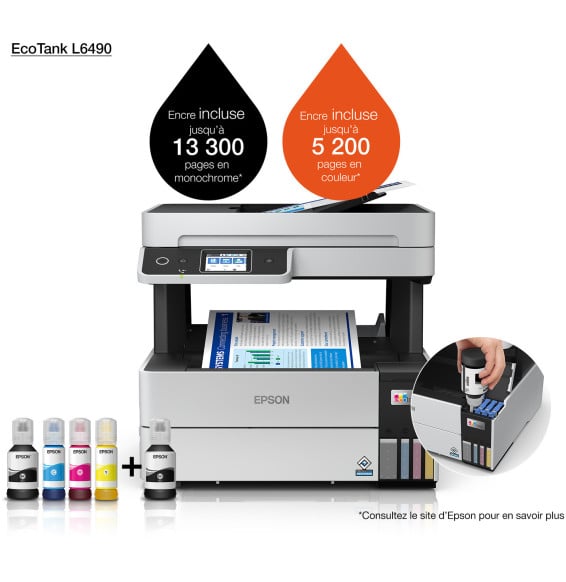
Ink included for 14,000 black and 5,200 colour pages, at a minimal cost per page. Automatic duplex and automatic document feeder, pigment black ink for sharp, durable text.
The office model of the range: an automatic feeder that scans both sides in a single pass, a 250-sheet tray, an Ethernet port and a colour display. The ink supplied covers 15,100 pages in black.
Ink supplied for 14,000 black pages and 5,200 in colour, at a minimal cost per page. 4-in-1 with fax, automatic duplex and document feeder, driven from the touchscreen.
Ink supplied for 15,100 black pages and 5,500 in colour, at a minimal cost per page. 4-in-1 with fax, automatic duplex and document feeder, driven from the touchscreen.
Ink supplied for 8,100 pages in black and 6,500 in colour, at an unbeatable cost per page. Compact and connected over Wi-Fi, for economical everyday use.
Ink supplied for 3,100 black pages and 4,400 colour (up to 6,000 / 7,700 with optional high-yield bottles). Replaceable printhead and Wi-Fi connection, for heavy family use.
Ink supplied for 6 000 pages in black and 7 000 in colour, at an unbeatable cost per page. Replaceable printhead and Wi-Fi connection, for printing a lot every day.