How many copies can be printed at once on a multipart carbonless form?
The original plus four copies, i.e. five printouts in a single pass. That is the whole point of impact printing for purchase orders, delivery notes and multipart invoices: it accepts cut sheets as well as continuous paper, single-part or multipart, and multi-layer labels too.
Is it really fast, or does the speed drop in letter quality?
Both. In high-speed draft it reaches 357 characters per second at 12 cpi and 390 at 15 cpi, but in near letter quality (NLQ) it drops to 65 to 78 characters per second, roughly five times slower. Resolution tops out at 240 × 144 dpi: keep NLQ for documents that need a polished look.
Can it handle intensive daily use at a till or in the back office?
It is rated for a mean time between failures of 10,000 hours without intervention, and its print head for 400 million strokes per pin. Epson explicitly designs it for front-office and back-office applications on continuous paper or multipart forms, within a range of 5 to 35 °C.
Which ribbon should be reordered, and how many characters does it last?
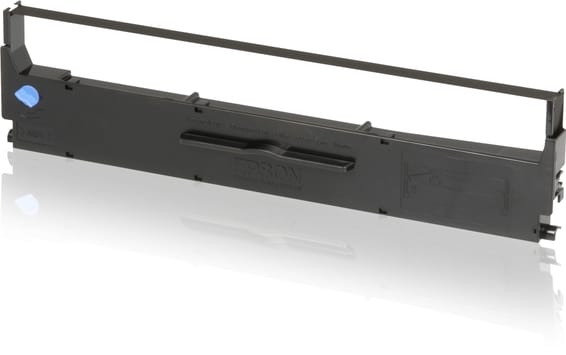
The black ribbon C13S015637 (SIDM Black Ribbon for LX-350 / LX-300+ / +II), also available as a twin pack under the references C13S015647 and C13S015647BA. Each ribbon is rated for 4 million characters in draft mode, and a first ribbon is already in the box: nothing to buy to get started.
Can this Epson LX-350 print in colour?
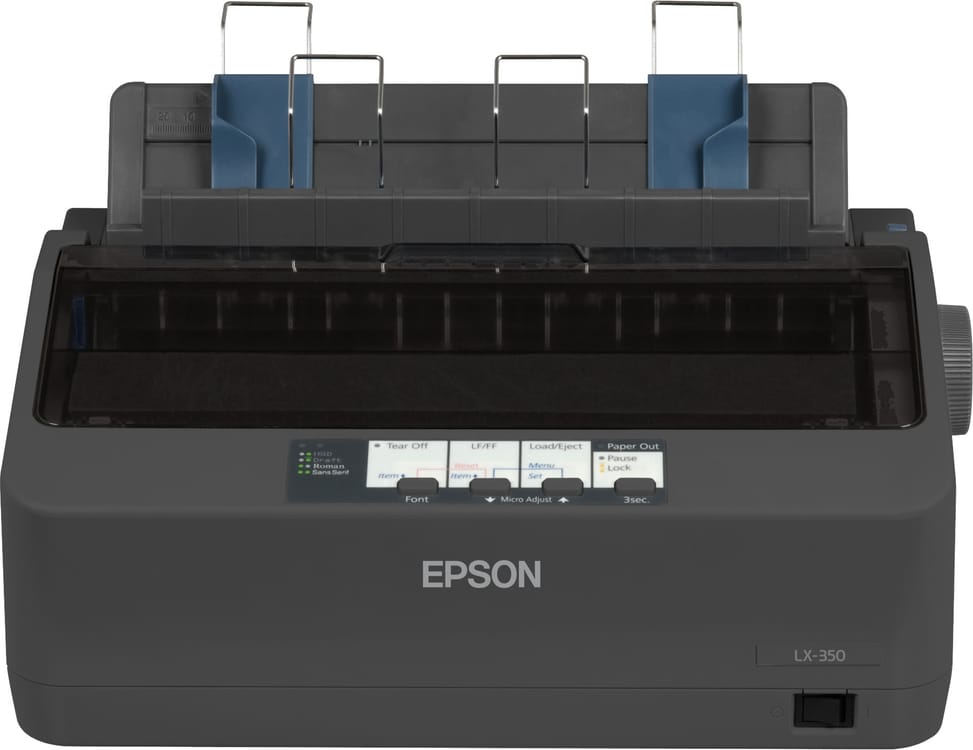
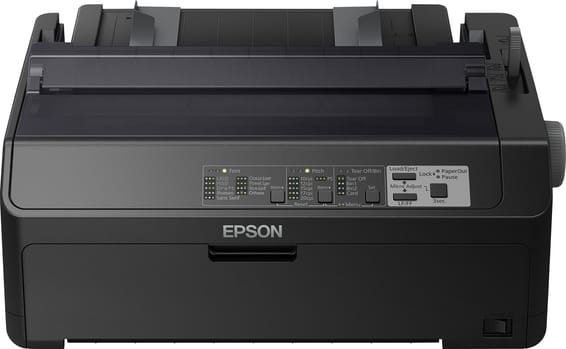
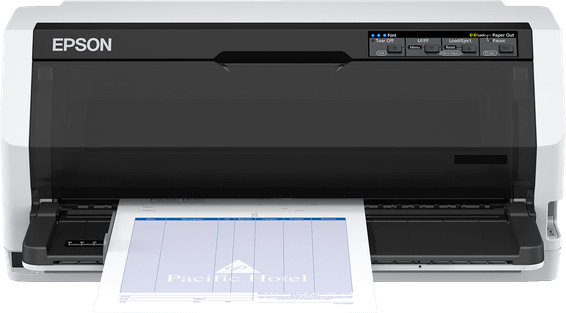
No, it prints in black and white only, on 80 columns and with 9 pins. It is a machine for administrative documents — invoices, slips, listings, multipart forms — whose consumable is a black ink ribbon: a single reference to keep in stock, with no set of cartridges to manage.
How do I connect it to a recent PC that no longer has a parallel port?
Via USB 2.0. The LX-350 comes as standard with three interfaces — bidirectional parallel, RS-232 serial and USB — so it connects directly to a modern computer while still being able to plug into older equipment.
Which systems and which emulation mode does it work with?
The supplied drivers cover Windows 98, 2000, XP, Vista, 7 and 8, and the Epson Status Monitor utility is supplied on CD with the user manual and help programs. It supports ESC/P emulation: this is the command set to select in your POS or business management software.
Does it accept continuous paper, labels and envelopes?
Yes: single-part or multipart sheets, continuous paper, labels, rolls and envelopes. Mind the placement: paper feeds and exits at the rear, whatever the media. Leave clearance behind the machine, especially with continuous paper.
Is there a holder for printing on roll paper?
Yes: a roll paper holder is available as an option under the reference C12C811141, shared with the LX-300+II, LQ-580, LQ-680 and FX-8. Roll paper is indeed among the media the printer supports.
What is in the box, and can you print straight away after unpacking?
The box contains the printer, its ribbon, the power cable, the setup instructions, the CDs (drivers, software, user manual) and the warranty document. As the ribbon is included, you can print as soon as it is installed: all that is missing is the interface cable, USB or parallel, to choose according to your computer's port.
Does it use much power if left on all day?
No: 27 W when printing and just 1.1 W in sleep mode, which earns it ENERGY STAR certification. You can therefore leave it switched on at the counter or the till from morning to night with no noticeable effect on the electricity bill.
How much desk space does it take, and how much does it weigh?
348 × 275 × 154 mm and 4.1 kg: it fits in a corner of a counter and can be moved with one hand. Its cable management system reduces clutter at the rear, and the machine is rated for both operation and storage between 5 and 35 °C.
Is the printer new and under warranty?
Yes: new, genuine Epson and sealed in its packaging, delivered with its invoice, which serves as the warranty document for
1 year. All the specifications, consumables and optional accessories are listed in the
Epson datasheet (PDF).