Welcome to the new iris.ma

We rebuilt everything for you

Same team, same standards

Pay nowView my order
Visit the Epson store

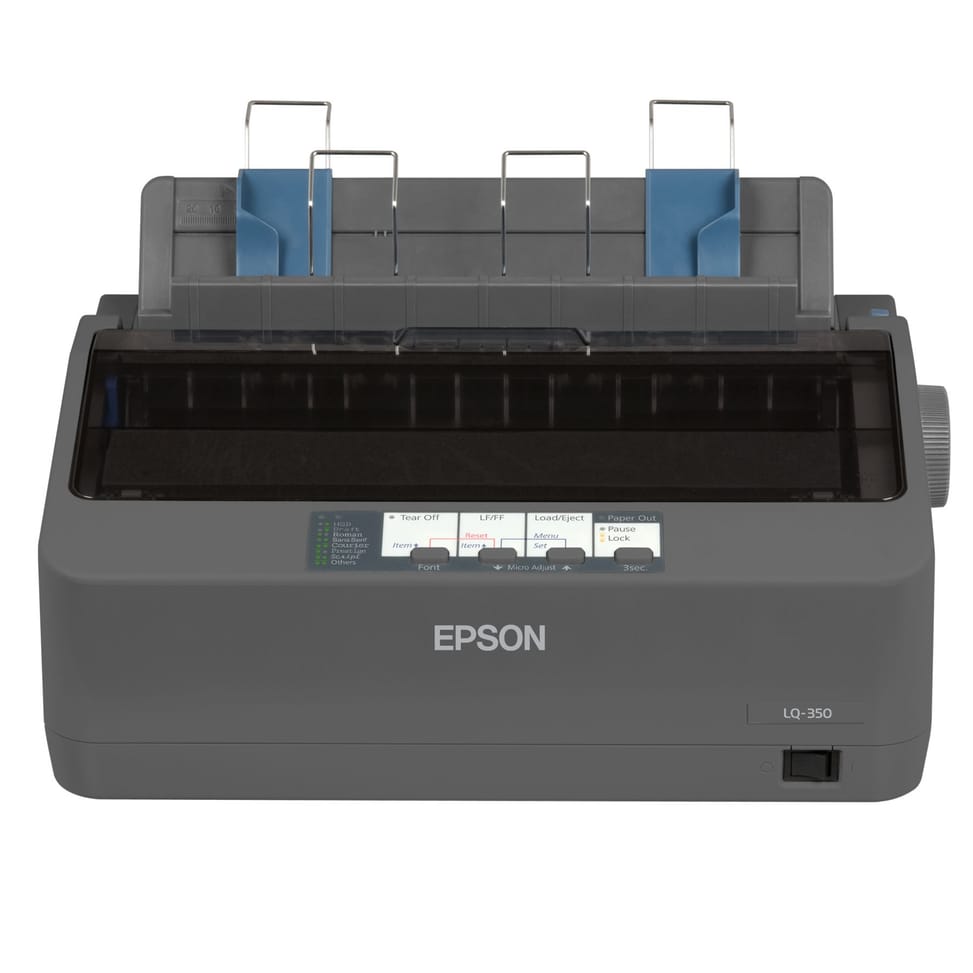
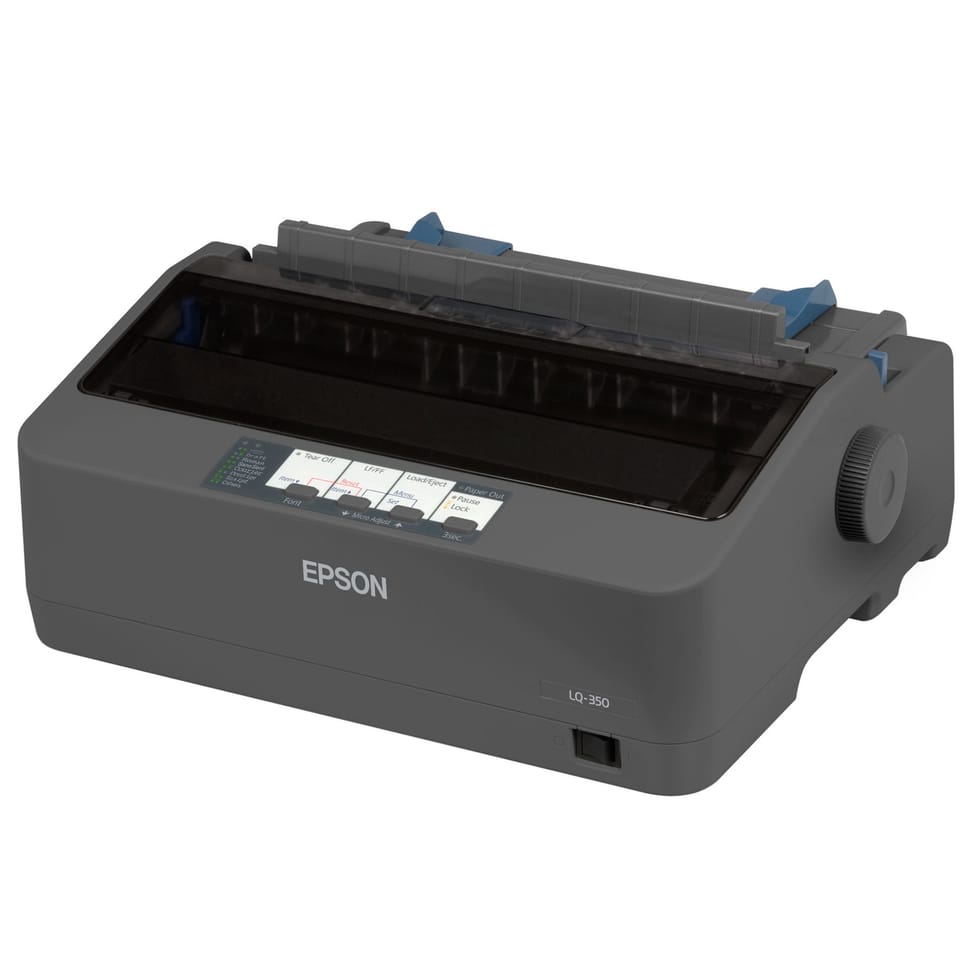
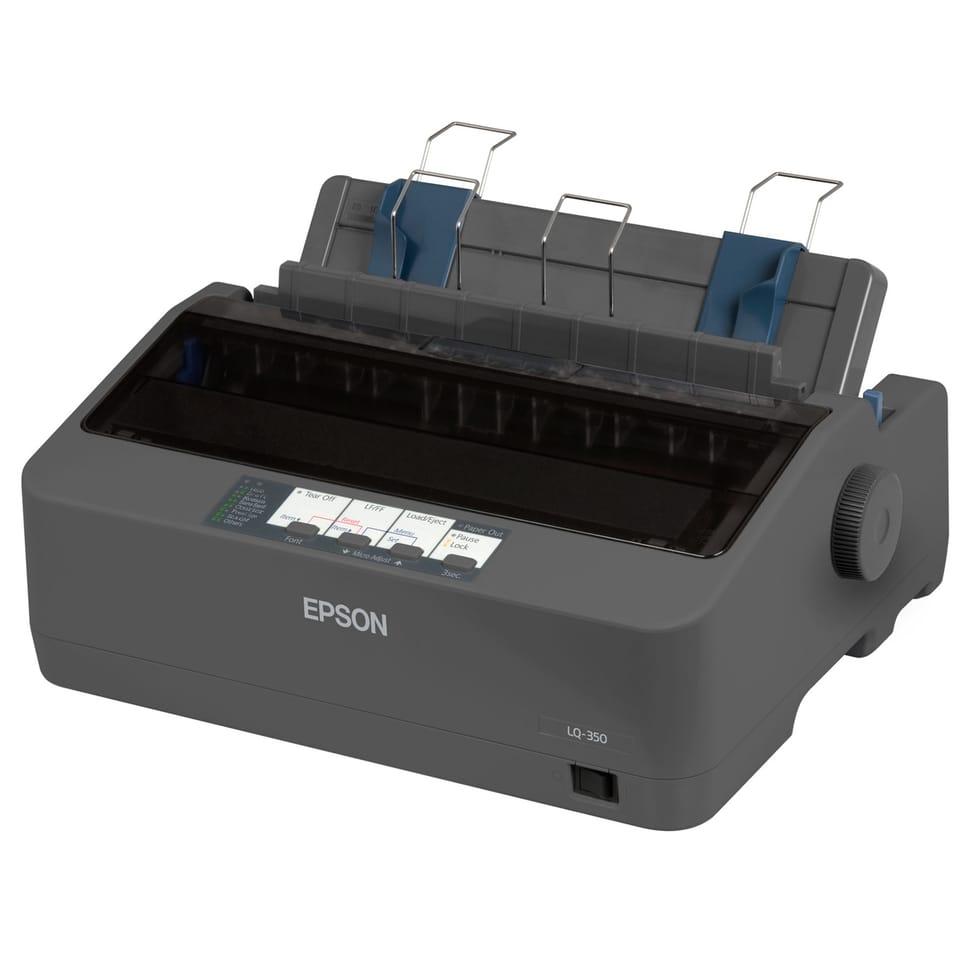
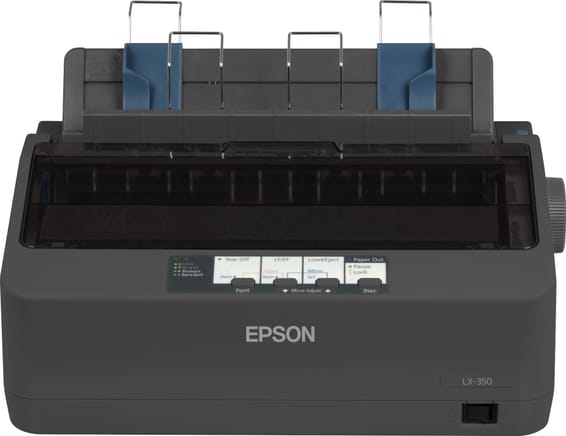
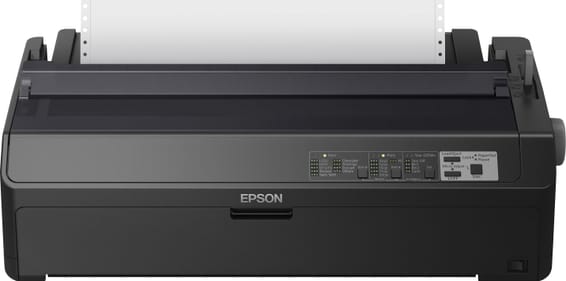
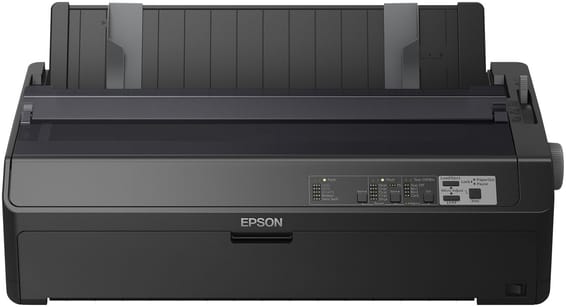
Epson LQ-350 Impact Dot Matrix Printer (C11CC25001)

Long-life ribbon rated for 2,500,000 characters, 24 pins across 80 columns, multi-part printing of up to 4 copies.

  • Ribbon yield 2,500,000 characters
  • 24 pins / 80 columns
  • Multi-part printing up to 4 copies (1 original + 3 copies)
  • USB, serial and parallel ports
Ref.: C11CC25001
2 329,00 DHincl. VAT

Out of stock

Under Law 09-08, you have the right to access, rectify and object to the processing of your personal data. This processing has been authorised by the CNDP under no. D-CE-389/2015. Learn more

Can’t wait?

Ask for an alternative on WhatsApp

Quick reply

Manufacturer's datasheetView the PDF · 1,2 Mo — downloadable

Product overview

Efficient, Economical Printing: the Epson LQ-350 impact dot matrix printer delivers fast, reliable printing with 24 pins and 80 columns. Count on excellent reliability, with a mean time between failures of 10,000 hours. Cut your costs with its long-lasting ribbon, good for 2.5 million characters, and its low power consumption (1.3 W in standby, 22 W when printing). Parallel, Serial and USB interfaces for easy integration. A compact, efficient choice for front and back office.

See all the specifications ↓
Request a quoteShare:

Technical specifications

Technical specifications
ConnectivityUSB 2.0 type B, RS-232, bidirectional parallel
Supported media typesCut sheet paper (single or multi-ply), continuous paper (single or multi-ply), labels (single or multi-ply), roll paper, envelopes
Dimensions (W x D x H)348 x 275 x 154 mm (width x depth x height)
Net weight4.1 kg
Installed memory128 KB
Compatible operating systemsWindows 8, 7, Vista, XP, 2000 and 98
Box contentsDriver and utilities (CD), main unit, ribbon, setup instructions, software (CD), user manual (CD), warranty document
Optional accessoriesRoll paper holder LX-300+II/LQ-580/LQ-680/FX-8 C12C811141
FeaturesPrint
Printing technologyInk ribbon (dot matrix)
Print resolution360 x 180 dpi
Print methodImpact dot matrix
Pins24 pins
Included softwareEpson Status Monitor
Printhead life400 million impacts per pin
Ribbon yield2.5 million characters in black, draft mode
EmulationsIBM 2390 Plus, ESC/P2
Print speedHigh speed draft: 347 cps at 10 cpi · Draft: 260 cps at 10 cpi · Letter quality (LQ): 86 cps at 10 cpi
Product type24-pin impact dot matrix printer, 80 columns
Duplex printingManual
FaxNo
Technical specifications (continued)
Wi-FiNo
EthernetNo
DisplayNo display
FormatUp to A4
Power consumption22 W
Copy capability4-part multi-copy (1 original + 3 copies)
ReliabilityMean time between failures (MTBF) 10,000 hours
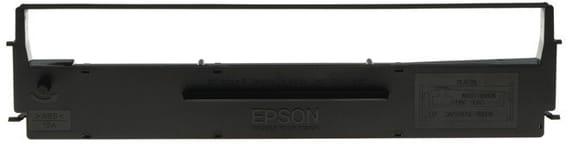
Compatible cartridgesSIDM black ribbon cartridge for LQ-350/LQ-300/+/+II C13S015633 · Pack of two C13S015633BA
Power supply200 to 240 V AC
Noise levelSound pressure: 53 dB(A) in operation
Operating temperature5 to 35 °C
Operating humidity10 to 80 %
Number of cartridges1 cartridge
Print colourBlack and white only
Paper feed and outputCut sheet rear, continuous paper rear, rear paper output
Automatic document feederNo
Number of pins24 pins
Number of columns80 columns
Energy StarYes
Warranty1 year

Specific references

EAN8715946521886

Customer reviews

No reviews yet

Be the first to review this product and help other customers.

Write a review
Your rating
5/5

Shown publicly with your review.

Never published — a confirmation email will be sent to you.

Tell us about the product — in a few lines:

  • what you liked in everyday use;
  • the quality and performance you found;
  • who you would recommend it to, and why.

A question about an order, a delivery or a payment? Write to us and we will reply to you directly.

Under Law 09-08, you have the right to access, rectify and object to the processing of your personal data. This processing has been authorised by the CNDP under no. D-CE-389/2015. Learn more

Frequently asked questions about this product

Can it print carbonless multi-part forms, and how many copies?
Yes: up to 4 copies in a single pass, i.e. 1 original and 3 copies, thanks to impact printing with its 24 pins through the ribbon. To do this, it accepts single-part and multi-part paper: delivery notes, dispatch slips, multi-part invoices.
Which ribbon should you buy, and how many characters does it last?
The black ribbon C13S015633 (also listed as C13S015633BA), shared by the LQ-350 and the LQ-300/+/+II. It lasts up to 2.5 million characters in draft mode, and a first ribbon is already supplied in the box.
How long does the print head last before it gives out?
It is rated for 400 million strokes per pin, and the machine's mean time between failures reaches 10,000 hours of operation. These are the figures of equipment designed to run all day, in the front office as well as the back office.
Is a dot matrix printer noisy at a counter?
Yes, let's be frank: 53 dB(A) measured during operation. The 24 pins mechanically strike the ribbon against the paper, and it is clearly audible in a quiet room. That is the trade-off for printing multi-part forms in a single pass.
Does the Epson LQ-350 print in colour?
No, in black and white only. It works with a black ink ribbon, whose yield is in fact expressed in “black draft” characters. For delivery notes, labels and administrative documents, that is exactly what is expected of it.
How does it connect to a PC or a point-of-sale system?
Three interfaces are fitted as standard: USB 2.0 Type-B, RS-232 serial and bidirectional parallel. Older management software that drives a parallel or serial port therefore works without a converter, just like a recent computer over USB. It has 128 KB of memory.
Does it accept continuous paper, labels and envelopes?
Yes: cut sheets, continuous paper, labels, roll paper and envelopes, including multi-part versions. Paper is both fed and ejected at the rear: make sure you leave enough clearance behind the machine.
Can it be used with a roll of paper?
Yes, roll paper is one of the supported media, and a roll paper holder (C12C811141) is available as an optional accessory. Loading is done from the rear, as with continuous paper; the accessory is ordered separately.
Does it use a lot of power if left on all day?
No: 22 W when printing and 1.3 W in standby, which earns it ENERGY STAR certification. You can leave it switched on at the counter with no noticeable effect on the electricity bill. It runs on 200-240 V and operates between 5 and 35 °C.
Which operating systems and emulations are supported?
The supplied drivers cover Windows 2000, XP, Vista, 7 and 8, together with the Epson Status Monitor utility. For business applications, it includes ESC/P2 and IBM 2390 Plus emulations: point-of-sale or management software written for these command sets drives it directly.
What is the real speed, and what changes between draft and letter quality?
At 10 characters per inch: 347 characters per second in High Speed Draft, 260 in draft and 86 in letter quality (LQ). LQ mode, the most refined, is three to four times slower: keep it for documents handed to customers.
What exactly is in the box?
The printer, an ink ribbon already supplied, the setup instructions, the warranty document and three CDs: drivers and utilities, software, user manual. As the ribbon is included, there are no consumables to buy at the outset; the complete boxed package weighs 4.43 kg.
How much space does it take up on a counter?
348 × 275 × 154 mm and 4.1 kg, a compact format designed to fit on a desk, to which you must add the rear clearance needed for paper input and output. It prints on 80 columns, the standard width of business documents.
Is the printer new and under warranty?
Yes: new equipment, supplied with its invoice, which serves as the 1-year warranty document. It is made in Indonesia and carries the manufacturer reference C11CC25001; full specifications are in the Epson datasheet (PDF).

Trending

View the Epson archive

Chat on WhatsApp

Scan with my phone

The simplest way: open your phone camera and point it at this code. The chat opens with your message ready.

Open WhatsApp Web

Works if your phone is already linked to this computer.

Prefer to call? (+212) 05 30 31 64 21