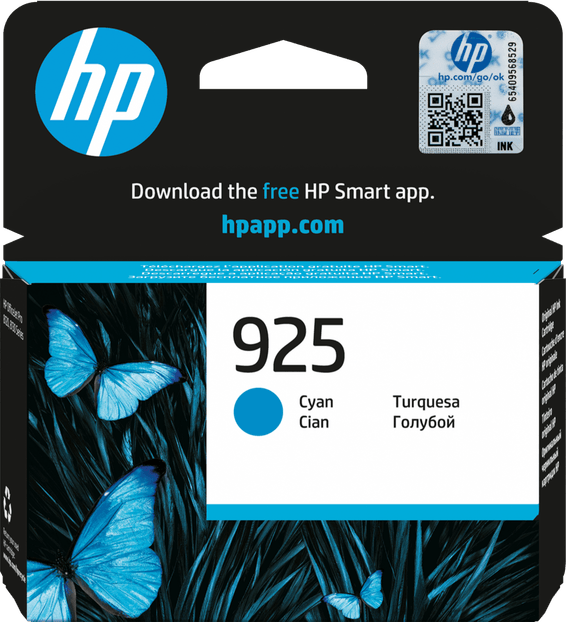
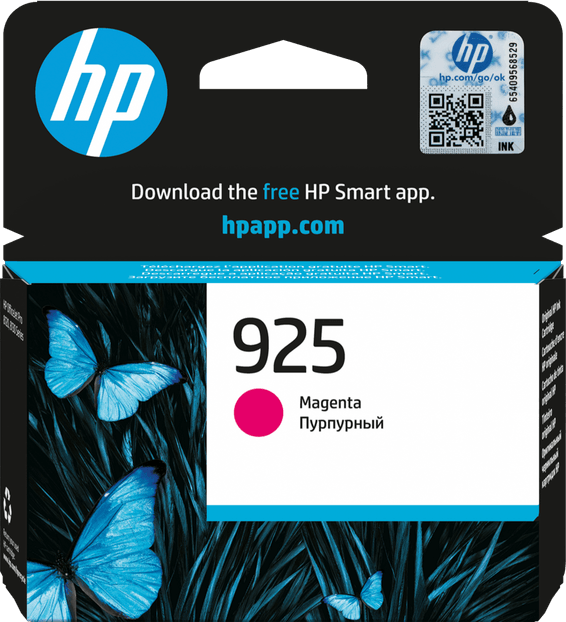
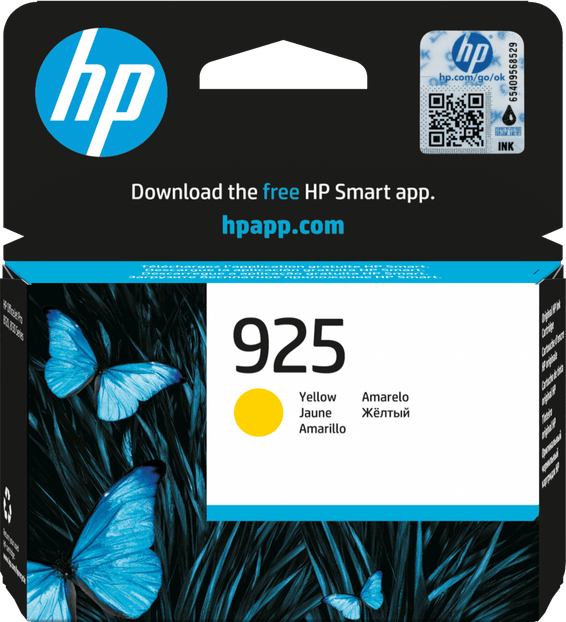
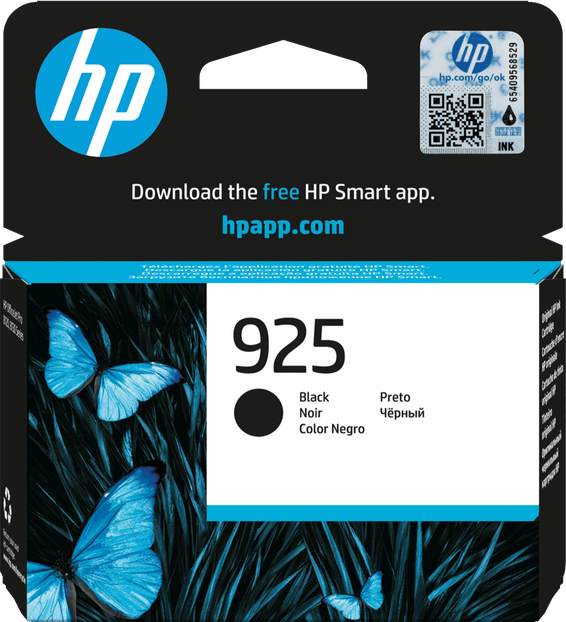
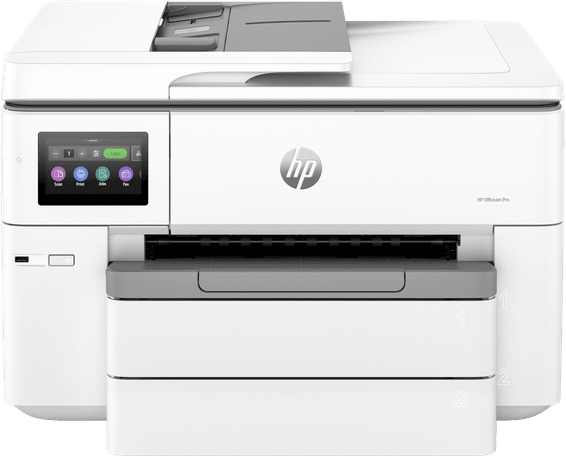
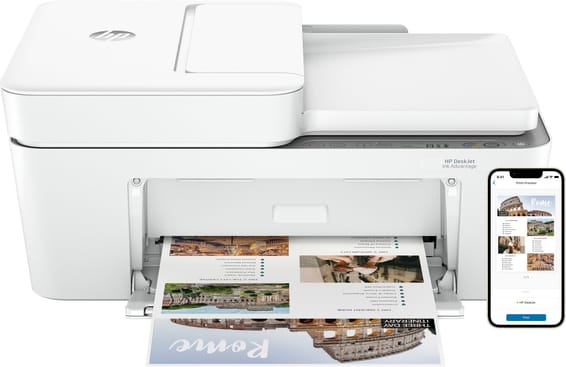
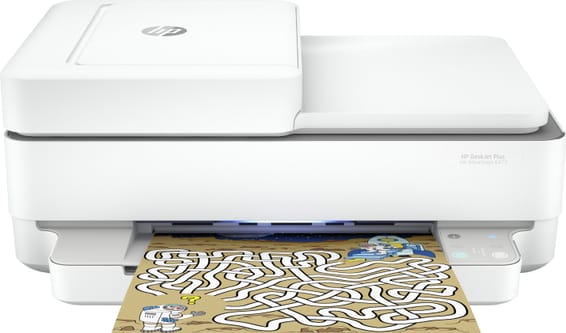
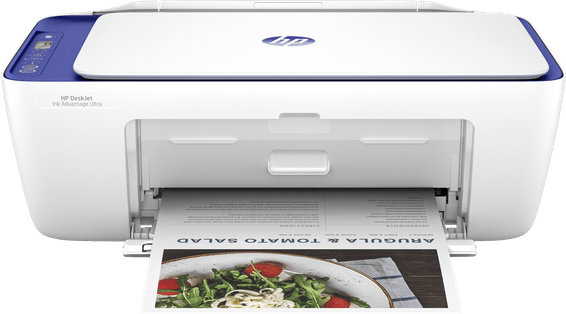
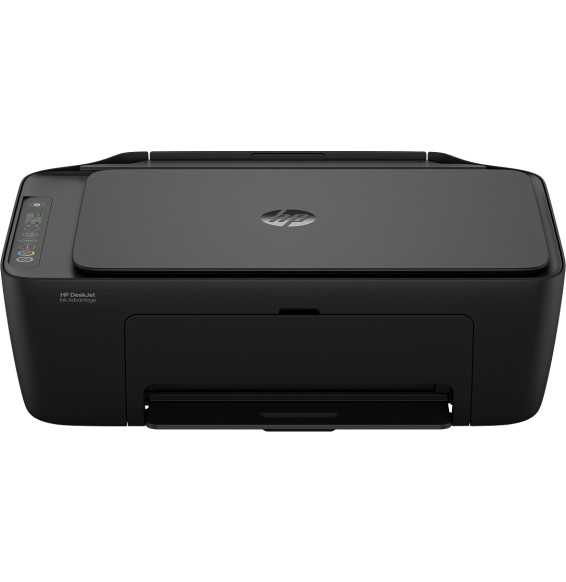
Can you use compatible non-HP cartridges in the OfficeJet Pro 8123?
No. This printer only works with cartridges fitted with an HP chip, new or reused, and a dynamic security feature blocks non-HP chips. Firmware updates may even block cartridges that used to work: plan your consumables budget around genuine HP cartridges.
Are the cartridges in the box full cartridges?
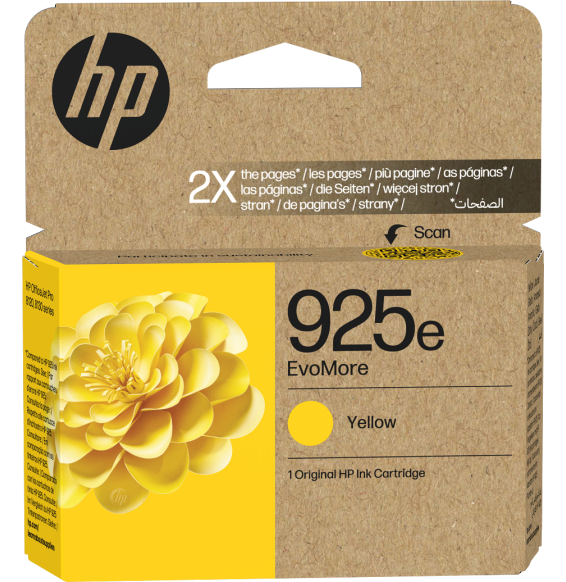
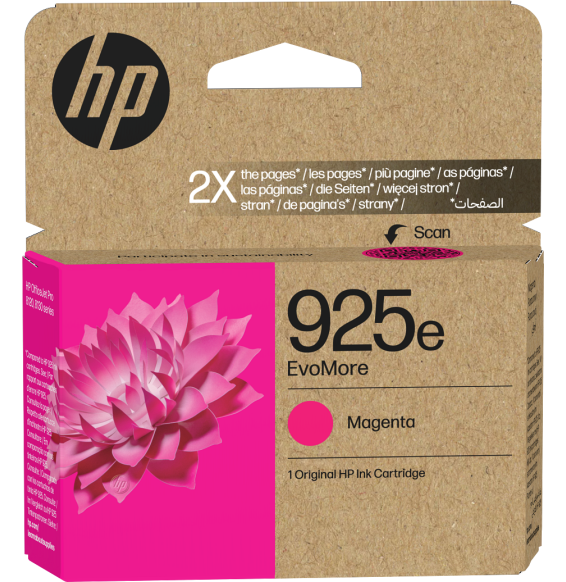
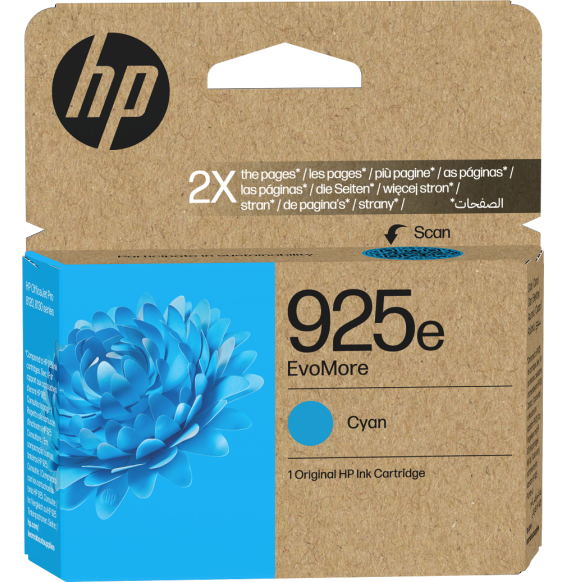
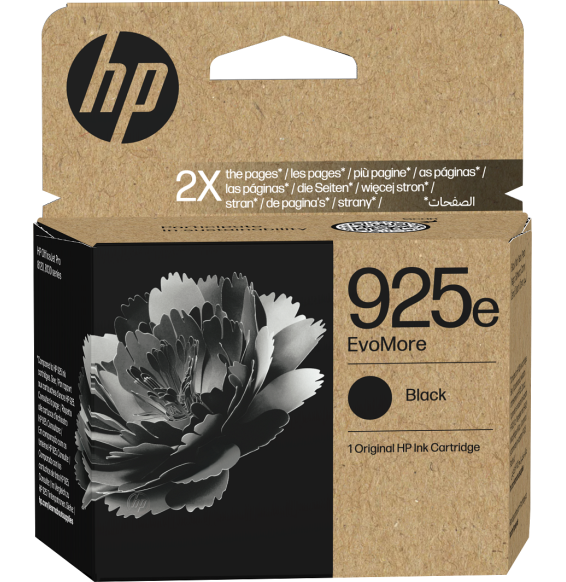
They are four HP 925 starter cartridges (black, cyan, magenta, yellow), intended for setting up the printer. As replacements, the standard individual cartridges yield 500 pages in black and 400 pages per colour, and the high-capacity EvoMore versions go up to 1,000 pages in black and 800 per colour, under the ISO/IEC 19752 standard.
Does the automatic document feeder scan both sides of a document?
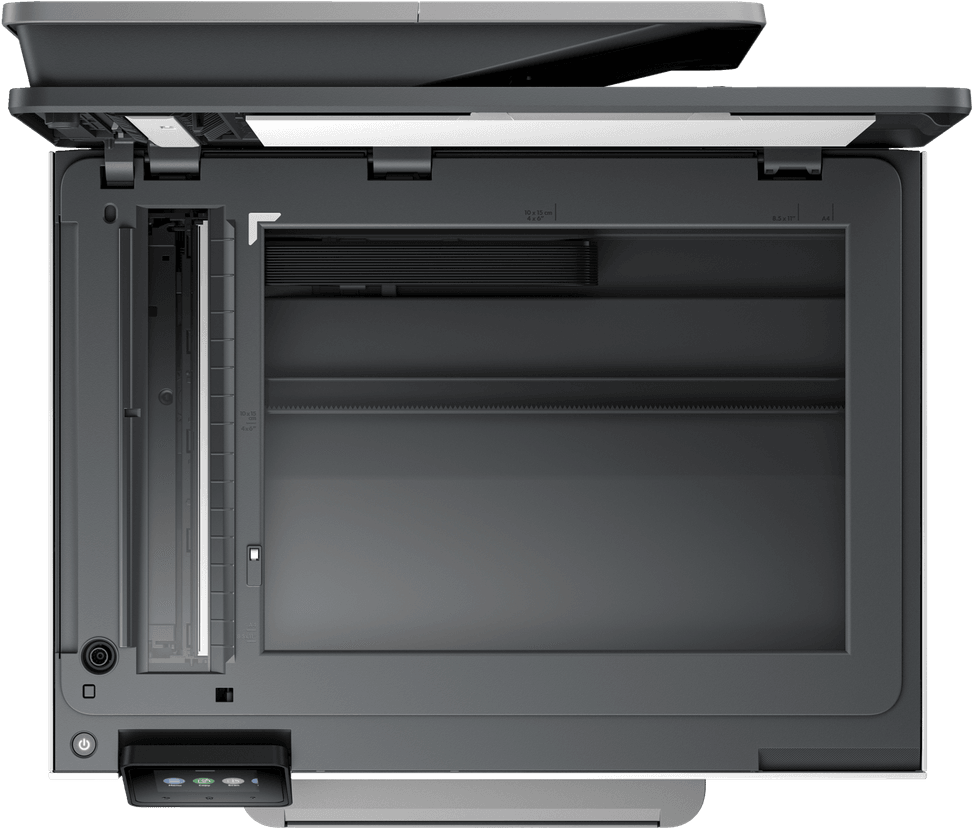
It holds 35 sheets but scans one side only: for a double-sided document, you have to turn the stack over and run it through again. It accepts originals from 127 × 127 mm up to 215.9 × 355.6 mm, compared with 215.9 × 297 mm on the flatbed glass.
Is the advertised 29 pages per minute the real speed?
That figure is for economy mode: 29 ppm in black and 25 ppm in colour. Under the standardised ISO measurement, expect rather 20 ppm in black and 10 ppm in colour, with the first page out in 15 seconds in black and 18 seconds in colour.
Is a USB cable supplied, and how does it connect to the network?
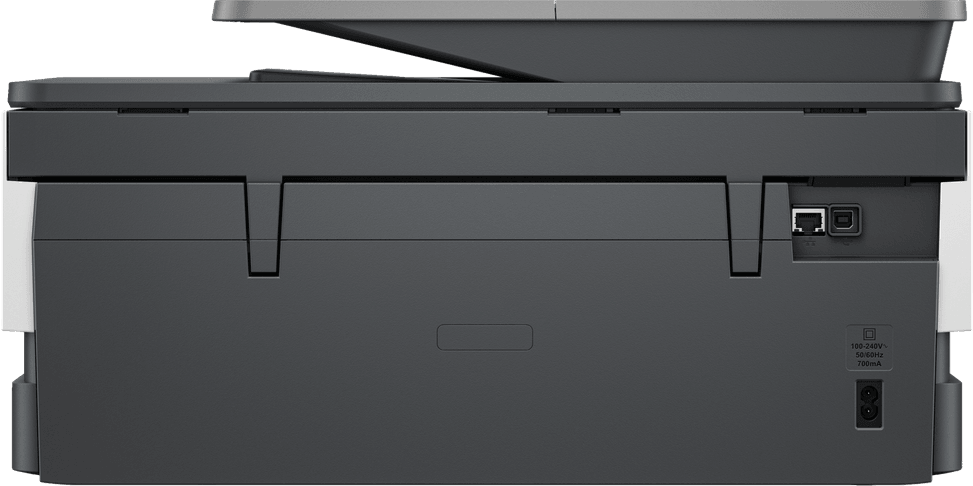
The USB cable is not supplied; it has to be bought separately. For connectivity, you can choose between an Ethernet port, USB 2.0 and dual-band 802.11 a/b/g/n/ac Wi-Fi (2.4 and 5 GHz), with a self-healing feature that restores the connection on its own.
Does it work with Linux or from a Chromebook?
Yes. Supported systems are Windows 10 and 11, macOS 11 to 13, Linux and Chrome OS. From a mobile device, you print via the HP Smart app, AirPrint, Mopria or Wi-Fi Direct.
Can you scan directly to email or to the cloud?
Yes. Smart Tasks shortcuts send a scan in one click to Dropbox, Google Drive, OneDrive or an email recipient. Files are saved as PDF, JPG, PNG, TIFF, BMP, RTF or TXT, with an optical resolution of up to 1,200 dpi.
What monthly print volume can this machine handle?
The recommended volume is 800 pages per month, with a maximum duty cycle of 20,000 pages. If you regularly go beyond 800 pages a month, you are outside the intended use of this machine: a higher-end office model will be better suited.
Can you print on envelopes, and up to what paper weight?
Yes, with up to 10 envelopes loaded at a time, in A2, C5, C6, DL, Chou No. 3 and No. 4 sizes. Accepted paper weights range from 60 to 105 g/m² for plain paper, 75 to 90 g/m² for envelopes, 163 to 200 g/m² for cards and 220 to 280 g/m² for photo paper.
How much space do you need on the desk?
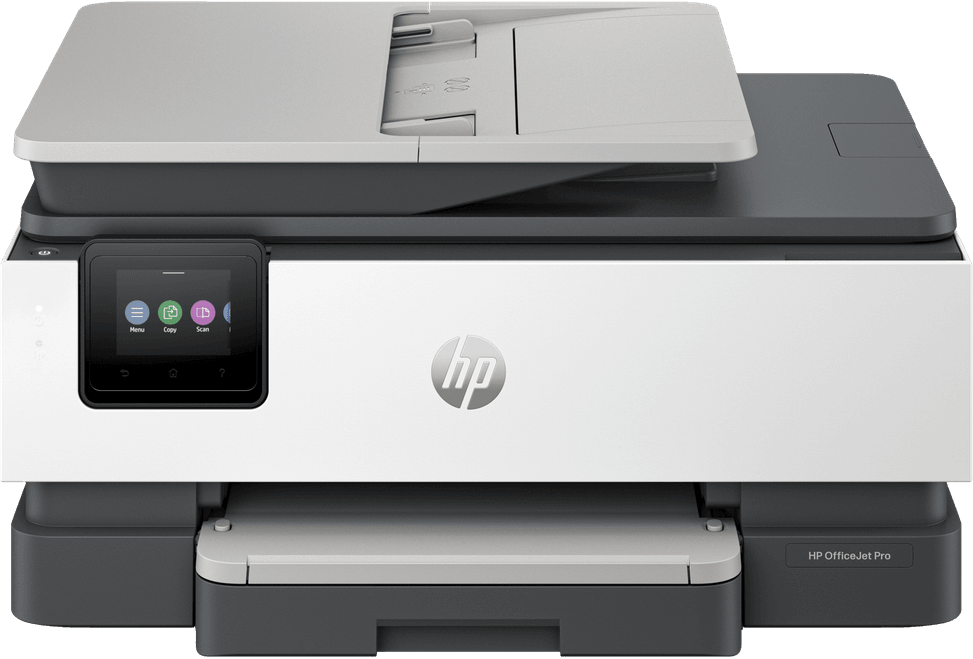
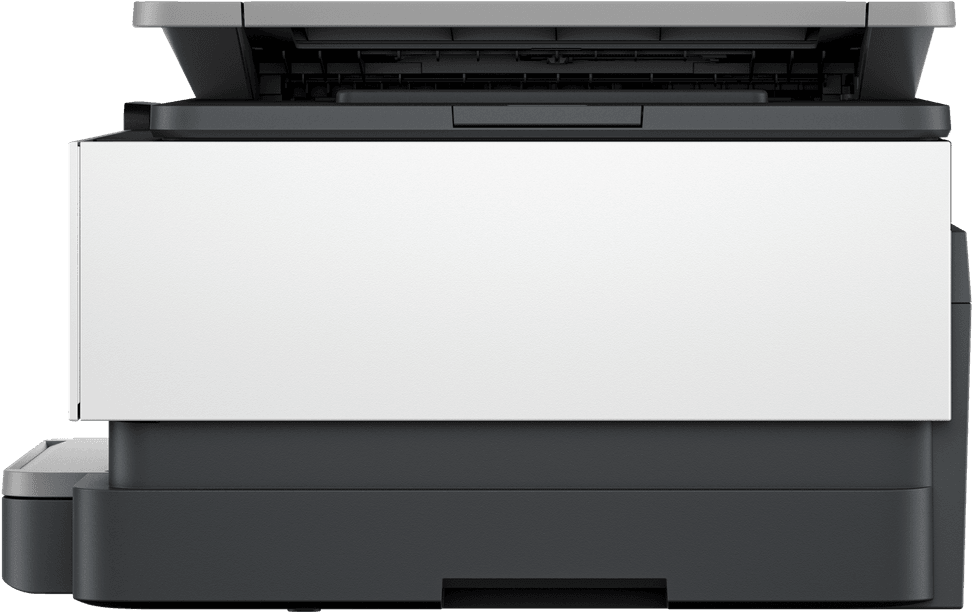
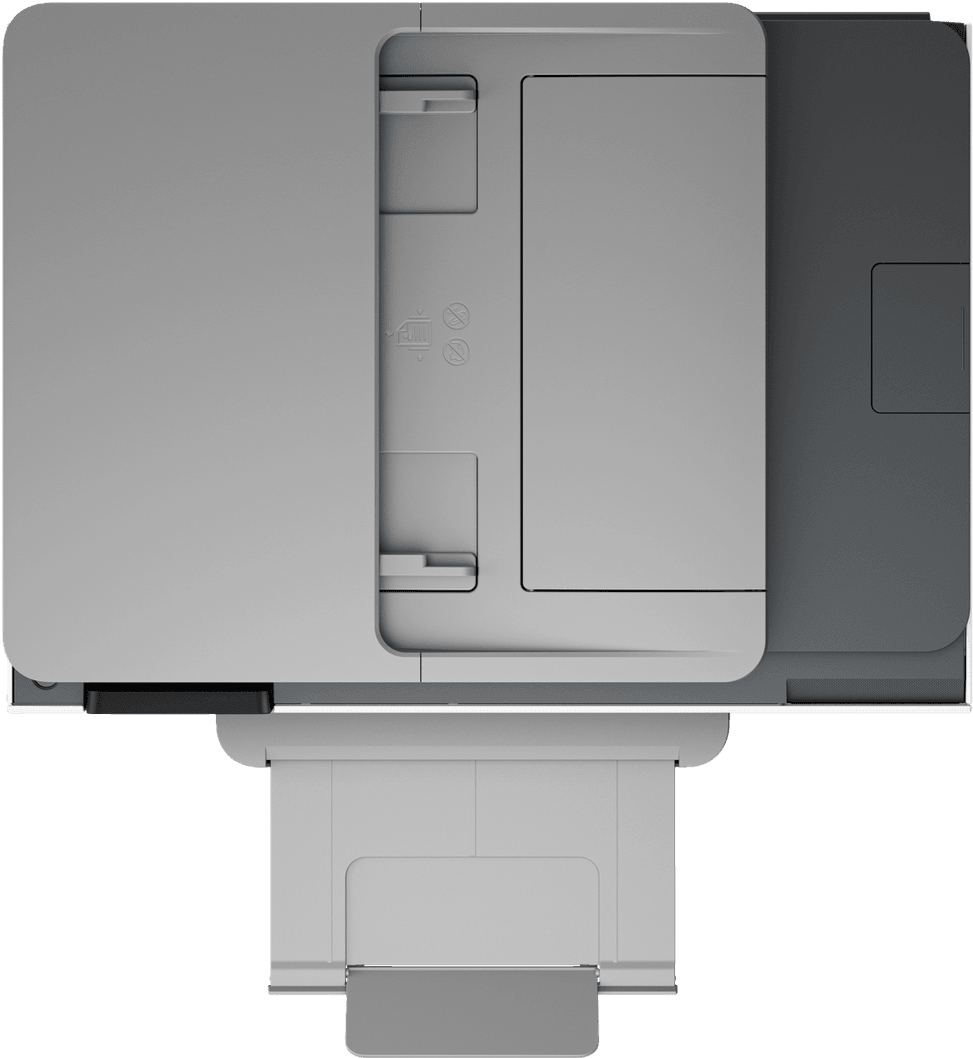
Allow 460 mm in width and 233 mm in height, but above all a depth that goes from 337.5 mm closed to 515 mm with the trays extended. At 8 kg, plan on a stable surface and a little over 50 cm of clear depth.
Is it quiet, and how much power does it use?
It has a quiet mode; the measured sound pressure is 60 dB(A) at 16 pages/minute. On the energy side, expect 4.07 W when ready, 1.02 W in sleep mode and 0.11 W when off, with a built-in 100-240 V universal power supply.
Can this OfficeJet Pro 8123 also fax?
No, there is no built-in fax function: the machine prints, copies and scans. Sending faxes is still possible from the HP mobile app.
What does this printer's environmental claim actually rest on?
On verifiable elements: 45% post-consumer recycled plastic, including plastic recovered from coastal areas, FSC-certified packaging and free cartridge recycling through HP Planet Partners. Worth noting for public tenders: it is not Blue Angel compliant.
Is the printer new, and how long is the warranty?
It is
new in its original packaging, part number
405W0C, and covered for
3 years, with the invoice serving as the warranty document. The full specifications are in the
datasheet (PDF).