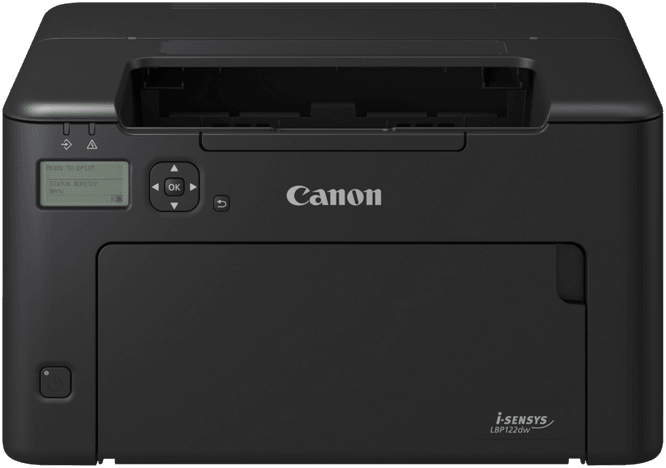
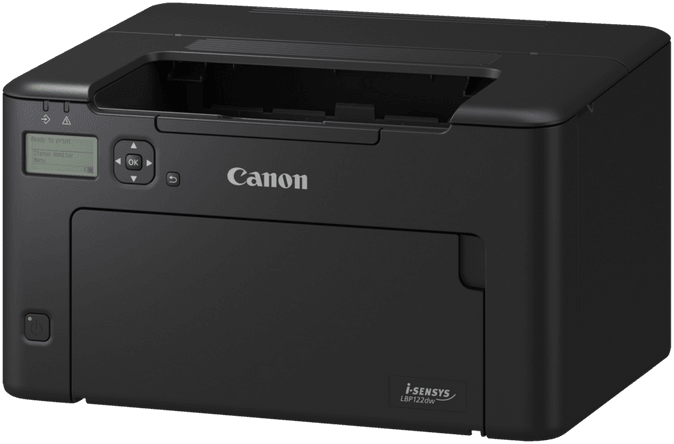
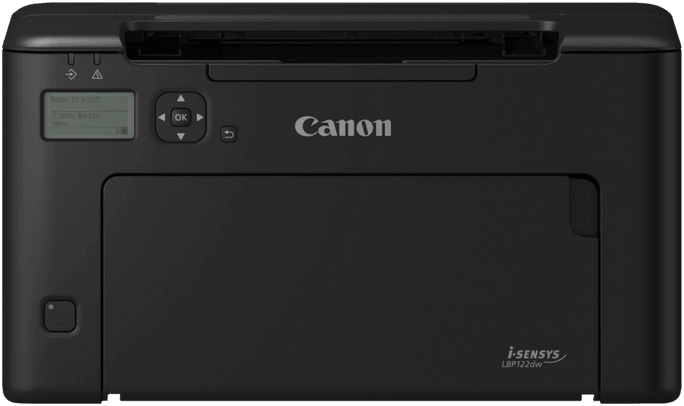
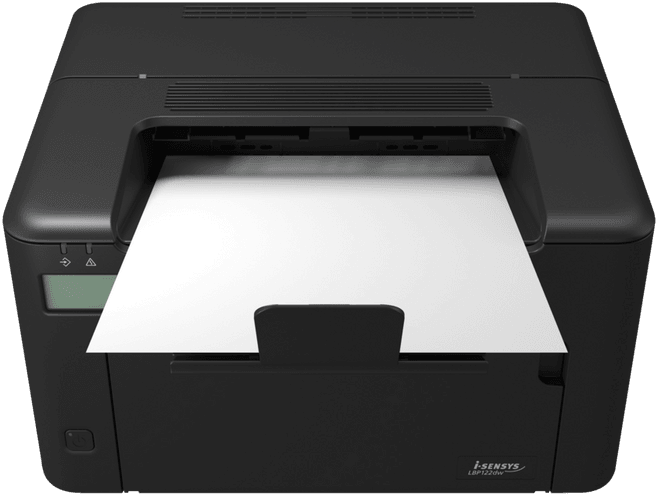
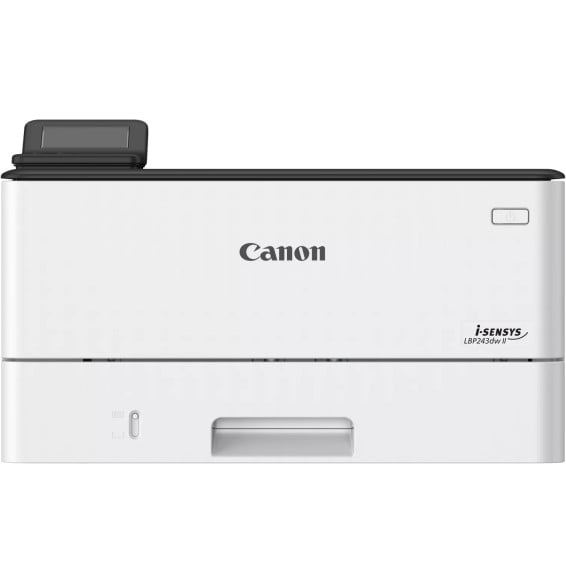
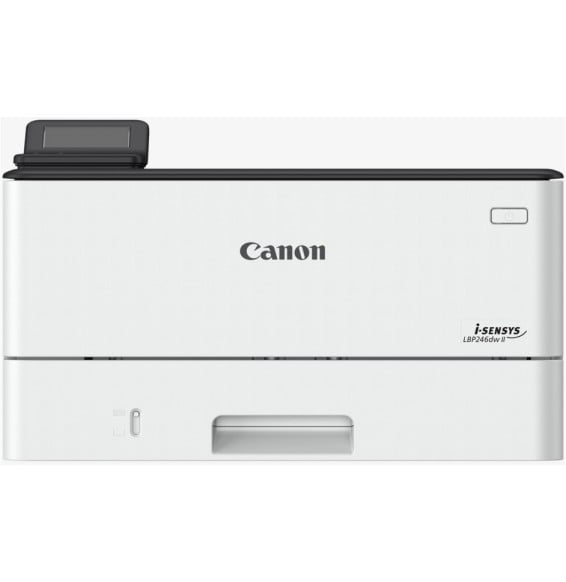
Can this Canon i-SENSYS LBP122dw copy or scan?
No. It is a single-function printer: it prints, and that is all. No scanner, no copying, no fax and no automatic document feeder. If scanning is essential for you, go for a multifunction model.
Is duplex printing automatic, and how fast is it?
Yes, automatic as standard. Expect 29 ppm single-sided and 18.5 images/min in duplex on A4 — two different units, as duplex output is counted in images rather than sheets. The resolution is 2,400 × 600 dpi equivalent.
Is a toner supplied with the printer, and for how many pages?
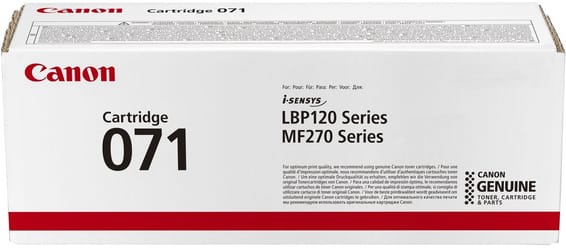
Yes, a starter cartridge of approximately 700 pages comes with the machine. After that, two references take over: the 071 for 1,200 pages and the 071H for 2,500 pages, yields measured according to the ISO/IEC 19752 standard. A toner status indicator tool monitors the remaining level.
Is a cable supplied to connect it?
No, no cable is supplied. The simplest option is to set it up over Wi-Fi or via direct wireless connection, with no cable at all. For a wired connection, you will need a USB 2.0 cable or a network cable for the 10/100 Ethernet port.
Can you print from a phone without going through a computer?
Yes. It supports AirPrint on iOS, Mopria certification and the Canon plug-in on Android, the Canon PRINT Business app and Microsoft Universal Print. Wi-Fi Direct lets you connect your device directly to the printer.
How many pages a month can it really handle?
The recommended volume ranges from 150 to 1,500 pages per month, with a maximum duty cycle of 20,000 pages. That second figure is an occasional peak of heavy activity, not a cruising rate: beyond the recommended volume, the machine's lifespan may be affected.
Can it print envelopes, labels or heavy paper?
Yes. The cassette accepts COM10, Monarch, DL and C5 envelopes, labels and postcards, as well as recycled, thin, heavy or bond paper. Sizes range from A6 to Legal, with custom sizes from 76 × 127 mm to 216 × 356 mm, at 60 to 163 g/m².
Is it noisy? Can it go in a shared office?
52 dB sound pressure during operation and a level that is inaudible in sleep mode as defined by the ISO 7779 standard, i.e. below the background noise of the room. Maximum sound power during printing reaches 69.3 dB.
How much electricity does it really use?
About 530 W during printing, but only 3.5 W in standby and 1 W in sleep mode, for a typical consumption of 0.21 kWh per week according to ENERGY STAR 3.0. Its maximum peak reaches 1,300 W: avoid a power strip that is already heavily loaded.
Do you have to wait long for the first page?
No. Warm-up takes about 7.5 seconds from power-on, and the first page comes out in 5.4 seconds at 400 dpi (7.1 seconds at 600 dpi). A 1,200 MHz processor and 256 MB of memory handle the jobs, and the 5-line LCD panel shows their progress.
Is it compatible with a Mac or a Linux workstation?
Yes: Windows 11, 10 and 8.1 as well as Server editions from 2012 to 2022, macOS 10.12 and later, and Linux — the Linux driver being distributed via the Internet only. The print language is UFR II, and configuration is done through the Remote User Interface (RUI).
Can it be safely connected to a company network?
Yes: TLS 1.3, IP address filtering, IEEE 802.1X, SNMPv3 and SSL (HTTPS, IPPS), with secure boot on the machine side. Over Wi-Fi, WPA2-PSK and WPA2-EAP (AES) modes are supported.
How much space does it take up, and where can it be installed?
356 × 283 × 213 mm for about 6.5 kg: it fits on the corner of a desk or a sturdy shelf. You will need a room between 10 and 30 °C, with 20 to 80% non-condensing humidity, and a 220-240 V, 50/60 Hz socket.
Is the printer new and under warranty?
Yes: the Canon i-SENSYS LBP122dw is
new, reference 5620C001AA, supplied with its invoice, which serves as the warranty document for
1 year. Full details of the specifications are in the
Canon datasheet (PDF).