Welcome to the new iris.ma

We rebuilt everything for you

Same team, same standards

Pay nowView my order
Visit the Wacom store

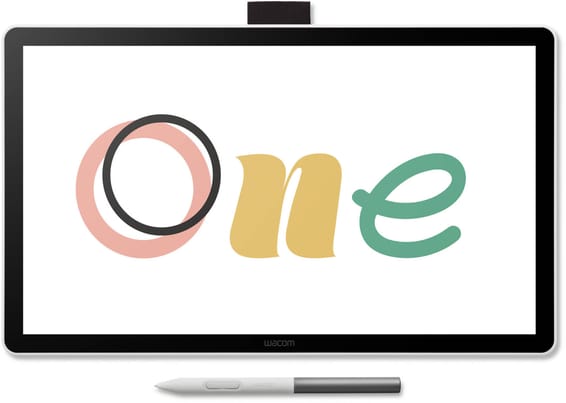
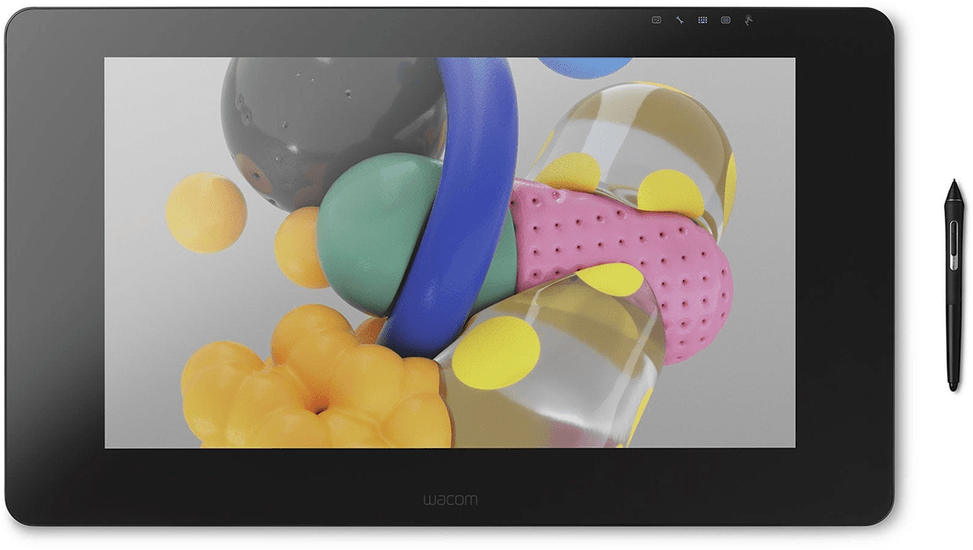
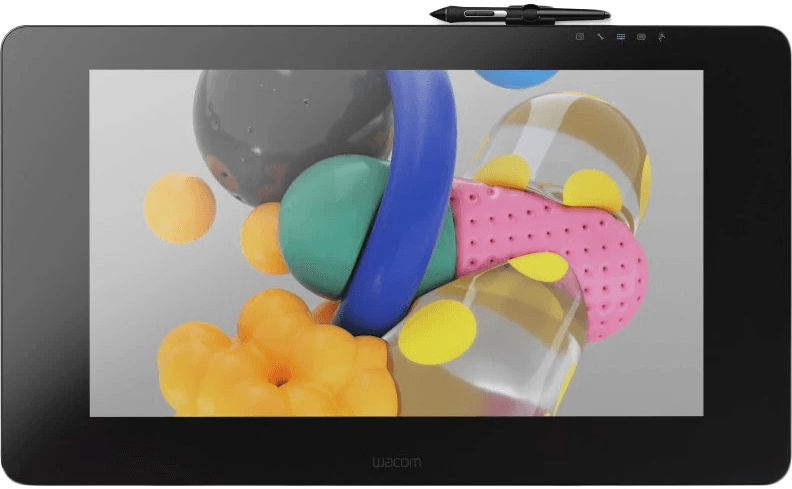
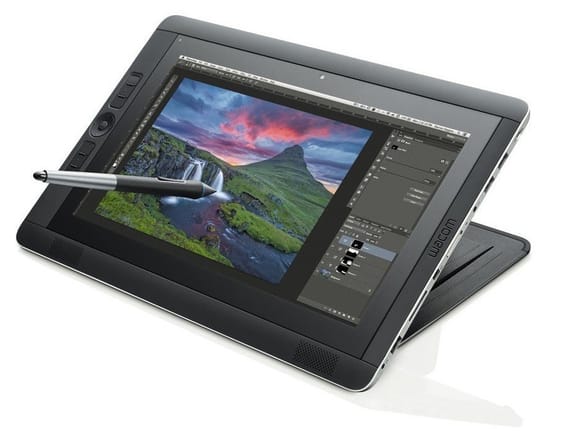
Wacom Cintiq Pro 24 Pen Display: Graphics Tablet with 24" 4K Screen (DTH-2420)

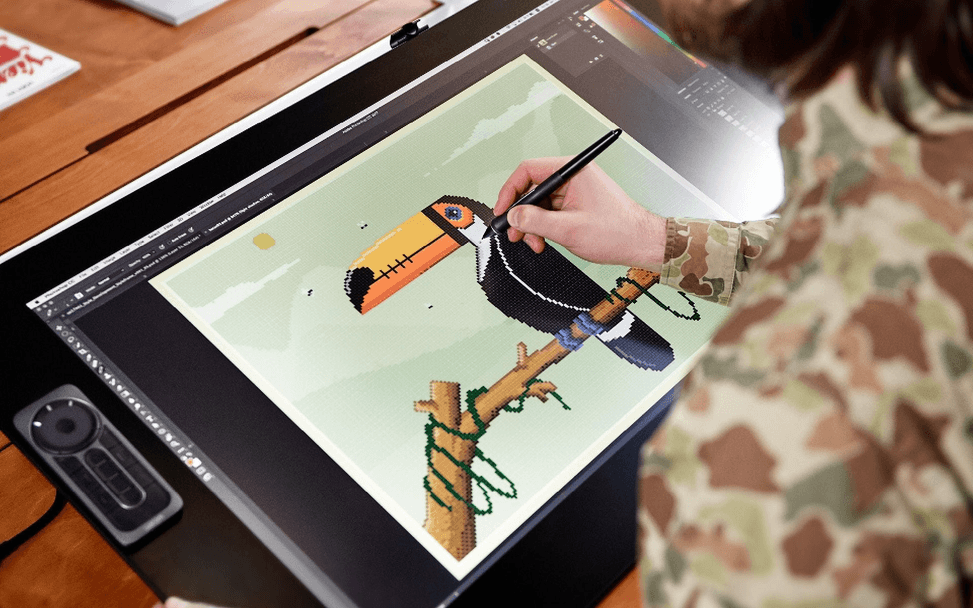
Pinch, zoom and rotate with your fingertips, then take up the line with the Pro Pen 2: 8192 pressure levels and tilt over 522 × 294 mm. Colours at 99% Adobe RGB and 350 cd/m². Connects over USB-C, DisplayPort or HDMI to a PC or a Mac.

  • Pen display with no system of its own: to be connected to a computer (PC or Mac) that runs the software
  • Multi-touch finger control in addition to the pen
  • 99% coverage of the Adobe RGB space
  • 1.07 billion colours (10-bit), high-brightness AHVA panel
  • Drawing surface 522 × 294 mm, 16:9 format
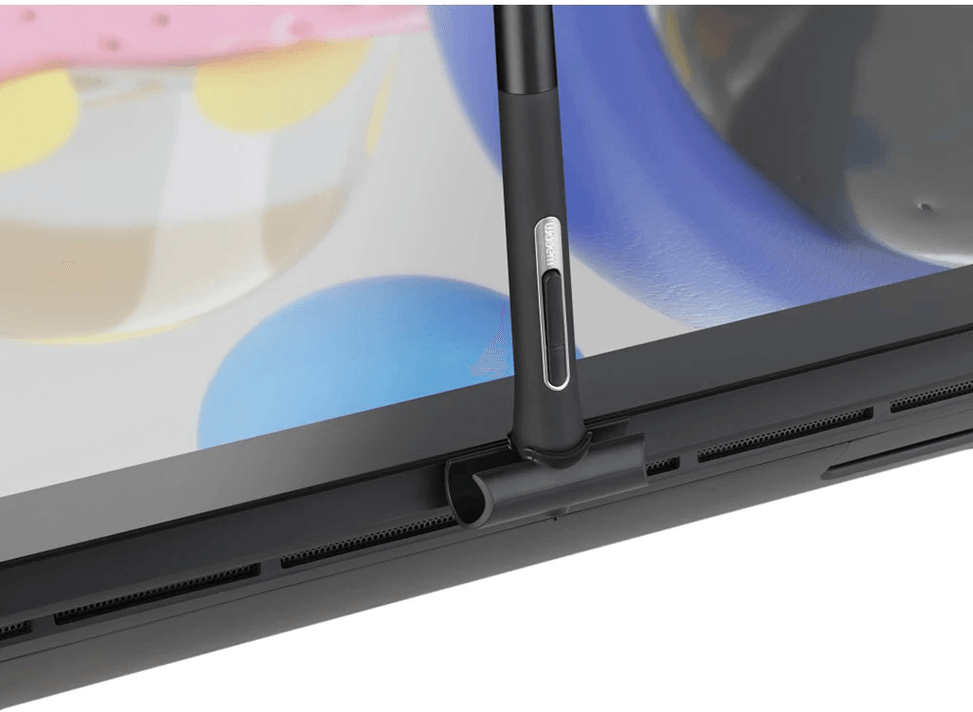
  • Wacom Pro Pen 2 stylus, battery-free and cordless, 2 side buttons
  • 8192 pressure levels (nib and eraser)
  • ±60° tilt recognition
  • Pen resolution 5080 lpi
  • Brightness 350 cd/m², contrast 1000:1
  • Edge-to-edge tempered glass with electrolytic marking
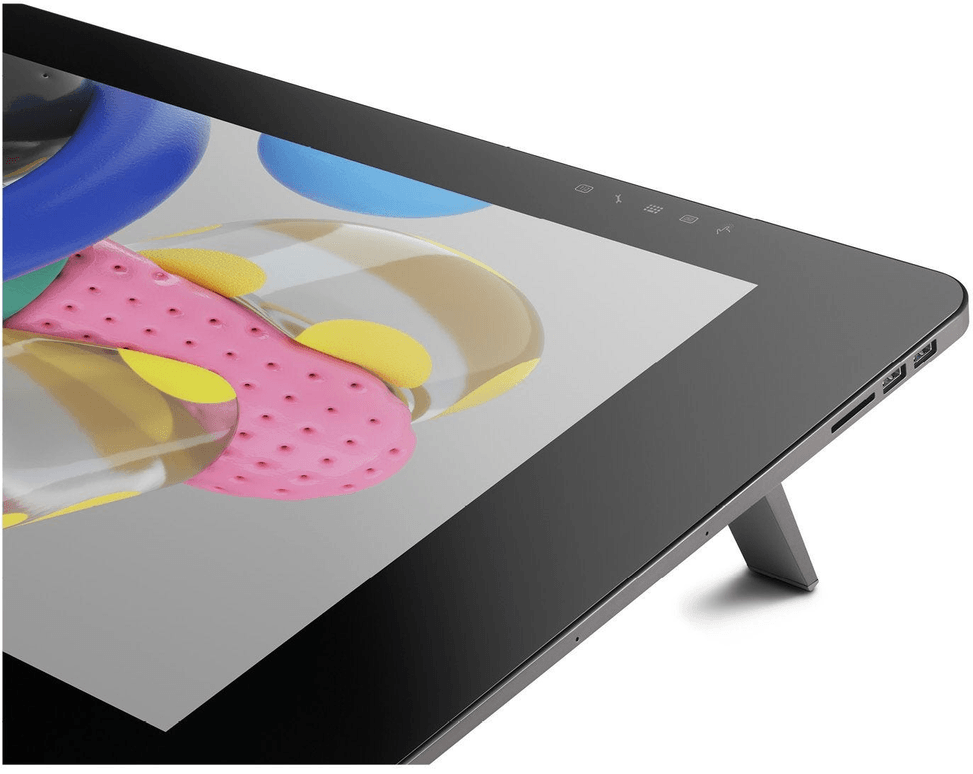
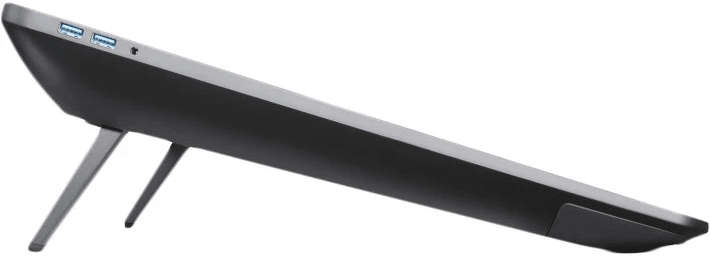
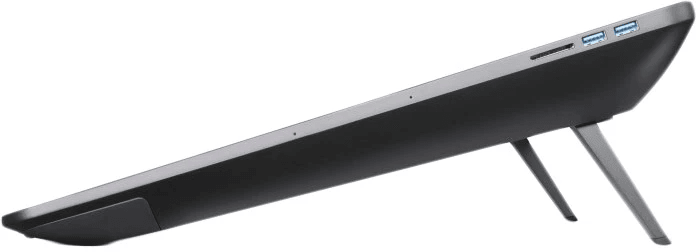
  • USB-C, DisplayPort and HDMI inputs
  • 10 spare nibs, 4 colour rings and a nib extractor
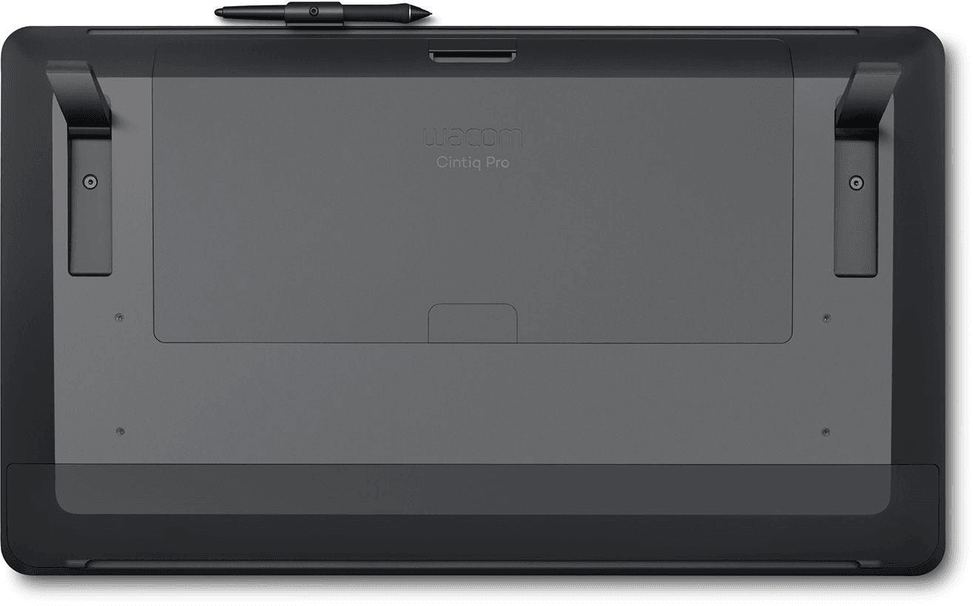
  • Weight 7.2 kg without stand
Ref.: DTH-2420
30 599,00 DHincl. VAT

Out of stock

Under Law 09-08, you have the right to access, rectify and object to the processing of your personal data. This processing has been authorised by the CNDP under no. D-CE-389/2015. Learn more

Can’t wait?

Ask for an alternative on WhatsApp

Quick reply

Manufacturer's datasheetView the PDF · 656 Ko — downloadable

Product overview

Professional 24-inch 4K interactive touch display for high-end creative work: 4K display, multi-touch and Adobe RGB colour.
Type: interactive pen display — you draw directly on the screen; with no operating system of its own, it connects to a computer (PC or Mac) that runs the software
Display: 23.6" 16:9, UHD 4K resolution · wide 99% Adobe RGB coverage, 350 cd/m² — professional colour accuracy
Active area: 522 × 294 mm · finger touch control as well as the pen
Pen: Wacom Pro Pen 2, battery-free and wireless · 8192 pressure levels and tilt recognition
Connectivity: USB-C, DisplayPort or HDMI
The benchmark display for studios and creative professionals: large 4K format, faithful colour, pen and touch combined for the most demanding work.

See all the specifications ↓
Request a quoteShare:

Technical specifications

Technical specifications
Battery lifeNo battery
Product typeInteractive pen display
Tablet size677 × 394 × 47 mm (W × D × H)
Active area522 × 294 mm (20.55 × 11.57 inches)
Keys/buttonsNone
Pressure levels8,192 levels (pen tip and eraser)
Tilt recognitionYes, ± 60 levels over 60 degrees
Multi-touch inputYes
Connectivity4 USB 3.0 ports, 1 USB-C port, 1 HDMI 2.0 port, 1 DisplayPort port
Weight7 kg without the optional stand
Resolution5,080 lpi
StylusWacom Pro Pen 2, battery-free, 2 customisable side buttons
Technical specifications (continued)
Screen size (diagonal)23.6 inches (59.94 cm)
Screen resolution3840 × 2160 (4K Ultra HD)
Aspect ratio16:9
Contrast ratio1000:1
Brightness350 cd/m²
Colour gamut99% of the Adobe RGB colour space, 1.07 billion colours (10-bit)
Tablet typeInteractive display (you draw on the screen, connected to a computer)
Drawing area sizeExtra-large format (20 inches and above)
Wireless connectionNo — wired connection
Pen pressure levels8,192
Compatible withWindows, macOS
Warranty2 years

Customer reviews

No reviews yet

Be the first to review this product and help other customers.

Write a review
Your rating
5/5

Shown publicly with your review.

Never published — a confirmation email will be sent to you.

Tell us about the product — in a few lines:

  • what you liked in everyday use;
  • the quality and performance you found;
  • who you would recommend it to, and why.

A question about an order, a delivery or a payment? Write to us and we will reply to you directly.

Under Law 09-08, you have the right to access, rectify and object to the processing of your personal data. This processing has been authorised by the CNDP under no. D-CE-389/2015. Learn more

Frequently asked questions about this product

What is the difference between the touch Cintiq Pro 24 and the pen-only version?
Multi-touch: this version accepts pinch, zoom and rotate gestures with your fingers, in addition to the pen. The DTK-2420 version is controlled with the pen only. Everything else — 4K panel, 99% Adobe RGB, Pro Pen 2 — is the same.
Does this Cintiq work on its own?
No. It is a pen display with no operating system: it connects to a computer — PC or Mac — that runs the software. Mistaking it for a standalone tablet is the most common misunderstanding about this range.
How bright is the touch Cintiq Pro 24?
350 cd/m², with a contrast ratio of 1000:1, on a high-brightness AHVA panel covering 99% of Adobe RGB in 10-bit. That is the combination studios look for: bright enough and, above all, accurate.
What is the drawing area of this Cintiq Pro 24?
522 × 294 mm, in 16:9 format, on a 23.6-inch 4K panel. The glass is tempered from edge to edge, with electrolytic etching — a surface built for years of nib friction.
How do you connect this Cintiq to a computer?
Via USB-C, DisplayPort or HDMI. Three inputs, so three ways of connecting it depending on the output available on your machine — with USB-C carrying both video and data over a single cable.
How good is the touch Cintiq Pro 24's pen?
It is the Pro Pen 2: 8,192 pressure levels at both the tip and the eraser, tilt recognition of ±60°, a resolution of 5,080 lpi, no battery or cable, and two side buttons.
Is the touch Wacom Cintiq Pro 24 display new and under warranty?
New, reference DTH-2420, in original Wacom packaging, compatible with Windows and macOS, weighing 7.2 kg without the stand. The invoice serves as the warranty document for 1 year. Ten replacement nibs and four colour rings are included.

Trending

View the Wacom archive

Chat on WhatsApp

Scan with my phone

The simplest way: open your phone camera and point it at this code. The chat opens with your message ready.

Open WhatsApp Web

Works if your phone is already linked to this computer.

Prefer to call? (+212) 05 30 31 64 21