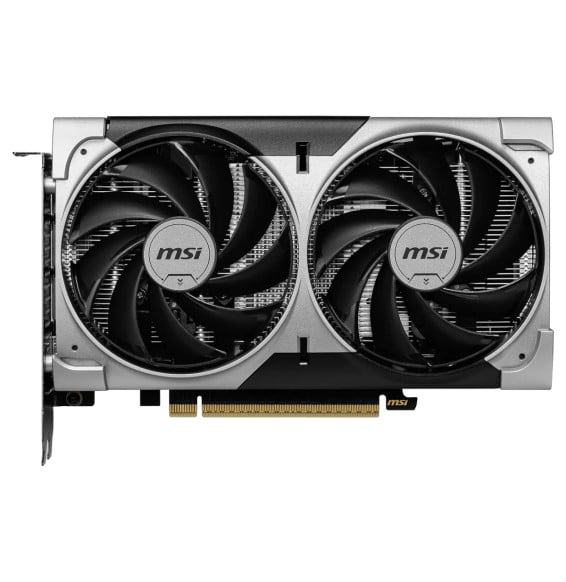
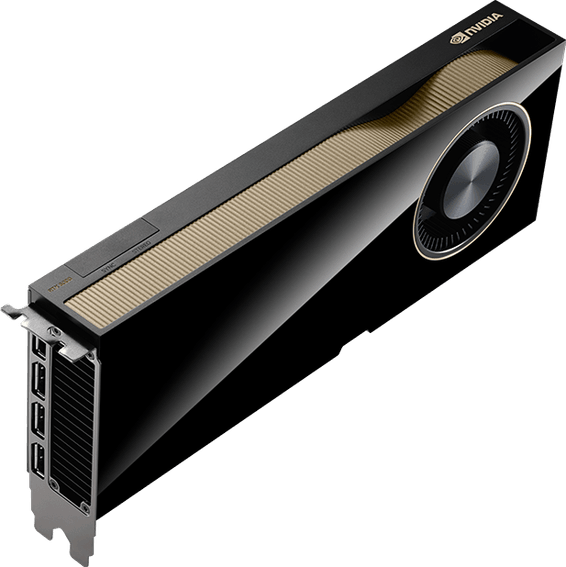
What power supply does the RTX 5060 VENTUS 2X OC need?
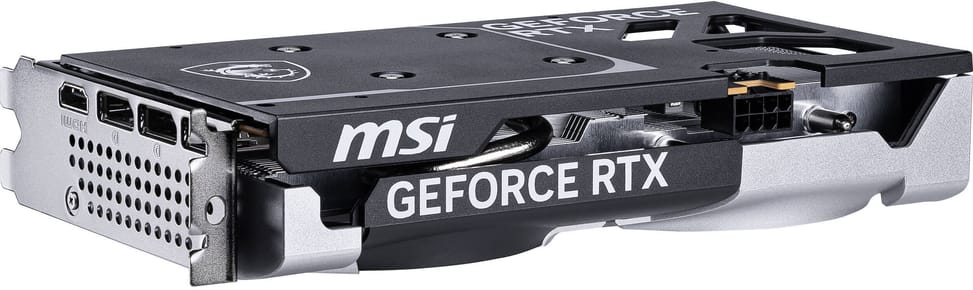
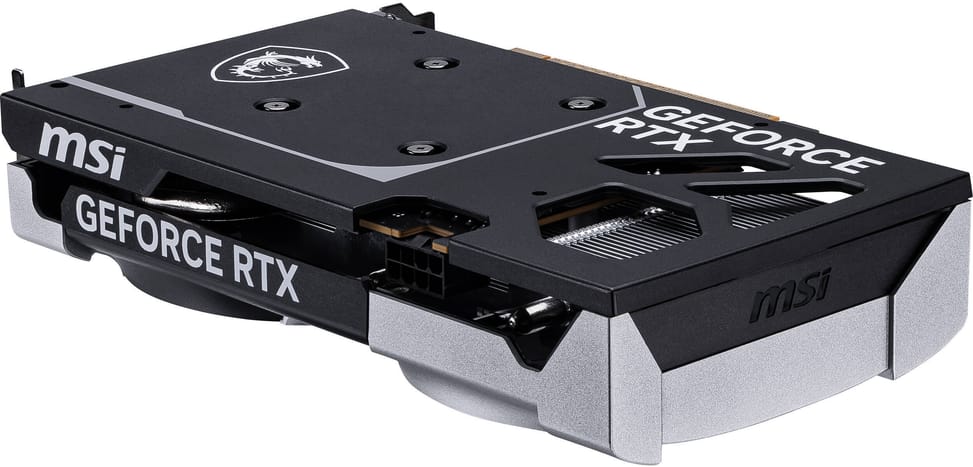
A 550 W unit is recommended for the whole machine, and the card requires an 8-pin power connector. Check that your power supply has this cable free: it is the most common sticking point when changing the graphics card in an older configuration.
What are the dimensions of this MSI graphics card?
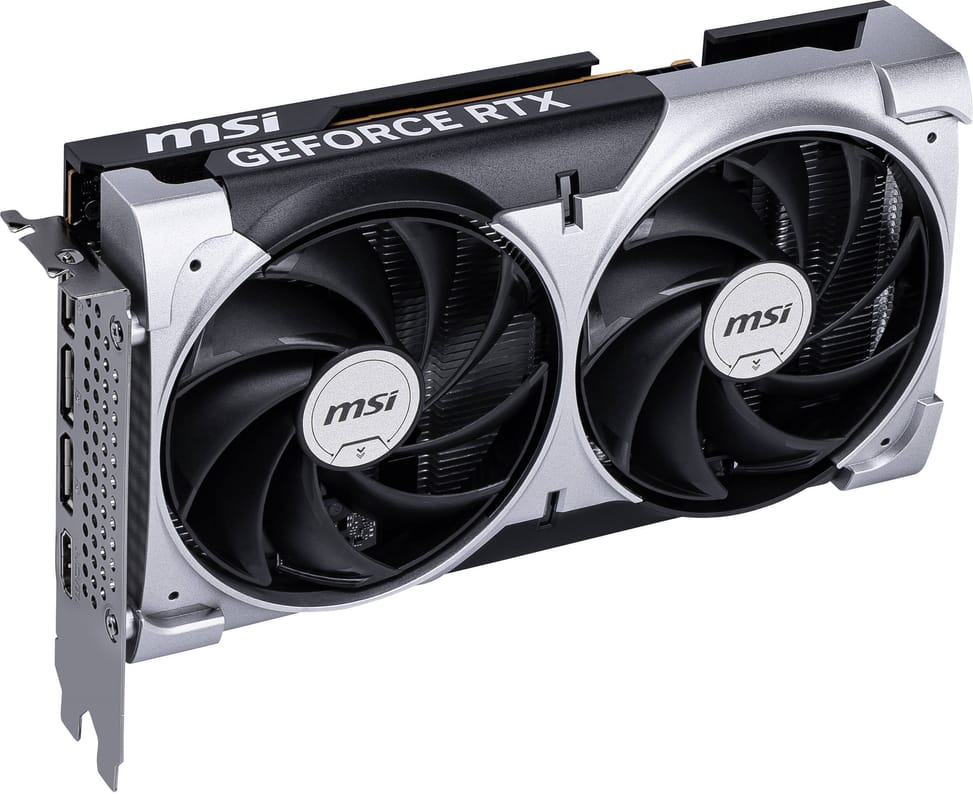
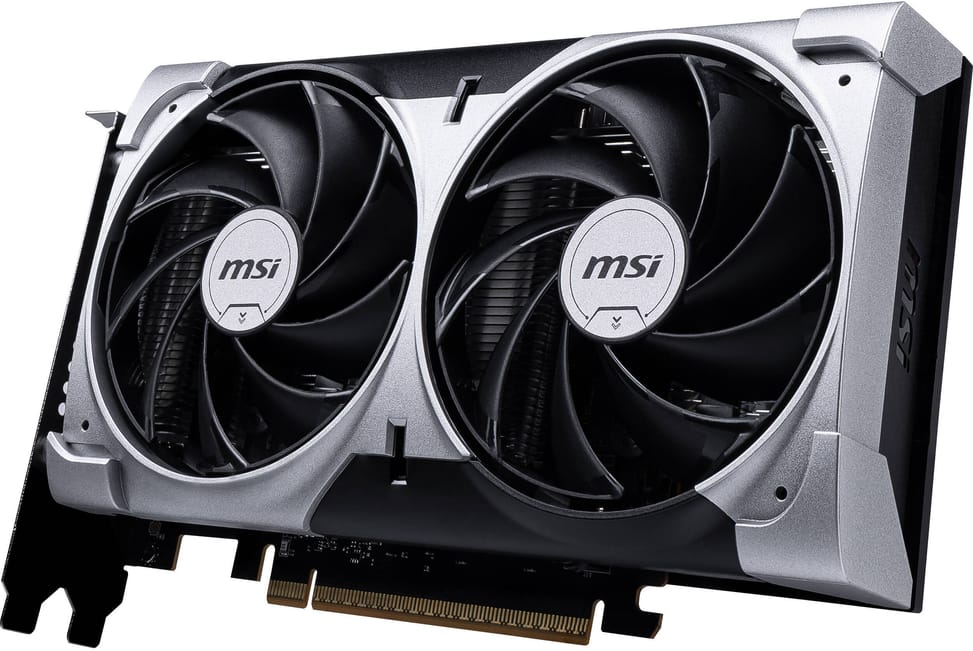
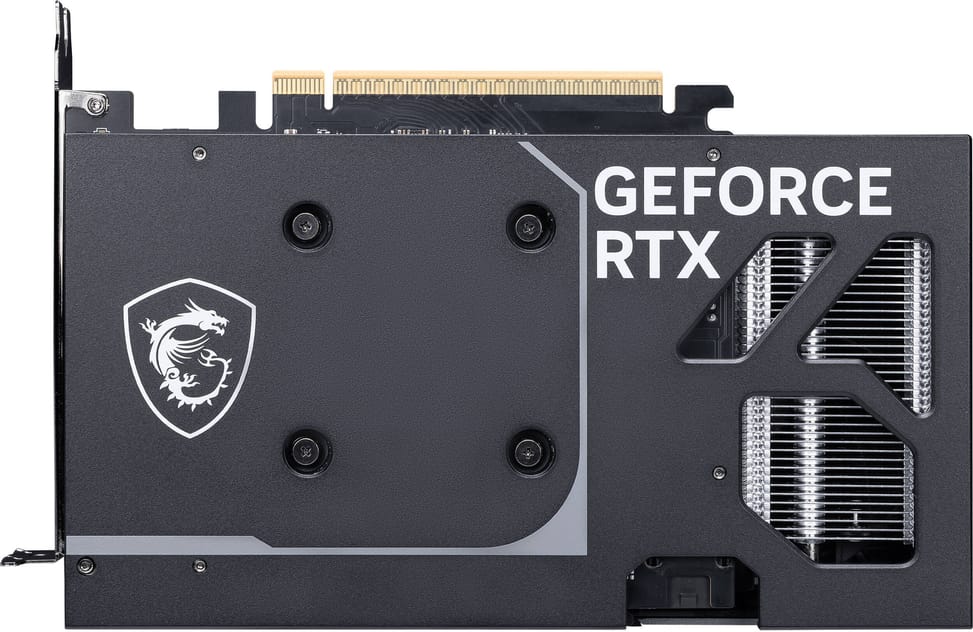
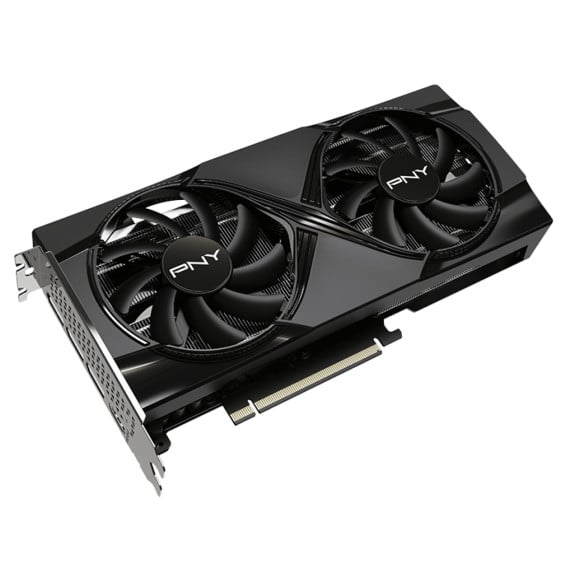
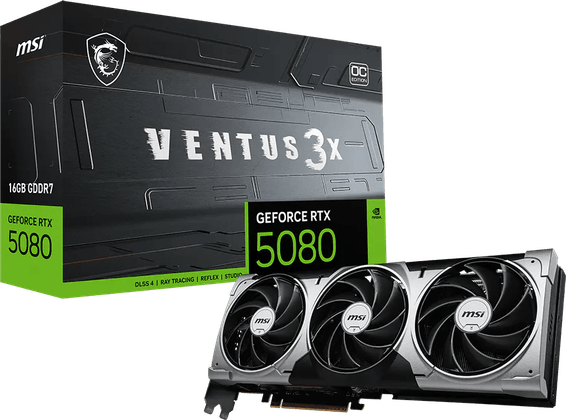
197 mm long, 120 mm high and 41 mm thick. That is a short size for a dual-fan card: measure the length available between the back of the case and the drive cage, as well as the depth under the side panel, before ordering.
Do the fans run all the time?
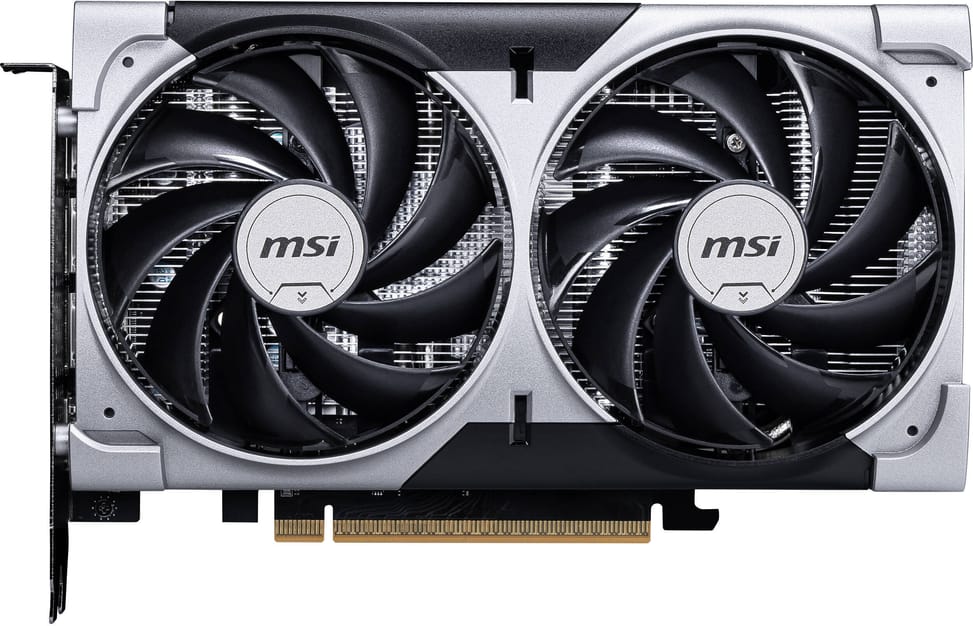
No. Zero Frozr technology stops them completely when the card’s temperature stays low, during office work or on the Windows desktop, and restarts them automatically as soon as the load increases. The PC is therefore completely silent outside gaming sessions.
Which video outputs, and how many displays at the same time?
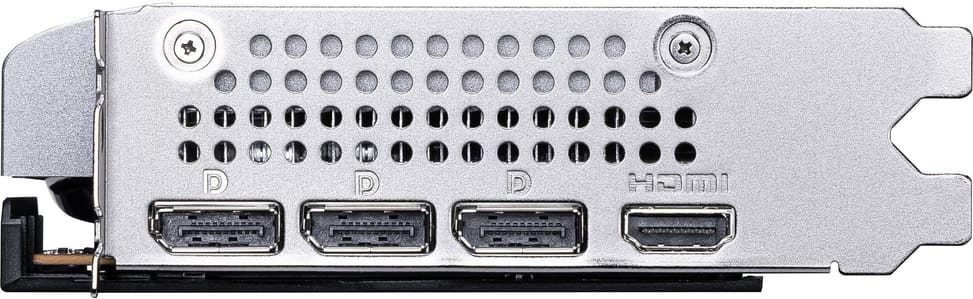
Three DisplayPort 2.1b and one HDMI 2.1b output, for up to four displays simultaneously and a resolution of up to 7680 × 4320. The HDMI 2.1b port goes up to 4K 480 Hz or 8K 120 Hz with DSC compression, with variable refresh rate and HDR.
What does the “OC” in the name mean, and what clock speed does it run at?
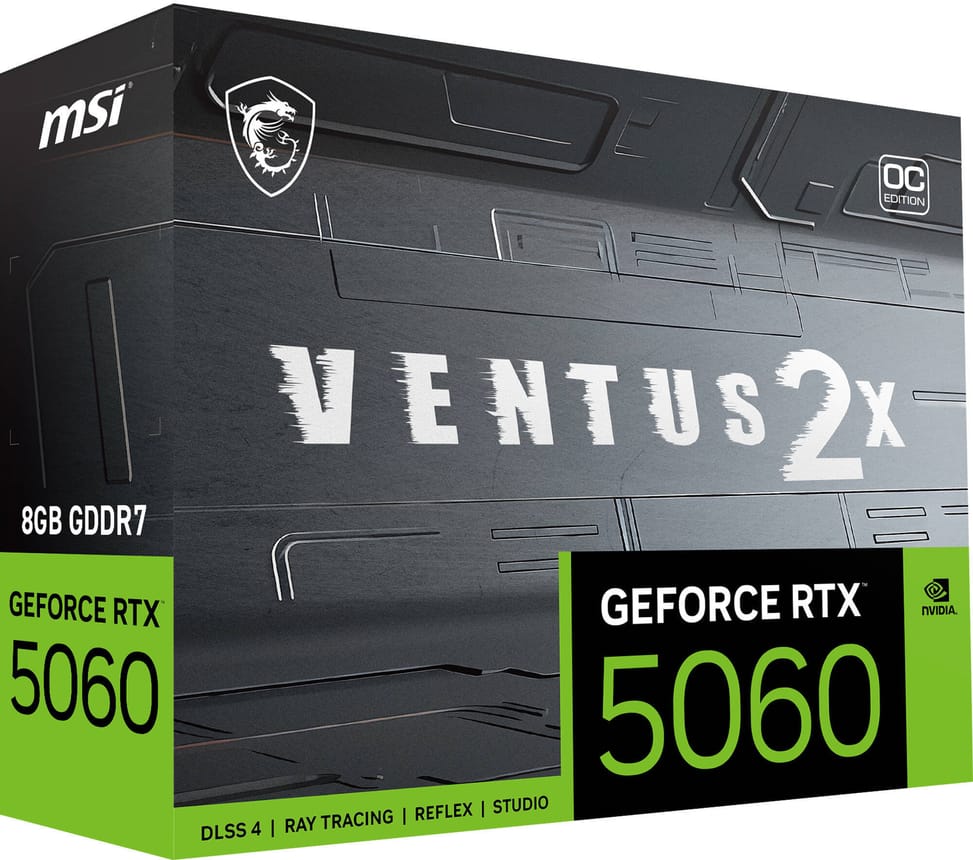
OC stands for factory overclocked: the card is set out of the box above the reference clock speeds, with a 2527 MHz boost. An “Extreme Performance” mode, accessible from the MSI Center software, takes it to 2535 MHz, with no technical tinkering on your part.
Is this card G-SYNC compatible?
Yes, G-SYNC technology is supported: on a compatible display, the screen synchronises with the card and screen tearing disappears, as does stuttering when the frame rate varies. HDCP is also supported for playing protected content.
Is 8 GB of GDDR7 enough for 1440p gaming?
Yes, it is the resolution this card is recommended for. The 8 GB runs at 28 Gbps on a 128-bit bus, driven by 3,840 Blackwell-architecture CUDA cores. At 1440p with DLSS enabled, the frame rate remains comfortable; it is beyond that, in 4K with every option maxed out, that the memory becomes the limiting factor.
What does DLSS 4 with Multi Frame Generation bring?
A higher frame rate. DLSS is a suite of neural rendering technologies that uses AI to increase the frame rate, reduce latency and improve visual quality; version 4 adds Multi Frame Generation, Ray Reconstruction and enhanced Super Resolution, powered by 5th-generation Tensor cores.
Can it be used for video editing and 3D rendering?
Yes. The 9th-generation NVIDIA encoder speeds up video exports, the Studio drivers are aimed at stability in creative applications, and NVIDIA Broadcast cleans up the sound and image of video calls and live streams. 3D rendering also benefits from RTX acceleration.
Can you adjust the clock speeds and the fan curve yourself?
Yes, with MSI Afterburner, which gives access to clock speeds, detailed monitoring, profiles, performance tests and video recording. Alongside it, MSI Center lets you monitor and optimise the card in real time. Both programs are free.
Is the card new and under warranty?
Yes, new and covered for
1 year, with your invoice serving as the warranty document. The exact reference is 912-V537-002; the full specifications are given in
the MSI technical documentation.