Is 260 Hz available on both HDMI ports?
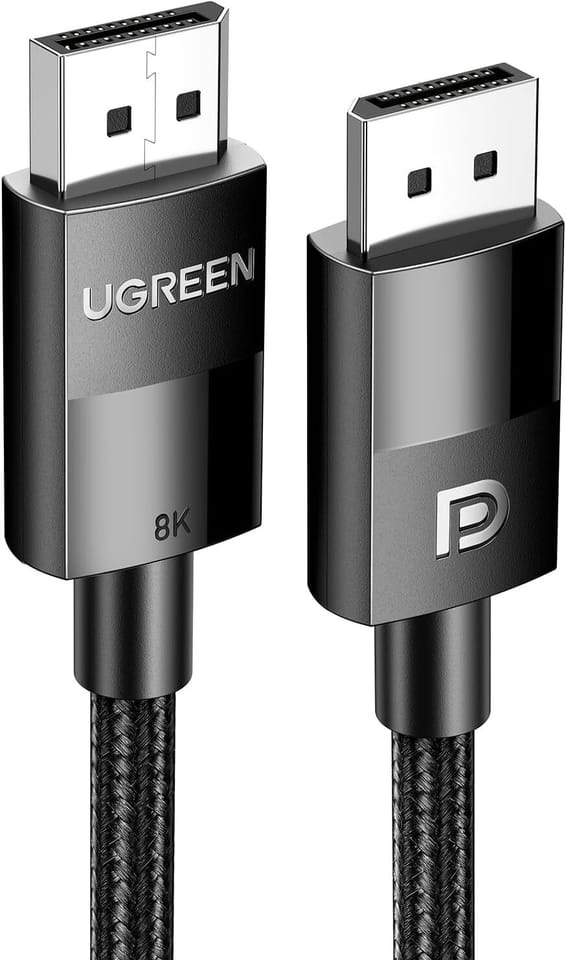
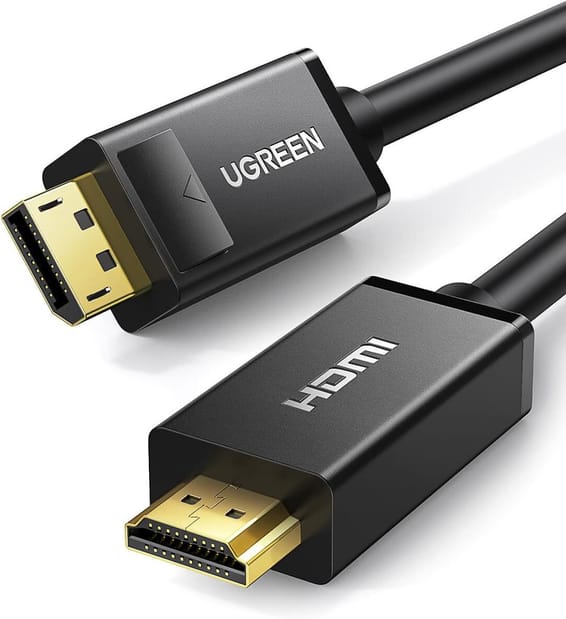
No. 260 Hz is only available via DisplayPort 1.4, using the Overclock function in the monitor's menu. Over HDMI 2.0, Quad HD is limited to 144 Hz: to play at the maximum refresh rate, the DisplayPort input is the one to use.
Does overclocking to 260 Hz pose a risk to the monitor?
Overclock pushes the panel beyond its native refresh rate, with a risk of abnormal display as a result. If the image goes wrong after a restart, simply disable Overclock in the OSD menu to return to the standard refresh rate. Also check that your graphics card can reach the monitor's maximum resolution and refresh rate.
Does the 0.3 ms Smart MBR mode have drawbacks?
Yes, two. The backlight starts strobing in sync with the refresh rate, which can cause visible flicker, and brightness can no longer be adjusted while the mode is active. It is therefore best to turn it off outside gaming sessions: it is a mode designed for fast action, not for office work.
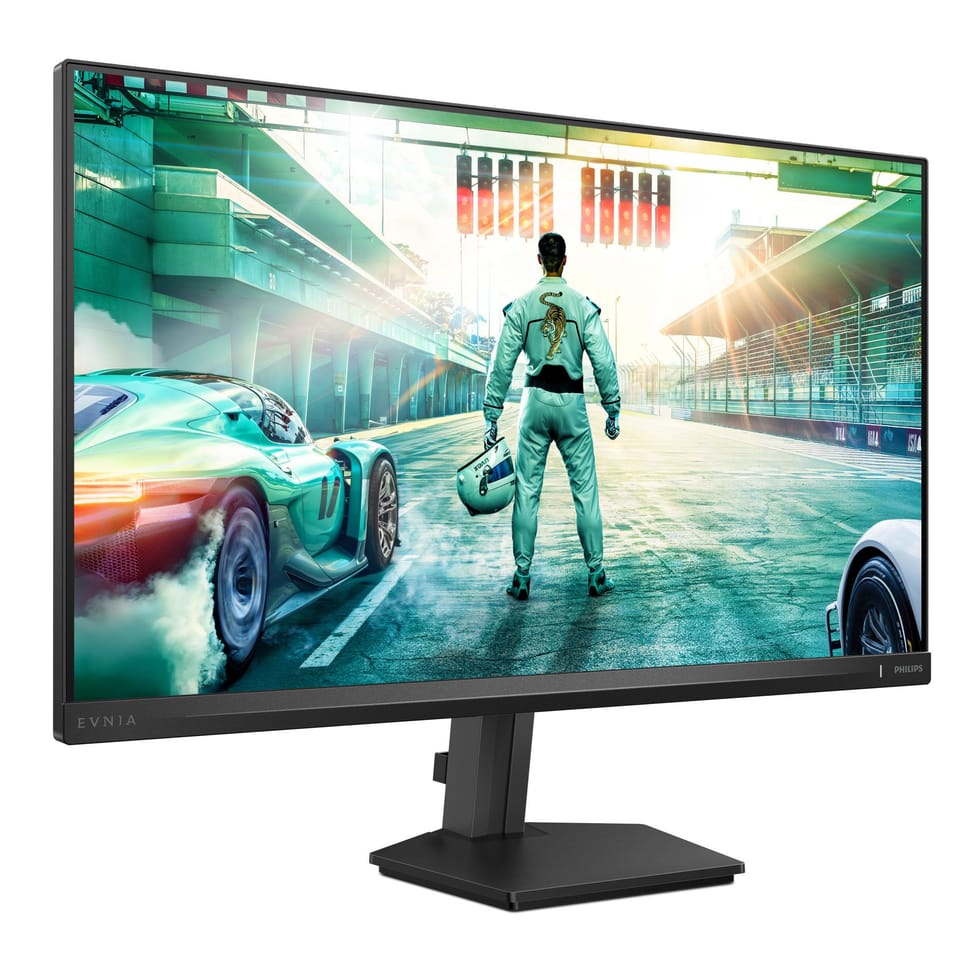
What adjustments does the stand offer, and can the monitor be mounted on an arm?
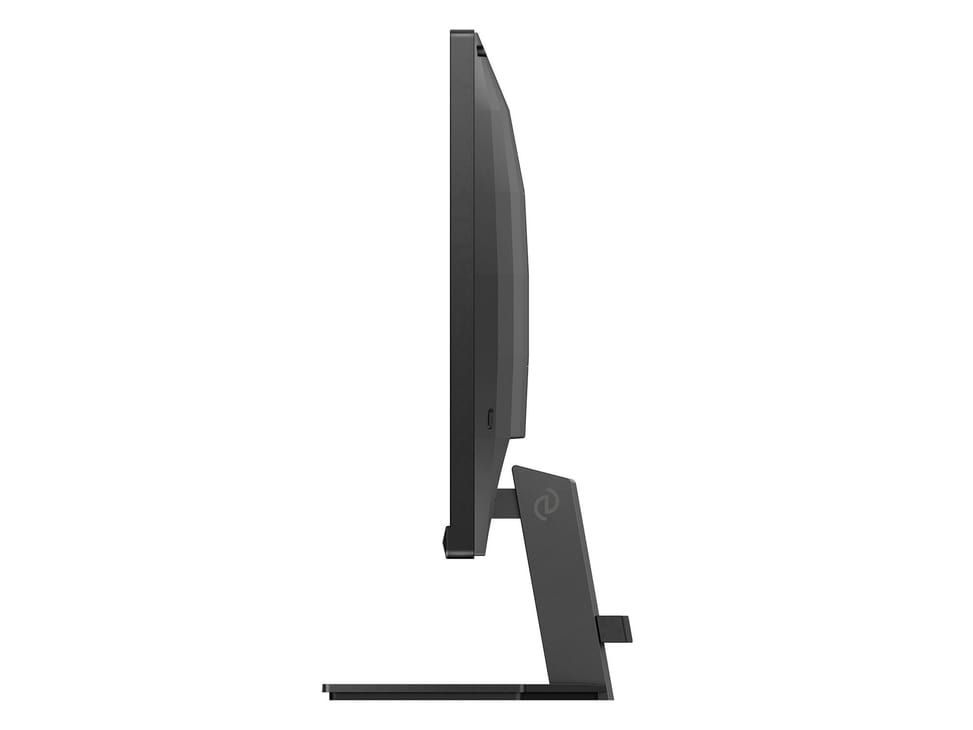
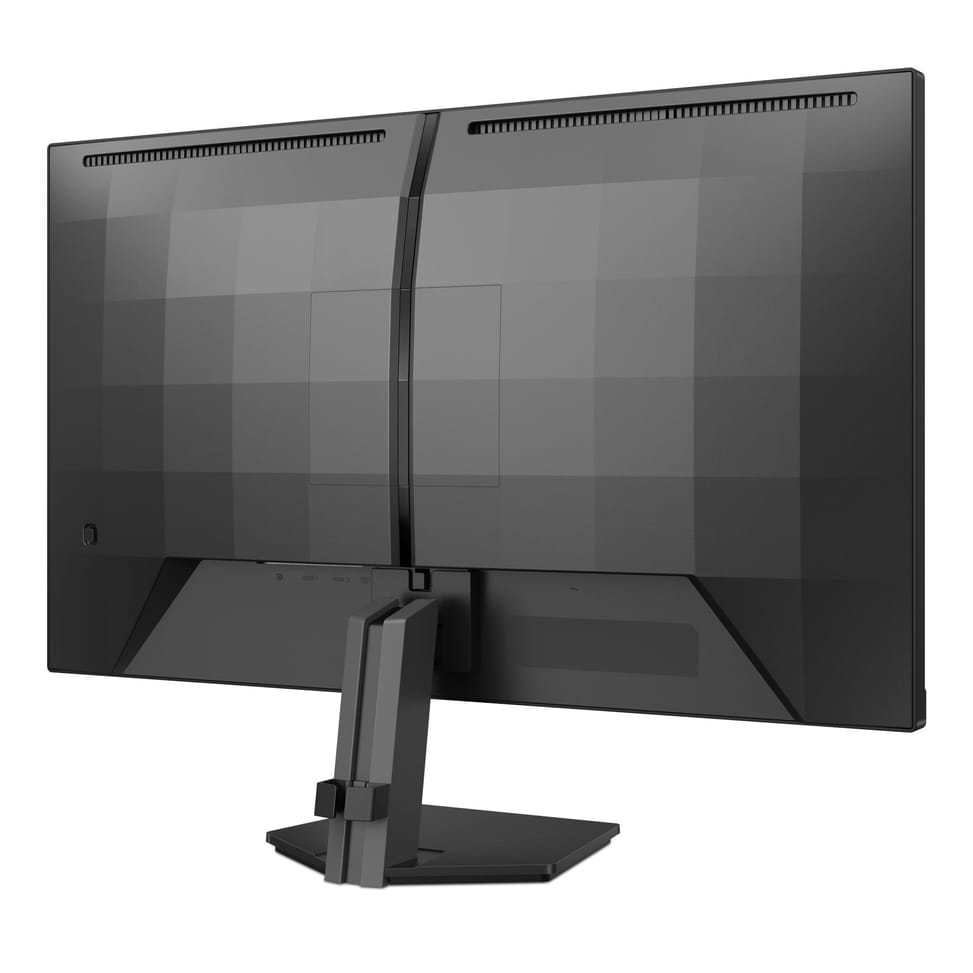
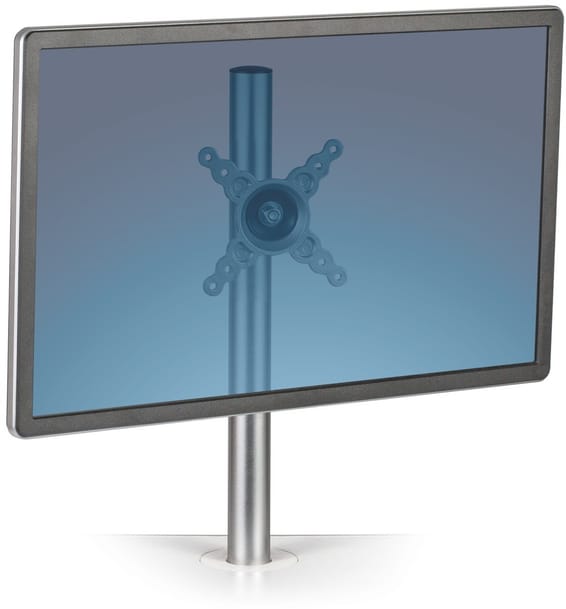
The stand adjusts for tilt, from -5° to +20°. To gain height or switch to portrait mode, the monitor is VESA 100 x 100 mm compatible and accepts a desk arm, provided the arm can support the 3.69 kg of the bare monitor, which then measures 614 x 368 x 60 mm.
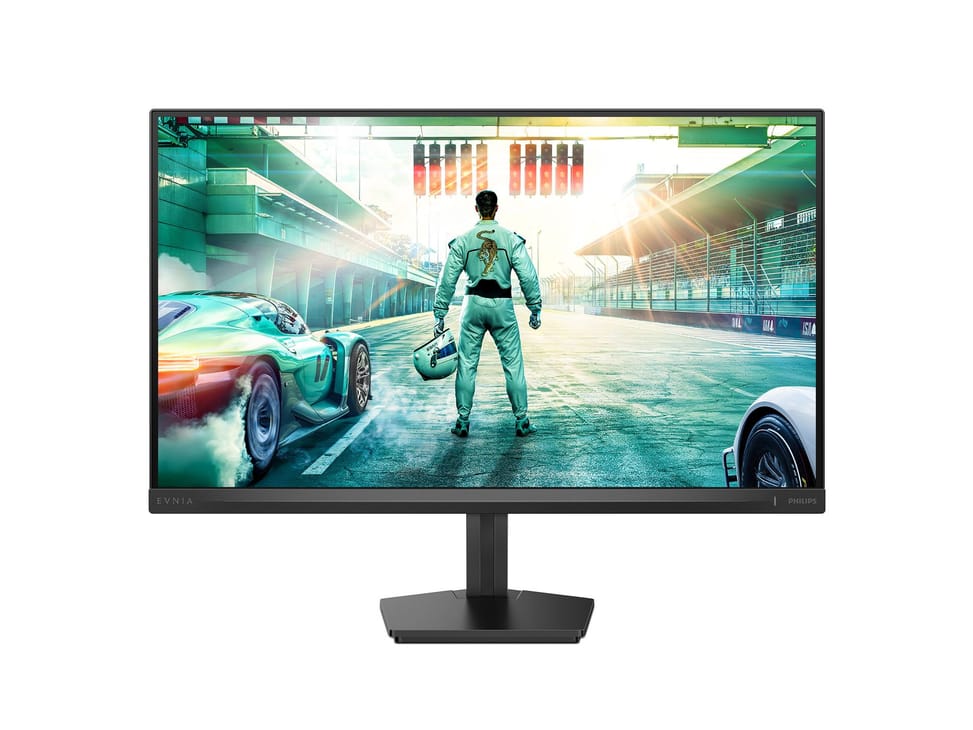
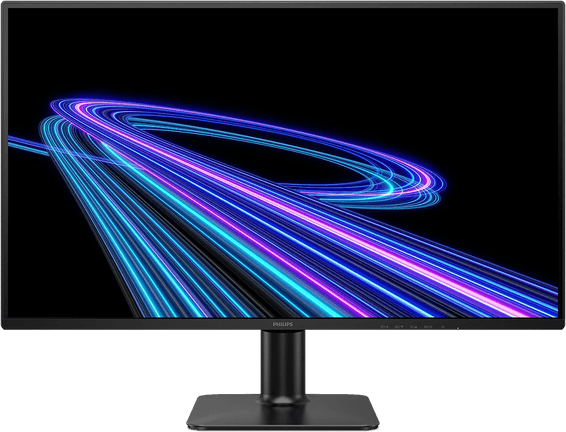
Does the Philips Evnia 27M2N3500PF monitor have built-in speakers?
No. It does, however, have a headphone output, alongside the two HDMI 2.0 inputs and the DisplayPort 1.4: plan for headphones or powered speakers if you were counting on built-in sound.
Is the panel matte or glossy?
It is matte: anti-glare surface treatment, 3H hardness and a haze of 25%, which diffuses reflections from a window or a ceiling light instead of mirroring them. On top of that come the Flicker-free, LowBlue and SoftBlue modes to reduce eye strain.
Is this gaming monitor also suitable for photo retouching?
Yes. The Fast IPS panel covers 100% of sRGB, 95% of DCI-P3 and 90% of Adobe RGB, with a Delta E below 2 in sRGB and uniformity measured between 93 and 105%. Pixel density reaches 109 PPI, and true 10-bit colour is available via DisplayPort at 200 Hz.
Can Stark ShadowBoost and Low Input Lag be enabled at the same time?
No. Stark ShadowBoost, which brightens dark areas without overexposing the rest of the image, does not work when Low Input Lag mode is enabled: you have to choose between visibility in the shadows and minimum latency. ShadowBoost offers three levels, the Smart Sniper zoom goes up to 2x, and Smart Crosshair changes colour depending on the background.
Does G-SYNC also work over the HDMI ports?
No: NVIDIA G-SYNC Compatible certification works via DisplayPort, and your card's G-SYNC driver must be up to date. On the AMD side, AMD FreeSync Premium provides the same synchronisation, with low framerate compensation. Both match the monitor's refresh rate to the graphics output and eliminate tearing.
How much power does the Philips Evnia 27M2N3500PF consume?
About 37.8 W in typical operation, 0.5 W in standby and 0.3 W when switched off. The power supply is internal (100-240 V, 50-60 Hz): no external power brick to find room for under the desk. The indicator light is solid white when on and flashing white in standby, so you can check its status at a glance.
How does this monitor fare in terms of sustainability and reliability?
The chassis is made from 85% post-consumer recycled plastic, the stand and headphone holder from 35%, and the packaging is 100% recyclable. The stated average lifetime reaches 50,000 hours (MTBF excluding the backlight). It operates from 0 to 40 °C, at altitudes of up to 3,658 m, and is RoHS, CE and UKCA compliant.
How much space does it take up on a desk, and can it be locked down?
Allow 614 x 462 x 215 mm with the stand, for 4.25 kg: just over 20 cm of desk depth. A Kensington lock slot is provided, useful in an open-plan office or a training room. The carton measures 690 x 420 x 141 mm and weighs 6.70 kg, worth knowing if you need to transport it.
Is the monitor new and under warranty?
Yes: the Philips Evnia 27M2N3500PF is
new and sealed in its original packaging, supplied with its invoice, which serves as the warranty document for
1 year. Keep it: it is your proof for any warranty claim. Full details are given in the
manufacturer datasheet (PDF).