Knowing which Smart Tank you own
The family includes the 500, 515, 516, 519, 530, 580, 582, 585, 615, 670, 720 and 725. The numbers look alike, so do the bodies, and the name is not always visible on the front depending on the generation.
Three places to read it, in order of reliability:
- the label at the back or under the lid: the model is there next to the serial number and a short product code, of the 1F3Y2A kind for the 580. It is the most reliable source;
- the HP Smart app, if the machine is registered in it: it shows the full name and the ink levels;
- the front panel, as a last resort — the number is sometimes printed there in small type, sometimes absent.
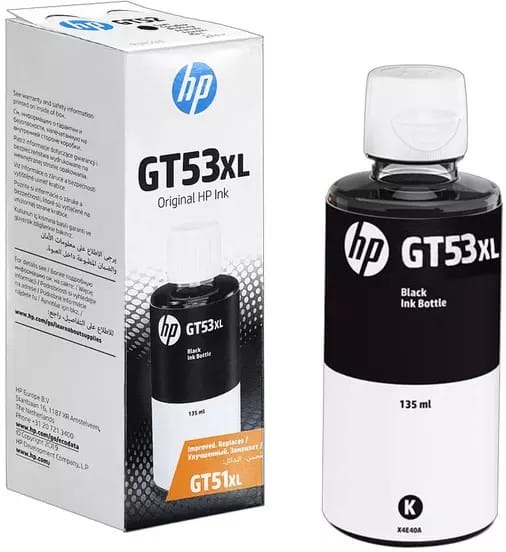
That short code is what we search on too: our search field accepts it directly, just like the model name. Once the model is identified, the Smart Tank 725 page explains why two different blacks circulate in this family — the GT51 and the GT53 — and which one concerns you.
What this machine changes about your consumption
The 580 prints, copies and scans at 22 pages per minute, with manual duplex. That lack of automation has a concrete effect: you tend to print single-sided, so you use more paper but just as much ink. Duplex never saves ink, only paper — a frequent confusion.
Its small screen shows the levels, but they are estimates: on a tank machine, the only reliable measurement is visual. The tanks are transparent, so look at them.
A fleet of printers to keep supplied?
We draw up the list of consumables for your whole fleet and a single grouped quote. Invoice in your company's name with its ICE number, delivery anywhere in Morocco.