Can the Epson L18050 copy or scan a document?
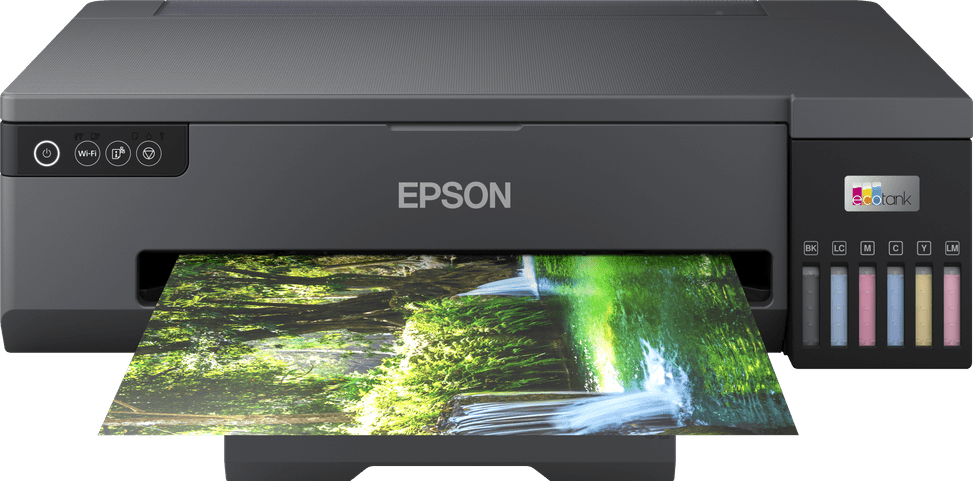
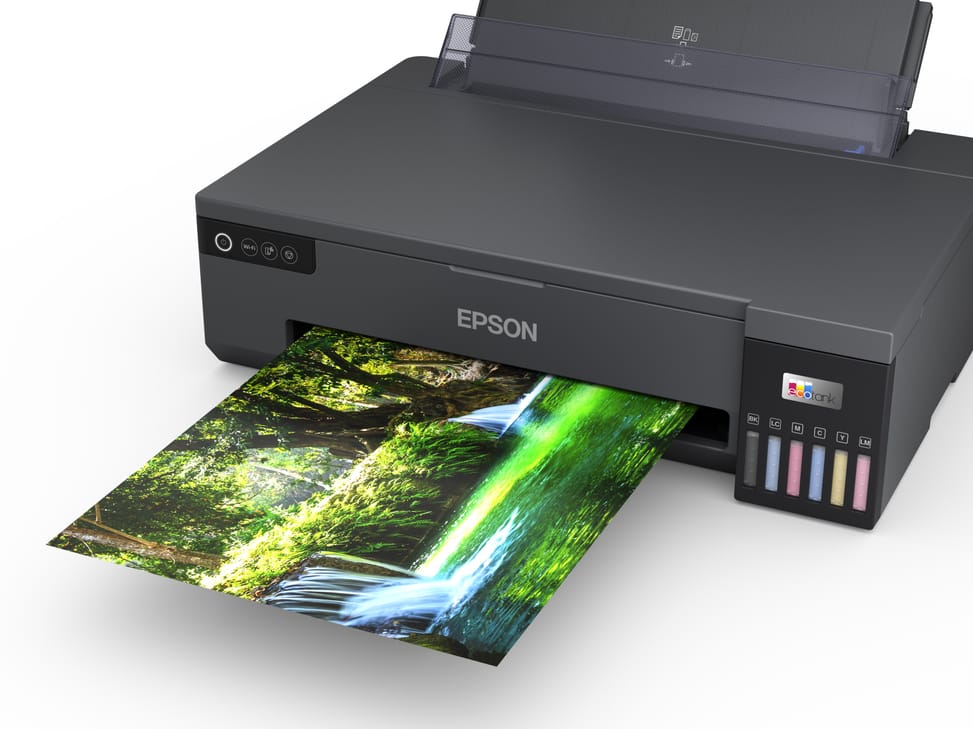
No. It is a single-function printer: it only prints, with no scanner or copier. It is, however, designed entirely for photo printing, with six dye-based inks and printing up to A3+ size.
Which bottles do you need to buy, and how many pages do they last?
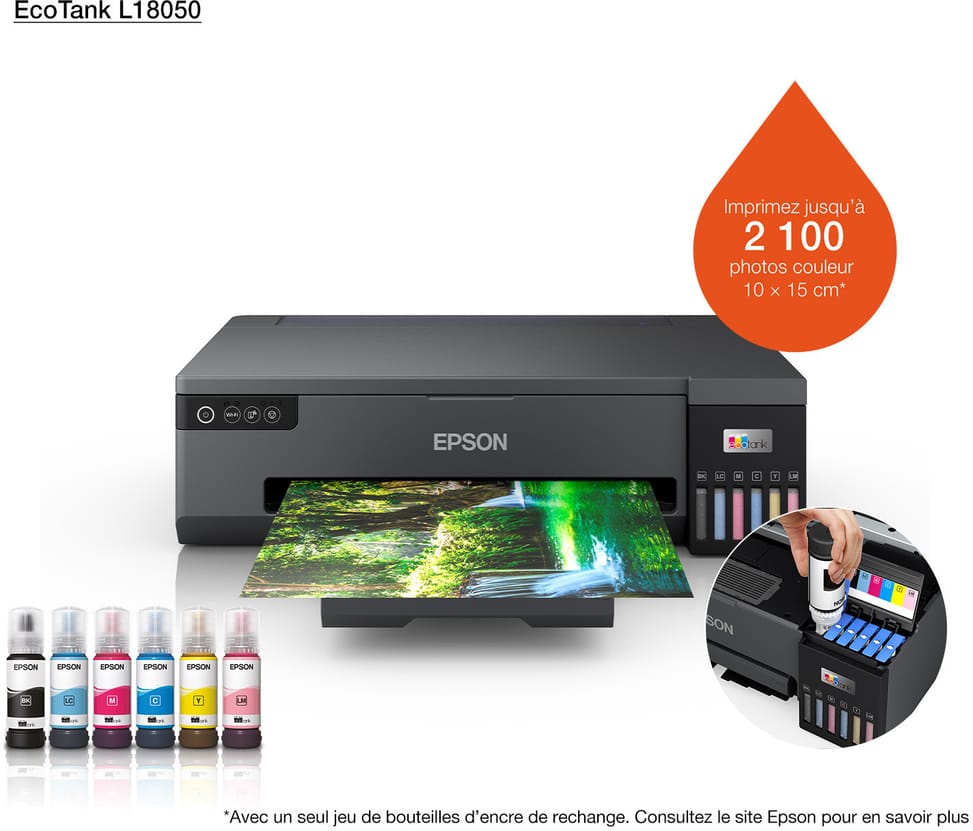
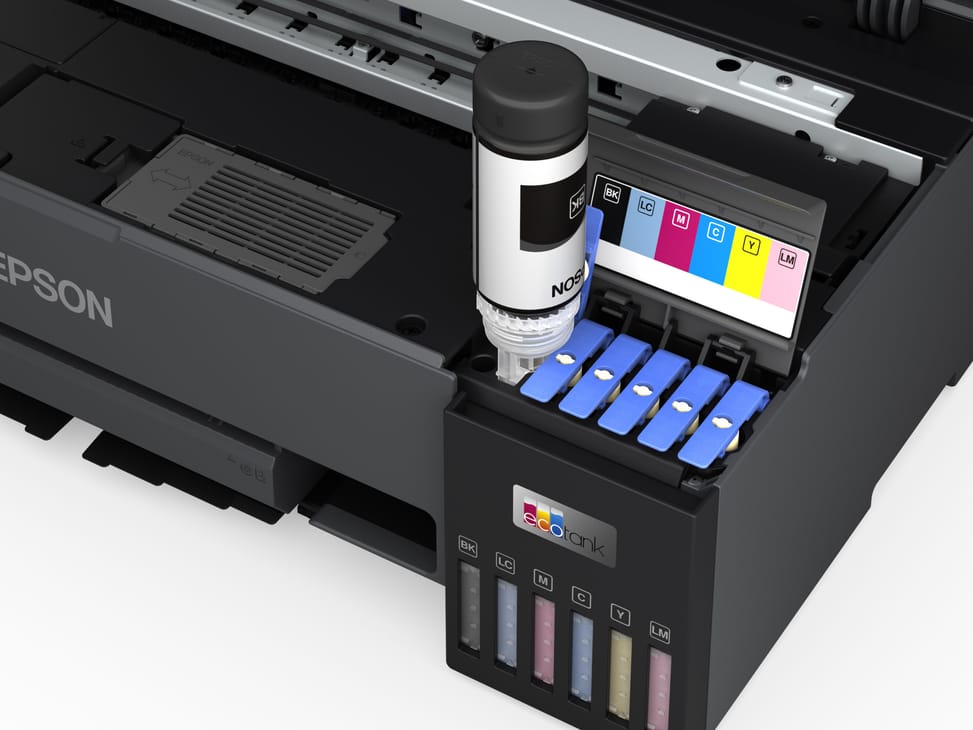
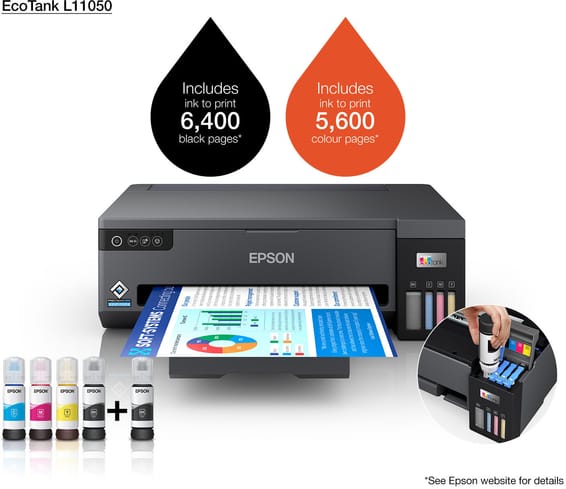
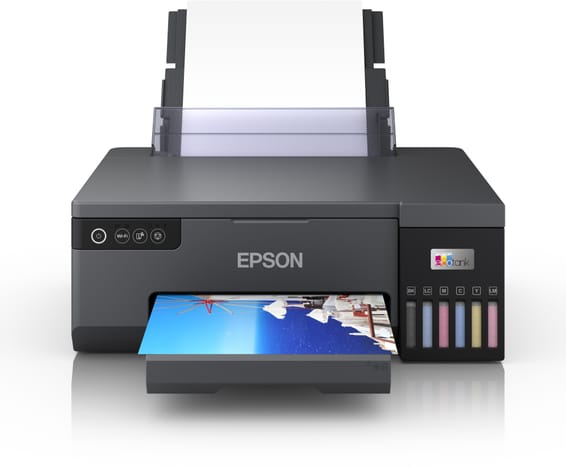
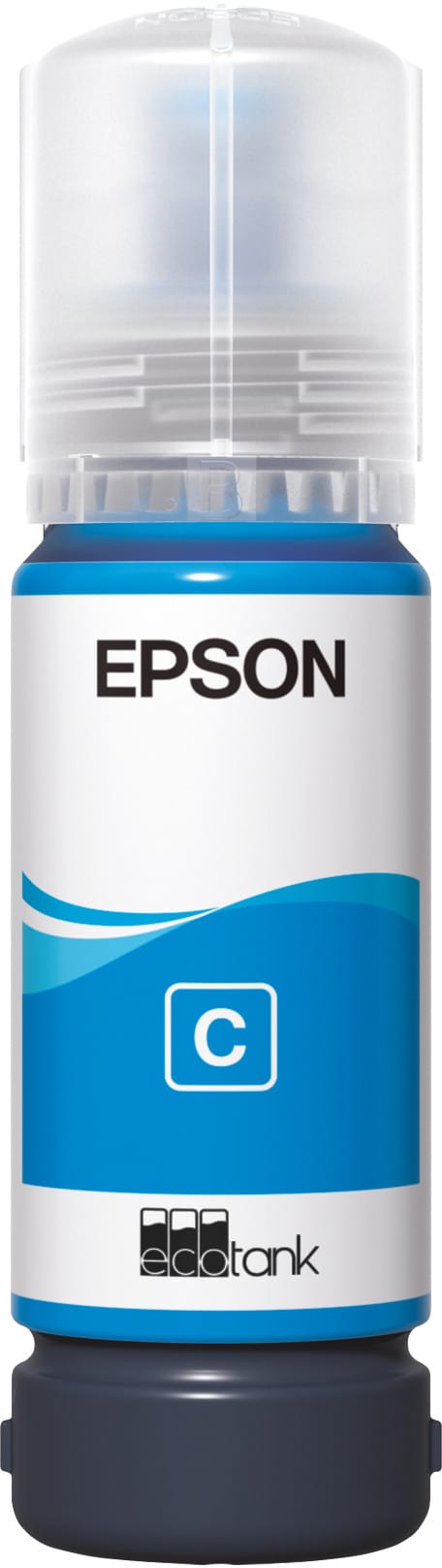
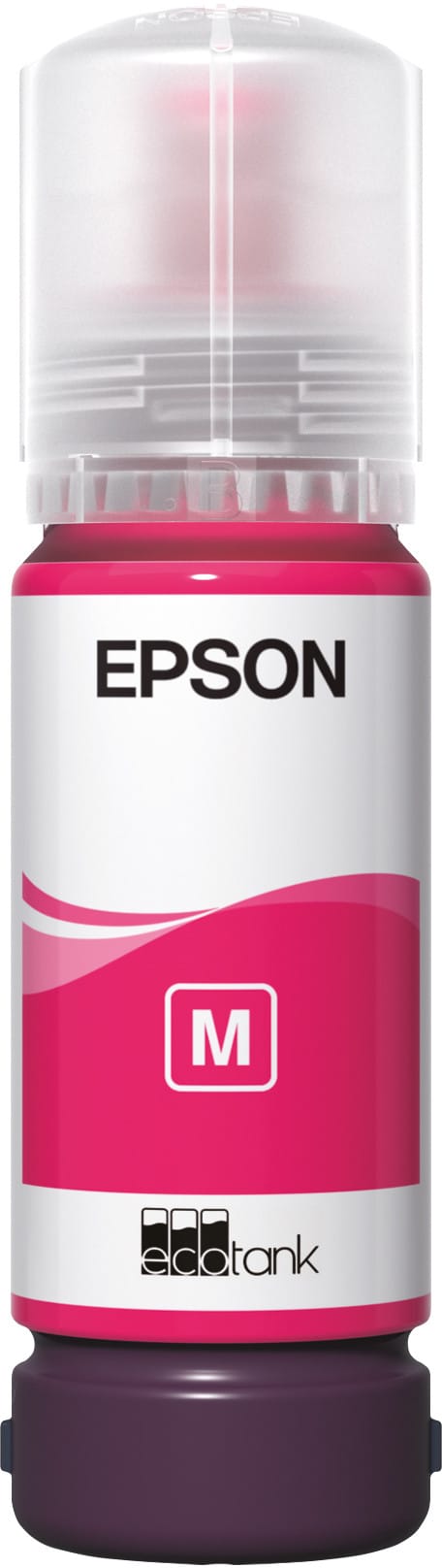
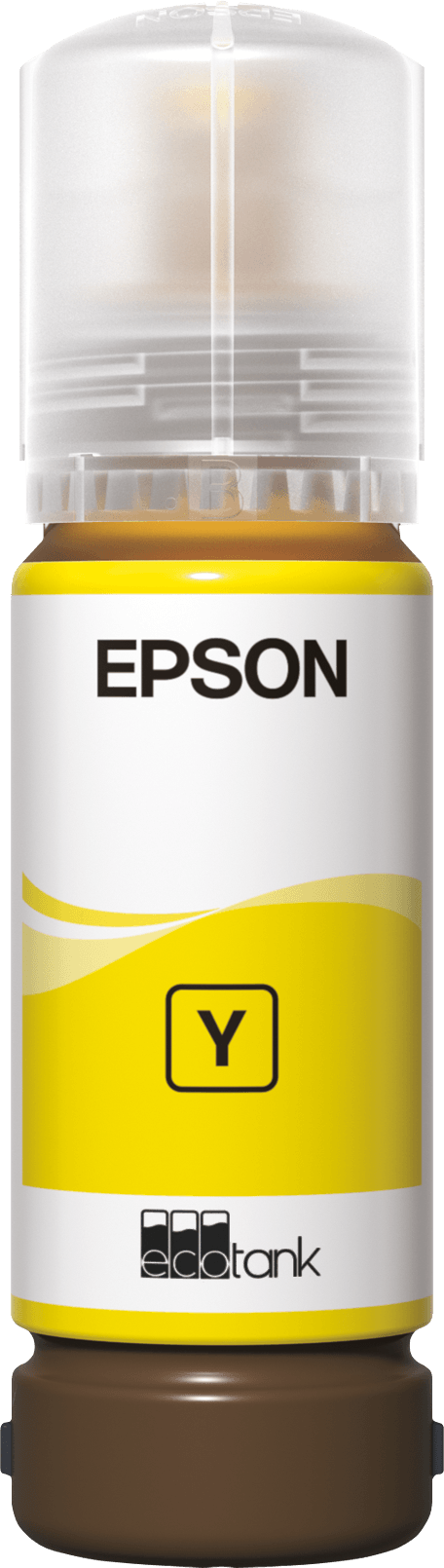
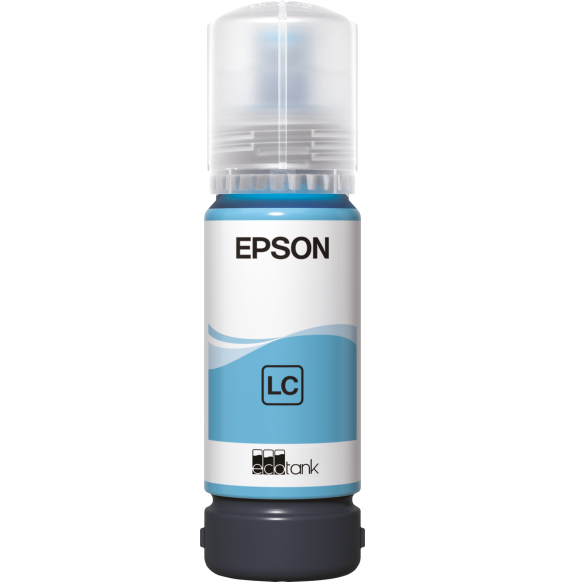
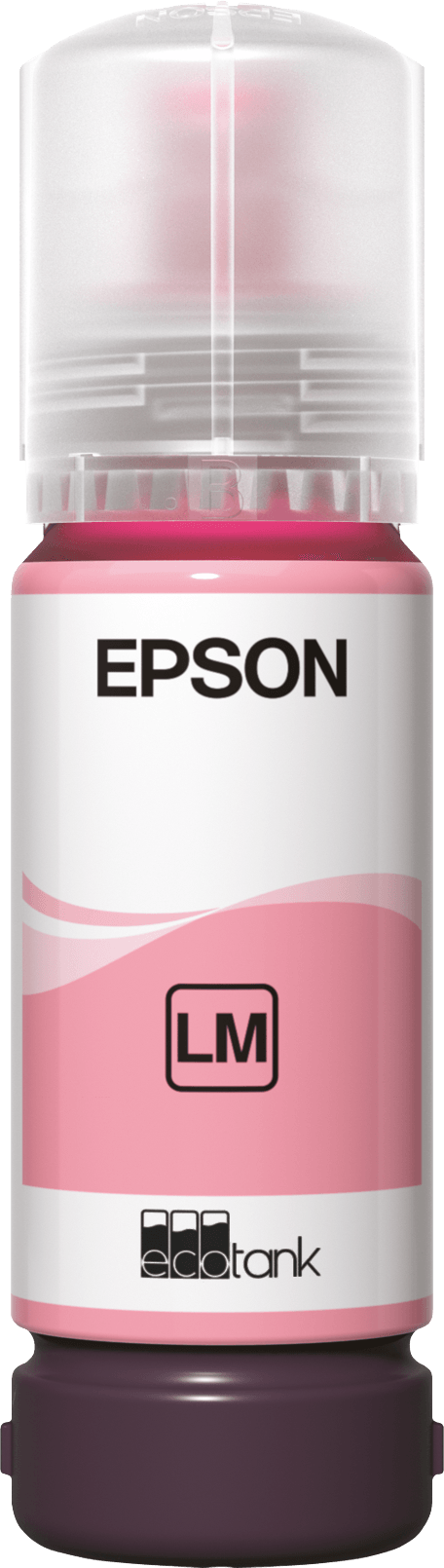
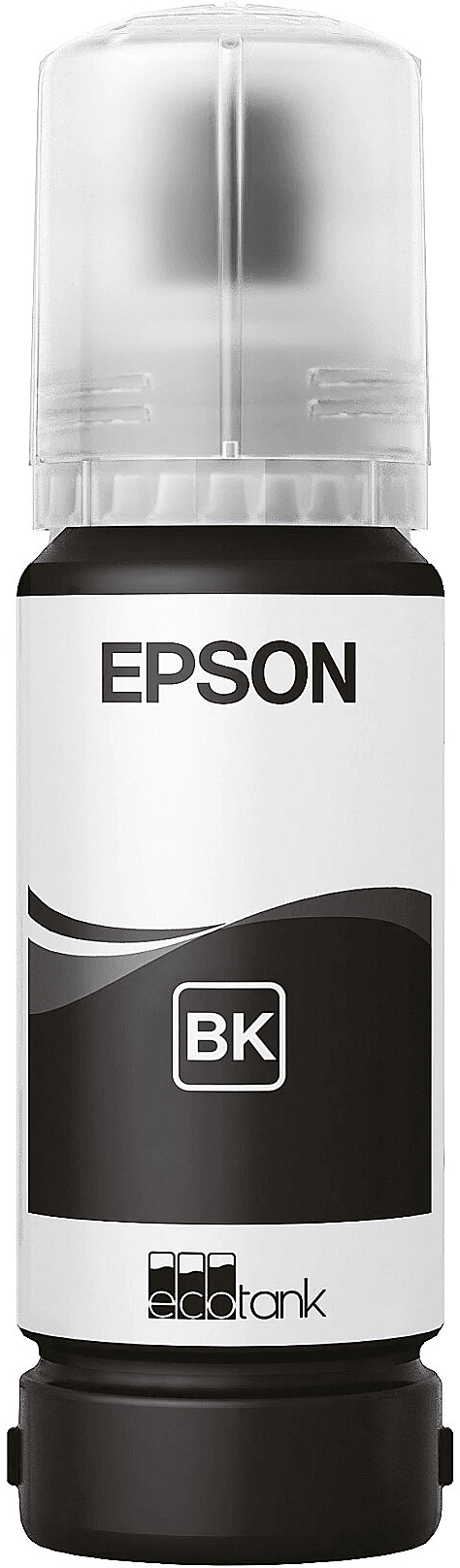
The six refill bottles are Epson 108 (black, cyan, light cyan, magenta, light magenta, yellow). A full set covers approximately 3,600 pages in black and 7,200 pages in colour, which is more than the ink supplied with the printer. The keyed bottles pour into front-mounted tanks with leak-proof nozzles.
Is the print head permanent, or does it need replacing?
It is built-in and permanent: an Epson Micro Piezo head with 180 nozzles per colour, firing 1.5-picolitre droplets with variable dot size. The only thing you need to buy is ink bottles.
Does it offer automatic duplex printing?
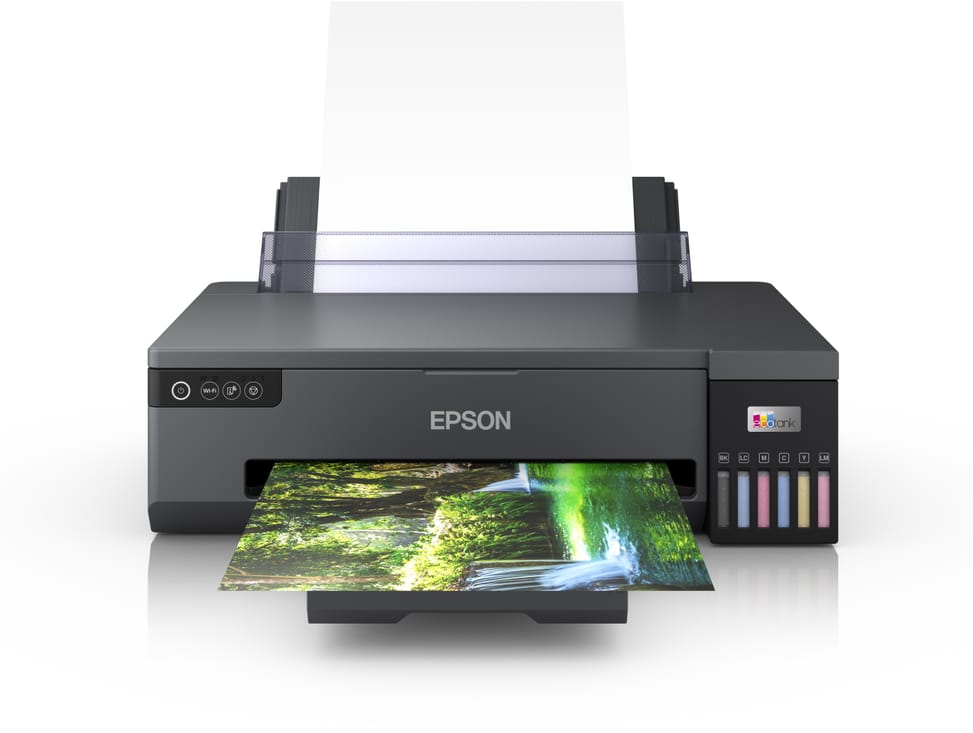
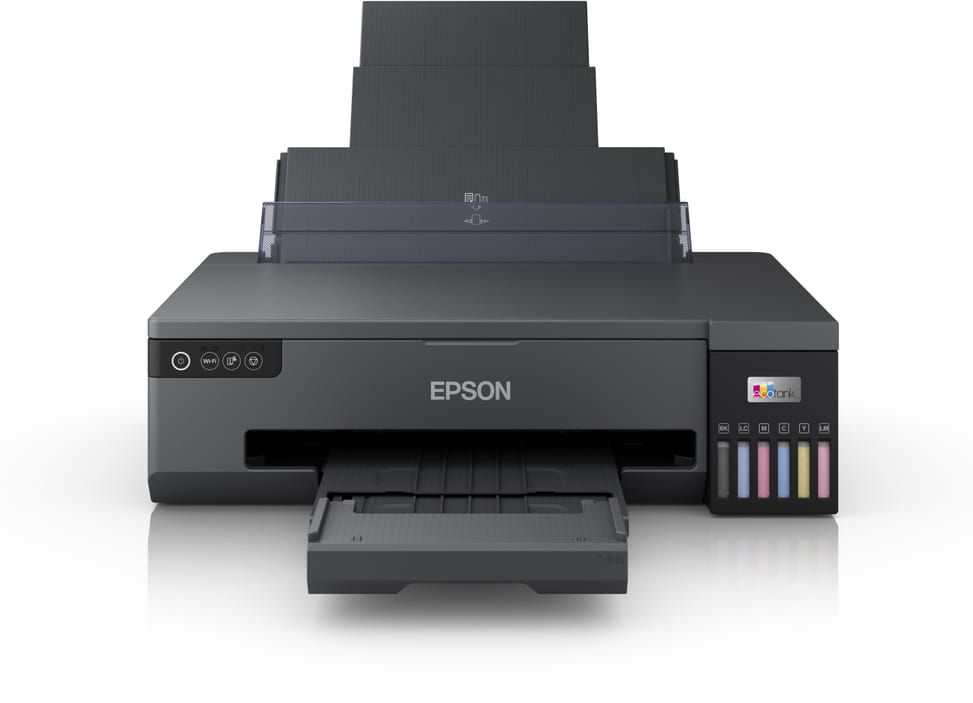
No, duplex printing is manual: you turn the paper stack over yourself, which means handling it for each batch. The tray holds 100 sheets of plain paper or 20 sheets of photo paper.
Can it print on CDs, PVC cards or badges?
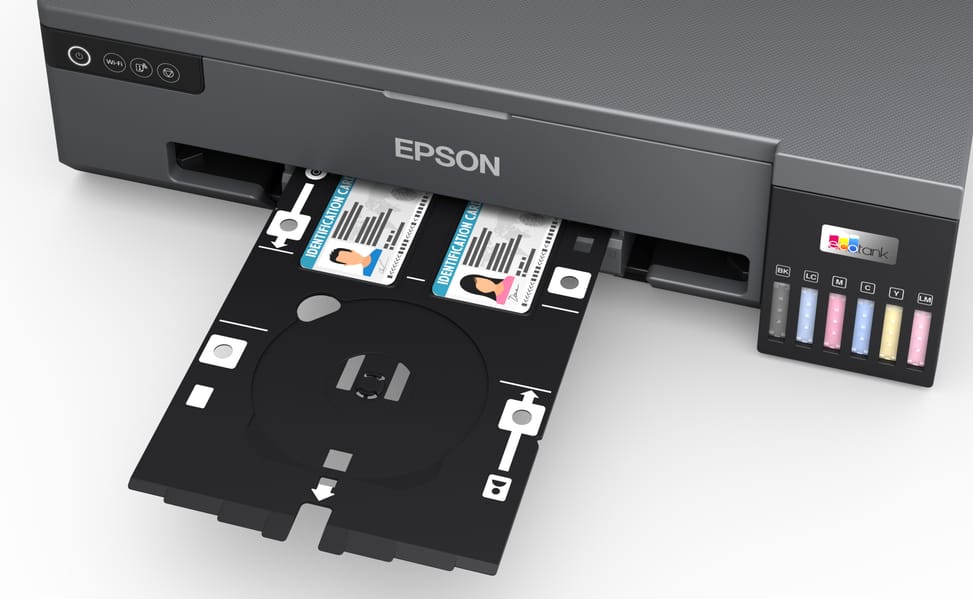
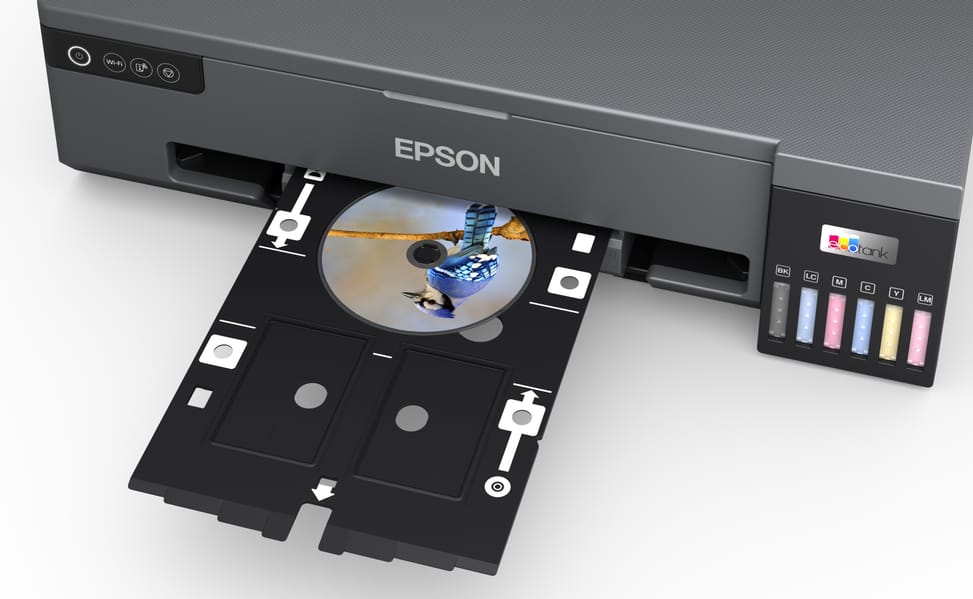
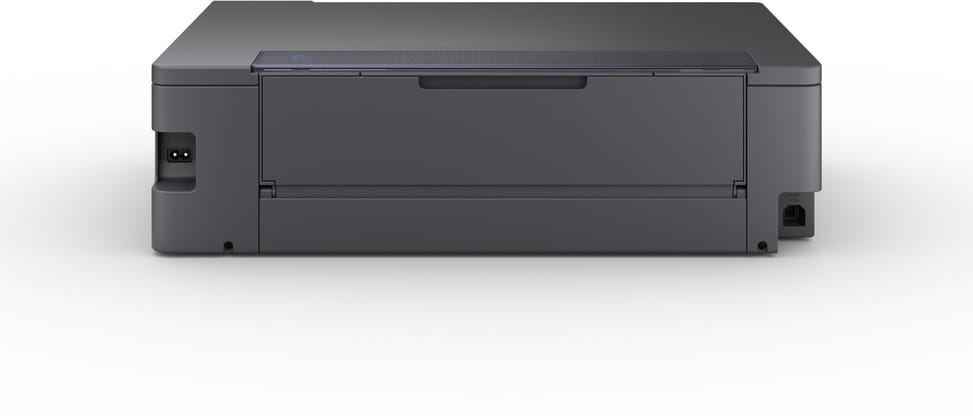
Yes. It prints on CDs and DVDs as well as on badge-type plastic cards, and has a rear paper path for special media. Borderless printing is also supported.
How many photos can you print with the supplied ink?
Approximately 1,500 photos in 10 × 15 cm, or 2,600 pages in black and 5,400 in colour, with the six 70 ml bottles supplied. Note: the initial setup uses some of the ink to fill the print head nozzles, so the starter ink lasts slightly less than these figures.
What should you do when the maintenance box is full?
It can be replaced. Both the maintenance box and the paper pickup roller are easy to access and replaceable, which avoids downtime; the service life is 50,000 photos.
Can it be connected to the network with an Ethernet cable?
No, there is no Ethernet port. Network connection is via Wi-Fi 802.11a/b/g/n or Wi-Fi Direct, with support for WPA3-SAE encryption in addition to WPA2. USB remains available for a direct connection to a computer.
How much desk space does it need?
It measures 523 × 369 × 150 mm and weighs 8 kg: an A3+ format that takes up room. Also allow clearance at the rear, where the paper path for special media runs. It accepts a mains voltage of 100 to 240 V.
Does it use a lot of electricity?
No: 19 W when printing, 4.4 W in ready mode, 0.6 W in sleep mode and 0.2 W when switched off, for a typical consumption of 0.13 kWh per week.
Is it noisy in operation?
It is rated at 48 dB(A) sound pressure, with a sound power of 6.1 B(A), measured when printing photos on Epson Premium Glossy paper.
With no control screen, how do you start a print job?
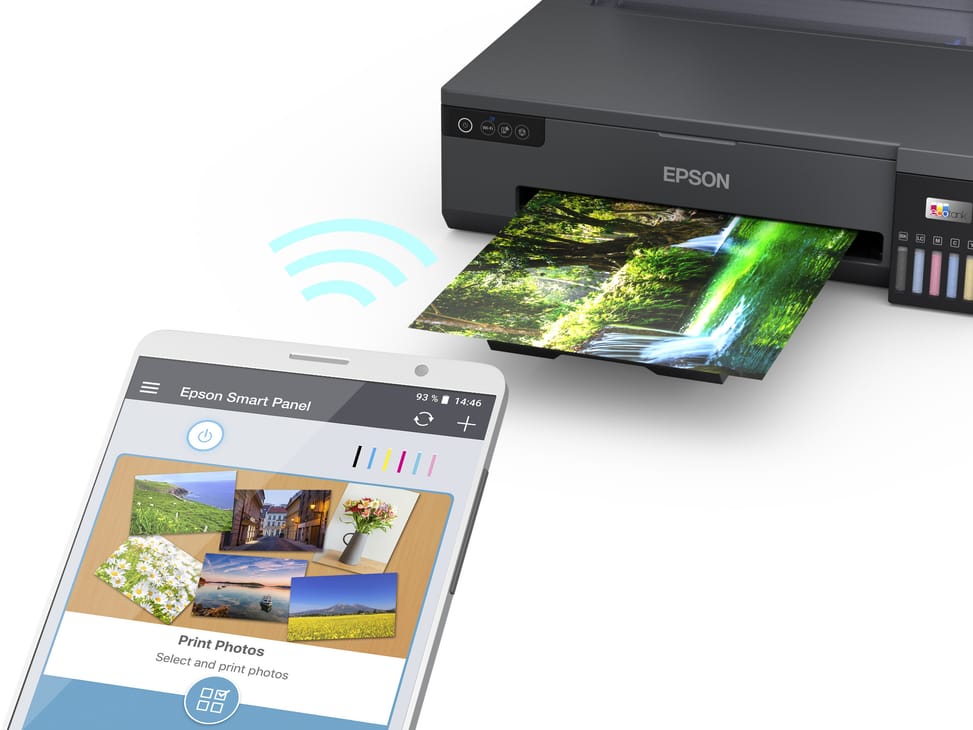
Everything goes through the computer or mobile device: the Epson Smart Panel app (or Epson iPrint) prints from a smartphone or tablet, including over Wi-Fi Direct. On the computer side, it is compatible with Windows from XP SP3 to 11 (Server editions included) and macOS 10.9.5 or later.
What exactly is in the box?
The printer, the six 70 ml ink bottles (black, cyan, light cyan, magenta, light magenta, yellow), the power cable, the setup instructions and the warranty document. You will need a USB cable if you do not plan to use it over Wi-Fi.
Is the advertised speed of 22 pages per minute realistic?
The 22 pages/minute, in black and in colour, are measured on plain paper; under the ISO/IEC 24734 standard, the speed drops to 8 pages/minute. Allow 13 seconds for a 10 × 15 cm photo on Epson Premium Glossy paper.
Is the printer new and under warranty?
Yes, new in its original packaging and supplied with its invoice, which serves as the
1-year warranty document — the Epson manufacturer warranty being
12 months return-to-base, or 50,000 pages. Details are in the
datasheet (PDF).