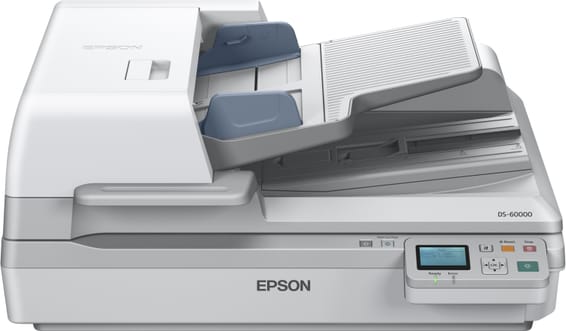
How many sheets does the feeder take, and does it scan both sides at once?
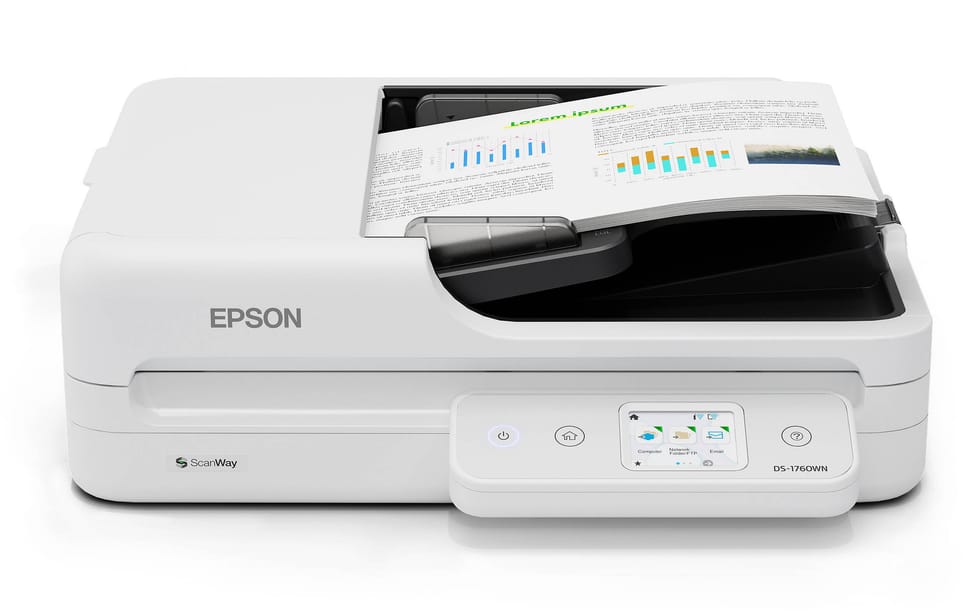
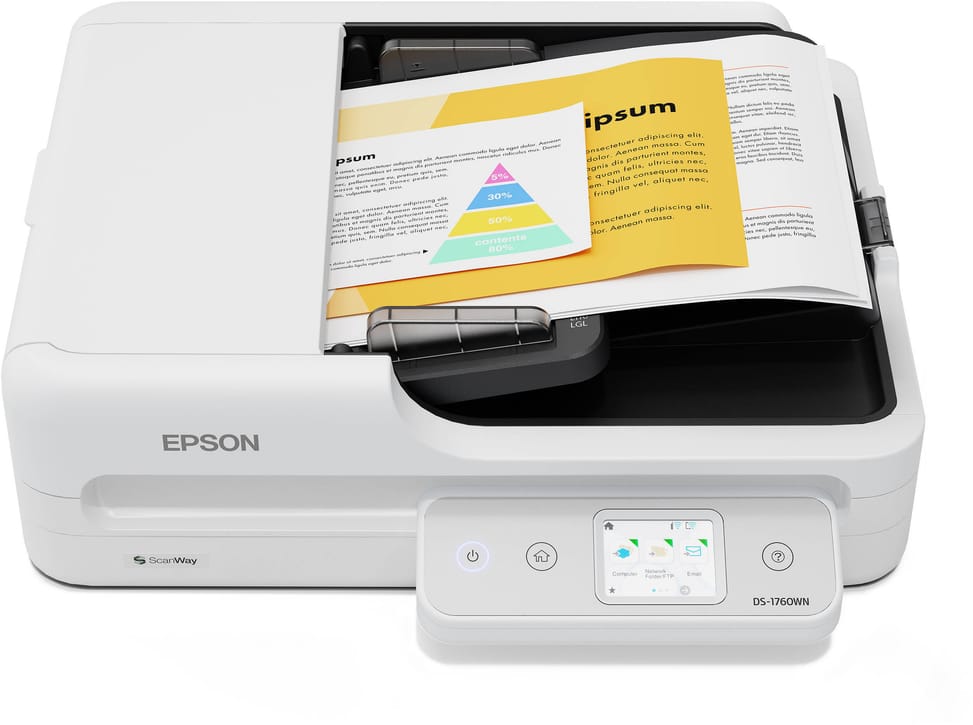
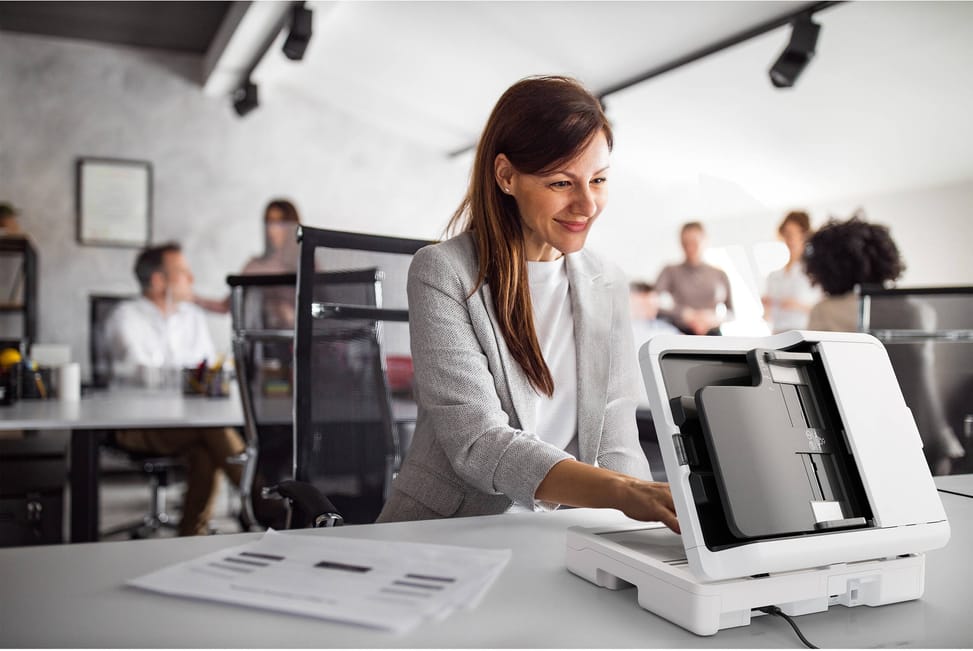
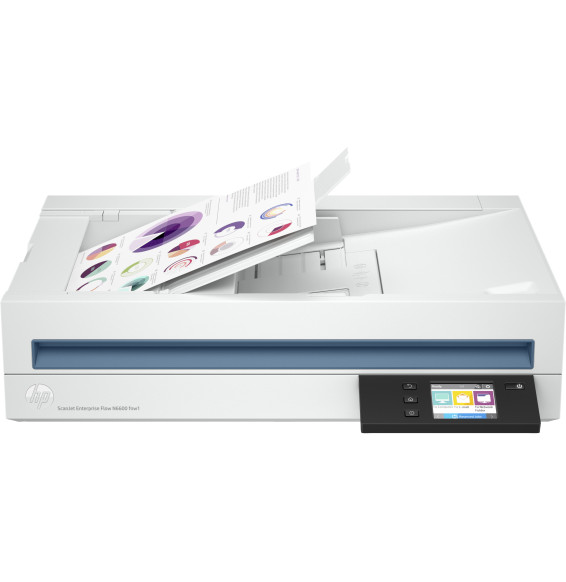
The feeder holds 60 sheets and scans front and back in a single pass: the stack does not go through a second time. Expect 30 pages per minute, or 60 images per minute in duplex, in both black and white and colour. Originals as small as 89 × 127 mm are accepted, the size of a small receipt.
Which documents should go on the glass rather than through the feeder?
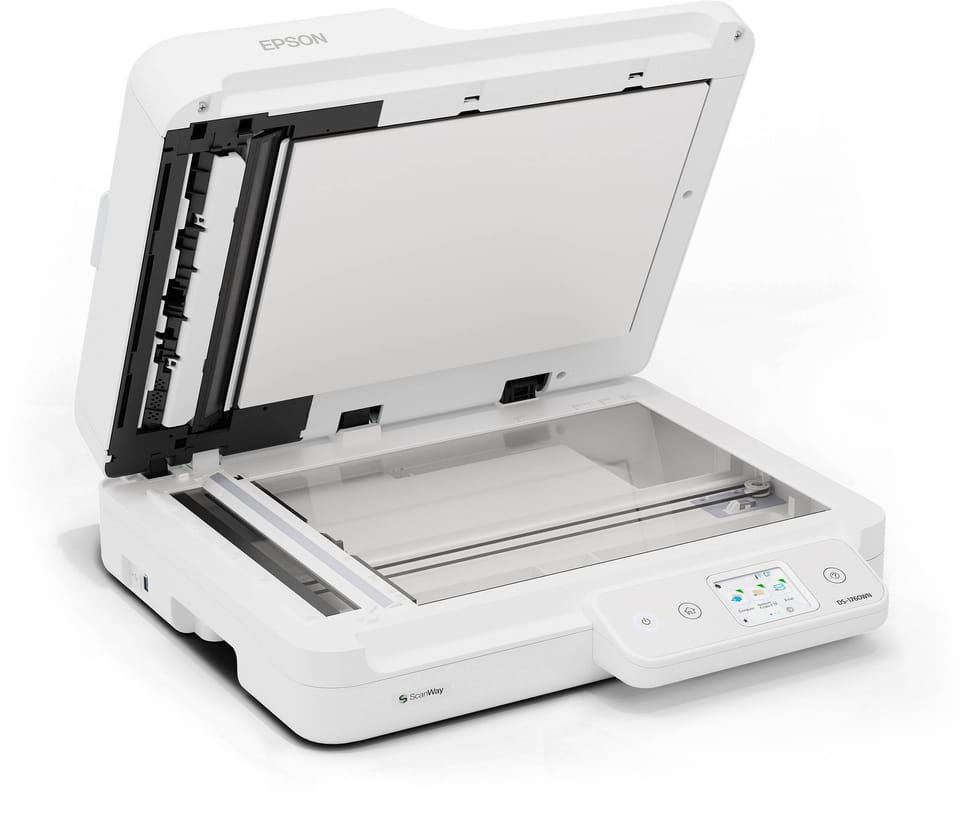
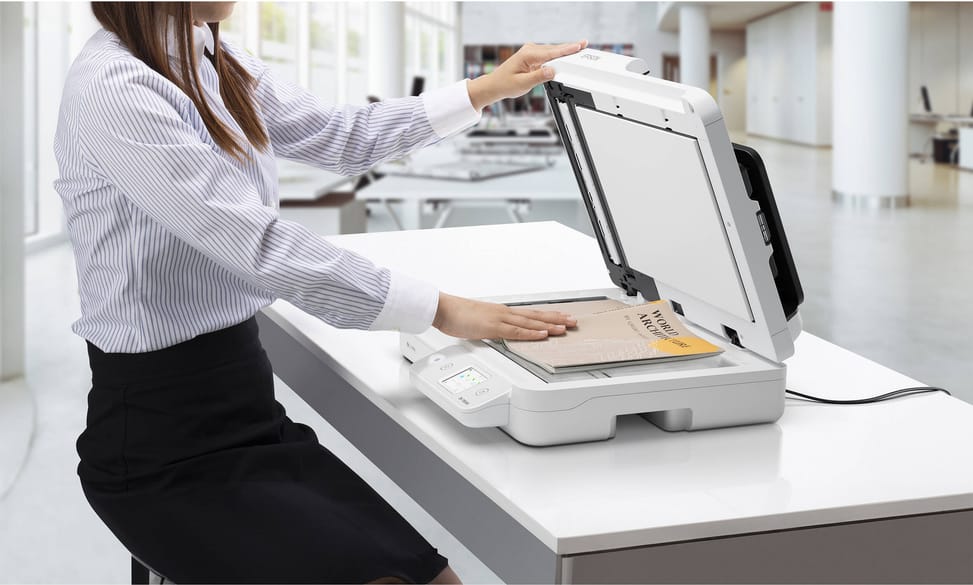
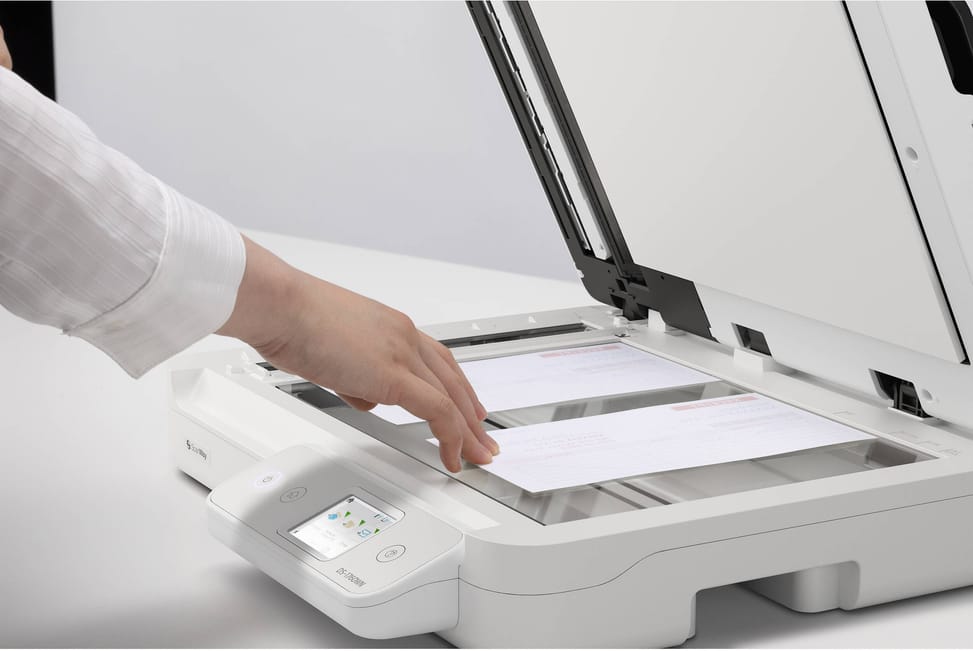
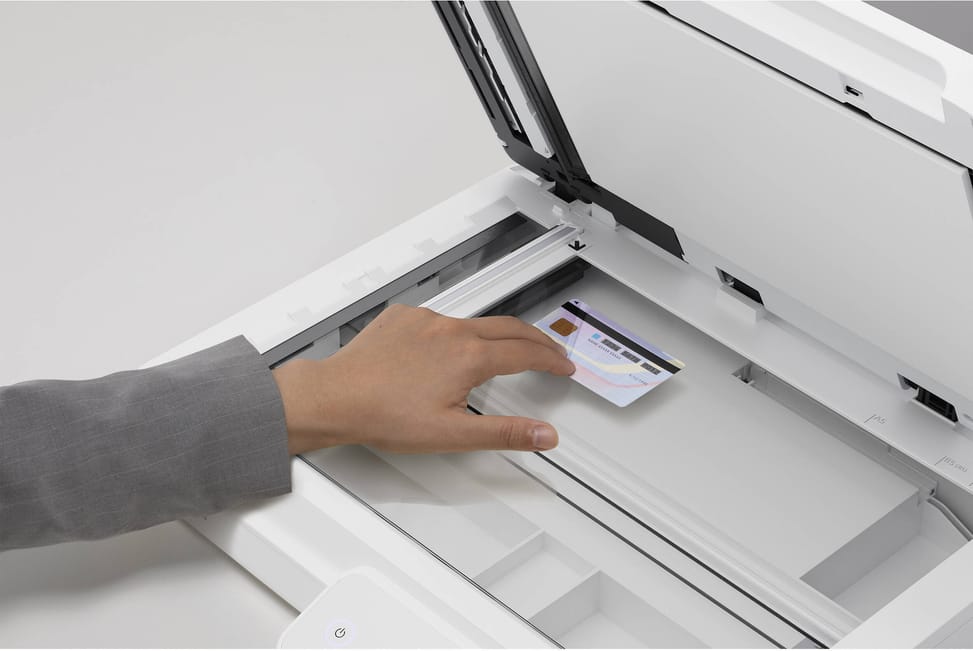
The feeder accepts papers from 50 to 120 g/m², from 89 × 127 mm upwards: copier paper, letterheads, letters and everyday office documents. Laminated cards, business cards, bound documents and fragile pages, on the other hand, go on the glass.
How long a document can it scan?
Up to 5.588 m long through the automatic document feeder: a plan, a continuous listing or a long statement goes through in one piece, without being cut into sections.
Is the 1,200 dpi resolution also available through the feeder?
No. The automatic document feeder works at 600 × 600 dpi, whereas the scanner's scanning resolution goes up to 1,200 × 1,200 dpi. For a photo, a print to be enlarged or a document whose smallest characters must be reproduced, place the original on the glass.
Can it produce PDFs in which you can search for text?
Yes. It generates searchable PDFs, PDF/A files for long-term archiving and secure PDFs, as well as BMP, JPEG, TIFF, multi-TIFF and PNG. JPEG compression is handled in hardware, and TIFF (CCITT G4, LZW) and PDF compression are also supported.
Can it be shared between several computers in the office?
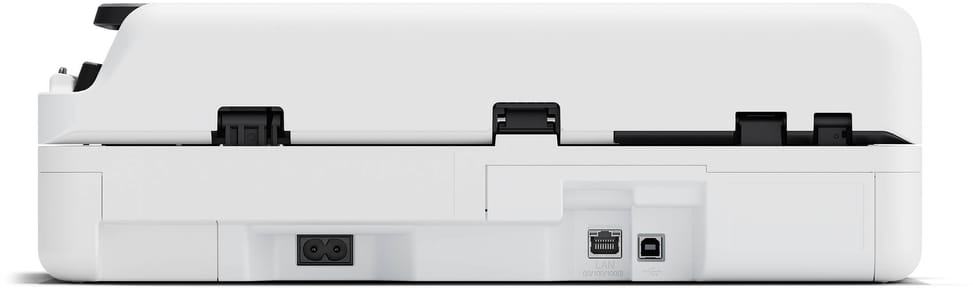
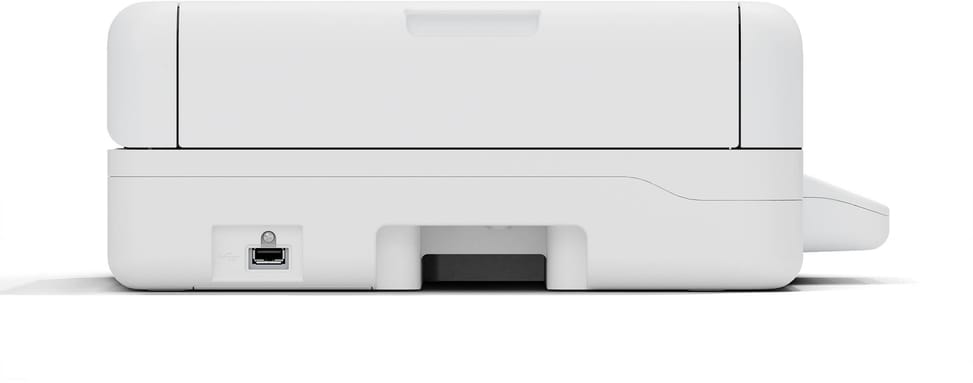
That is what it is made for: it has a Gigabit Ethernet interface (1000Base-T), Wi-Fi and Wi-Fi Direct, which lets you connect to it without going through the company network, in addition to USB 2.0. The Epson Device Admin management software is included.
Does it work with a Mac or under Linux?
Yes: the drivers cover Windows (WIA), macOS (ICA) and Linux (SANE), with Epson Scan2 and the professional TWAIN and ISIS interfaces expected by document management software. One limitation to be aware of: the Epson Document Capture software supplied is for Mac only.
What daily volume can it cope with?
Its duty cycle is rated at 3,000 pages per day, which puts it in the shared-office and archive-scanning category, not that of an occasional-use scanner. The stated speed of 30 pages per minute applies at 200 or 300 dpi, the usual working resolutions for text documents.
What is in the box, and is the USB cable supplied?
Yes, the USB cable is included — no need to buy one. The box contains the main unit, the power cable, this USB cable, the quick start guide and the Epson warranty card. The power supply accepts 220-240 V, the mains voltage in Morocco, with no transformer needed.
How much space does it take up on a desk?
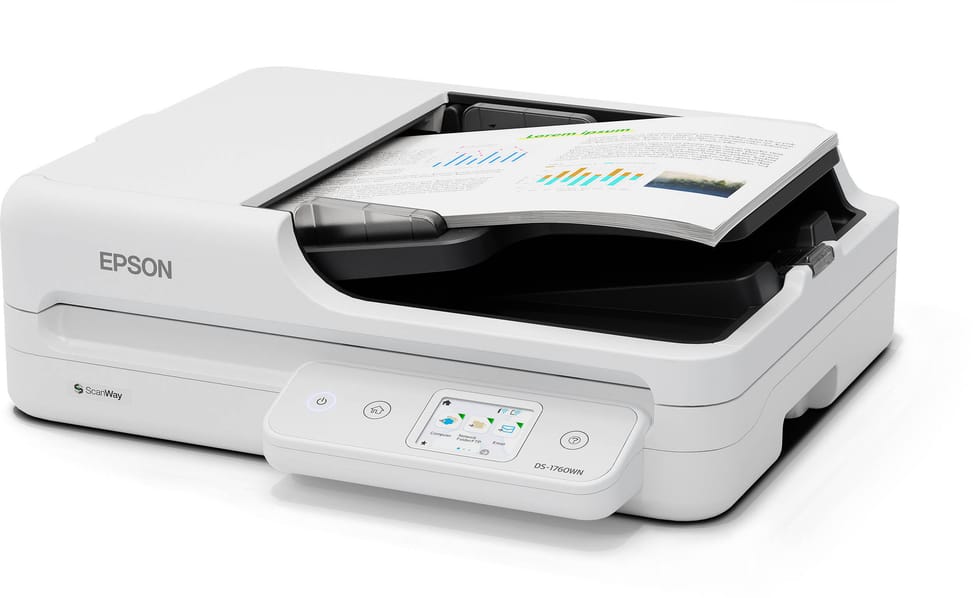
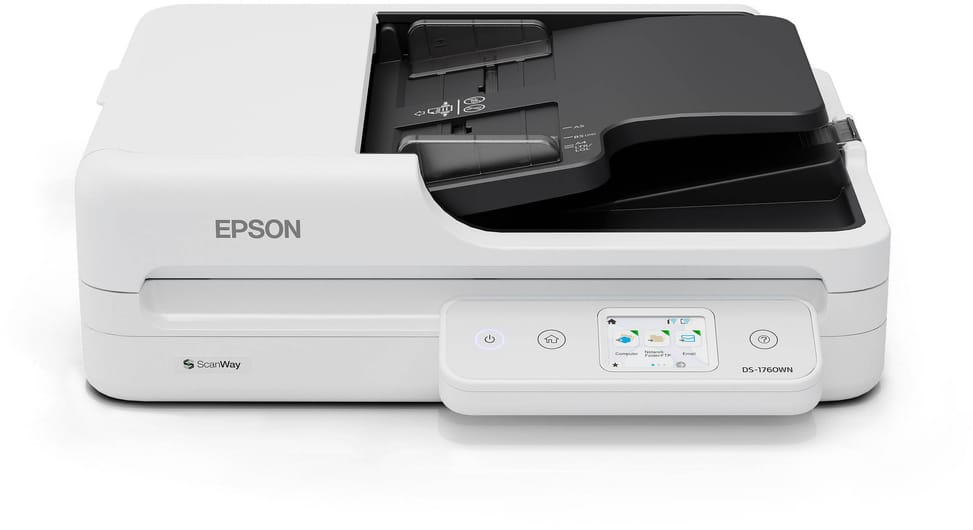
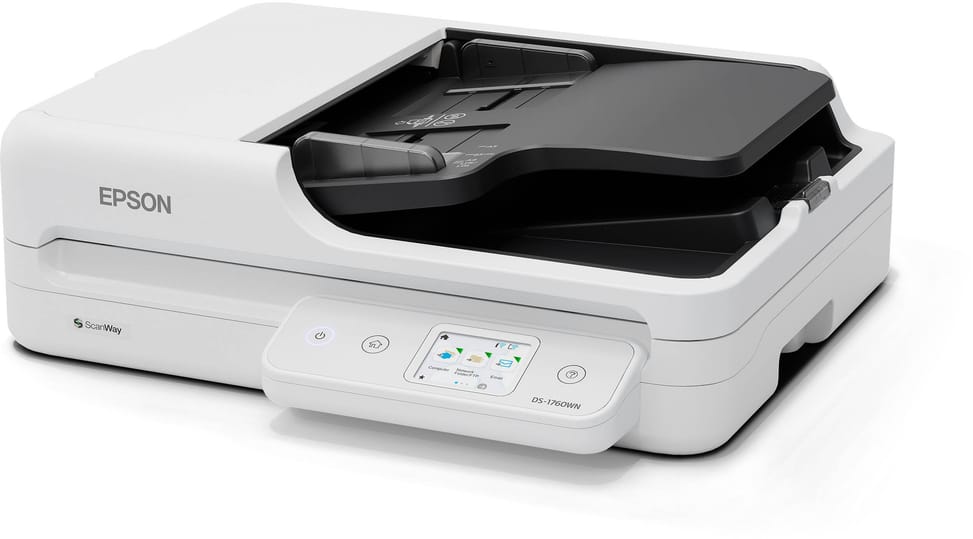
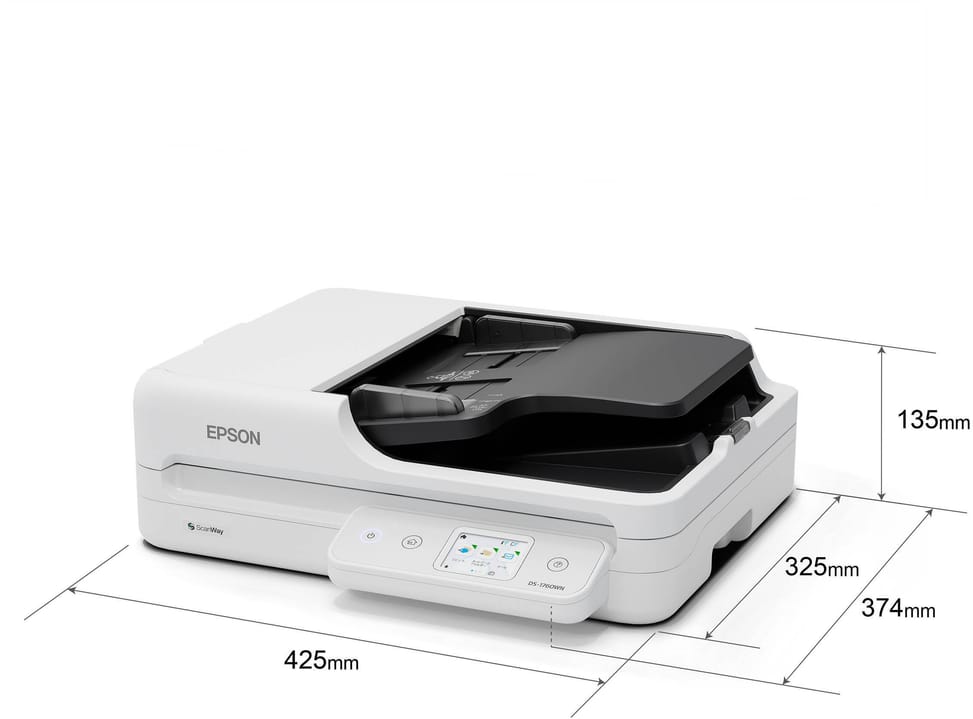
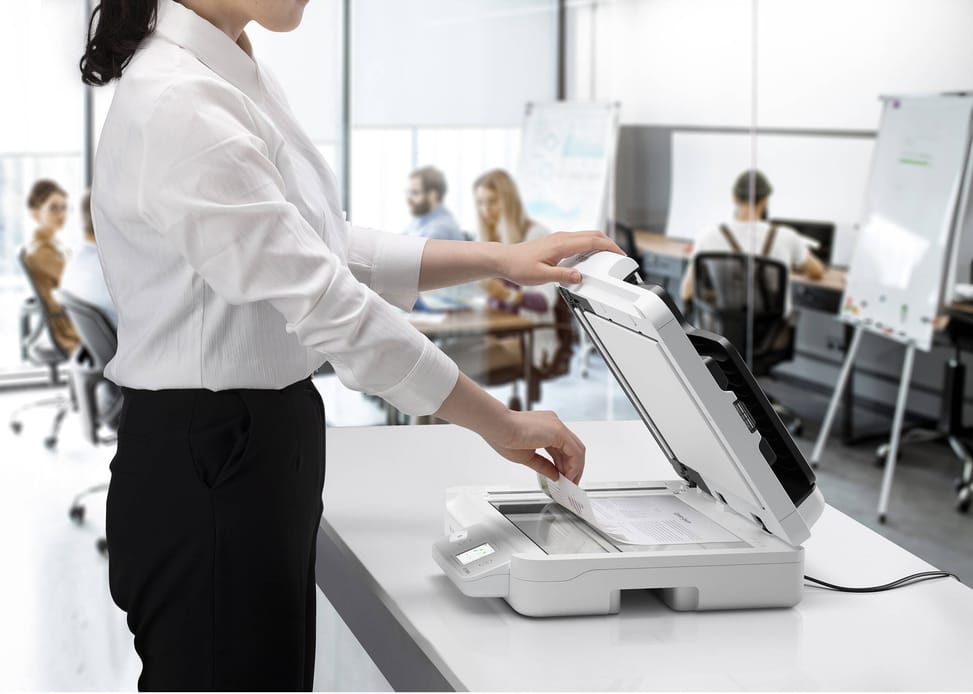
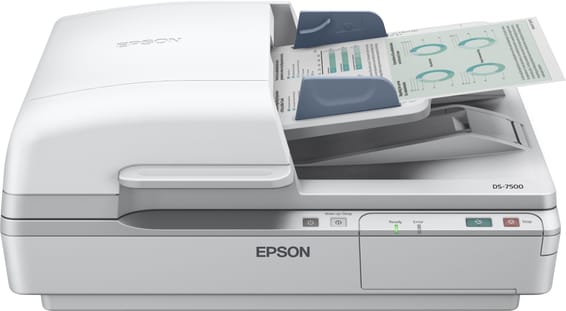
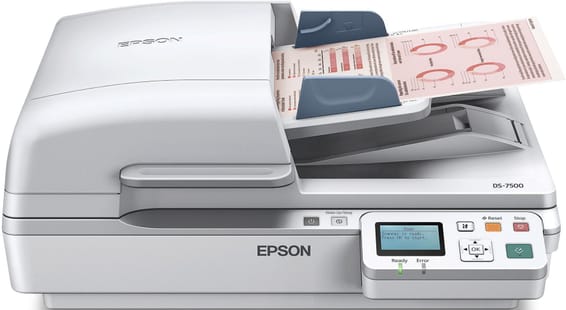
It measures 425 × 374 × 135 mm and weighs 4.94 kg. Allow the clearance needed above the unit to open the lid and load the document stack, as well as a stable work surface.
Can you start a scan from the device itself?
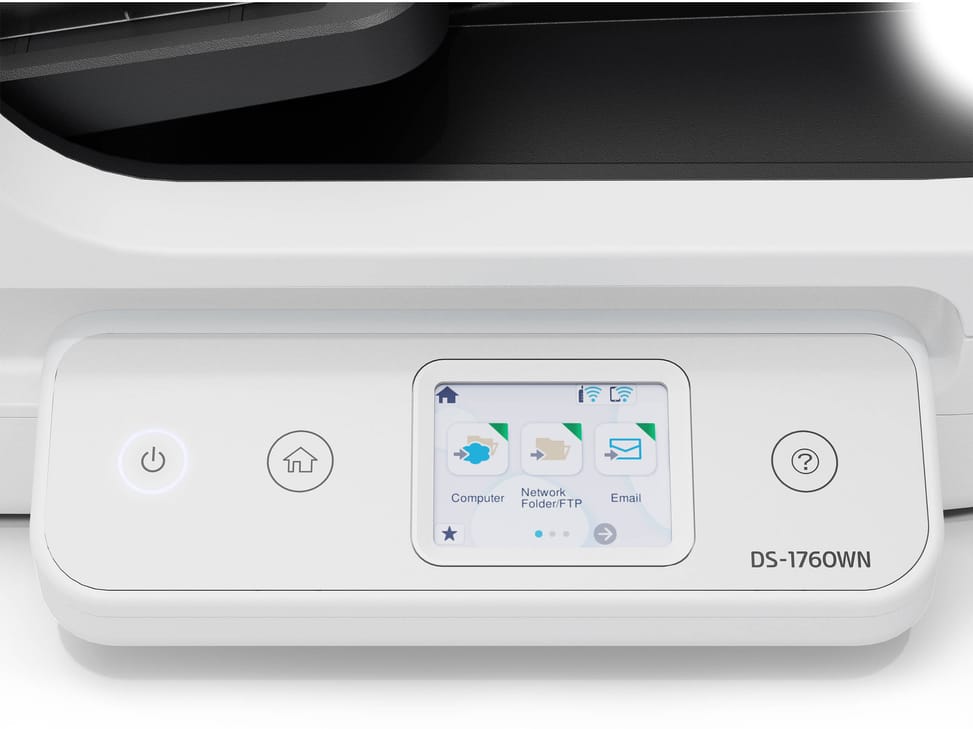
It has a 6 cm colour LCD touchscreen on the front for running jobs directly on the scanner. Wi-Fi Direct also lets you send it a job from a device that is not on its network.
Is the Epson DS-1760WN scanner new and under warranty?
Yes: a new scanner, supplied with its invoice, which serves as the 1-year warranty document. The Epson warranty card is also included in the box, along with the power cable, the USB cable and the quick start guide.