

HP
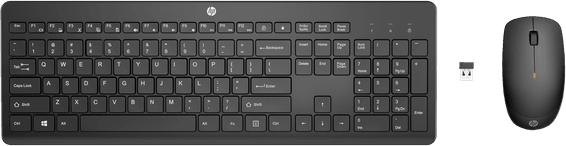
HP 235 Wireless Keyboard and Mouse Combo - AZERTY (1Y4D0UT)
In stock
399 DHincl. VAT399,00 DHincl. VAT
Delivery everywhereDelivered all over Morocco
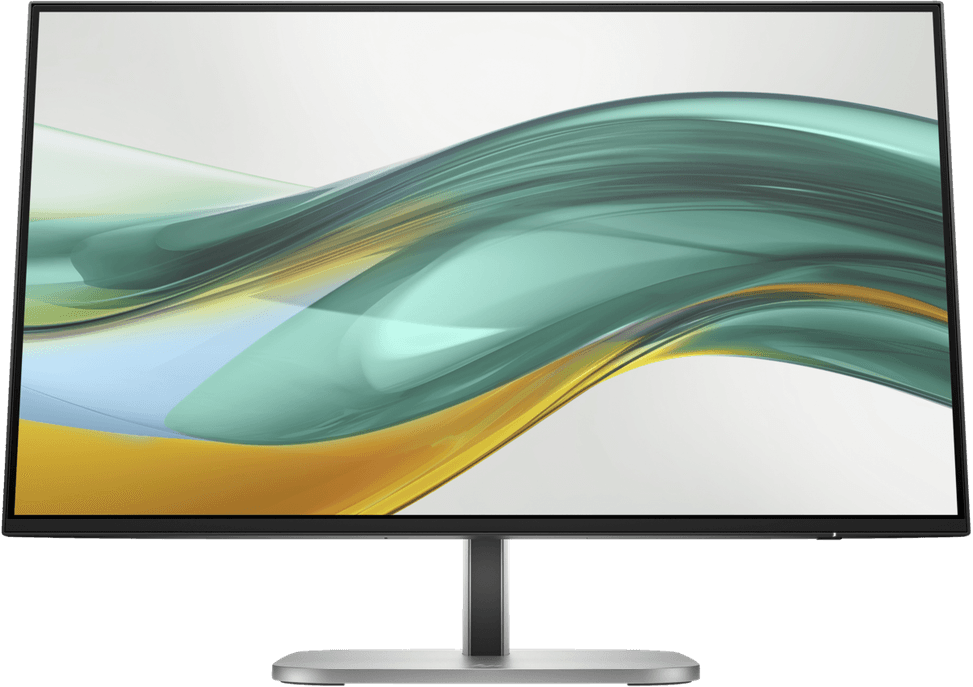
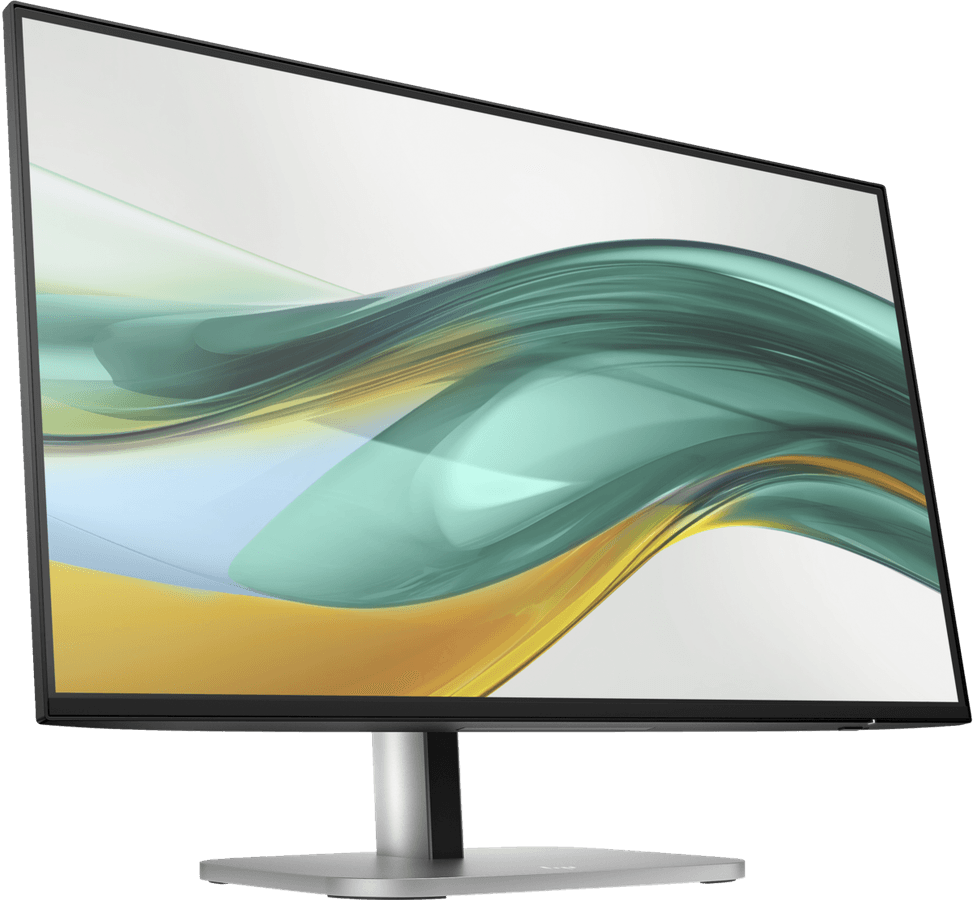
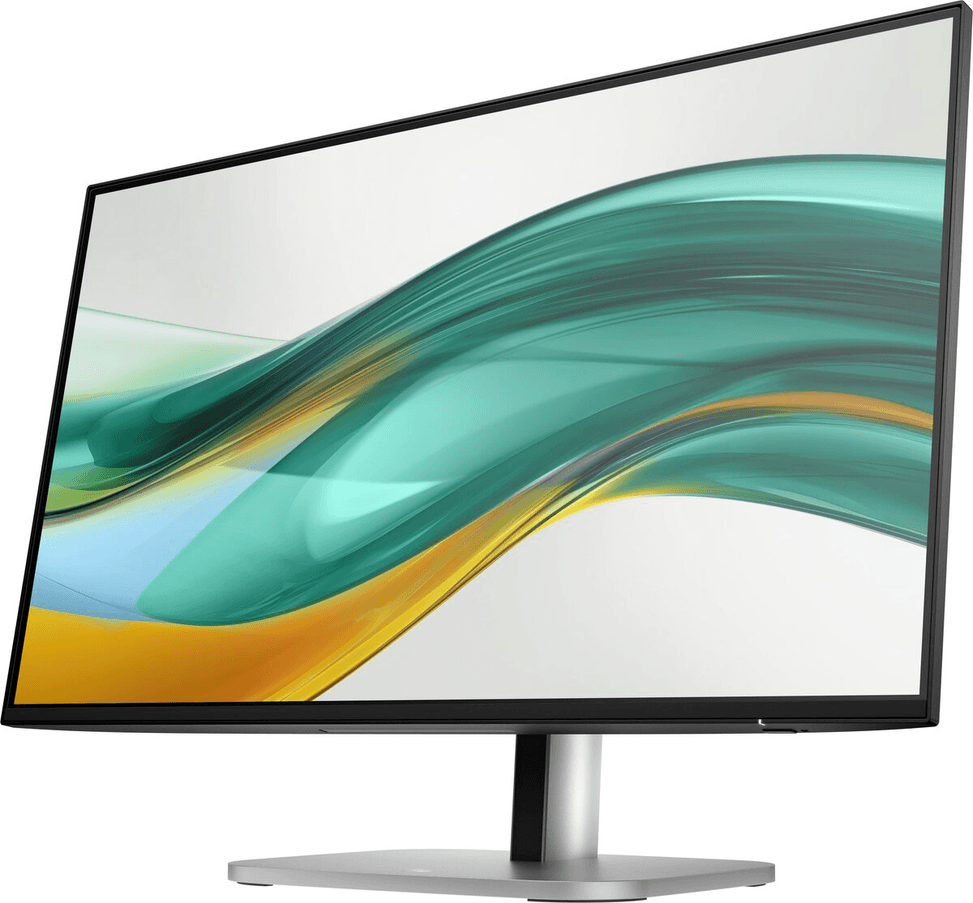
IPS panel at 100 Hz with 100% sRGB coverage for vivid, even colours. Full stand adjustable for height and portrait rotation, HP Eye Ease blue light filter.
In stock
Earn 28 DH in loyalty credit with this purchaseHow does it work?Loyalty credit capped at 300 DH per order.
Delivery anywhere in Morocco
40 DH incl. VAT
Casablanca store
Free pickup
Témara pickup point
Free pickup
3 years warranty — free repair in Morocco if it breaks down during the warranty period
100% secure payment: Bank transfer · Bank card · Cash on delivery · Certified cheque
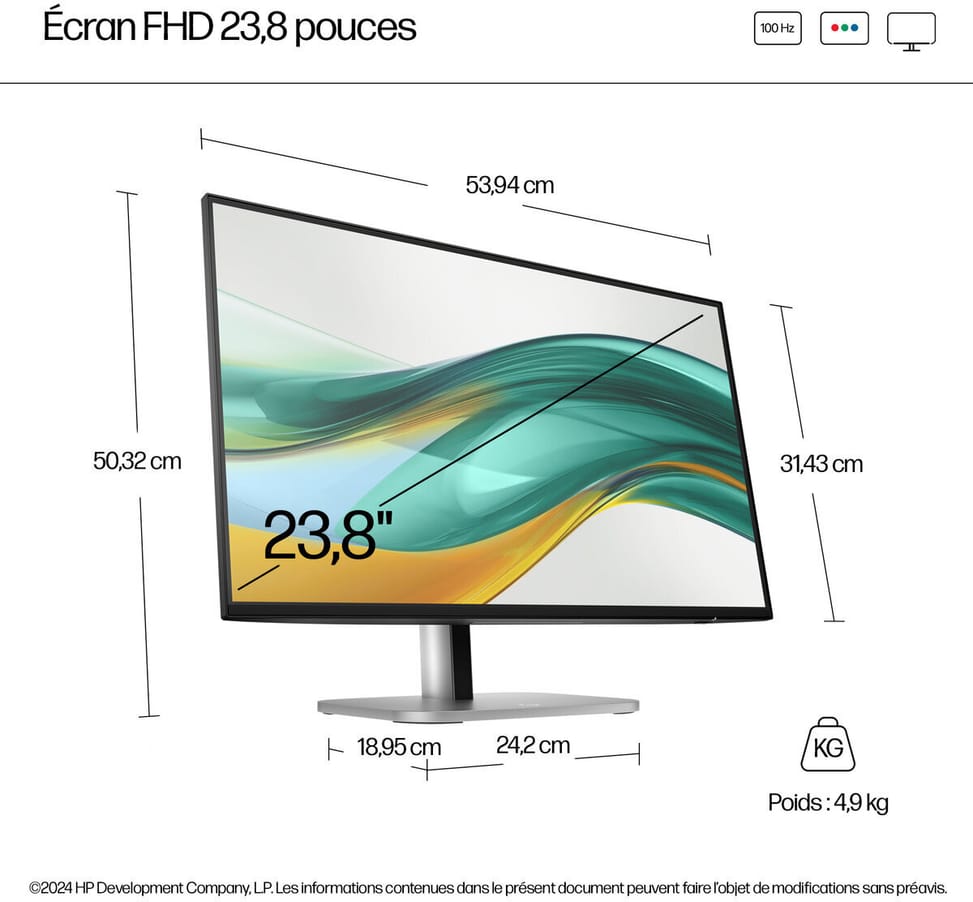
Screen size: 23.8" - 16:9 aspect ratio
Screen curvature: Flat
Panel type: IPS (In-Plane Switching) - Backlight: Edge-lit
WLED
Resolution: FHD (1920 x 1080)
Response time: 5ms GtG (with overdrive)
Refresh rate: 100 Hz
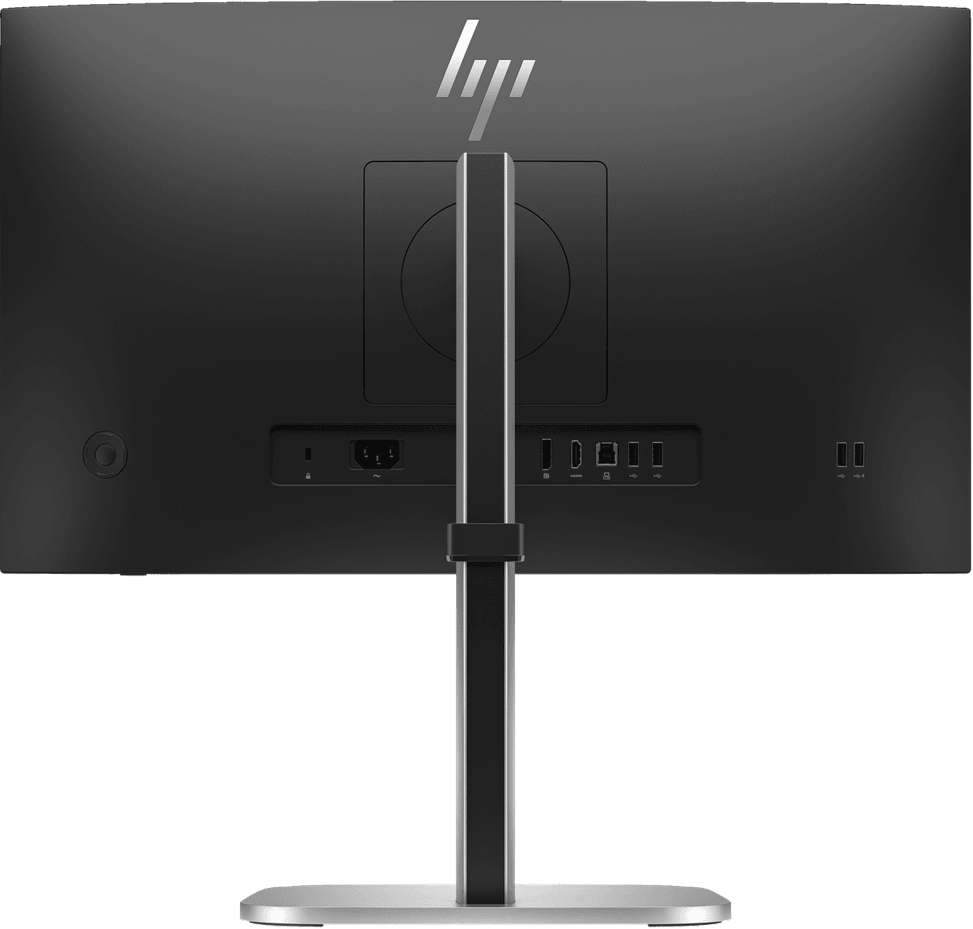
Input connectors: DisplayPort, HDMI
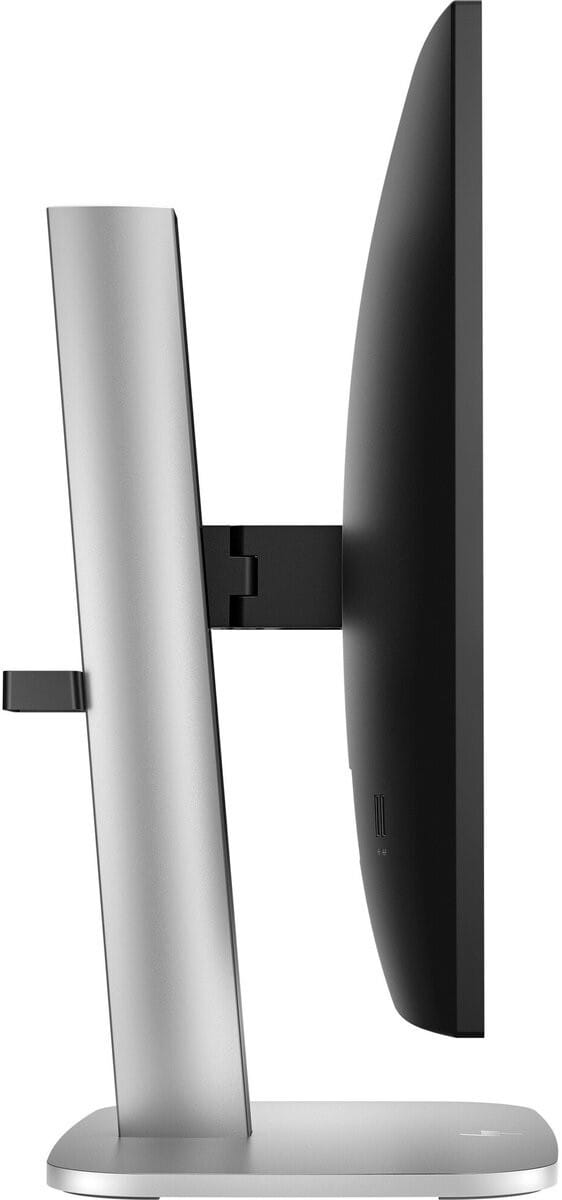
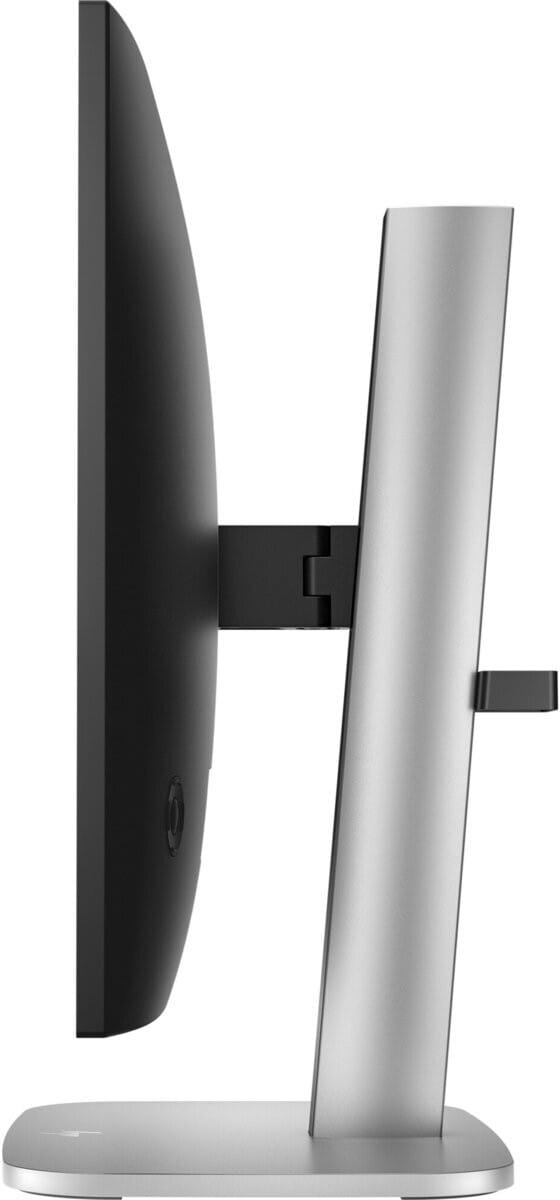
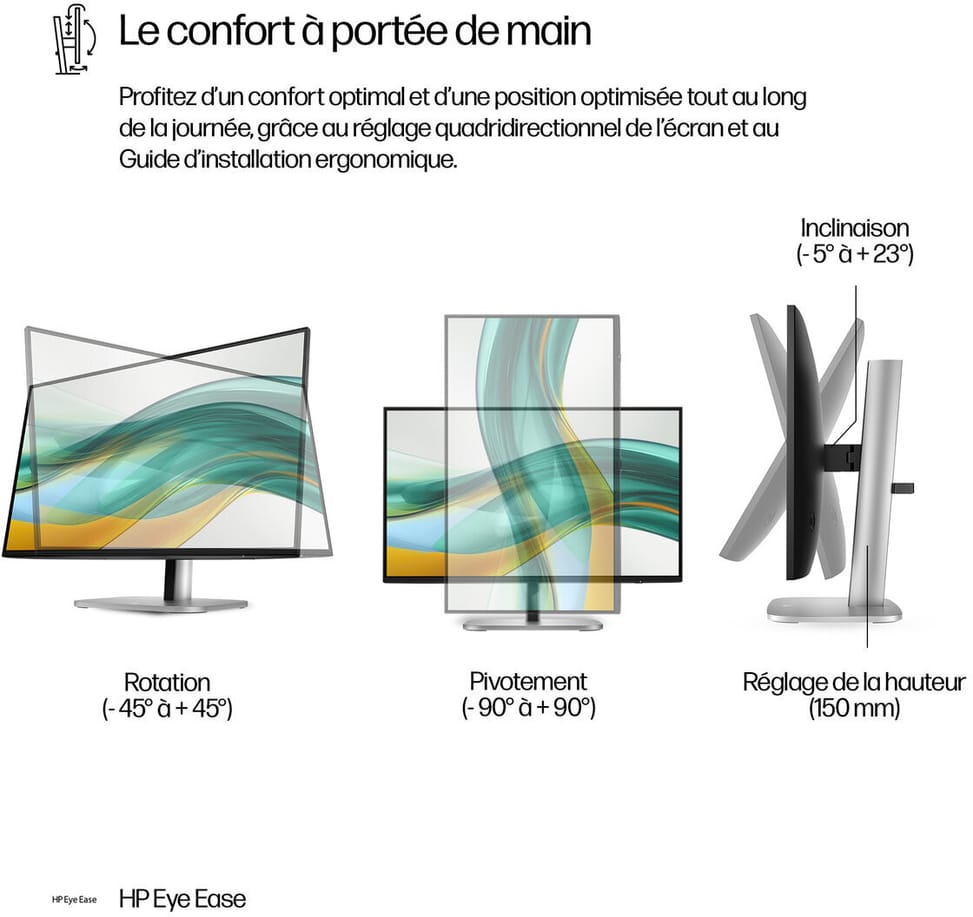
Screen position adjustments: Tilt: -5 to +23°; swivel: ±45°; pivot: ±90°
| Input connectors | 1 DisplayPort 1.2, 1 HDMI 1.4 |
|---|---|
| Built-in speakers | No |
| Screen position adjustments | Tilt -5° to +23°, height 150 mm, pivot ±90°, swivel ±45° |
| Dimensions (W x D x H) (mm) | 539.4 x 189.5 x 503.2 mm (with stand) / 539.4 x 47.2 x 314.3 mm (without stand) |
| Net weight (kg) | 4.9 kg (with stand) |
| Brightness | 350 cd/m² |
| Contrast ratio | 1500:1 (dynamic 10000000:1) |
| Panel type | IPS (In-Plane Switching) |
| Wall mount | VESA 100 x 100 mm |
| Package contents | Monitor, power cord, DisplayPort cable, HDMI cable, USB-B to USB-A cable, warranty card |
| Screen size (diagonal) | 23.8 inches |
| Aspect ratio | 16:9 |
| Pixel pitch | 0.28 x 0.28 mm |
| Response time | 5 ms (GtG, with overdrive) |
| Size | 23" - 24" |
| Power supply | Internal, 100-240 V 50/60 Hz |
| Optimal resolution | Full HD 1,920 x 1,080 |
|---|---|
| Connectivity | 5 Gbps USB hub (4 Type-A ports, including 1 charging port), upstream USB-B |
| Backlight technology | Edge-lit WLED |
| Resolution | Full HD |
| Screen curvature | Flat |
| Curved screen | No |
| Refresh rate | 100 Hz |
| HDR | No |
| Video ports | HDMI, DisplayPort |
| USB hub | Yes |
| Ultra-wide screen | No |
| Height-adjustable stand | Yes |
| Portrait rotation | Yes |
| Type of use | Office, Professional and business |
| Warranty | 3 years |
No reviews yet
Be the first to review this product and help other customers.
HP
In stock
Delivery everywhereDelivered all over Morocco
Ugreen
In stock

Eaton
In stock
Logitech
In stock

Honeywell
In stock
Delivery everywhereDelivered all over Morocco
In stock
Delivery everywhereDelivered all over Morocco
Delivery everywhereDelivered all over Morocco
Delivery everywhereDelivered all over Morocco
Dell
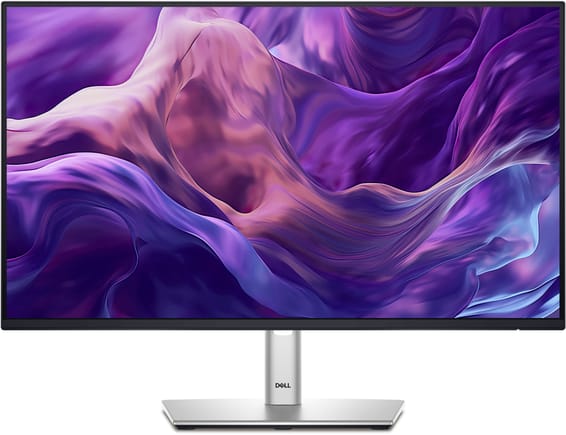
Compact professional monitor for the workstation: built-in USB hub and a fully adjustable stand, with TÜV-certified visual comfort.
In stock
Delivery everywhereDelivered all over Morocco
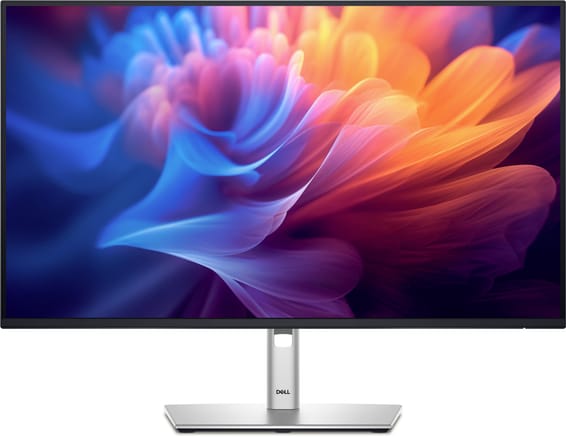
Dell
The large format in this professional range: built-in USB hub, fully adjustable stand and TÜV-certified visual comfort for long days.
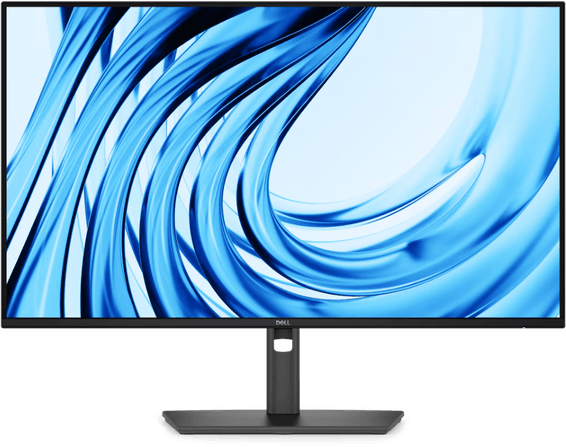
Dell
120 Hz and a full stand adjustable for height, tilt, swivel and portrait rotation. USB-A and USB-C hub for accessories, TÜV Eye Comfort 4-star certified.
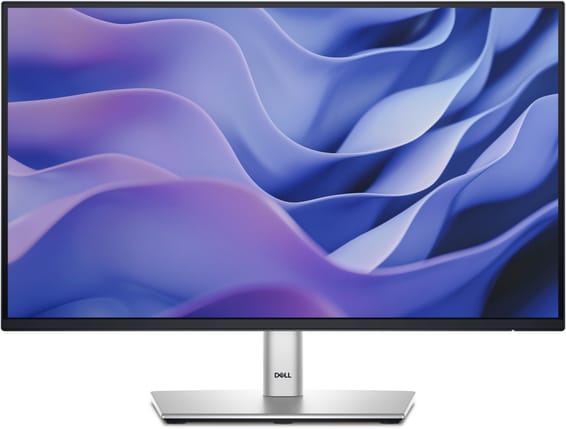
Dell
The compact size in this professional range: built-in USB hub and a fully adjustable stand for a small desk.
In stock
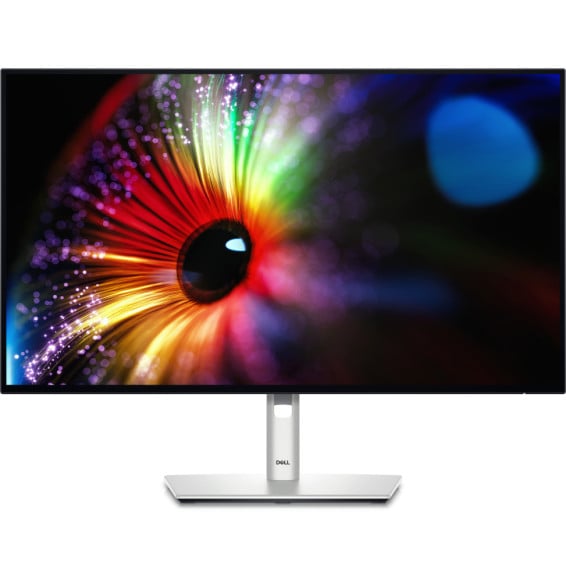
Dell
Professional screen factory-calibrated for faithful colours straight out of the box (Delta E < 2). Daisy-chainable DisplayPort for a second screen, USB hub and a fully adjustable stand, at 120 Hz.
In stock
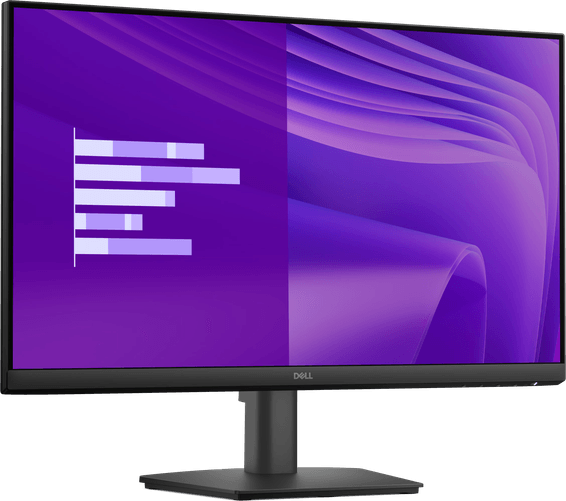
Dell
IPS panel and 100 Hz for a sharp, smooth picture, with full HDMI, DisplayPort and VGA connectivity. TÜV Rheinland 3-star certified against eye strain.
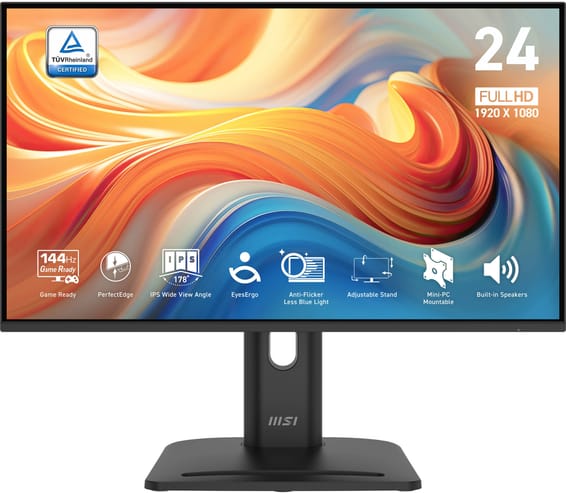
MSI
A professional monitor with an ultra-thin bezel on 4 sides (92% screen-to-body), designed for multi-screen setups. 144 Hz IPS panel, full stand (height, swivel, portrait rotation) and a built-in mini-PC mount, TÜV certified.
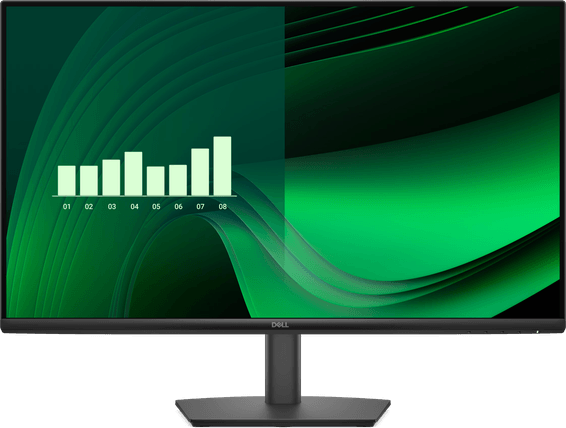
Dell
IPS panel with wide viewing angles (178°) and 100 Hz, with full HDMI, DisplayPort and VGA connectivity. TÜV Rheinland certified for eye comfort.
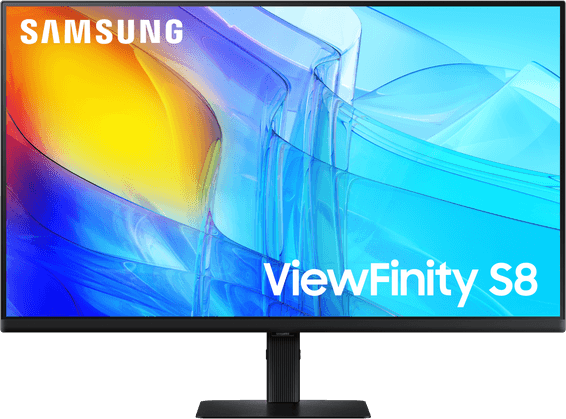
Samsung
A detailed and comfortable workstation: a full stand (height, swivel, portrait rotation) to suit every position, factory calibrated for accurate colours straight out of the box.
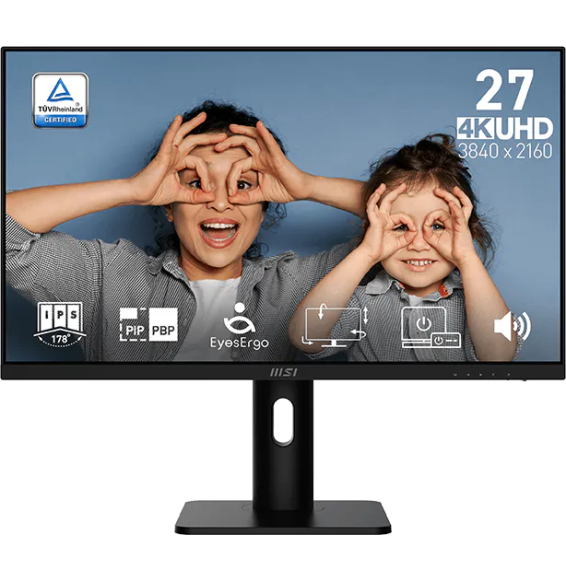
MSI
Professional monitor with a fully ergonomic stand: height, tilt, swivel and portrait rotation. TÜV-certified EyesErgo technologies (Anti-Flicker, Less Blue Light), PIP/PBP mode to show two sources at once.
In stock
Delivery everywhereDelivered all over Morocco
In stock
Delivery everywhereDelivered all over Morocco
Delivery everywhereDelivered all over Morocco
Delivery everywhereDelivered all over Morocco
In stock
Delivery everywhereDelivered all over Morocco
In stock
Delivery everywhereDelivered all over Morocco
In stock
Delivery everywhereDelivered all over Morocco
In stock
Delivery everywhereDelivered all over Morocco
In stock
Delivery everywhereDelivered all over Morocco