Pay nowView my order
Visit the Acer store

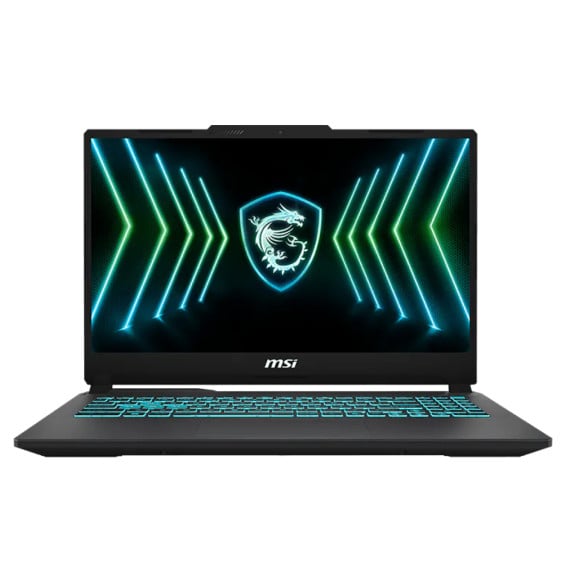
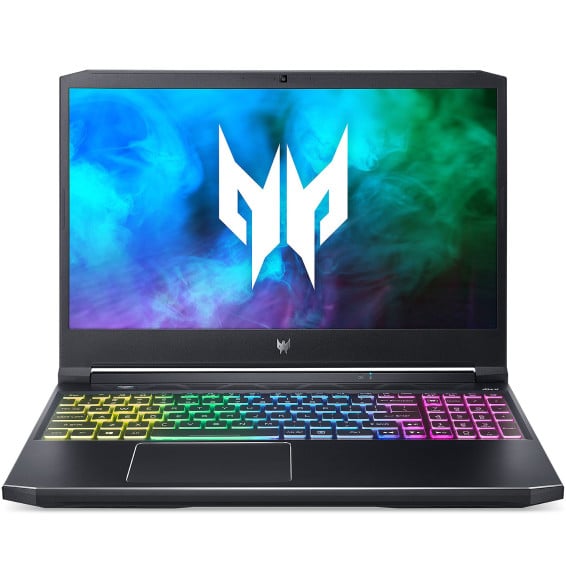
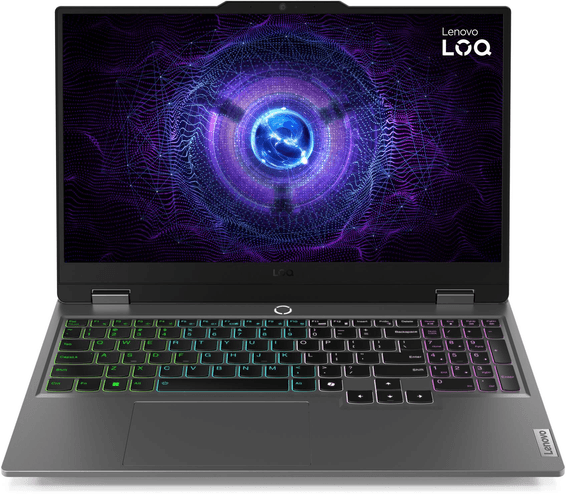
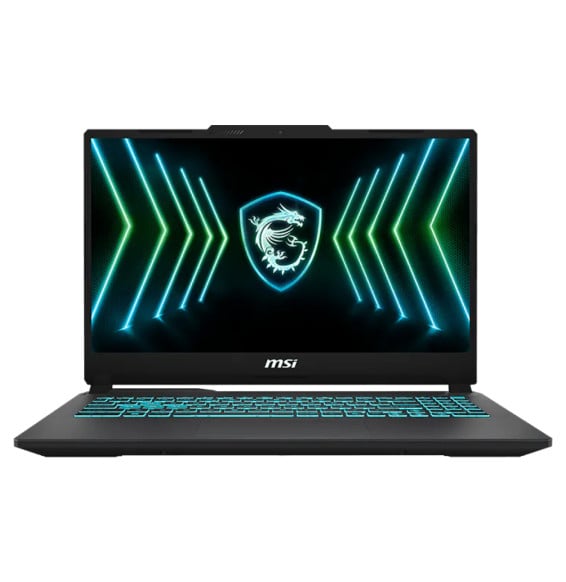
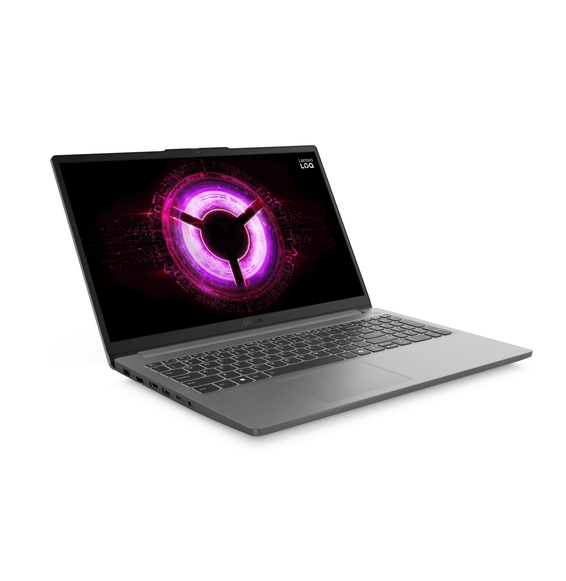
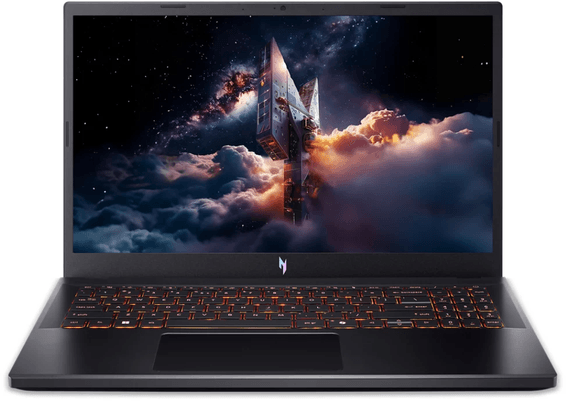
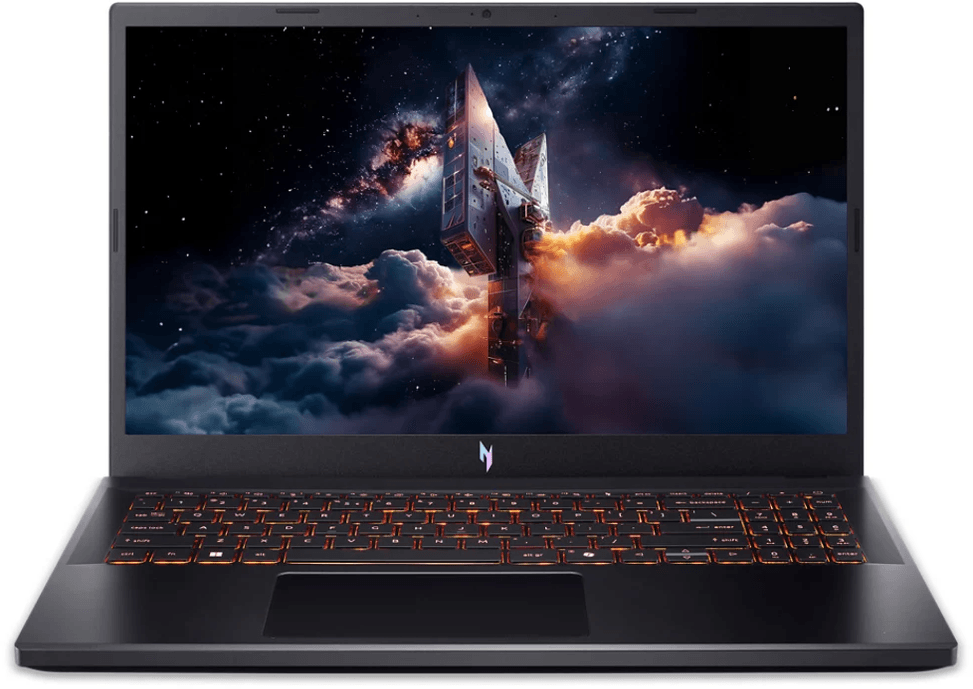
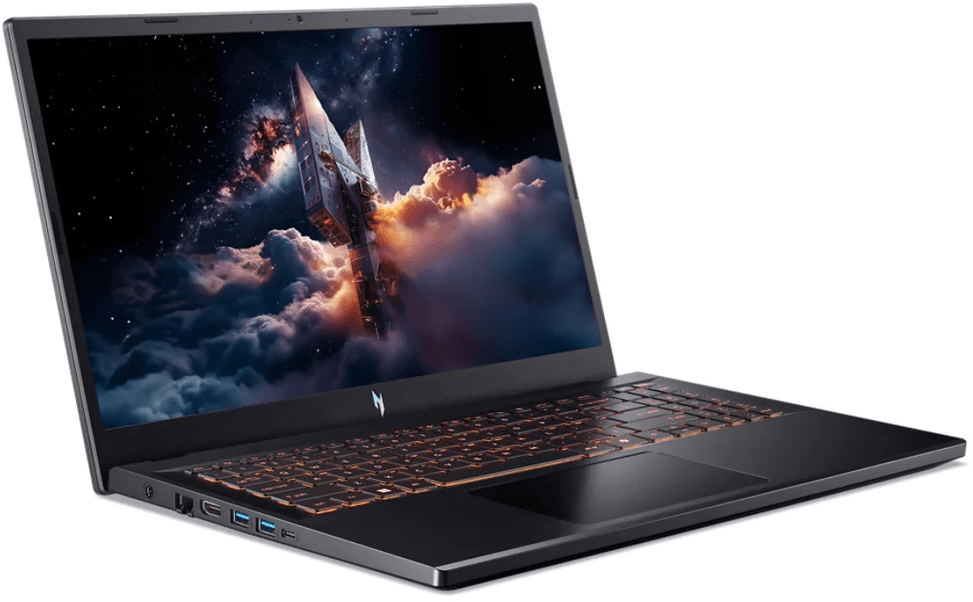
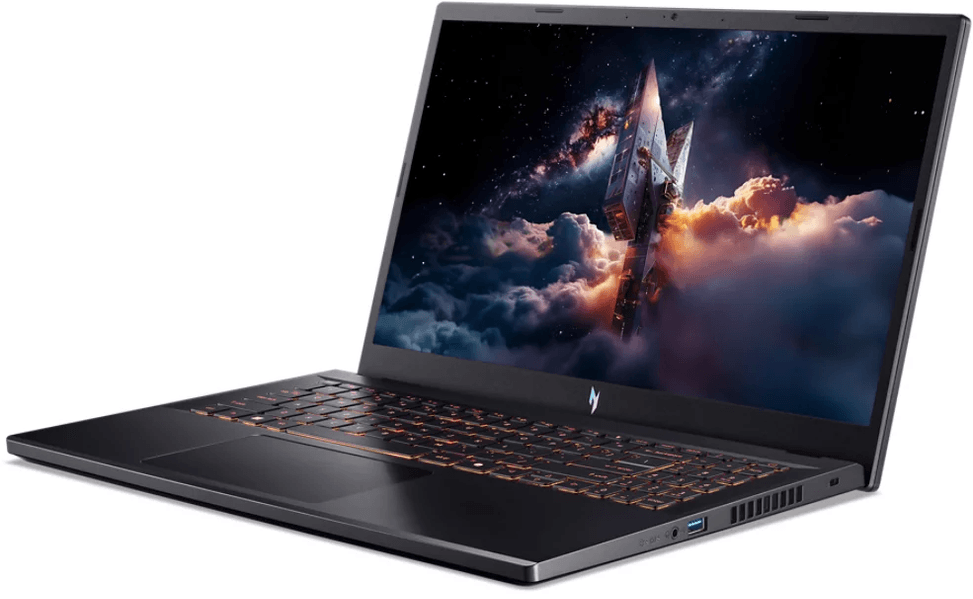
Acer Nitro V 15 Gaming Laptop (NH.QUAEF.00B)

Gaming laptop with a Core i7 10-core processor and a dedicated RTX 4050 card. 165 Hz display for smooth visuals, backlit keyboard with numeric keypad.

  • Dedicated NVIDIA GeForce RTX 4050, 6 GB GDDR6
  • Intel Core i7-13620H (10 cores, up to 4.9 GHz)
  • RAM 16 GB DDR5
  • 512 GB NVMe SSD
  • 15.6" Full HD IPS display, 165 Hz
  • 3-year manufacturer warranty
  • Backlit keyboard with numeric keypad
  • Weight 2.11 kg
  • 57 Wh battery
Ref.: NH.QUAEF.00B

Configuration · Acer Nitro V 15

No longer sold

We no longer sell this product. Its page stays online for its specifications and technical documentation.

Manufacturer's datasheetView the PDF · 1,4 Mo — downloadable

Product overview

15.6" gaming laptop: dedicated RTX 4050 graphics card, 165 Hz display and 10-core Core i7 processor.

Processor: Intel Core i7-13620H — 13th gen., 10 cores, up to 4.9 GHz, 24 MB cache. High-performance H series, for gaming and creative work.
RAM: 16 GB DDR5-5600
Storage: 512 GB SSD
Display: 15.6" Full HD IPS · 165 Hz
Graphics: NVIDIA GeForce RTX 4050 dedicated, 6 GB GDDR6
Operating system: Windows 11 Home
Keyboard: backlit · numeric keypad

See all the specifications ↓
Request a quoteShare:

Technical specifications

Technical specifications
ProcessorIntel Core i7-13620H
Processor details10 cores (6P + 4E), 16 threads, up to 4.9 GHz, 24 MB cache
Installed RAM16 GB DDR5-5600
Maximum RAM32 GB DDR5
Hard drive capacity512 GB SSD
Optical driveNone
Graphics cardNVIDIA GeForce RTX 4050 6 GB GDDR6
Weight (kg)2.11 kg
Screen size15.6 inches
Screen typeFull HD (1920 x 1080), IPS, 165 Hz, 300 nits, anti-glare
Built-in webcamHD 720p, temporal noise reduction (TNR)
Audio2 speakers, DTS:X Ultra, smart amplifier
Ethernet network cardGigabit Ethernet (RJ-45)
BluetoothBluetooth 5.1
Wireless communicationWi-Fi 6 (802.11ax)
Connectors3 USB-A 3.2, 1 Thunderbolt 4 (USB-C, DisplayPort), 1 HDMI, 1 RJ-45, 1 jack (3.5 mm)
Biometric recognitionNone
Battery type / battery life57 Wh
Technical specifications (continued)
Operating systemWindows 11 Home
Dimensions (W x D x H) (mm)362.3 x 239.8 x 23.5 mm
Product colourBlack
Power supply135 W
KeyboardAZERTY, backlit, with numeric keypad
Memory slots2 SO-DIMM slots, none free
Expansion slots1 M.2 SSD slot, occupied
Storage typeSSD
TouchscreenNo
Refresh rate165 Hz
With built-in AIYes
Backlit keyboardYes
Panel typeIPS
Screen resolutionFull HD (1920x1080)
Screen aspect ratio16:9
Ultraportable (≤ 1.5 kg)No
Warranty3 years

Customer reviews

No reviews yet

Be the first to review this product and help other customers.

Write a review
Your rating
5/5

Shown publicly with your review.

Never published — a confirmation email will be sent to you.

Tell us about the product — in a few lines:

  • what you liked in everyday use;
  • the quality and performance you found;
  • who you would recommend it to, and why.

A question about an order, a delivery or a payment? Write to us and we will reply to you directly.

Under Law 09-08, you have the right to access, rectify and object to the processing of your personal data. This processing has been authorised by the CNDP under no. D-CE-389/2015. Learn more

Frequently asked questions about this product

Can more memory be added to this Acer Nitro V 15 NH.QUAEF.00B?
The 16 GB of DDR5-5600 fill both slots in the chassis: neither is free. Going higher therefore means replacing both modules rather than adding one. Nothing is soldered, but the upgrade is done by swapping, not by adding.
Is there a free slot for a second SSD in this Nitro V 15?
No: the chassis has only one M.2 slot, taken by the 512 GB SSD. Expanding storage therefore means replacing that drive, or using an external USB drive — something to bear in mind if you install several recent games.
Does this Acer Nitro V 15 have a matte or glossy screen?
Matte: the panel has an anti-glare coating. That is a real advantage for gaming or working in a bright room, where a glossy panel would reflect the window or the ceiling light right in the middle of the picture.
How good is the RTX 4050 in this Acer Nitro V 15?
It is a dedicated graphics card with 6 GB of GDDR6, separate from the graphics built into the processor. It targets gaming in Full HD, the screen's resolution, at high frame rates thanks to the 165 Hz panel, and it also speeds up video editing.
What does the “H” in this Nitro V 15's Core i7-13620H stand for?
The H marks Intel's high-performance laptop variant, with a far larger power budget than an ultraportable U-series chip. This 13th-generation i7-13620H has 10 cores running at up to 4.9 GHz and 24 MB of cache: it keeps the graphics card fed without holding it back.
What battery life can you expect from this Acer Nitro V 15?
About 8 hours outside of gaming, from a 57 Wh 4-cell battery. During a gaming session, expect considerably less: the 135 W power adapter becomes necessary to unlock the full power of the processor and graphics card.
Does this Acer Nitro V 15 have a fingerprint reader?
No, this configuration does not have one: you sign in with your Windows password or PIN. The built-in webcam is an HD camera with noise reduction, fine for an occasional call but a step below Full HD webcams.
Does this Nitro V 15 have an Ethernet port for online gaming?
Yes, a Gigabit Ethernet port is built into the chassis. For online gaming, a cable stays steadier than wireless: less latency variation, especially in a home where several devices share the bandwidth.
Does the keyboard on this Acer Nitro V 15 have a numeric keypad?
Yes, the 15.6-inch format leaves room for a full numeric keypad to the right of the French AZERTY keyboard, which is itself backlit. A plus for switching between gaming, spreadsheets and number entry, and for playing in a dark room.
Is the Acer Nitro V 15 new, ready to play and under warranty?
Yes, it is new and sealed, with Windows 11 Home already installed — all that is left is to create your account. It is covered by a 3-year warranty, an unusual length for a gaming laptop; your purchase invoice serves as proof.

Trending

View the Acer archive

Chat on WhatsApp

Scan with my phone

The simplest way: open your phone camera and point it at this code. The chat opens with your message ready.

Open WhatsApp Web

Works if your phone is already linked to this computer.