

Best seller
Logitech
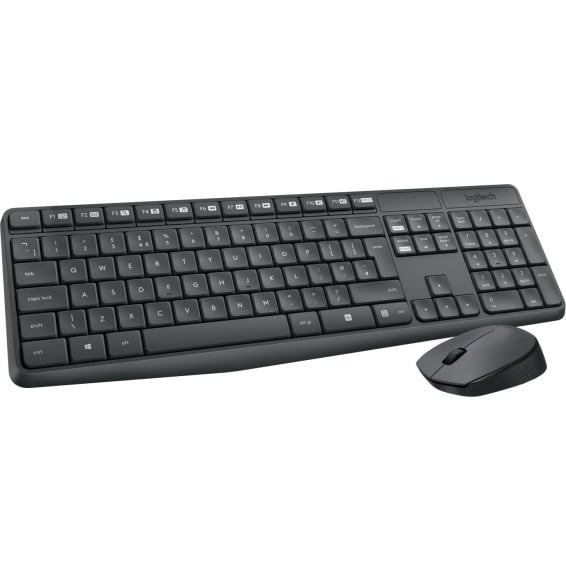
Logitech MK235 Wireless Keyboard and Mouse (French AZERTY)
In stock
199 DHincl. VAT199,00 DHincl. VAT
Delivery everywhereDelivered all over Morocco
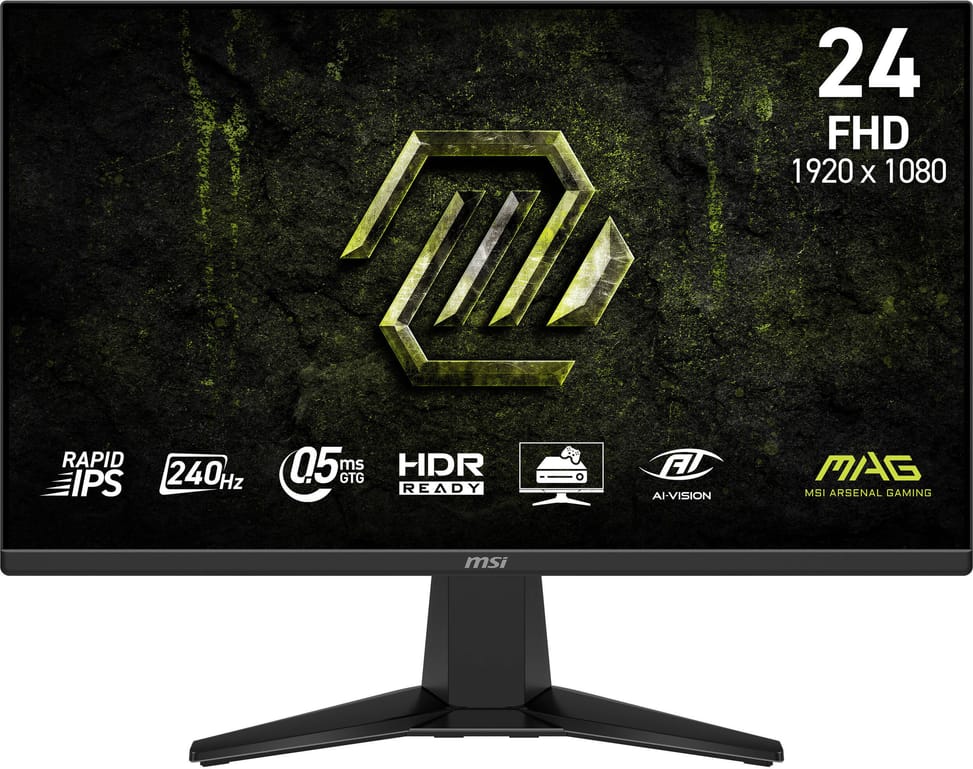
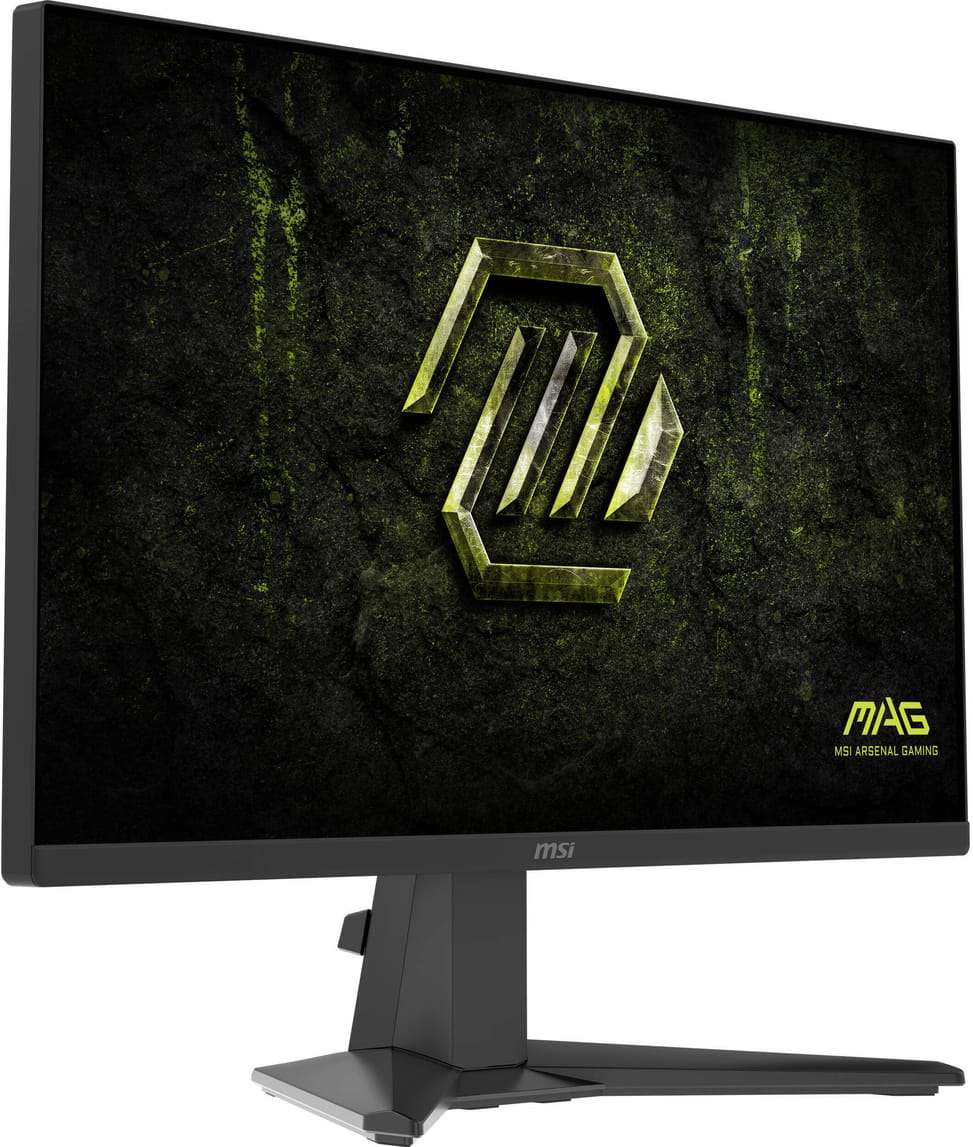
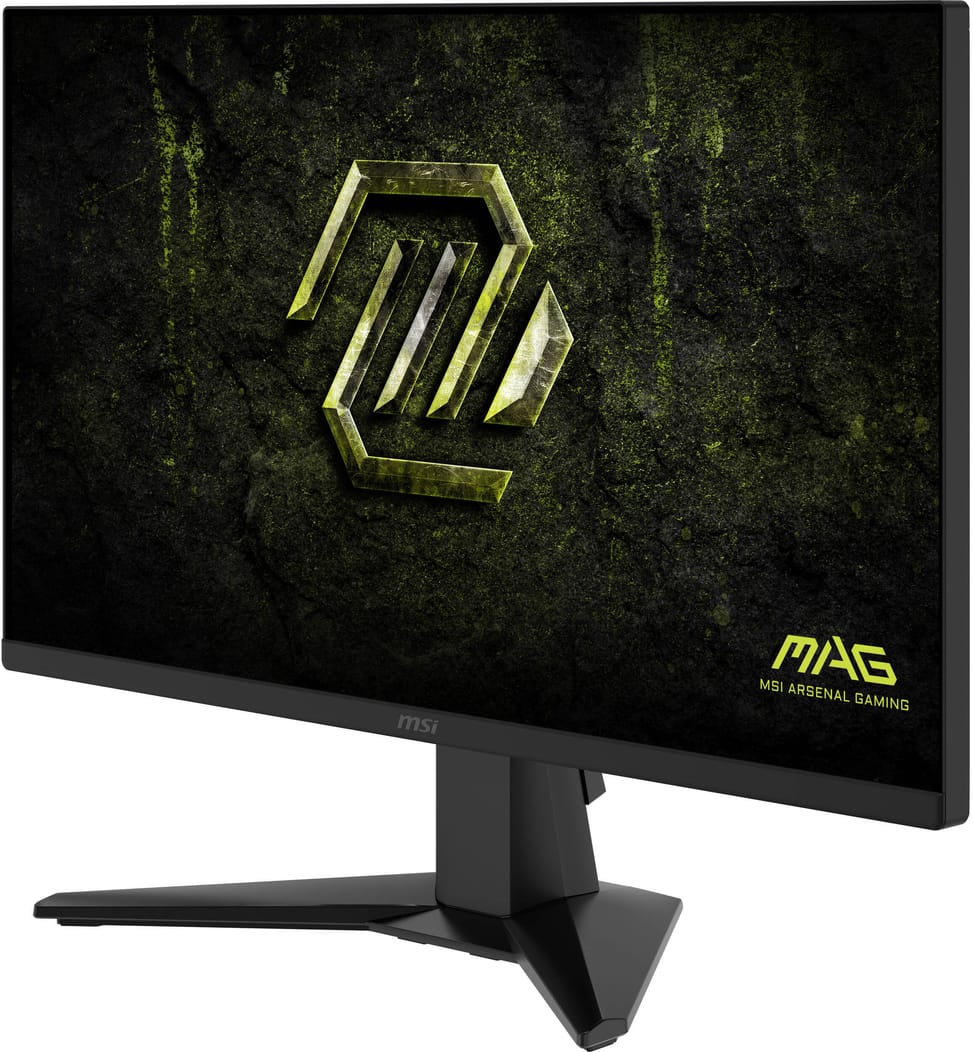
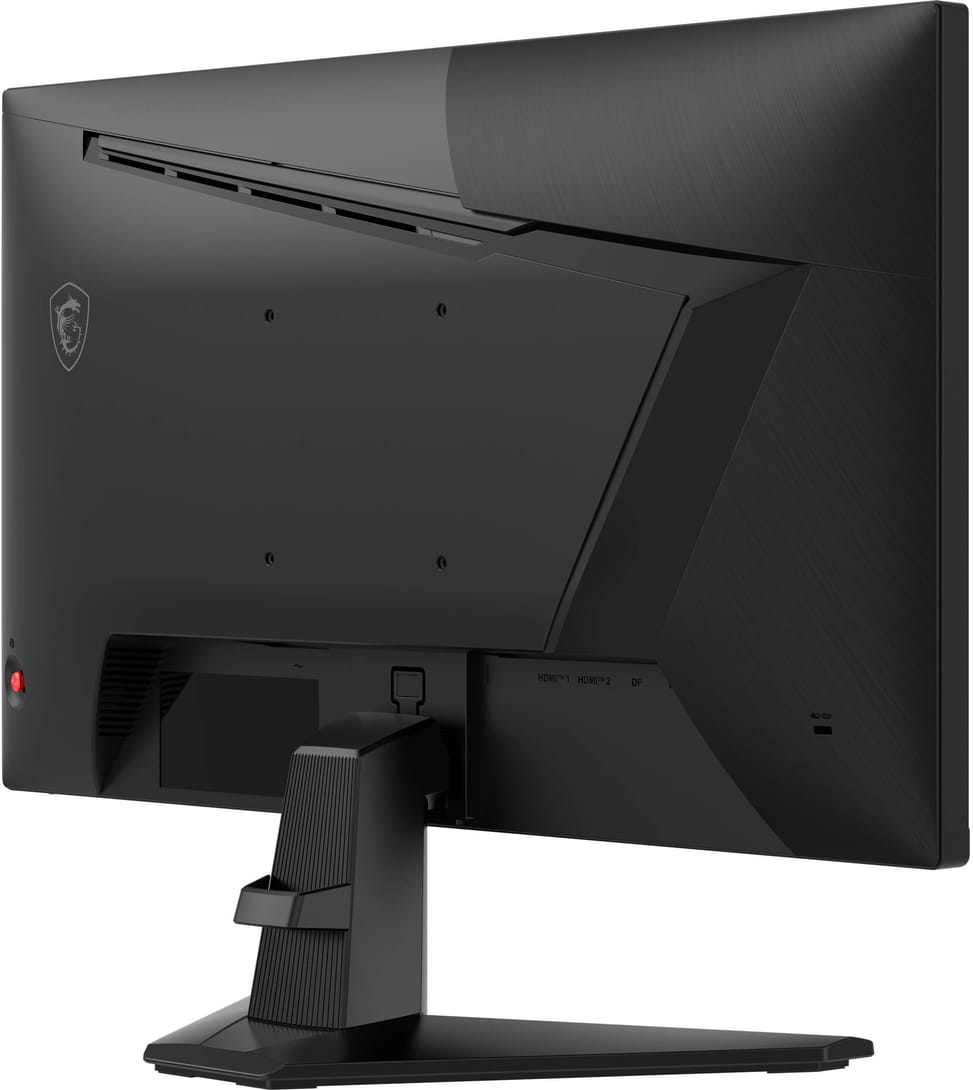
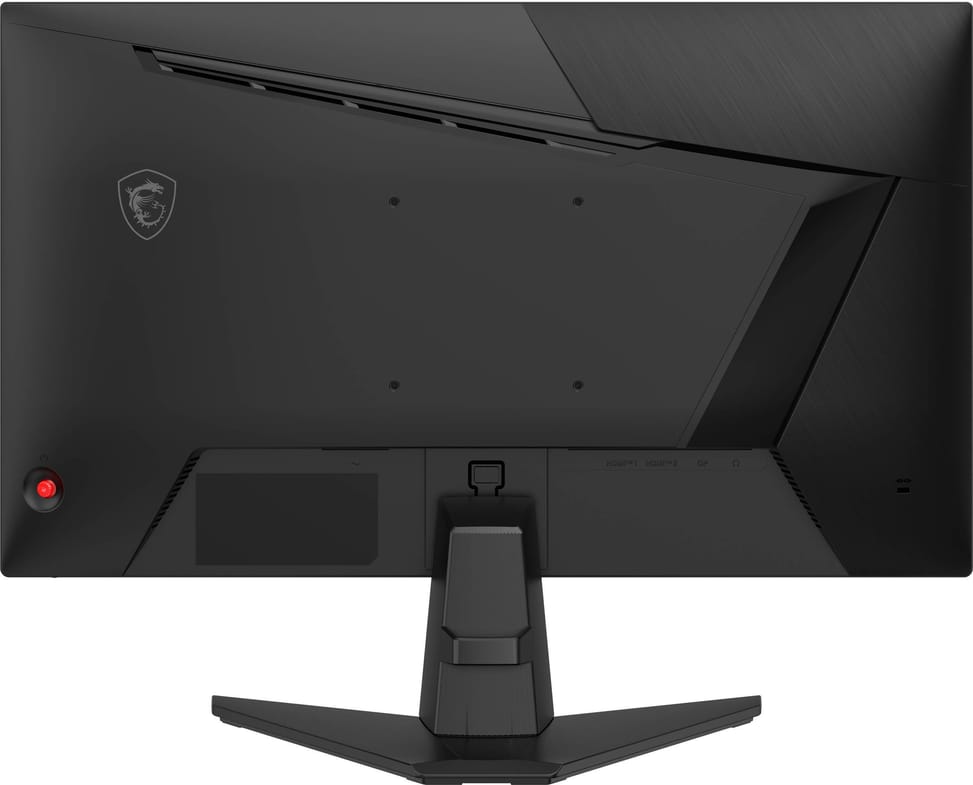
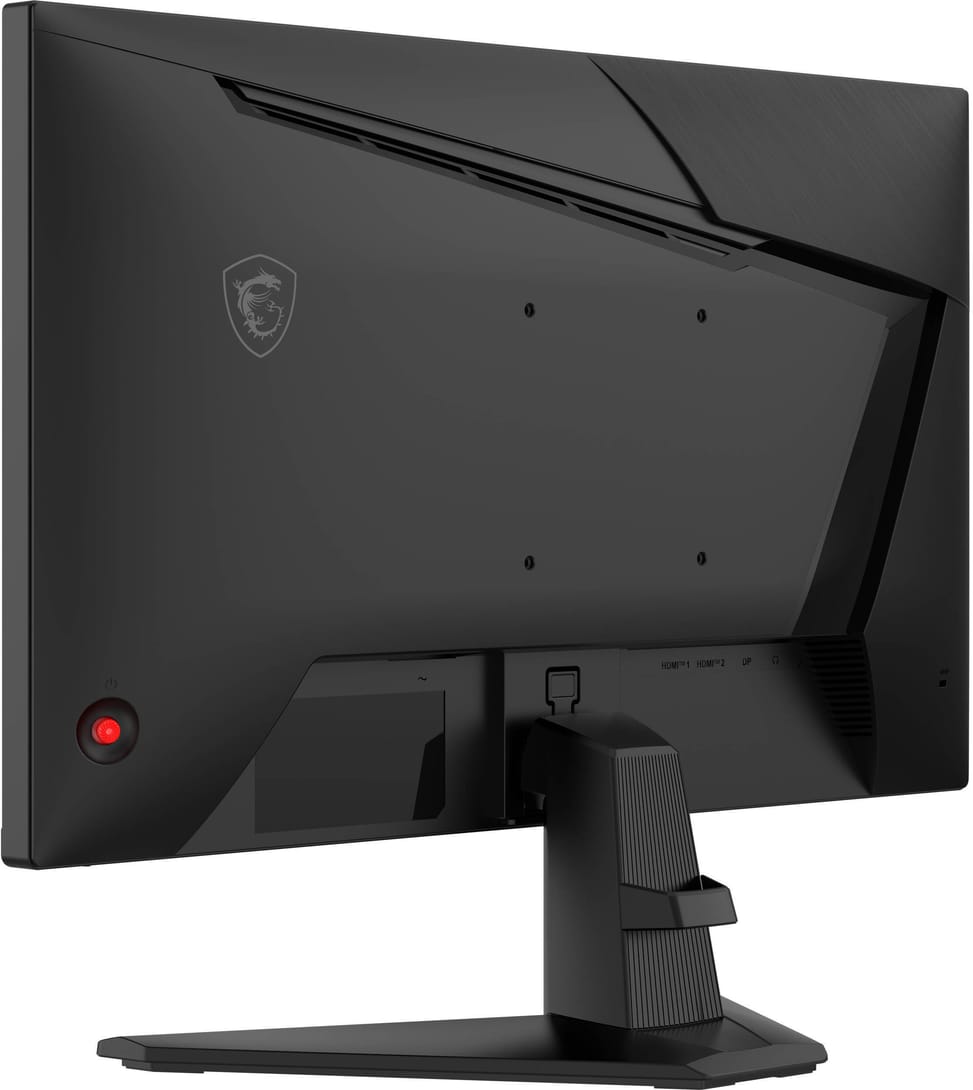
Highly responsive competitive gaming monitor: 240 Hz, Rapid IPS panel and 0.5 ms response time. AMD FreeSync Premium against screen tearing and AI Vision mode that brightens dark areas.

In stock
Earn 13 DH in loyalty credit with this purchaseHow does it work?Loyalty credit capped at 300 DH per order.
Delivery anywhere in Morocco
40 DH incl. VAT
Casablanca store
Free pickup
Témara pickup point
Free pickup
1 year warranty — free repair in Morocco if it breaks down during the warranty period
100% secure payment: Bank transfer · Bank card · Cash on delivery · Certified cheque
A 24-inch Full HD gaming monitor for fast play: 240 Hz, Rapid IPS panel and 0.5 ms.
Panel & image: 23.8" 16:9 flat, Rapid IPS panel with wide viewing angles, Full HD 1920×1080 · 300 cd/m², 87% DCI-P3
Motion: 240 Hz · 0.5 ms GtG response time · AMD FreeSync Premium against tearing
Picture: HDR Ready and AI Vision mode, which brightens dark areas
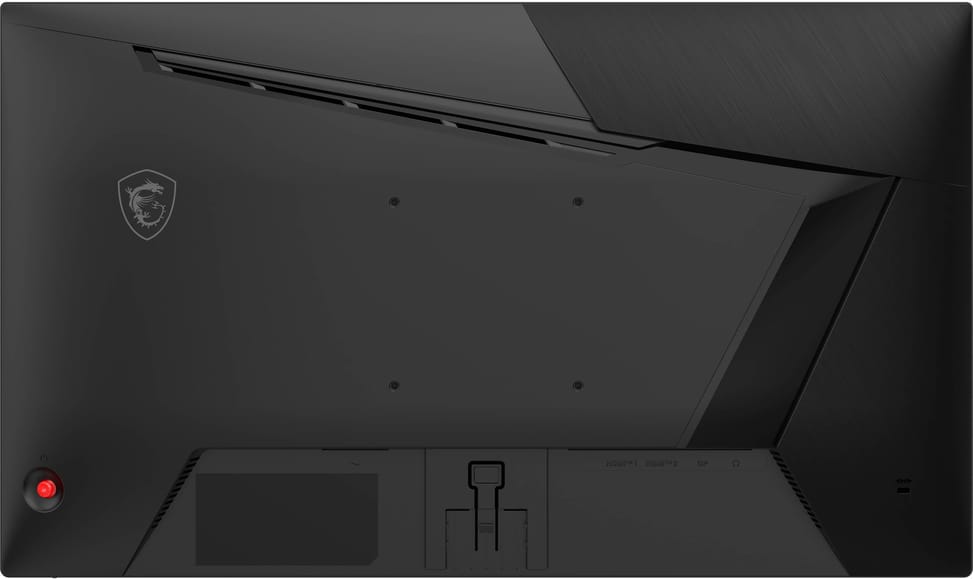
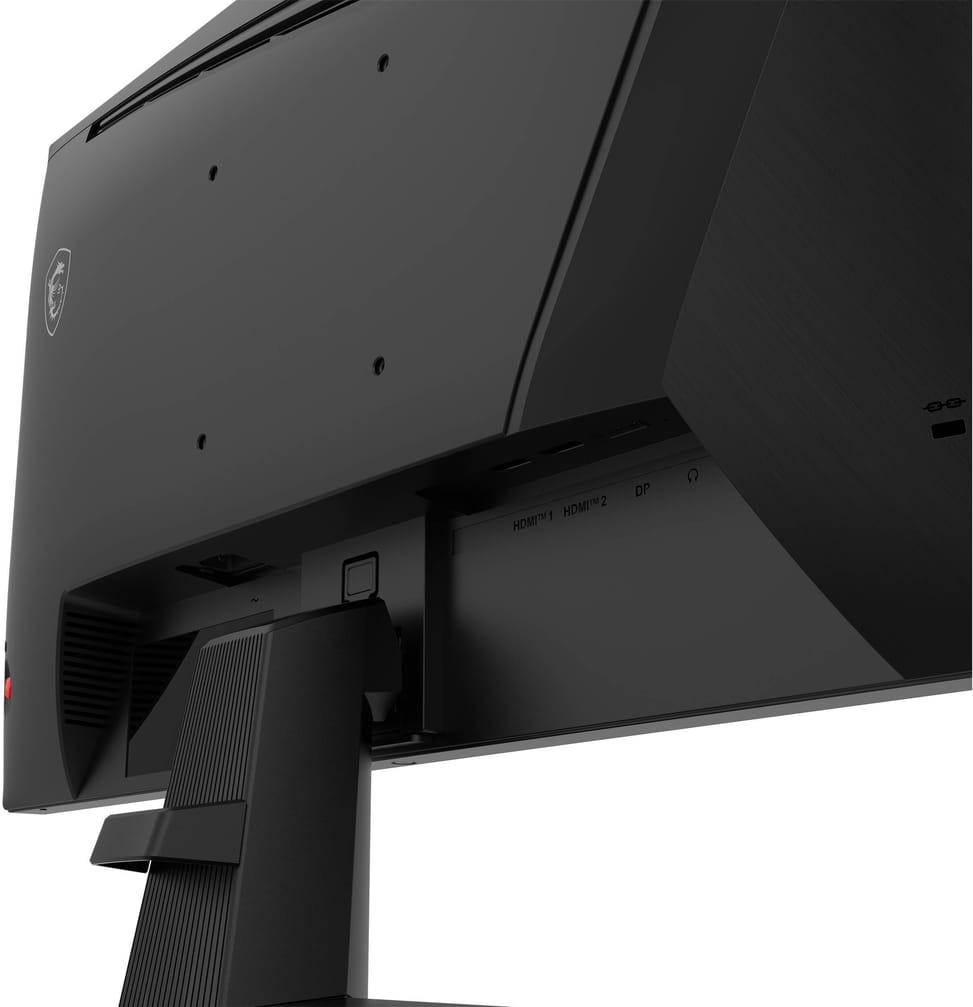
Video ports: 2× HDMI 2.0b, 1× DisplayPort 1.2a · headphone output
Eye comfort: flicker-free with blue light reduction
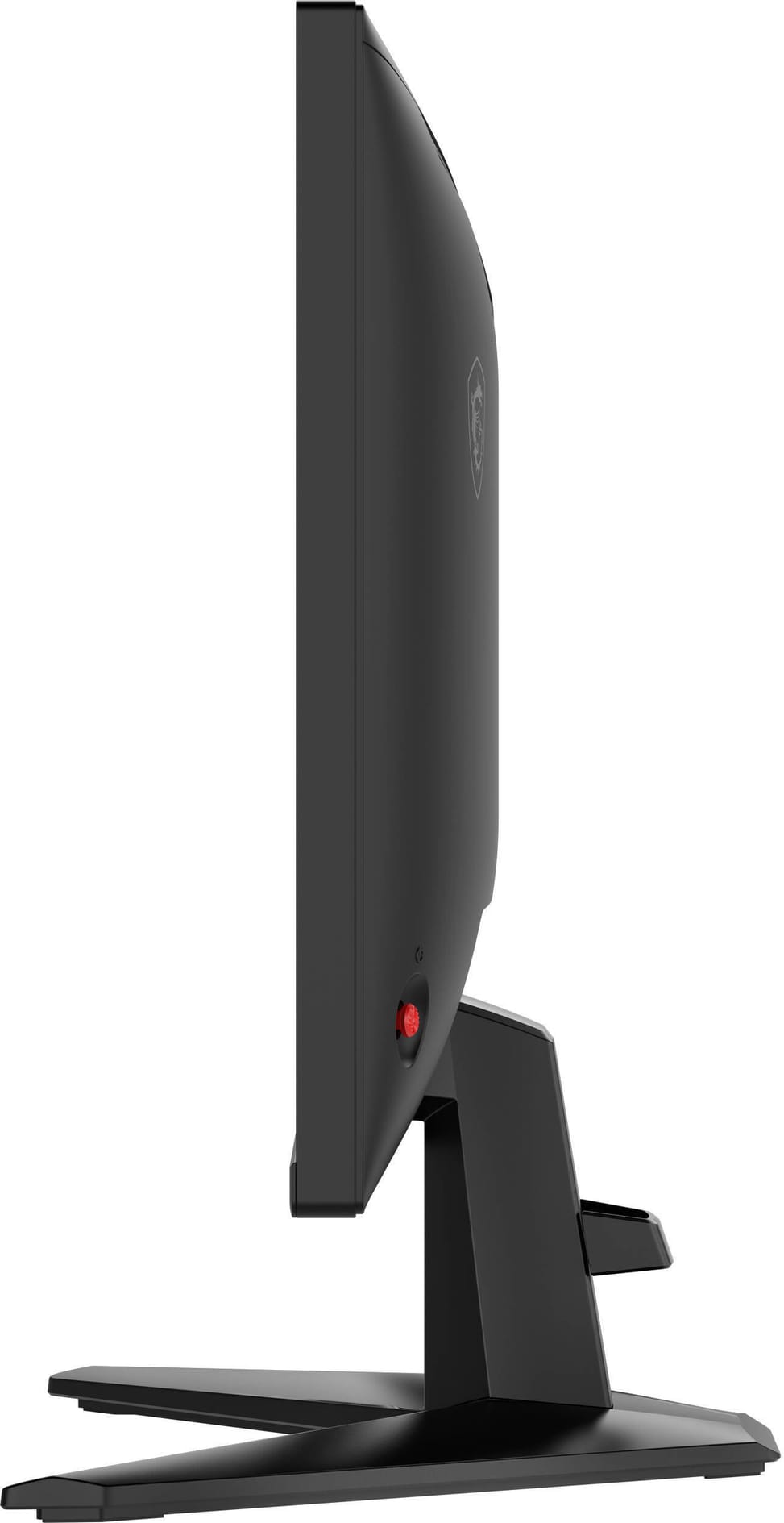
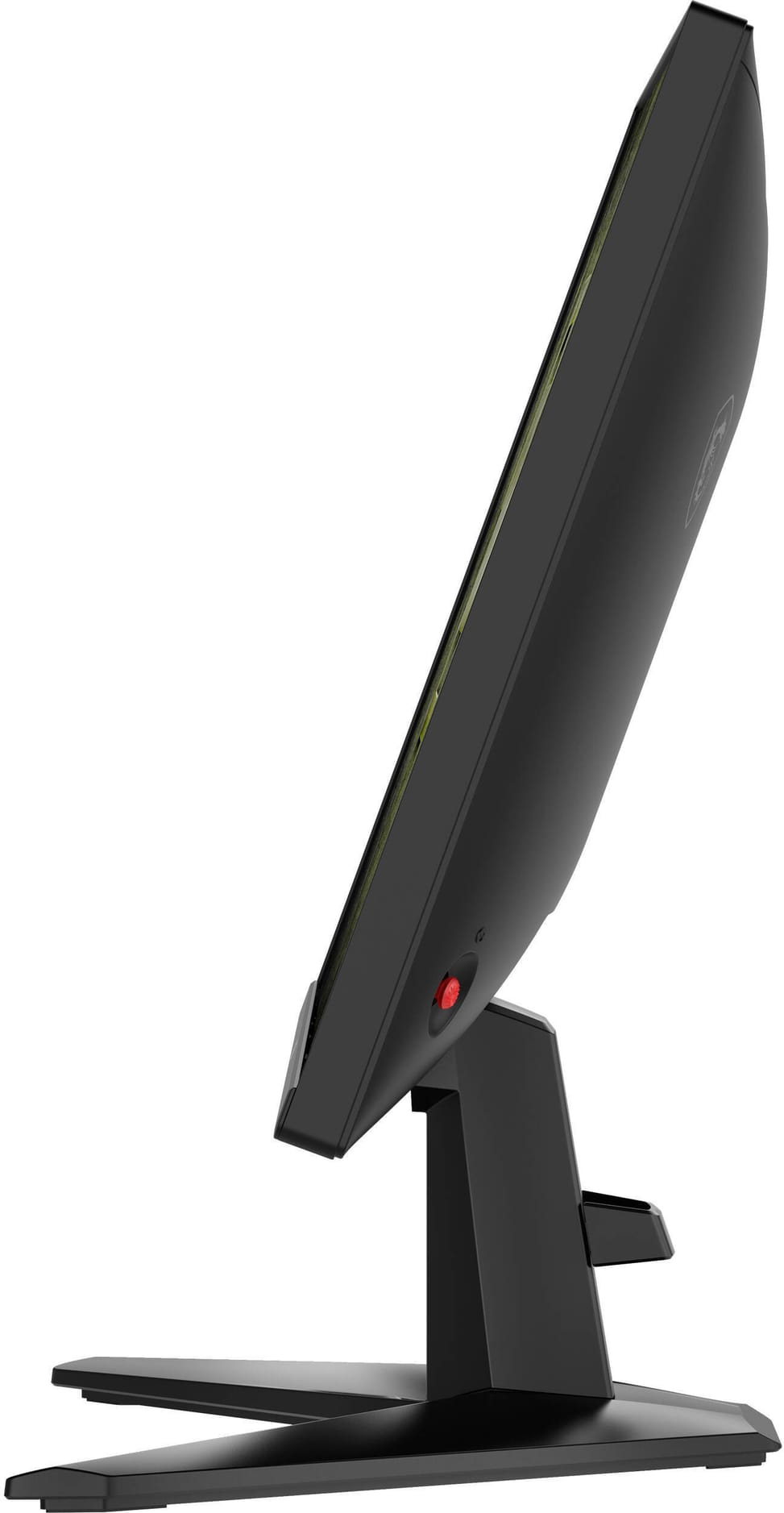
Ergonomics: tilting stand (−5° to +20°) · VESA 100×100 compatible
A Rapid IPS panel and 240 Hz: a smooth, responsive gaming monitor, ideal for competitive play.
| Input connectors | 1 DisplayPort 1.2a, 2 HDMI 2.0b |
|---|---|
| Screen position adjustments | Tilt -5° to +20° |
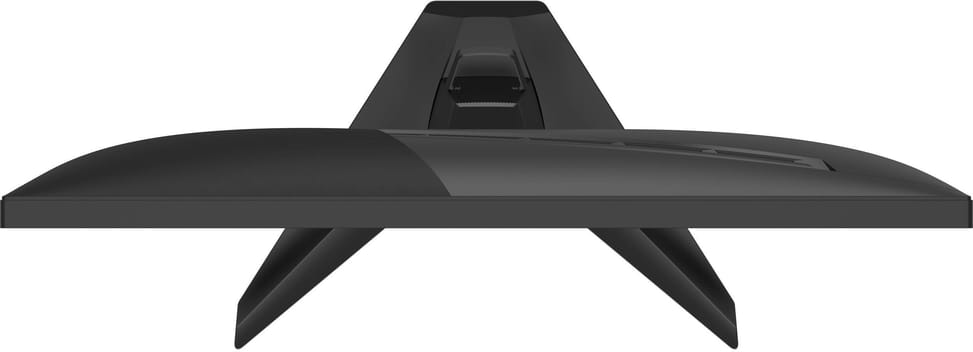
| Dimensions (W x D x H) (mm) | 538.9 x 220 x 411.6 mm (with stand) / 538.9 x 56.9 x 318.8 mm (without stand) |
| Net weight (kg) | 3.25 kg / 5.32 kg (packaged) |
| Brightness | 300 cd/m² (SDR) |
| Contrast ratio | 1000:1 (dynamic 100000000:1) |
| Panel type | IPS (Rapid IPS) |
| Wall mount | VESA 100 x 100 mm |
| Package contents | Monitor, C13 power cord, HDMI 2.0 cable, quick start guide |
| Screen size (diagonal) | 23.8 inches |
| Aspect ratio | 16:9 |
| Response time | 0.5ms (GtG, Min.) |
| Adaptive sync | AMD FreeSync Premium (48-240 Hz) |
| Screen scanning frequency (horizontal/vertical) | 53.84~271.16 kHz (H) / 48~240 Hz (V) |
| Size | 23" - 24" |
| Power supply | Internal, 100-240 V 50/60 Hz |
| Optimal resolution | Full HD 1,920 x 1,080 |
|---|---|
| Active area | 527.04 (H) x 296.46 (V) |
| Connectivity | Headphone output |
| Backlight technology | LED |
| Resolution | Full HD |
| Screen curvature | Flat |
| Curved screen | No |
| Refresh rate | 240 Hz |
| HDR | HDR compatible |
| Video ports | HDMI, DisplayPort |
| USB hub | No |
| Ultra-wide screen | No |
| Height-adjustable stand | No |
| Portrait rotation | No |
| Type of use | Gaming |
| Warranty | 1 year |
| EAN | 4711377363211 |
|---|
No reviews yet
Be the first to review this product and help other customers.
Logitech
In stock
Delivery everywhereDelivered all over Morocco
Ugreen
In stock
Delivery everywhere
Ugreen
In stock
Delivery everywhere

Eaton
In stock
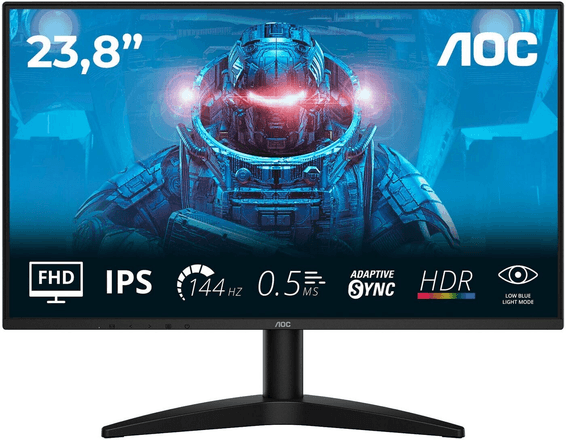
AOC
A Full HD gaming monitor with an IPS panel, 144 Hz and a 0.5 ms response time for smooth gaming. DisplayPort and HDMI ports for versatile use.
In stock
Delivery everywhereDelivered all over Morocco
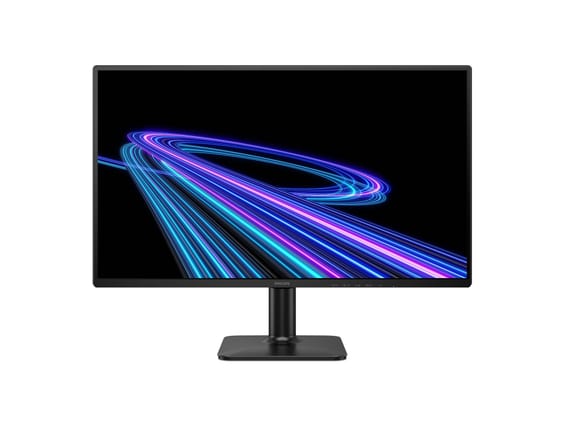
Philips
An IPS panel climbing to 180 Hz, 0.5 ms MPRT and HDR10 support, equally at ease with office work. EasyRead mode for reading close to paper and HDMI 2.1 ports.
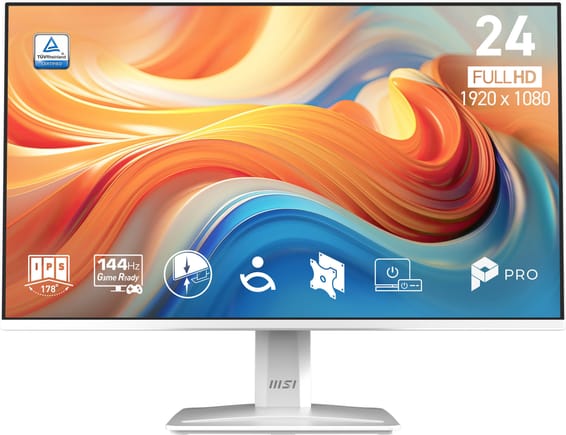
MSI
A white finish, rare on a PC monitor: IPS panel and 144 Hz for all-round use, from office work to occasional gaming. TÜV-certified, flicker-free screen to protect the eyes.
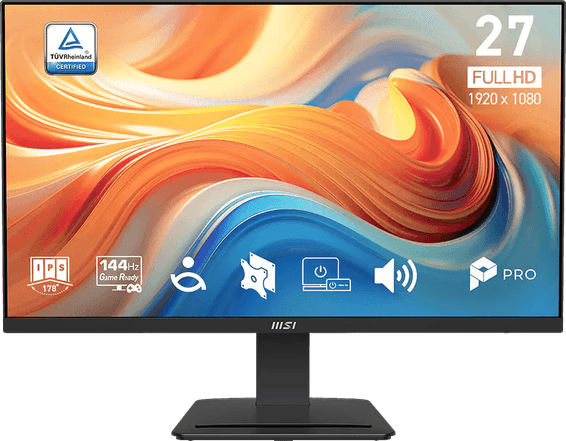
MSI
A versatile monitor, at ease from office work to gaming: an IPS panel, 144 Hz and a broad set of HDMI, DisplayPort and VGA ports. Flicker-free with a blue light filter for lasting viewing comfort.
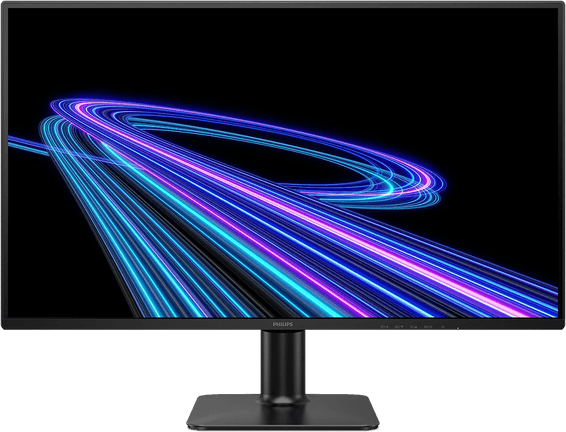
Philips
Large versatile format: IPS panel at 144 Hz, 0.5 ms MPRT and HDR10 support, from office to gaming. EasyRead mode for paper-like reading and Flicker-Free visual comfort.
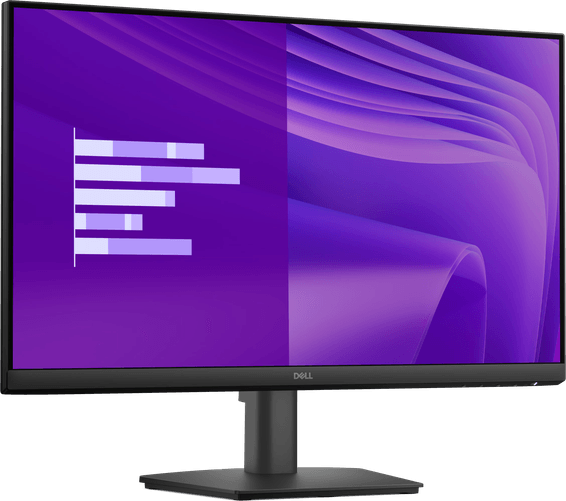
Dell
IPS panel and 100 Hz for a sharp, smooth picture, with full HDMI, DisplayPort and VGA connectivity. TÜV Rheinland 3-star certified against eye strain.
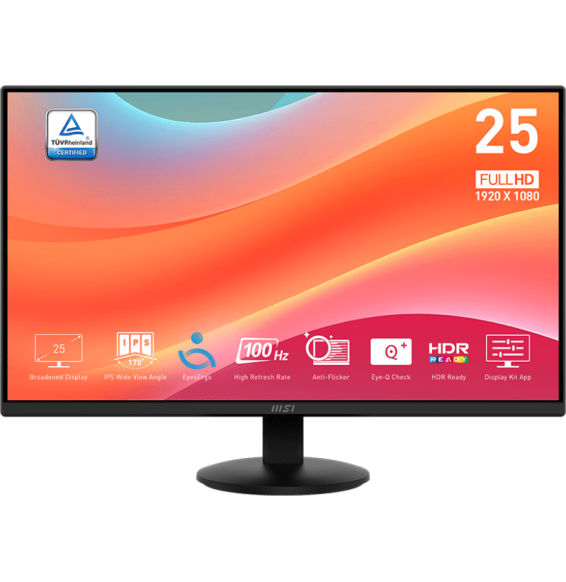
MSI
A simple, sharp office monitor for everyday use: 100 Hz for extra smoothness and TÜV certified eye comfort. Stand tilting from −3.5° to +21.5°.
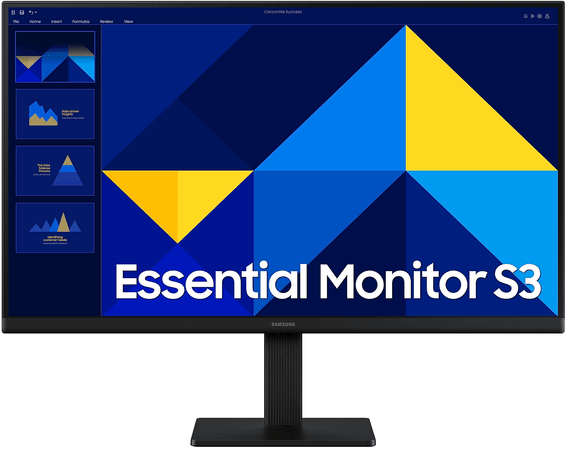
Samsung
A sharp, smooth monitor for everyday use: IPS panel with faithful colours and 100 Hz, more comfortable than a standard 60 Hz. Eye-strain mode for long sessions.
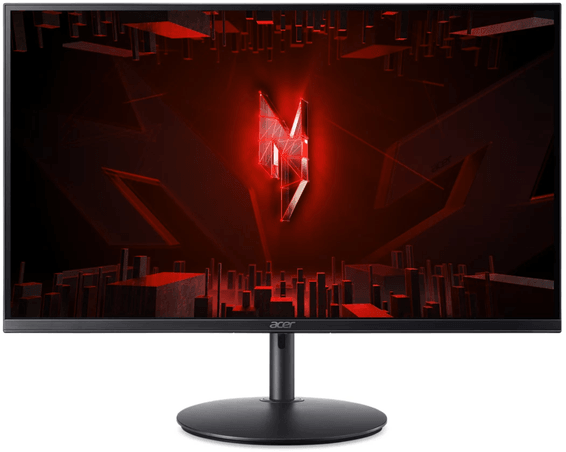
Acer
Responsive IPS gaming monitor at 180 Hz with FreeSync Premium and 1 ms response. HDR10, Black Boost mode for dark scenes, and full ergonomics (height, 360° swivel) that are rare in this range.
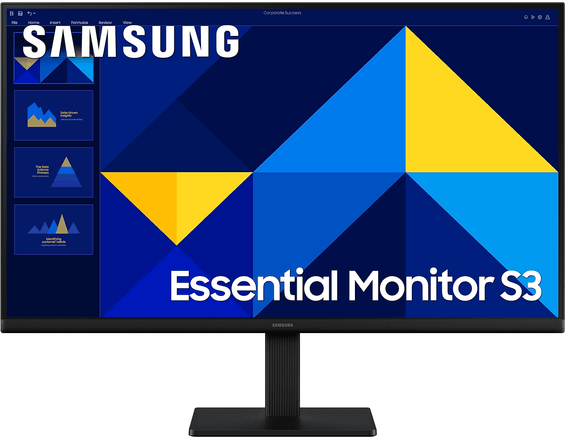
Samsung
A sharp, smooth monitor for everyday use, in a large format for more comfortable reading: IPS panel with faithful colours and 100 Hz. HDMI and VGA connectivity, works with older PCs.
In stock
Delivery everywhereDelivered all over Morocco
In stock
Delivery everywhereDelivered all over Morocco
In stock
Delivery everywhereDelivered all over Morocco
In stock
Delivery everywhereDelivered all over Morocco
In stock
Delivery everywhereDelivered all over Morocco
In stock
Delivery everywhereDelivered all over Morocco
In stock
Delivery everywhereDelivered all over Morocco
In stock
Delivery everywhereDelivered all over Morocco
In stock
Delivery everywhereDelivered all over Morocco