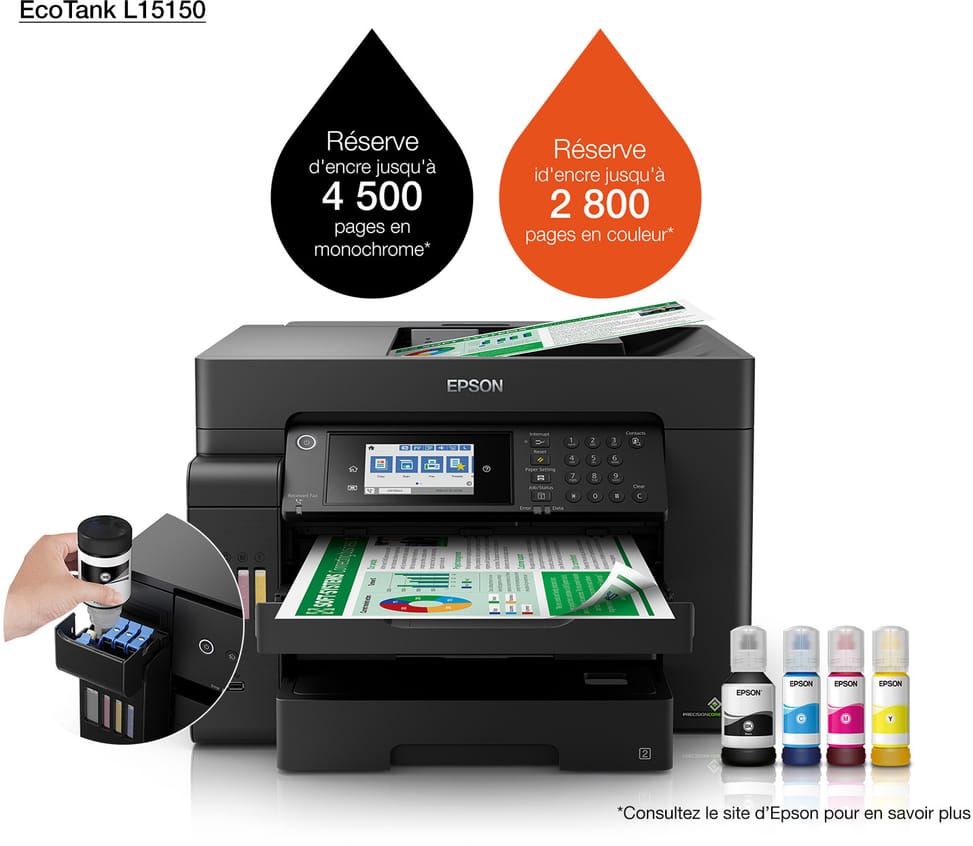
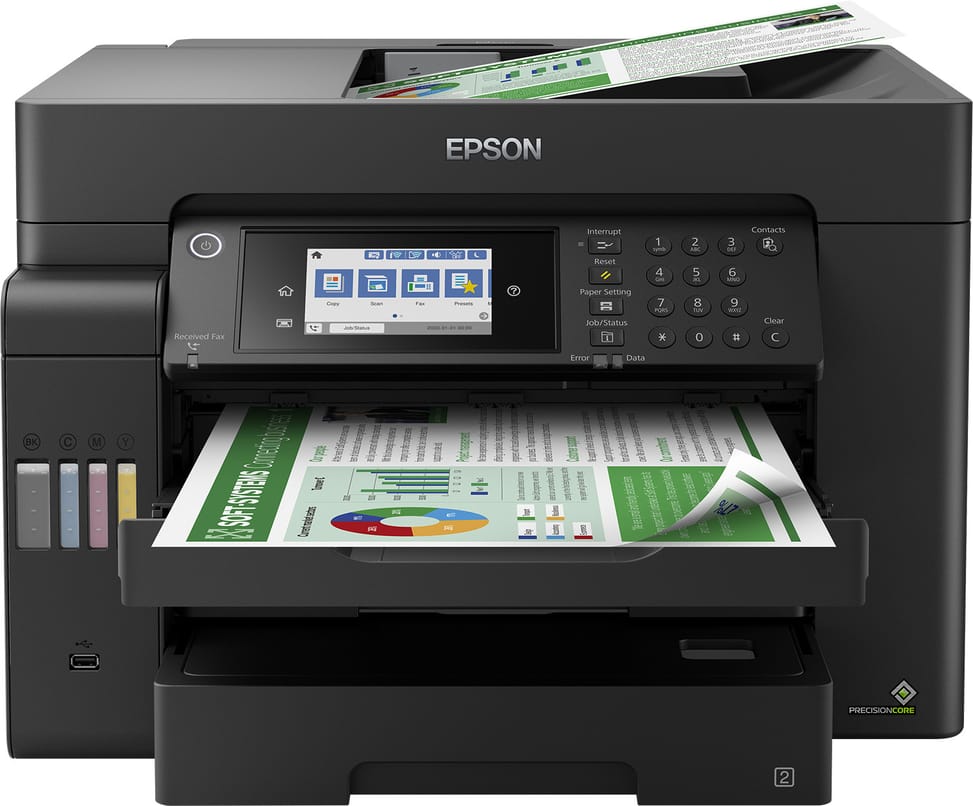
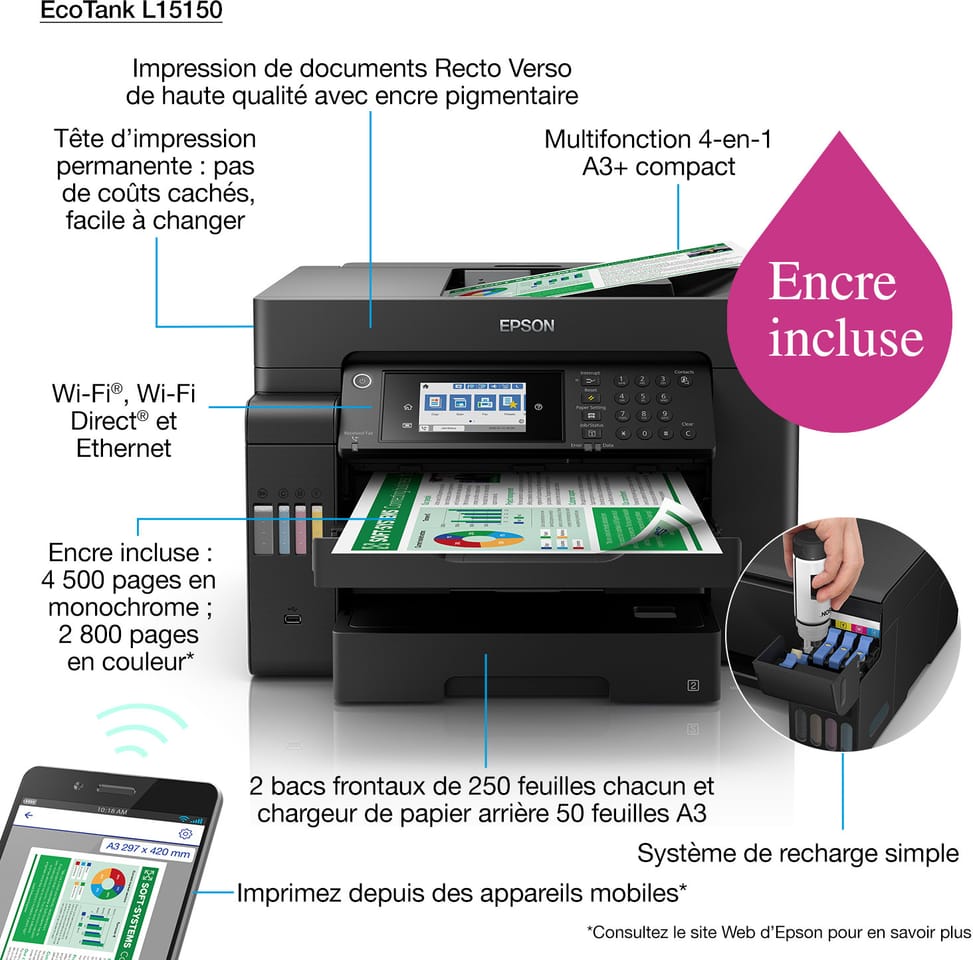
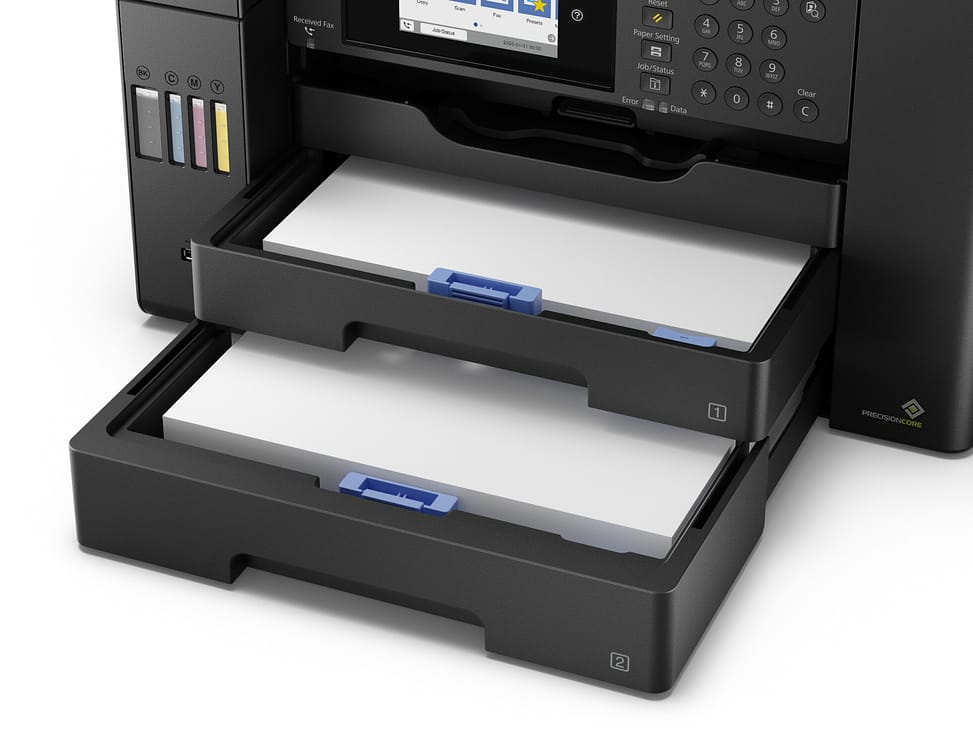
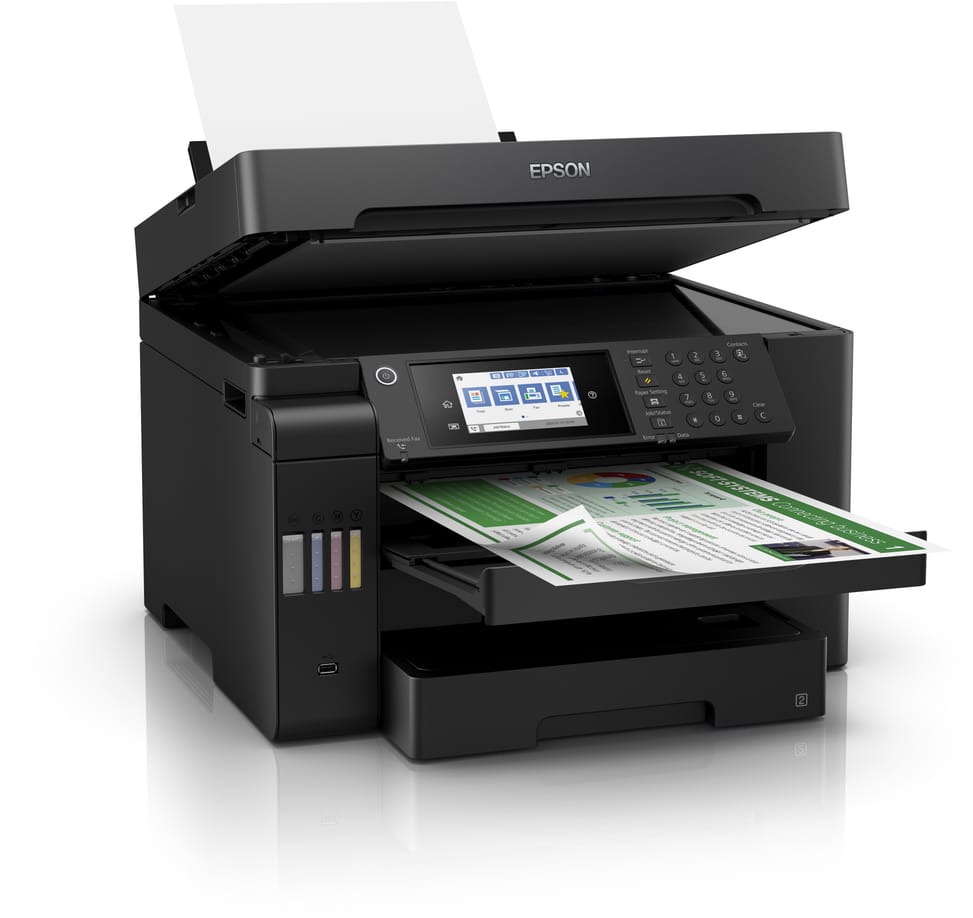
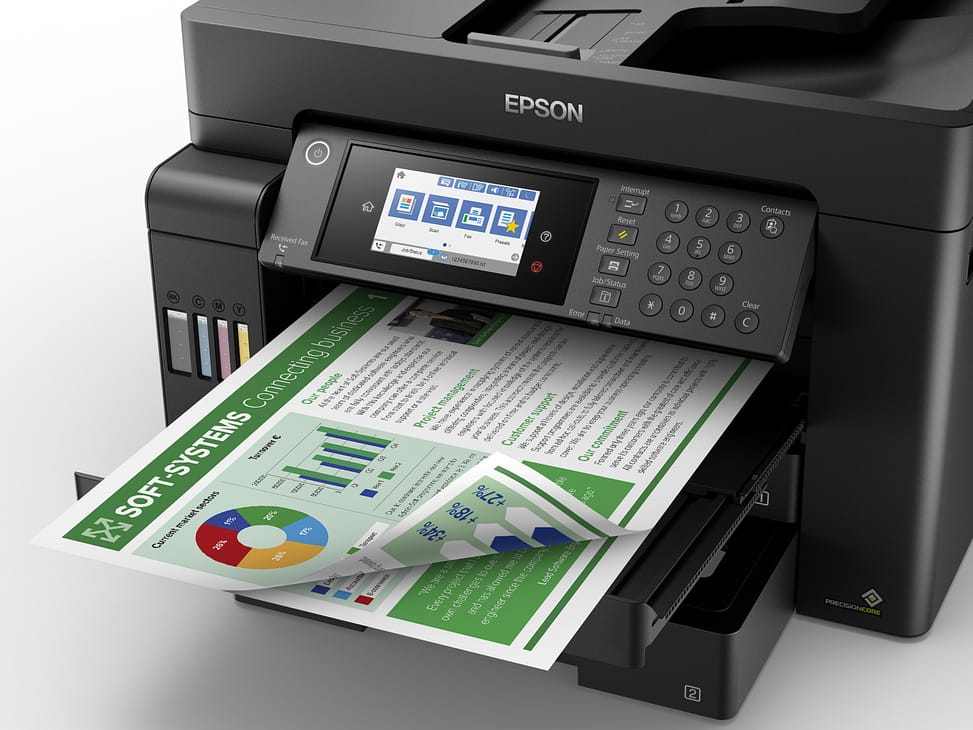
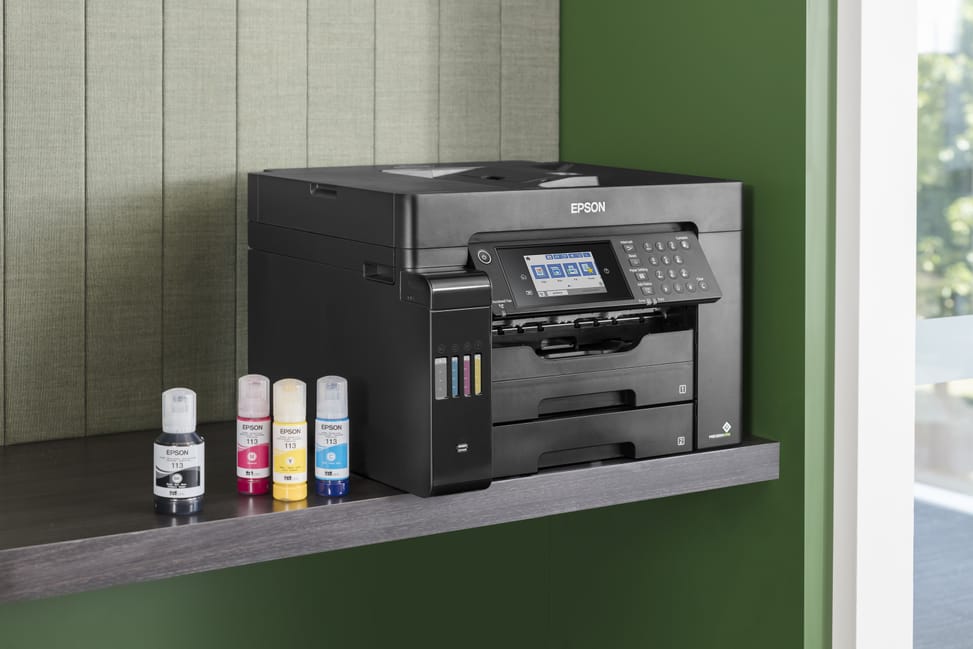
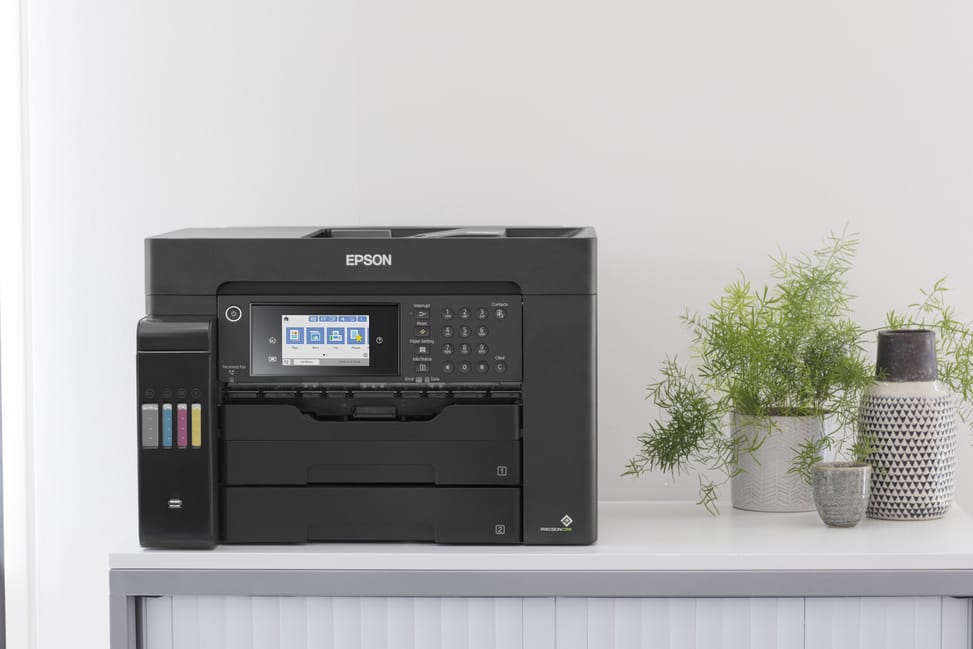
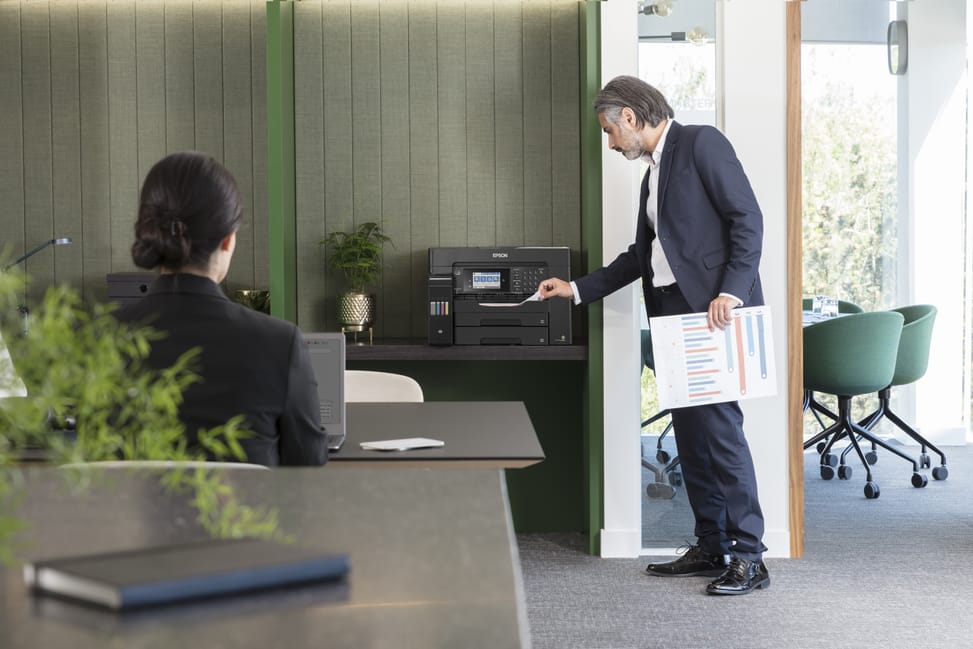
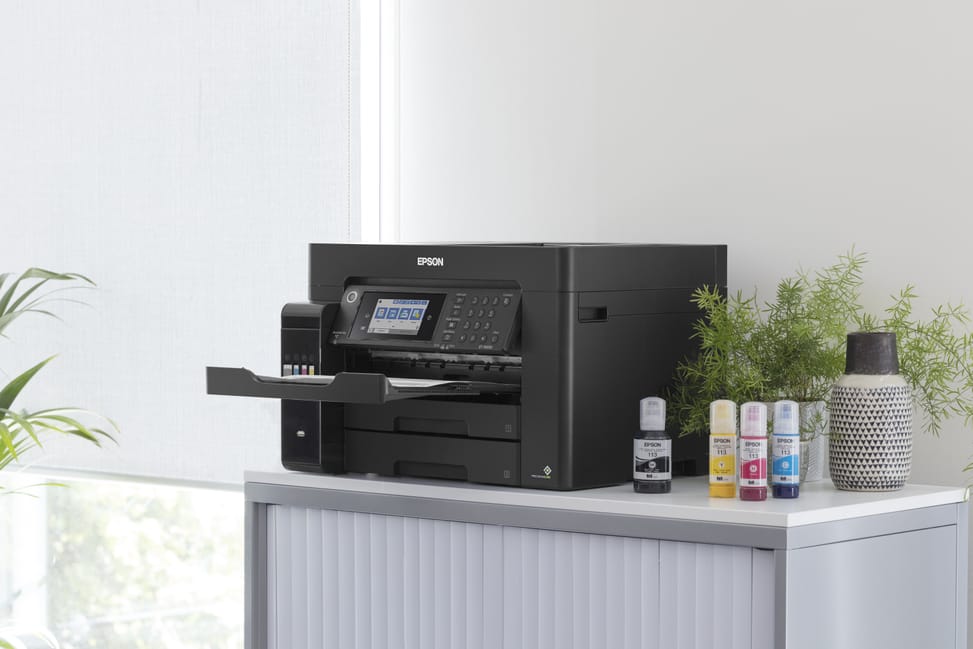
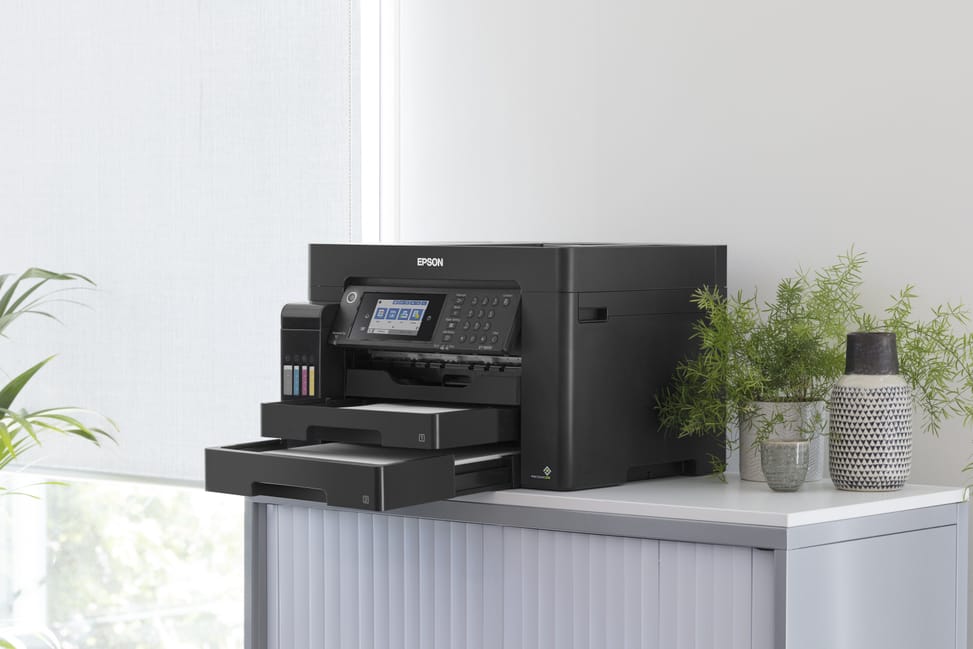
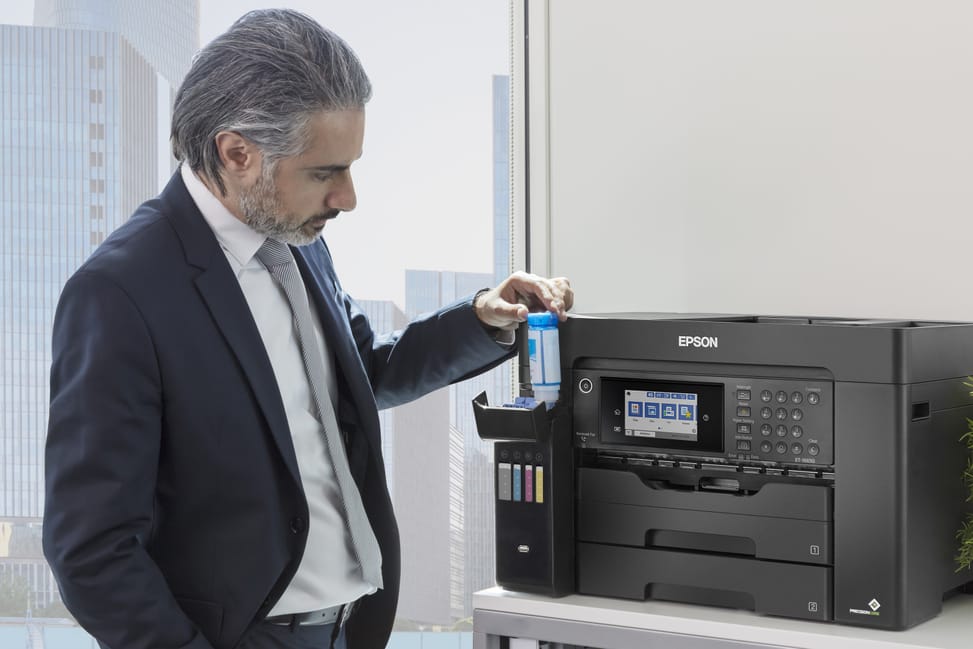
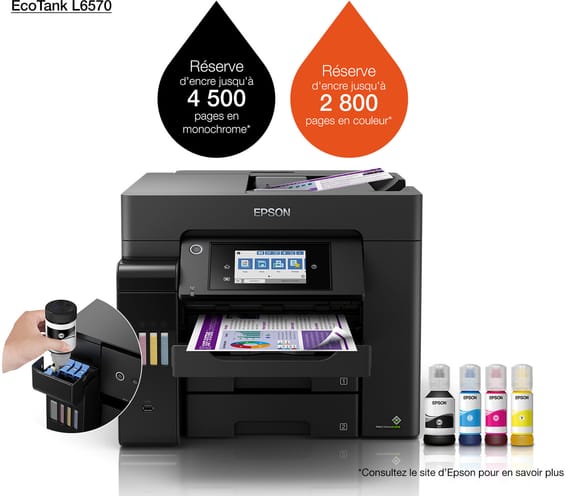
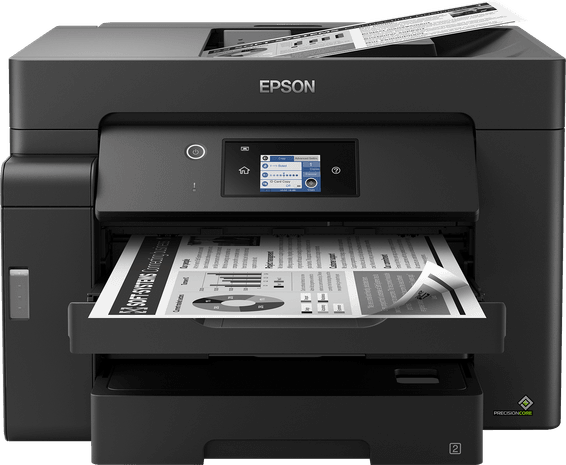
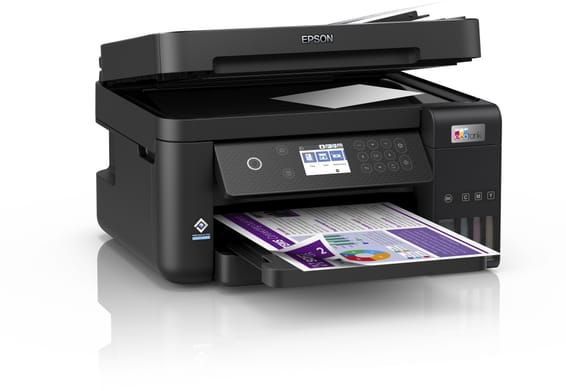
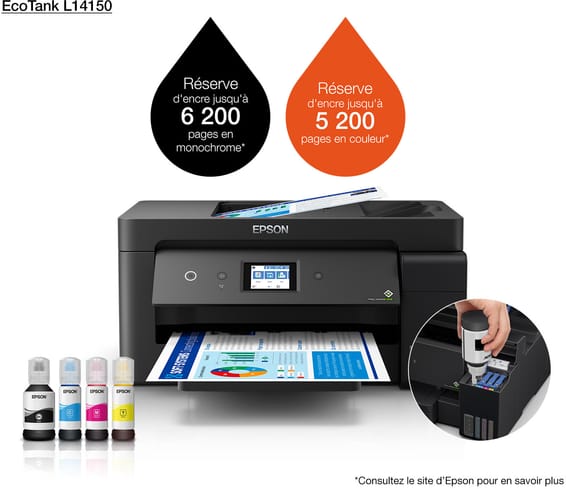
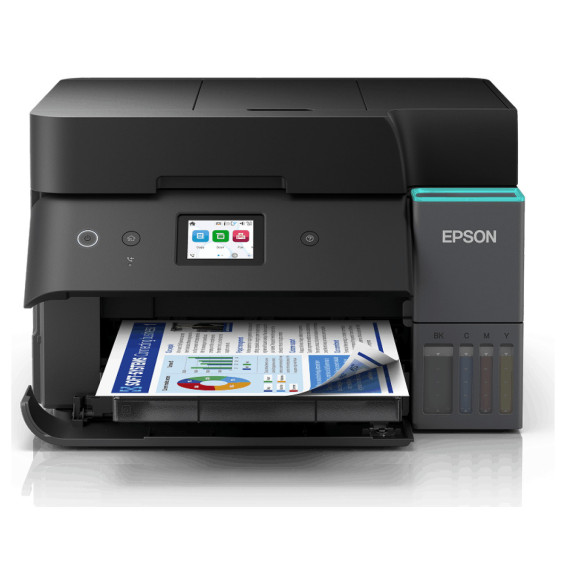
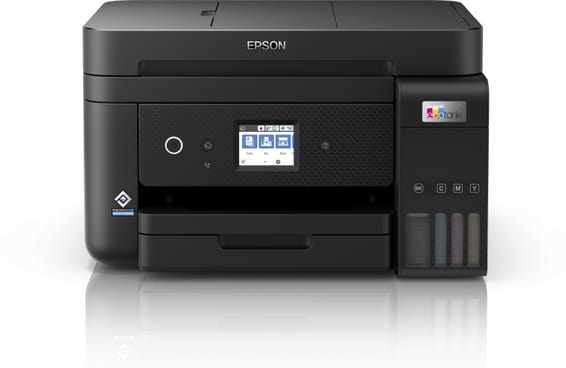
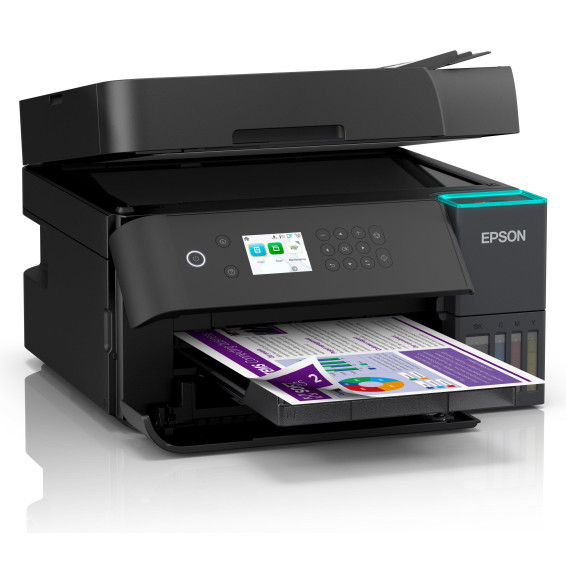
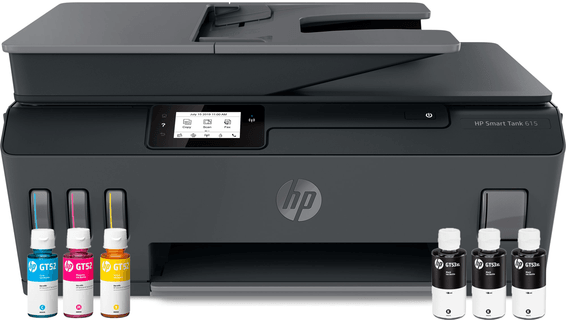
A3+ ink tank multifunction printer for the demanding office: printing up to A3+, duplex scanning and automatic duplex printing. Functions: print, copy, scan and fax Format: prints every size up to A3+; scanning and document feeder in A4 Ink supplied: enough for 4,500 black pages and 2,800 colour Speed: 32 ppm in black, 22 in colour · Resolution 4800 × 2400 dpi Ink: 4 separate tanks · durable fixed printhead Duplex printing: automatic · Scanning: duplex document feeder Paper tray: 250 sheets · Display: colour touchscreen Connectivity: Wi-Fi, Wi-Fi Direct, Ethernet and USB Productive wide-format printing with a cost per page kept under control.
Be the first to review this product and help other customers.
Write a review
Frequently asked questions about this product
Is the L15150's print head permanent, or does it need replacing?
It is permanent: the PrecisionCore Heat-Free head is built into the machine and lasts for the printer's entire service life. So you only ever buy ink bottles, never a print unit.
How many pages does the supplied ink print, and what do you refill with afterwards?
4,500 pages in black and 2,800 in colour with the supplied set, i.e. one 127 ml black bottle and three 70 ml colour bottles. Refills are then done with Epson 112 bottles, which take the yield even further: 7,500 pages in black and 6,000 in colour.
Is duplex automatic, including for scanning?
Yes, on both counts: automatic duplex printing and duplex scanning from the automatic document feeder, at 11.5 images/min in black versus 26 in single-sided mode. You can therefore scan a stack of double-sided documents without having to turn it over halfway through.
How many sheets can you load before having to refill the machine?
Up to 550 sheets: two 250-sheet front trays that accept A3, plus a 50-sheet rear feeder. The automatic document feeder, for its part, takes 50 sheets for copying and scanning.
Can it print on envelopes and heavy paper, or only on A4?
It goes from A6 to A3+ (including A3, A4, A5 and B6) and accepts DL and No. 10 envelopes. Supported paper weights range from 64 to 255 g/m².
What is in the box, and is a USB cable supplied?
The USB cable is not supplied: make sure you have one if you connect the printer by cable rather than over the network. The box contains the printer, the full ink set (1 × 127 ml black and 3 × 70 ml colour), the power cable, the quick start guide and the user instructions.
Can it be shared on the company network without using Wi-Fi?
Yes, it has an Ethernet port in addition to Wi-Fi and Wi-Fi Direct. Wired, it becomes a network printer accessible from the office workstations; Wi-Fi Direct lets you print from a smartphone or tablet via the Epson iPrint app.
Does it need a particular spot for installation?
Yes: it measures 515 × 500 × 350 mm and weighs 20.2 kg, which makes it better suited to dedicated furniture than to a corner of a desk. Also keep the rear clear, as that is where the 50-sheet paper feeder is located.
Is an A3 EcoTank really more economical than a cartridge-based A3 printer?
Over 3 years, the difference measured by IDC against A3 4-in-1 cartridge printers amounts to more than 50% in savings, hardware and consumables included, and up to 90% on printing costs alone. The principle is simple: ink bottles to pour into the tanks, instead of cartridges to replace.
32 pages per minute claimed: what should you expect on a real office document?
25 pages/min in black and 12 in colour under the ISO standard, the only measure that can be compared from one manufacturer to another; the 32 and 22 pages/min are the maximum values. The first page comes out in 5.5 seconds, which matters as much as throughput for short everyday print runs.
Can you copy, scan and fax without switching on a computer?
Yes. The 10.9 cm colour touchscreen and the fixed buttons control printing, copying, scanning and fax directly from the front panel. The automatic document feeder takes in the stack of pages, with no workstation needed.
Which computers can be connected to the L15150?
Windows PCs, from XP to Windows 10, the Windows Server 2003 R2, 2008 R2, 2012 R2 and 2016 editions, as well as Macs from Mac OS X 10.6.8 onwards.
Is the printer new and under warranty?
Yes: it is new and genuine Epson, reference C11CH72403, supplied with its invoice, which serves as the 1-year warranty. Full specifications are in the manufacturer datasheet (PDF).
Ink supplied for 6,000 black pages and 14,000 in colour. Automatic duplex, document feeder and tilting touchscreen, for a self-sufficient office workstation.
Ink included for 2,300 high-quality photos. 6 colours including a pigment black for text and a dedicated grey for black and white shades, touchscreen and automatic duplex.
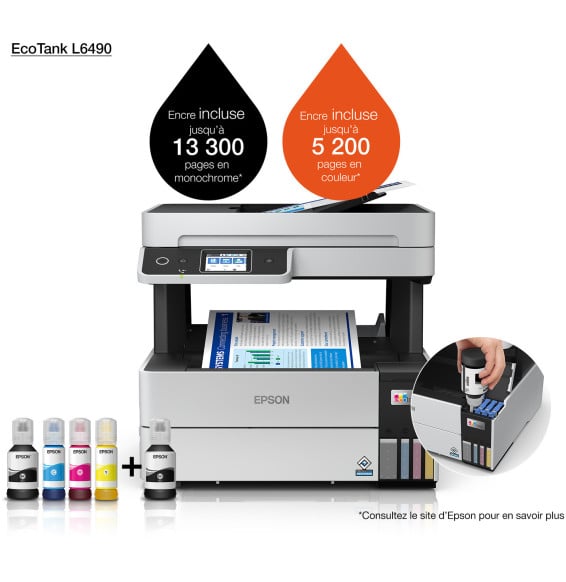
Ink included for 14,000 black and 5,200 colour pages, at a minimal cost per page. Automatic duplex and automatic document feeder, pigment black ink for sharp, durable text.
Starter ink included for 5,000 black pages and 5,000 in colour (up to 6,000 / 14,000 with full GI-46 bottles). Entry point of the MAXIFY GX range, with a 250-sheet cassette and a 100-sheet rear tray.
Ink supplied for 15,100 black pages and 5,500 in colour, at a minimal cost per page. 4-in-1 with fax, automatic duplex and document feeder, driven from the touchscreen.
Ink supplied for 14,000 black pages and 5,200 in colour, at a minimal cost per page. 4-in-1 with fax, automatic duplex and document feeder, driven from the touchscreen.
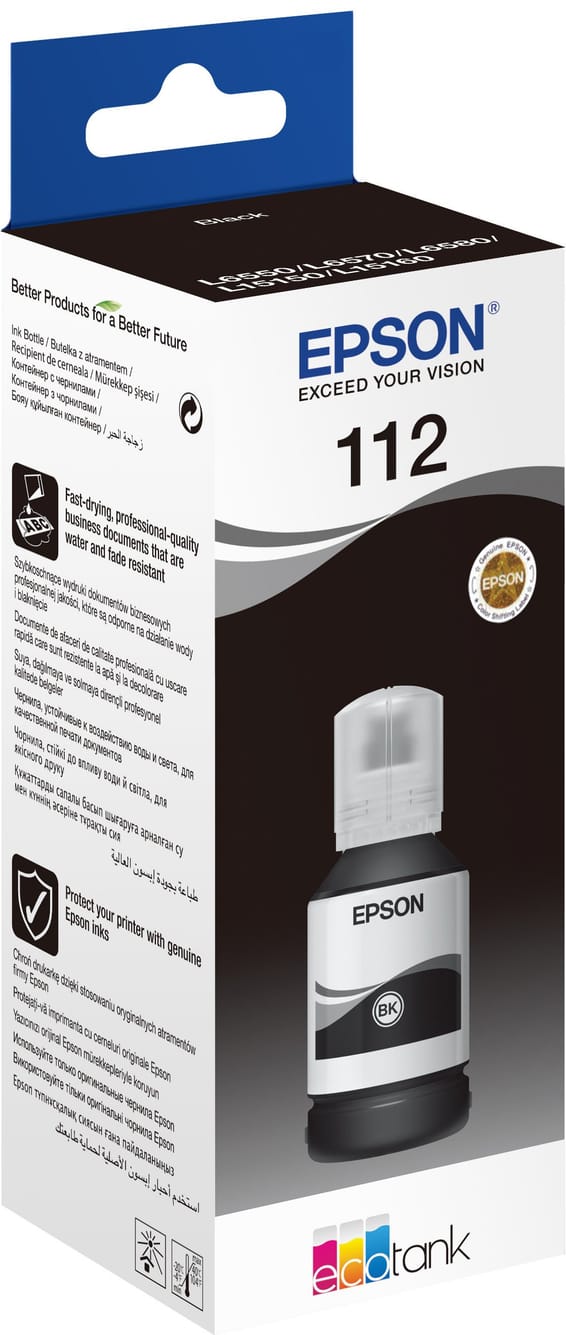
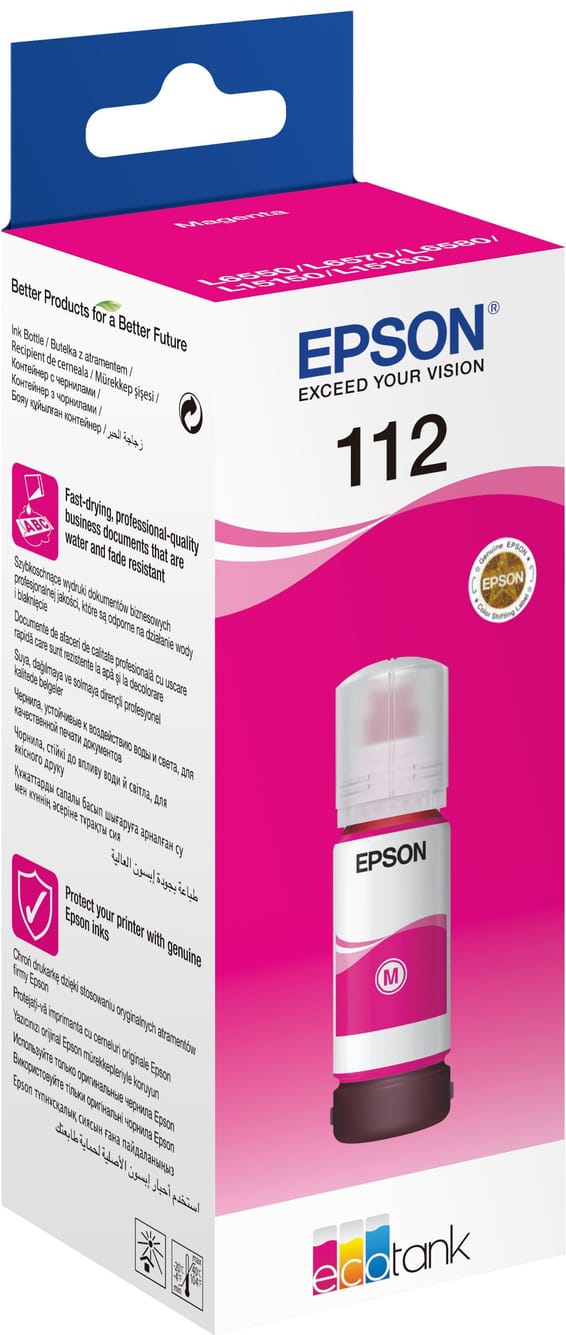
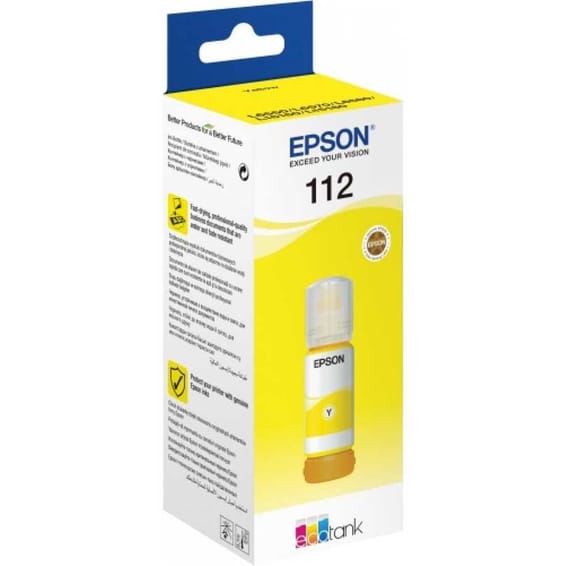
Fast drying and a pigment formula: prints resist smudging and highlighters, and duplex runs through without smearing. Up to 7,500 pages in monochrome per ink kit.
•Compatible with EcoTank L6490, L6550, L6570 and L11160
•Compatible with EcoTank L15150, L15160 and M15140
•Compatible with EcoTank Pro L6580, Pro L15180 and Pro M15180
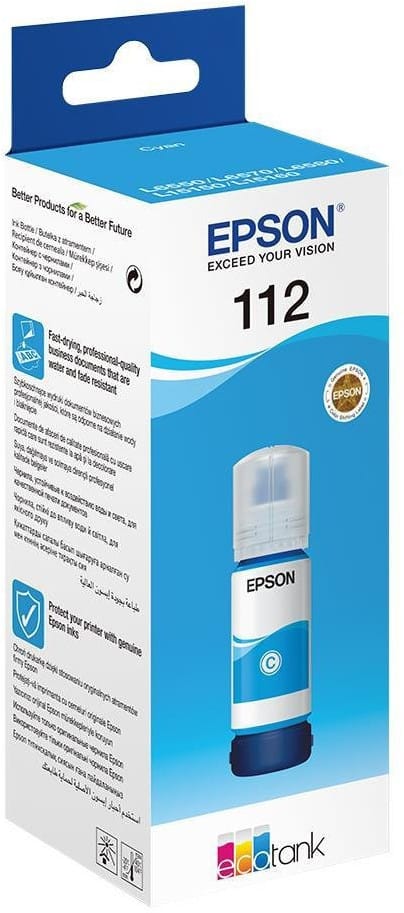
Smudge-resistant and highlighter-proof, this pigment formula dries quickly and suits double-sided printing. Up to 6,000 pages in colour per ink kit, on the EcoTank L6490, L15150 and Pro L6580.
Documents stay crisp even under a highlighter: the pigment formula dries fast and does not smudge, including in duplex. Up to 6,000 pages in colour per ink kit.
Up to 6,000 pages in colour with one 112 ink kit, in a fast-drying pigment formula that resists smudging and highlighters, right through to double-sided prints.
Tested for 10,000 connections and 10,000 bends, with a reinforced joint where it leaves the sleeve. Triple shielding and 24 carat gold-plated connectors for a stable link at 480 Mbps.
Suggestions
Epson
•Compatible with EcoTank L6490, L6550, L6570 and L11160
•Compatible with EcoTank L15150, L15160 and M15140
•Compatible with EcoTank Pro L6580, Pro L15180 and Pro M15180
In stock
250 DHincl. VAT250,00 DHincl. VAT315 DH315,00 DH
Delivery everywhereDelivered all over Morocco
•Compatible with EcoTank L6490, L6550, L6570 and L11160
•Compatible with EcoTank L15150, L15160 and M15140
•Compatible with EcoTank Pro L6580, Pro L15180 and Pro M15180
In stock
250 DHincl. VAT250,00 DHincl. VAT315 DH315,00 DH
Delivery everywhereDelivered all over Morocco
•Compatible with EcoTank L6490, L6550, L6570, L11160, L15150, L15160
•Compatible with EcoTank Pro L6580, Pro L15180, Pro M15180 and EcoTank M15140
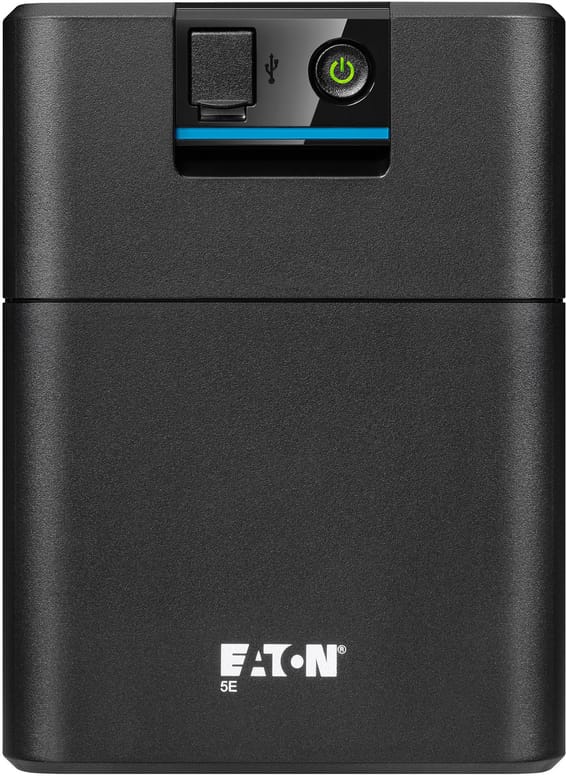
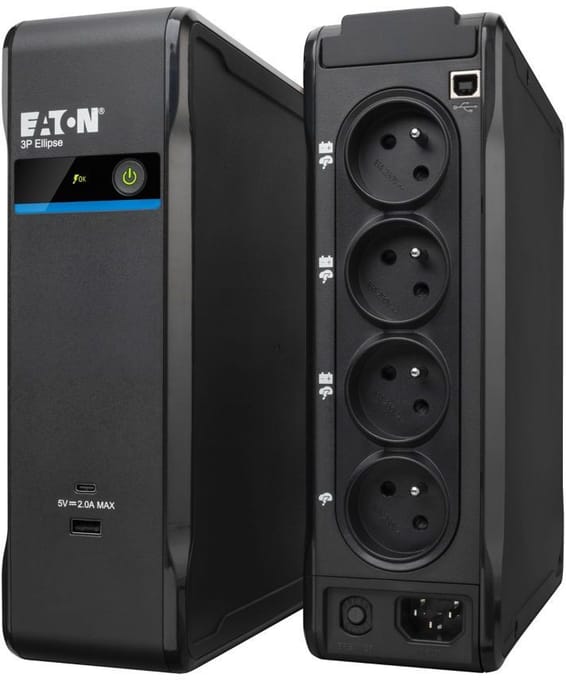
Automatic voltage regulation (AVR) that protects the battery from current fluctuations. French outlets for plugging your equipment in directly, without an adapter.
•Battery life: around 42 minutes for a PC
•Automatic voltage regulation (AVR) - protects the battery from current fluctuations
•French outlets - plug your equipment in directly, without an adapter
Ink supplied for 6,000 black pages and 14,000 in colour. Automatic duplex, document feeder and tilting touchscreen, for a self-sufficient office workstation.
•Ink included: 6,000 black pages, 14,000 in colour
Ink supplied for 14,000 black pages and 5,200 in colour, at a minimal cost per page. 4-in-1 with fax, automatic duplex and document feeder, driven from the touchscreen.
•Ink included: 14,000 black pages, 5,200 in colour
Ink supplied for 15,100 black pages and 5,500 in colour, at a minimal cost per page. 4-in-1 with fax, automatic duplex and document feeder, driven from the touchscreen.
•Ink included: 15,100 black pages, 5,500 in colour
Ink included for 14,000 black and 5,200 colour pages, at a minimal cost per page. Automatic duplex and automatic document feeder, pigment black ink for sharp, durable text.
The office model of the range: an automatic feeder that scans both sides in a single pass, a 250-sheet tray, an Ethernet port and a colour display. The ink supplied covers 15,100 pages in black.
•Automatic feeder, both sides in a single pass
•15,100 black and 5,500 colour pages with the ink supplied