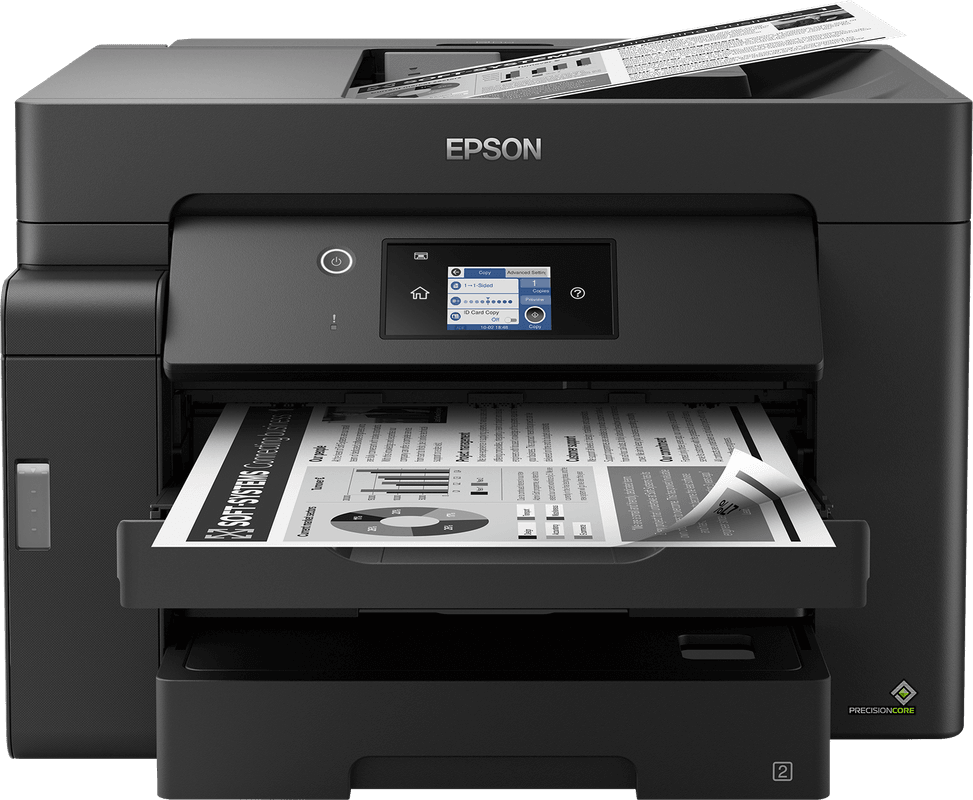
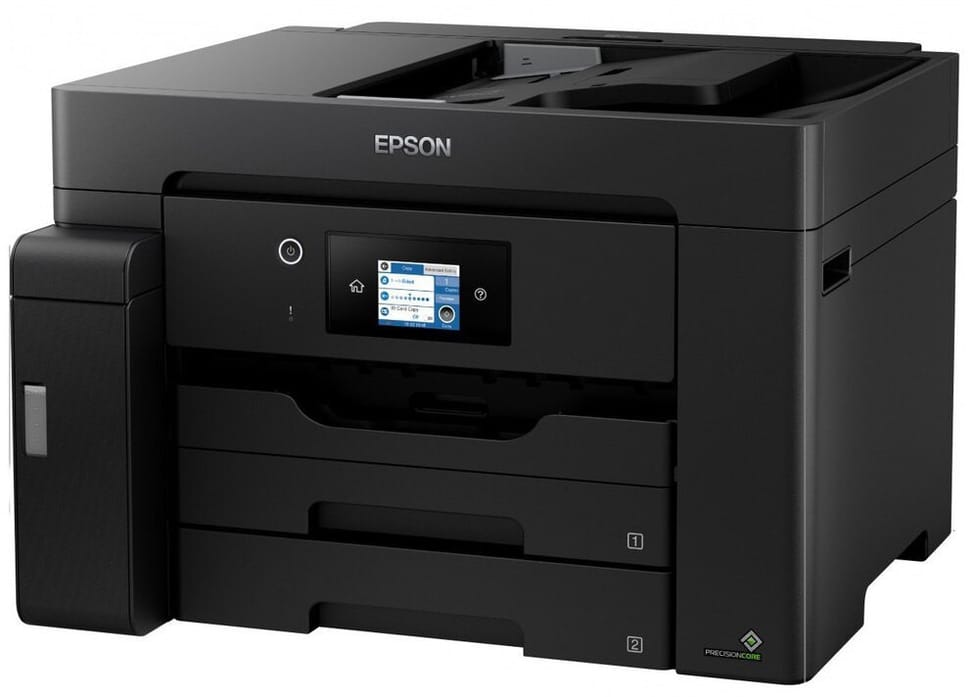
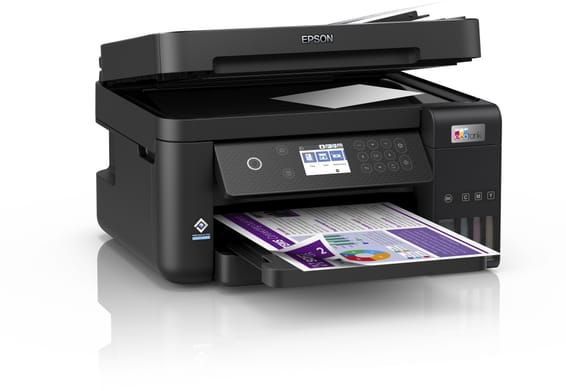
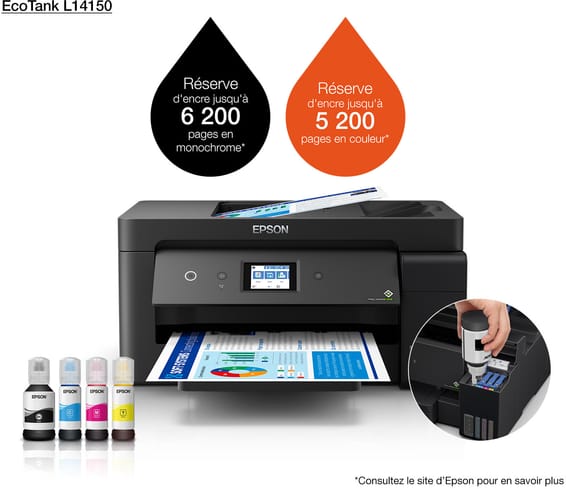
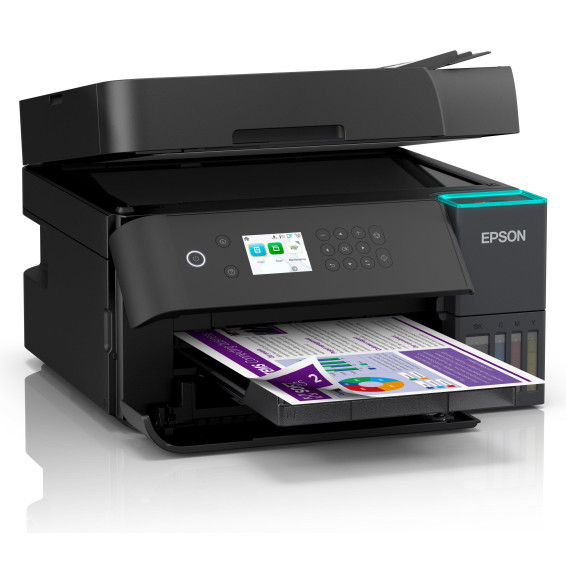
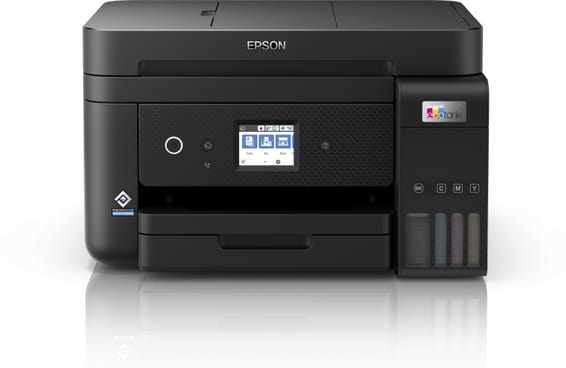
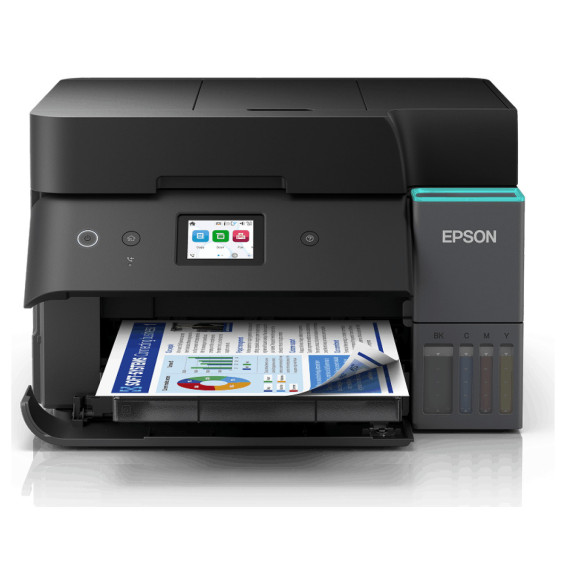
Does the Epson EcoTank M15140 print in colour?
No, it prints in black and white only. This is a deliberate choice: a single tank, pigment ink, and a very low cost per page on documents. For colour, you need to look at an EcoTank model with four tanks.
Up to what paper size can the Epson M15140 print?
Up to A3+, including A3, B4, A4 and C4, C5, C6 and DL envelopes. This is the machine's key selling point: producing a plan, a spreadsheet or a double-page spread without going to an outside print shop.
What is the real print speed of the Epson M15140?
25 pages/min to ISO/IEC 24734, 16 pages/min in duplex, and 32 pages/min at peak. The first page comes out in 5.5 seconds: with no fuser to warm up, the machine prints as soon as the job is sent.
How many sheets can the M15140 hold at once?
550 sheets in total: two 250-sheet A3 front trays and a 50-sheet rear feeder. The two trays let you keep A4 in one and A3 in the other at all times, with no handling between jobs.
Does the Epson M15140 do automatic duplex?
Yes, for printing as well as scanning. It has a 50-sheet automatic document feeder that can read both sides of a stack unattended, so you can scan a complete file in one operation.
How fast does the M15140 scan a stack of documents?
26 images/min single-sided and 11.5 double-sided for black A4 from the feeder, 9 and 6 images/min in colour. From the glass, allow 5 seconds per page in black. The optical resolution is 1,200 x 2,400 dpi.
Is the Epson M15140 ink highlighter-resistant?
Yes. It uses DURABrite pigment ink, rated as highlighter-resistant and smudge-free. This is what sets this machine apart from colour EcoTank models with dye ink: text stays sharp on an annotated or archived document.
How many pages from the ink supplied with the M15140?
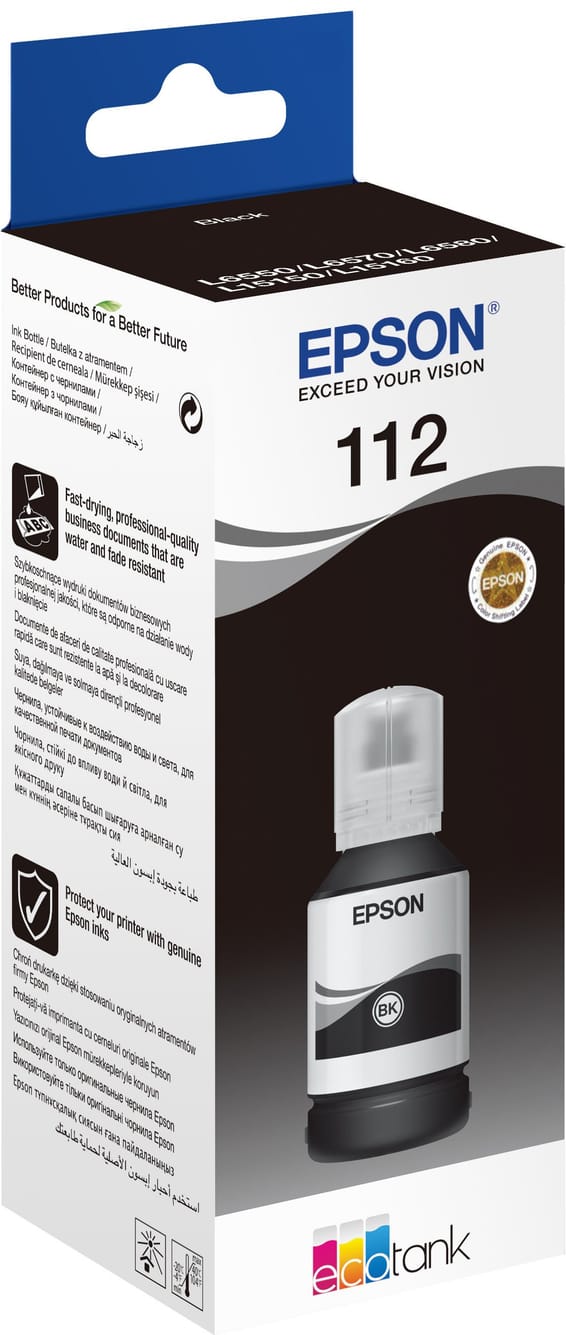
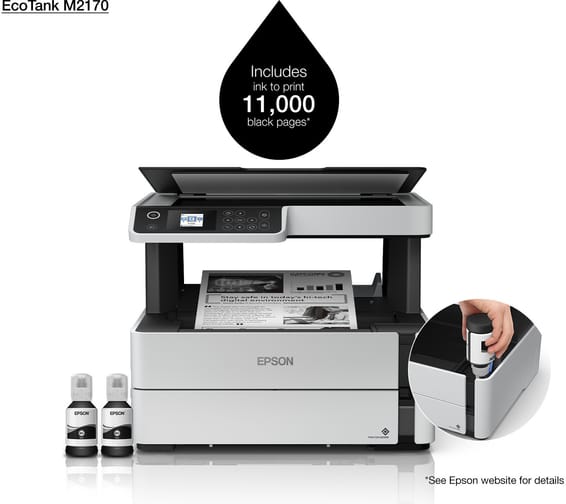
4,900 pages with the bottle included, and 7,500 pages with a replacement ink set. Refills are part number 112 EcoTank: only one bottle to buy, since the machine prints in black only.
How do you connect the Epson M15140 to the office network?
Via Ethernet, Wi-Fi or Wi-Fi Direct. The Ethernet port is what matters in a business: a fixed address, no dropouts, and the machine stays accessible to every workstation without depending on the quality of the wireless signal.
Can the Epson M15140 be operated from the machine itself?
Yes, via a 6.8 cm colour touchscreen on the front. Copying, scanning and settings can be launched directly from the machine, without going through a computer, which is essential on equipment shared between several workstations.
What paper weight does the Epson M15140 accept?
From 64 to 90 g/m². This is a deliberately office-oriented range: the machine is designed for everyday documents in high volume, not for card stock or heavy photo paper. Check the weight of your paper reams before ordering.
What monthly volume can the Epson M15140 handle?
It is designed for volumes of 500 to over 2,000 pages per month, with an 800-nozzle PrecisionCore Micro TFP head built to last and with no warm-up time. Its weight of 20.2 kg also signals office-grade mechanics, not a home printer.
Is the Epson EcoTank M15140 new and under warranty?
New, part number
C11CJ41403, in original Epson packaging, with its ink. The
USB cable is not supplied. The invoice serves as the warranty document for
1 year. The
Epson datasheet gives the specifications.