Can I use compatible toners from another brand to lower costs?
No. This printer only works with cartridges that have a new or reused HP chip: a dynamic security feature blocks other brands' chips, and firmware updates may block cartridges that previously worked. Reused, remanufactured or recycled cartridges with an HP chip remain usable.
How many pages do the toners supplied in the box last?
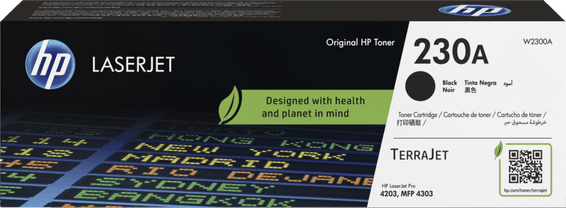
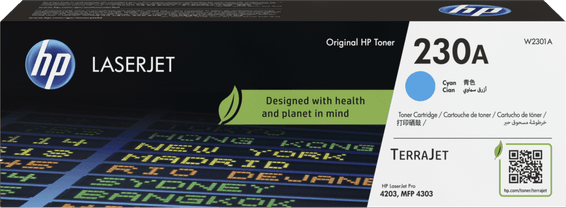
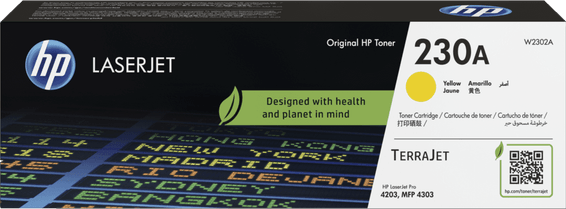
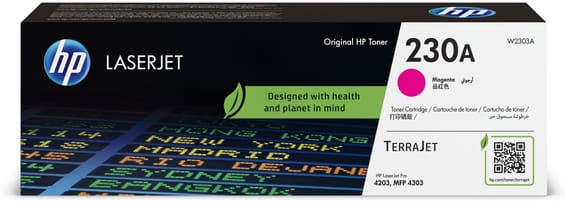
The four pre-installed toners deliver 2,000 pages in black; the three colours are 1,000-page sample cartridges. After that, HP 230A toners yield 2,000 pages in black and 1,800 per colour, and the 230X high-capacity toners go up to 7,500 and 5,500 pages — these are the ones to choose to bring down the cost per page.
What exactly is in the box, and is the cable included?
The printer, its 4 pre-installed toners, the power cable, the reference guide and the setup card. However, the USB cable is not included and no software is supplied in the box: have a USB or network cable ready, and download the drivers from the HP website before starting the installation.
Can I print from an iPhone or an Android device even though it has no Wi-Fi?
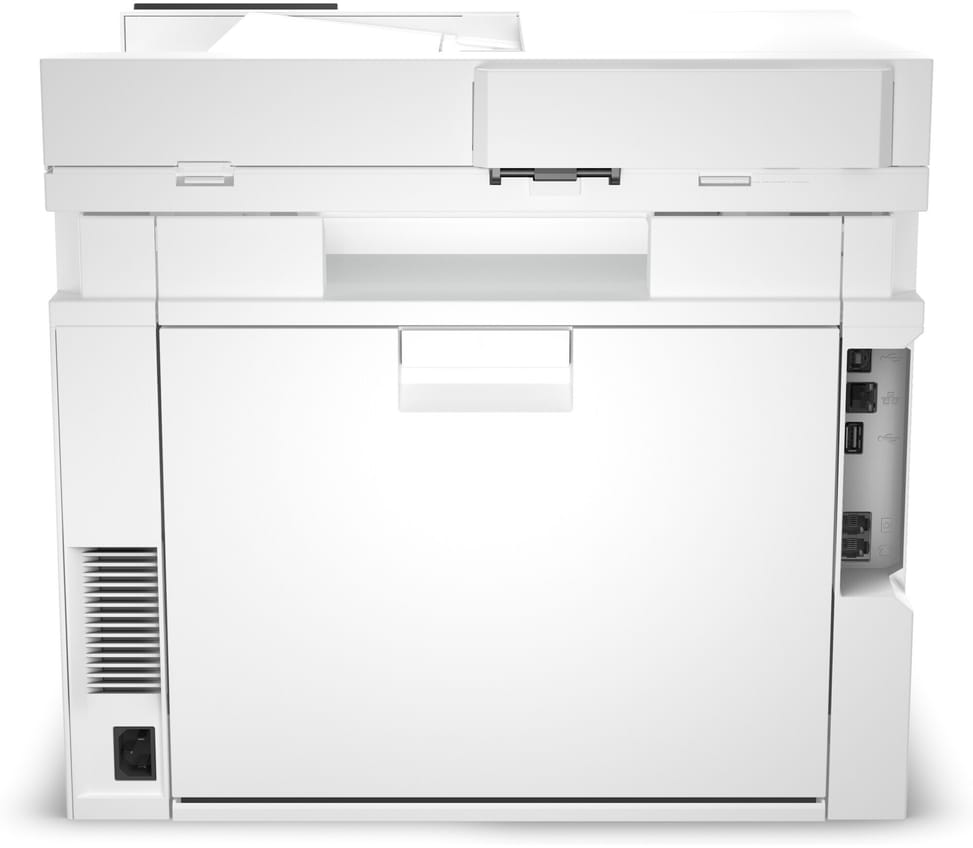
Yes. Once connected to the network through its Gigabit Ethernet port, it is accessible to every device on the same network: Apple AirPrint, Mopria certification and the HP Smart app let you print and scan from a mobile device, with no cable and no driver to install on the phone.
Does the document feeder scan both sides in a single pass?
Yes: the 50-sheet feeder captures both sides in a single pass, at up to 44 ipm in black and white and 35 in colour — you never have to turn the stack over. It accepts documents from 60 to 120 g/m², from 102 × 152 mm up to Legal size (216 × 356 mm).
Can I scan directly to email from the screen, and in which formats?
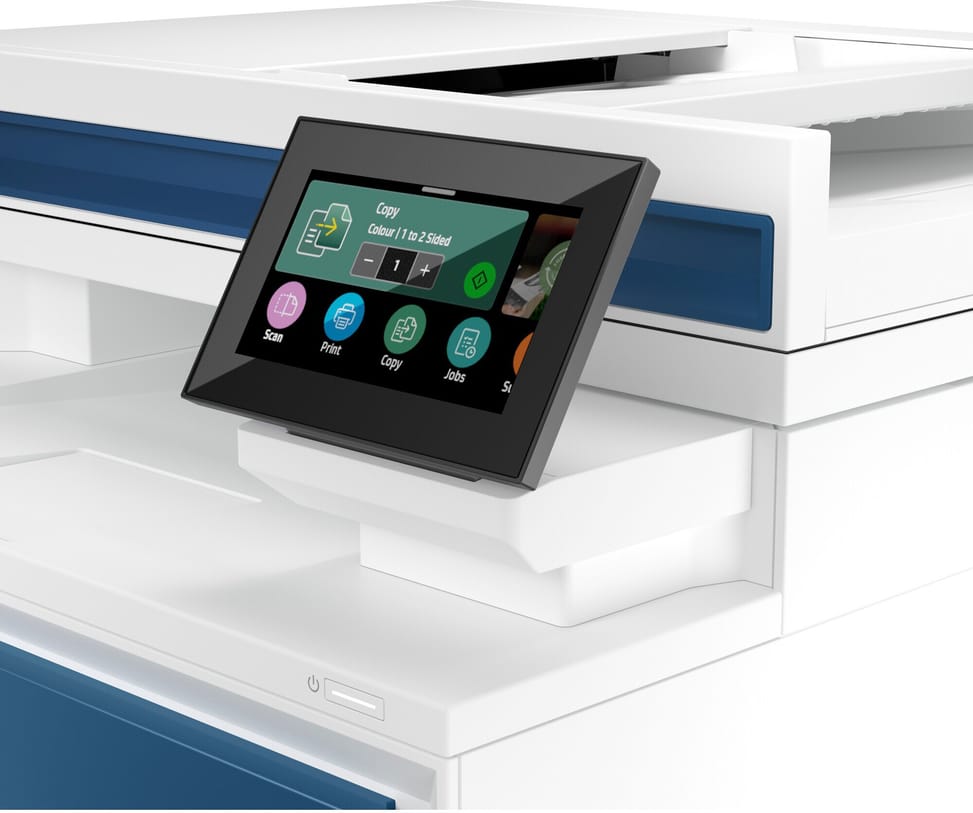
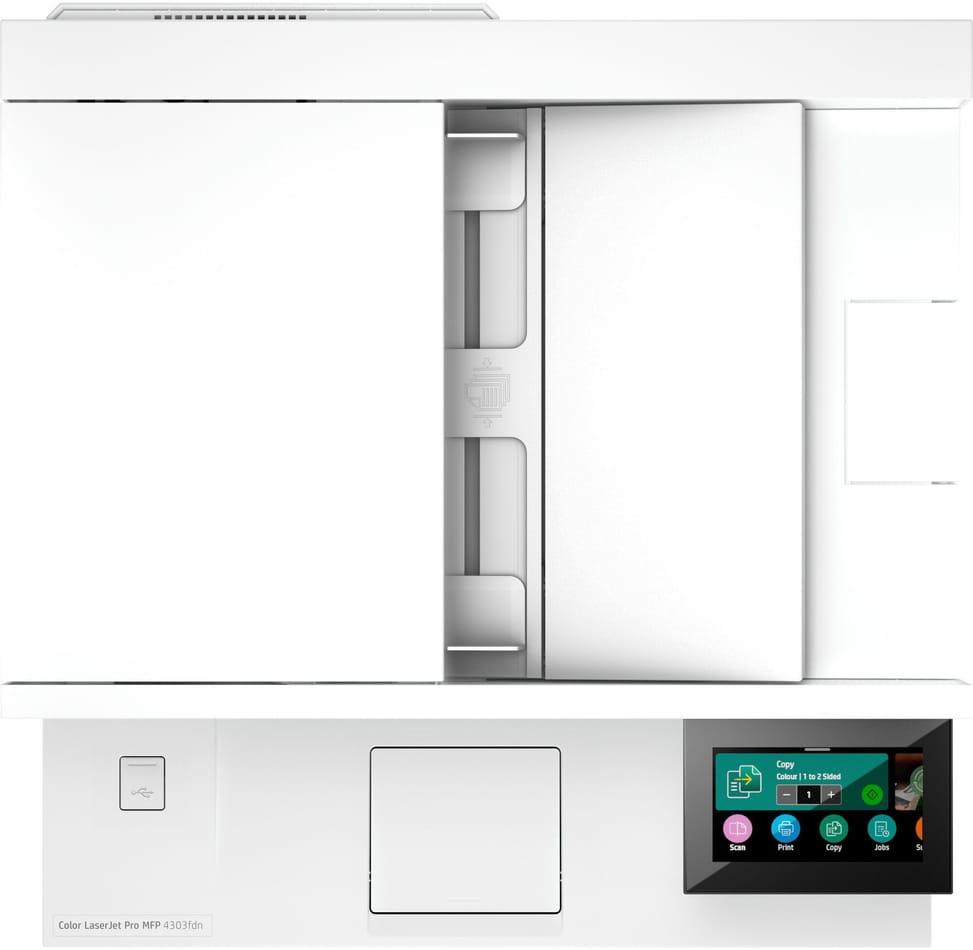
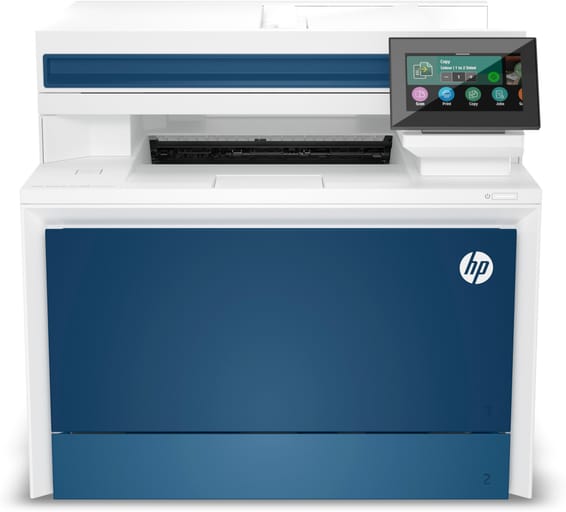
Yes: the 4.3-inch touchscreen offers buttons for scanning, copying, sending by email and creating files. Documents are saved as PDF, JPG or TIFF, with an optical resolution of up to 1,200 dpi and a 30-bit depth. The flatbed scanner handles A4, and the automatic feeder goes up to Legal size.
Can the paper capacity be increased beyond 300 sheets?
Yes. On top of the two original trays (50-sheet multipurpose and 250-sheet), you can add an optional third 550-sheet tray, part number 28N93A, which brings input capacity to 850 sheets. Output stays at 150 sheets, and memory is fixed at 512 MB of DRAM and 512 MB of flash: that is both its standard configuration and its maximum.
How many people in an office is it sized for?
It is designed for teams of up to 10 users. The recommended monthly volume is 750 to 4,000 pages, for a maximum duty cycle of 50,000 pages per month: if you regularly go beyond 4,000 pages a month, it is better to move up a class than to wear the machine out prematurely.
Can it print on envelopes, labels or heavy paper?
Yes: DL, C5 and B5 envelopes, postcards, labels, glossy, letterhead, punched or recycled paper. The multipurpose tray takes 5 envelopes (10 in the 250-sheet tray) and weights from 60 to 176 g/m², up to 200 g/m² with HP Color Laser glossy photo paper, with a maximum of 20 envelopes in the output tray.
Is it noisy, and how much power does it actually use?
It emits 50 dB(A) of sound pressure and has a quiet mode. On the power side: 585 W when printing, 18 W when idle, 0.8 W in sleep mode and 0.07 W when off, that is 0.422 kWh per week in typical use. Auto-On/Auto-Off technology switches it off and back on automatically between print runs.
How much space is needed, and can one person carry it?
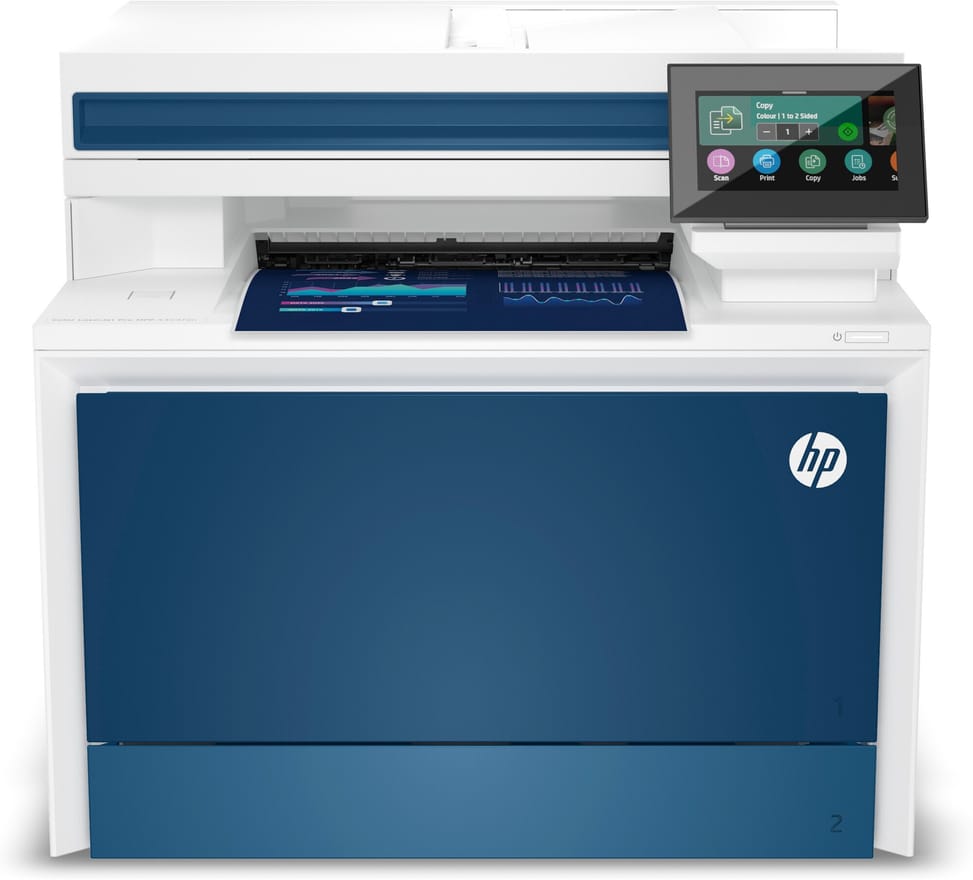
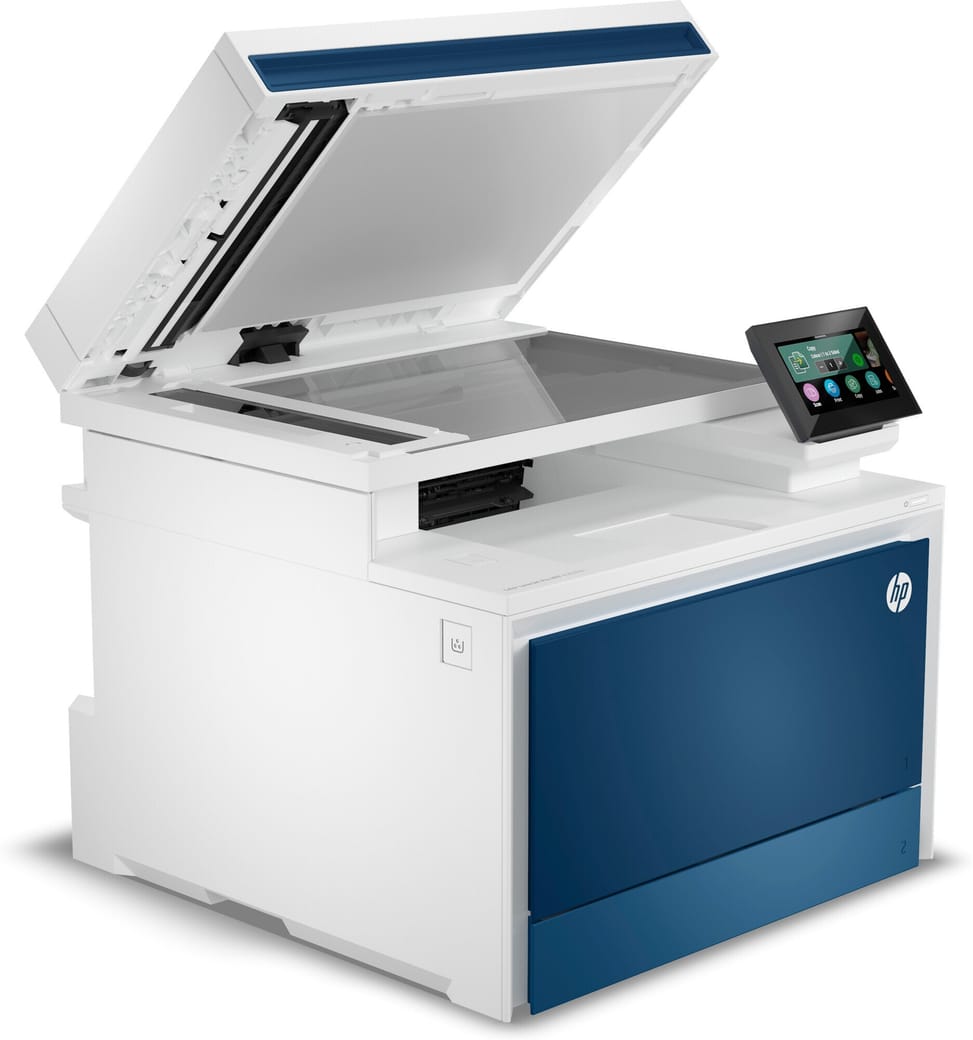
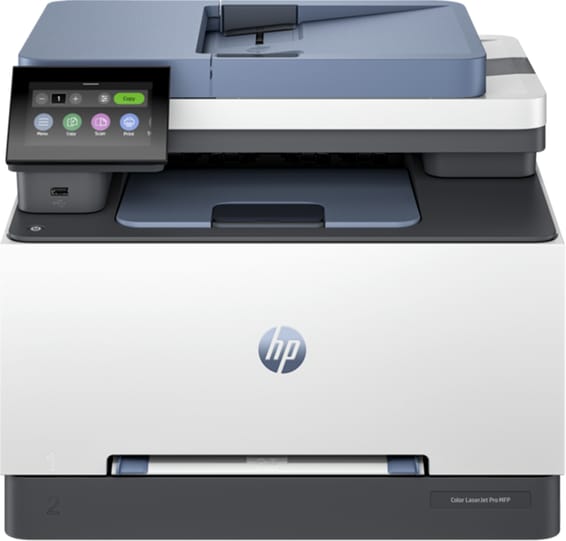
Allow 421 × 543 × 384 mm with trays extended, 427 mm deep at minimum, and above all 20.41 kg on the scales, 24.6 kg with packaging: plan on two people to set it up, on a sturdy surface. It needs a room between 10 and 32.5 °C, at 30–70% non-condensing humidity.
Does it work with a Mac, a Linux computer or a Chromebook?
Yes: Windows 10 and 11, macOS 10.15 to 13, Linux, Chrome OS, Citrix, Android and iOS are supported, as well as Windows Server, UNIX, Novell and SAP on the network side. It speaks PCL 6, PCL 5e and PostScript level 3 emulation and has 84 built-in TrueType fonts, which makes it easier to integrate into an existing fleet.
How good is its security for business use?
It ships with HP Wolf Pro Security settings preconfigured and verifies the signature of its boot code every time it is powered on. The network is covered by 802.1x authentication, SNMPv3 and HTTPS, and optional PIN printing only releases a document once the user is standing at the machine.
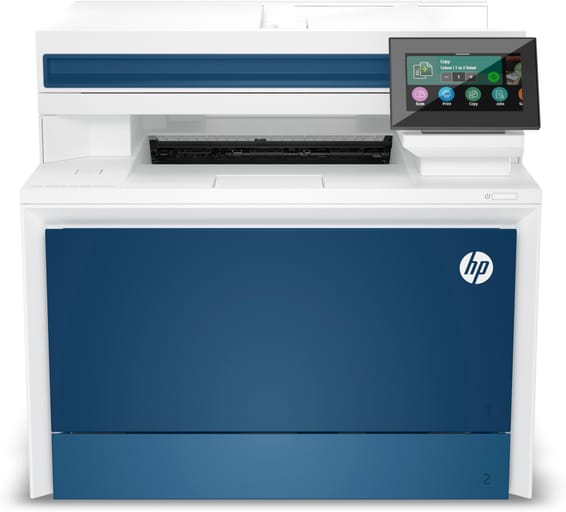
Is the HP LaserJet Pro MFP 4303fdn printer new and under warranty?
Yes:
new and genuine equipment, supplied with its invoice, which serves as the warranty document for
1 year. The model carries the CE and TUV/GS marks as well as UL/cUL certification. Full details are in the
HP datasheet (PDF).