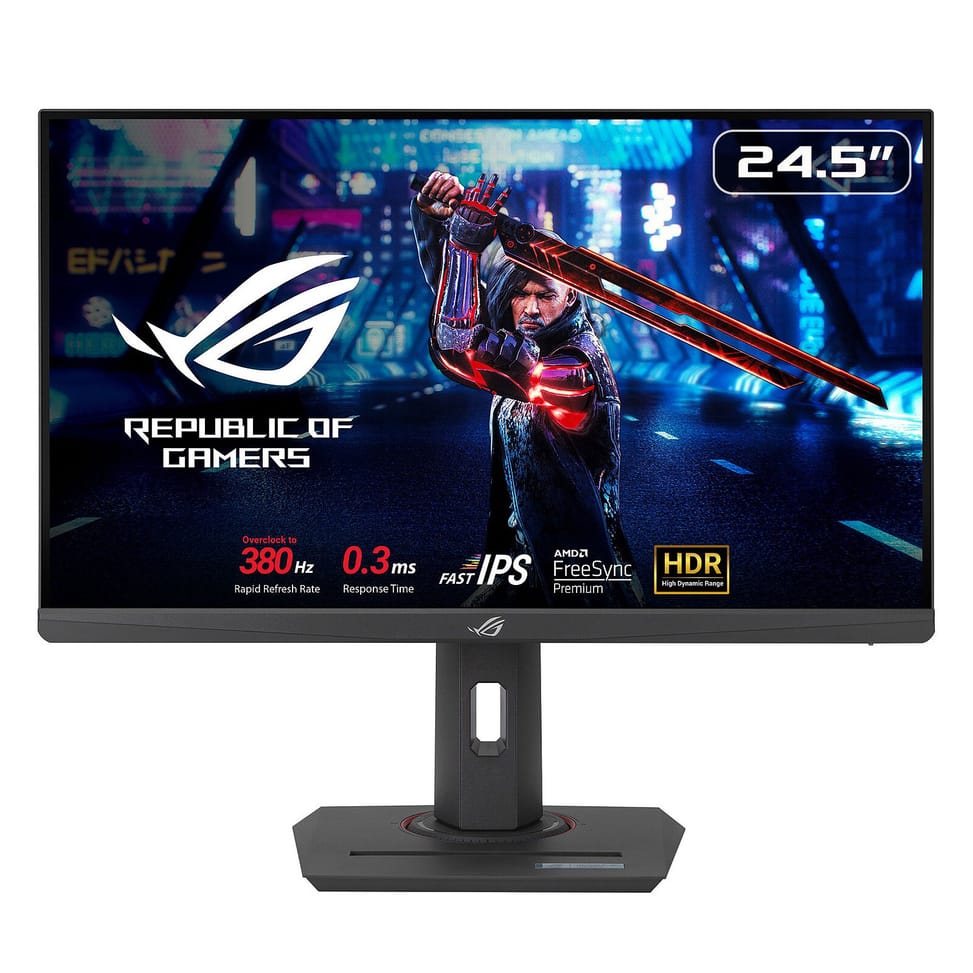
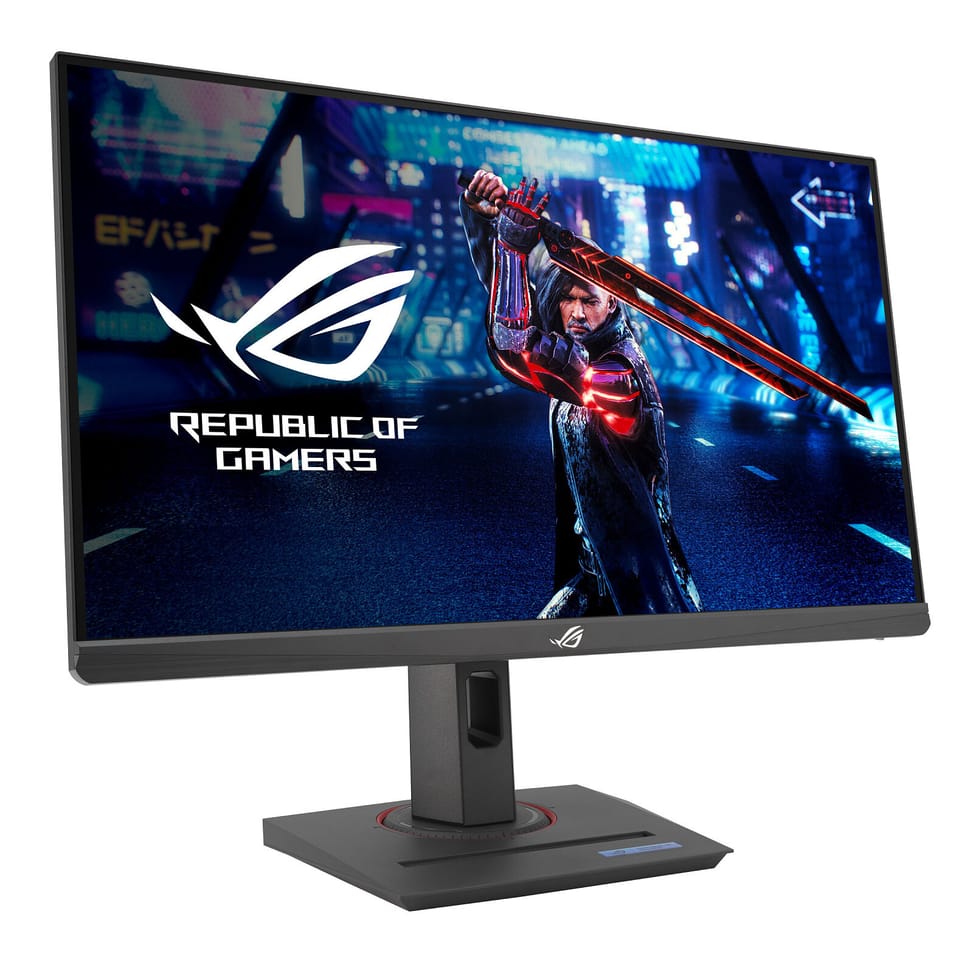
Is the 380 Hz of the ROG Strix XG259QNS available as standard?
It is quoted with overclocking, to be enabled from the monitor's menu. The panel is a Fast IPS rated at 1 ms grey-to-grey, with a minimum of 0.3 ms: two measurements of the same quantity, the 1 ms value being the one that reflects everyday use.
Which video inputs does the Asus ROG Strix XG259QNS offer?
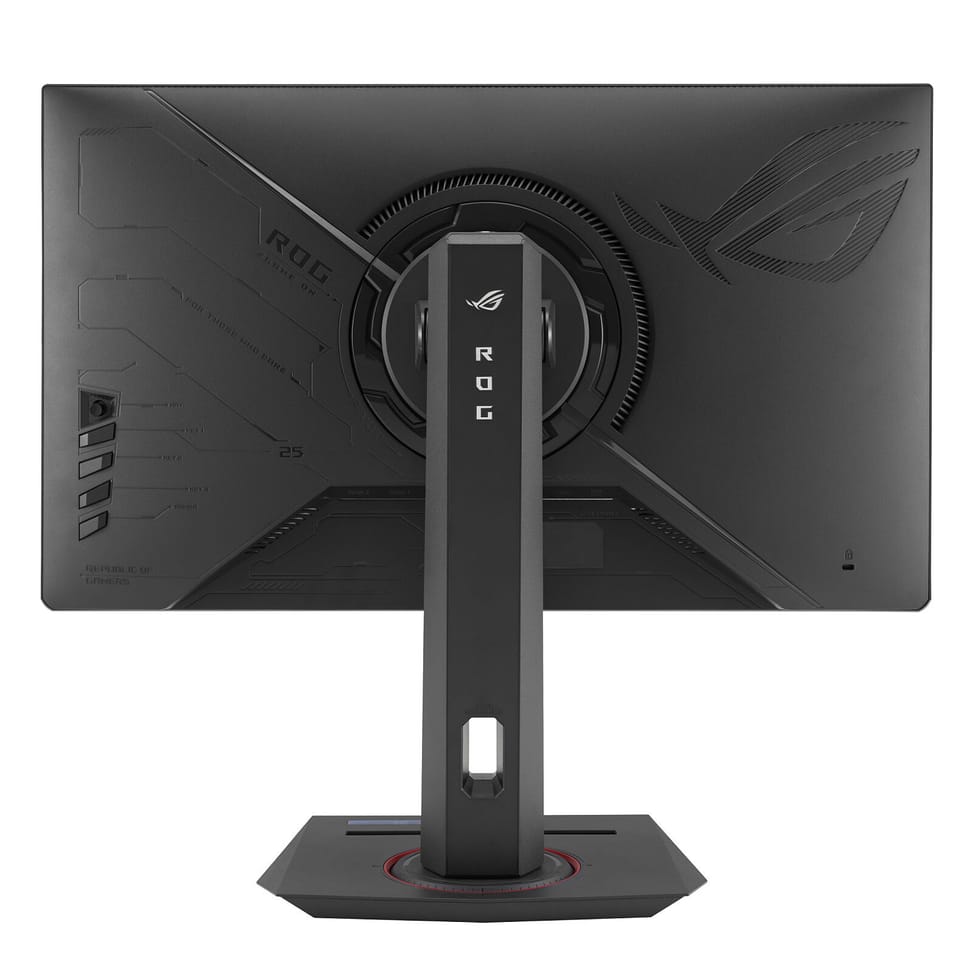
One DisplayPort 1.4 with HBR3 and two HDMI 2.0 ports, complemented by a two-port USB-A hub at USB 3.2 Gen 1 and a headphone jack. A console and a PC can therefore stay connected at the same time.
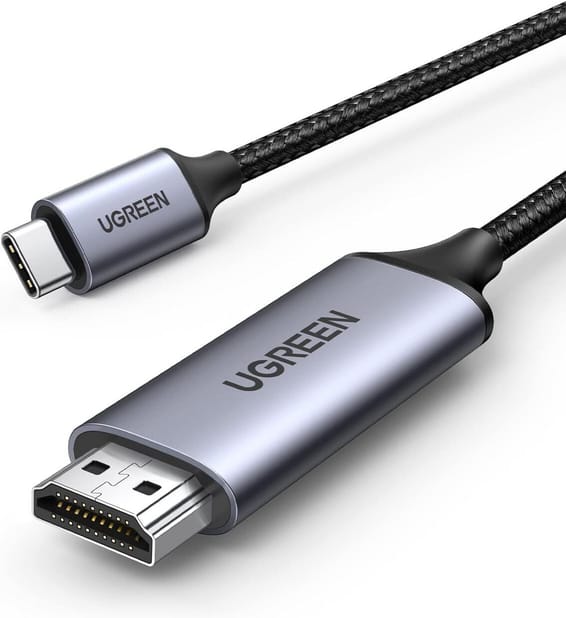
My laptop only has a USB-C output: can I connect the XG259QNS?
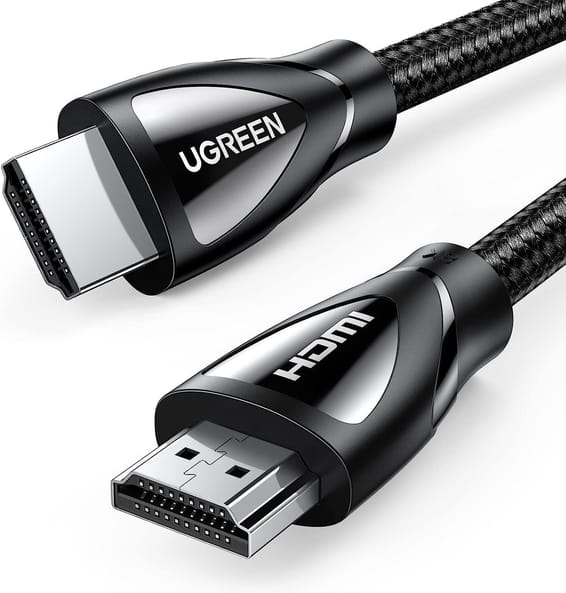
The picture comes in through the DisplayPort 1.4 or one of the two HDMI 2.0 ports. From a laptop whose only video output is USB-C, you therefore need an adapter to one of these formats, after checking that this port supports video. The DisplayPort cable is supplied with the monitor.
What is the ELMB SYNC technology on this Asus monitor?
It combines motion blur reduction (ELMB) with variable refresh rate, two features that are usually mutually exclusive. The stated result: sharp images, with no ghosting or tearing, even at high frame rates.
Is the XG259QNS compatible with AMD graphics cards?
It is AMD FreeSync Premium certified, which is based on Adaptive-Sync: the monitor's refresh rate follows the graphics card's frame rate and eliminates screen tearing. VESA DisplayHDR 400 certification rounds it off on the contrast side.
Does this 25-inch monitor really measure 25 inches?
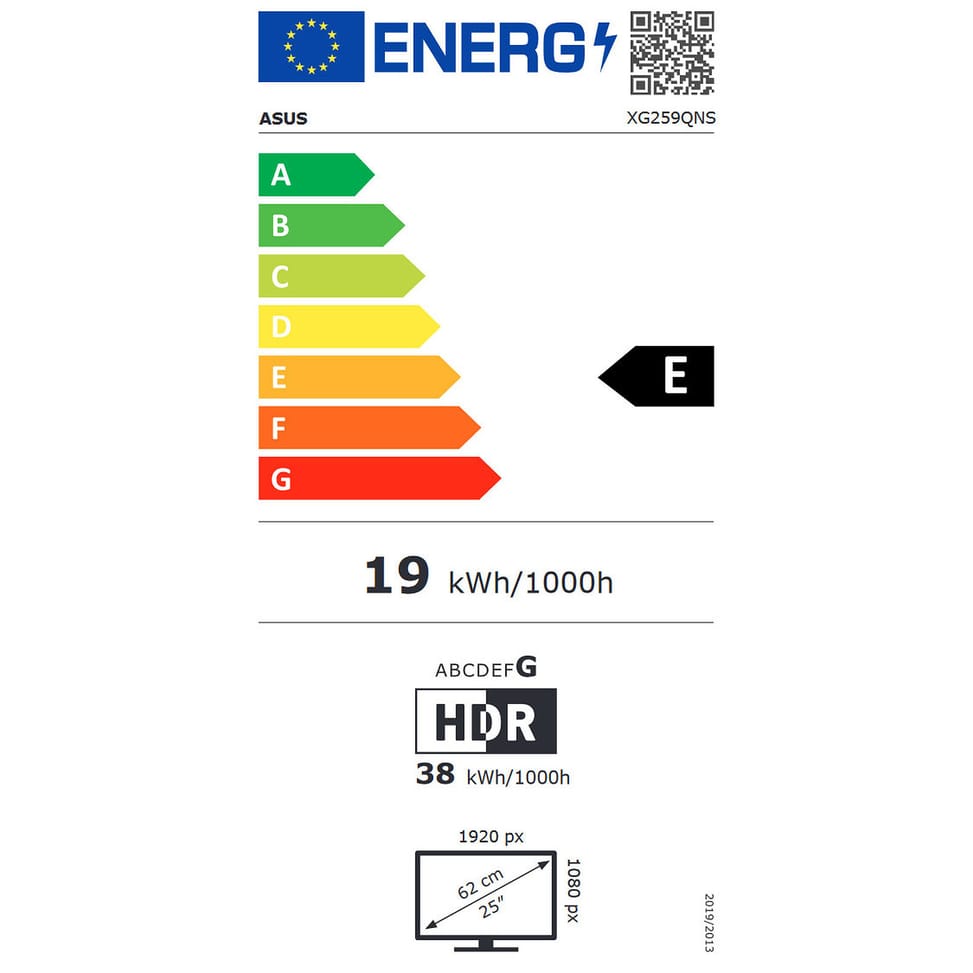
Its viewable diagonal is 24.5 inches, i.e. 62.2 cm, for an active area of 543.2 x 302.6 mm; the advertised 25 inches rounds up this measurement. The resolution is Full HD 1920 x 1080, with a 0.28 mm pixel pitch.
What are the tripod socket and the recess in the stand for?
The base includes a holder to keep your phone in plain view, and the stand has a quarter-inch tripod socket: you can screw a camera or a small extra screen onto it for a live-streaming setup, with no third-party accessory.
Does the ROG Strix XG259QNS stand allow portrait mode?
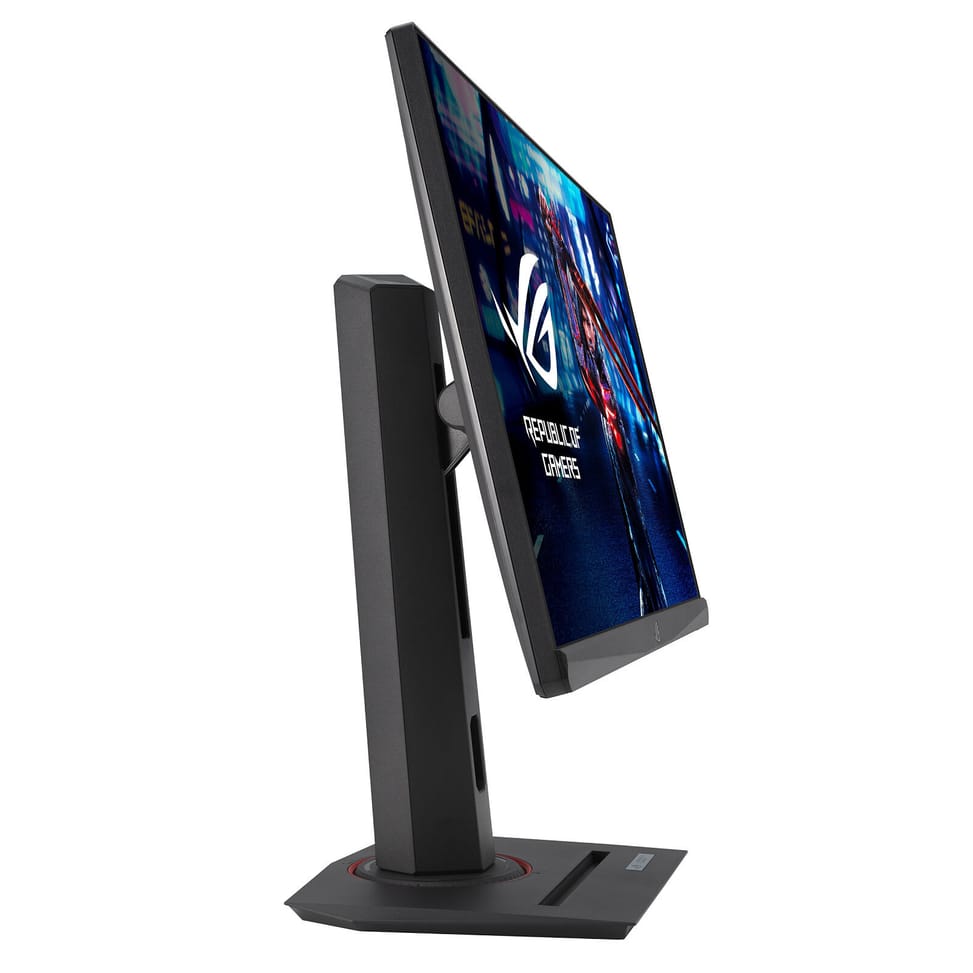
Yes: tilt from -5° to +20°, swivel of ±45°, pivot of ±90° for portrait orientation and 120 mm of height adjustment. VESA 100 x 100 mm mounting is provided, and the stand detaches with a quick release, the monitor on its own weighing just 2.92 kg.
How good are the brightness and colours of the XG259QNS?
400 cd/m² brightness, 110% coverage of the sRGB colour space, 16.7 million colours and a 1000:1 contrast ratio, on an anti-glare Fast IPS panel viewable at 178° on both axes. It is this brightness level that earns it DisplayHDR 400 certification.
Does the XG259QNS need an external power supply?
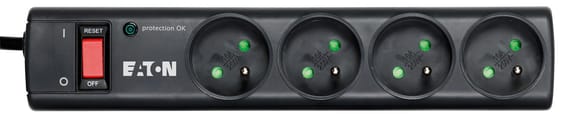
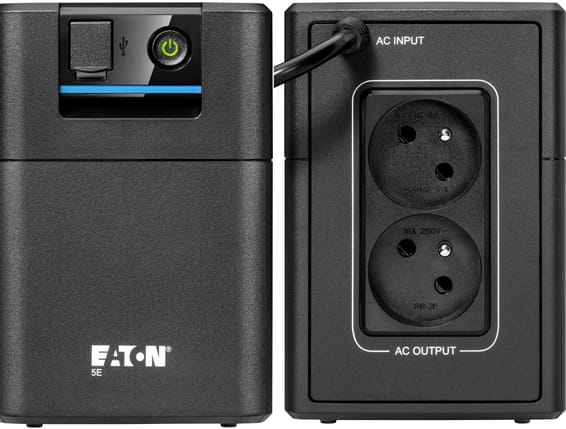
Yes: an AC adapter comes with the monitor, along with its power cable. So allow room for this brick under the desk. Power consumption remains modest, under 14.36 W in operation.
What gaming aids does the ROG Strix XG259QNS offer?
GamePlus analyses the scene in real time to adjust the crosshair, Shadow Boost brightens dark areas without overexposing the rest, GameVisual offers presets by game type and Trace Free adjusts responsiveness. The DisplayWidget Center app controls all of this with the mouse.
Is the Asus ROG Strix XG259QNS monitor new and under warranty?
Yes: new, in its original packaging, with a one-year warranty; your invoice serves as the warranty document. The box also contains a ROG pouch and sticker, as well as the quick start guide.