How long will a PC and its monitor run on battery during a power cut?
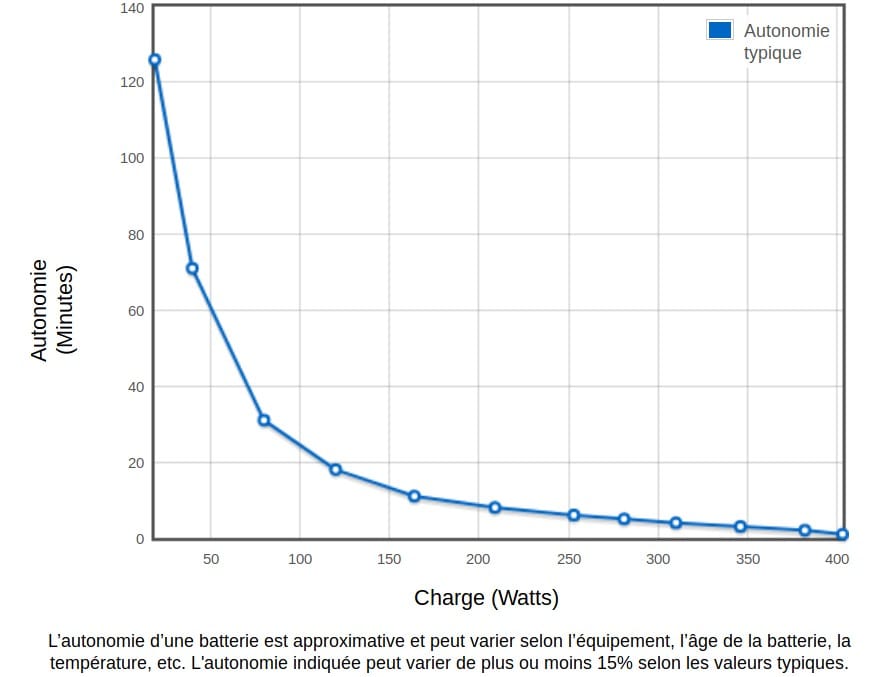
About 9 minutes at half load (200 W) and 5 minutes at 280 W, at a power factor of 0.7. These times vary with the connected equipment, the temperature and the age of the batteries: enough to save your work and shut the computer down properly, not to last the day.
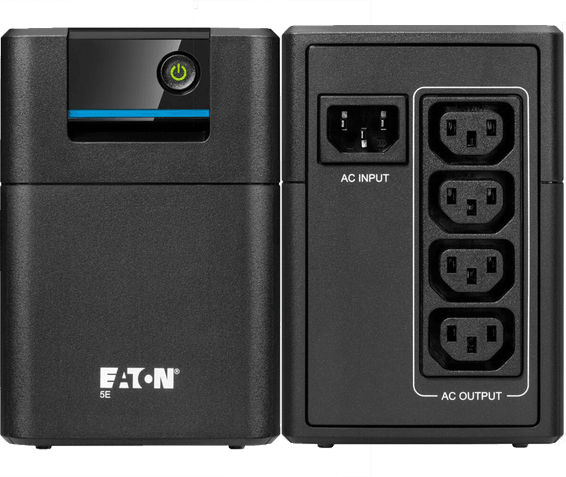
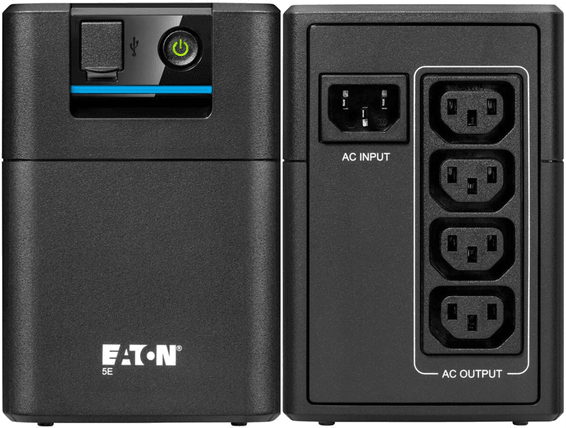
Are all 4 outlets backed up by the battery?
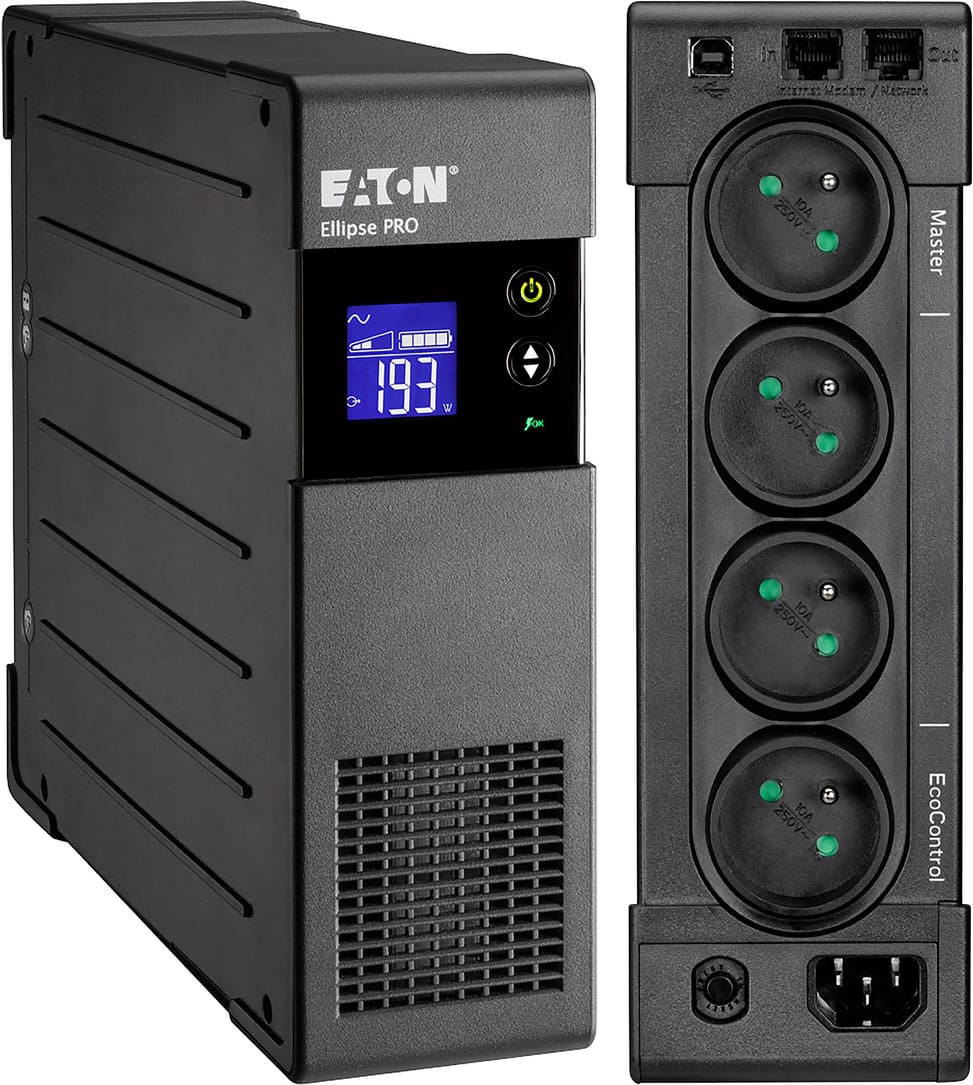
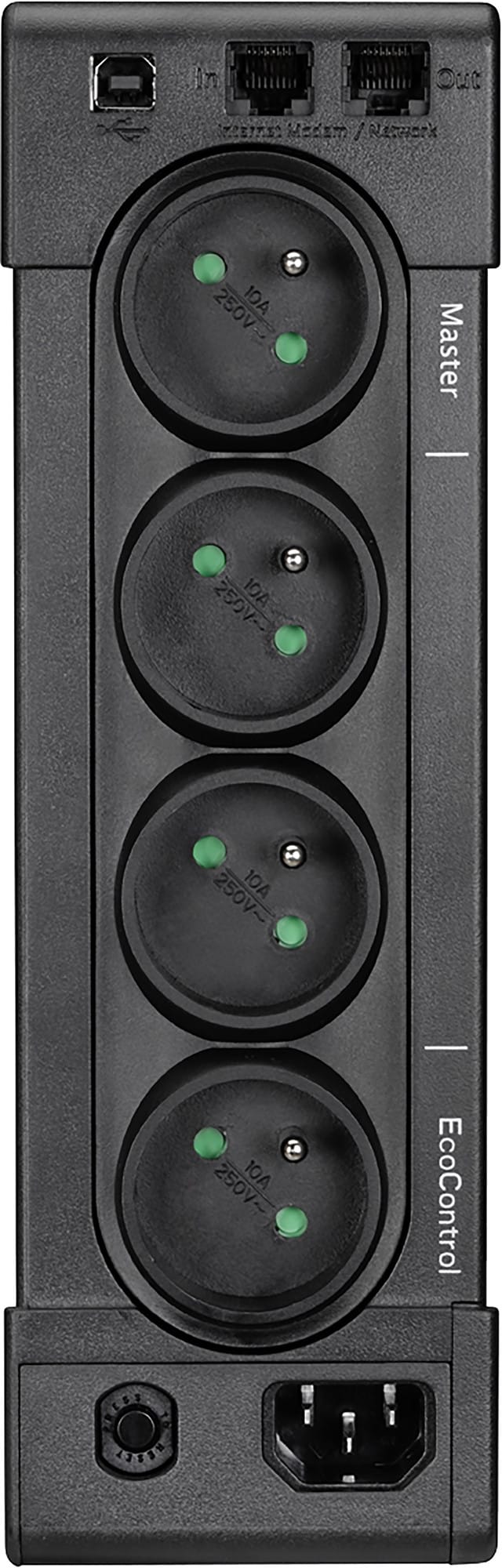
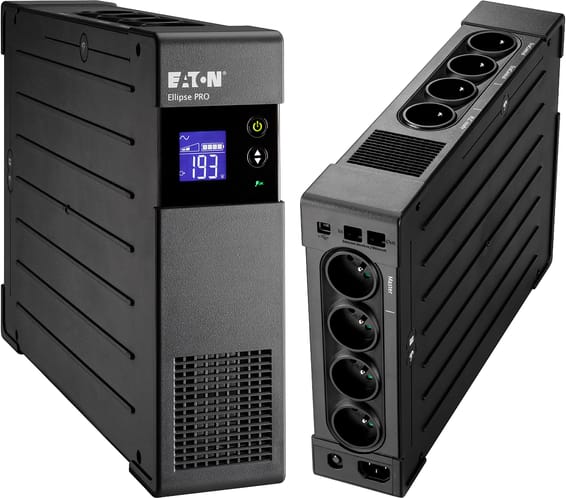
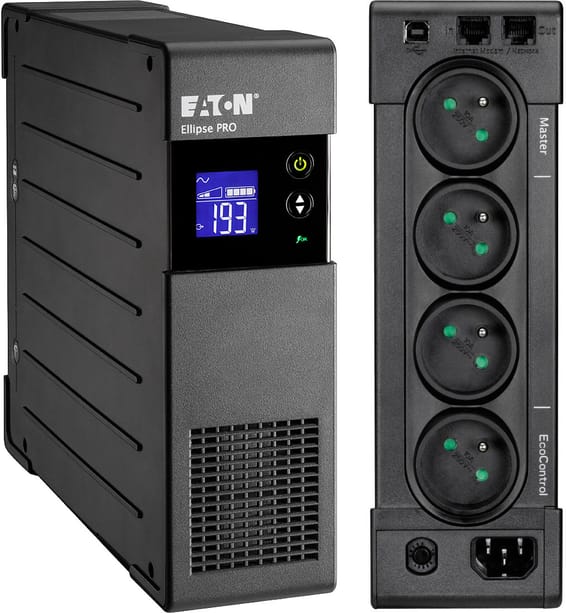
No: 3 outlets are battery-backed and surge-protected, while the fourth offers surge protection only. Keep the first three for the desktop tower, the monitor and the internet box. All four are French-format outlets, no adapter needed.
Is the battery replaceable when it ages?
Yes, the batteries are replaceable, which extends the UPS's service life. An automatic periodic self-test detects a weak battery before it fails, and deep-discharge protection prevents damage during long power cuts.
Can it be switched on in the middle of a power cut, with no mains power?
Yes, battery start is supported: the UPS switches on even with no mains present. Its circuit breaker is resettable, so there is no fuse to buy again after it trips.
Can it shut the computer down properly if I am not in front of it?
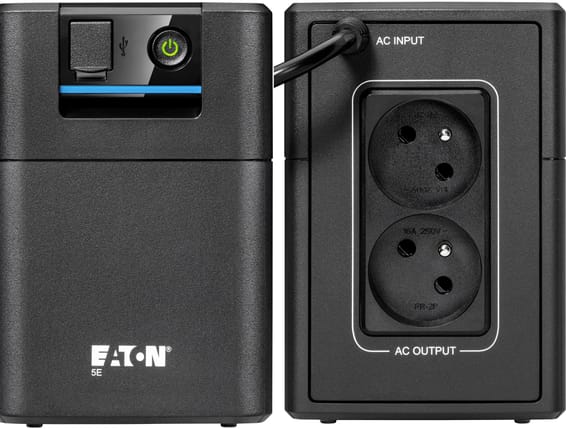
Yes. The UPS connects to the PC through its USB port, with the cable supplied as standard, and the Eaton UPS Companion software (on CD-ROM) handles a safe system shutdown. It also measures energy consumption and lets you configure the UPS.
Does it also protect the internet line, the telephone and the Ethernet network?
Yes: beyond the mains outlets, it protects data lines — telephone, fax, modem, internet and Ethernet. A surge travelling along the telephone or network cable is stopped before it reaches the internet box or the PC. The built-in surge protector is certified to IEC 61643-1.
Does it switch to battery every time the mains voltage drops?
No, and that is the whole point of line-interactive technology with AVR: it corrects an input voltage between 165 and 285 V to deliver a stable 230 V, without drawing on the batteries at every fluctuation of the grid.
Is it quiet enough to sit on a desk?
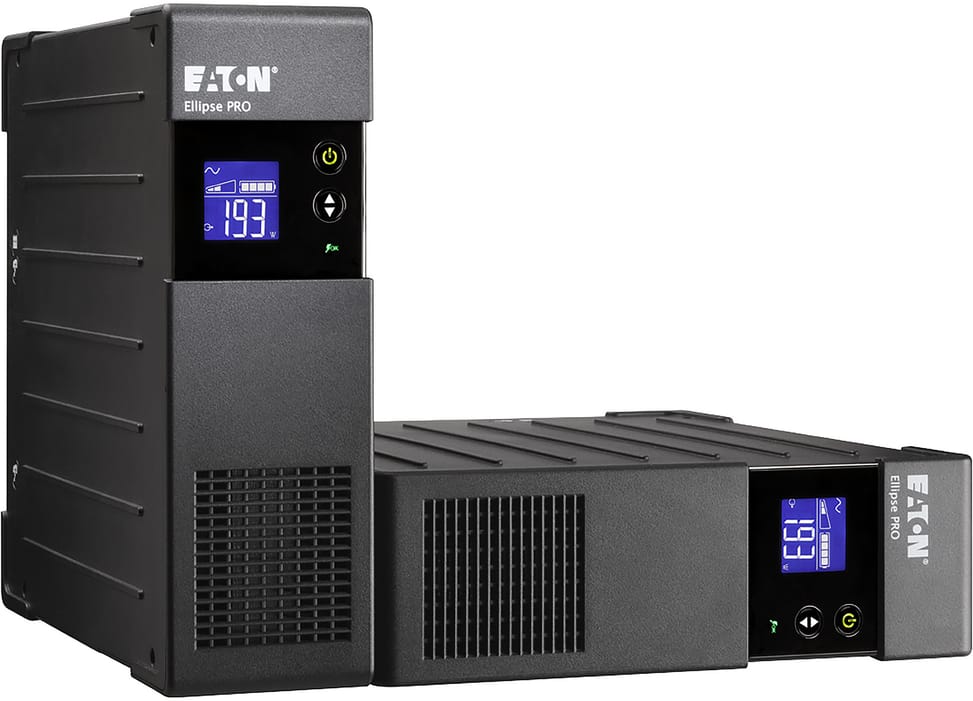
Yes: less than 25 dB at 1 metre, for unobtrusive operation at the workstation. Its extra-slim format (260 × 82 × 285 mm) lets it slide upright under a desk or lie flat under a monitor. Make sure its IEC C14 input socket remains accessible.
Can it be mounted in a 19-inch rack or fixed to a wall?
Yes, using two optional kits: ELRACK for 19-inch rack mounting (2U) and ELWALL for wall mounting. They are ordered separately. Without a kit, the 6.6 kg unit can be installed flat or upright next to the workstation.
What does the LCD display show, and is software needed to read it?
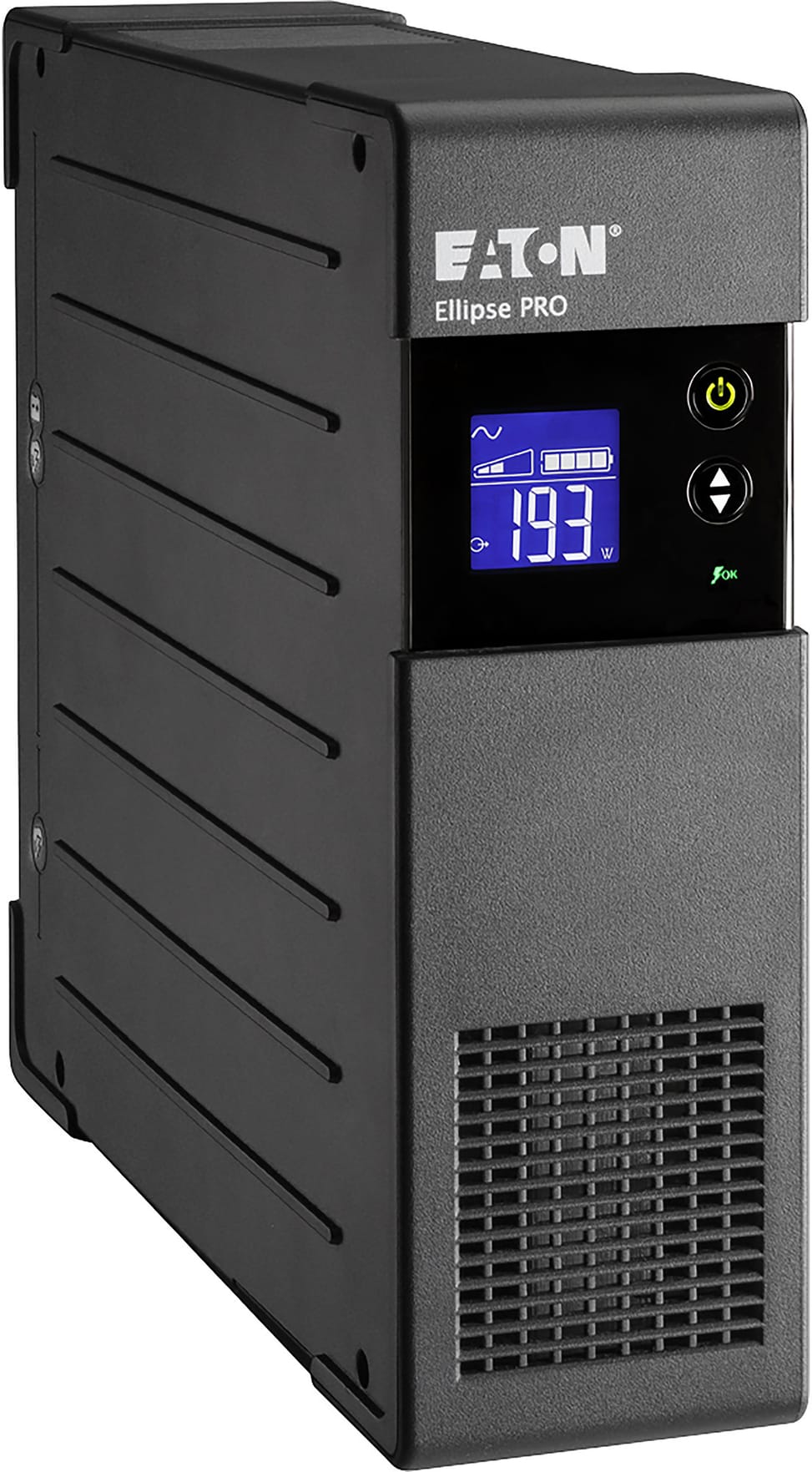
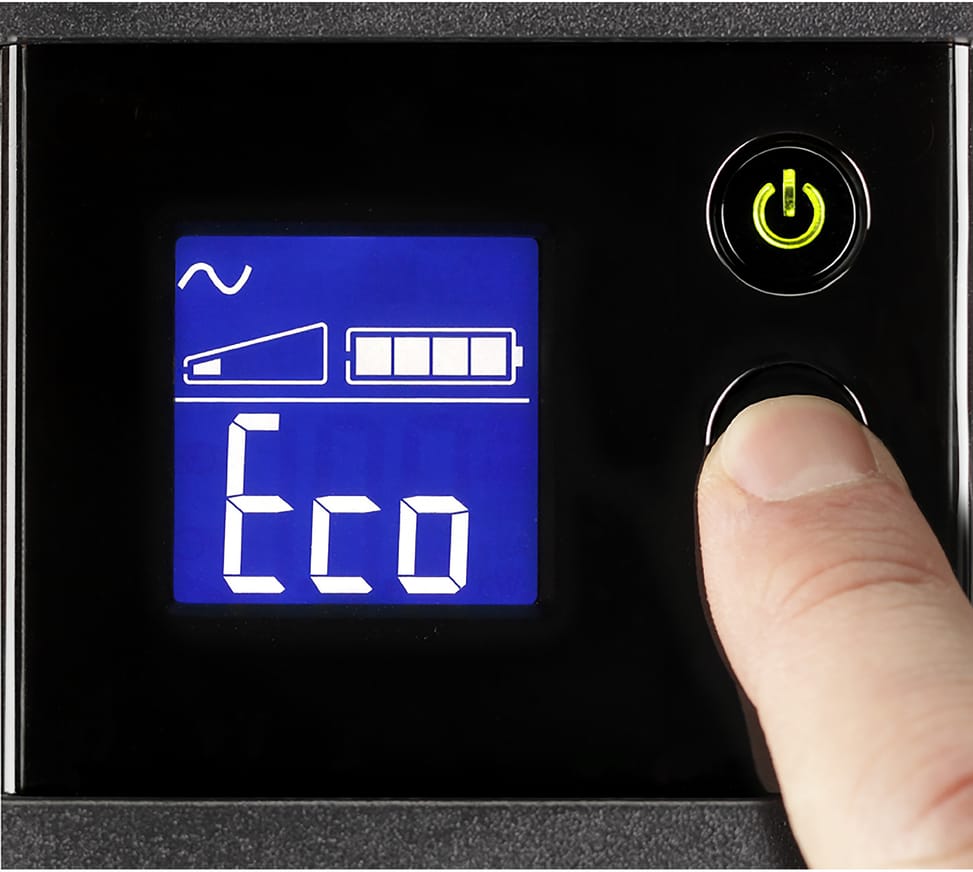
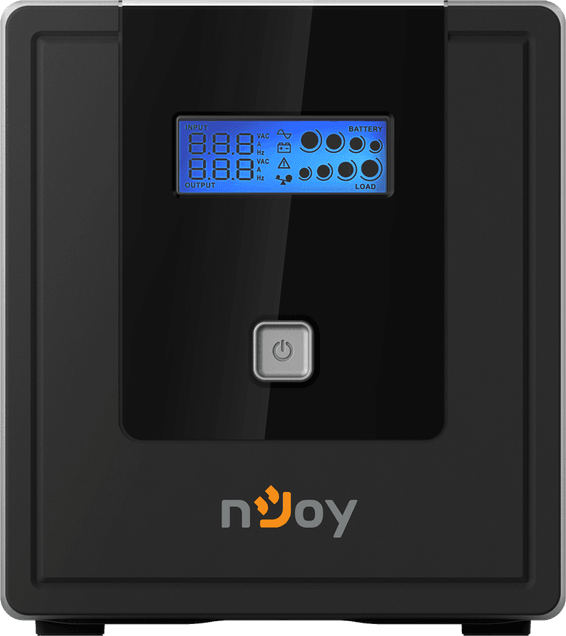
The display shows the UPS status, battery level, remaining runtime and measured consumption of the connected devices directly, with nothing to install on the computer. It is also used to configure the UPS, whose output voltage can be set to 220, 230 or 240 V.
What is the EcoControl function of the Ellipse PRO for?
It automatically switches off peripherals on standby at the same time as the master device: when the desktop tower shuts down, the peripherals do not stay powered for nothing. The saving reaches up to 15% in energy on this 650 VA model.
Is 650 VA enough for the equipment I want to protect?
650 VA corresponds to 400 W of actually usable power, i.e. a desktop tower and its monitor, an internet box or a small NAS. Add up the wattage of the devices to protect and stay below these 400 W: at 200 W, you keep about 9 minutes of runtime, compared with 5 minutes at 280 W.
What is the UPS warranty, and are the batteries covered?
3 years, batteries included, through standard exchange of the product. The unit meets the
IEC/EN 62040-1 and 62040-2 safety and EMC standards, has a CB report and carries the CE marking; details are in the
Eaton datasheet (PDF).