How many external displays can be connected, and up to what resolution?
Up to 3 external displays: on a multifunction computer, 1 × 4K at 120 Hz, 2 × QHD at 120 Hz or 3 × Full HD at 120 Hz; on a high-resolution computer supporting DisplayPort Alt Mode, 2 × 4K at 120 Hz, or even 3 × 4K at 60 Hz. These resolutions require DisplayPort 1.4 with Display Stream Compression.
Does my laptop have to meet a requirement to run everything over a single cable?
Yes. Its USB-C port must support DisplayPort Alt Mode, Thunderbolt 3 Alt Mode or USB4 to carry both data and video. Charging and port replication additionally require it to comply with the USB-C power specifications.
Is the AC adapter included, and how much power does the laptop receive?
The box contains the dock, a 120 W AC adapter with its cord, the product information and the warranty card. The laptop receives up to 100 W over the USB-C cable, according to the 5 V/3 A, 9 V/3 A, 12 V/5 A, 15 V/5 A and 20 V/5 A profiles, with a maximum current of 6.15 A.
Do all the dock's USB ports run at the same speed?
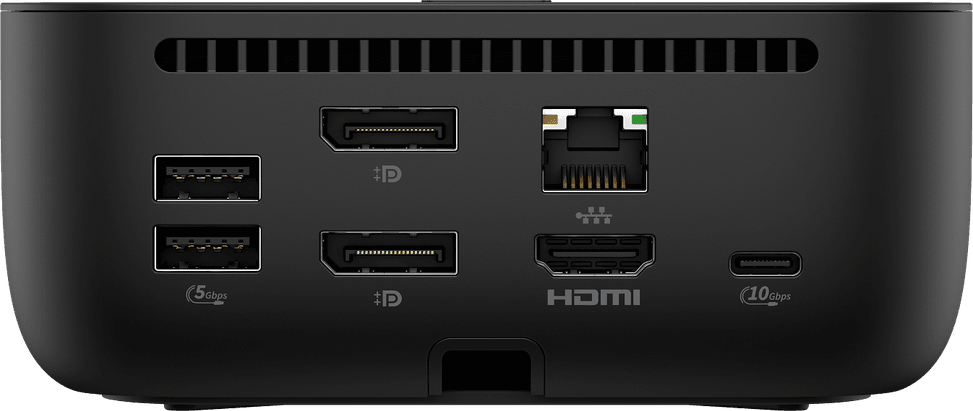
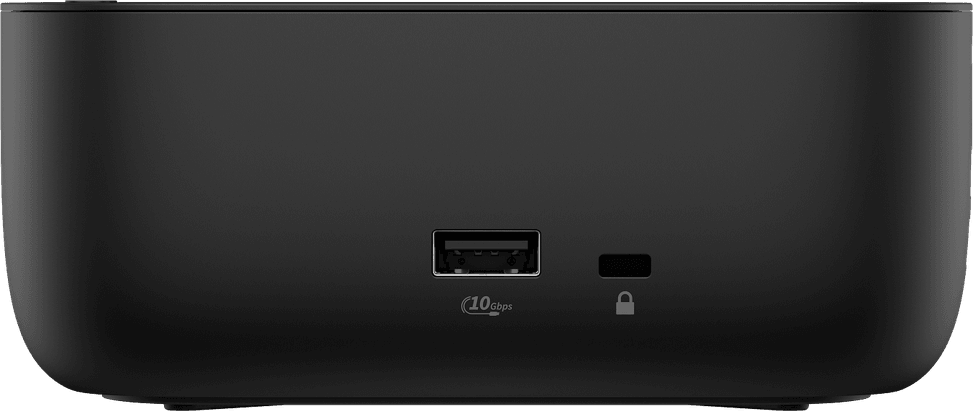
No. The two USB-C ports (front and rear) and the side USB-A port reach 10 Gbps, while the two rear USB-A ports top out at 5 Gbps. So keep the front and side ports for a fast external SSD, and the rear ones for the keyboard, mouse or a printer.
Can a phone be charged on the dock, including on the USB-A ports?
Yes. The two USB-C ports deliver 15 W each in addition to data, the 10 Gbps side USB-A port is a charging port, and the two rear USB-A ports also provide charging.
Is the network port a standard Gigabit port?
No, it goes further: the RJ-45 is 2.5 GbE. It supports Wake on LAN from shutdown, sleep or hibernation, MAC address pass-through, PXE boot and LAN/WLAN switching — enough to wake up and manage a workstation remotely.
Does it work with a Mac, and with what limitations?
macOS is among the supported systems, with two limitations to be aware of: HP provides neither an Ethernet driver nor an audio driver for Apple computers, and firmware updates can only be carried out from a Windows host. HP Quick Connect, Wake on LAN and MAC pass-through remain reserved for HP laptops or laptops supported by HP.
On which systems and exactly which versions is it validated?
Windows 10 22H2 and later, Windows 10 IoT Enterprise LTSC 2021, Windows 11 23H2 and later, ChromeOS M133 and later, Ubuntu Linux 22.04 LTS with kernel 5.15, ThinPro OS 8.0 and macOS Sonoma 14. Not all features are compatible with all of these systems, and Linux, ChromeOS, macOS and ThinPro testing was due to be completed after launch.
Does HP Quick Connect work with any laptop?
No. It must be enabled in the BIOS of the computer and on the dock, requires Bluetooth, and is only available on certain HP G11 Intel models as well as G12 Intel and AMD. It is not offered on TAA versions. When active, it wakes the device from sleep as soon as you approach.
Is this a product designed to last and to be repaired?
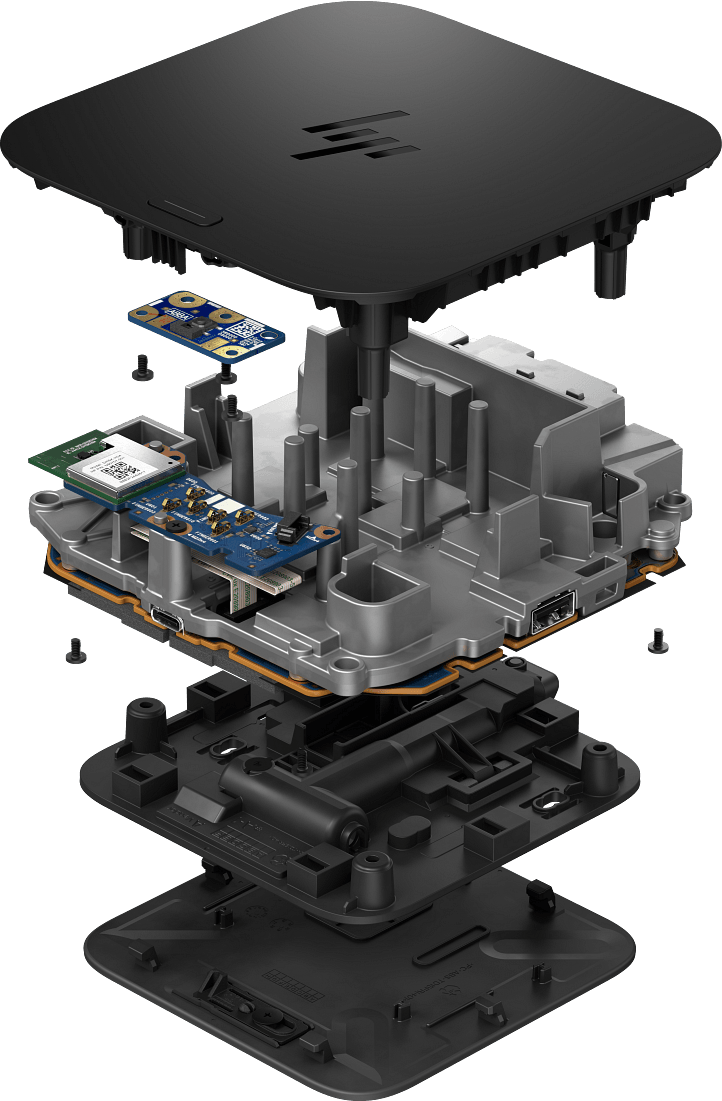
Yes, it is a deliberate focus: it is built with replaceable parts to maximise the life cycle of the device fleet and includes an energy consumption module to track its power usage. As for packaging: zero plastic, at least 35% post-consumer recycled plastic and 35% recycled corrugated material.
Can it be locked to the desk, and can the PC be switched on directly from the dock?
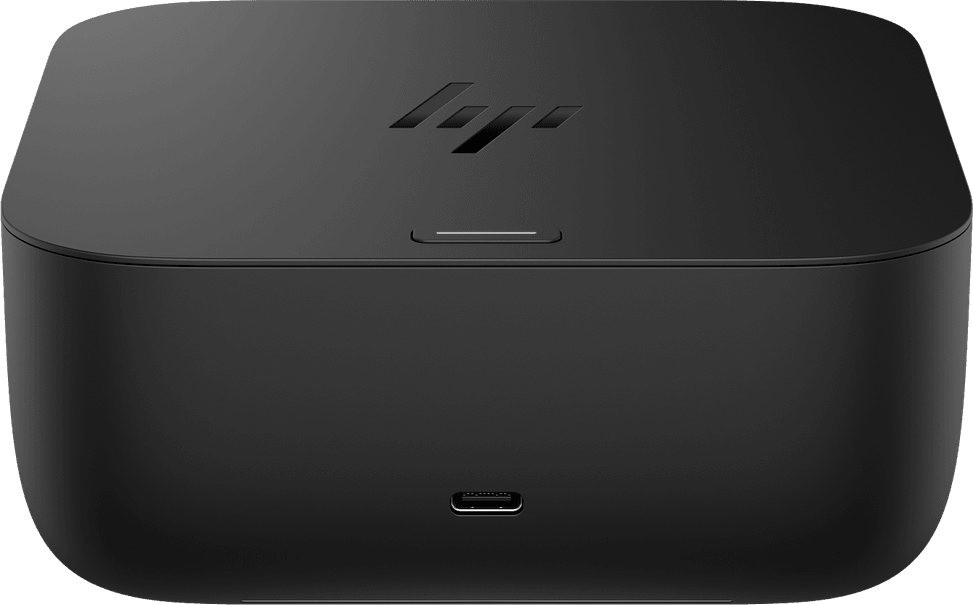
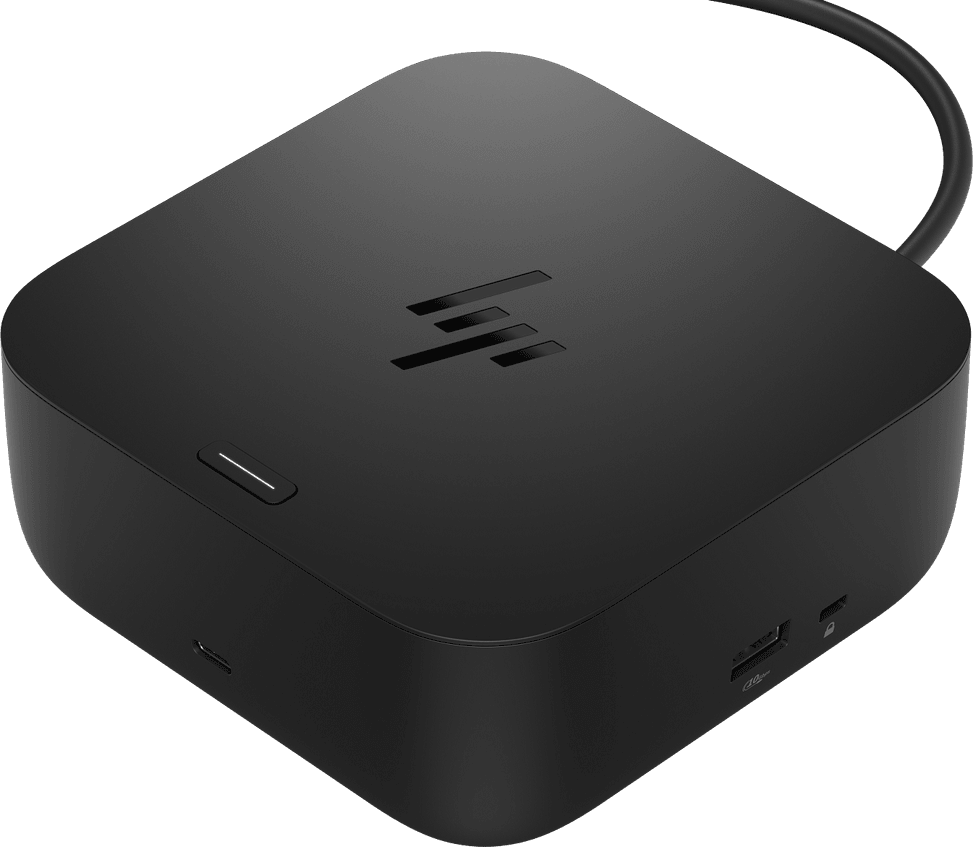
Yes to both. A nano security lock slot is provided on the right-hand side, and the mechanical power button with RGB LED indicator switches on the host system or wakes it from sleep. On a non-HP laptop, this button depends on support for the USB Power Delivery specification for extended alert messages.
How much desk space does it take up, and how long is the cable?
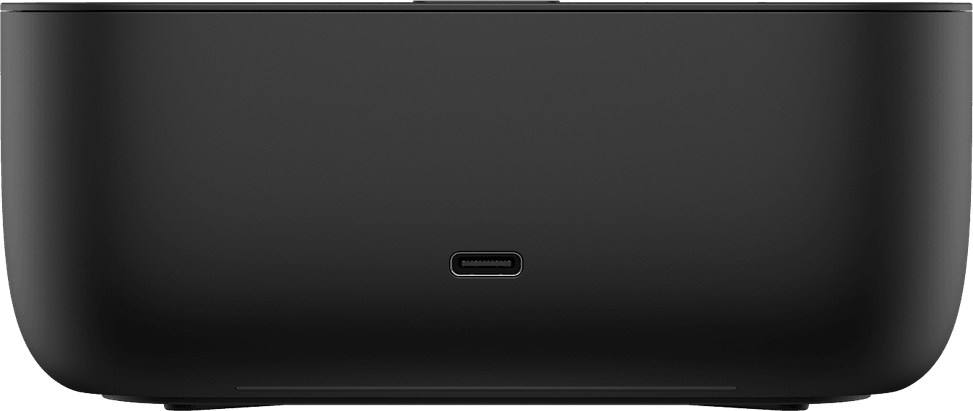
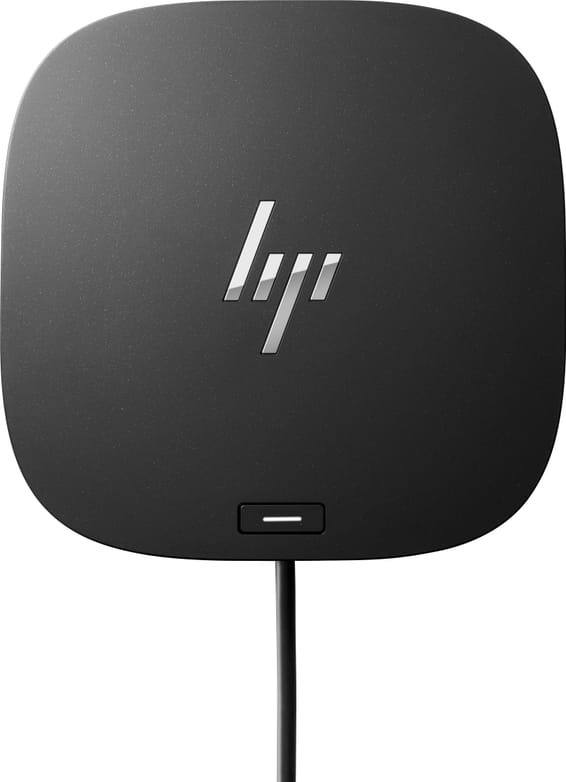
It has a 12.1 × 12.1 cm footprint and is 5.1 cm high, weighing 680 g, in Ebony Black. The USB-C cable connecting it to the laptop exits at the rear and is 1 m long; the ports also face the rear, which keeps the work surface clear, and a front LED bar shows the dock's status.
Is the HP USB-C G6 100 W Docking Station new and under warranty?
Yes: it is
new and sealed in its original packaging, supplied with its invoice, which serves as the warranty document for
1 year. The warranty card and product information are included in the box. Details of the ports and resolutions are in the
HP datasheet (PDF).