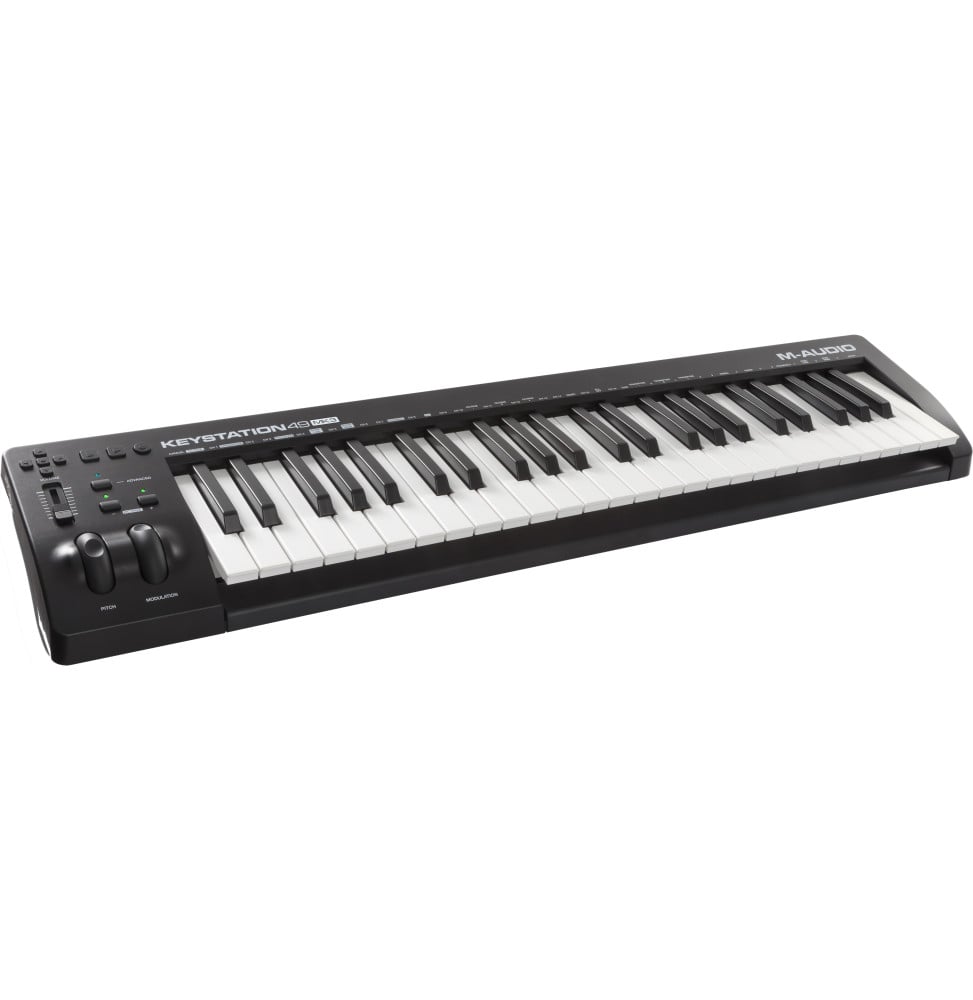
MIDI keyboard controller M-Audio Keystation 49 MK3 - 49 velocity-sensitive keys, wheels and transport
M-Audio Keystation 49 MK3 USB-MIDI keyboard controller: 49 full-size velocity-sensitive keys, pitch and modulation wheels, a volume fader and transport buttons to control music software. USB-powered, driverless, with Ableton Live Lite and MPC Beats.
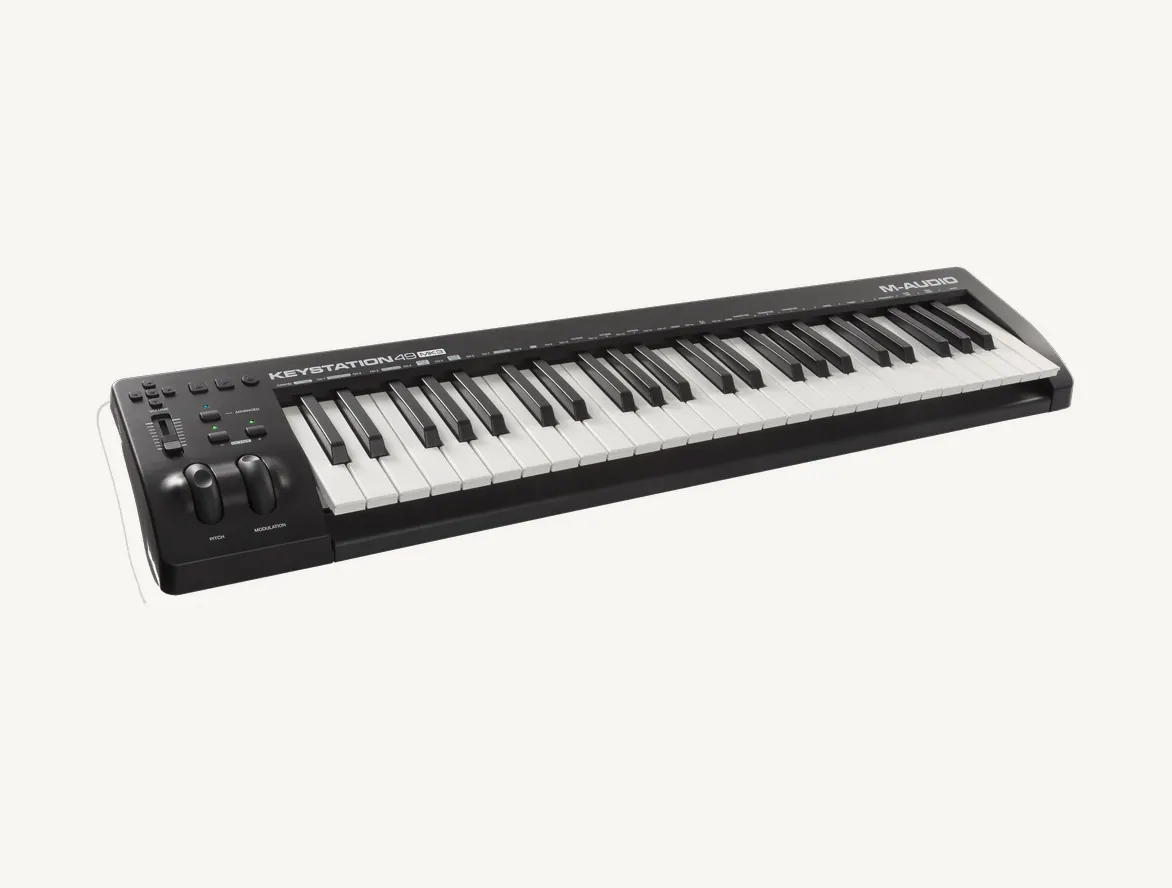
49 full-size velocity-sensitive keys
Pitch bend and modulation wheels
Assignable volume fader
Transport and arrows: MIDI, Mackie Control, HUI
Driverless USB, powered by the cable
6.35 mm sustain pedal input
iPad compatible (adapter not included)
Ableton Live Lite, MPC Beats and 6 AIR instruments
Keyboard controller for composing and playing virtual instruments on a computer or iPad: 49 full-size velocity-sensitive keys, pitch and modulation wheels and transport controls for your software. Keyboard: 49 velocity-sensitive keys, ±4 octave shift and ±12 semitone transpose Controls: assignable volume fader, transport buttons and arrows in MIDI, Mackie Control or HUI Connection: driverless USB, powered by the cable, 6.35 mm sustain pedal input Software: Ableton Live Lite and MPC Beats, six AIR instruments Size: 82 cm wide, 2.1 kg A keyboard that is simple to connect for getting started with computer music, when the sound comes from the software.
The Keystation 49 MK3 is a USB keyboard controller: 49 full-size keys, two wheels, a fader and transport buttons to play virtual instruments and control recording, powered and recognized through a single USB cable.
49full-size velocity-sensitive keys
±4octaves of shift
16MIDI channels
2.1 kgfor 82 cm of width
It does not sound, it controls
Pressing a key produces no sound: the keyboard sends MIDI messages to the software, which plays the chosen instrument. You therefore need a computer or an iPad, and speakers or headphones. On the software side, the box gives access to Ableton Live Lite and MPC Beats for recording, and to six AIR instruments, including Mini Grand for acoustic piano and Velvet for electric pianos.
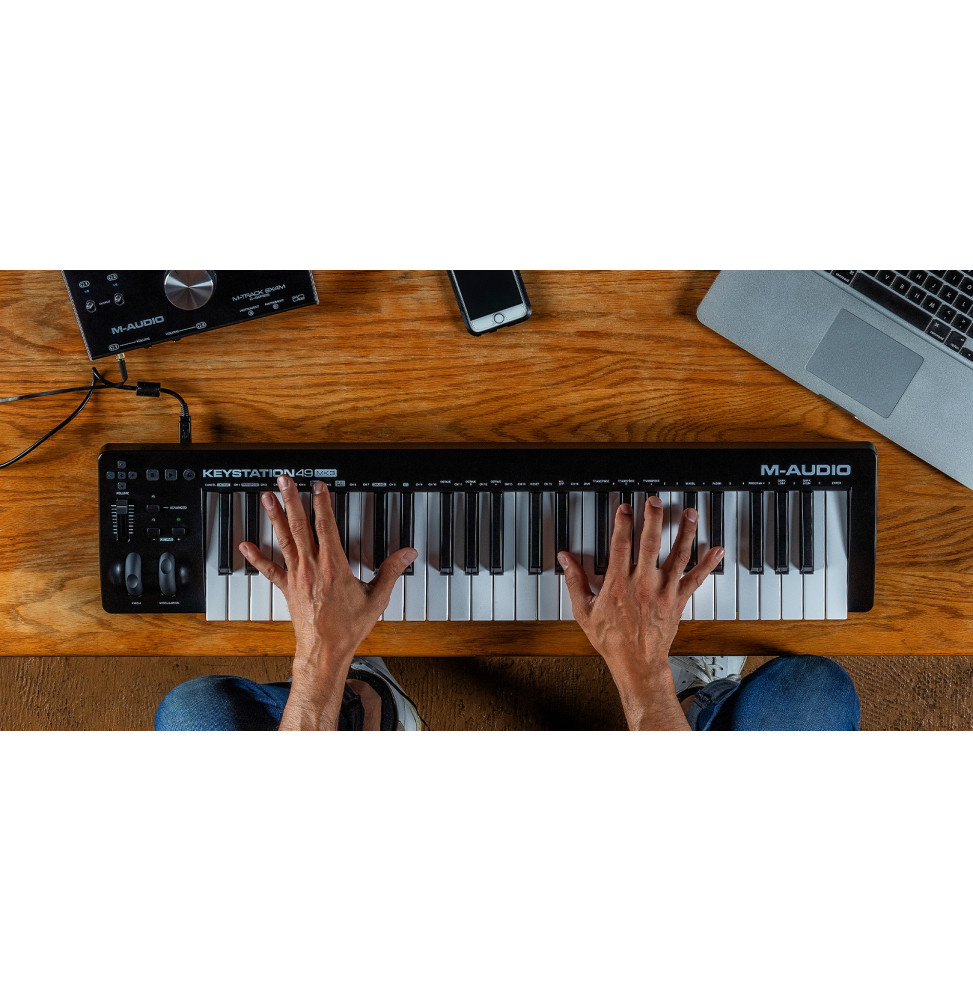
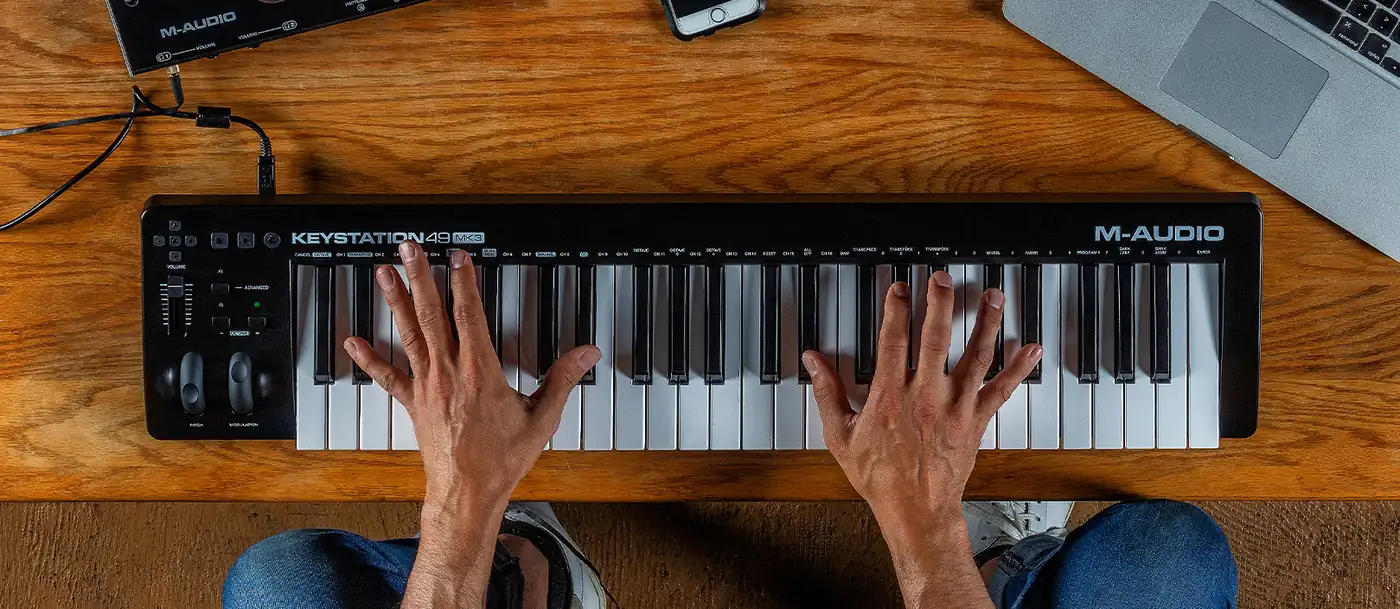
Four octaves to play with both hands on a desk.
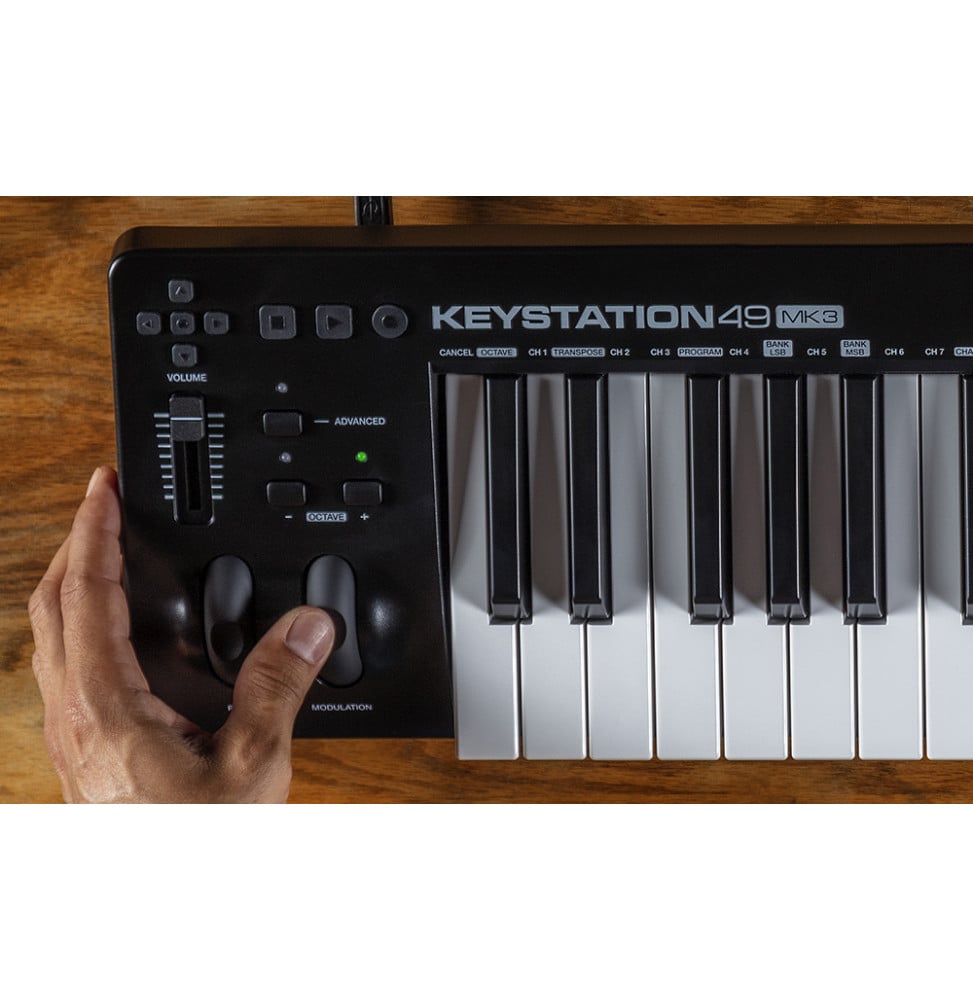
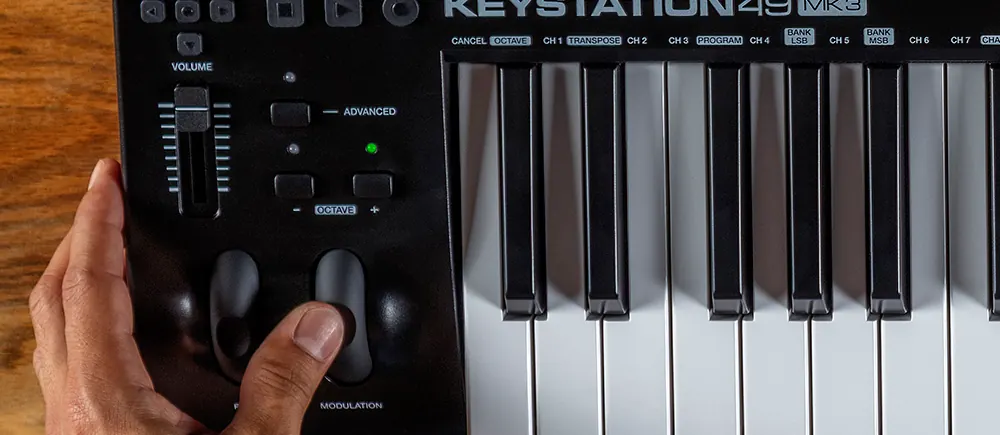
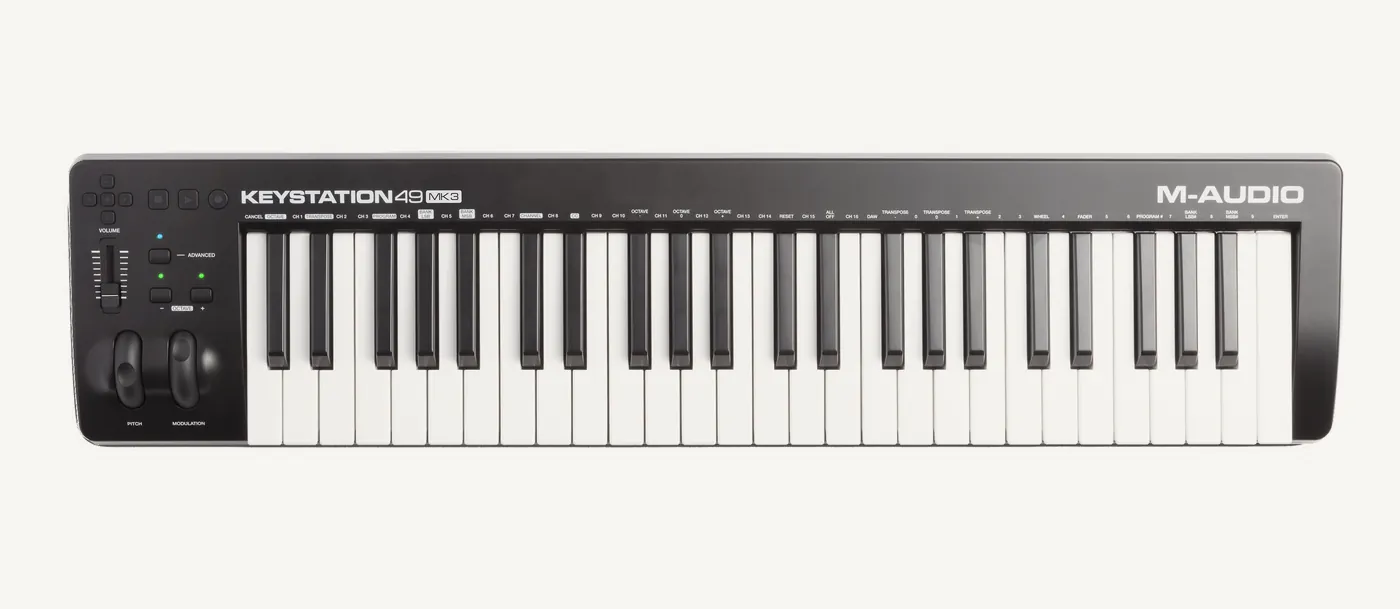
Wheels, fader and octaves on the left
The pitch bend wheel bends the note, by two semitones in the usual setting and up to two octaves, depending on the virtual instrument; the assignable modulation wheel adds vibrato or controls another parameter. The fader sets the volume or a MIDI controller of your choice. The Octave buttons shift the keyboard by four octaves up or down, and transposition goes up to twelve semitones.
The wheels, the volume fader and the Octave buttons, under the left hand.
The keys become settings
The Advanced button puts the keyboard into edit mode: the black keys choose a function, the white keys are used to enter a number. This is how you change the MIDI channel, program or bank, assign the fader or the wheel to another controller, and choose the protocol of the transport buttons: MIDI, Mackie Control or HUI. In Mackie Control with Ableton Live Lite, the arrows select tracks and launch clips.
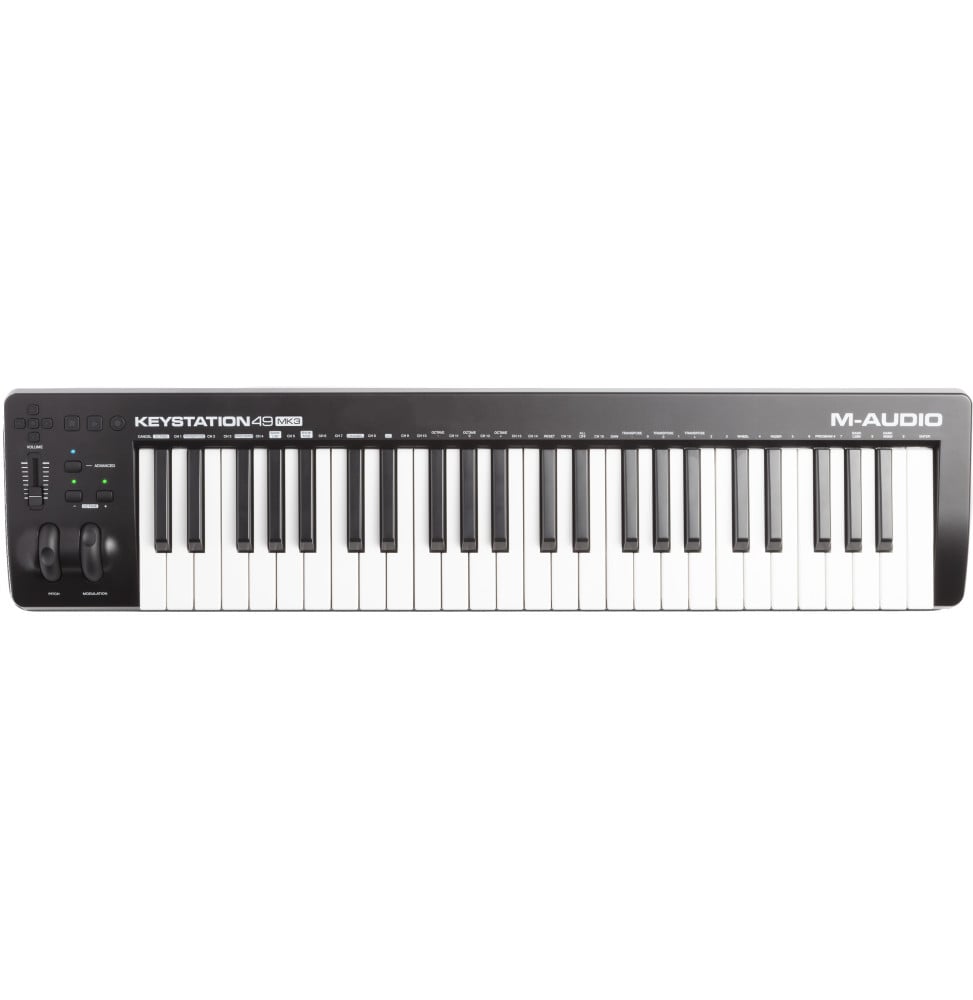
Above the keys, the functions of Advanced mode.
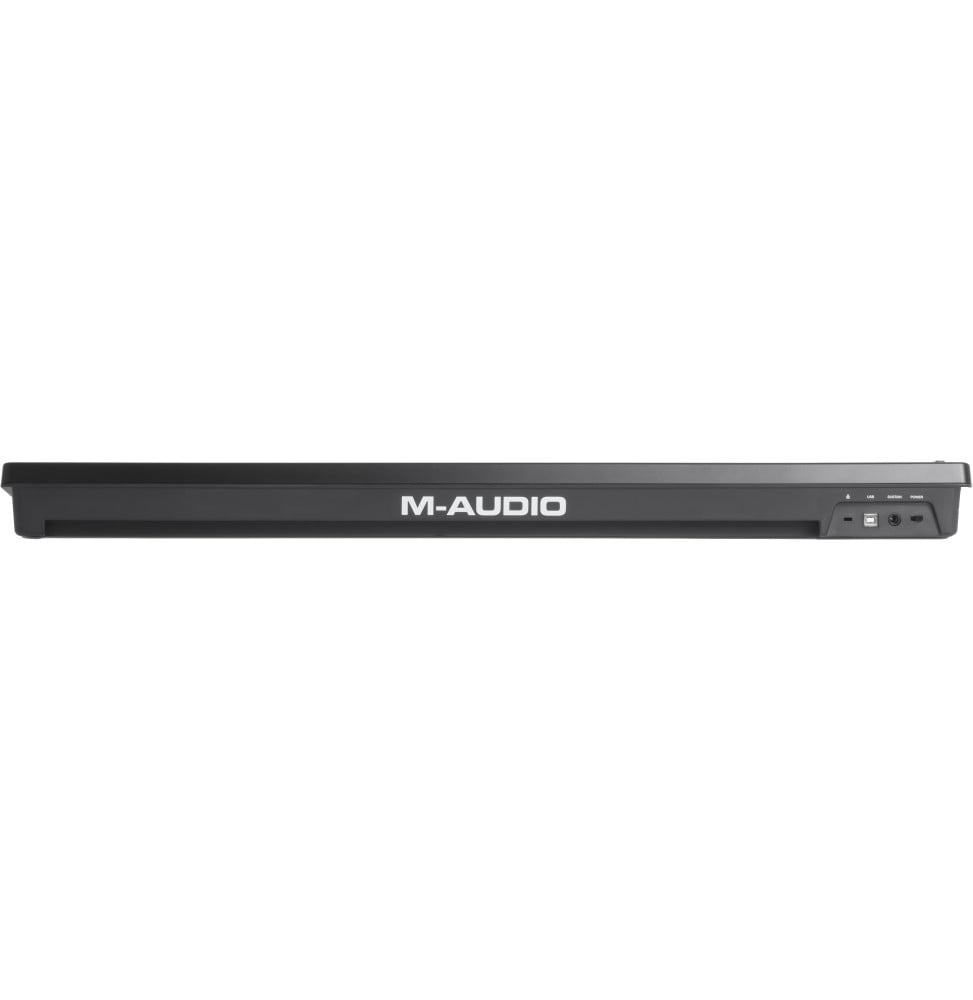
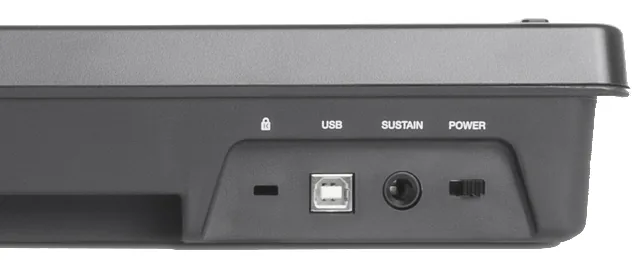
On the back, nothing superfluous
A Kensington security slot, the USB port that powers the keyboard and carries MIDI, the sustain pedal input and the power switch. No driver is needed on Windows or macOS; with an iPad, the Apple Camera Connection Kit adapter makes the link.
Kensington, USB, Sustain, Power.
M-Audio reference
KEYSTATION49MK3
Dimensions
82 × 18.8 × 6.6 cm
Minimum requirements
Windows 7, macOS 10.11
Transport protocols
MIDI, Mackie Control, HUI
Factory reset
+ and − at power-up
Sustain pedal working backwards? The keyboard reads its polarity at power-up: switch it off, release the pedal, then switch it back on without pressing it.
Be the first to review this product and help other customers.
Write a review
Frequently asked questions about this product
Does the Keystation 49 MK3 make sound on its own?
No. It is a controller keyboard: it sends MIDI notes to software or a virtual instrument, which produces the sound. You therefore need a computer or an iPad, plus speakers or headphones connected to it or to an audio interface, to hear what you play.
Do I need to install a driver or a power supply?
No. It is recognized without a driver on Windows and macOS, and the supplied USB cable powers it while carrying the MIDI data. Preferably connect it to a port on the computer or to a powered USB hub; a switch on the back lets you turn it off without unplugging it.
Can I use it with an iPad?
Yes, with the Apple Camera Connection Kit adapter, sold separately, which connects the keyboard's USB port to the tablet. The Keystation then controls MIDI-compatible music creation apps, so you can compose and play without a computer.
Which buttons control the software?
The transport buttons start, stop and record, and the directional arrows change tracks or launch clips. They communicate in MIDI, Mackie Control or HUI depending on the setting chosen with the DAW key, with Ableton Live Lite, MPC Beats and any software that supports these protocols.
Can I connect a sustain pedal?
Yes, to the 6.35 mm jack input on the back, for example the M-Audio SP-2 pedal sold separately. The keyboard detects the pedal's polarity at power-up: do not press it while switching on, otherwise it would work in reverse.
How do I play lower or higher than the 49 keys?
The Octave + and − buttons shift the keyboard up to four octaves up or down, and the Transpose function shifts it in semitones, up to 12. Both buttons can also be reassigned to other MIDI commands, such as the channel or program change.
Which software is included?
Ableton Live Lite and MPC Beats for recording and production, plus six AIR virtual instruments: Mini Grand for acoustic pianos, Velvet for electric pianos, Xpand!2, TubeSynth, Electric and Bassline. They can be downloaded after registering the keyboard on your M-Audio account.
How much space does it take on the desk?
It measures 82 cm wide, 18.8 cm deep and 6.6 cm high, and weighs 2.1 kg. Compact and light, it sits in front of the screen in a home studio and is easy to carry for playing on stage or on the move.
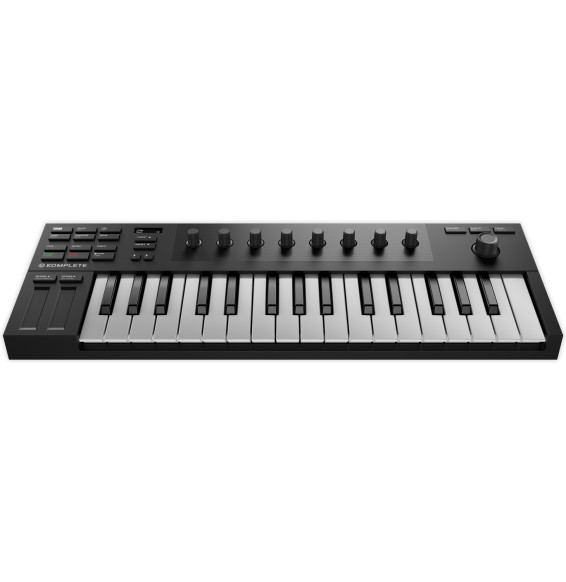
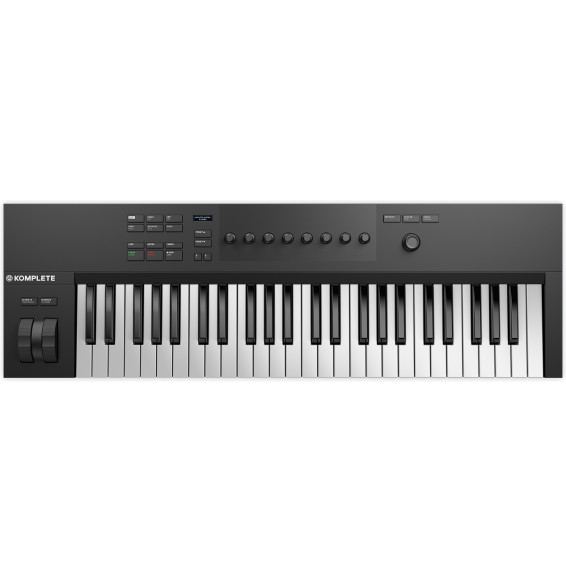
Native Instruments Komplete Kontrol M32 compact keyboard controller: 32 dynamic keys, pitch and modulation touch strips, OLED display and 8 touch-sensitive knobs pre-mapped to Komplete and NKS instruments. USB powered.
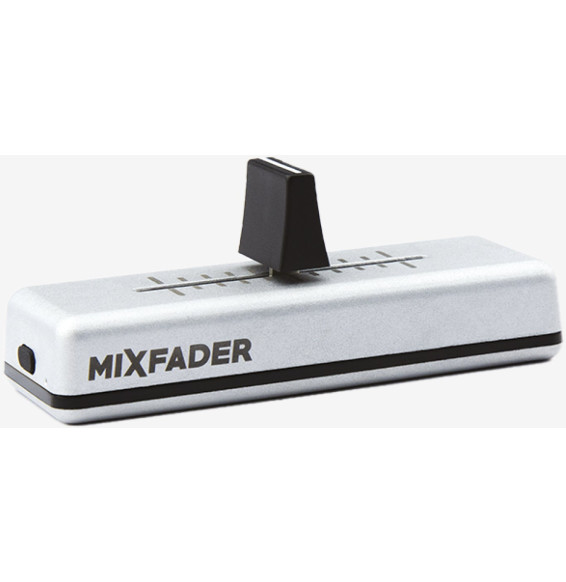
MWM Mixfader portable wireless DJ crossfader: an aluminium unit linked by Bluetooth to the Mixfader dj app on smartphone, tablet or computer, to scratch on a turntable or on a table. Built-in USB-rechargeable battery.
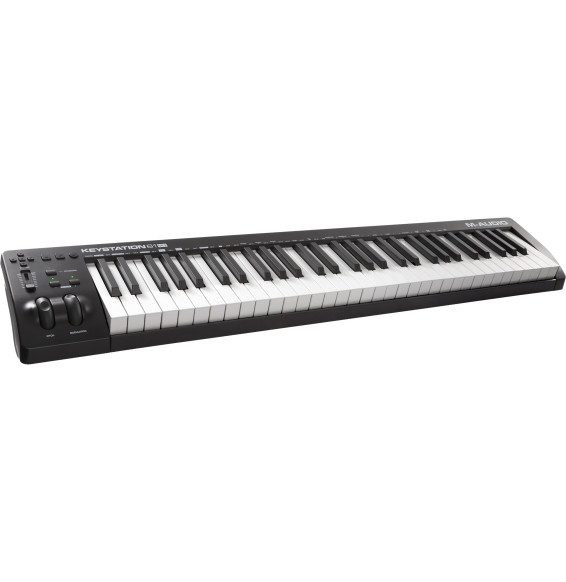
M-Audio Keystation 61 MK3 USB-MIDI keyboard controller: 61 full-size semi-weighted velocity-sensitive keys, pitch and modulation wheels, fader and transport buttons, and a 5-pin MIDI output for a synth. USB-powered, driverless, with Ableton Live Lite and MPC Beats.
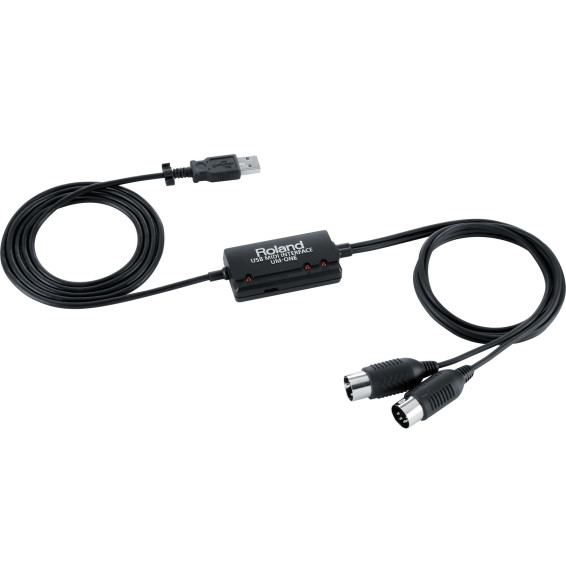
Roland UM-ONE mk2 in-line USB MIDI interface: one MIDI input and one MIDI output with 16 channels to connect a keyboard, a synthesizer or a digital piano to a computer or an iPad. USB powered, with FPT processing for tight timing.
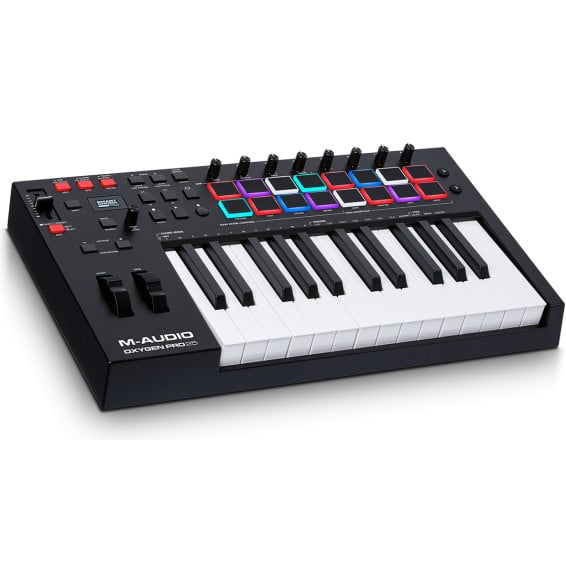
M-Audio Oxygen Pro 25 USB-MIDI keyboard controller: 25 semi-weighted keys with aftertouch, 16 RGB pads, 8 knobs, a fader and an OLED display. Auto-mapped DAW mode, arpeggiator, Smart Chord and Smart Scale, and a 5-pin MIDI output.
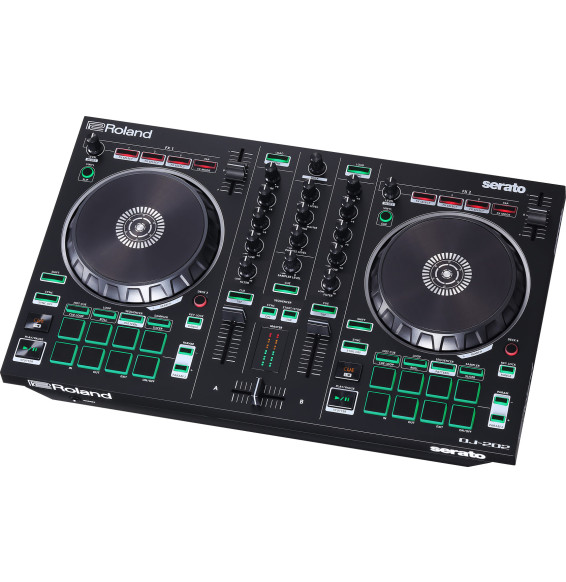
Roland DJ-202 DJ controller for Serato DJ Lite: 2 channels to control 4 decks, large jog wheels for scratching, 16 pads and a sequencer that plays the sounds of the TR-808, TR-909, TR-707 and TR-606 drum machines. USB powered, RCA output and mic input with effects.
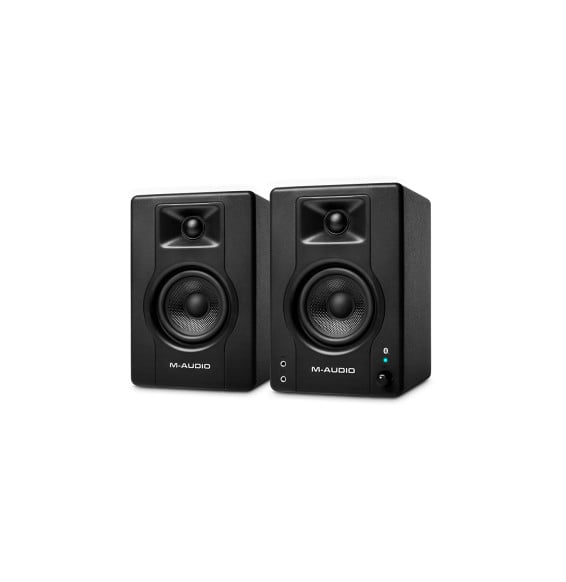
M-Audio BX3 BT pair of active studio monitors: 3.5-inch Kevlar woofers, silk dome tweeters, 120 W peak and Bluetooth. For the desk, home studio, podcasting or gaming, with RCA, jack and aux inputs and a headphone output on the front.
•
•
Bluetooth 4.0 wireless crossfader
•Mixfader dj app (iOS, Android)
•USB or analogue turntables via a sound card
In stock
1 128 DHincl. VAT1 128,00 DHincl. VAT
Delivery everywhereDelivered all over Morocco
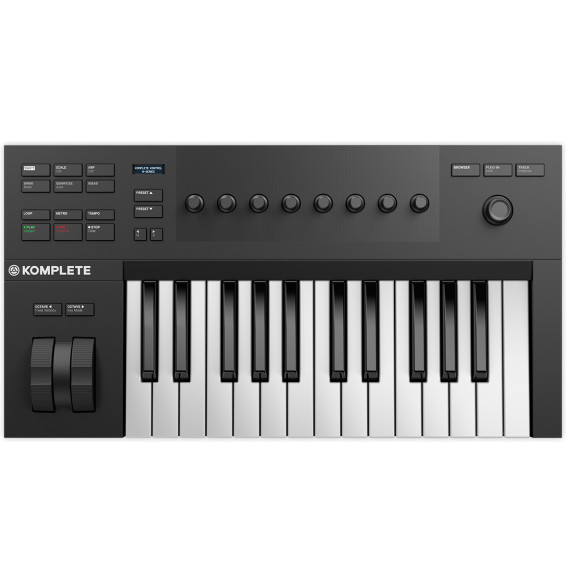
Native Instruments Komplete Kontrol A25 keyboard controller: 25 semi-weighted keys, OLED display and 8 touch-sensitive knobs pre-mapped to Komplete and NKS instruments, with Smart Play for scales, chords and arpeggios. USB powered, pedal input.
•25 semi-weighted keys
•OLED display
•8 touch-sensitive Komplete and NKS knobs
In stock
2 028 DHincl. VAT2 028,00 DHincl. VAT
Delivery everywhereDelivered all over Morocco
•61 semi-weighted velocity-sensitive keys
•5-pin DIN MIDI output
•Pitch bend and modulation wheels
In stock
2 232 DHincl. VAT2 232,00 DHincl. VAT
Delivery everywhereDelivered all over Morocco
•1 MIDI input + 1 MIDI output, 16 channels
•Built-in USB and MIDI cables
•Windows, macOS and iPad
In stock
684 DHincl. VAT684,00 DHincl. VAT
Delivery everywhereDelivered all over Morocco
•25 semi-weighted keys, aftertouch
•16 velocity-sensitive RGB pads, Note Repeat
•8 knobs + 1 fader, 4 banks
In stock
2 676 DHincl. VAT2 676,00 DHincl. VAT
Delivery everywhereDelivered all over Morocco
Native Instruments Komplete Kontrol A49 keyboard controller: 49 semi-weighted keys to play with both hands, OLED display and 8 touch-sensitive knobs pre-mapped to Komplete and NKS instruments, with Smart Play. USB powered, pedal input.
•49 semi-weighted keys
•OLED display
•8 touch-sensitive Komplete and NKS knobs
In stock
2 700 DHincl. VAT2 700,00 DHincl. VAT
Delivery everywhereDelivered all over Morocco
•2 channels, 4 decks, Serato DJ Lite
•Large low-latency jog wheels
•16 pads: Hot Cue, Loop, Sequencer, Sampler
In stock
4 908 DHincl. VAT4 908,00 DHincl. VAT
Delivery everywhereDelivered all over Morocco
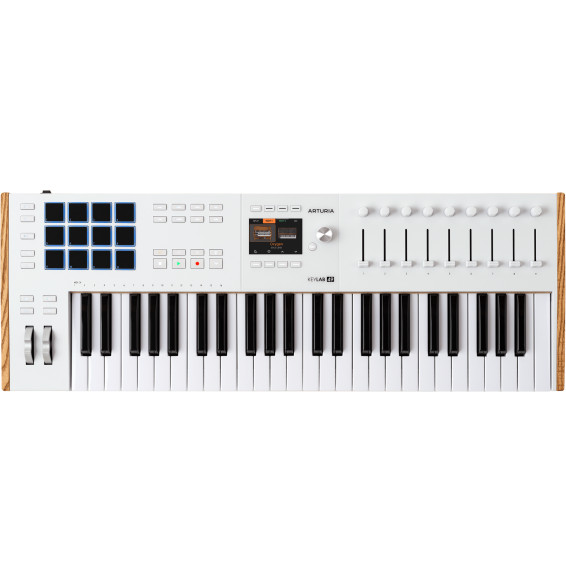
USB-MIDI keyboard controller Arturia KeyLab 49 mk3 white - 49 semi-weighted keys with aftertouch, 12 pads, colour display
Arturia KeyLab 49 mk3 white keyboard controller: 49 semi-weighted keys with aftertouch, 12 RGB pads, 9 faders, 9 encoders and a 3.5-inch colour display. MIDI In and Out, 3 pedal inputs, scripts for the main music software and Analog Lab Pro included.