


Best seller
Microsoft
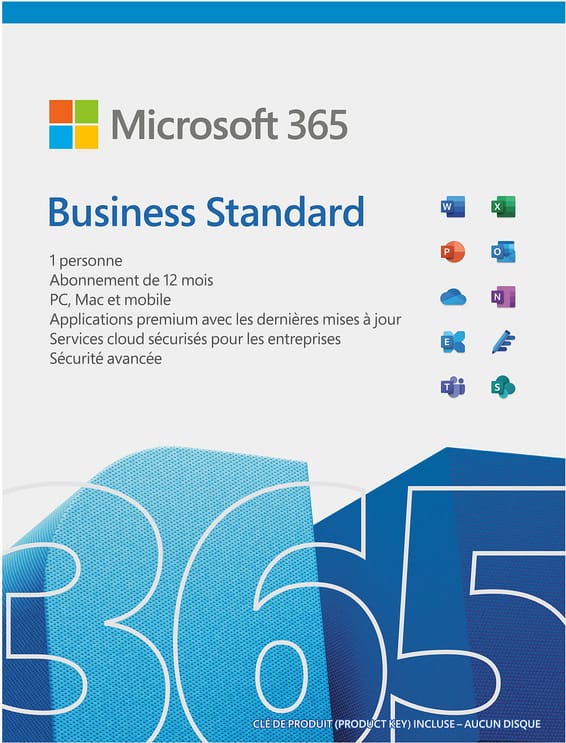
Microsoft Windows 11 Pro 64-bit French - Genuine Licence (FQC-10532)
In stock
1 939 DHincl. VAT1 939,00 DHincl. VAT
Delivery everywhereDelivered all over Morocco
A 23.8-inch business all-in-one with a 10-point touchscreen, Intel Core Ultra 7 256V with a 47 TOPS NPU, 16 GB of soldered LPDDR5X and a 512 GB NVMe SSD. Ships without Windows, with a wireless keyboard and mouse, a 5 MP webcam with shutter and an HDMI input.
In stock
Earn 161 DH in loyalty credit with this purchaseHow does it work?Loyalty credit capped at 300 DH per order.
Delivery anywhere in Morocco
free
Casablanca store
Free pickup
Témara pickup point
Free pickup
3 years warranty — free repair in Morocco if it breaks down during the warranty period
100% secure payment: Bank transfer · Bank card · Cash on delivery (deposit of 800 DH by card or bank transfer) · Certified cheque
A 23.8-inch business all-in-one for reception, service counters and shared workstations: 10-point touchscreen, Core Ultra 7 with a 47 TOPS NPU and an HDMI input to display a laptop.
Processor: Intel Core Ultra 7 256V, 8 cores up to 4.8 GHz, Intel Arc 140V graphics
Memory and storage: soldered 16 GB LPDDR5X-8533, 512 GB NVMe SSD PCIe 4.0
Display: 23.8" Full HD IPS anti-glare, 100 Hz, 99% sRGB
Video calls: 5-megapixel webcam with shutter, 2 HARMAN 3 W speakers, 2 microphones
System: ships without Windows, wireless keyboard and mouse included
A complete workstation on a tilting stand, instead of a tower, a monitor and all their cables.
Lenovo ThinkCentre neo 50a 24 Gen 6 · 13QG000FFM
A workstation you control by touch
A 23.8-inch 10-point touchscreen, a Core Ultra 7 256V with its AI engine, 16 GB of memory and a 512 GB SSD in a single device on a stand. It ships without an operating system, with a wireless keyboard and mouse.
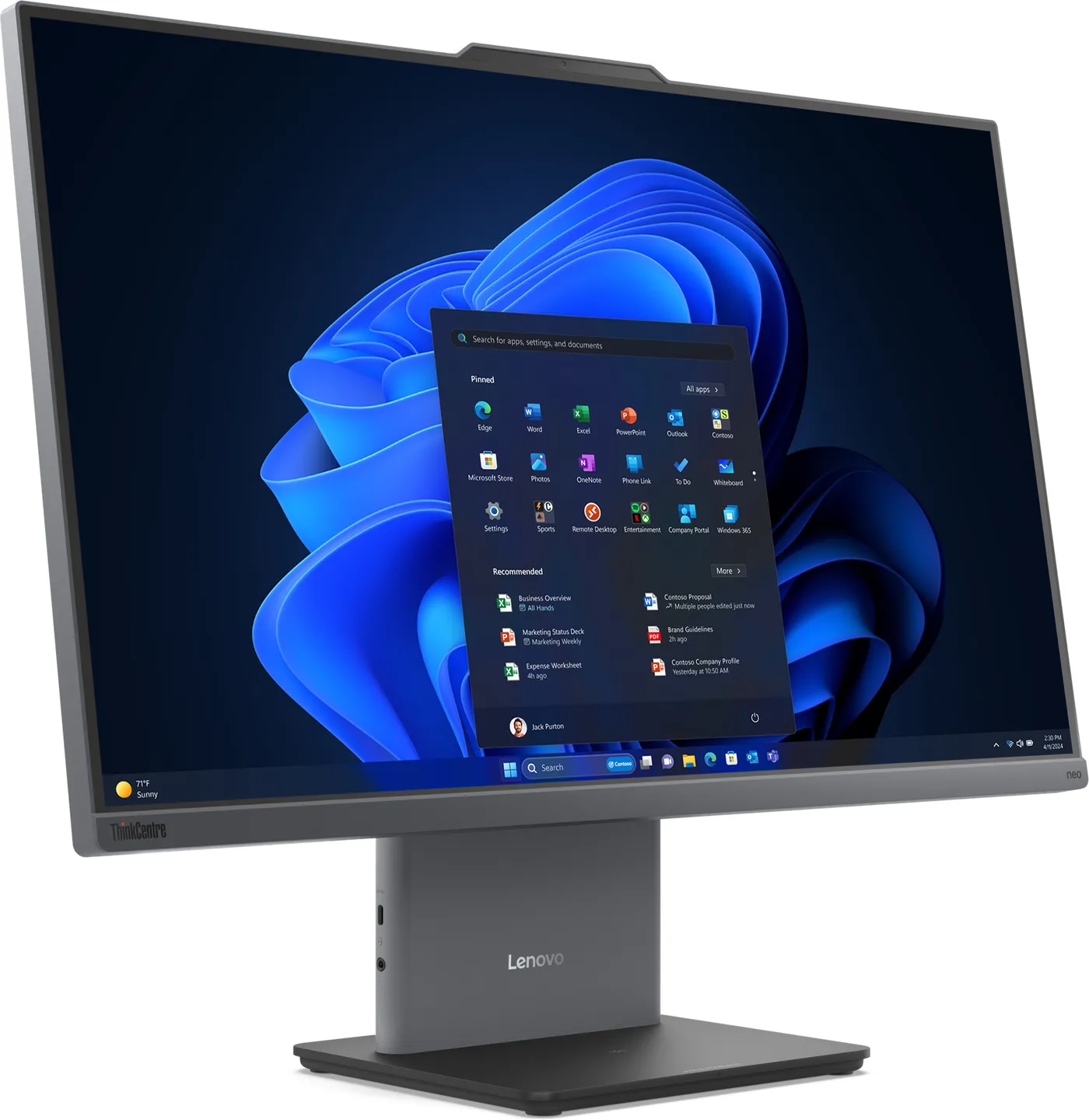
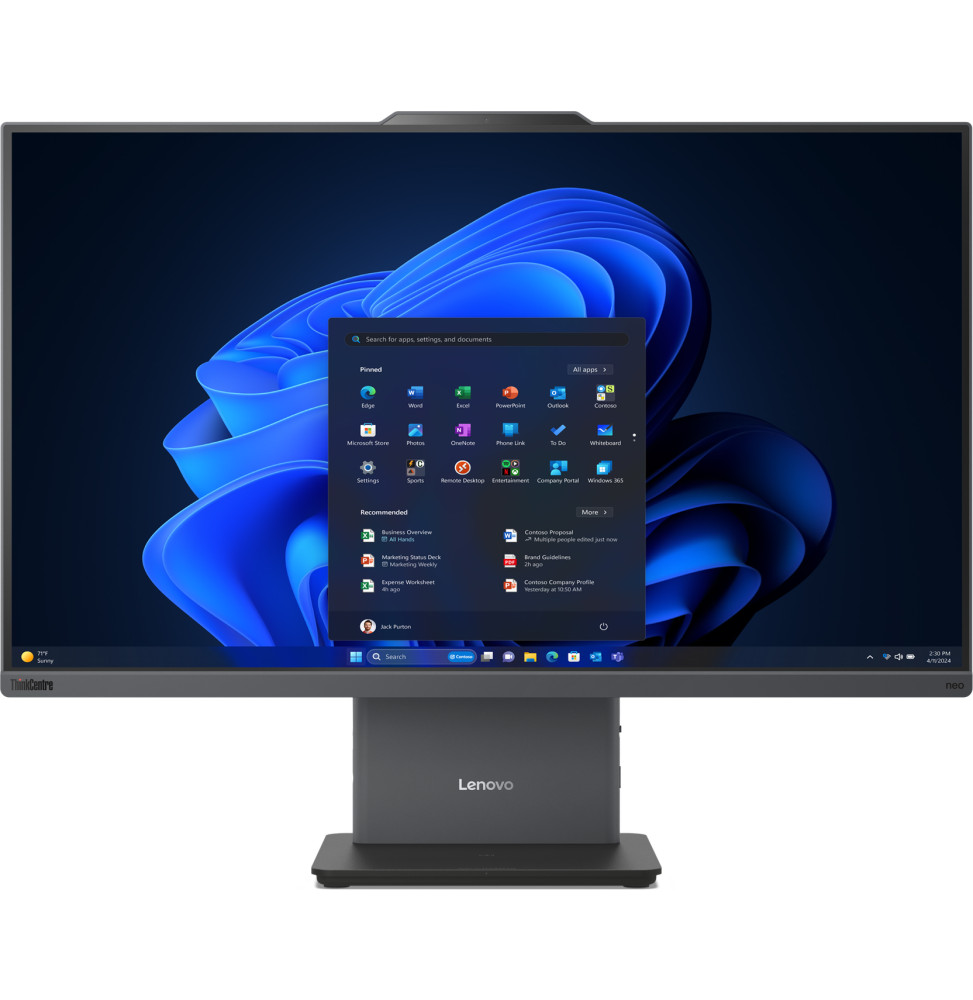
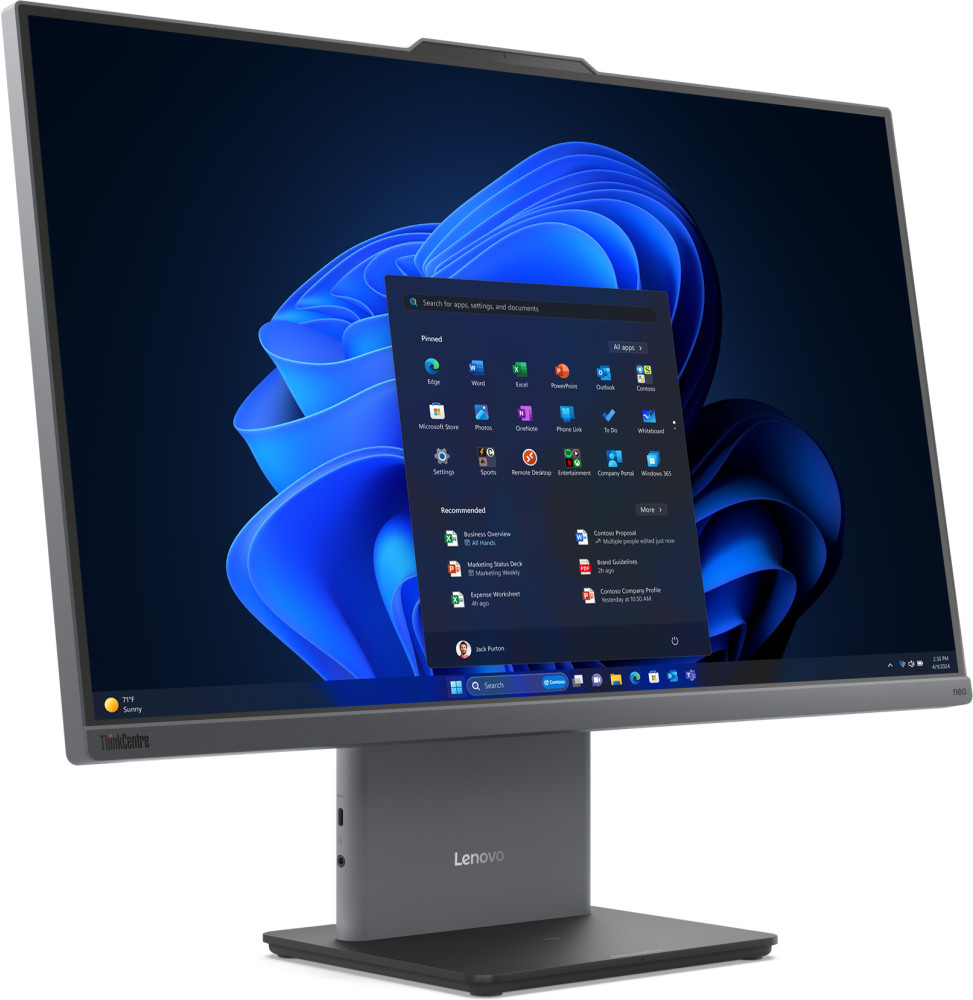
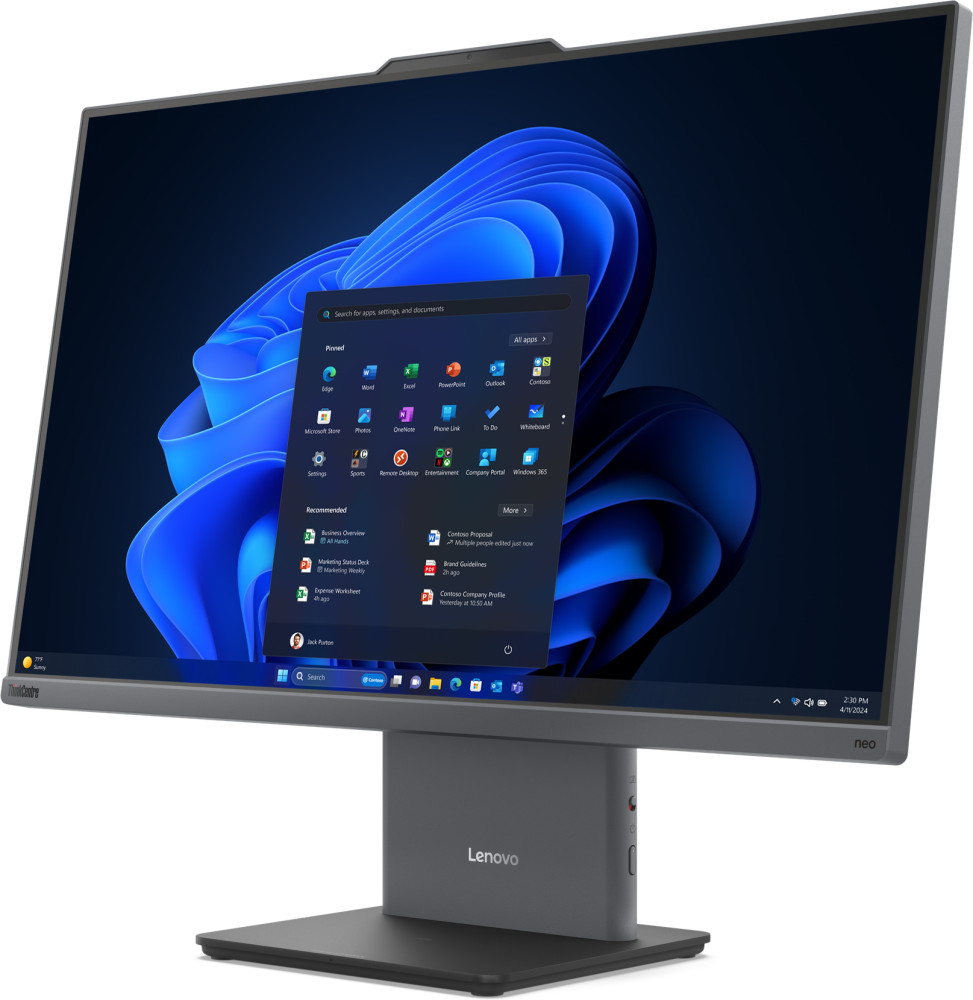
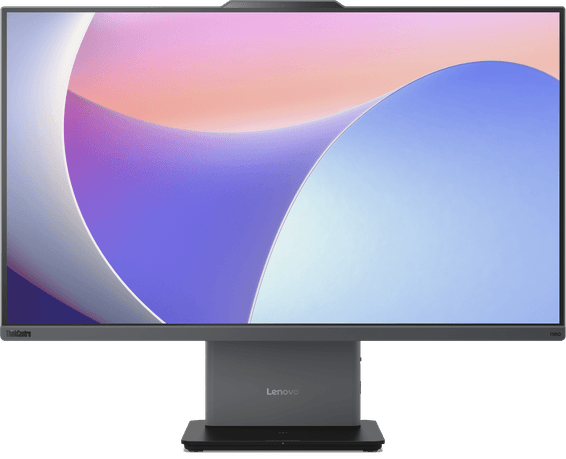
The front markers: what the user handles every day. The on-screen image is a manufacturer illustration, as the machine ships without Windows.
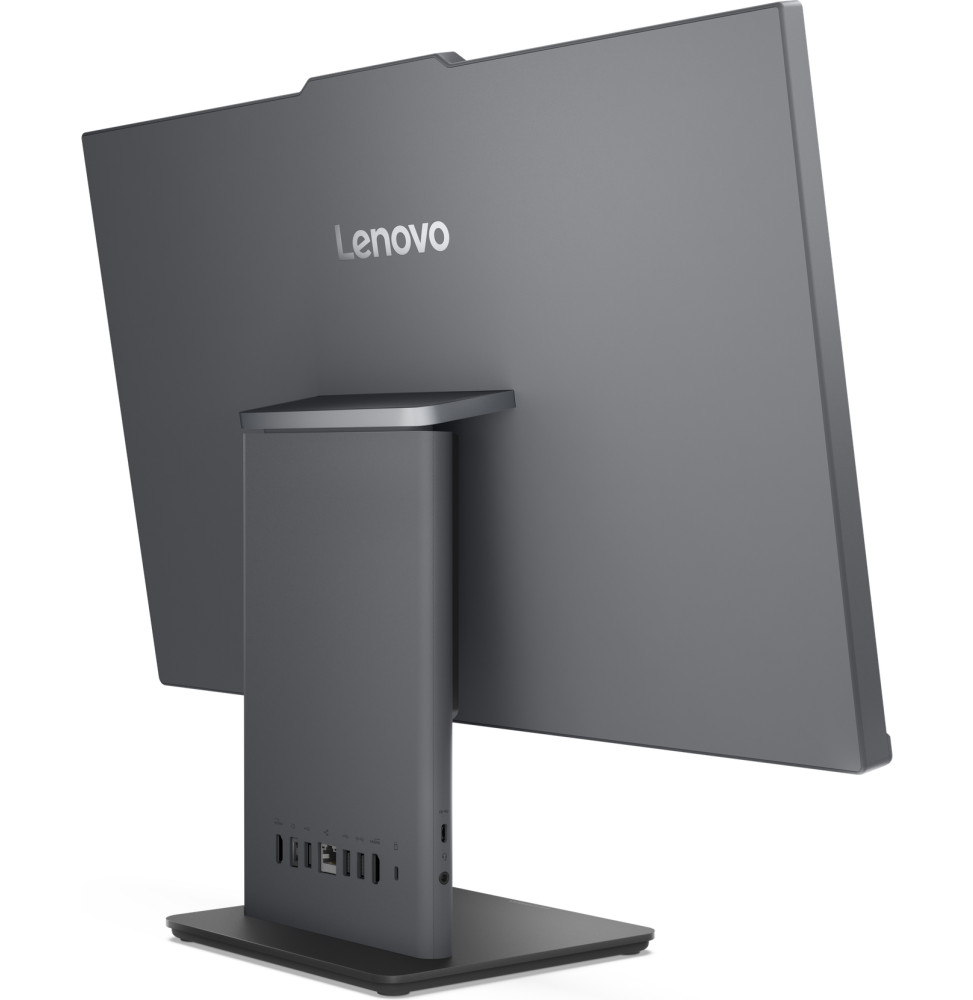
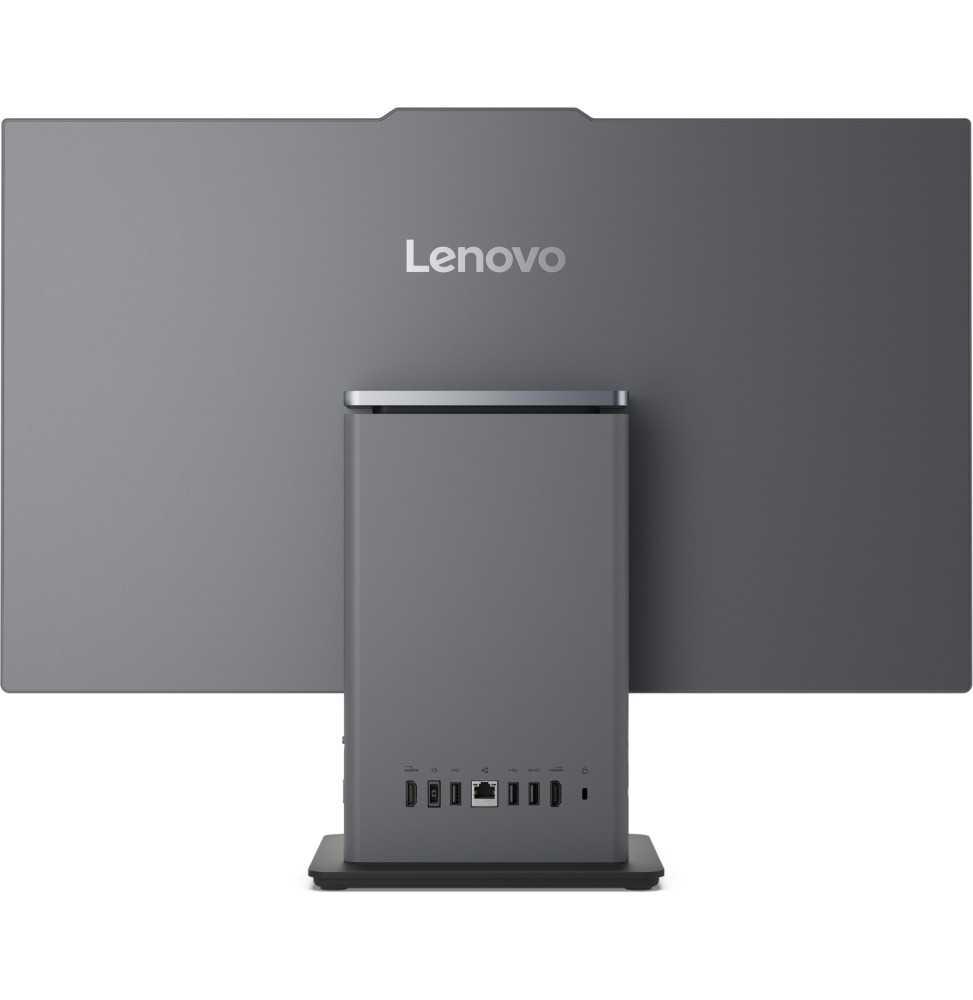
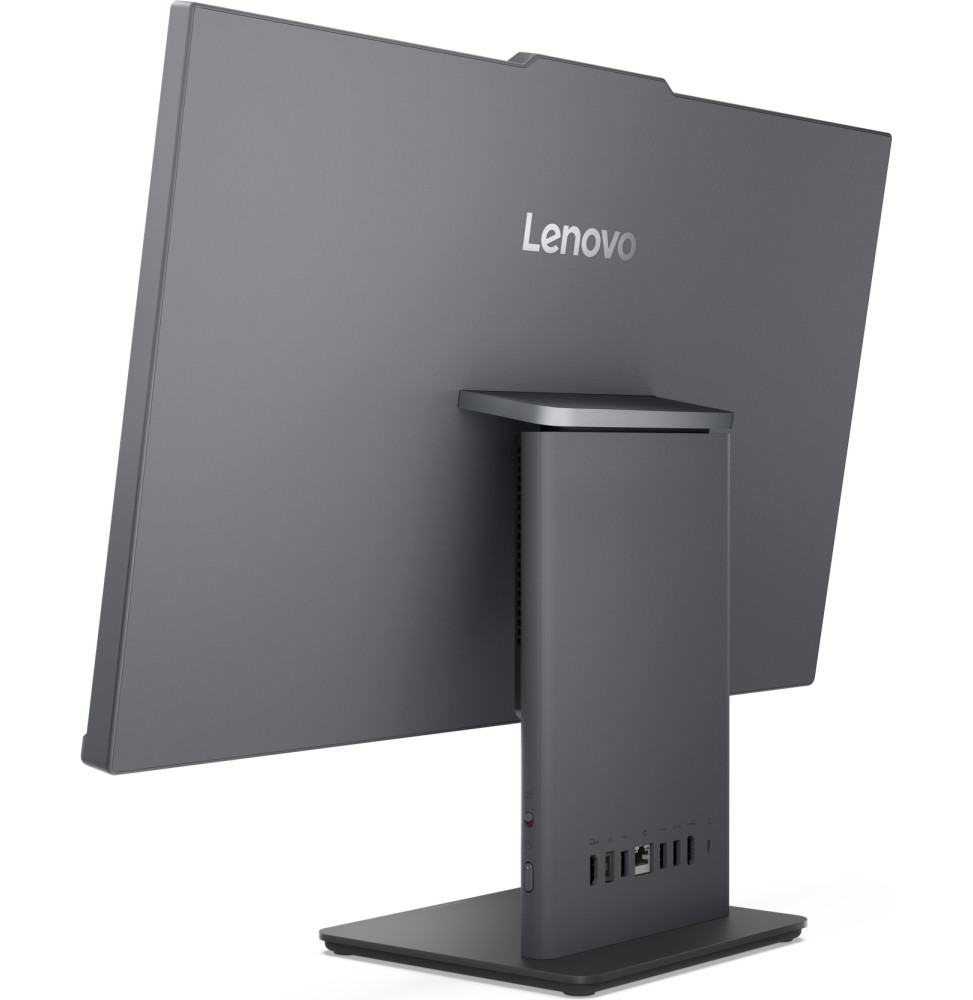
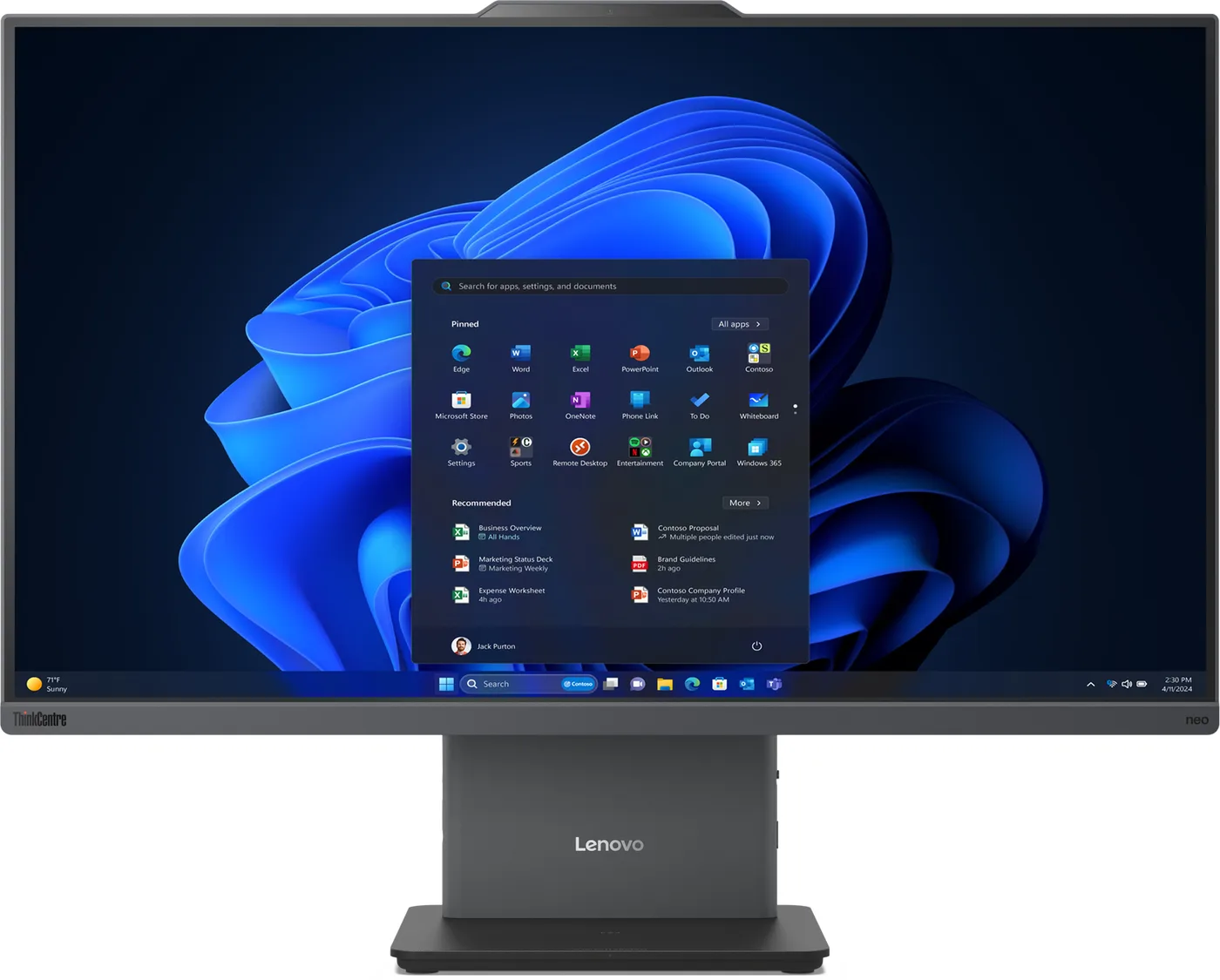 5-megapixel webcam with privacy shutter, two microphones23.8-inch Full HD IPS 10-point touch panel, anti-glare, 100 HzStand tilting from -5° to +15°Behind the stand: HDMI 1.4 input, HDMI 2.1 output, RJ-45 and three USB-A
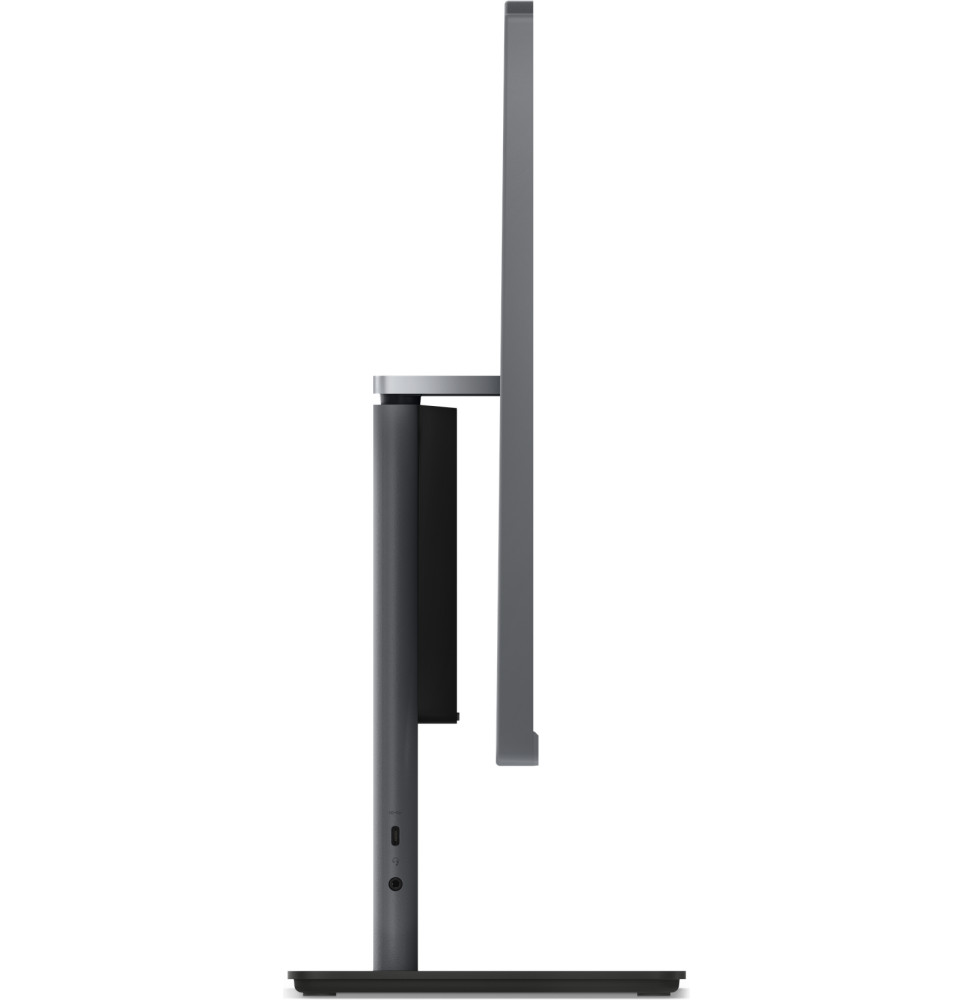
The HDMI 1.4 input takes a laptop, a console or a set-top box: their picture appears on the 23.8-inch panel. The HDMI 2.1 output, right next to it, does the opposite and adds a second monitor to the computer. On the left side, a 10 Gbps USB-C port charges a phone at 15 W.
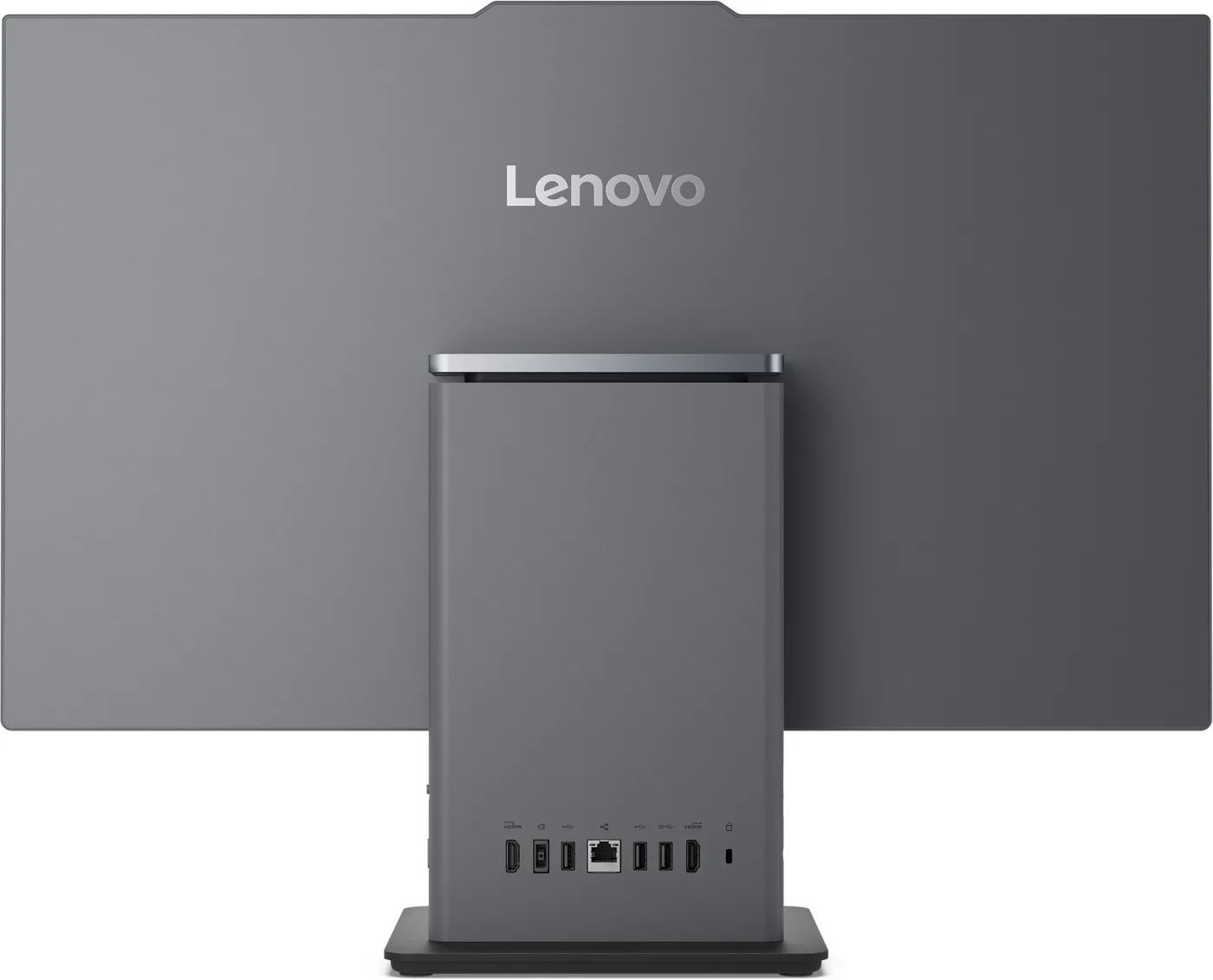
The ThinkCentre carries TÜV Rheinland Ultra Low Noise certification and the GREENGUARD label. Two HARMAN 3 W speakers and two array microphones are enough for video calls without a headset, and the 3 x 7 mm Kensington slot ties it to a reception counter.
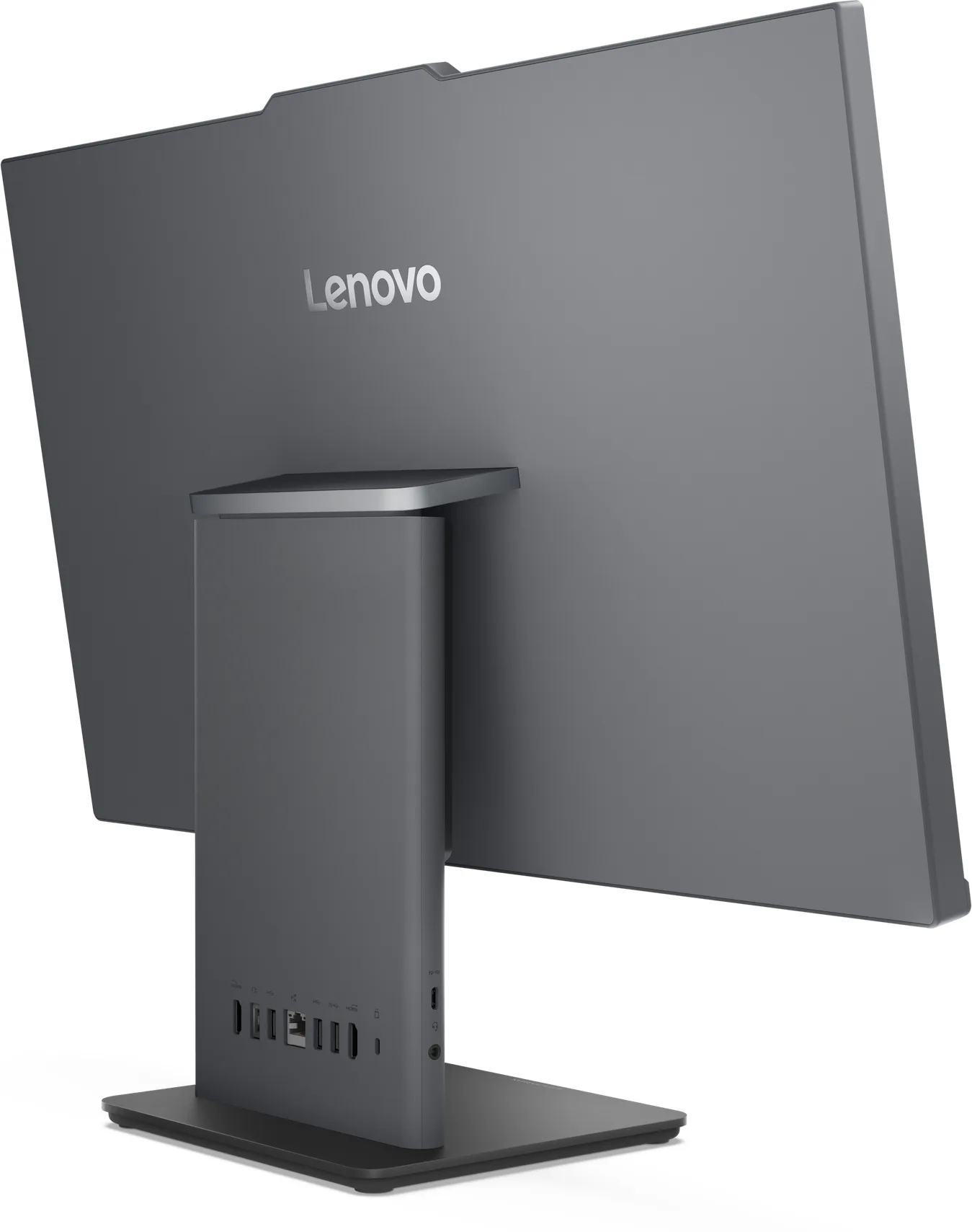
Touch makes full sense at reception, service counters, checkouts or in meeting rooms. For a data-entry workstation where you type all day, a non-touch version of the same model is enough.
Values taken from the manufacturer sheet for reference 13QG000FFM and from the ThinkCentre neo 50a 24 Gen 6 series specification document.
| Processor | Intel Core Ultra 7 256V |
|---|---|
| Processor details | 8 cores (4P + 4LPE), 8 threads, up to 4.8 GHz, 12 MB cache, Intel AI Boost NPU up to 47 TOPS — 115 TOPS in total for the platform |
| Processor frequency | Up to 4.8 GHz |
| External cache memory | 12 MB Intel Smart Cache |
| Installed RAM | 16 GB LPDDR5X-8533 soldered (memory on the processor package) |
| Maximum RAM | 16 GB (not expandable) |
| Hard drive capacity | 512 GB M.2 2280 NVMe PCIe 4.0 x4 SSD |
| Hard drive type | M.2 2280 NVMe PCIe 4.0 SSD |
| Optical drive | None |
| Graphics card | Intel Arc Graphics 140V (integrated), up to 64 TOPS |
| Video outputs | 1 HDMI 2.1 TMDS output (second monitor) and 1 HDMI 1.4 input (the screen becomes another machine's monitor) |
| Weight (kg) | Approx. 6.0 kg |
| Screen size | 23.8 inches |
| Screen type | 23.8-inch Full HD (1920 x 1080) 16:9, anti-glare IPS, 250 nits, 99% sRGB, 1300:1 contrast, 100 Hz, 14 ms, borderless, low blue light and flicker-free — 10-point touch |
| Memory card reader | None |
| Built-in webcam | 5 megapixels, privacy shutter |
| Audio | HD Audio, Realtek ALC233 codec, 2 x 3 W HARMAN speakers, 2 array microphones |
| Ethernet network card | Integrated 100/1000 Mbps Ethernet (RJ-45) |
| Bluetooth | Bluetooth 5.2 |
| Wireless communication | Wi-Fi 6 (802.11ax, 2x2, Realtek RTL8852BE card) |
| Connectors | Rear: 1 USB-A 10 Gbps, 2 USB 2.0 Type-A, 1 HDMI 2.1 TMDS output, 1 HDMI 1.4 input, 1 RJ-45, 1 power connector |
| Biometric recognition | None |
| Battery type / battery life | None (mains powered) |
| Operating system | No preinstalled operating system |
| Dimensions (W x D x H) (mm) | 539.5 x 192.1 x 431.17 mm (with stand) |
|---|---|
| Box contents | All-in-One with stand, EOS wireless keyboard and mouse, 90 W AC adapter |
| Brightness | 250 cd/m² |
| Panel type | IPS |
| Display | With display |
| Product colour | Luna Grey |
| Pointing device | Lenovo EOS wireless mouse, black |
| Special features | 10-point touchscreen, stand tilting from -5° to +15°, GREENGUARD and TÜV Rheinland Ultra Low Noise certified |
| Power supply | 90 W external AC adapter, 89% efficiency |
| Security management | Firmware TPM 2.0 (integrated in the SoC), Kensington slot 3 x 7 mm |
| Keyboard | Lenovo EOS wireless keyboard, black, French (AZERTY) |
| Memory slots | Soldered memory, no slots (dual channel) |
| Expansion slots | 2 M.2 slots (1 Wi-Fi, 1 SSD) — single drive only, up to 1 TB |
| Chipset | Intel SoC (chipset integrated into the processor) |
| Optimal resolution | Full HD 1,920 x 1,080 |
| Storage type | SSD |
| Included accessories | Lenovo EOS wireless keyboard and mouse |
| Form factor | 23.8-inch all-in-one |
| Touchscreen | Yes |
| With built-in AI | Yes |
| Front ports | Left side: 1 USB-C 10 Gbps (data and 15 W charging), 1 headphone/microphone jack (3.5 mm) |
| Graphics card type | Integrated graphics |
| Desktop PC form factor | All-in-one |
| Warranty | 3 years |
| EAN | 0199275034435 |
|---|---|
| MPN | 13QG000FFM |
No reviews yet
Be the first to review this product and help other customers.
Microsoft
In stock
Delivery everywhereDelivered all over Morocco

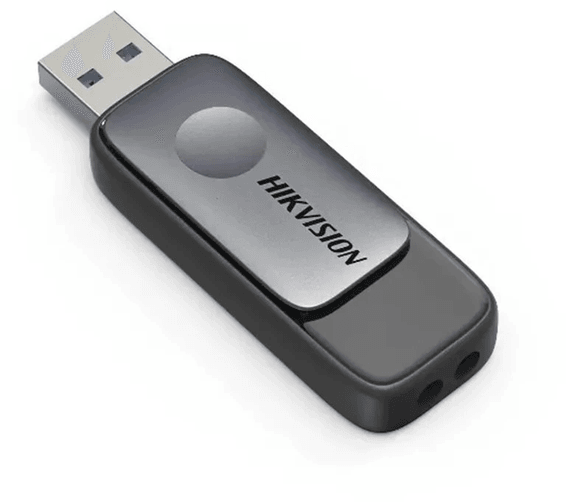
HIKSEMI
In stock
Delivery everywhereDelivered all over Morocco
Delivery everywhereDelivered all over Morocco
Delivery everywhereDelivered all over Morocco
Delivery everywhereDelivered all over Morocco
Delivery everywhereDelivered all over Morocco
Lenovo
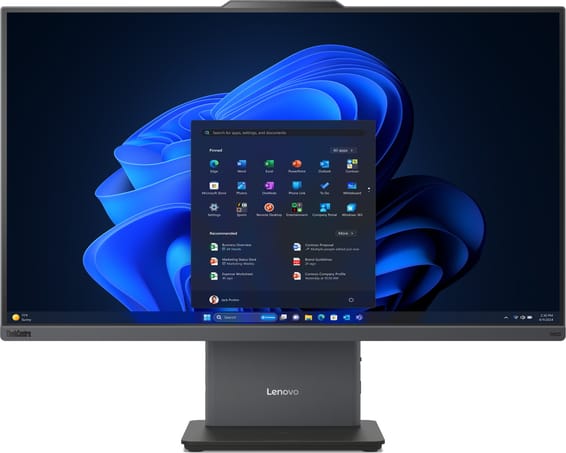
27-inch all-in-one with a touch IPS panel covering 99 % of the sRGB space, supplied without an operating system with a wireless keyboard and mouse. Intel Core Ultra 7 256V (Copilot+ PC), 16 GB LPDDR5X, 512 GB SSD, 5 MP webcam and HARMAN speakers.
In stock
Delivery everywhereDelivered all over Morocco
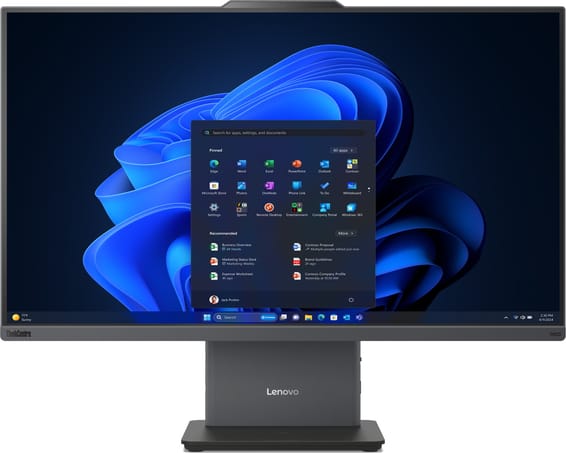
Lenovo
23.8-inch all-in-one with an IPS panel covering 99 % of the sRGB space, supplied without an operating system with a wireless keyboard and mouse. Intel Core Ultra 7 256V (Copilot+ PC), 16 GB LPDDR5X, 512 GB SSD, 5 MP webcam and HARMAN speakers.
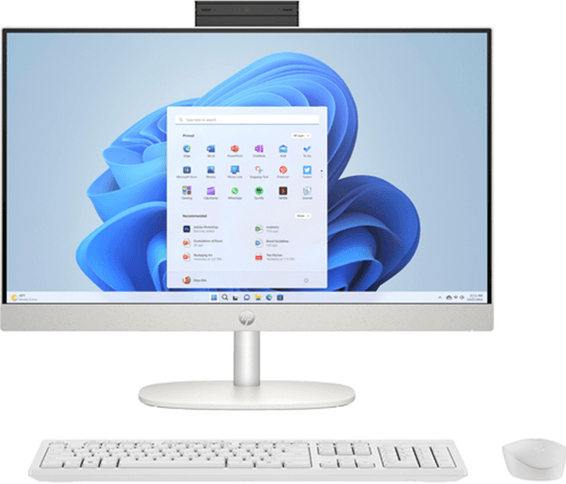
HP
Tilting Full HD webcam and a 23.8-inch touchscreen: video calls stay sharp and the camera closes in one movement. Core Ultra 7 with a dedicated AI chip, shell white finish.
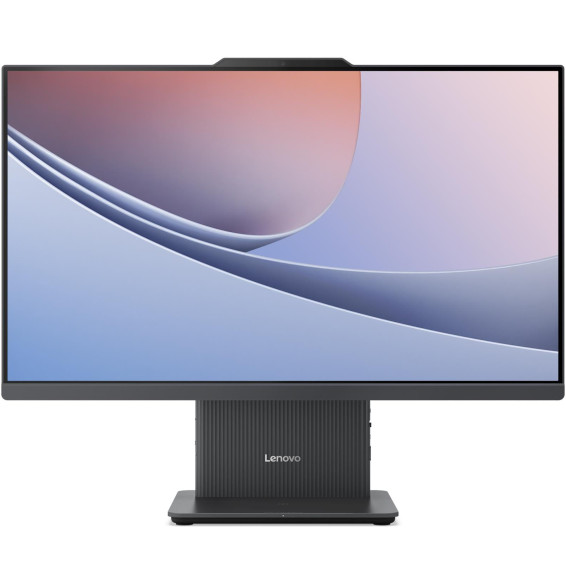
Lenovo
A compact format for small offices: 23.8-inch 100 Hz panel, 6 kg and the processor behind the screen. Windows 11 is installed, a wireless keyboard and mouse are supplied, and a switch disables the camera in one gesture.
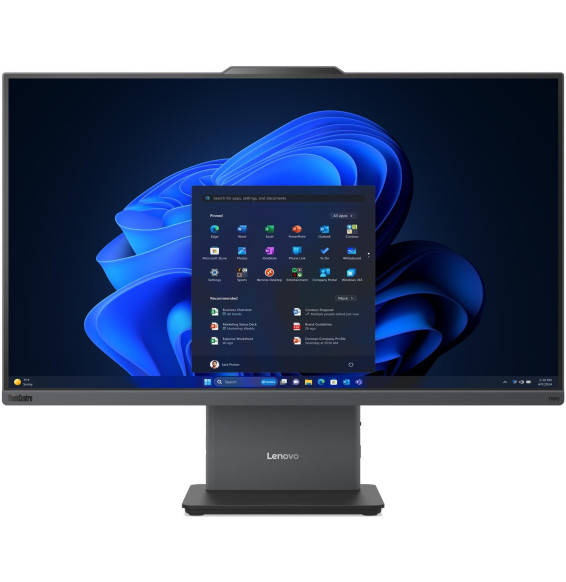
Lenovo
On the desk, all that remains is a stand, a cable and two wireless peripherals: the rest sits behind the anti-glare panel. The HDMI input also turns it into another PC's monitor. Supplied without Windows.
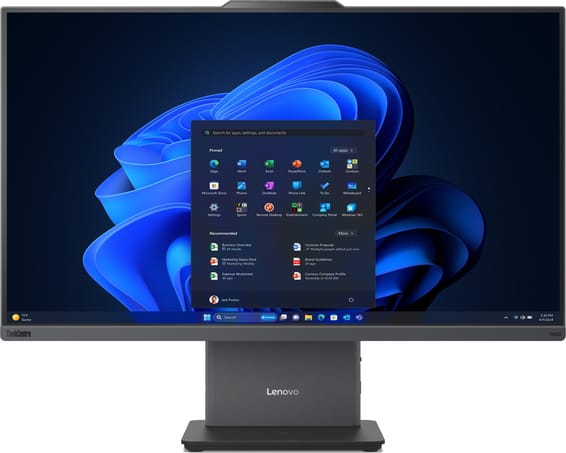
Lenovo
23.8-inch all-in-one with an IPS panel covering 99 % of the sRGB space, supplied without an operating system with a wireless keyboard and mouse. Intel Core Ultra 5 226V (Copilot+ PC), 16 GB LPDDR5X, 512 GB SSD, 5 MP webcam and HARMAN speakers.
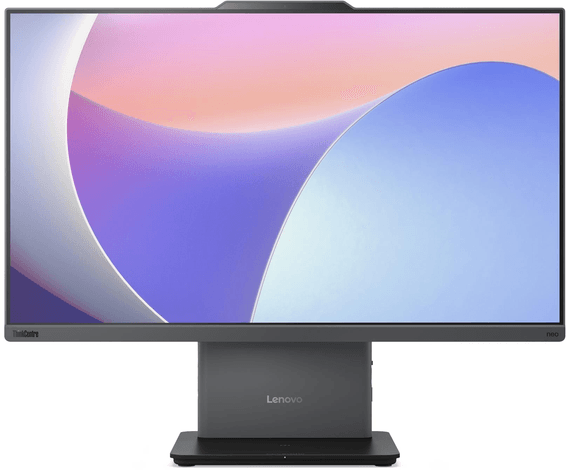
Lenovo
Designed for a reception desk or a shared office: 23.8 inches Full HD IPS, an 8-core Core i5 and 16 GB of DDR5 memory. AZERTY keyboard and mouse included, supplied without Windows.
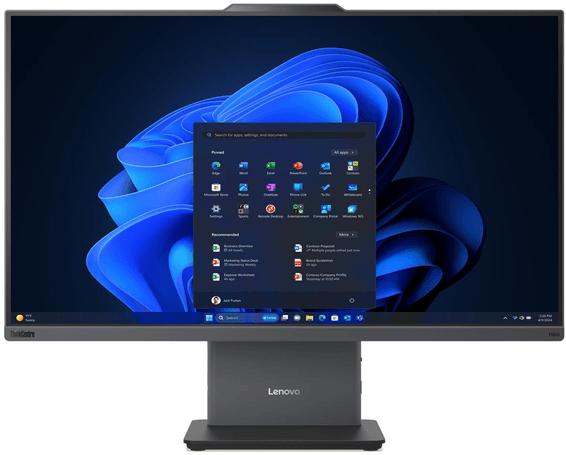
Lenovo
8-core Ryzen 7 with AI up to 16 TOPS, 16 GB of DDR5 and a 512 GB SSD. 5 MP webcam with a privacy shutter and HARMAN speakers for video calls. Supplied with FreeDOS.
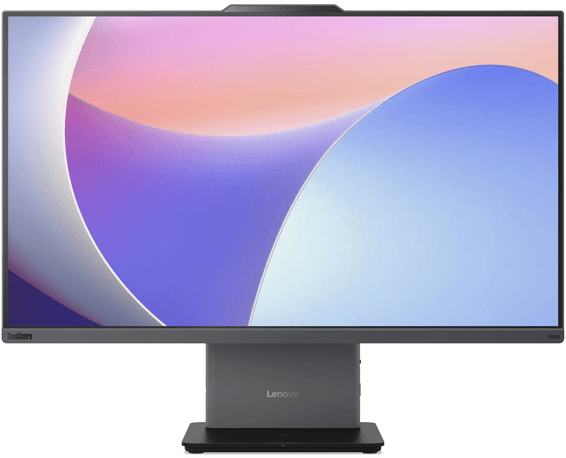
Lenovo
A finger is all it takes to drive the 27 inches: multi-touch panel, 10-core Core i7 and 16 GB of DDR5. AZERTY wireless keyboard and mouse included, supplied without Windows.
Lenovo
Ten cores up to 5.2 GHz behind a 27-inch panel that can also be driven by finger. Wireless AZERTY keyboard and mouse included, supplied without Windows: the operating system still has to be installed.
In stock
Delivery everywhereDelivered all over Morocco
In stock
Delivery everywhereDelivered all over Morocco
In stock
Delivery everywhereDelivered all over Morocco
In stock
Delivery everywhereDelivered all over Morocco
In stock
Delivery everywhereDelivered all over Morocco
In stock
Delivery everywhereDelivered all over Morocco
In stock
Delivery everywhereDelivered all over Morocco
In stock
Delivery everywhereDelivered all over Morocco
In stock
Delivery everywhereDelivered all over Morocco