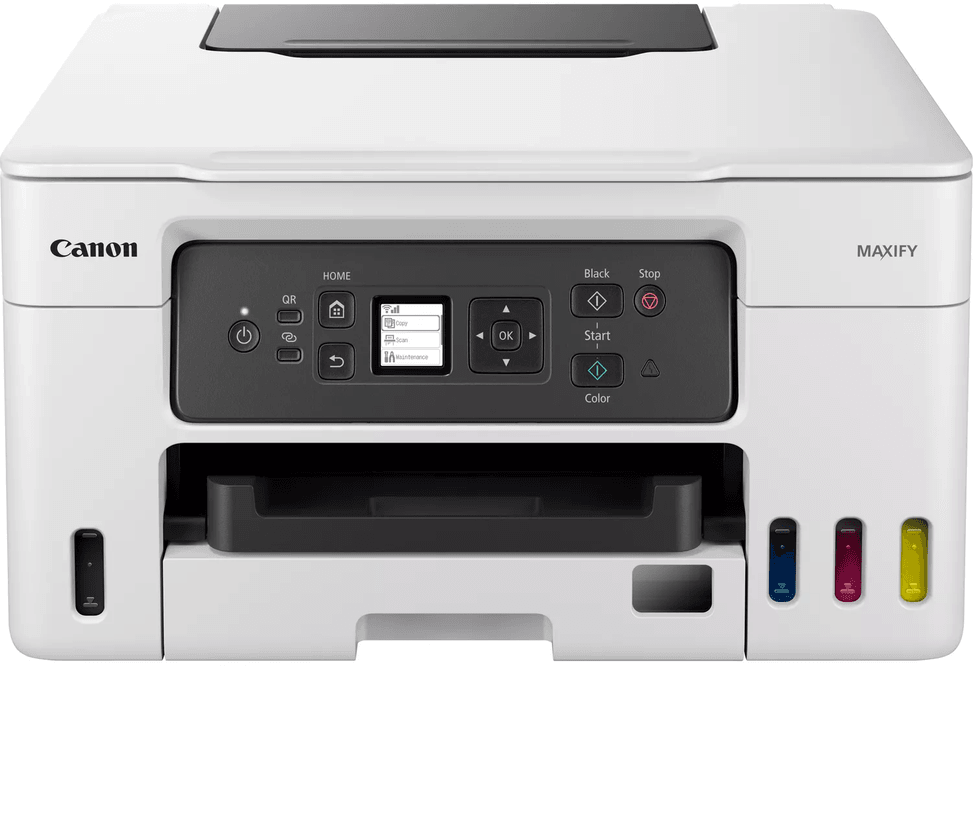
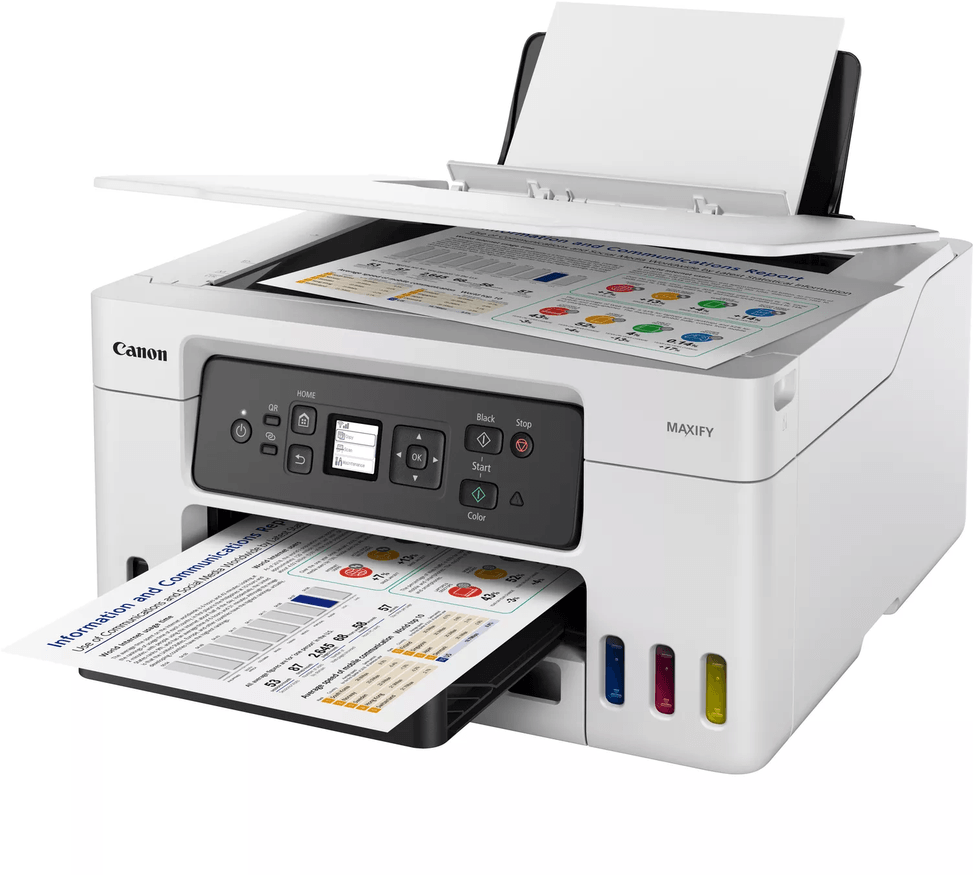
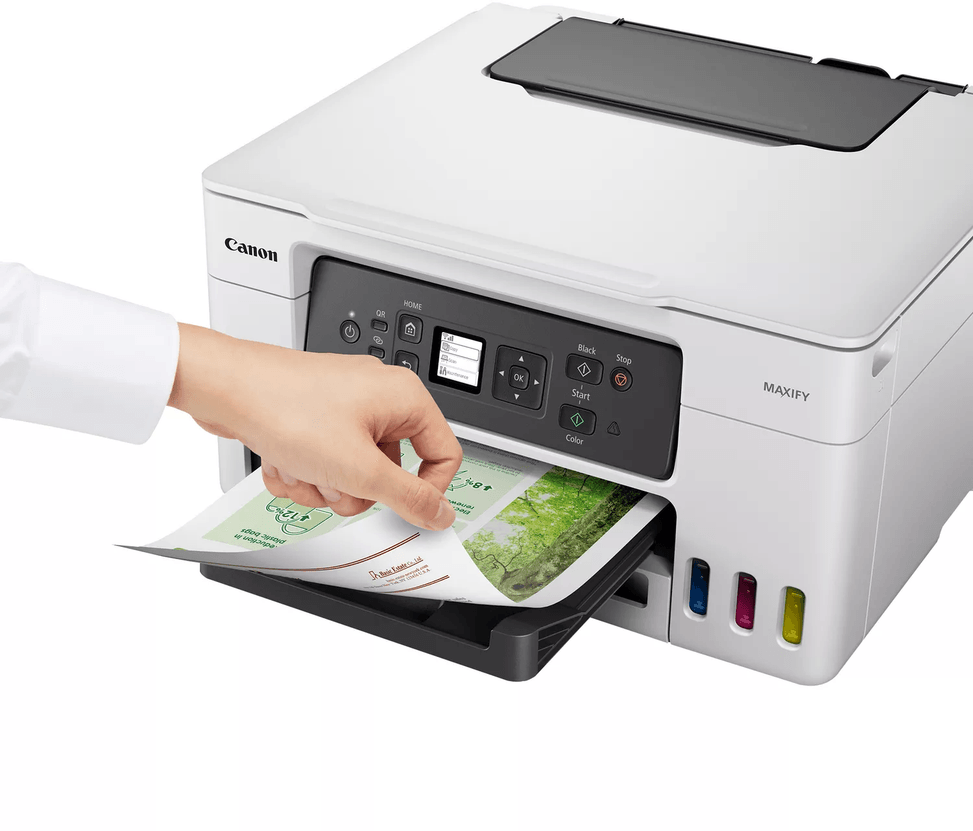
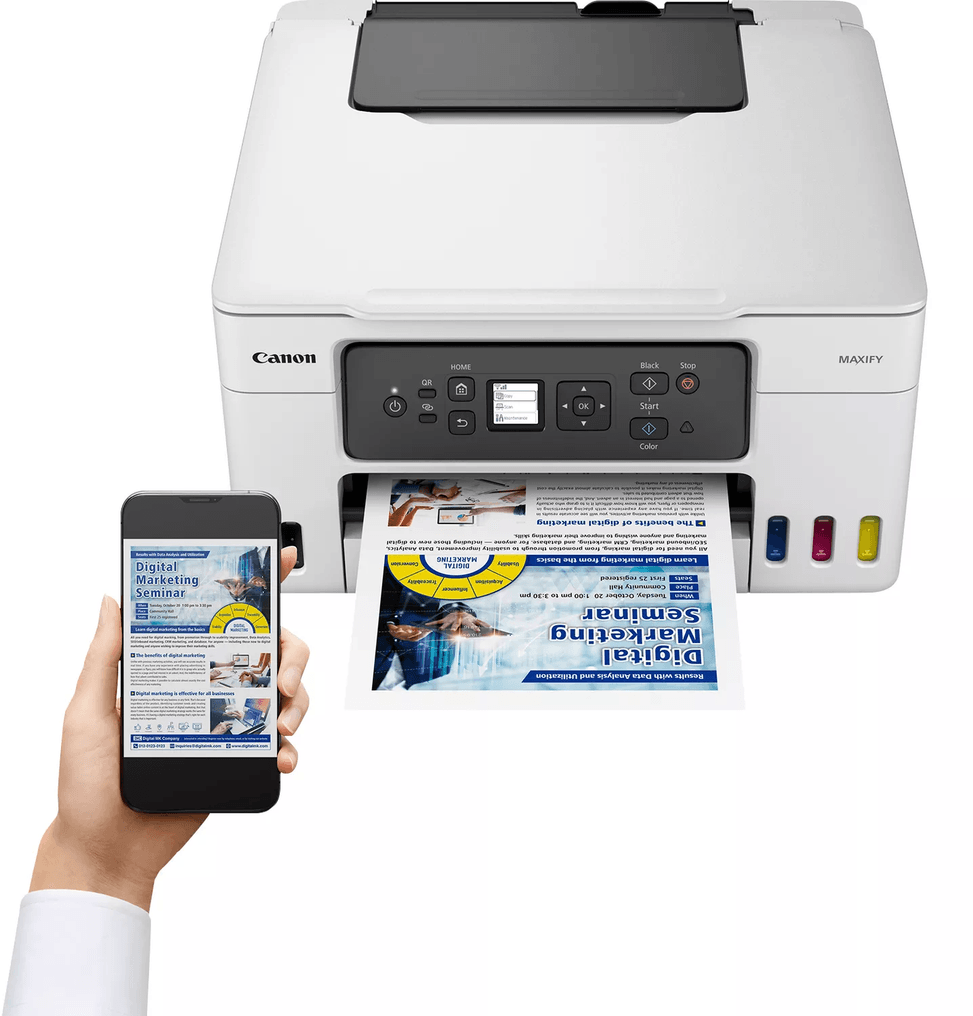
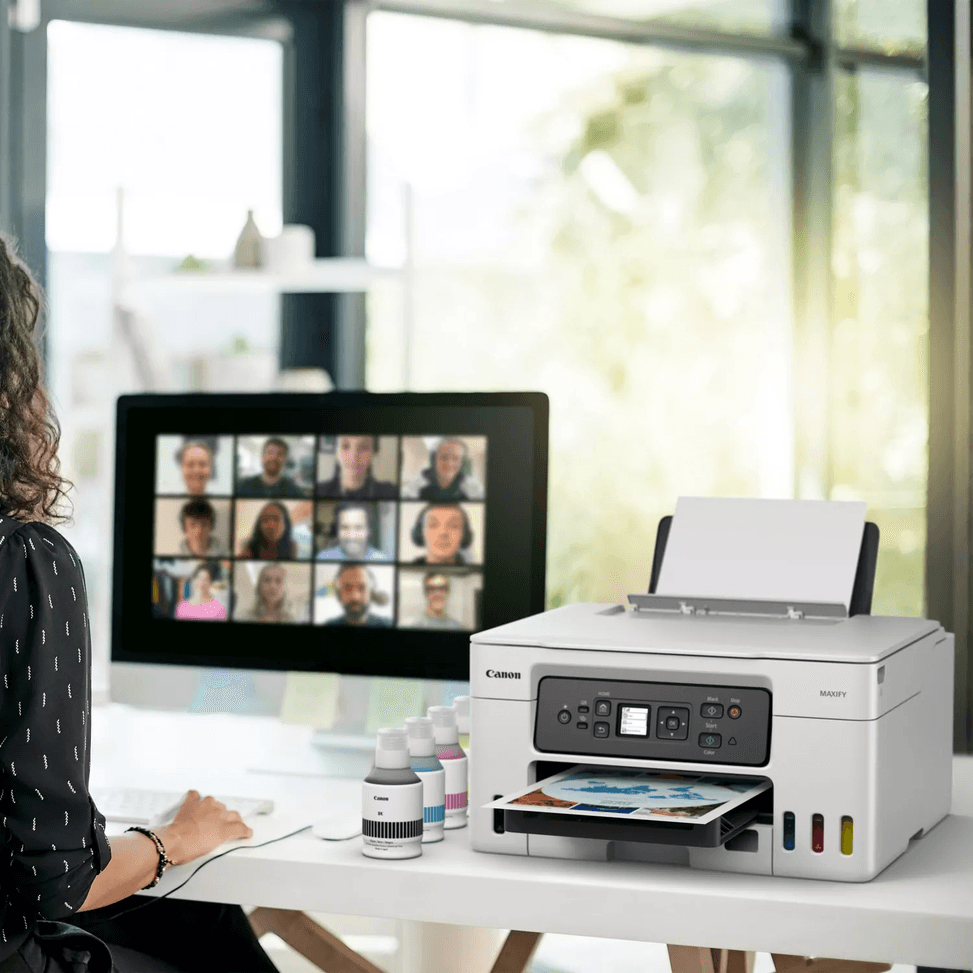
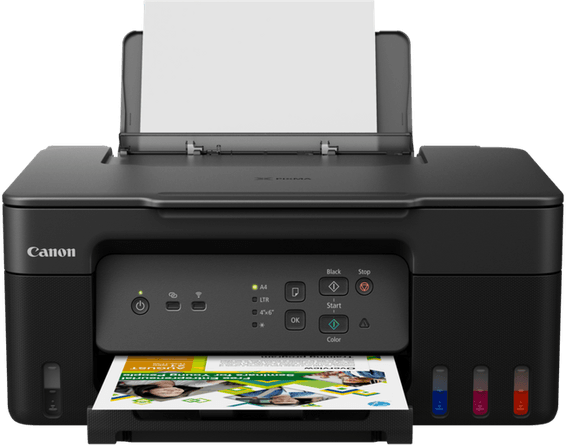
Canon MAXIFY GX3040 Refillable Ink Tank Multifunction Printer (5777C009)
Starter ink included for 5,000 black pages and 5,000 in colour (up to 6,000 / 14,000 with full GI-46 bottles). Entry point of the MAXIFY GX range, with a 250-sheet cassette and a 100-sheet rear tray.
Ink included: 5,000 black pages, 5,000 in colour (up to 6,000 / 14,000 with full GI-46 bottles)
3-in-1: print, copy, scan
18 pages/min in black, 13 in colour
Manual duplex
Non-touch screen, 3.4 cm
Wi-Fi
Replaceable printhead, pigment ink (4 colours)
350-sheet paper capacity (250 cassette + 100 rear) - high capacity
MegaTank ink tank multifunction printer for the small office: very low-cost ink, high paper capacity and 3-in-1. Functions: print, copy and scan Ink: 4 separate refillable tanks, supplied with 4 high-yield bottles — very low cost per page Speed: 18 ipm in black, 13 in colour (ISO) · Resolution 600 × 1200 dpi Printhead: replaceable Duplex printing: manual Paper tray: 350 sheets (250-sheet cassette + 100-sheet rear tray) · Display: non-touch Connectivity: Wi-Fi and USB · A4 format Sturdy and built to last, made for the steady print volumes of a small business.
Be the first to review this product and help other customers.
Write a review
Frequently asked questions about this product
How many pages can the ink supplied with the Canon GX3040 print?
5,000 pages in black and 5,000 in colour with the bottles supplied at purchase. This should not be confused with the yield of a GI-46 bottle bought full: 6,000 pages in black and 14,000 in colour. Both figures are correct; they simply do not measure the same thing.
Does the economy mode of the Canon GX3040 really make a difference?
Yes: by reducing ink density, it raises the yield of a GI-46 bottle to 9,000 pages in black and 21,000 in colour, i.e. up to 50% more pages. Best kept for internal printouts, where text density matters little.
How many sheets can the Canon MAXIFY GX3040 hold?
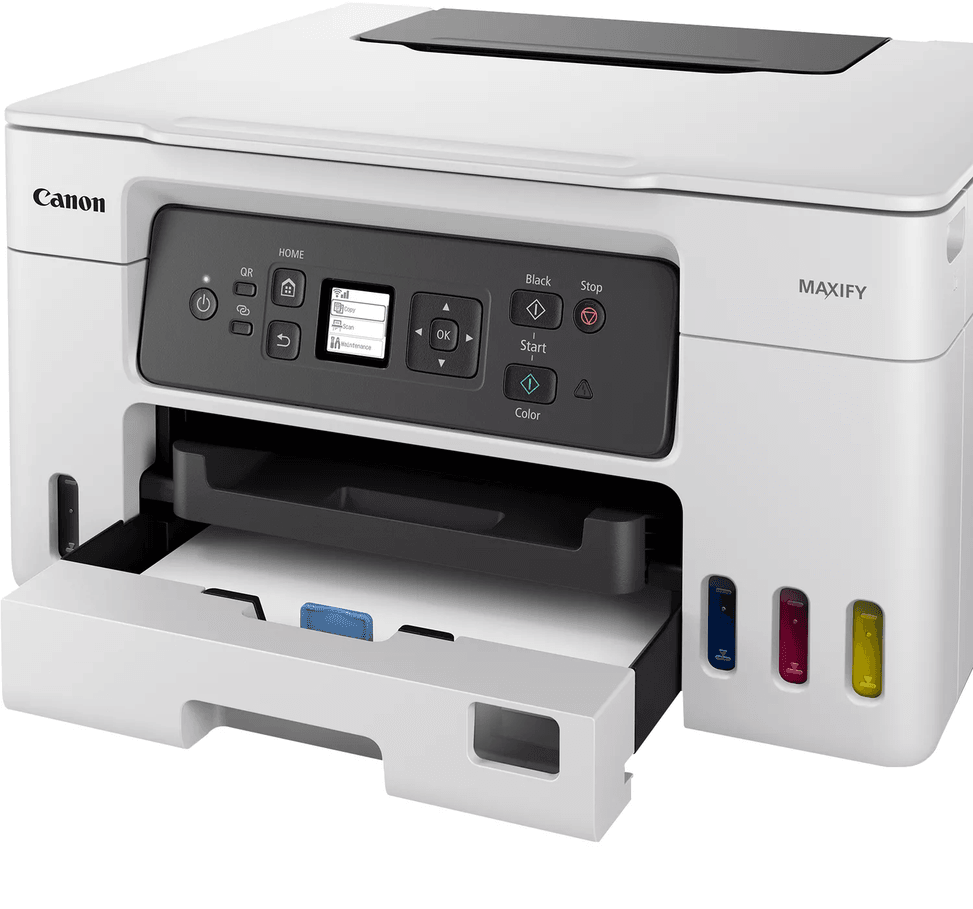
350 sheets in total: a 250-sheet front cassette, with a window for checking the paper level without opening it, and a 100-sheet rear tray. A third path, the rear flat tray, takes one sheet at a time.
What is the print speed of the Canon GX3040?
18 ipm in black and 13 in colour, measured to the ISO standard. Unlike some other products in this category, the figure quoted here is indeed the standardised one, not a peak speed: it matches what you will see on a real document.
Can the print head of the Canon MAXIFY GX3040 be replaced?
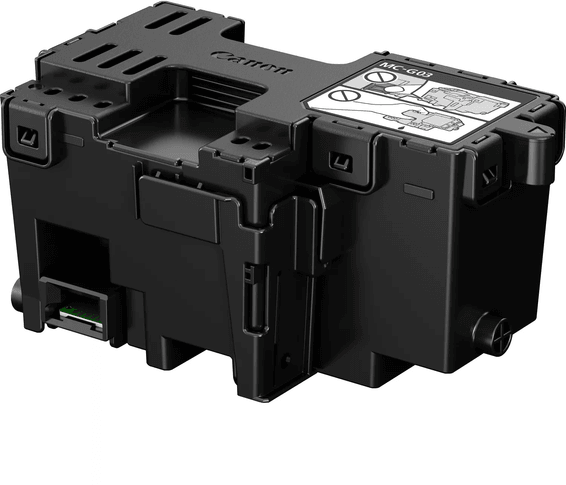
Yes, it is user-replaceable, as is the maintenance cartridge that collects the cleaning ink. Two wear parts you can change without going through a workshop: that is what gives this machine its longevity under heavy use.
What monthly volume can the Canon GX3040 handle?
Up to 33,000 pages per month at maximum duty, with a recommended volume of 500 to over 2,000 pages. This is the figure that separates a home machine from an office machine: the mechanism is built for a steady workload.
What copy functions does the Canon MAXIFY GX3040 offer?
Up to 99 copies in a row, 2-on-1 and 4-on-1, with ID card copy and frame erase. Intensity can be set to 9 levels or to automatic, and three quality levels are available.
Does the Canon GX3040 print double-sided automatically?
No, double-sided printing is manual: you turn the stack over by hand between the two passes. Nor does the machine have an automatic document feeder, fax or Ethernet port — networking is via Wi-Fi.
What paper does the Canon MAXIFY GX3040 accept?
64 to 105 g/m² plain paper, and up to 265 g/m² glossy photo paper via the rear tray. The rear flat tray takes card from 0.1 to 0.7 mm thick, and custom sizes go up to 1,200 mm long — enough to print a banner.
What is the resolution of the Canon GX3040 scanner?
1,200 x 2,400 dpi optical, on a colour flatbed scanner with a CIS sensor, up to A4. Colour depth reaches 16 bits per channel (input) — more than enough to archive a document or rework a photo.
How much space does the Canon MAXIFY GX3040 take up on a desk?
399 x 417 x 216 mm with the trays closed, but 399 x 719 x 303 mm once the trays are extended. It is the second measurement you should check against your furniture: the depth goes from 42 to 72 cm in operation. Weight: 8.3 kg.
Is the Canon MAXIFY GX3040 new and under warranty?
New, reference 5777C009, in original Canon packaging, with its four ink bottles and power cable. The USB cable is not included. The invoice serves as the warranty document for 1 year.
Tested for 10,000 connections and 10,000 bends, with a reinforced joint where it leaves the sleeve. Triple shielding and 24 carat gold-plated connectors for a stable link at 480 Mbps.
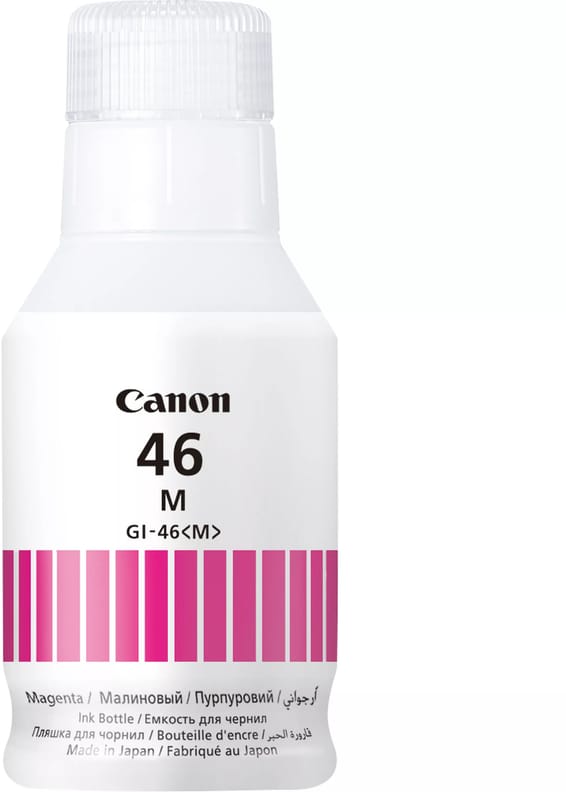
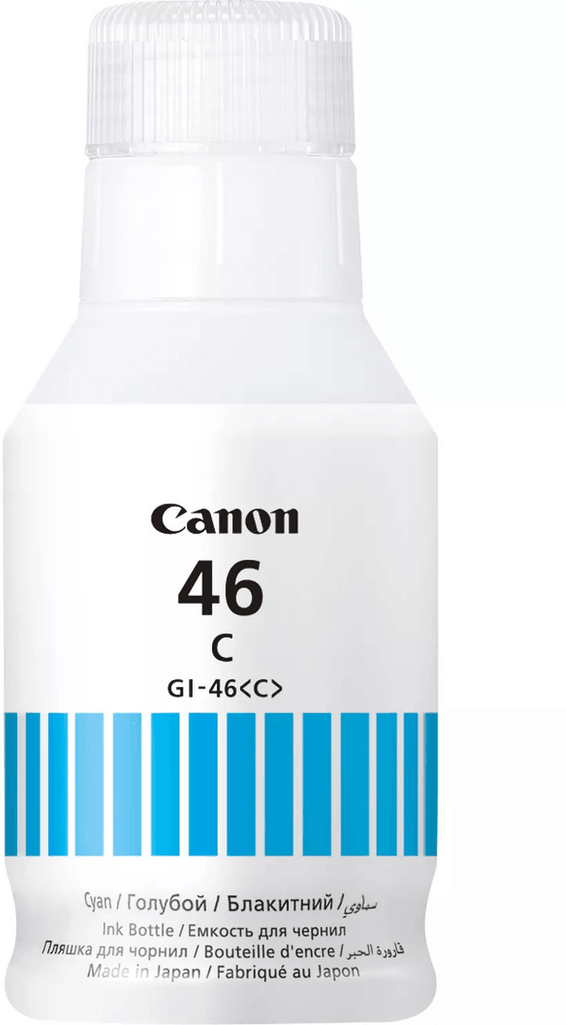
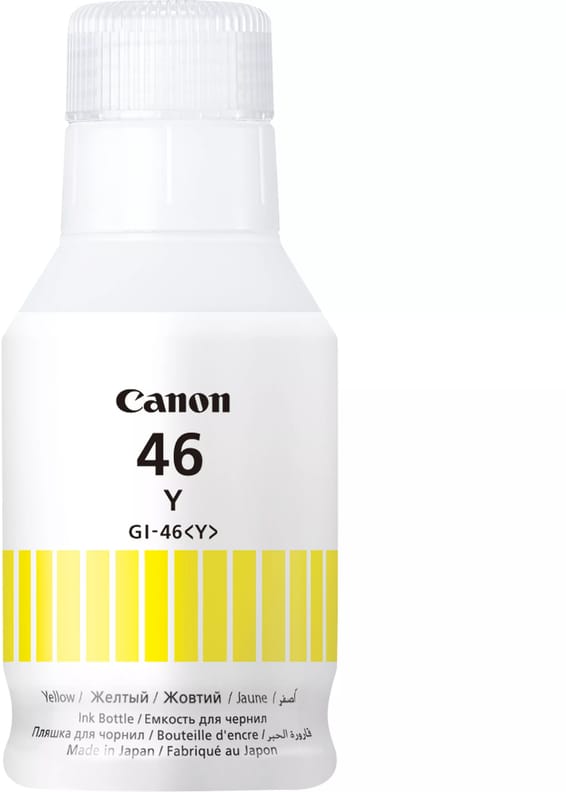
Ink volume 135 ml
In stock
379 DHincl. VAT379,00 DHincl. VAT
Delivery everywhereDelivered all over Morocco
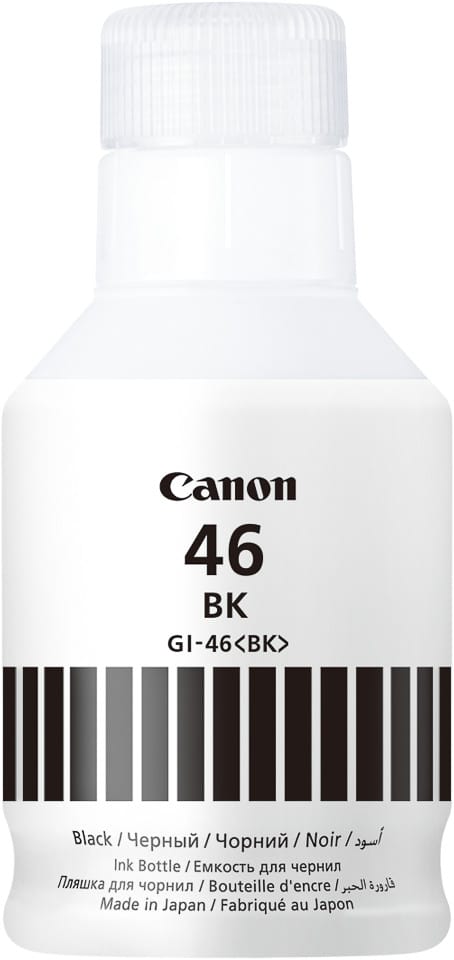
•Ink volume 135 ml
In stock
385 DHincl. VAT385,00 DHincl. VAT
Delivery everywhereDelivered all over Morocco
•High capacity, for large print volumes
In stock
499 DHincl. VAT499,00 DHincl. VAT
Delivery everywhereDelivered all over Morocco
•
Compatible with Canon MAXIFY GX3050/GX3040/GX4050/GX4040
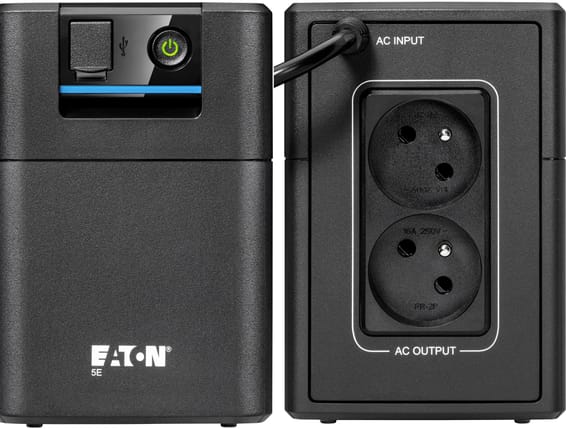
Automatic voltage regulator (AVR) that protects the battery from current fluctuations. French outlets to plug your equipment in directly, with no adapter.
•Runtime: around 24 minutes for a PC
•Automatic voltage regulator (AVR) — protects the battery from current fluctuations
•French outlets — plug your equipment in directly, with no adapter
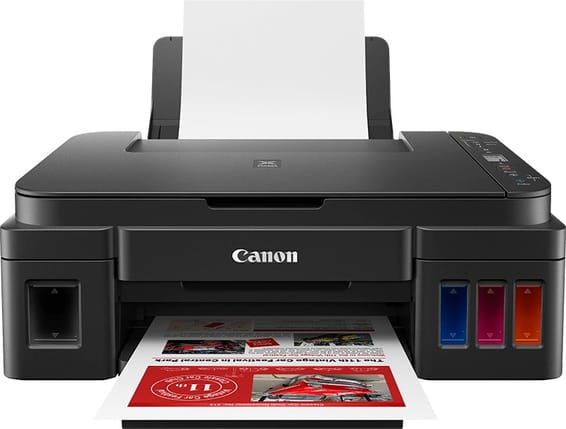
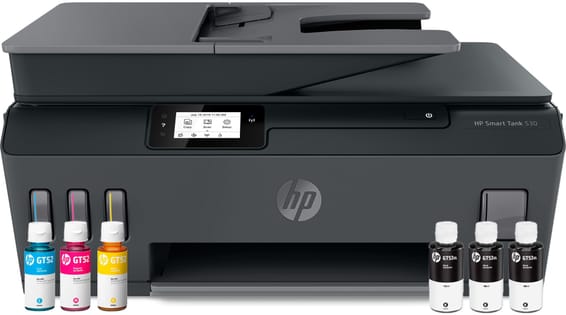
Ink supplied for 3,100 black pages and 4,400 colour (up to 6,000 / 7,700 with optional high-yield bottles). Replaceable printhead and Wi-Fi connection, for heavy family use.
•Ink included: 3,100 black pages, 4,400 colour (up to 6,000 / 7,700 with high-yield bottles, optional)
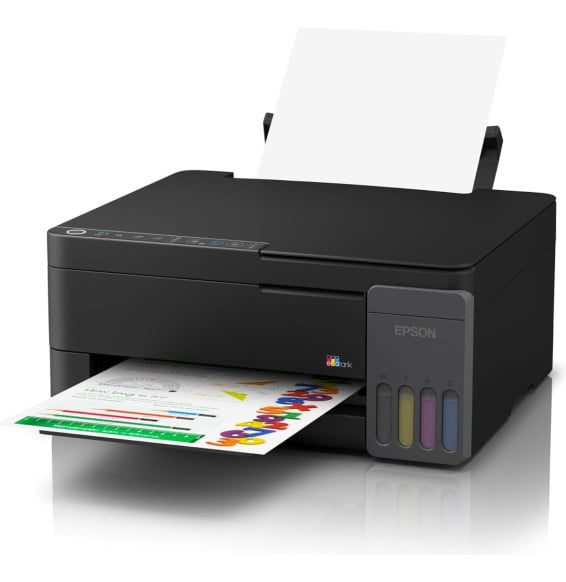
Ink supplied for 6 000 pages in black and 7 000 in colour, at an unbeatable cost per page. Replaceable printhead and Wi-Fi connection, for printing a lot every day.
Four 65 ml ink bottles in the box, enough for 3,600 pages in black and 6,500 in color before the first refill. Controlled over Wi-Fi from a phone via Epson Smart Panel, compatible with AirPrint and Mopria, no cable required.
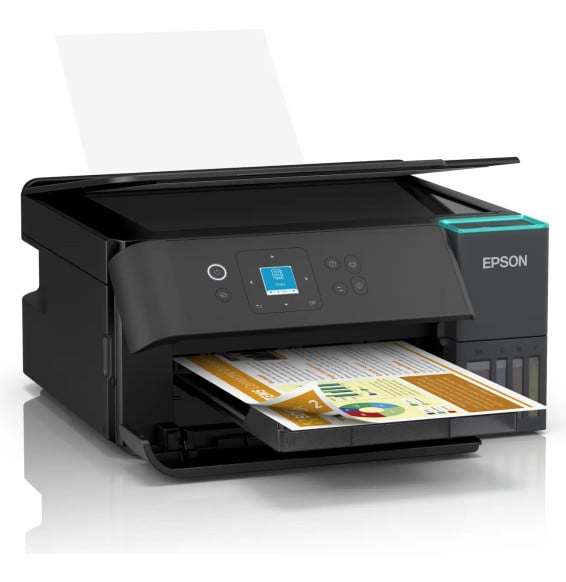
Automatic duplex and a colour display on a compact ink tank multifunction printer: the ink supplied prints 15,100 pages in black and 5,500 in colour, and refills from a bottle rather than a cartridge.
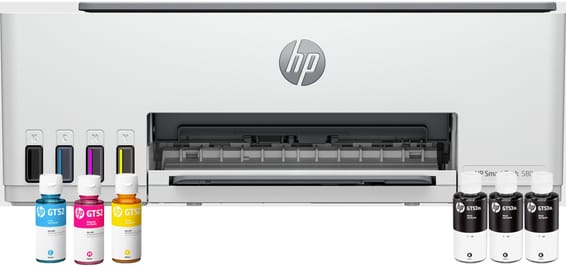
Ink supplied for 8,100 pages in black and 6,500 in colour, at an unbeatable cost per page. Compact and connected over Wi-Fi, for economical everyday use.
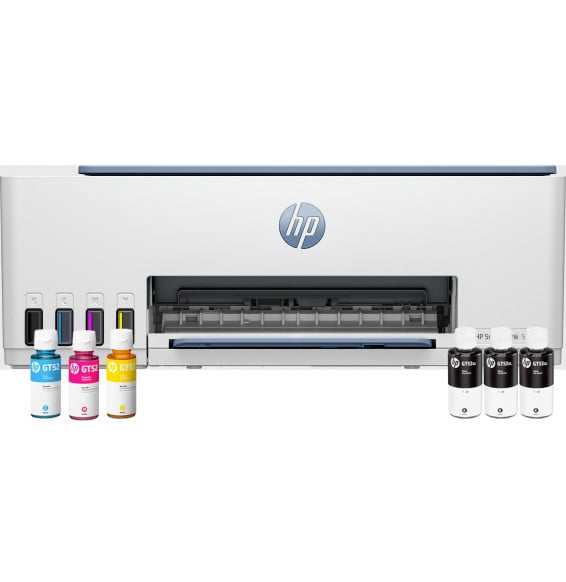
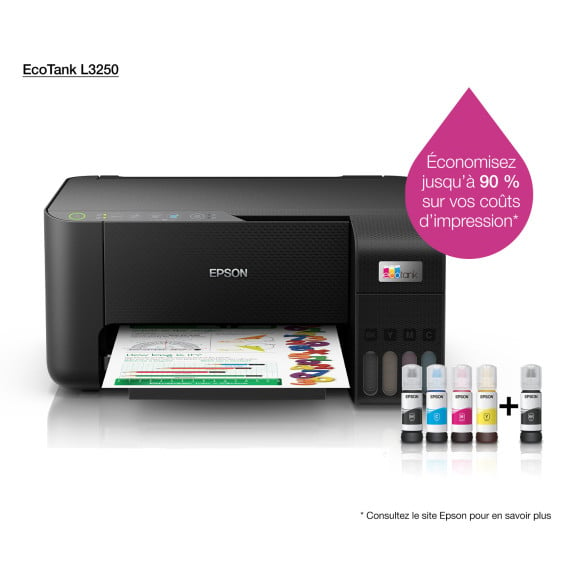
Ink supplied for 13,000 pages in black and 6,500 in colour, for an unbeatable cost per page. A compact 3-in-1, with a fixed print head designed to last.
•Ink included: up to 13,000 pages in black, 6,500 in colour