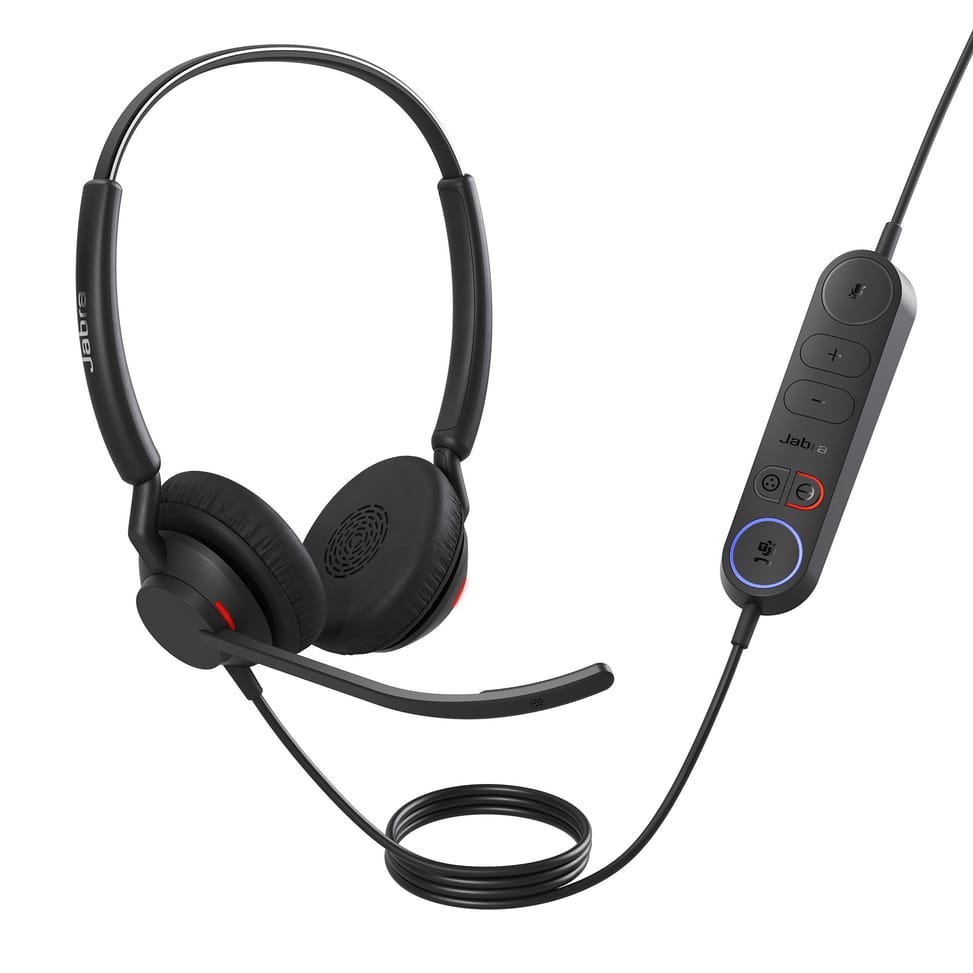
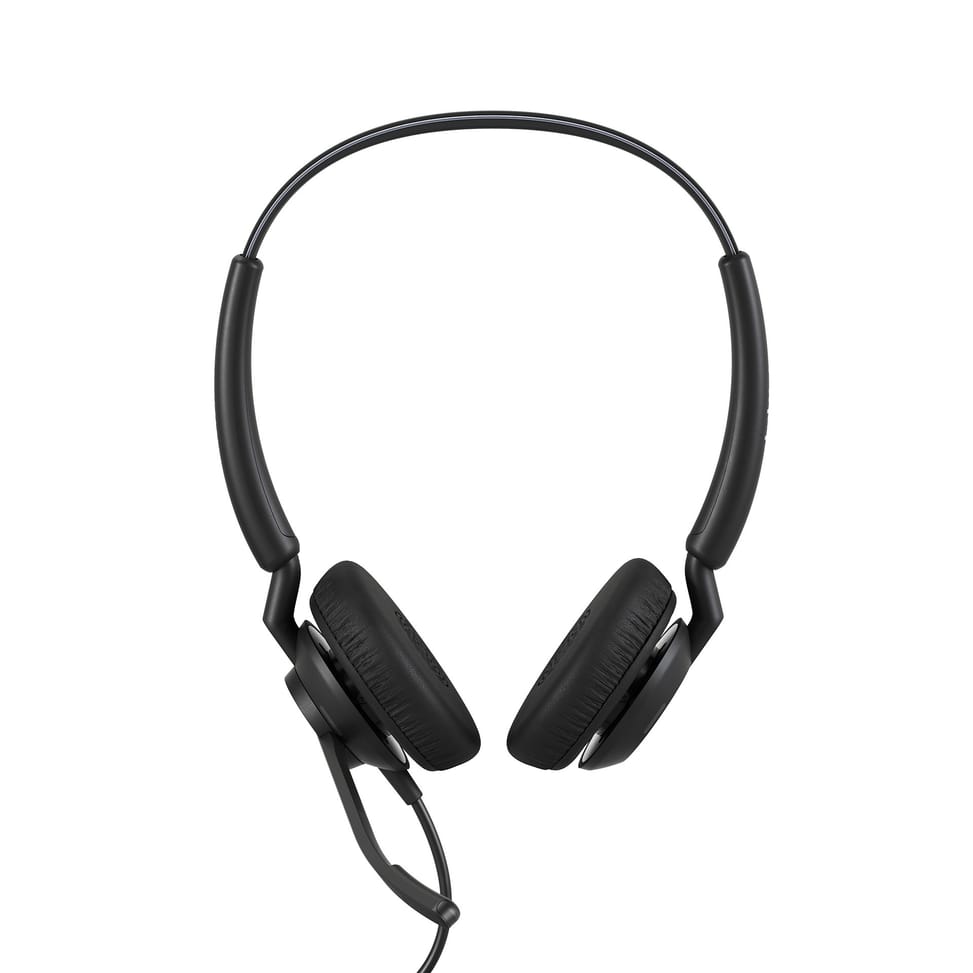
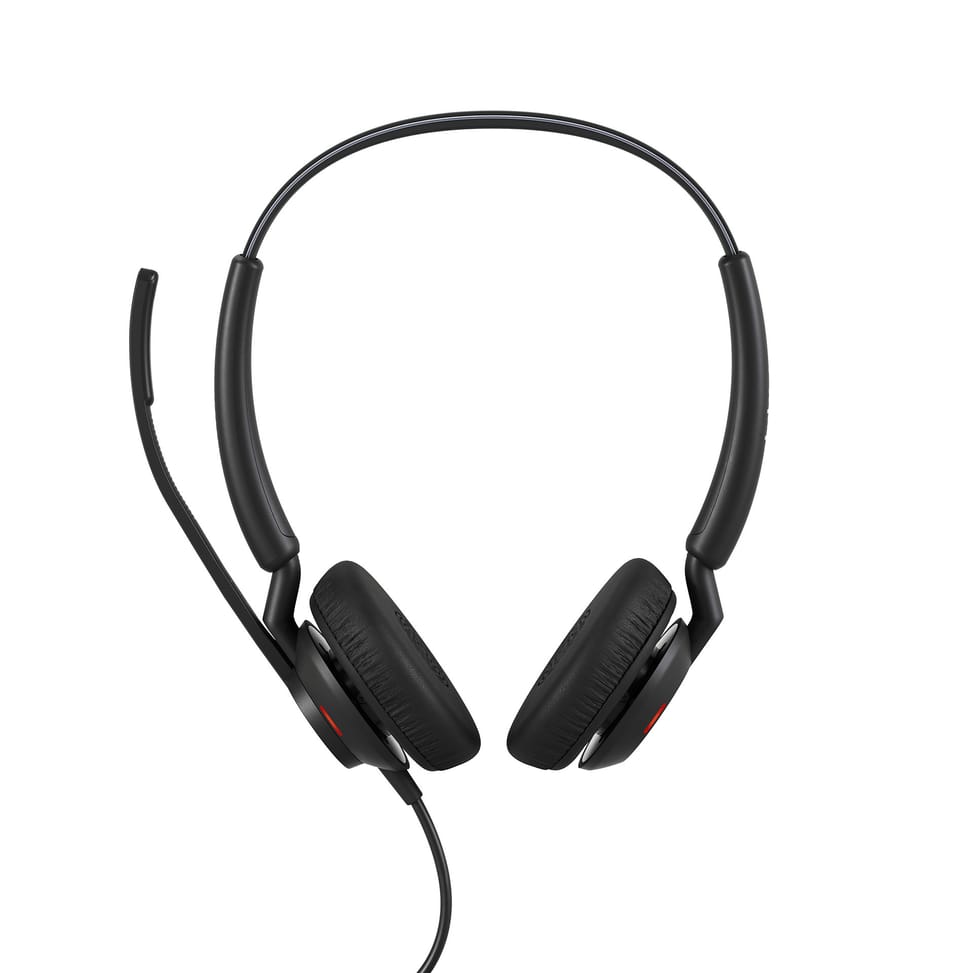
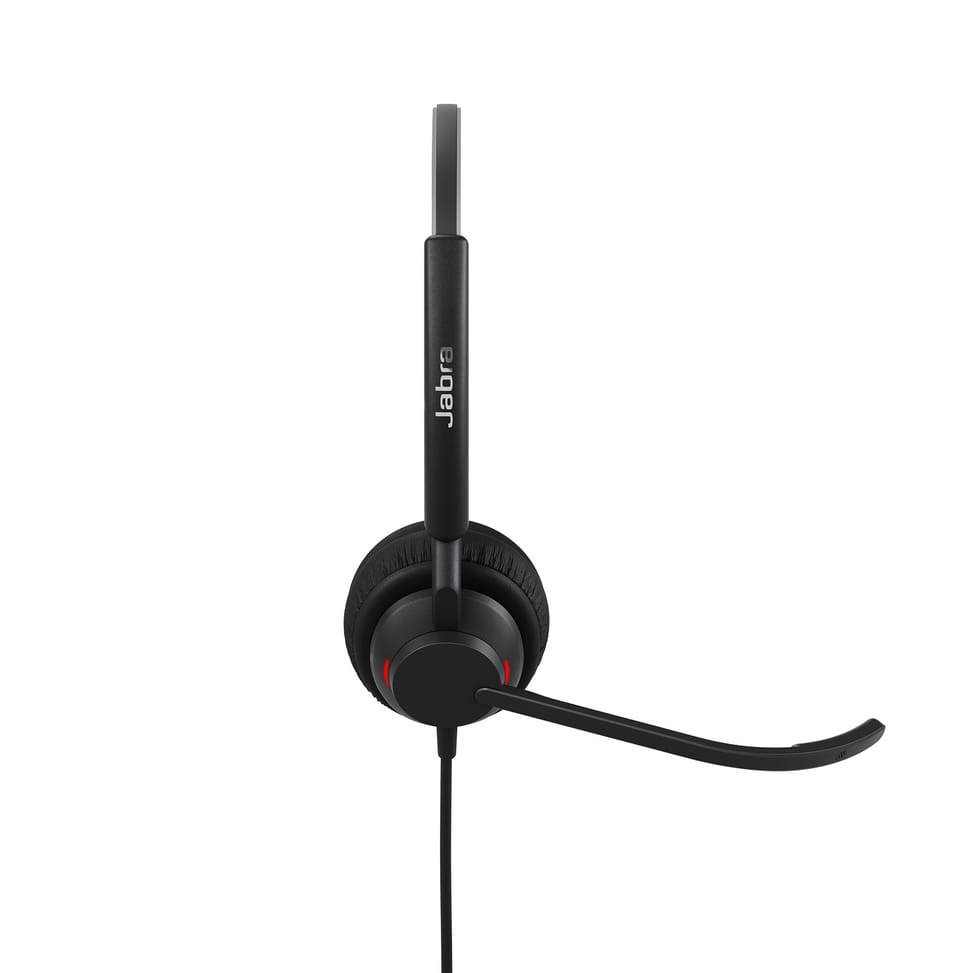
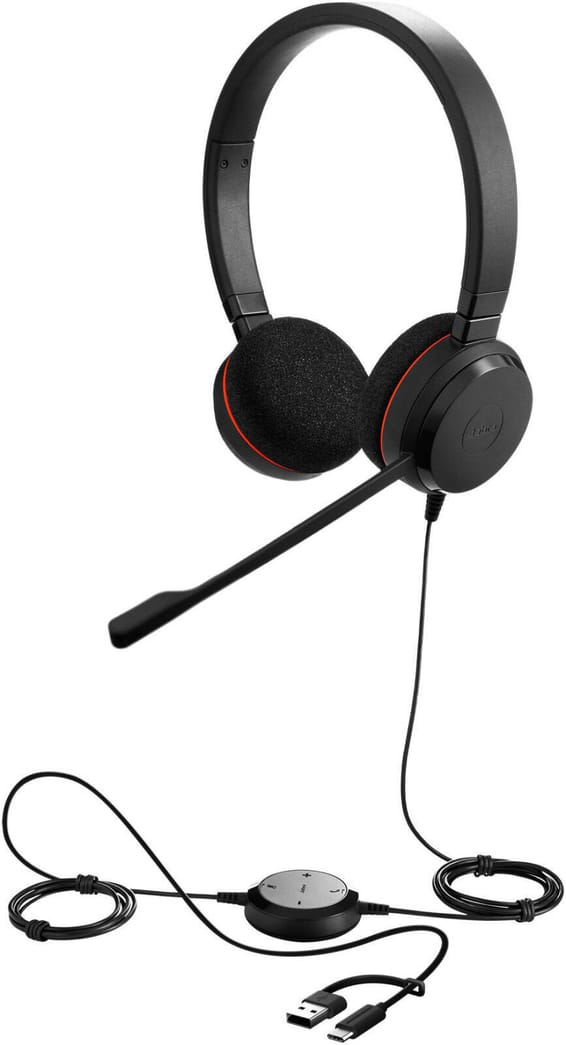
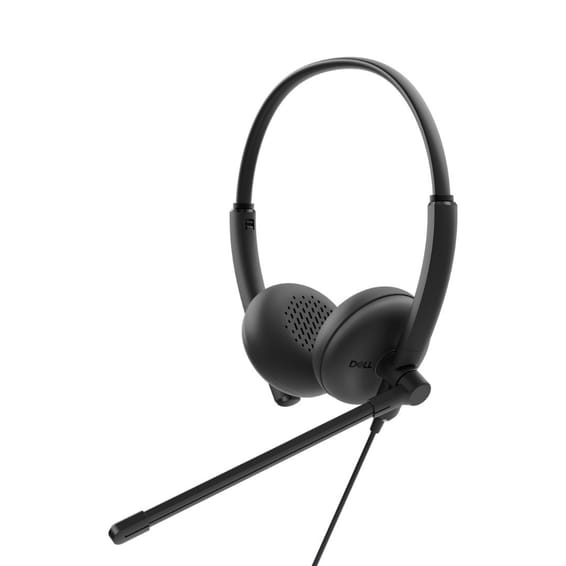
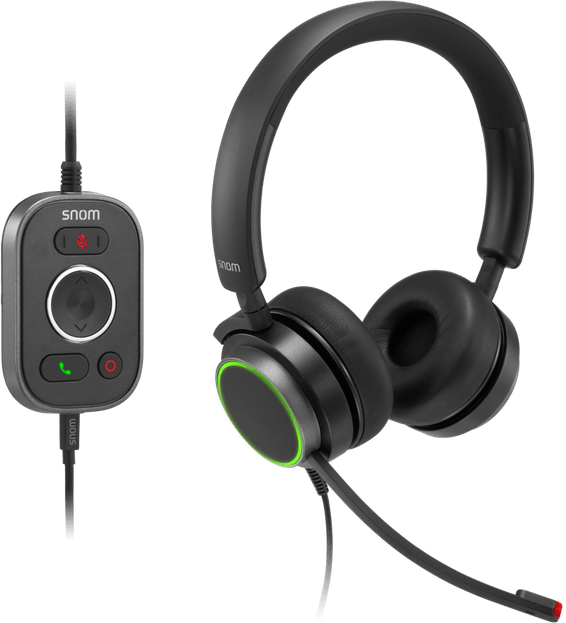
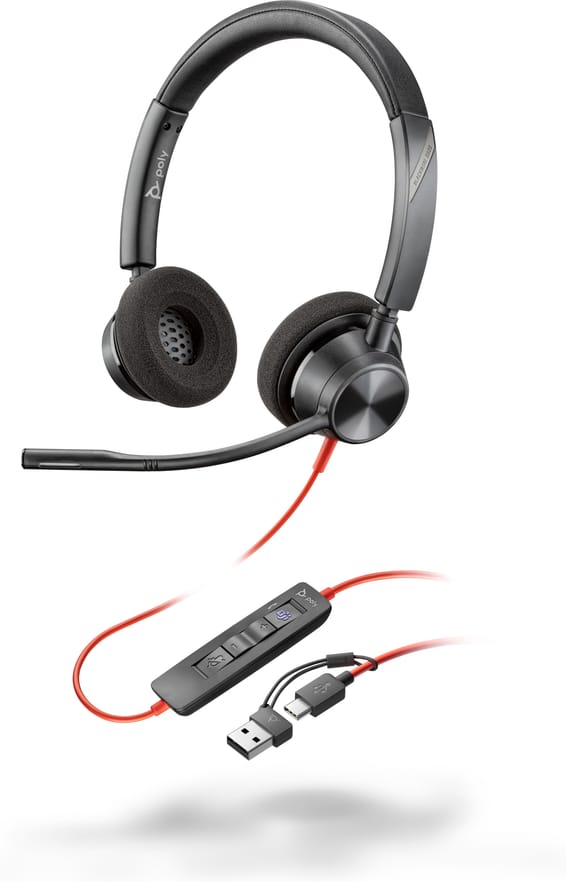
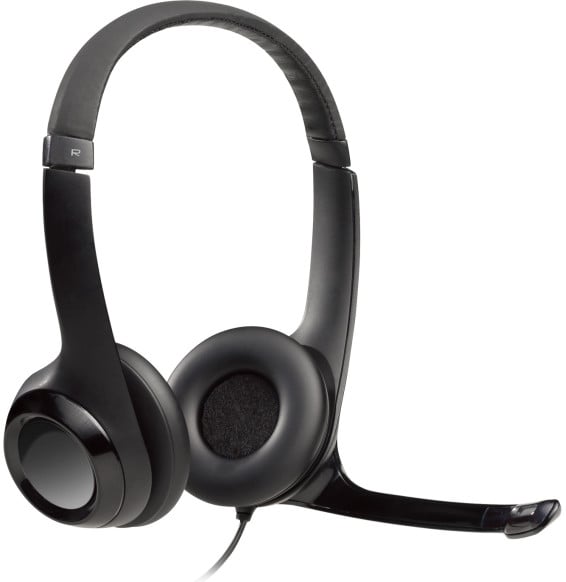
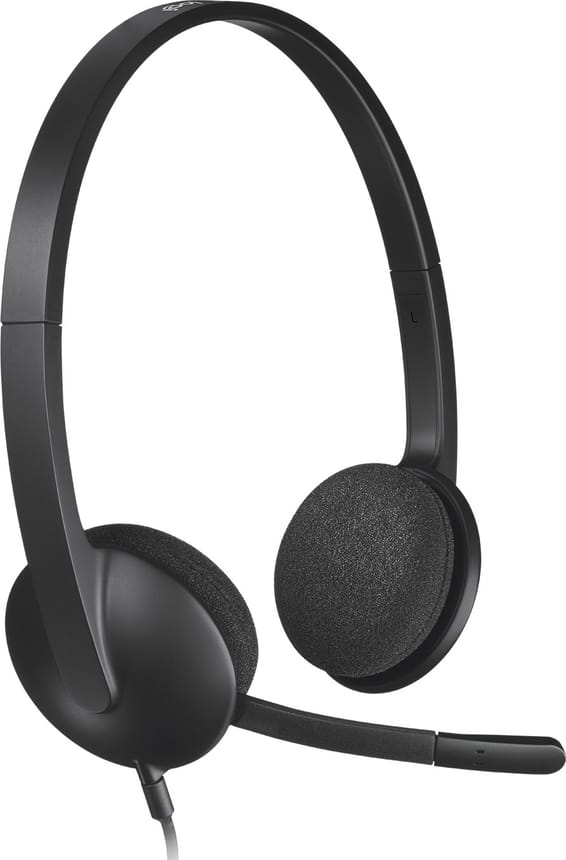
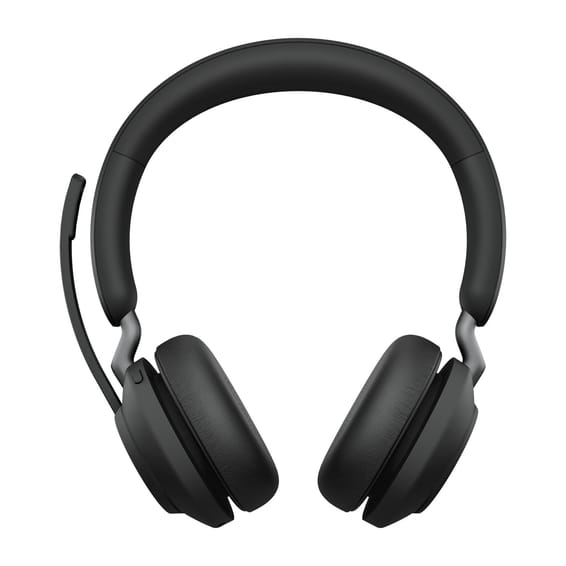
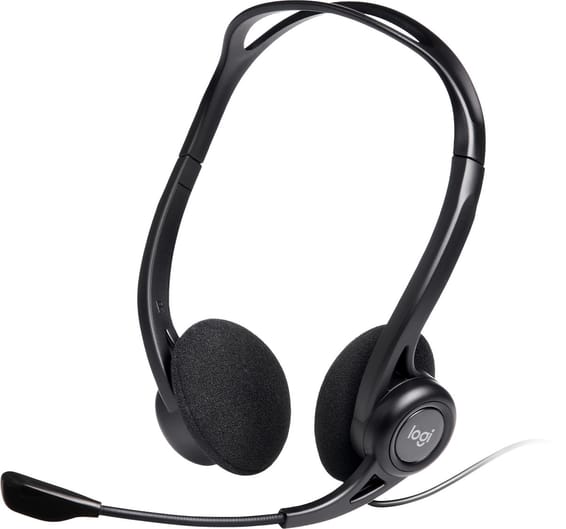
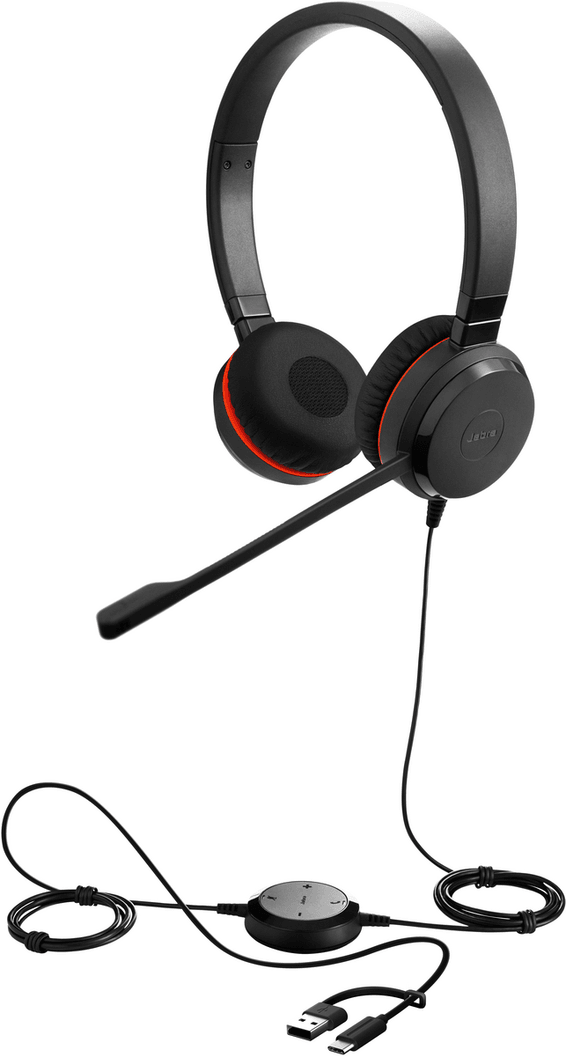
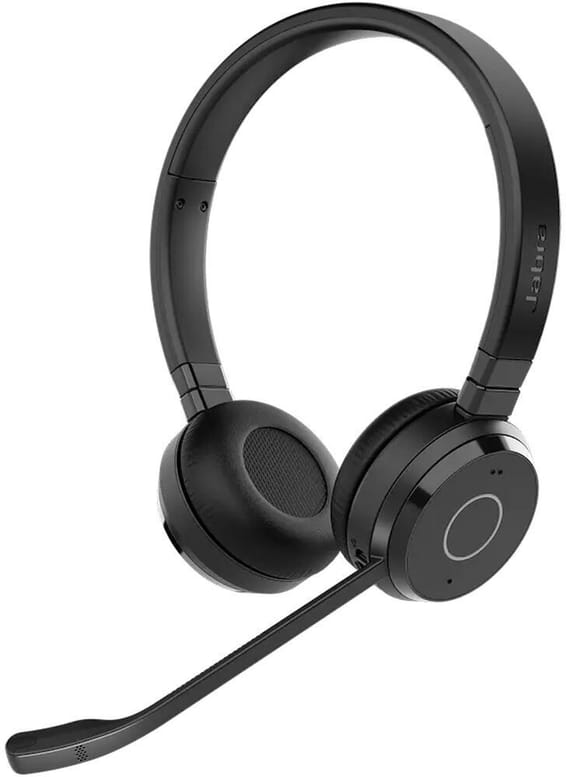
Is the Jabra Engage 40 in this version mono or stereo?
It is the mono version, with a single ear cup: your other ear stays free to hear your team and your supervisor, which is what most contact centres look for. It is rated at 45 g on the head.
Should you choose the MS or the UC version of the Engage 40?
This version is the MS, certified for Microsoft Teams. The UC model targets other environments: it is certified for Google Meet, Zoom and Works With Chromebook. The headset is the same; the certification follows the platform you use.
Why are there two microphones on the Engage 40's boom?
Each has its own job: the first eliminates background noise, the second captures your voice. It is this division of labour that allows clear conversations from a busy call floor, and makes text transcription of the audio possible.
What does the Engage+ software add to this headset?
It analyses calls in real time and displays recommendations during the conversation: background noise level, periods of silence, interruptions and crosstalk. This lets you measure what affects the customer experience, instead of guessing.
Are the control unit's buttons programmable?
Yes. They integrate with contact centre platforms — Amazon Connect, Genesys, NICE CXone — to trigger an action in one click, such as calling a supervisor. Two speed dial numbers can be set up via Jabra Direct or through SDK integration.
Can the busylight signal anything other than a call?
Yes. It lights up red automatically during calls, but its programming can be customised through SDK integration to flag other situations: an agent being assisted by a supervisor, after-call work in progress, or availability to help a colleague.
How does this headset protect your hearing over a day of calls?
With Jabra SafeTone 2.0, which combines five mechanisms: IntelliTone 2.0 for average exposure, PeakStop 105 dB against unexpected shocks, BalancedVoice on incoming calls, conversation level normalisation and proactive protection against harmful sounds.
What is a “digital” headset at Jabra?
It is a headset whose processing chip sits in the device itself, not in the control unit or the cord. The Engage 40 is one of them: it is this design that makes real-time call analysis possible.
Can you connect this Engage 40 to a mobile phone?
This version is the USB-A model with a built-in control unit: it is meant for computers. At Jabra, connecting to a mobile phone is reserved for USB-C models without a built-in controller, on a port that supports voice calls.
Does the Engage 40 work on a Mac?
Yes, it is compatible with Macs as well as PCs. Fleet management is handled through Jabra Direct for a single workstation and through Jabra Xpress for company-wide deployment.
Do you need the control unit to access call analysis?
No. Real-time analysis remains available even when plugged directly into a laptop or a docking station, without going through the control unit. The headset can also be used with the Engage 50 II controller.
What is the difference between the Engage 40 and the Engage 50 II?
The Engage 50 II has a three-microphone system, a SmartRinger in its controller so you can hear calls when the headset is off, a padded headband on the stereo version, and it alerts you when the mic boom is badly positioned. The Engage 40 sticks to two microphones.
Can the Engage 40 stand up to daily use in a contact centre?
It has been tested for mic boom rotation and impact resistance, precisely for the days when the headset is pulled off in a hurry, moves from desk to desk and ends up at the bottom of a bag. Its textured ear cups also reduce pressure on the ear.