Can the MX Brio record in 4K at 60 frames per second?
No, you have to choose. It records in 4K (3840 × 2160) at 30 fps or in 1080p at 60 fps. For video conferencing, 1080p/60 gives smoother motion; for recorded content or a large image, 4K/30 is far more detailed.
Which cable is supplied, and which port does it plug into?
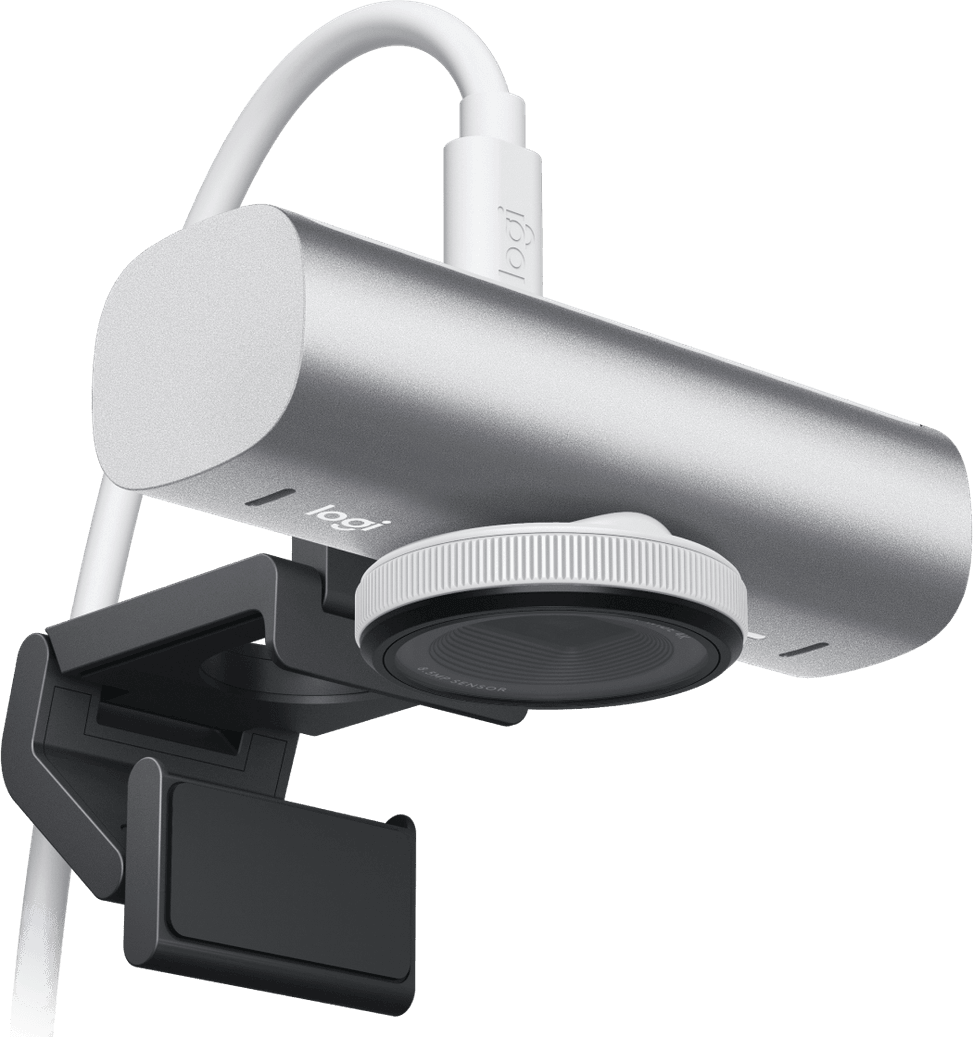
A detachable 1.5 m USB-C to USB-C 3.0 cable. It requires a USB-C port to the USB 3.0 standard: this is the point to check on your computer before ordering.
Does it work on Mac, Linux or Chromebook?
Yes, but not in the same way. On Windows 10 or later and macOS 10.15 or later, the Logi software unlocks all the settings. On ChromeOS and Linux, it works to the UVC standard: video and microphone work, without the Logitech software or its advanced settings.
Is it actually certified for Teams and Zoom, or merely compatible?
It is certified for Microsoft Teams, Zoom, Google Meet, Works With Chromebook and Streamlabs. It also works with WebEx, Skype, FaceTime and OBS.
Is the built-in microphone enough, or do you need to add a headset?
Two beamforming microphones reduce background noise with the help of AI, with a stated pickup range of up to 1.5 m. It is a desk microphone, designed for one person seated in front of their screen.
How do you protect your privacy between two meetings?
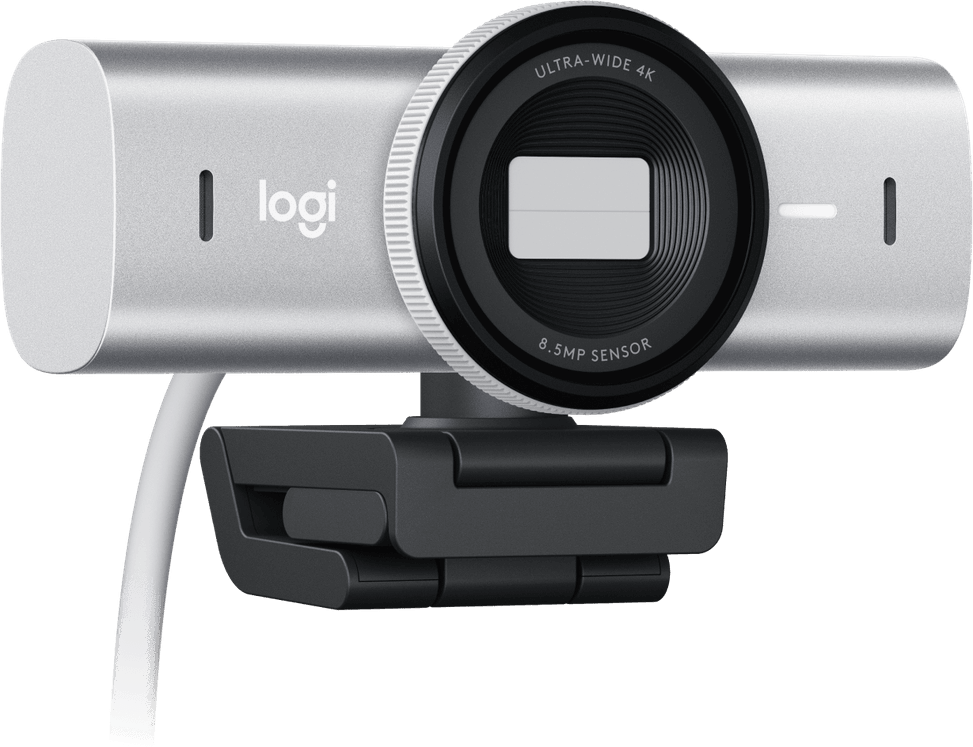
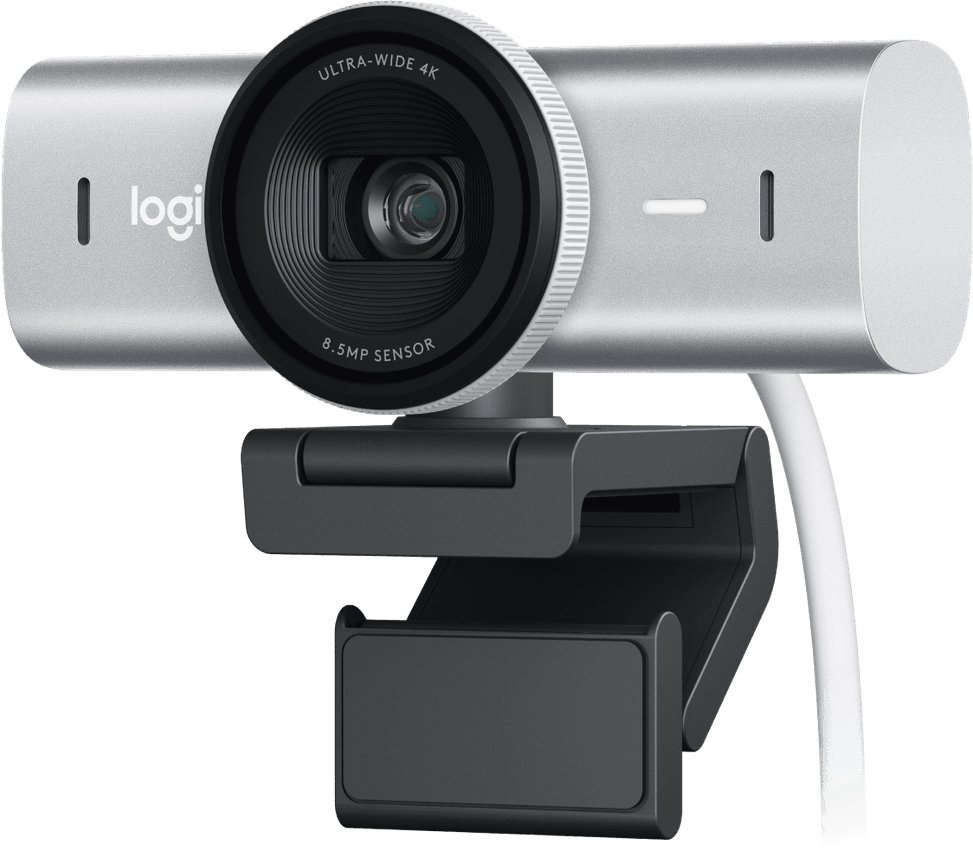
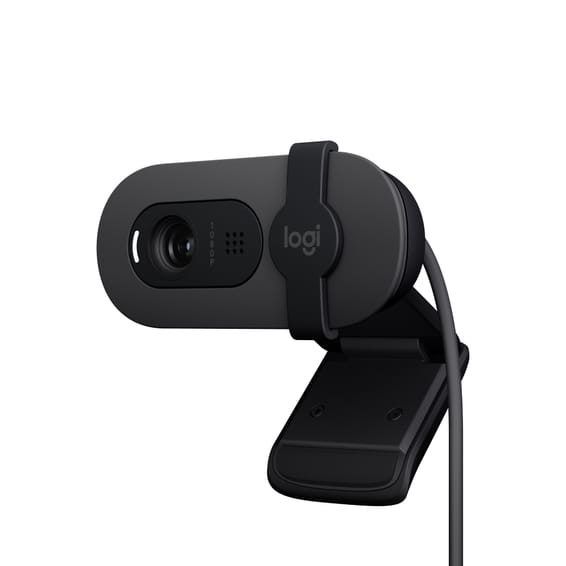
A privacy shutter is built into the housing: simply rotate it to cover the lens completely. No cap to add, no sticker to put on.
What can it be mounted on?
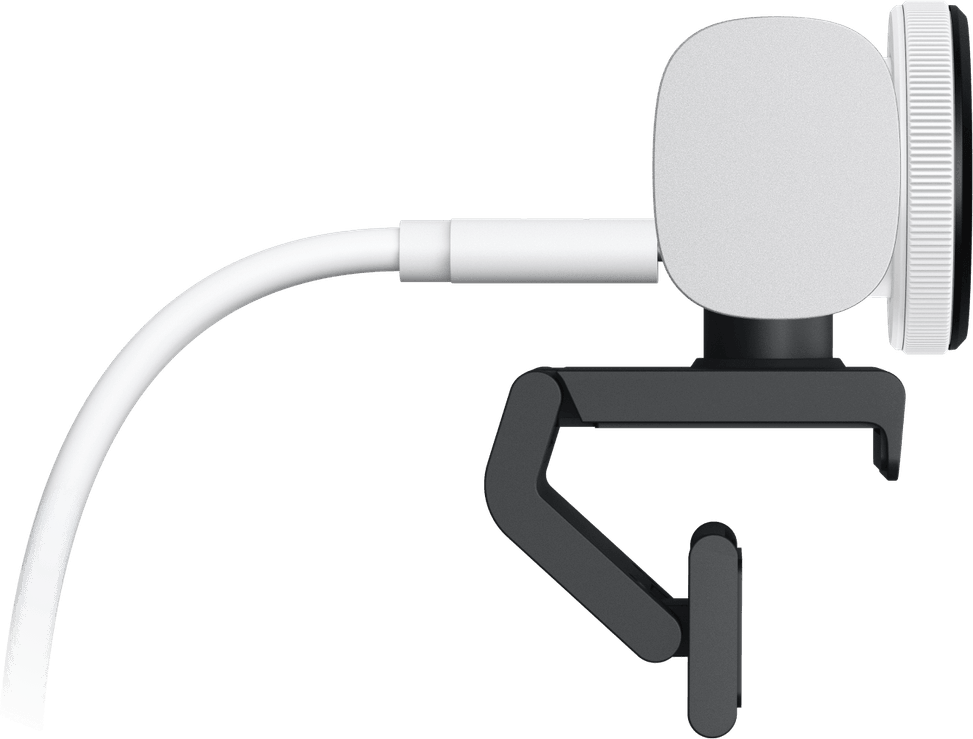
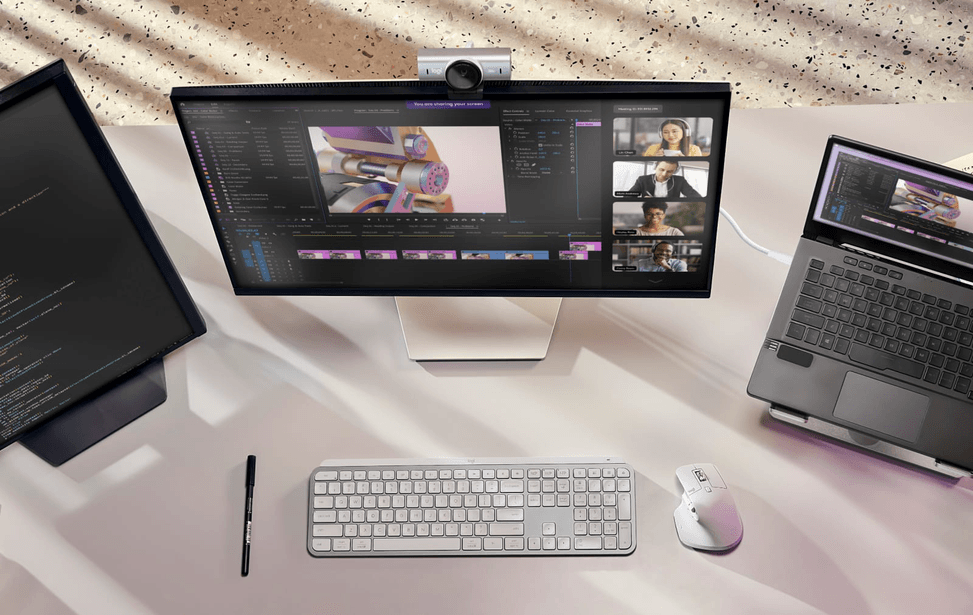
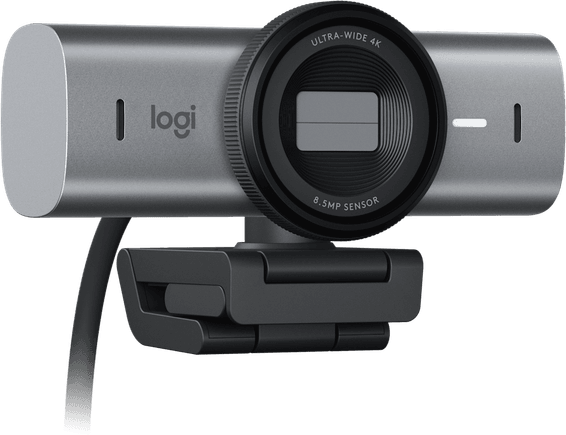
On a laptop, an LCD screen or a monitor, using the supplied detachable universal mounting clip; and on a tripod, thanks to the standard 1/4-inch thread. The clip weighs 40 g, the webcam alone 136 g and measures 61.6 × 98 × 52.2 mm, and the webcam, clip and cable together weigh 234 g.
What is Show Mode for?
For showing what is on your desk: when you tilt the webcam downwards, Show Mode films notes and sketches and shares them during the call. Handy for explaining a diagram without a second camera.
Can you widen or tighten the framing?
Yes. The field of view can be set to 90°, 78° or 65° diagonally, from wide shot to close-up, and a 4x digital zoom lets you tighten it further: enough to frame a single person or take in an entire desk.
How does it perform in a poorly lit or backlit room?
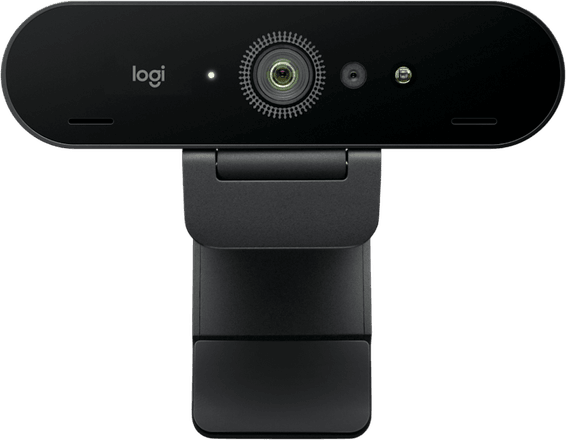
RightLight 5 combines autofocus, HDR, and automatic white balance and exposure, with 70% larger pixels than the Brio 4K. The stated result compared with that model: a face that is 2 times better exposed in high contrast and an image that is 2 times sharper in low light.
Can you adjust the image manually, as on a camera?
Yes, through the fine-tuning settings of the Logi software: ISO, shutter speed, tint and vibrance, in addition to brightness and white balance — or Auto mode if you would rather not touch anything. This software is only available for Windows and macOS; it also lets you control the feed from an MX keyboard or mouse.
What is in the box, and what is the warranty?
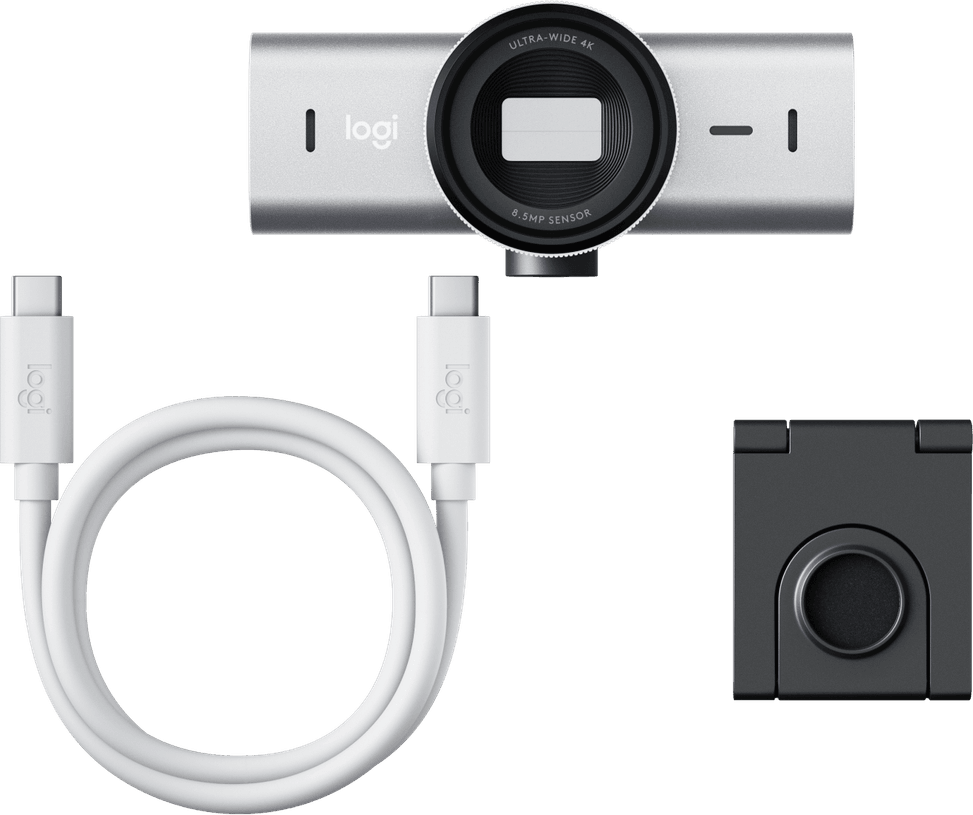
The MX Brio, the
mounting clip with removable adapter, the
USB-C to USB-C 3.0 cable and the documentation. The product is
new, supplied with its invoice, which serves as the
1-year warranty document; details are in the
datasheet (PDF).